
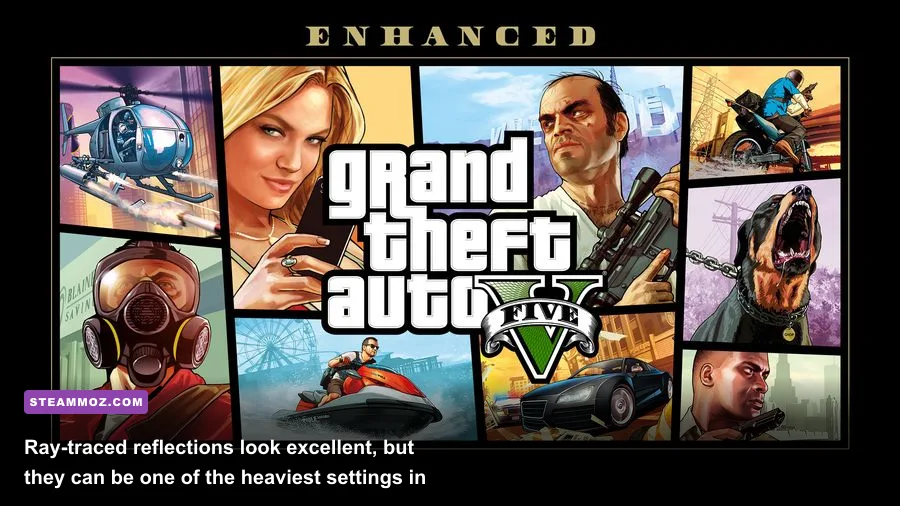
If you want to play Grand Theft Auto V Enhanced on PC, plan around an SSD, at least 8GB of RAM, and a GTX 1630-class or Radeon RX 6400-class GPU for the minimum target. Rockstar’s recommended tier moves up to 16GB of RAM, an Intel Core i5-9600K or AMD Ryzen 5 3600, and an RTX 3060 or Radeon RX 6600 XT. Those specifications are the starting line, not a promise of locked 60fps with ray tracing enabled.
The Enhanced release is a much more demanding PC package than the original version of GTA V. It adds improved lighting, ray-traced effects, higher-quality reflections, faster world streaming, and the newer GTA Online feature set. That extra visual polish is welcome, but it also makes old four-core gaming PCs and hard drives much less comfortable than they were with the 2015 release.

🎮 Get Grand Theft Auto V Enhanced
Ready to dive in? Grab your copy today for just $14.99.
Check OfferGTA V Enhanced minimum and recommended specs
Rockstar splits the requirements into minimum and recommended configurations. The minimum hardware should get the game running at reduced settings, while the recommended list is a far more sensible target for 1080p play with better texture quality and smoother streaming. Neither list specifies a guaranteed frame rate, resolution, or ray-tracing preset, so treat them as compatibility targets rather than performance benchmarks.
| Component | Minimum | Recommended | What it means in practice |
|---|---|---|---|
| Operating system | Windows 10 | Windows 11 | Use a fully updated 64-bit installation with current chipset and graphics drivers. |
| Processor | Intel Core i7-4770 or AMD FX-9590 | Intel Core i5-9600K or AMD Ryzen 5 3600 | Six modern cores are a safer choice for dense traffic, fast driving, and GTA Online. |
| Memory | 8GB RAM | 16GB RAM | 16GB helps prevent background apps and streaming from causing stutter. |
| Graphics card | Nvidia GeForce GTX 1630 or AMD Radeon RX 6400 | Nvidia GeForce RTX 3060 or AMD Radeon RX 6600 XT | The recommended GPUs provide substantially more headroom for 1080p quality settings. |
| Storage | 105GB SSD | 105GB SSD | An SSD is required; leave additional free space for updates and shader caches. |
The processor names deserve a little context. The old Core i7-4770 has four cores and eight threads, while the FX-9590 is an older eight-core design with much weaker per-core performance. Both can satisfy the listed minimum, but modern open-world streaming is more comfortable on a Ryzen 5 3600 or better. GTA V still leans heavily on CPU performance when you push population density, traffic variety, distance scaling, and advanced draw distance.
For the complete official listing, check the Rockstar Games PC system requirements page. You can also compare your library and hardware against the GTA V Enhanced Steam page.
🎮 Grand Theft Auto V Enhanced
Looking to experience this game? Grab your digital key directly on our store for $14.99.
View on Steammoz Store →What the minimum PC can realistically handle
A machine built around the minimum requirements should be treated as a 1080p-low system. The GTX 1630 and RX 6400 are entry-level cards, and their limited memory bandwidth leaves little room for maxed textures, high shadow quality, or ray-traced effects. You may get a playable experience, but the target should be stable frame pacing rather than a flashy benchmark number.
Start with the High or Normal preset, then lower the settings that create the largest frame-time spikes. Keep texture quality as high as your VRAM allows because it has a relatively modest effect on raw GPU load compared with shadows and reflections. Reduce population density and variety if city driving feels uneven, especially around Downtown Los Santos, the Del Perro Freeway, and the Vinewood Hills.
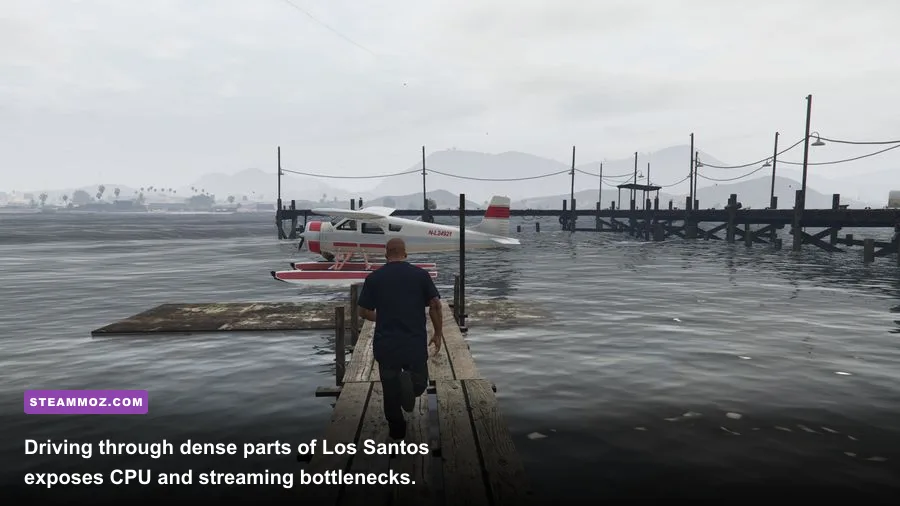
On a minimum-tier CPU, the game can become processor-limited even when the GPU is not fully loaded. That usually appears as dips while switching characters, entering busy intersections, or driving quickly across the map. Trevor’s desert routes may look less demanding than Los Santos, but high-speed travel still stresses asset streaming. A clean SSD installation and closed background applications can make those transitions noticeably smoother.
| Target | Resolution | Starting profile | Likely compromise |
|---|---|---|---|
| Minimum hardware | 1080p | Normal textures, low shadows, low reflections, reduced population | Expect inconsistent performance in dense areas and no practical ray tracing. |
| Entry-level upgrade | 1080p | High textures, normal shadows, medium population, standard reflections | Good image quality, but CPU-heavy driving sections may still dip. |
| Recommended hardware | 1080p | High or Very High mix, high textures, medium-to-high population | Ray tracing should be tested selectively rather than enabled universally. |
Eight gigabytes of system memory is technically enough, but it leaves little breathing room. Windows, a browser, a voice client, and Rockstar’s launcher can consume a surprising portion of that capacity. If the game starts hitching after long sessions, check memory usage before blaming the graphics card. Moving to 16GB is one of the most useful upgrades for a minimum-spec PC.
Recommended hardware is not the same as max settings
The RTX 3060 and RX 6600 XT are sensible recommended GPUs for a quality 1080p experience, but they should not be confused with hardware for unrestricted 4K or maximum ray tracing. The RTX 3060’s 12GB VRAM is helpful for texture headroom, while the RX 6600 XT has strong raster performance but less VRAM flexibility. At 1440p, both cards need a more disciplined settings mix.
The most important distinction is between rasterized graphics and ray tracing. Standard reflections and shadows are relatively affordable ways to make Los Santos look sharp. Ray-traced reflections can transform wet roads, car paint, windows, and skyscraper surfaces, but they add a serious GPU workload. Ray-traced shadows and ambient occlusion can also reduce performance without being as obvious during fast gameplay.
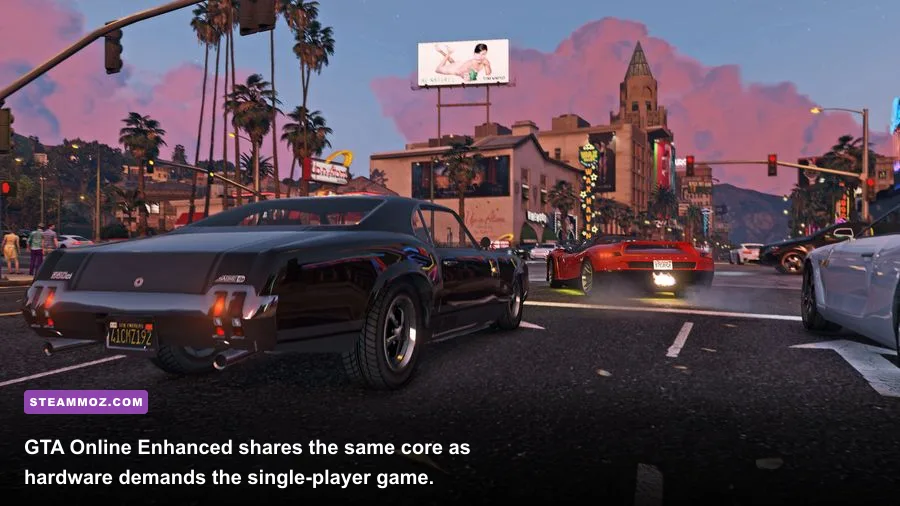
For GTA Online, the recommended CPU matters almost as much as the GPU. Public sessions with many players, vehicles, businesses, and script activity can produce heavier CPU spikes than a quiet single-player drive. If your average frame rate is high but the game still feels sluggish, lower population and distance-related options before dropping texture quality.
Rockstar’s official GTA V website details the broader feature set, while the Rockstar Newswire is useful for checking PC updates and GTA Online changes. Keep in mind that patches can alter shader compilation behavior and performance, so launch-day reports aren't always permanent.
Best graphics settings for stable GTA V Enhanced FPS
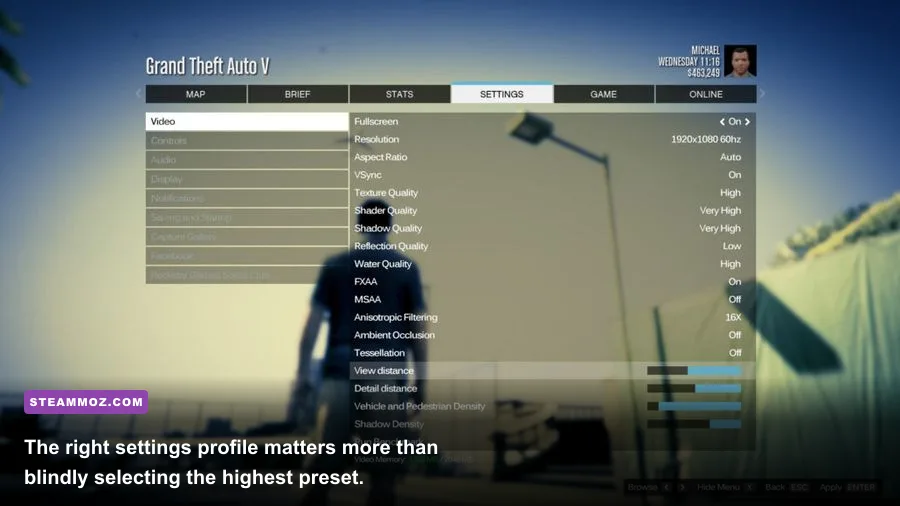
Don’t begin by dropping every option to Low. GTA V has several settings with wildly different performance costs, and a targeted profile usually looks much better. Textures, shader quality, and anisotropic filtering preserve the game’s crispness. Shadows, reflections, grass, population, and extended distance scaling are the settings to attack when frame rate falls.
| Setting | Recommended value | FPS impact | Visual note |
|---|---|---|---|
| Texture quality | High, if VRAM permits | Low to medium | Improves roads, characters, vehicles, and building surfaces. |
| Shader quality | High | Low to medium | Preserves lighting and material detail across the city. |
| Shadow quality | High or Normal | Medium to high | Lower this before textures if GPU usage is pinned. |
| Reflection quality | High or Normal | Medium | Standard reflections offer a strong quality-to-performance balance. |
| Ray-traced reflections | Off or Medium | High | Beautiful on wet streets, but expensive during traffic-heavy scenes. |
| Grass quality | Normal or High | Medium to high | Grass is particularly costly around the hills and countryside. |
| Population density | Medium | CPU-dependent | Reduces traffic and pedestrian pressure in crowded districts. |
| Distance scaling | Medium to high | CPU and GPU-dependent | Controls how far geometry and world detail remain visible. |
| Extended distance scaling | Low or Off | High | A frequent source of wasted performance at 1080p. |
| MSAA | Off or 2x | High | Use TAA or another lighter anti-aliasing option first. |
If you're chasing a stable 60fps, cap the frame rate slightly below the point where your system fluctuates. A steady 58-60fps feels better than a counter bouncing between 45 and 75. V-Sync can help with tearing, although a variable-refresh monitor usually delivers cleaner results. Use an in-game benchmark, then test the same profile in Downtown Los Santos and during a fast highway drive; one quiet benchmark scene isn't enough.
For more PC tuning ideas, Steamoz’s guides on pushing FPS without destroying visual quality and max-FPS settings in Hunt: Showdown 1896 cover the same practical approach: identify the true bottleneck instead of lowering everything indiscriminately.
SSD, VRAM, and CPU bottlenecks explained
The 105GB SSD requirement is not a suggestion. GTA V Enhanced constantly streams roads, buildings, pedestrians, vehicles, and mission assets as you move through Los Santos. A mechanical hard drive can produce texture pop-in, delayed geometry, longer loading screens, and hitching during rapid travel. Install the game on an NVMe SSD if you have one, but a conventional SATA SSD is still a major improvement over an HDD.
VRAM determines how comfortably your graphics card handles textures, reflections, resolution, and ray-traced data. If you exceed available VRAM, performance can become erratic rather than simply slower. Lower reflection quality and texture quality together if the game warns about memory usage. Avoid filling the graphics memory meter right to the edge; leave room for Windows, the desktop compositor, and driver allocations.
CPU limitation is easier to diagnose. If GPU usage sits below roughly 90 percent while frame rate falls in crowded zones, the processor or game thread is probably holding you back. Lowering resolution won't fix that. Reduce population density, population variety, distance scaling, and extended distance scaling instead. On the other hand, if GPU usage remains near 99 percent and lowering resolution produces a clear FPS gain, reduce shadows, reflections, grass, ray tracing, or anti-aliasing.
Before upgrading, update your motherboard BIOS if your platform supports a newer processor, install the latest Nvidia or AMD driver, and let shader compilation finish. Disable unnecessary overlays while testing. If you play through Steam, keep the launcher and game on the same fast drive when possible, and use Steam’s official file verification instructions if an update leaves you with crashes or missing assets.
Can a gaming laptop run GTA V Enhanced?
Yes, but laptop naming can be misleading. A mobile RTX 3060 isn't always identical to a desktop RTX 3060 because laptop power limits vary. Check the GPU’s wattage, cooling design, and whether the laptop uses single-channel or dual-channel memory. A 16GB dual-channel laptop with a Ryzen 5 5600H, Core i5-11400H, RTX 3060 Laptop GPU, or RX 6600M should be a strong 1080p starting point, provided temperatures stay under control.
Always play while plugged in. Battery modes often reduce CPU and GPU power enough to cause major drops. Use the manufacturer’s performance profile, keep vents unobstructed, and monitor temperatures during a 20-minute drive through the city. If clocks fall after the laptop heats up, the problem is thermal throttling, not necessarily weak hardware.
| Laptop profile | 1080p recommendation | Key settings | Upgrade priority |
|---|---|---|---|
| GTX 1650 / RX 5500M, 8GB RAM | Playable at reduced settings | Low shadows, medium textures, no ray tracing | Move to 16GB RAM and an SSD first. |
| RTX 3050 / RX 6600M, 16GB RAM | Good 1080p experience | High textures, medium shadows, standard reflections | Improve cooling and avoid excessive extended distance scaling. |
| RTX 3060 Laptop or better, 16GB RAM | Strong 1080p experience | High or Very High mix; test selective ray tracing | Prioritize a high-refresh display only after stable frame pacing. |
For laptop owners, the same logic applies to GTA Online. Large sessions and busy businesses can expose CPU limits, while ray-traced reflections remain a GPU-heavy choice. If you want a quieter, cooler system, lock the frame rate and disable ray tracing before sacrificing texture quality.
The smartest upgrade path for GTA V Enhanced
If your PC misses the minimum requirements, upgrade in this order: SSD first if you're still using a hard drive, then system memory to 16GB, then the graphics card, and finally the CPU if city driving remains CPU-limited. A faster GPU won't solve streaming hitching from an HDD, and more RAM won't magically turn an old processor into a modern six-core chip.
For a balanced 1080p build, aim for a Ryzen 5 3600 or Core i5-9600K-class processor, 16GB dual-channel RAM, and an RTX 3060 or RX 6600 XT-class graphics card. For 1440p, a newer six-core CPU and a GPU above the official recommended tier will provide more breathing room. For 4K with ray tracing, the recommended list is no longer enough; expect to make significant compromises or choose a much faster current-generation card.
The short version is simple: the minimum specs can launch GTA V Enhanced, but the recommended specs are where the game starts feeling properly comfortable. Use an SSD, keep 16GB of RAM in the machine, tame ray tracing and extended distance scaling, and judge performance in the busiest parts of Los Santos rather than in an empty desert. That combination delivers a smoother, sharper experience than blindly selecting Ultra and hoping the frame counter holds.
If you’re troubleshooting another demanding open-world PC game, Steamoz’s guides to higher-FPS graphics settings and stable performance profiles are useful reference points. GTA V Enhanced rewards the same mindset: identify the bottleneck, change the expensive settings first, and protect frame-time consistency above all else.