Can your PC run Final Fantasy 16 PC? Yes, if you have at least a GTX 1070 or RX 5700, a modern six-core processor, 16GB of RAM, and a genuinely fast SSD. But the official minimum spec is a 30fps target at 1080p on Low, not a smooth 60fps guarantee. For the experience most PC players actually want, an RTX 3070-class GPU or better, a Ryzen 7 5700X/Core i7-10700-class CPU, 16GB of RAM, and an SSD are the sensible starting point.
Square Enix's port is demanding for a very specific reason: Final Fantasy XVI combines high-resolution character models, huge Eikon effects, dense particle systems, aggressive world streaming, and unusually heavy CPU work in towns and cinematic transitions. The result is a game that can look excellent at 45fps, yet still hitch badly if your processor, storage, or shader cache is struggling. Here is the real Final Fantasy 16 PC performance picture, including the specs that matter, realistic benchmark ranges, and settings that make the biggest difference.
Before changing anything, check the game's official Steam listing. Also allow roughly 170GB of free space for installation. A SATA SSD works, but an NVMe drive is the safer choice for reducing traversal hitching. If your wider PC library has similar problems, our guide to stopping crashes and rescuing FPS covers several useful Windows-side checks.
The official Final Fantasy XVI PC system requirements
The published minimum target is more modest than the game's visual ambition suggests, but you need to read the fine print. The minimum configuration is designed for 1080p at 30fps with Low settings. It does not mean a GTX 1070 will hold 30fps in every boss battle, nor does it promise a clean frame-time graph in crowded areas.
| Component | Minimum | Recommended | What it really means |
|---|---|---|---|
| Operating system | Windows 10 or 11 64-bit | Windows 10 or 11 64-bit | Keep Windows and GPU drivers current |
| CPU | Core i5-8400 or Ryzen 5 1600 | Core i7-10700 or Ryzen 7 5700X | Six cores can launch the game; eight stronger cores help consistency |
| Memory | 16GB RAM | 16GB RAM | 16GB is workable, but close background apps |
| GPU | GTX 1070 or RX 5700 | RTX 2080 or RX 6700 XT | VRAM capacity and bandwidth matter at higher textures |
| DirectX | Version 12 | Version 12 | Older DX12 cards are not a safe bet |
| Storage | 170GB available | 170GB available | Use an SSD; HDD installation is a poor experience |
The recommended GPU is often misunderstood. An RTX 2080 is not a promise of native 1080p Ultra at 60fps. It is closer to the class of hardware needed for a stable-looking 1080p experience with upscaling and sensible settings. The game also includes demanding lighting and quality options that can punish a card well beyond the official recommendation.
Do not overlook the CPU requirement. Final Fantasy XVI is not just a graphics-card stress test. Cutscenes, towns such as The Hideaway, NPC activity, and rapid movement through the open zones can expose a weak or older processor even when GPU utilization appears low. For older systems, our PC specs explainer offers a useful reminder: minimum requirements describe entry, not comfort.

🎮 FINAL FANTASY XVI
Looking to experience this game? Grab your digital key directly on our store for $49.99.
View on Steammoz Store →Real benchmark results at 1080p and 1440p
There is no single benchmark number that represents every Final Fantasy XVI playthrough. The opening sections, quiet fields, The Hideaway, and Eikon set pieces load the hardware differently. The following ranges are representative practical results for the current PC build, using the game's dynamic resolution and upscaling options where noted. They are best treated as expectations, not laboratory guarantees.
| Test hardware | 1080p result | 1440p result | Likely limitation |
|---|---|---|---|
| Ryzen 5 5600 + RTX 3060 12GB | 45-58fps, Medium, DLSS Quality | 35-46fps, Medium, DLSS Balanced | GPU load during effects; occasional CPU dips |
| Core i5-12400F + RTX 4060 | 48-60fps, Medium-High, DLSS Quality | 38-50fps, Medium, DLSS Balanced | 8GB VRAM and heavy particle scenes |
| Ryzen 7 5700X + RTX 3070 | 58-72fps, High, DLSS Quality | 48-62fps, High, DLSS Quality | GPU-limited at 1440p |
| Core i7-12700K + RTX 4070 | 70-90fps, High, DLSS Quality | 58-78fps, High, DLSS Quality | Brief traversal and cinematic frame-time spikes |
| Ryzen 7 7800X3D + RTX 4080 | 85-110fps, Very High, DLSS Quality | 75-100fps, Very High, DLSS Quality | Heavy Eikon effects and engine limits |
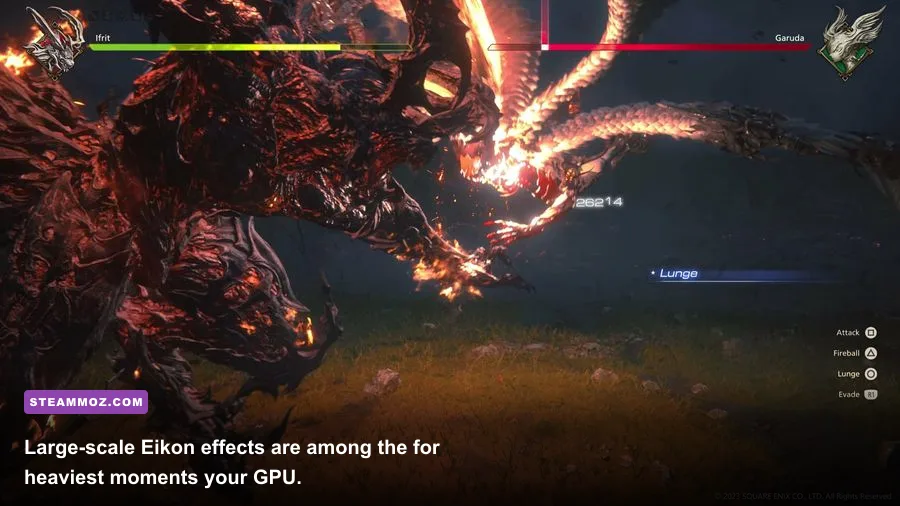
The important number is not the peak FPS. A system that reports 90fps while dropping to 38fps during a major Eikon encounter will feel less consistent than one locked to 60fps with a sensible cap. Final Fantasy XVI's most spectacular fights, including Bahamut and later Eikon clashes, can create short GPU spikes that do not show up in a quiet-field average.
At 1080p, an RTX 3060-class card is playable, but 60fps should be treated as an optimistic target rather than a guarantee. At 1440p, the RTX 3070, RX 6800, RTX 4070, or comparable hardware makes much more sense. Native 1440p with every setting pushed high is still an enthusiast workload, especially if ray tracing is enabled.
AMD and Nvidia cards both perform well, but upscaling quality can change the subjective result. DLSS generally delivers the cleanest image on compatible GeForce cards, while FSR is useful on Radeon and older Nvidia hardware. Frame generation can increase the displayed frame rate, but it cannot repair low base frames or uneven frame pacing. If the game is rendering at 35fps before interpolation, a 70fps counter won't make controls feel like native 70fps.
Which settings actually improve FPS?
Final Fantasy XVI's preset labels are a starting point, not a performance strategy. The biggest wins usually come from shadows, environment detail, texture quality, and resolution scaling. Texture quality is comparatively cheap when your GPU has enough VRAM, while shadows and volumetric effects can hit both performance and image clarity.
| Setting | Recommended value | Approximate FPS impact | Visual trade-off |
|---|---|---|---|
| Screen resolution | Native display resolution with upscaling | Very high | Lower internal resolution softens fine detail |
| Dynamic resolution | On, 60fps target | Very high | Image can soften during effects-heavy scenes |
| Upscaling | DLSS Quality or FSR Quality | High | Quality modes retain better hair and foliage detail |
| Texture quality | High if 8GB-plus VRAM; Medium on 6GB | Low to medium | Lower settings reduce surface detail |
| Shadow quality | Medium or High | Medium to high | Lower settings make lighting flatter |
| Environment detail | High, reduce to Medium if CPU-limited | Medium | Fewer distant details and less vegetation |
| Screen-space reflections | Medium | Low to medium | Reflections lose accuracy on wet surfaces |
| Motion blur | Personal preference; Off for clarity | Negligible | Off produces a sharper camera image |
| Ray tracing | Off unless using RTX 4070-class hardware | High to extreme | Improves lighting and reflections at a steep cost |
For a mid-range 1080p PC, start with High, enable DLSS or FSR Quality, turn on dynamic resolution, and set a 60fps target. If the frame rate still collapses during Eikon attacks, drop shadows to Medium before destroying texture quality. That preserves Clive's armor and the game's richly detailed environments while cutting one of the more expensive effects.
For 1440p, DLSS Quality is usually the sweet spot on RTX hardware. DLSS Balanced can help an RTX 3060 or 4060, but it introduces more shimmer around foliage and fine hair. On Radeon cards, FSR Quality is the sensible first step; dropping all the way to Performance should be a last resort because the reconstruction artifacts become obvious during close-up cinematics.
Ray tracing deserves a warning. It is a luxury setting, not part of the baseline recommended experience. The lighting upgrade can look lovely in dark interiors, but the frame-rate hit is particularly painful when combined with high resolution and Eikon particle effects. If you own an RTX 3060 Ti, 3070, or RX 6700 XT, leave it off and spend the performance budget on resolution quality instead.
CPU, SSD, RAM, and stutter: the hidden performance story
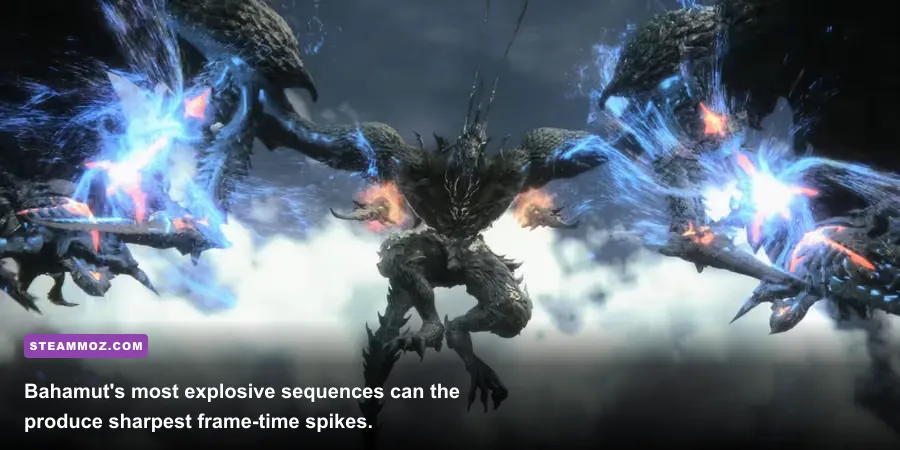
The most frustrating Final Fantasy XVI issue is not always low average FPS. It is inconsistent frame pacing. A powerful GPU cannot smooth out asset streaming, shader compilation, or a processor that is already saturated by background tasks. The game can appear perfectly playable in an open field, then hitch when you enter a settlement or trigger a heavily scripted scene.
An NVMe SSD won't magically raise your average frame rate, but it can reduce the severity of streaming pauses. Keep the installation on a drive with at least 20GB of spare room, update your chipset and graphics drivers, and avoid recording software that hooks into every frame. The first run after a driver update may also feel worse while shaders are rebuilt.
Sixteen gigabytes of RAM is enough according to the official specification, and it remains adequate on a clean gaming system. If you keep a browser with dozens of tabs, Discord streams, RGB utilities, and capture software open, memory pressure can cause unnecessary hitching. Thirty-two gigabytes is not mandatory, but it gives the game more breathing room and makes troubleshooting easier.
CPU monitoring matters. If the GPU falls below roughly 90% utilization while one or two CPU threads are busy, lowering resolution will not fix the dip. Reduce environment detail, cap the frame rate, close background applications, and check whether your processor is boosting correctly. A Core i5-8400 or Ryzen 5 1600 can meet the letter of the minimum requirement, but their older per-core performance leaves little margin for a locked 60fps target.
Install the latest version from the official Final Fantasy XVI website and check the Square Enix news page for port updates. If another game is stuttering after patches, our crashing and low-FPS troubleshooting guide has a useful driver-cache checklist that also applies here.
Can a gaming laptop or Steam Deck run it?
Gaming laptops are a mixed case because the same GPU name can perform very differently at different power limits. A 115-watt RTX 4060 laptop can deliver a solid 1080p experience, while a thin 45-watt version may struggle with sustained clocks. Plug the laptop into AC power, use its performance mode, and make sure the GPU is not running through an energy-saving profile.
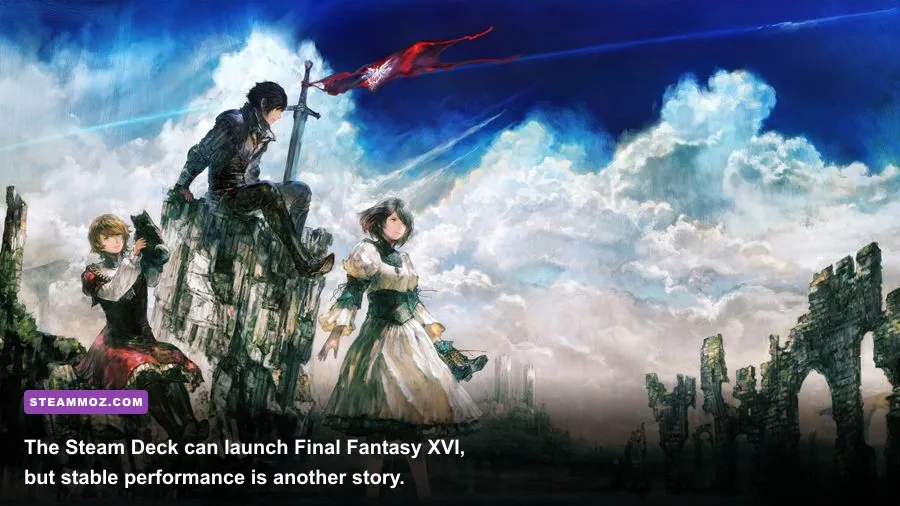
The Steam Deck can launch the game, but it is not a comfortable recommendation for Final Fantasy XVI. Expect aggressive compromises: low settings, reduced internal resolution, and a frame-rate target around 30fps. Busy scenes and cinematic battles can still dip, while battery drain and fan noise are substantial. The OLED model's screen does not change the underlying GPU limitation.
| Platform or GPU class | Practical target | Suggested profile | Verdict |
|---|---|---|---|
| Steam Deck LCD or OLED | 25-30fps with dips | Low, aggressive dynamic resolution | Technically playable, not ideal |
| GTX 1070 / RX 5700 | 30-40fps at 1080p | Low-Medium, FSR Quality or Balanced | Meets minimum; 60fps unrealistic |
| RTX 3060 / RX 6600 XT | 45-60fps at 1080p | Medium, upscaling Quality | Good budget starting point |
| RTX 3070 / RX 6800 | 55-70fps at 1440p | High, upscaling Quality | Strong 1440p experience |
| RTX 4070 or faster | 60fps-plus at 1440p | High or Very High, optional RT | Best balance for modern PCs |
For a laptop, prioritize cooling and sustained wattage over the badge printed on the box. For a handheld, prioritize patience: a 30fps cap can make exploration tolerable, but Eikon fights will remain the clear stress test. If you're comparing this workload with older games, the difference is much larger than the requirements list suggests; even a PC that easily handles Far Cry 6's max-FPS settings may need substantial tuning here.
The best PC settings profiles for Final Fantasy XVI
Budget 1080p profile
Use Low or Medium preset settings, DLSS or FSR Quality, dynamic resolution targeting 60fps, Medium shadows, Medium environment detail, and High textures only if your card has at least 8GB of VRAM. Cap the game at 30fps if your hardware repeatedly swings between 35 and 60fps. A stable cap feels far better than constant judder.
Balanced 1080p and 1440p profile
Choose High settings, DLSS Quality on Nvidia hardware or FSR Quality on AMD, Medium shadows, High textures, and ray tracing off. This is the profile I'd recommend for an RTX 3070, RX 6800, RTX 4060 Ti, or comparable card. It keeps the character presentation sharp without wasting performance on effects that are hard to appreciate during combat.
Enthusiast profile
Very High settings, native resolution or DLSS Quality, ray tracing enabled, and frame generation are appropriate for RTX 4070 Ti, RTX 4080, RX 7900 XT, and faster hardware. Even then, use a frame cap that your system can actually sustain. Chasing a 100fps counter in a game with cinematic camera cuts and occasional streaming spikes is less satisfying than a consistent 60 or 72fps.
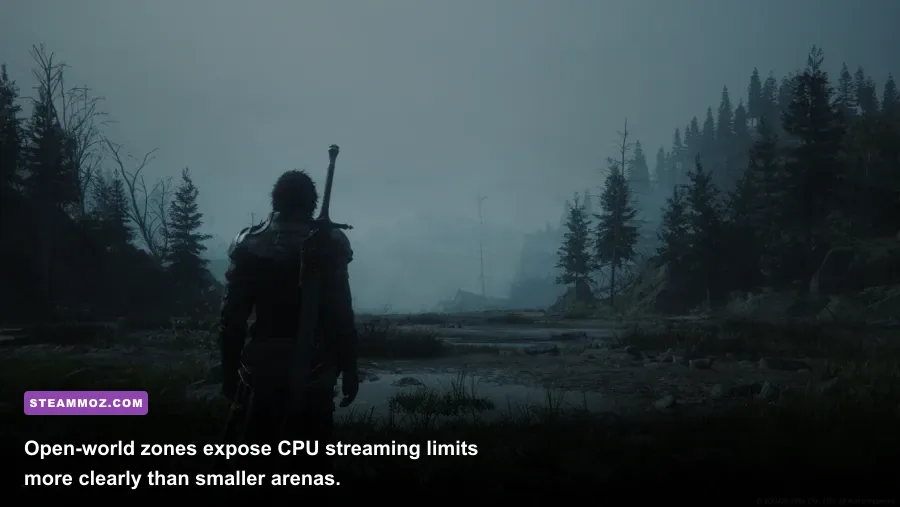
Finally, don't judge the port from the opening menu or one quiet benchmark run. Test The Hideaway, a large open zone, and a major Eikon encounter. Those three situations reveal CPU streaming, ordinary GPU load, and worst-case effects performance. If your PC clears all three without severe frame-time spikes, it can run Final Fantasy 16 PC properly—not merely launch it.
Bottom line: the GTX 1070 and RX 5700 can get you through at 1080p and roughly 30fps, but the real sweet spot is an RTX 3070/RX 6800-class GPU paired with a Ryzen 7 5700X or Core i7-10700-class CPU. Use an SSD, enable quality upscaling, avoid ray tracing unless you have plenty of headroom, and value frame-time consistency over a flattering peak-FPS number. That's the honest answer behind Final Fantasy XVI's PC system requirements.