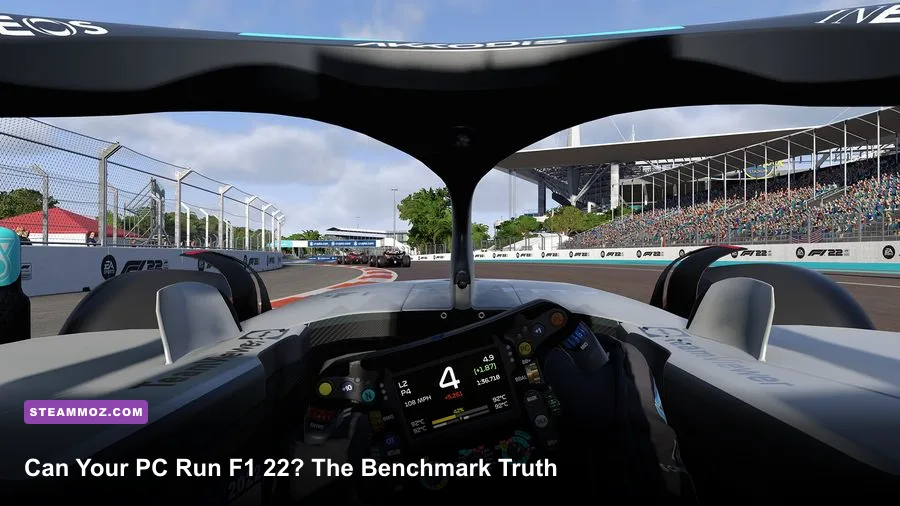
Yes, your PC can run F1 22 if it matches the official GTX 1660 Ti-class minimum, but that only gets you through the door. For a genuinely smooth 60 fps race, especially at 1080p with a full grid, you want a modern six-core CPU, 16GB of RAM, and something closer to an RTX 3060 Ti or RX 6700 XT. Ray tracing is where the game stops being forgiving: turn it on and frame rates can collapse during night races, wet-weather events, and crowded starts.
F1 22 is built on Codemasters' EGO engine, and it scales reasonably well, but the load isn't consistent. A quiet time trial at Silverstone is easy. A 20-car formation lap at Singapore, with rain, reflections, dynamic shadows, and 3D audio active, is the real test. That difference explains why two PCs with similar average benchmark numbers can feel completely different behind the wheel.
F1 22 PC requirements explained without the marketing fog
The official Steam specification is a useful starting point, not a performance guarantee. F1 22 asks for an 11th-generation Core i5 or Ryzen 5-class processor for the recommended target, but the game also cares about sustained single-thread performance. Older eight-core chips can technically launch it and still produce ugly frame-time spikes when the lights go out.
The minimum GPU requirement is relatively serious for a racing game. A GeForce GTX 1660 Ti or Radeon RX 590 should handle standard rendering at 1080p, but you shouldn't interpret that as “Ultra at 60 fps.” The recommended RTX 3070 and RX 6700 XT targets are aimed at higher presets, greater resolution, and headroom for demanding circuits.
| Component | Official minimum | Recommended target | What it really means |
|---|---|---|---|
| CPU | Core i5-9600K / Ryzen 5 2600X | Core i5-10600K / Ryzen 5 3600 | Six modern cores are the practical baseline for stable racing |
| GPU | GTX 1660 Ti / Radeon RX 590 | RTX 3070 / Radeon RX 6700 XT | Minimum is for standard 1080p play; recommended enables higher settings |
| Memory | 8GB RAM | 16GB RAM | 16GB avoids background-app stutter and improves consistency |
| Storage | 80GB available space | 80GB on an SSD | An SSD reduces loading and texture-streaming hitching |
| API | DirectX 12 | DirectX 12 | Windows 10 64-bit and current drivers are strongly recommended |
There are two easy-to-miss details here. First, F1 22 requires DirectX 12, so a compatible graphics card isn't enough if your Windows installation or driver stack is ancient. Second, the 80GB storage figure is best treated as a floor. Updates, shader caches, and free space for Windows can make a nearly full drive behave badly.
Before buying the game, compare your hardware against the official F1 22 Steam page and check your exact GPU model rather than relying on a family name. A mobile RTX 3060, desktop RTX 3060, and older RTX 2060 don't deliver identical results.
What performance should you expect at 1080p and 1440p?
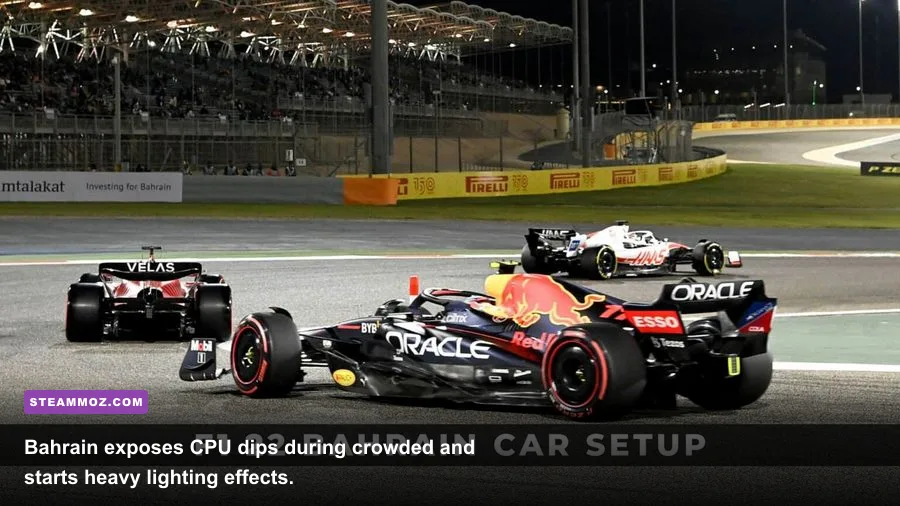
Here is the honest benchmark picture: F1 22 is comfortable at 1080p on mid-range hardware when ray tracing is disabled, but the game becomes CPU-limited at high refresh rates. If you're chasing 144 fps, buying a faster graphics card alone won't solve every problem. The start of a race, AI traffic, mirrors, weather simulation, and physics updates can all push the processor harder than a solo lap.
The following estimates reflect sensible real-world targets for standard races, not cherry-picked time-trial laps. Expect variation between circuits, weather conditions, driver count, and patches. Treat the one-percent-low figure as the important number: it describes the brief drops you actually feel through a steering wheel or controller.
| PC class | 1080p settings | Average FPS | Typical 1% low | Playing verdict |
|---|---|---|---|---|
| GTX 1660 Ti / Ryzen 5 2600X | High, RT off | 55–75 fps | 40–52 fps | Good with a 60-fps cap |
| RTX 2060 / Core i5-10600K | High, RT off | 75–100 fps | 58–75 fps | Strong 1080p experience |
| RTX 3060 Ti / Ryzen 5 5600 | Ultra, RT off | 95–135 fps | 72–95 fps | Excellent for 1080p high refresh |
| RTX 3070 / Ryzen 5 5600X | Ultra, RT off | 110–150 fps | 82–110 fps | Ideal 1080p and capable 1440p |
| RTX 3070 / Ryzen 5 5600X | Ultra, RT on | 60–85 fps | 44–62 fps | Playable, but DLSS is valuable |
| RX 6700 XT / Ryzen 5 5600 | Ultra, RT off | 90–125 fps | 68–90 fps | Excellent raster performance |
At 1440p, the RTX 3070 and RX 6700 XT are the sensible starting points for Ultra without ray tracing. An RTX 3060 can still work well if you use High settings, but don't expect a locked 100 or 120 fps in every wet race. The RX 6700 XT often delivers excellent standard-rendering performance, while Nvidia hardware has the more useful upscaling option when ray tracing is enabled.
For 4K, the recommended specification is no longer a comfortable promise. You'll want an RTX 3080, RX 6800 XT, or faster card, and even then a 60-fps cap with upscaling is more realistic than native 4K Ultra. If your monitor is 60Hz, don't burn money chasing numbers you won't see.
Ray tracing is the setting that changes the answer

F1 22 uses ray-traced shadows, reflections, ambient occlusion, and transparent reflections. They look fantastic on wet asphalt, visors, pit-lane glass, and night circuits, but they are expensive in exactly the scenes where the game is already busiest. A wet Singapore race with a full grid is a much nastier test than a dry lap at Monza.
On an RTX 2060, ray tracing should be treated as an optional visual experiment at 1080p, not a default setting. The RTX 3060 Ti and RTX 3070 can make it worthwhile, especially with DLSS Quality, but your frame-time graph still matters. Competitive drivers should generally leave RT off because a stable image and immediate steering response beat prettier reflections.
| Graphics setting | Recommended value | FPS impact | Visual trade-off |
|---|---|---|---|
| Ray-traced shadows | Off for racing; Medium for screenshots | Very high | Night and pit-lane shadows lose some realism |
| Ray-traced reflections | Off unless using RTX 3060 Ti or better | Very high | Cars and wet surfaces look less mirror-like |
| Lighting quality | High | Medium | High preserves most atmosphere without Ultra's cost |
| Car and track detail | Ultra on 8GB GPUs | Low to medium | Large visual gain for relatively small performance cost |
| Reflections | High | Medium to high | Lowering this helps rain and crowded pit scenes |
| DLSS or FSR | Quality at 1440p; Balanced at 4K | Major gain | Quality mode retains sharp signage and cockpit detail |
| Motion blur | Off | Small gain | Sharper braking markers and cleaner apex visibility |
DLSS Quality is the best first move on Nvidia cards. It can recover a large chunk of the ray-tracing performance loss while keeping the halo, sponsor decals, and trackside boards reasonably crisp. On AMD hardware, FSR is useful at 1440p and 4K, though aggressive sharpening can make foliage and fence lines shimmer.
Don't lower car detail before reflections, lighting, or ray tracing. The cars are the visual focus and usually offer a better quality-to-performance return. If you're troubleshooting, Codemasters' official F1 22 support page is also worth checking for known issues and launch fixes.
The best F1 22 settings for a stable 60 fps
A locked 60 fps is the sweet spot for most F1 22 players. Consistency matters more than a flashy 90-fps average that plunges to 45 when the lights go out. Cap the frame rate slightly below your monitor's refresh rate if you're using VRR, enable FreeSync or G-Sync, and avoid letting the GPU run permanently at 99 percent if that causes heat-related clock drops.
Profile for minimum-spec and older gaming PCs
Start at 1080p, use High textures if your card has 6GB or more VRAM, and set lighting, reflections, and crowd detail to Medium. Turn off every ray-tracing option. Use FSR Quality if the GPU is struggling, but drop to Balanced only after lowering the expensive effects. Keep the frame cap at 60 and monitor the first lap, not the menu benchmark.
Profile for a mainstream RTX 3060 or RX 6600 XT
High settings are the smart choice at 1080p and 1440p. Use Ultra car detail, High track detail, High textures, and Medium reflections. Ray tracing should remain off for a dependable 60 fps in rain. At 1440p, FSR or DLSS Quality can smooth the roughest circuits without making the cockpit look soft.
Profile for an RTX 3070-class PC
Ultra raster settings are appropriate at 1440p, but use RT selectively. Start with ray-traced shadows off, then test reflections on a wet night race. DLSS Quality should be enabled if you want RT and a 60-fps floor. If your CPU is older than the recommended Core i5-10600K or Ryzen 5 3600, lower crowd detail and mirrors before touching the resolution.
| Target | Resolution | Core profile | Frame-rate goal |
|---|---|---|---|
| Older mid-range PC | 1920×1080 | High/Medium mix, RT off, FSR Quality | Locked 60 fps |
| Mainstream modern PC | 2560×1440 | High, Ultra car detail, RT off, DLSS/FSR Quality | 60–90 fps |
| High-end PC | 2560×1440 | Ultra raster, selective RT, DLSS Quality | 90–144 fps |
| Enthusiast PC | 3840×2160 | High/Ultra mix, RT optional, upscaling required | 60 fps |
Install F1 22 on an SSD, close browser tabs and recording tools, and let the shader cache finish building after a driver update. Stutter that appears only on the first few laps can be shader compilation rather than a weak GPU. If you see repeated crashes or driver resets, our PC crash and FPS troubleshooting guide covers the same useful basics: clean driver installation, file verification, overlays, and power settings.
CPU limits, laptops, and Steam Deck reality
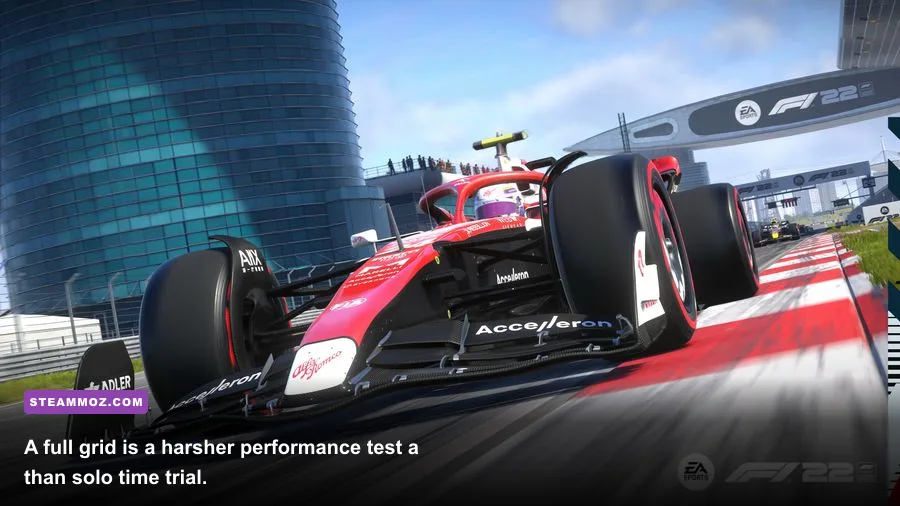
F1 22's CPU demand is easy to underestimate because the GPU usage graph can look healthy while frame times still spike. The processor handles AI cars, collision calculations, weather, audio, and trackside activity. A Ryzen 5 2600X or Core i5-9600K can run the game, but a newer Ryzen 5 5600 or Core i5-12400 gives you much better minimums and more room for a 120Hz display.
Laptop owners need to identify the power limit before comparing benchmark results. A 95-watt laptop RTX 3060 may lose badly to a 130-watt version, even though both carry the same name. Plug in the charger, use the manufacturer's performance mode, and check that the game is using the discrete GPU. Integrated graphics such as Intel UHD and basic Radeon Vega solutions are not realistic targets for F1 22's official settings.
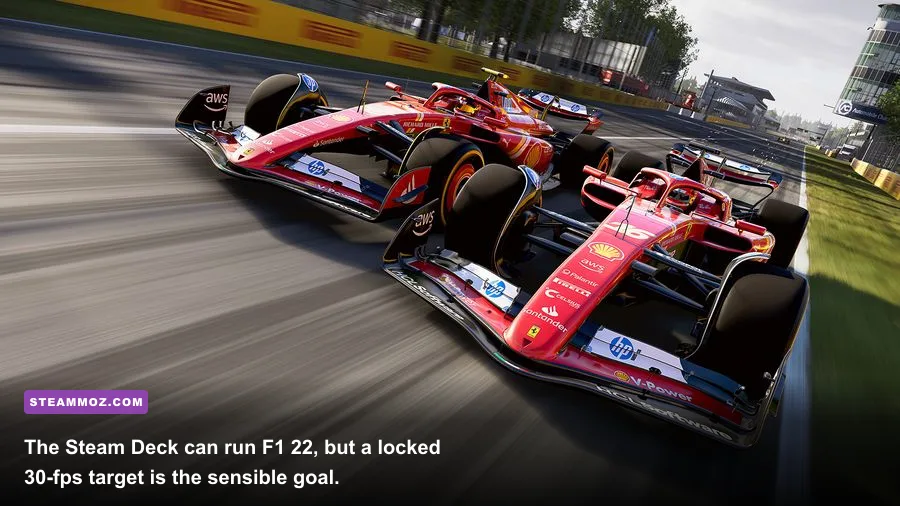
The Steam Deck is a different case. It can launch and deliver a playable experience with low-to-medium settings, reduced resolution, and ray tracing disabled, but 30 fps is the honest target. A full grid, rain, and busy circuits can still cause dips. If you want handheld racing rather than a competitive sim-racing experience, it works; if you want 60 fps with stable steering latency, a desktop or gaming laptop is the better machine.
For comparison, our guides to Far Cry 6 performance settings and low-FPS troubleshooting explain why frame caps, thermals, and background overlays matter across demanding PC games. The same rules apply here, but F1 22 makes frame-time consistency especially obvious because every tiny hitch arrives at a braking zone.
So, can your PC run F1 22?
If your machine meets the official minimum, F1 22 should run at 1080p with ray tracing off, but expect to tune settings and target 60 fps rather than ultra-high refresh rates. A PC around the recommended specification is a much safer buy: 16GB RAM, a six-core modern CPU, and an RTX 3060 Ti, RTX 3070, RX 6700 XT, or equivalent will deliver a strong experience at 1080p and 1440p.
The real dividing line isn't whether the game launches. It's whether your PC can hold its target during a wet, night-time race with a full grid. Test that scenario, watch one-percent lows, and prioritize stable frame times over Ultra branding. Disable ray tracing first, use DLSS or FSR at Quality, and lower reflections before sacrificing car detail.
For the cleanest answer, run the built-in benchmark, then repeat the test in a real Grand Prix with 20 cars. If that combination stays above your display's refresh target without stutter, your PC is ready for F1 22. If it doesn't, the settings above can usually rescue the experience without making the game look like a decade-old racer.
For official information, consult the EA Sports F1 22 page, the Codemasters game page, and the Steam system requirements. And if you're comparing older racing games before upgrading, Steamoz's PC requirements breakdowns offer a useful reality check.