Yes, most Corsair Vengeance i7200 systems can still run modern PC games comfortably—but the exact answer depends on whether yours has an RTX 3080 or RTX 3090, and whether it uses the Core i7-10700K, Core i9-10900K, or a later 11th-generation chip. At 1440p, the RTX 3080 model remains a strong high-refresh machine; at 4K, it usually needs DLSS or sensible ray-tracing compromises. The i7200 is no longer a single specification, so reading the sticker on the rear panel is more useful than trusting the model name alone.
Corsair sold the Vengeance i7200 in multiple configurations, including Core i7-10700K and Core i9-10900K systems paired with GeForce RTX 3080 or RTX 3090 graphics cards. Common builds included 16GB or 32GB of DDR4-3200 memory, a 1TB NVMe SSD, and, on some SKUs, a 2TB hard drive. You can confirm the original configuration through Corsair's official gaming PC support pages, then compare it against the game-specific results below.
Which Corsair Vengeance i7200 Do You Actually Have?
The fastest way to identify the machine is to open Windows Settings, choose System > About, and check the processor. Then open Task Manager with Ctrl+Shift+Esc, select Performance, and click GPU. Do not assume every i7200 has an RTX 3090: the RTX 3080 version was more common and is often the better-balanced gaming machine because it avoids paying for GPU memory you may never use.
| i7200 configuration | Typical hardware | Best target | Main limitation |
|---|---|---|---|
| Entry performance model | Core i7-10700K, RTX 3080, 16GB DDR4 | 1440p high refresh | 16GB can cause stutter in newer games |
| High-end launch model | Core i9-10900K, RTX 3080, 32GB DDR4 | 1440p ultra or 4K high | Ray tracing still reduces frame rate sharply |
| Enthusiast model | Core i9-10900K, RTX 3090, 32GB DDR4 | 4K gaming and creative work | Power draw, heat, and CPU age |
| Later refresh variant | 11th-gen Core i7/i9, RTX 3080 or RTX 3090 | High-refresh 1440p | Small CPU uplift, not a new platform |
The 10-core Core i9-10900K is still quick enough for gaming, while the eight-core i7-10700K is rarely a serious bottleneck at 4K. At 1080p and 240Hz, however, the i9's extra cores and higher clocks can help in CPU-limited esports titles. Both chips use the older LGA1200 platform, PCIe 3.0, and DDR4, so don't expect modern PCIe 4.0 storage performance from every unit.
Realistic FPS Expectations at 1080p, 1440p, and 4K
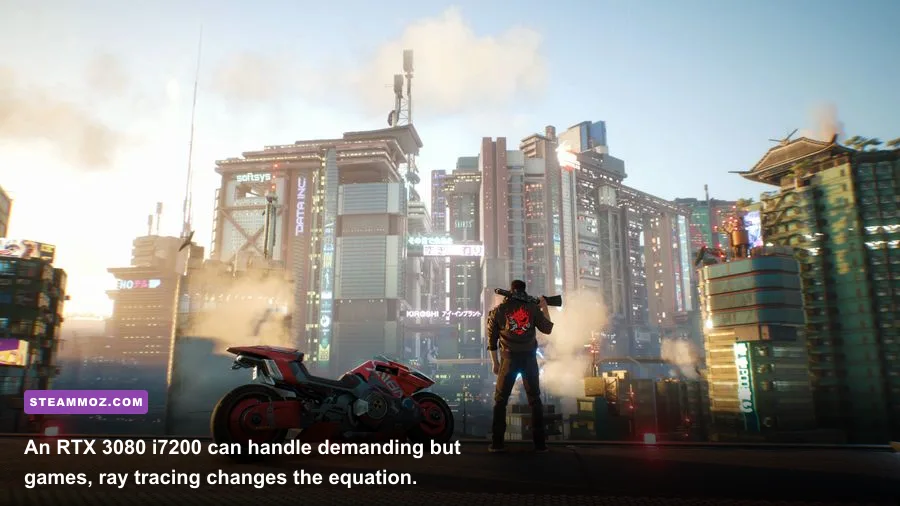
There is no honest single benchmark for the i7200 because resolution, game patches, memory capacity, driver versions, and the GPU SKU all matter. The estimates below represent a healthy, stock RTX 3080 model with 32GB of memory. They are practical performance ranges rather than a promise of laboratory precision, and the RTX 3090 usually adds only a modest frame-rate increase unless a game is limited by VRAM.
| Game and settings | 1080p average | 1440p average | 4K average |
|---|---|---|---|
| Cyberpunk 2077, Ultra, no RT | 115-135 FPS | 78-95 FPS | 43-55 FPS |
| Cyberpunk 2077, RT Ultra, DLSS Quality | 85-105 FPS | 58-72 FPS | 35-45 FPS |
| Red Dead Redemption 2, high/ultra mix | 125-150 FPS | 88-108 FPS | 52-65 FPS |
| Starfield, high preset | 75-95 FPS | 55-72 FPS | 35-45 FPS |
| Forza Horizon 5, Extreme | 150-180 FPS | 115-145 FPS | 72-92 FPS |
| Counter-Strike 2, competitive settings | 300-450 FPS | 250-380 FPS | 190-300 FPS |
These numbers tell a useful story. The RTX 3080 is still an excellent 1440p card, but 4K ultra performance in a game like Cyberpunk 2077 is not magically guaranteed just because the desktop once sat near the top of Corsair's range. The RTX 3090's 24GB VRAM helps with enormous texture packs, modded games, and creator workloads, yet its extra memory doesn't fix a CPU-limited scene or poor game optimization.
For more context on how older hardware behaves in demanding titles, compare this with our Far Cry 6 settings guide and Everspace 2 FPS troubleshooting guide. The same principle applies: stable frame times beat a spectacular average that collapses during traversal.
Can It Handle Modern Games and Ray Tracing?
Yes, with an important distinction: the i7200 is much stronger at traditional rasterized rendering than at maximum ray tracing. In games using Unreal Engine 5, heavy global illumination, or dense city simulation, the RTX 3080 can deliver excellent visuals at 1440p, but its 10GB of VRAM can become a pressure point. The RTX 3090's 24GB buffer is safer for 4K texture packs, although it does not provide a proportional FPS advantage.
DLSS Quality is the first setting to try on an RTX i7200. At 1440p it renders internally at a lower resolution and reconstructs the image, usually preserving detail far better than dropping the entire preset to Medium. In Cyberpunk 2077, enabling DLSS Quality and leaving ray-traced reflections off is often a better trade than using every RT option and accepting sub-60 FPS. In Starfield, reducing shadow quality and crowd density helps the CPU more than lowering texture quality.
| Graphics profile | Recommended use | Expected FPS impact | Visual trade-off |
|---|---|---|---|
| 1440p High | Daily gaming profile | Baseline | Excellent image quality and consistent frame times |
| 1440p Ultra | Single-player games | 10-20% lower | Small gains in shadows, foliage, and reflections |
| 1440p RT plus DLSS Quality | Supported cinematic games | 20-35% lower | Sharper reconstruction offsets much of the cost |
| 4K High plus DLSS Quality | Large displays | 35-50% lower than 1440p | Best route to attractive 4K without Ultra waste |
| Competitive Low | CS2, Valorant, Fortnite performance mode | Highest FPS | Less visual clutter, weaker atmosphere |
Ray tracing also exposes cooling and power-delivery differences. A dusty front filter, aging thermal paste, or an aggressive silent fan curve can cause clock speeds to dip during long sessions. If your results are 15-20 percent below these ranges, check temperatures before blaming the GPU. Corsair's official PC maintenance documentation is a sensible starting point.
The Upgrades That Make the Biggest Difference
The smartest i7200 upgrade is usually memory, not a new graphics card. If your system has 16GB, moving to 32GB using a matched DDR4-3200 kit can improve one-percent lows in games that stream large worlds. It won't double FPS, but it can remove hitching when a browser, launcher, Discord, and game are open together. Make sure the replacement kit runs in dual-channel mode and check BIOS XMP after installation.
| Component | Keep if... | Upgrade trigger | Practical recommendation |
|---|---|---|---|
| Core i7-10700K | You play at 1440p or 4K | Competitive 240Hz gaming | Keep it; upgrade the platform only as a full rebuild |
| Core i9-10900K | Temperatures and clocks are stable | Rarely a gaming limitation | Keep it and spend money on memory or storage |
| 16GB DDR4 | You play older or esports titles | Stutter and high memory usage | Install 32GB DDR4-3200 in a matched kit |
| 1TB NVMe SSD | You have 150GB free | Modern installs fill the drive | Add a larger SSD; don't use the HDD for demanding games |
| RTX 3080 | 1440p is your target | You need 4K RT or heavy mods | Optimize first; upgrade only with a suitable PSU |
Storage is the second quality-of-life fix. Keep the operating system and frequently played games on the NVMe drive; older 2TB hard drives are fine for media and backups but can worsen texture streaming in open-world games. Before changing the GPU, check the power supply, case clearance, and connector arrangement. A larger card can fit physically while still creating heat recirculation inside the compact chassis.
For crash diagnosis, our ELEX PC fixes and low-FPS troubleshooting guide cover the same useful fundamentals: verify files, clean-install the driver, disable overlays, and watch GPU hotspot temperatures rather than only the core temperature.
Best Settings for a Smooth i7200 Experience
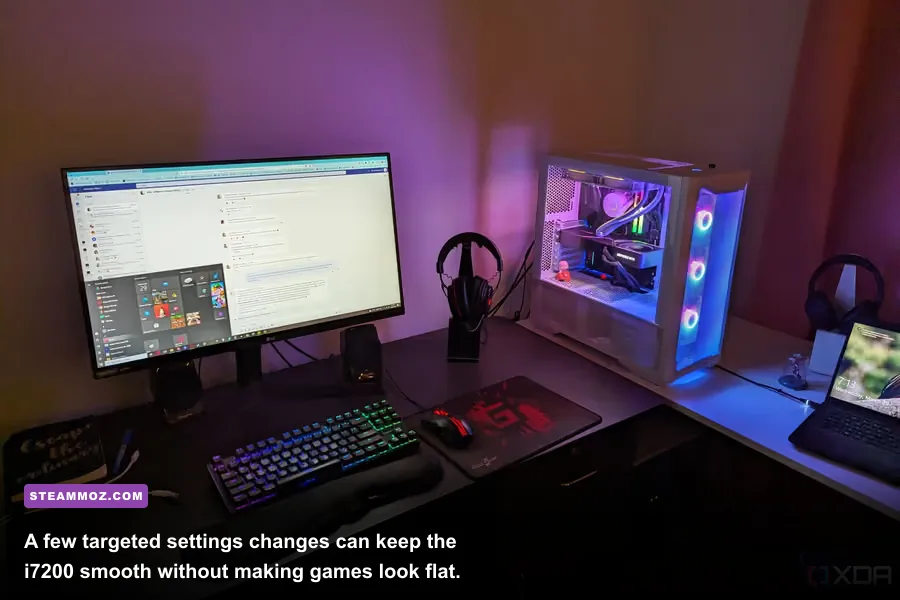
Start with a 1440p High profile, cap the frame rate slightly below your monitor's refresh rate, and use G-Sync or FreeSync if available. A 144Hz display feels better at a locked 138 FPS than it does swinging between 95 and 160 FPS. Nvidia Reflex is worth enabling in supported competitive games, while motion blur, film grain, and chromatic aberration can be disabled without sacrificing useful detail.
For CPU-heavy titles, lower crowd density, simulation distance, and shadow distance before touching textures. For GPU-heavy games, reduce volumetric fog, screen-space reflections, and ray-traced effects. Texture quality should stay high on the RTX 3090 and can usually remain high on the RTX 3080 unless VRAM usage approaches the card's limit. Use the Steam hardware and game pages to check current updates, since modern patches can change performance substantially.
| Problem | Likely cause | First fix | What success looks like |
|---|---|---|---|
| Micro-stutter while exploring | 16GB RAM or HDD streaming | Move the game to NVMe and install 32GB RAM | Higher one-percent lows |
| Low FPS with low GPU usage | CPU limit, crowds, or simulation | Reduce CPU-heavy settings | More consistent GPU utilization |
| Sudden performance drops | Thermal throttling or dust | Clean filters and inspect fan curves | Stable clocks after 20 minutes |
| Blurry 1440p image | Over-aggressive upscaling | Use DLSS Quality or native resolution | Sharper edges without major FPS loss |
The bottom line is refreshingly simple: an RTX 3080 Corsair Vengeance i7200 is still a very capable 1440p gaming PC, while an RTX 3090 version is better suited to 4K, VR, and memory-hungry creative workloads. Neither model should be judged by its age alone. Keep the machine cool, upgrade 16GB systems to 32GB, install demanding games on the NVMe drive, and use DLSS intelligently. Do that, and the i7200 remains far more relevant than its discontinued product label suggests.