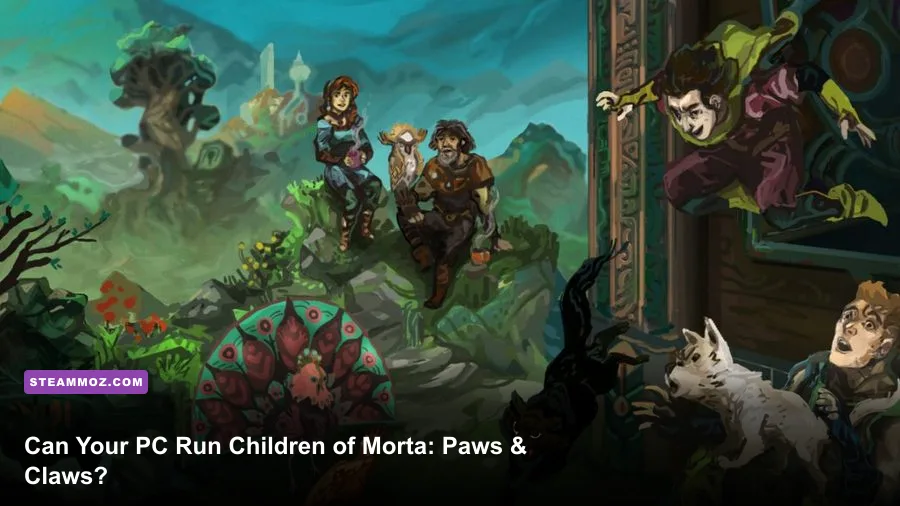
Children of Morta - Paws & Claws has very modest PC requirements: the minimum target is a 64-bit Windows PC with 4GB of RAM, a GeForce GTX 460 or Radeon HD 5850, and roughly 2GB of free storage. For a more comfortable experience, aim for 8GB of RAM, a GeForce GTX 660 or Radeon R7 260, and a Core i5-class or AMD FX-8350 processor. The DLC does not demand a meaningfully stronger machine than the base game, so an older gaming laptop or budget desktop should handle it well.
Paws & Claws is an expansion for Dead Mage's pixel-art action RPG, not a separate high-end release with a new rendering engine. That distinction matters. The extra animal-shelter content runs inside the same home-base and dungeon framework as the original game. Your real concerns are compatibility, available memory, driver stability, and whether your machine can hold a steady frame rate during busy fights—not ray tracing or a modern six-core CPU.
Below, you'll find the official baseline, what those parts mean in real-world terms, sensible graphics profiles, and the fixes worth trying if your old PC stutters despite clearing the listed specs.
Children of Morta: Paws & Claws minimum PC requirements
The minimum specification is approachable by modern standards, but don't read it as a promise of maximum settings on every old machine. Steam lists Windows 7, 8, or 10 64-bit, 4GB of system memory, a dual-core processor such as the Intel Core 2 Duo E7500 at 2.93GHz or AMD Athlon 64 X2 5600+ at 2.8GHz, and a GeForce GTX 460 or Radeon HD 5850 with 1GB of video memory.
Those graphics cards are ancient now, yet they provide an important clue: Morta's pixel-art presentation is far less demanding than a fully 3D action RPG. The game still uses lighting, particle effects, animated backgrounds, and large enemy groups, but its fixed visual style keeps the rendering workload low. A newer integrated GPU can sometimes outperform the old minimum cards, although Intel HD graphics from the same era should not be treated as a safe bet.
| Component | Minimum specification | What it means in practice |
|---|---|---|
| Operating system | Windows 7/8/10 64-bit | Use a 64-bit Windows installation; current Windows 10 or 11 is the safer compatibility choice. |
| Processor | Intel Core 2 Duo E7500 2.93GHz or AMD Athlon 64 X2 5600+ 2.8GHz | A basic dual-core CPU can launch the game, but busy rooms may expose frame-time spikes. |
| Memory | 4GB RAM | Enough for the game itself, with little headroom for browsers, launchers, or recording tools. |
| Graphics | GeForce GTX 460 or Radeon HD 5850, 1GB VRAM | Old entry-level discrete graphics are the official floor for the visual effects. |
| DirectX | DirectX 10 | Modern GPUs and Windows installations normally cover this requirement. |
| Storage | About 2GB available space | Leave additional room for updates, shader caches, and save backups. |
The 4GB RAM requirement is the one I'd treat cautiously. It may be enough on a clean system, but Windows itself and a web browser can consume most of that allowance before Morta starts. Close Chrome tabs, Discord overlays, and unnecessary launchers if you're playing on a 4GB machine. The game is small, but low memory can cause hitching that looks like a graphics problem.
Also remember that Paws & Claws is DLC. You need the base game installed, and Steam needs enough space for both the original installation and the expansion process. Check the official Children of Morta Steam page before buying, especially if you're using an older operating system.
🎮 Children of Morta - Paws & Claws
Looking to experience this game? Grab your digital key directly on our store for $0.79.
View on Steammoz Store →Recommended specs for smoother 1080p play
Steam's recommended target moves up to a 2.5GHz Intel Core i5-class processor or AMD FX-8350 at 4GHz, 8GB of RAM, and either a GeForce GTX 660 or Radeon R7 260 with 2GB of VRAM. The recommended operating system is Windows 10, with DirectX 11 listed for the higher target.
These parts are much more generous than the minimum, particularly for a game with pixel-art visuals. You shouldn't interpret the GTX 660 as a requirement for 60 frames per second at 1080p on a modern card; practically any current dedicated GPU will clear it. The recommendation is better understood as a stability profile for the game's effects, screen-filling attacks, and crowded rooms.
| Target | CPU and RAM | GPU | Expected use |
|---|---|---|---|
| Minimum | Older dual-core CPU, 4GB RAM | GTX 460 or Radeon HD 5850, 1GB | Playable at conservative settings, assuming a clean system and compatible drivers. |
| Recommended | Core i5-class CPU or FX-8350, 8GB RAM | GTX 660 or Radeon R7 260, 2GB | Comfortable 1080p play with room for background applications. |
| Modern budget PC | Recent 4-core CPU, 8GB or 16GB RAM | GTX 1650, RX 570, or newer | High settings and stable 60 FPS should be realistic at 1080p. |
| Integrated graphics | Recent Ryzen or Intel Core system, 8GB dual-channel RAM | Vega, Radeon 680M, Iris Xe, or newer | Often viable, but dual-channel memory and current drivers matter. |
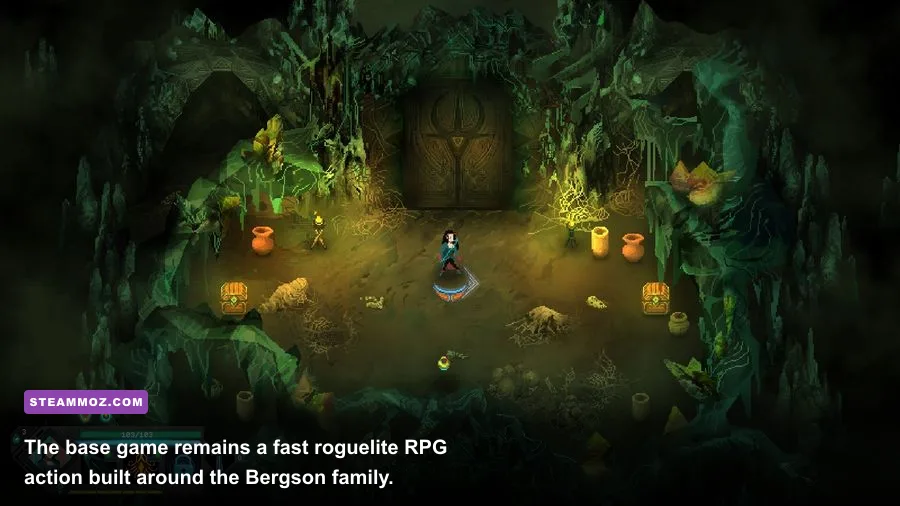
The CPU recommendation is less about raw average FPS and more about frame pacing. Children of Morta throws multiple enemies, projectiles, status effects, and damage numbers into a single room. A weak processor can deliver a high-looking average while still producing short pauses when a fight gets messy. That matters because heroes such as John, Linda, and Kevin rely on precise movement and quick reactions rather than slow turn-based decision-making.
If you're checking a laptop, look at the exact GPU name instead of assuming that “Intel Core i5” means gaming-ready. A laptop i5 paired with Iris Xe graphics is a modern, sensible match; an older i5 with Intel HD 4000 is a different story. Likewise, 8GB in single-channel mode can hold back integrated graphics noticeably. Two matching memory modules are a cheap performance win.
For broader context on diagnosing older hardware, Steamoz's Drox Operative PC specs breakdown uses the same practical approach: compare the listed parts with the hardware in your actual machine, not just the brand on the sticker.
Best graphics settings for stable FPS
Morta doesn't offer the giant settings menu found in a modern AAA game, which is good news for troubleshooting. Start at 1920x1080 with the game's default quality preset. If you see stutter, lower resolution or effects before sacrificing the pixel-art presentation. The art is deliberately crisp, and aggressive scaling can make it look softer than intended.
| Setting or profile | Recommended value | FPS impact | Visual trade-off |
|---|---|---|---|
| Resolution | Native monitor resolution | High if reduced | Native resolution keeps pixel edges sharp; lower values improve GPU load. |
| V-Sync | On for stable 60Hz screens | Low average impact | Removes tearing, though it can add latency on weak systems. |
| Fullscreen mode | Exclusive fullscreen where available | Low to moderate | Can reduce desktop compositing overhead and improve consistency. |
| Effects and lighting | High on recommended hardware; medium on minimum PCs | Moderate in crowded rooms | Lower values reduce visual density during elemental attacks and explosions. |
| Frame cap | 60 FPS | Improves consistency | A cap avoids needless GPU work when the display is 60Hz. |
| Post-processing | Default, then lower if needed | Low to moderate | Reducing it can make the image flatter but may remove hitching. |
Three profiles that make sense
Minimum hardware: use 1280x720 or 1600x900 if 1080p causes drops, keep effects at medium or low, close overlays, and cap at 60. Don't chase an unlocked frame rate on a dual-core machine; consistent delivery feels better than a counter bouncing between 48 and 90.
Recommended hardware: run native 1080p, high effects, fullscreen, and a 60 FPS cap. If your display is 120Hz or higher, test an unlocked mode, but keep an eye on frame pacing. Morta's animation can look excellent at higher refresh rates, yet the practical gain is smaller than eliminating stutter.
Integrated graphics: start at 720p with medium effects, then raise resolution first if performance remains stable. Plug the laptop into power, select its high-performance Windows power mode, and make sure the game is using the fastest GPU listed in Windows Graphics settings.
For a useful comparison, our Ankora: Lost Days FPS settings guide covers the same resolution-versus-effects trade-off. The principle applies here: reduce the setting that causes the spikes, not every setting at random.
Why Paws & Claws barely changes the hardware target

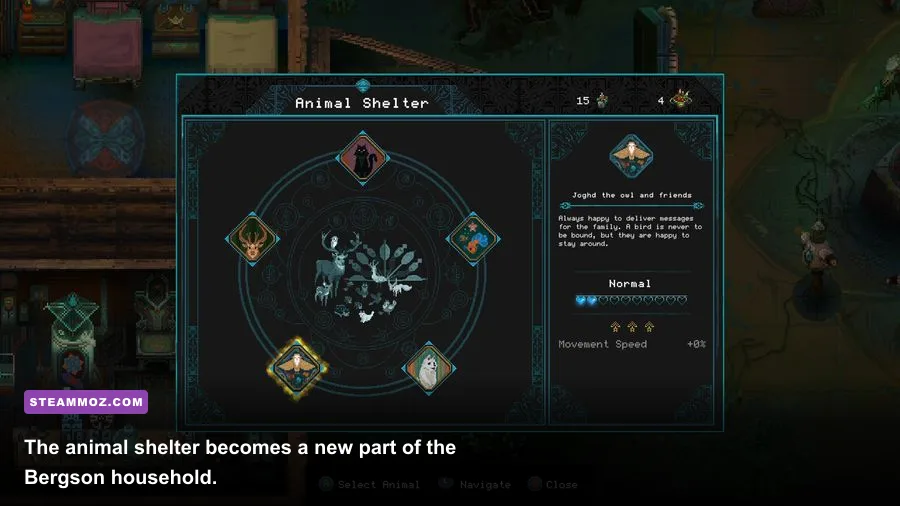
Paws & Claws expands the Bergson family home with an animal shelter and rescued creatures that can provide helpful benefits for future runs. It doesn't replace the main combat engine, add a huge open world, or introduce a physically simulated environment. The expansion's content is therefore lightweight from a rendering perspective.
That doesn't mean the DLC is completely irrelevant to performance. You still return to the home base, move through menus, and load into the same procedurally arranged locations corrupted by the forces threatening Mount Morta. The most demanding moments remain combat rooms filled with enemies, projectiles, fire, poison, and ability effects—not the animal interactions themselves.
The shelter also changes the progression rhythm. After rescuing animals, you'll spend more time in the family house managing the benefits they unlock before returning to a run. If your system has slow storage, those transitions may take longer, but an SSD won't suddenly increase combat FPS. It mainly improves loading and reduces the annoyance of waiting between activities.
Don't confuse the DLC with the separate Children of Morta: Ancient Spirits content, either. Paws & Claws is focused on animals and home-base bonuses, while Ancient Spirits adds new content tied to the game's combat roster. You can confirm the expansion's contents through the official Paws & Claws Steam listing.
For new players, the best order is simple: learn the core family members, unlock improvements at the house, then use the shelter bonuses to support longer dungeon attempts. John gives you a sturdy melee introduction, Linda teaches ranged positioning, and Kevin rewards aggressive timing. None of those choices changes the PC requirements, but crowded combat can expose an unstable machine quickly.
Fixes for stutter, crashes, and low FPS
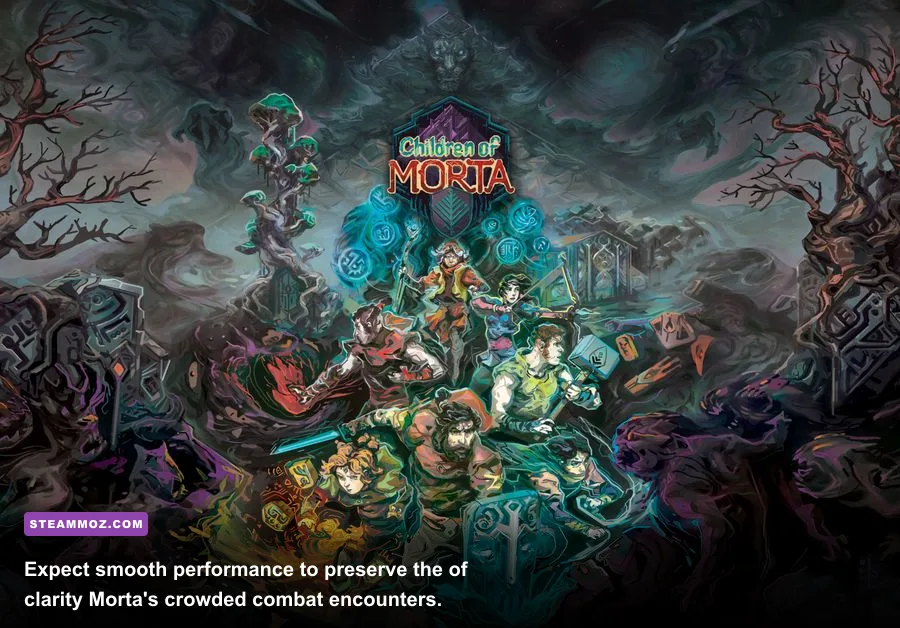
If your computer exceeds the recommended specs and Morta still feels rough, start with the boring fixes—they work. Install the latest GPU driver, verify the game files in Steam, disable third-party overlays, and restart the PC after a driver update. Overlays from Steam, Discord, Xbox Game Bar, and GPU software can all add another layer to a small game that otherwise runs cleanly.
- Verify the installation: open the game's Steam properties, choose Installed Files, and run Verify integrity of game files. This is especially useful after adding DLC or moving the installation.
- Test fullscreen: switch between fullscreen, borderless, and windowed modes. Some older drivers handle one mode far better than another.
- Cap the frame rate: use 60 FPS as the first test. A stable cap can eliminate the uneven frame delivery caused by an unlocked menu or loading screen.
- Check background memory use: on 4GB systems, close browsers and recording software before launching. Memory pressure often looks like random stutter.
- Use the dedicated GPU: on a gaming laptop, assign Children of Morta to the high-performance GPU in Windows Graphics settings and keep the charger connected.
- Lower effects before resolution: if fights are the problem, reduce effects or post-processing first. Keep the native resolution if the pixel art becomes blurry at lower output sizes.
Crashes at launch can also come from old DirectX components, damaged redistributables, or aggressive antivirus software. Don't download random “performance fix” DLLs from unofficial sites. Check the Dead Mage official website and the Steam community discussions for current reports before replacing system files.
Finally, SSD installation is recommended even though it isn't part of the official requirement. It won't turn a GTX 460 into a modern GPU, but it can make loading between the Bergson home and dungeon runs feel much snappier. If you're playing through Steam Deck or another handheld PC, the game's modest requirements make it a strong fit; use a 60 FPS cap, native display scaling where possible, and avoid wasting battery on an uncapped frame rate.
Verdict: almost any modern PC can handle it
Children of Morta - Paws & Claws is an easy PC game to run. A machine that meets the official minimum should launch and play it, while a recent budget desktop, mainstream laptop, or Steam Deck-class handheld should have no trouble delivering a smooth experience. The recommended 8GB RAM target is the sensible floor for multitasking, and a GTX 660-level GPU is far more than most current integrated graphics systems need.
If you're buying specifically for the expansion, don't spend money on a new graphics card just to play it. Check your RAM configuration, update drivers, install on an SSD if possible, and use the stable 1080p/60 profile above. The animal-shelter content is designed to sit comfortably inside Morta's existing engine, so performance should remain close to the base game.
That makes Paws & Claws a particularly friendly expansion for older PCs: low storage demand, forgiving graphics requirements, and combat that benefits much more from a steady frame rate than cutting-edge hardware. If your system clears the recommended list, you're ready to rescue the animals and head back into Mount Morta without a hardware upgrade.
Before you jump in, check our Blackguards 2 campaign tips for another strategy-heavy RPG perspective, and keep the Bottle Pilgrim PC fixes guide bookmarked if troubleshooting becomes the real boss fight.