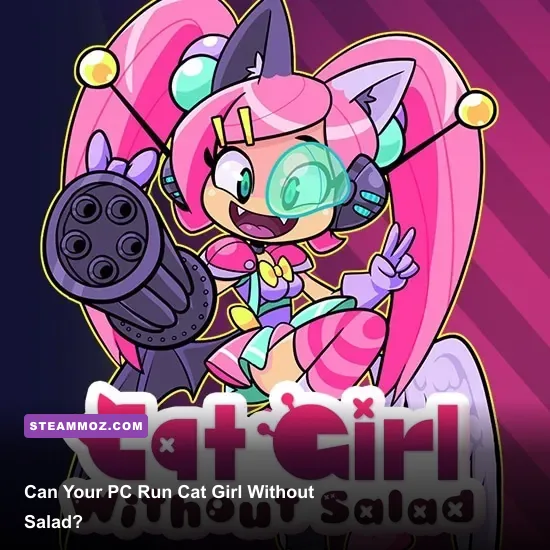
Yes—almost any modern Windows PC should run Cat Girl Without Salad: Amuse-Bouche. The official Steam listing asks for just a 2.0 GHz processor, 2 GB of RAM, a DirectX 9.0c-compatible graphics card, and roughly 200 MB of free storage. There is no separate official recommended specification, so the practical recommendation is simple: use any recent dual-core laptop or desktop with integrated graphics, 4 GB of RAM, and a little spare storage for a comfortable experience.
That low barrier is a big part of the appeal. Cat Girl Without Salad: Amuse-Bouche is a compact, colorful arcade game from WayForward rather than a modern 3D production with streaming worlds, shader-heavy lighting, or a giant texture cache. You are not preparing a high-end gaming rig for this one. You are checking whether an older Windows machine can handle a deliberately small, fast-moving collection of arcade challenges without stutter, input delay, or display problems.
Cat Girl Without Salad: Amuse-Bouche PC requirements
The important distinction is between official minimum specs and a sensible modern target. Steam publishes minimum requirements, but it does not list a separate recommended tier for Amuse-Bouche. That means nobody should present a Core i5, GTX card, or 8 GB of RAM as an official recommendation. Those are comfortable-use suggestions, not requirements from WayForward.
| Component | Official minimum | Practical modern target | Why it matters |
|---|---|---|---|
| Operating system | Windows 7 or later | Windows 10 or Windows 11 64-bit | Newer Windows versions generally provide better driver and controller support. |
| Processor | 2.0 GHz CPU | Any recent dual-core CPU | The game’s 2D arcade presentation places very little load on the processor. |
| Memory | 2 GB RAM | 4 GB RAM or more | Extra memory is mainly useful for Windows and background applications. |
| Graphics | DirectX 9.0c-compatible GPU | Modern integrated graphics | A dedicated gaming GPU is unnecessary for the game’s visual workload. |
| Storage | About 200 MB available | At least 1 GB free | Leaves room for Steam files, updates, screenshots, and save data. |
The storage figure is the easiest one to overlook. This is a tiny installation compared with current PC releases, but you still want more than the bare minimum available. Steam may need temporary working space during installation or an update, and Windows itself behaves better when the system drive is not completely full.
For the official listing, check the Cat Girl Without Salad: Amuse-Bouche Steam page. WayForward’s official website is also the right place to verify developer information rather than relying on copied third-party spec lists.

🎮 Cat Girl Without Salad: Amuse-Bouche
Looking to experience this game? Grab your digital key directly on our store for $3.99.
View on Steammoz Store →What the minimum specs really mean
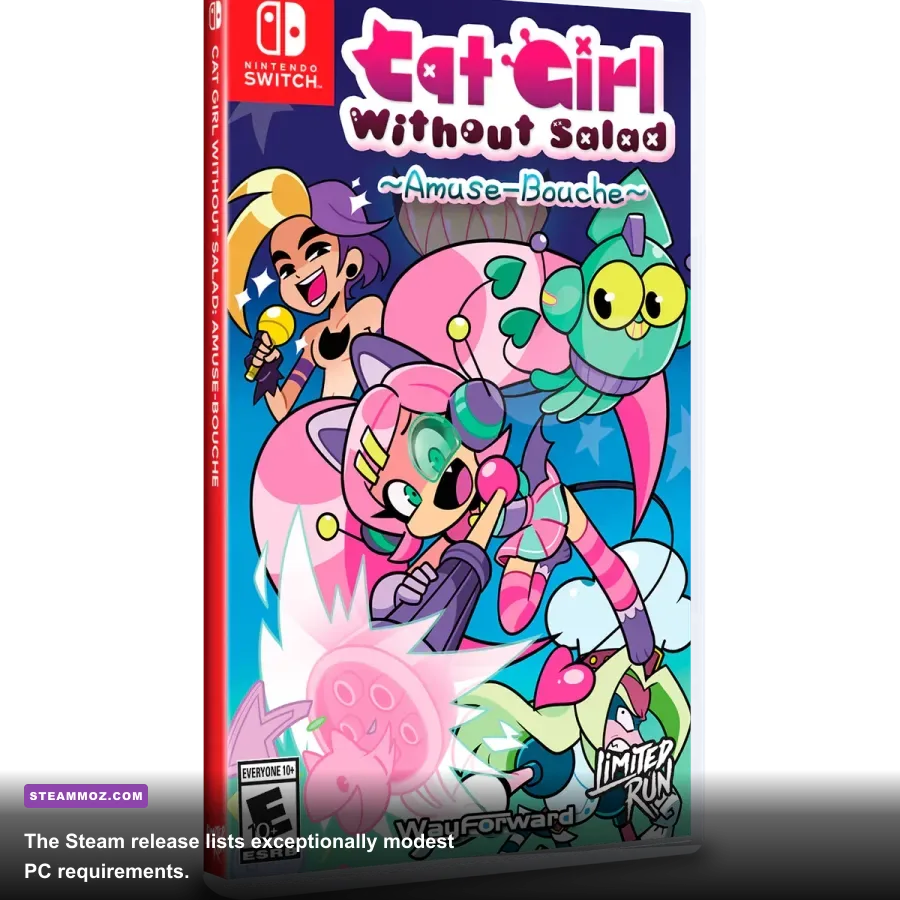
A 2.0 GHz processor and 2 GB of memory describe a very low hardware floor. In practical terms, an older office desktop, a budget notebook, or a Windows machine that predates the current generation of integrated graphics should be in the conversation. The graphics requirement is especially forgiving because DirectX 9.0c support is ancient by modern standards.
That does not mean every old computer will deliver a flawless experience. The operating system, display driver, thermal condition, and background software can matter more than the advertised GPU. A dusty laptop running at its thermal limit can hitch in a simple game, while a much older desktop with clean drivers may feel perfectly responsive.
There is also a difference between rendering frames and presenting them correctly. Cat Girl Without Salad is a quick arcade game, so inconsistent frame pacing is more annoying than a raw frame-rate number suggests. If the game feels uneven, close browser tabs and launchers, connect the laptop to power, and switch Windows to a balanced or performance-oriented power profile. Those steps are more useful here than buying a graphics card.
| PC class | Expected result | Likely limitation | Best first move |
|---|---|---|---|
| Modern desktop or gaming laptop | Runs comfortably | None likely | Use native resolution and fullscreen. |
| Recent office laptop | Runs comfortably | Background applications | Close browser tabs and overlays. |
| Older dual-core Windows PC | Should meet the listed floor | Driver or thermal issues | Update graphics drivers and check temperatures. |
| Very old Windows hardware | Possible, but uncertain | Unsupported OS, display scaling, or controller issues | Confirm DirectX support before purchasing. |
The official minimum is not a promise that every ancient machine will behave identically. It is a compatibility target. If your PC only barely meets it, expect to spend more time troubleshooting Windows than tuning in-game graphics.
Does Cat Girl Without Salad need a gaming GPU?
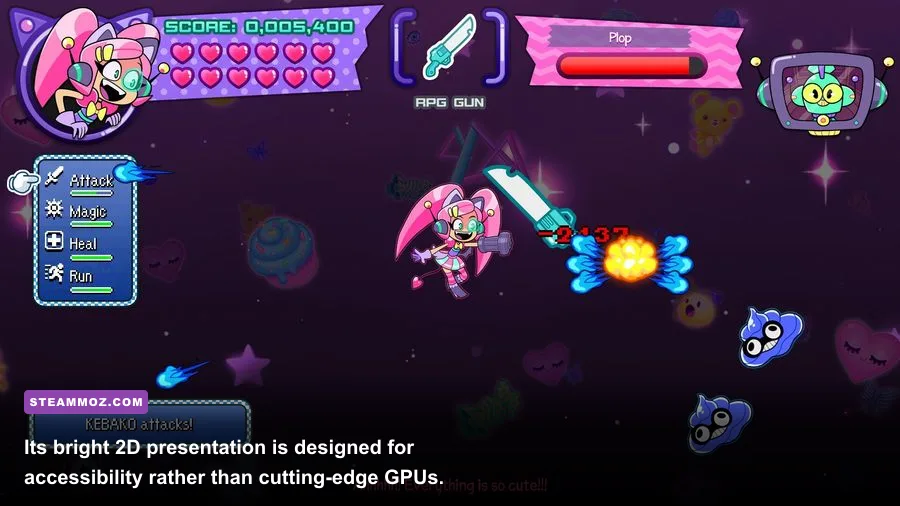
No. A dedicated NVIDIA or AMD graphics card is overkill for Amuse-Bouche. The visual identity is built around stylized 2D artwork, simple effects, and compact arcade scenes rather than physically based materials or large 3D environments. Intel UHD, Intel Iris Xe, AMD Radeon integrated graphics, and comparable laptop GPUs should be more than adequate when their drivers support the game’s required API.
That is good news for handheld PCs and older portable systems, too. The game’s tiny footprint makes it a natural fit for low-power hardware, although the exact experience depends on whether the device runs Windows and how well its controls map to the game. Steam Input can help with controller layouts, but it is worth testing the default bindings before building a custom profile.
Do not confuse a high refresh-rate monitor with a high GPU requirement. A 120 Hz or 144 Hz display can make menus and desktop motion feel smoother, but it does not turn this into a demanding 3D workload. If you encounter tearing, try fullscreen mode and enable a driver-level or in-game synchronization option if available. Avoid forcing a stack of different frame limiters at once; conflicting limits can create worse pacing than leaving one clean limiter active.
Best PC settings for a smooth experience
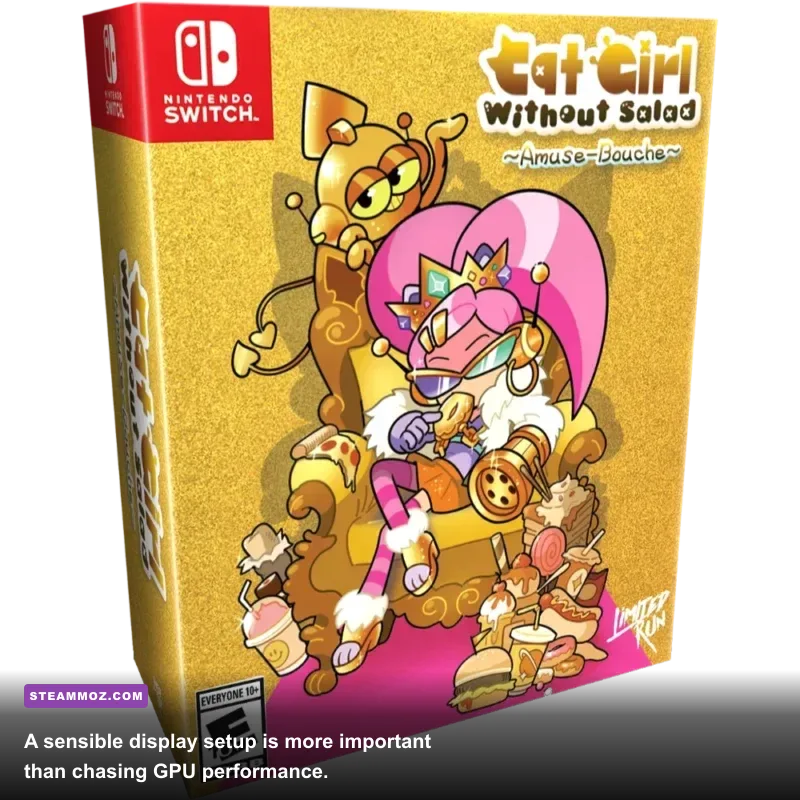
Amuse-Bouche does not need an elaborate optimization profile. Start with the native resolution of your monitor and fullscreen mode. If the image appears soft or oddly scaled, test borderless or windowed mode, then check Windows display scaling. On older systems, lowering resolution is the first sensible performance test, but you should not need to sacrifice image quality on modern integrated graphics.
| Setting or adjustment | Recommended value | Performance impact | Visual or control note |
|---|---|---|---|
| Display mode | Fullscreen | Low | Can reduce desktop compositing and improve focus. |
| Resolution | Native monitor resolution | Low to moderate | Best clarity; lower only if an old PC struggles. |
| V-sync | On if tearing appears | Low | May add a small amount of latency on some systems. |
| Frame limiter | Use one limiter only | Low | Prevents conflicting caps from causing uneven pacing. |
| Overlays | Disable if troubleshooting | Low | Steam, recording, and chat overlays can occasionally interfere. |
| Power mode | Balanced or Best Performance | Low | Useful on laptops that downclock aggressively on battery. |
If you regularly tune older PC games, the same rule applies here as in our Kholat graphics settings guide: change one variable at a time. Measure whether the issue is truly performance-related before lowering every visual option. For Amuse-Bouche, stutter is more likely to come from the operating environment than from a GPU running out of horsepower.
Common problems on low-end PCs
The most likely trouble spots are not conventional frame-rate disasters. You may see a black screen, an incorrect resolution, tiny UI elements, controller detection problems, or a game window that loses focus. Those issues are especially common on older laptops with unusual aspect ratios or aggressive display scaling.
If the game runs slowly
First, check whether the laptop is on battery power. Many portable PCs sharply reduce CPU and integrated-GPU clocks away from the charger. Next, close browsers, screen recorders, RGB utilities, and hardware monitoring overlays. Then test fullscreen at a lower resolution. If that changes nothing, update the graphics driver through the laptop manufacturer or GPU vendor rather than assuming the hardware is too weak.
If the display looks stretched or blurry
Use the monitor’s native resolution and temporarily set Windows scaling to 100 percent for testing. Some older games do not handle unusual scaling combinations gracefully. If fullscreen looks worse, borderless windowed mode can be the cleaner compromise. The goal is a stable, correctly proportioned image—not a lower resolution by default.
If a controller is not detected
Connect the controller before launching the game, then verify its layout through Steam Input. Wired USB is the best diagnostic option because it removes Bluetooth pairing and power-management variables. If you play several older PC games, our Kane & Lynch 2 PC tips and Kujlevka settings guide cover the same broader habit: isolate input, display, and performance problems instead of changing everything at once.
Should you buy it for an older computer?
If your machine runs Windows 7 or newer, has a 2.0 GHz processor, at least 2 GB of RAM, a DirectX 9.0c-capable GPU, and around 200 MB free, it meets the published minimum. A Windows 10 or 11 PC with 4 GB of RAM and integrated graphics is a comfortable practical target. You do not need a gaming laptop, SSD, discrete graphics card, or high-end CPU.
The only caveat is that “can launch” and “ideal setup” are different claims. A barely compatible old notebook may need fullscreen testing, driver updates, and a wired controller. A modern office laptop should be effortless. Either way, this is one of the safest low-spec games to keep in a small Steam library, especially if you want quick arcade sessions without a multi-gigabyte installation.
For comparison, demanding games often need the kind of tuning covered in Steamoz’s Hunt: Showdown FPS settings guide. Cat Girl Without Salad: Amuse-Bouche sits at the opposite end of that spectrum. Meet the modest minimum, keep the display configuration sensible, and your PC should be ready to serve up its bite-sized arcade action.