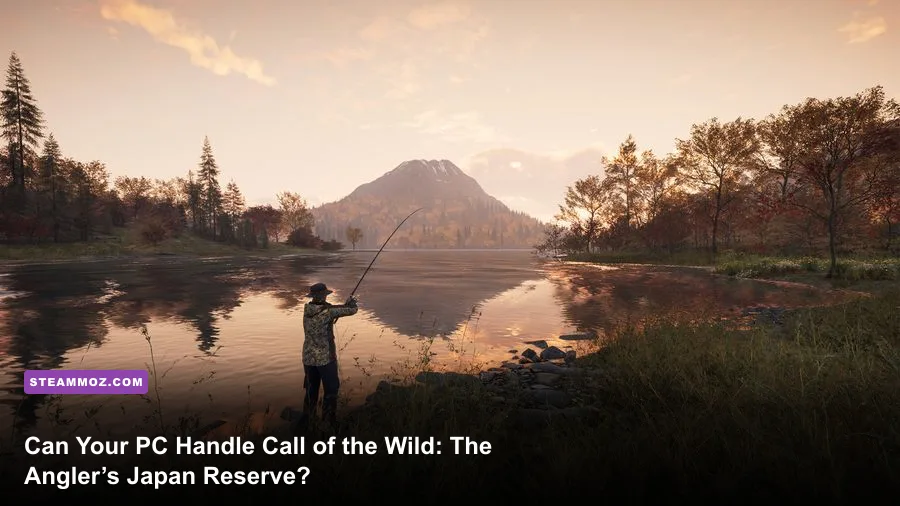
Yes, most modern gaming PCs can run Call of the Wild: The Angler – Japan Fishing Reserve, because the reserve uses the same core technology and PC requirements as the base game. The official minimum target is an Intel Core i5-6400, 8 GB of RAM, and a GeForce GTX 660 with 2 GB of VRAM. For a smoother 1080p experience, aim for an Intel Core i7-4770, 16 GB of RAM, and a GTX 1060 6 GB or comparable graphics card. Japan’s dense vegetation, long sightlines, water reflections, and boat travel make the recommended specification the far safer target.
The Japan Fishing Reserve is downloadable content rather than a separate PC release, so it doesn’t install a second executable with a different hardware baseline. You’ll still need 25 GB of available storage, a 64-bit version of Windows 10, and enough headroom for shader compilation and streaming the reserve’s open environments. Before buying, compare your parts against the table below and check the official Steam listing.
Call of the Wild The Angler Japan Fishing Reserve PC requirements

The important detail is that the Japan Fishing Reserve doesn’t demand a new tier of hardware beyond The Angler’s published requirements. The minimum specification is aimed at getting the game running, not guaranteeing a locked 60 frames per second. That distinction matters in this game. A quiet fishing spot beside a small pond is much easier to render than a mountain overlook with distant forests, reflective water, weather effects, and several players or boats nearby.
| Component | Minimum | Recommended | What it means in Japan |
|---|---|---|---|
| Operating system | Windows 10 64-bit | Windows 10 64-bit | Keep Windows and GPU drivers current |
| Processor | Intel Core i5-6400 | Intel Core i7-4770 | Extra CPU headroom helps in dense outdoor areas |
| Memory | 8 GB RAM | 16 GB RAM | 16 GB is strongly preferred for fewer streaming hitches |
| Graphics card | GeForce GTX 660 2 GB | GeForce GTX 1060 6 GB | VRAM matters at high textures and 1440p |
| Storage | 25 GB available | 25 GB available | Use an SSD if possible |
| DirectX | Version 12 | Version 12 | Required for the game’s rendering path |
Equivalent AMD hardware can work perfectly well, but compare performance rather than model numbers alone. A Radeon RX 570 or RX 580 generally gives more practical modern headroom than the old GTX 660 minimum, while an RX 5600 XT, RX 6600, or similar card is a more comfortable match for the recommended GTX 1060 class. On the CPU side, newer six-core Ryzen 5 and Core i5 processors are much better suited to open-world streaming than the aging four-core chips listed by the developer.
For the exact platform information, also check The Angler’s official website and Avalanche Studios Group. Requirements can be revised after patches, so the store page remains the final word if your PC is close to the line.
🎮 Call of the Wild The Angler - Japan Fishing Reserve
Looking to experience this game? Grab your digital key directly on our store for $5.99.
View on Steammoz Store →What performance to expect at 1080p, 1440p, and 4K
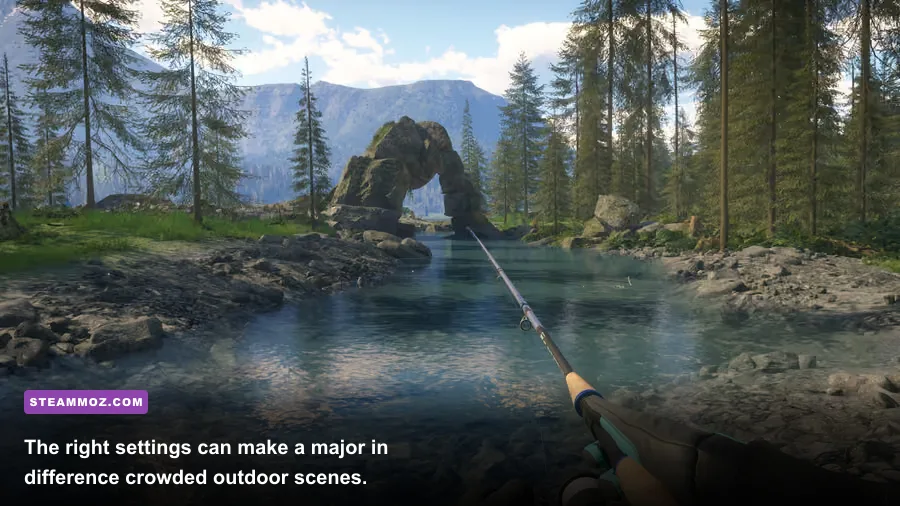
There’s no universal FPS number for The Angler because the game’s heaviest moments are tied to scenery, weather, water, and view distance rather than fishing mechanics alone. A system around the official minimum can launch the game and remain playable at 1080p Low, but 30 FPS is a more realistic expectation than a flawless 60. The recommended GTX 1060-class machine is better viewed as a 1080p Medium-to-High setup, not a 1440p Ultra guarantee.
| PC tier | Resolution | Starting profile | Practical expectation |
|---|---|---|---|
| Minimum-class PC | 1080p | Low, with shadows reduced | Playable 30 FPS target; dips in dense areas |
| Recommended-class PC | 1080p | Medium or High mix | Best balance; target around 60 FPS |
| Modern mid-range PC | 1440p | High with foliage and shadows tuned | Smooth 60 FPS is realistic with the right GPU |
| Current high-end PC | 1440p or 4K | High or Ultra, depending on GPU | High image quality, but 4K still taxes the GPU |
The biggest trap is assuming that an older card with enough raw VRAM will deliver high settings everywhere. The GTX 660’s 2 GB memory is enough for the minimum profile, but texture quality, reflections, and long-distance detail can push it quickly. You’ll see hitching when moving rapidly by boat or vehicle if the system is also short on RAM. An SSD won’t magically raise average FPS, but it can reduce the ugly pauses that happen while the reserve streams terrain and foliage.
CPU limits show up differently. If your GPU usage falls well below 90 percent while the frame rate refuses to rise, the processor may be handling world simulation, streaming, input, or multiplayer activity. Closing browsers and recording software helps, but an old four-core CPU has a hard ceiling. This is one reason 16 GB of RAM and a recent six-core processor are better investments than chasing Ultra settings.
Best graphics settings for stable fishing FPS
Start with the High preset only if your recommended-class hardware is genuinely modern. Then adjust the settings that affect outdoor rendering most heavily. Ultra can make forests and distant terrain look richer, but fishing is a slow, observational game; a stable frame rate is more valuable than barely visible foliage detail at maximum range.
| Setting | Recommended value | FPS impact | Visual trade-off |
|---|---|---|---|
| Resolution | Native 1080p or 1440p | Very high | Lower only when GPU-limited |
| Textures | High if VRAM allows | Low to medium | Lower sharpness and surface detail |
| Shadows | Medium | High | Less precise tree and object shading |
| Foliage quality | Medium or High | High | Changes vegetation density and range |
| View distance | High | Medium to high | Distant terrain and objects appear later |
| Water quality | High | Medium | Reflections and surface detail are reduced |
| Ambient occlusion | Medium | Medium | Contact shadows look flatter |
| Motion blur | Off | Small | Cleaner camera movement and aiming |
| V-Sync | Off with a frame cap | Low | May introduce tearing without a cap |
For a minimum-spec machine, use 1080p Low, Medium textures only if the card has enough VRAM, shadows on Low, foliage on Low, water on Medium, and view distance on Medium. Cap the game at 30 FPS if frame pacing is erratic. A consistent 30 feels much better than a jump between 25 and 45 while you’re trying to read a bite or steer a boat.
For a recommended or newer 1080p PC, begin with High textures, Medium shadows, High water, High view distance, and Medium ambient occlusion. If you’re chasing 60 FPS, lower shadows and foliage before textures. At 1440p, reduce water reflections and foliage one step before dropping the entire resolution. Players using a variable-refresh monitor should enable FreeSync or G-SYNC and cap FPS a few frames below the display’s refresh rate.
If you’re troubleshooting another demanding PC game, Steamoz’s ELEX PC fixes guide covers the same driver, overlay, and configuration checks that often help here. The Everspace 2 FPS troubleshooting guide is also useful for diagnosing whether a problem is caused by CPU load, GPU load, or unstable frame pacing.
Why Japan can be harder on your PC than the base game
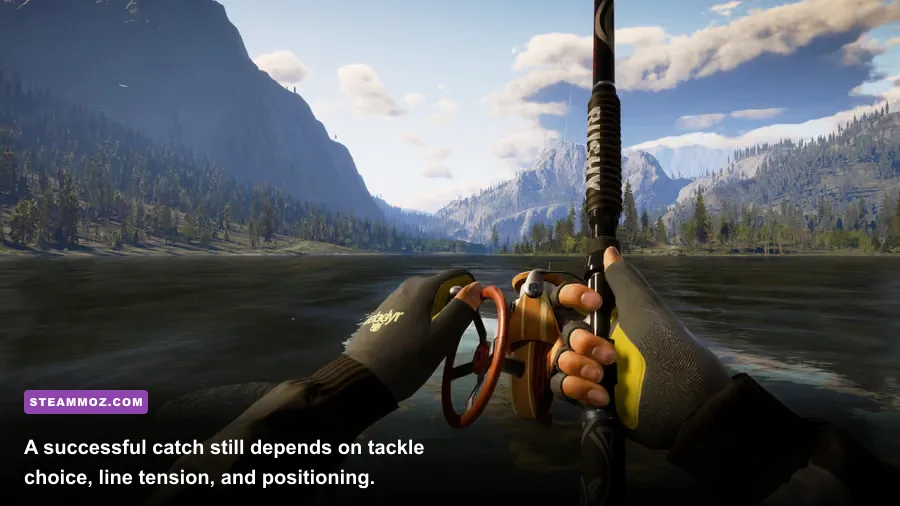
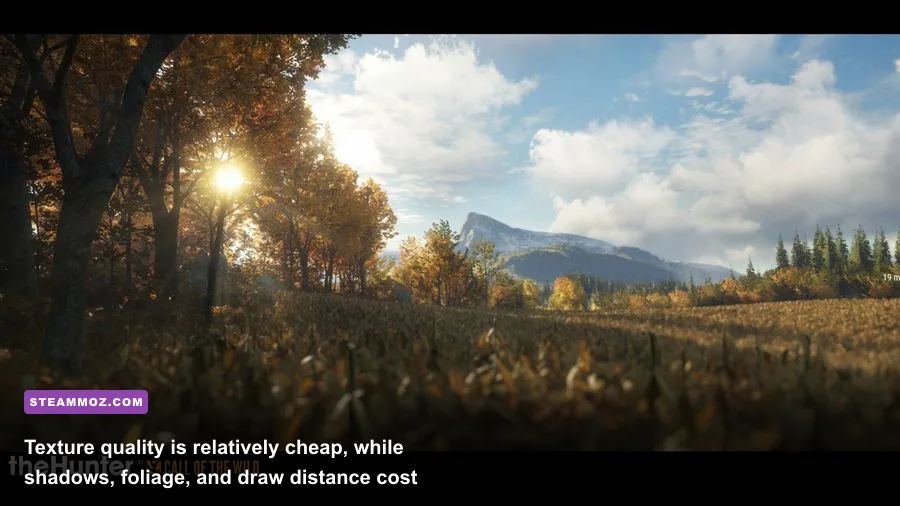
The Japan Fishing Reserve is visually demanding for the same reason the game’s other large regions can be demanding: the camera often sees a huge amount of world at once. Mountainous horizons, layered forests, roads, water surfaces, weather, and wildlife all compete for rendering time. A narrow river surrounded by trees can stress the GPU more than a wide empty lake because foliage creates thousands of overlapping objects and alpha textures.
Boat travel exaggerates the issue. You move faster, so the engine has less time to prepare distant terrain and vegetation. If you notice stutters mainly while driving between fishing spots, don’t immediately blame the fishing simulation. Turn down view distance and foliage first, install the game on an SSD, and leave at least 10 to 15 percent free space on that drive. Windows also needs room for temporary shader and paging activity.
Multiplayer can add another layer of inconsistency. The fishing line, lure, and fish behavior are not a competitive twitch test, but online activity can make a busy outpost or shared reserve feel less stable on an older CPU. Lowering resolution won’t fix a CPU bottleneck. Watch GPU usage with an overlay: high GPU utilization means lower image settings or resolution will help; low GPU utilization with poor FPS points toward the CPU, memory, background applications, or frame pacing.
Don’t disable every visual effect blindly. Water quality affects one of the game’s most visible surfaces, while textures make the reserve feel dramatically less detailed when reduced too far. Shadows and foliage are the smarter sacrifices. You’ll preserve the calm, scenic look of Japan while recovering frames where the engine spends the most effort.
Upgrade priorities and final verdict
If your PC only meets the minimum, the first meaningful upgrade is usually the graphics card, especially if you want High settings. The GTX 660 is now a baseline part, and its 2 GB of VRAM limits texture quality and causes more frequent streaming pressure. A modern 6 GB or 8 GB card will make the reserve far more comfortable at 1080p. If you already own a stronger GPU but have 8 GB of system RAM, move to 16 GB next; that upgrade helps reduce background-memory pressure and traversal stutter.
| Upgrade situation | Best first upgrade | Why it matters | Expected benefit |
|---|---|---|---|
| GTX 660 or similar | Modern 6 GB+ GPU | Improves rendering and VRAM headroom | Higher settings and steadier 1080p |
| 8 GB RAM with a decent GPU | 16 GB dual-channel RAM | Reduces system-memory pressure | Fewer traversal and background hitches |
| Old four-core CPU | Modern six-core platform | Handles streaming and simulation better | Better lows in busy outdoor scenes |
| Mechanical hard drive | SATA or NVMe SSD | Improves asset access and loading | Less waiting and fewer streaming pauses |
| 1440p monitor on mid-range GPU | GPU upgrade or 1080p rendering | Higher resolution is GPU-heavy | More consistent frame rate |
In plain terms, Call of the Wild: The Angler – Japan Fishing Reserve runs on modest hardware, but the official minimum is a floor, not a comfort zone. A GTX 660-class system can explore Japan if you accept Low settings and a 30 FPS target. A GTX 1060-class PC with 16 GB of RAM should handle 1080p far more convincingly, while newer mid-range hardware is the sweet spot for High settings and 1440p.
Install the latest GPU driver, use an SSD, shut down unnecessary overlays, and tune shadows, foliage, and view distance before sacrificing texture quality. Those changes preserve the reserve’s atmosphere while targeting the settings that actually cost frames. For more PC-focused reading, see Steamoz’s Far Cry 6 performance settings guide and PC requirements coverage. With the right profile, Japan’s forests, rivers, and mountain lakes can look excellent without turning every boat trip into a stutter test.