
Bee Simulator is a fairly approachable PC game, but its official requirements are higher than the cartoon presentation suggests: you need at least an Intel Core i5-2500K or AMD FX-8350, 4 GB of RAM, and a GeForce GTX 770 or Radeon R9 290. For a smoother 1080p experience, the recommended target is an Intel Core i7-4770K or Ryzen 5 1600, 8 GB of RAM, and a GTX 970 or Radeon RX 580. The game asks for 7 GB of storage and DirectX 11 support.
Those figures come from the game's official Steam listing. They date from the game's original PC release, so modern hardware will usually clear them comfortably. The catch is that Bee Simulator isn't just rendering a small static garden: it streams broad outdoor spaces, handles foliage and animated wildlife, and keeps the camera moving constantly as you fly.
Bee Simulator minimum system requirements
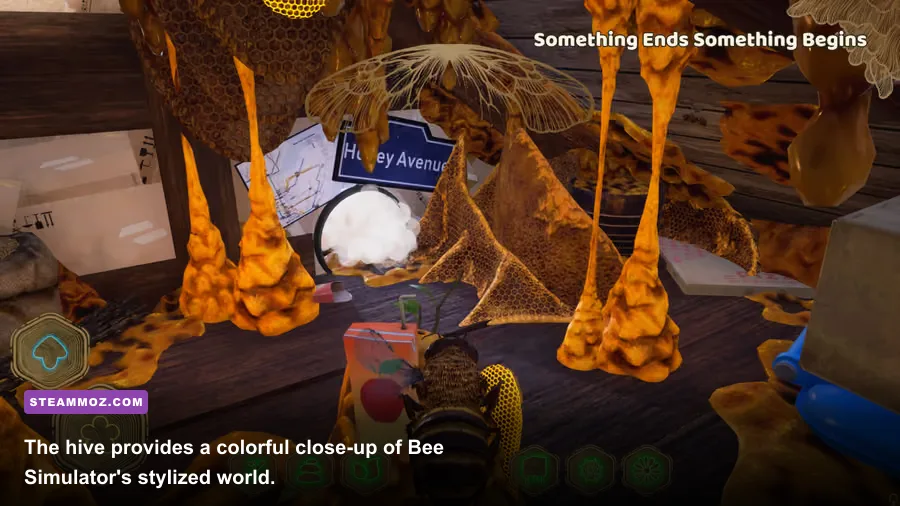
The minimum specification is enough to launch and play Bee Simulator, but don't mistake “minimum” for a guaranteed 60 frames per second. The Core i5-2500K and FX-8350 are older desktop processors with four and eight nominal cores respectively, while the GTX 770 and R9 290 belong to a much earlier graphics generation. A system at this level should be treated as a 720p-to-900p, low-to-medium-settings machine rather than a locked-1080p setup.
| Component | Minimum specification | What it means in practice |
|---|---|---|
| Operating system | Windows 7 | Use a supported 64-bit Windows installation with current GPU drivers. |
| Processor | Intel Core i5-2500K or AMD FX-8350 | Playable for basic flight, but busy outdoor areas can expose CPU limits. |
| Memory | 4 GB RAM | Enough for the game itself, with little headroom for browsers and launchers. |
| Graphics card | NVIDIA GeForce GTX 770 2 GB or AMD Radeon R9 290 4 GB | Target low or medium settings and reduce resolution if frame pacing suffers. |
| DirectX | Version 11 | The GPU must support the DirectX 11 feature set. |
| Storage | 7 GB available space | An SSD is preferable for faster loading, although the listed capacity is small. |
The 4 GB RAM figure is the biggest warning sign on a modern Windows PC. It may satisfy the listing, yet Windows, Steam, audio software, and a browser can consume most of that memory before the hive even loads. If your machine has only 4 GB, close background applications and expect occasional hitching when moving between large areas. An inexpensive upgrade to 8 GB is more valuable than chasing a tiny overclock.
Don't read the CPU comparison too literally, either. A newer four-core processor such as a Ryzen 3 or recent Core i3 can outperform both listed chips despite having a lower-sounding model number. Laptop parts are more complicated: a mobile GTX 1650 is modern and efficient, but its performance depends heavily on its power limit and cooling. Check the actual GPU model, not just the amount of video memory.
🎮 Bee Simulator: The Hive
Looking to experience this game? Grab your digital key directly on our store for $14.99.
View on Steammoz Store →Recommended PC specs for smooth 1080p play

Bee Simulator's recommended tier calls for an Intel Core i7-4770K or AMD Ryzen 5 1600, 8 GB of RAM, and either a GTX 970 with 4 GB of VRAM or an RX 580 with 8 GB. This is the sensible baseline for 1080p with higher visual settings, though the official list doesn't promise a specific frame rate. In practical terms, these parts should provide a much more comfortable experience than the minimum hardware, particularly when flying over dense vegetation or populated areas.
| Component | Recommended specification | Why it matters |
|---|---|---|
| Operating system | Windows 10 | Offers a more current driver and background-service environment than Windows 7. |
| Processor | Intel Core i7-4770K or AMD Ryzen 5 1600 | Extra threads help with world streaming, AI activity, and stable frame pacing. |
| Memory | 8 GB RAM | Provides useful headroom for Windows and normal background applications. |
| Graphics card | NVIDIA GeForce GTX 970 4 GB or AMD Radeon RX 580 8 GB | Designed for higher-quality 1080p rendering across outdoor scenes. |
| DirectX | Version 11 | Confirms compatibility with the game's rendering requirements. |
| Storage | 7 GB available space | Keep additional free space for updates and smoother drive operation. |
There are two useful details hidden in that comparison. First, the recommended processor isn't about raw cinematic visuals; it's about avoiding uneven delivery while the game streams scenery and runs simulation routines. A powerful GPU paired with an old dual-core or heavily throttled laptop CPU can still produce stutter. Second, the RX 580's 8 GB VRAM gives it more texture headroom than the GTX 970, although both cards are broadly aimed at the same 1080p class.
For a current gaming PC, 16 GB of system memory is the comfortable sweet spot even though the game lists 8 GB. It won't magically increase Bee Simulator's average FPS, but it reduces the chance of Windows paging and makes multitasking painless. If you're buying hardware specifically for this title, spend less time worrying about an expensive flagship GPU and more time choosing a balanced four- or six-core CPU with a dedicated graphics card.
How demanding is Bee Simulator in real gameplay?
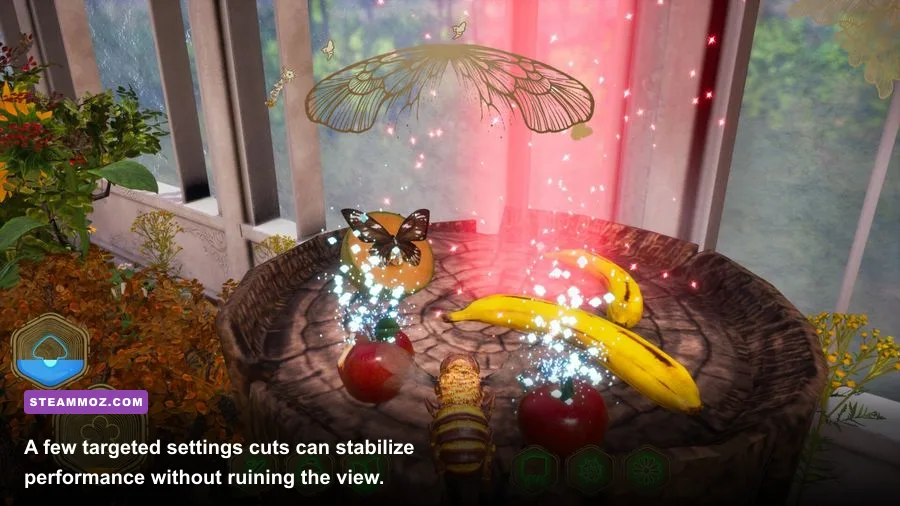
The busiest scenes aren't necessarily inside the hive. Bee Simulator's outdoor flight areas combine long sightlines, animated grass and flowers, trees, NPCs, other insects, and frequent camera movement. Flying quickly across the map also means the engine has to keep presenting new scenery without the player giving it time to settle. That makes frame pacing noticeable: a game running at an inconsistent 45 FPS can feel less comfortable than one locked at 30.
Pollination and exploration objectives can be particularly revealing on older systems. You spend much of the time close to foliage and moving laterally through the environment, so stutters show up as visible judder rather than disappearing behind a fixed camera. Combat encounters with rival insects are less graphically intense, but fast turns and close-range attacks make input delay more obvious.
| Hardware position | Suggested resolution | Likely target | Best use case |
|---|---|---|---|
| Below minimum | 720p, low | 30 FPS with possible dips | Only worth attempting after checking driver support and thermals. |
| Minimum-class desktop | 900p or 1080p, low/medium | 30–45 FPS depending on location | Story missions and relaxed exploration. |
| Recommended-class PC | 1080p, high | 45–60 FPS in typical play | Best balance for broad outdoor scenes. |
| Modern mid-range PC | 1080p or 1440p, high | 60 FPS target | High-quality visuals with room for resolution scaling. |
These are practical targets, not a developer-issued benchmark. Bee Simulator's exact performance varies with resolution, driver version, background load, and whether your laptop is plugged in. The best test is a repeatable route through a dense outdoor section rather than standing still in the hive. Watch for 1% lows and hitching, not just the largest number in an FPS counter.
Best graphics settings for older PCs

If you're near the minimum requirements, start with the game's standard Low preset, then adjust individual options. Dropping every setting blindly can make the world look flat while failing to fix the setting that is actually limiting your system. Resolution and shadows usually deliver the quickest gains; view distance and foliage can help when the processor or GPU is struggling with the open environment.
| Setting | Recommended value | Performance impact | Visual trade-off |
|---|---|---|---|
| Resolution | 1920×1080 on recommended hardware; 1600×900 or 1280×720 on minimum hardware | Very high | Lower values soften the image but provide the largest immediate FPS gain. |
| Resolution scale | 90–100% for mid-range PCs; 75–85% for struggling systems | High | Preserves the display resolution while reducing internal render cost. |
| Shadows | Medium | High | Lower settings simplify tree and character shadows without hurting geometry. |
| View distance | Medium | Medium to high | Reduces distant detail and can improve traversal stutter. |
| Foliage and effects | Medium | Medium | Reduces dense grass and particle activity around flowers. |
| Anti-aliasing | Medium or temporal option | Low to medium | Lower values create shimmer, especially on grass and branches. |
| V-sync | On for 60 Hz displays; off with adaptive sync | Situational | Can remove tearing, though it may add latency or amplify dips. |
Use an FPS cap if the game repeatedly swings between 60 and 40 FPS. A stable 30 or 45 FPS can feel better than an erratic unlocked frame rate, especially during long flight sections. If your monitor supports FreeSync or G-Sync, enable adaptive sync and cap a few frames below the panel's maximum refresh rate.
On laptops, set the Windows power mode to Best Performance, connect the charger, and make sure Bee Simulator uses the dedicated GPU rather than integrated graphics. Update the graphics driver before troubleshooting. For broader Windows performance problems, our guides to fixing poor PC performance and stopping crashes and low FPS cover the same basic checks.
Before buying, check these PC compatibility details

Start by comparing your exact processor and graphics card against the table, then check whether your GPU is dedicated. Integrated graphics such as Intel UHD or older Radeon Vega chips may launch the game, but they aren't a safe match for the listed GTX 770 or R9 290 class. Newer integrated Radeon graphics can be much faster, yet performance still depends on dual-channel memory and the laptop's thermal limits.
Storage is straightforward: Bee Simulator requires 7 GB, but leave more free space than that on the installation drive. An SSD won't raise the game's rendering FPS, but it can shorten loading and reduce the unpleasant pauses associated with a busy mechanical hard drive. Verify the installation files through Steam if textures, audio, or world sections fail to load correctly.
Also check the official Bee Simulator website and the publisher's current support information before purchasing on unusual hardware. The listed requirements are a useful baseline, not a guarantee for every laptop configuration. If your PC sits between the two tiers, use the recommended CPU and 8 GB RAM as the priority, then lower resolution scale and shadows before sacrificing everything else.
For most modern gaming PCs, Bee Simulator is not a difficult game to run. A recent Core i5 or Ryzen 5, 16 GB of RAM, and a GTX 1660, RX 5600 XT, or newer card should leave plenty of breathing room at 1080p. The minimum spec is workable but dated; the recommended spec is the safer buying target. And if you're diagnosing a sudden performance drop after an update, our PC crash and FPS troubleshooting guide is a useful next stop.