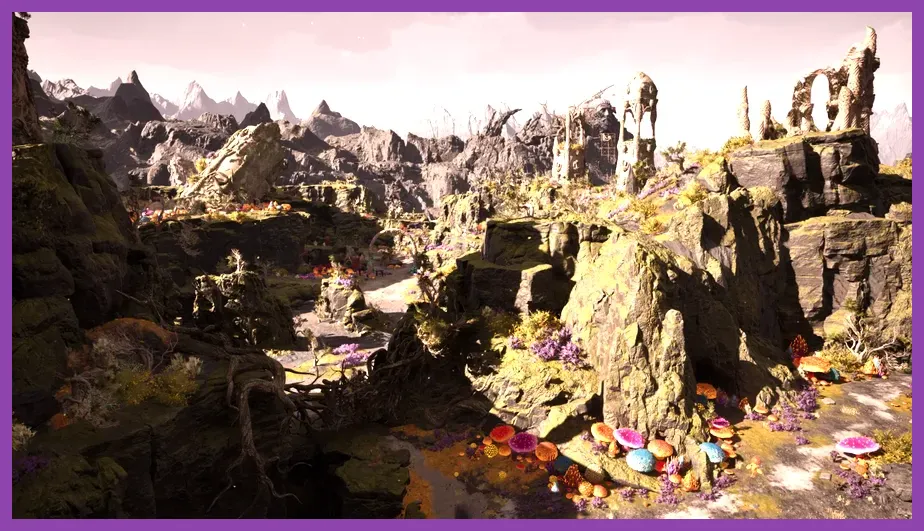
If you want to play Avowed on PC, the practical baseline is a GTX 1070 or Radeon RX 5700, an Intel Core i7-8700 or AMD Ryzen 5 2600, 16 GB of RAM, and a 75 GB SSD. For the recommended experience, Obsidian lists an RTX 3080 or Radeon RX 6800 XT, paired with an i7-10700K or Ryzen 5 5600X and 16 GB of RAM. The minimum target is 1080p at 30 frames per second on Low settings, while the recommended target is designed around 1440p at 60 fps on High.
These requirements matter because Avowed is a modern Unreal Engine 5 role-playing game with large outdoor regions, detailed settlements, real-time lighting, dense foliage, and effects-heavy first-person combat. A PC that technically meets the minimum specification can launch the game, but it should not be expected to deliver a locked 60 fps experience. Before buying, compare every part of your system rather than checking only the graphics card.
Avowed minimum system requirements
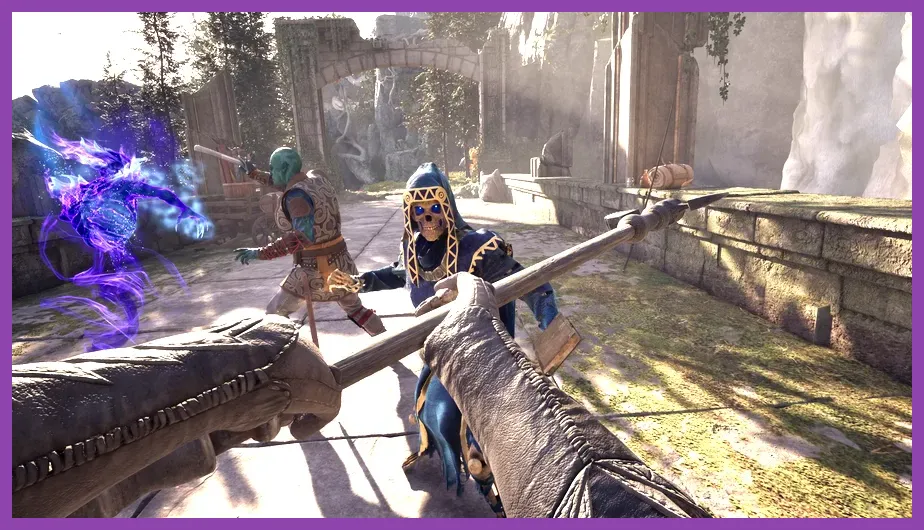
The official minimum specification is the starting point for 1080p gameplay at 30 fps using Low graphics settings. Here is the hardware you need:
- Operating system: Windows 10 or Windows 11
- Processor: Intel Core i7-8700 or AMD Ryzen 5 2600
- Memory: 16 GB RAM
- Graphics card: Nvidia GeForce GTX 1070 or AMD Radeon RX 5700
- DirectX: Version 12
- Storage: 75 GB available space on an SSD
The 16 GB memory requirement is important. Avowed is not a sensible 8 GB RAM game, particularly if you play with a browser, Discord, recording software, or launchers open in the background. Closing unnecessary applications can reduce hitching, but it will not replace missing system memory.
The GTX 1070 and RX 5700 are also very different from entry-level cards such as a GTX 1650, GTX 1060 3GB, or RX 580 in practical performance. If your GPU is below the listed minimum, expect major compromises in resolution, texture quality, and frame rate. Check the official Avowed Steam page for the current requirement listing and platform updates.
What the minimum PC should realistically deliver
At minimum hardware, begin with 1080p, Low preset, motion blur disabled, and an upscaler set to Balanced or Performance if available for your GPU. Keep shadows, volumetric fog, and global illumination low because those options usually create the largest frame-time spikes. A 30 fps cap can make uneven performance feel more consistent, especially in combat encounters involving several enemies, fire effects, and particle-heavy abilities.
An SSD is not optional in practical terms. The listed 75 GB capacity describes the game installation, while patches and temporary files require additional free space. Installing Avowed on a hard disk drive can increase loading times and worsen texture or asset streaming in locations such as Paradis and the wider Living Lands.
Avowed recommended system requirements
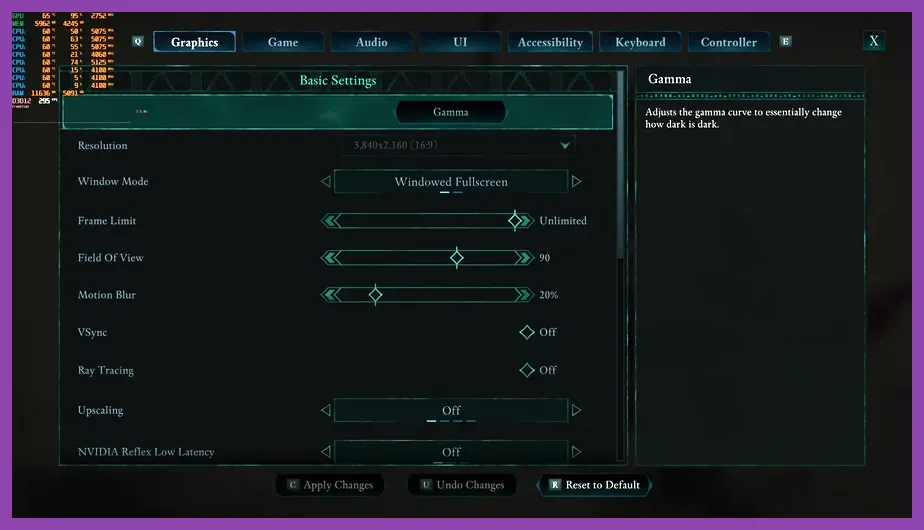
For the recommended Avowed experience, use the following hardware:
- Operating system: Windows 10 or Windows 11
- Processor: Intel Core i7-10700K or AMD Ryzen 5 5600X
- Memory: 16 GB RAM
- Graphics card: Nvidia GeForce RTX 3080 or AMD Radeon RX 6800 XT
- DirectX: Version 12
- Storage: 75 GB available space on an SSD
The recommended GPU jump is substantial. An RTX 3080 or RX 6800 XT provides far more raster performance and video memory than the GTX 1070-class minimum cards. That extra headroom helps at 1440p, where Avowed's detailed environments, shadows, foliage, and effects can quickly overwhelm older hardware.
The processor recommendation also reflects more than average frame rate. The i7-10700K and Ryzen 5 5600X have the thread capacity needed for world streaming, NPC activity, physics, and combat logic. A weaker CPU paired with a powerful graphics card may still produce stutter in large areas or busy settlements. Read our guide on fixing lag and low FPS on PC for general background-process and performance checks that also apply here.
Is 16 GB RAM enough for Avowed?
Yes, 16 GB is the official recommended amount, but 32 GB is a worthwhile upgrade for multitasking. The game itself can run within the listed memory target, yet Windows, a browser, Discord, and GPU recording tools reduce the margin available for asset streaming. If you experience sudden hitching while moving rapidly between areas despite meeting the GPU requirement, memory pressure and background applications are worth investigating.
Best Avowed graphics settings by hardware
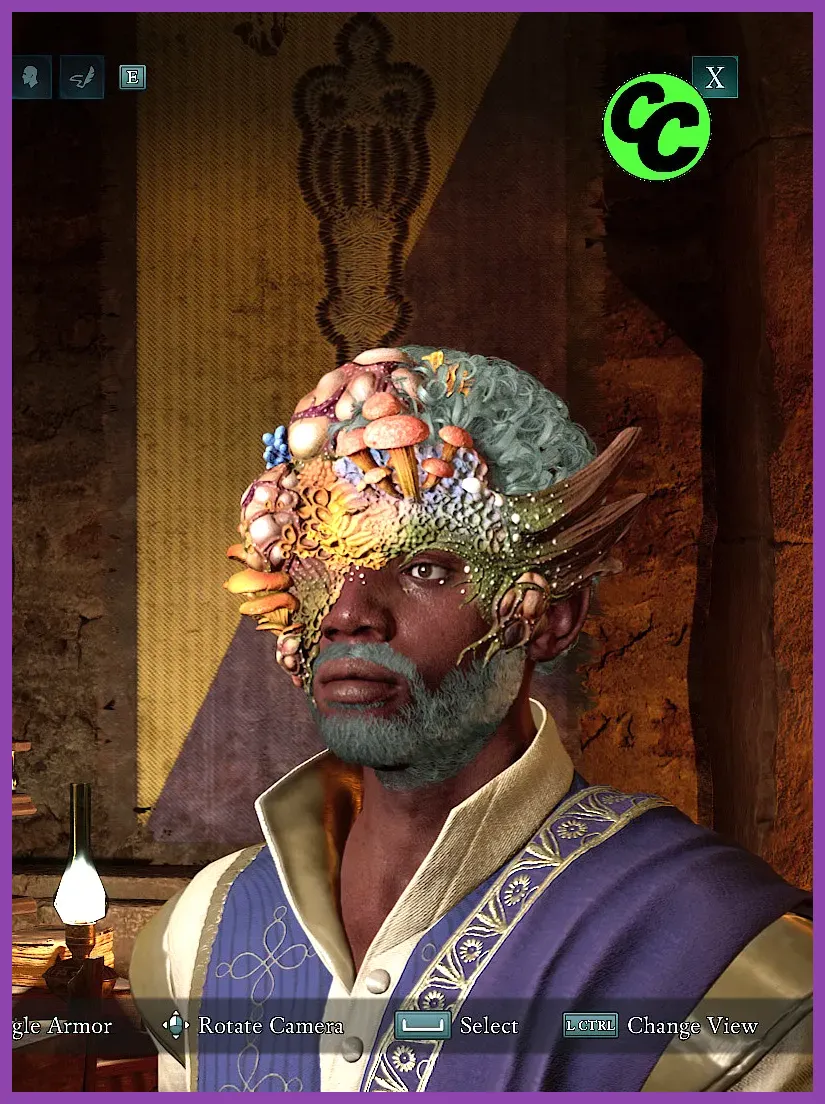
Minimum-spec profile: 1080p and stable 30 fps
- Resolution: 1920x1080
- Preset: Low
- Textures: Medium if VRAM allows; otherwise Low
- Shadows: Low
- Volumetric effects: Low
- Foliage and view distance: Low or Medium
- Upscaling: Balanced
- Motion blur: Off
- Frame limit: 30 fps
Textures are usually safer to raise than shadows or volumetrics, but only if the graphics card has adequate VRAM. If you see texture pop-in, muddy surfaces, or hitching when turning quickly, lower textures first and confirm the game is installed on an SSD. Avoid lowering resolution immediately; upscaling can preserve a sharper image at a lower internal render resolution.
Recommended profile: 1440p and 60 fps
- Resolution: 2560x1440
- Preset: High
- Textures: High
- Shadows: Medium or High
- Volumetric effects: Medium
- Foliage and view distance: High
- Upscaling: Quality
- Motion blur: Off or Low
- Frame limit: 60 fps or your monitor refresh target
Start with the High preset, then reduce shadows and volumetric effects before touching textures. If your GPU supports DLSS, use Quality at 1440p; compatible Radeon cards can test FSR, while Intel Arc users should compare XeSS against native rendering. Upscaling names and frame-generation support can change with patches, so consult the official Avowed forums when a driver or game update changes performance.
CPU, GPU, and SSD upgrade priorities
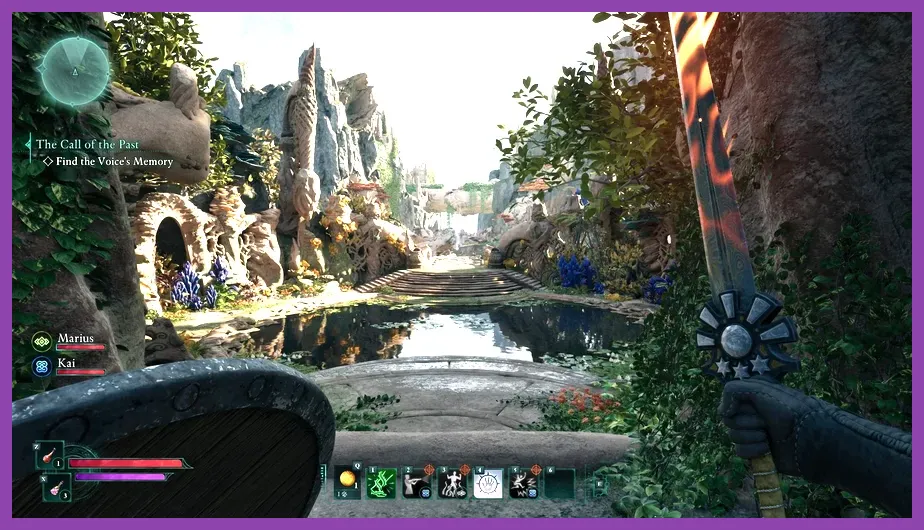
If your current PC falls short, upgrade according to the component causing the bottleneck. A GTX 1070 or RX 5700 is the minimum graphics floor, but a modern card with 8 GB or more VRAM is a safer purchase for high-quality textures. The recommended RTX 3080 and RX 6800 XT are older enthusiast cards, so newer equivalents may deliver similar results with better efficiency and features.
For the processor, six modern cores are a sensible baseline. The Ryzen 5 5600X remains a useful reference point, while older four-core CPUs can cause frame-time spikes even when average fps appears acceptable. Monitor GPU utilization and CPU thread load: GPU usage near 95-99 percent indicates a graphics limit, while a low GPU percentage during stutter points toward the CPU, memory, or streaming system.
Do not overlook storage health. Keep at least 100 GB free on the drive containing Avowed, update your graphics driver, and avoid running the game from an external USB hard drive. Windows 11 users should also check that the game is using the dedicated GPU rather than integrated graphics. Steam's official troubleshooting guidance is useful for validating files and resolving installation problems.
Can your gaming PC run Avowed?
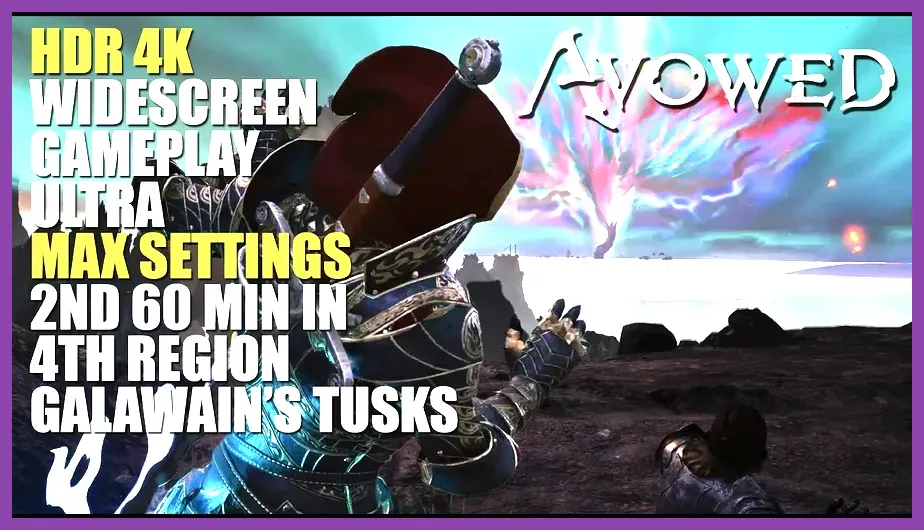
Use the minimum specification as a firm launch point, not a 60 fps promise. A PC with a Ryzen 5 2600, 16 GB RAM, and RX 5700-class graphics should target 1080p Low at 30 fps. A system with a Ryzen 5 5600X or i7-10700K, 16 GB RAM, and RTX 3080 or RX 6800 XT-class GPU can aim for 1440p High at 60 fps, particularly with Quality upscaling.
Players between those two targets should use a custom profile rather than blindly selecting Ultra. For example, an RTX 3060 Ti or RX 6700 XT can sensibly begin at 1080p or 1440p Medium, with High textures, Medium shadows, and Quality or Balanced upscaling. The exact result depends on driver version, patch state, resolution, and whether ray-traced or advanced lighting options are available in your build.
Finally, Avowed's combat makes consistency more valuable than a high screenshot number. Stable frame pacing helps when blocking with a shield, swapping between weapons, or casting abilities against groups of enemies. If you are tuning the rest of your PC library, our Monster Hunter Wilds beginner guide covers similar performance-minded preparation for demanding action RPGs.
In short, 16 GB RAM and a 75 GB SSD are mandatory practical targets, while the GTX 1070/RX 5700 tier is enough for 1080p Low at 30 fps. For the smoother 1440p High experience advertised by the recommended tier, plan around an RTX 3080 or RX 6800 XT and a Ryzen 5 5600X or i7-10700K. Verify your exact hardware, install the game on an SSD, and tune shadows and volumetrics before sacrificing texture quality.