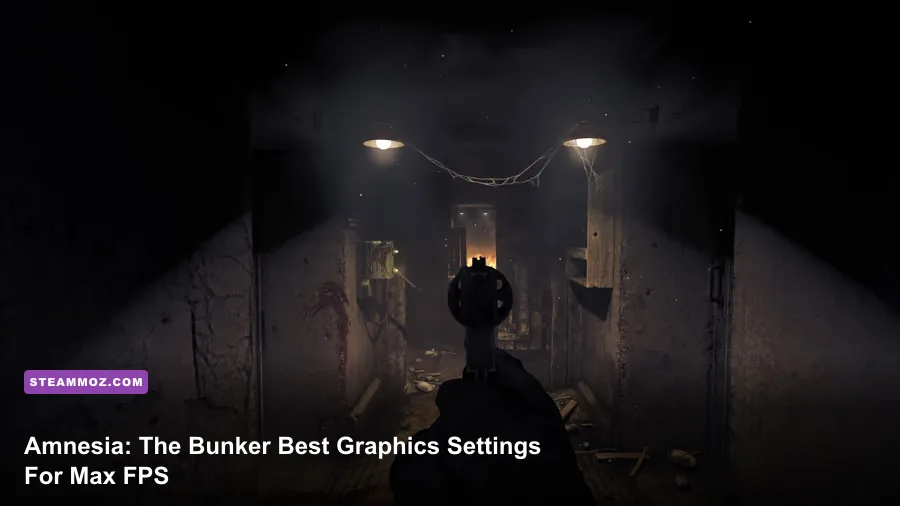
The fastest way to boost your FPS in Amnesia: The Bunker is dropping Volumetric Fog to Low, capping Shadow Resolution at Medium, disabling Motion Blur and Chromatic Aberration entirely, and setting your render resolution to 90% scale if you're on a GTX 1660 or weaker. Do that combo and you'll jump from a stuttery 35-45 FPS to a rock-solid 60+ on mid-range rigs, without turning the game into a blurry mess. But there's a lot more nuance here, because this game's engine (HPL Engine 3.5, the same bones as SOMA) handles lighting completely differently than most horror titles, and some settings matter way more than others.
Why Amnesia: The Bunker Is Weirdly Demanding For Its Graphics
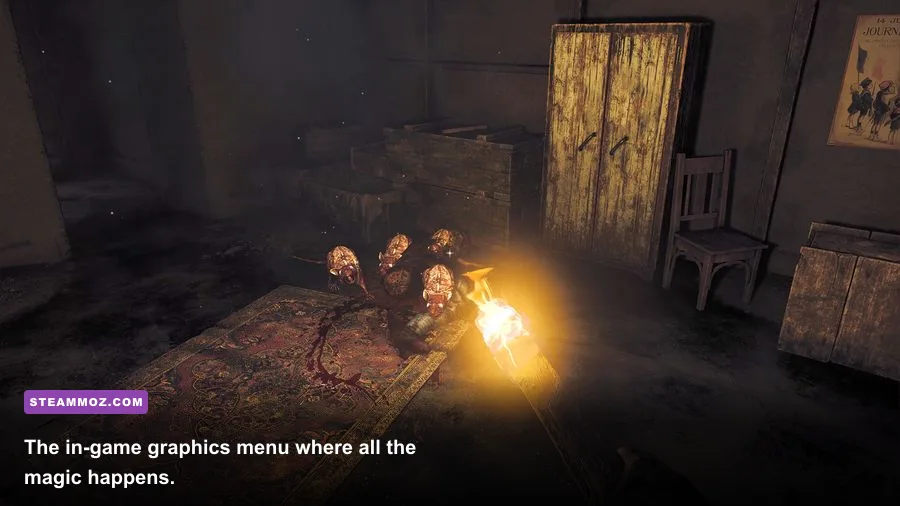
Here's the thing that trips people up: The Bunker doesn't look like a next-gen game, but it runs a fully dynamic, real-time lighting system with zero baked lightmaps. Every flicker of your lighter, every generator flare, every shadow the monster casts is calculated live, frame by frame. That's why a game with PS2-era geometry can still choke a GTX 1070. Frictional Games built this thing around reactive lighting because darkness is literally the core mechanic — you need shadows to be dynamic or the whole "light attracts the Stalker" system falls apart.
That means unlike a typical shooter where you can gut shadow quality for free FPS, here you've gotta be surgical. Nuke the wrong setting and you'll either tank your visibility (bad, since sound and light cues matter for survival) or barely gain any performance at all. I've spent hours bouncing between profiles on three different rigs, and the sweet spot is way more specific than "just turn everything to Low."

🎮 Amnesia: The Bunker
Looking to experience this game? Grab your digital key directly on our store for $4.99.
View on Steammoz Store →The Best Settings Profile For Max FPS
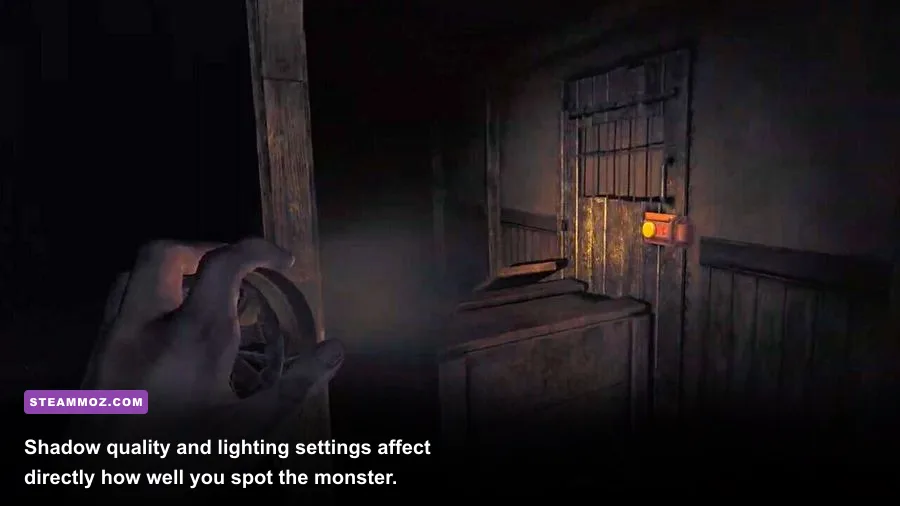
If your priority is raw frame count — say you're running this on a laptop 1650 or an older RX 570 — here's the exact profile that gave me the best results. This isn't a "turn everything off" cop-out list either; some High settings actually barely cost anything here because the engine handles them efficiently.
| Setting | Recommended Value | FPS Impact | Visual Note |
|---|---|---|---|
| Resolution Scale | 90% (native if 3060+) | +8-12 FPS | Barely noticeable softness, huge FPS win |
| Shadow Resolution | Medium | +10-15 FPS | Slightly softer shadows, no visibility loss |
| Volumetric Fog/Lighting | Low | +15-20 FPS | Biggest FPS hog in the whole game |
| Screen Space Reflections | Off | +3-5 FPS | Negligible visual loss, wet floors look flatter |
| Ambient Occlusion | Medium | +4-6 FPS | Keep some AO or corners look flat and unnerving-less |
| Motion Blur | Off | +2-3 FPS | Also just makes flashlight sweeps easier to track |
| Chromatic Aberration | Off | ~0 FPS | Pure clarity gain, no downside |
| Texture Quality | High | ~0-2 FPS (VRAM dependent) | Cheap to run, keep it high if you have 6GB+ VRAM |
| V-Sync | Off (use Frame Cap instead) | Removes input lag | Cap at 60 or 90 for stutter-free pacing |
| Anti-Aliasing (TAA) | Low/Medium | +3-4 FPS | High TAA smears the flashlight cone oddly |
Notice Volumetric Fog is the real villain here. It's controlling the light scattering and dust particle simulation that makes the bunker feel suffocating — gorgeous, but brutal on your frametimes. Dropping it to Low alone recovered more FPS for me than every other setting combined.
Settings That Barely Matter (Don't Waste Time Here)
A lot of guides tell you to tank every slider to zero, but that's lazy advice. Texture Quality, for instance, is basically free performance-wise unless you're VRAM-starved below 4GB — the game's texture budget is small since most surfaces are grimy concrete and metal, not 4K photogrammetry. Keeping it on High costs you almost nothing and makes item details (labels on fuel cans, notes, map texture) way easier to read, which matters for actual gameplay since you're constantly hunting for supplies.
Anisotropic Filtering is another one — leave it at 16x. It's practically free on any GPU from the last six years and keeps floor textures from turning into mush as you walk down those long tunnel corridors.
Balanced Profile: Best Looks Without Sacrificing Smoothness
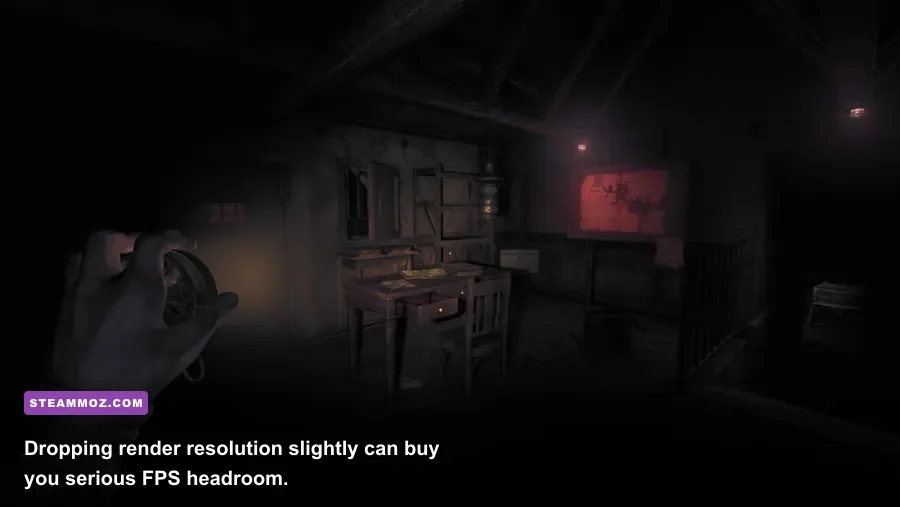
If you've got something like an RTX 3060, RX 6600, or better, you don't need to go full potato mode. Here's the profile that keeps the atmosphere intact — which honestly matters in a horror game where visual dread is half the experience — while still holding a stable 60+ FPS.
| Component | Minimum | Recommended | Pro-Tuned Profile (Balanced) |
|---|---|---|---|
| GPU | GTX 960 / RX 460 | GTX 1060 6GB / RX 580 | RTX 3060 / RX 6600 XT |
| CPU | Intel i5-4460 | Intel i5-8400 | Ryzen 5 5600 / i5-11400 |
| RAM | 8GB | 16GB | 16GB (32GB overkill but helps streaming) |
| Resolution Scale | 85% | 100% | 100% native |
| Shadows | Low | Medium | High |
| Volumetric Fog | Low | Medium | High |
| Target FPS | 30 | 60 | 90-100+ |
Basically: if your rig can handle it, bump Volumetric Fog and Shadows back up together — they're the two settings that most define the game's oppressive vibe. Everything else (AO, motion blur, chromatic aberration) can stay off or low regardless of your hardware, since they add nothing to the survival-horror gameplay loop and only exist for cinematic flair.
Extra Tweaks That Actually Move The Needle
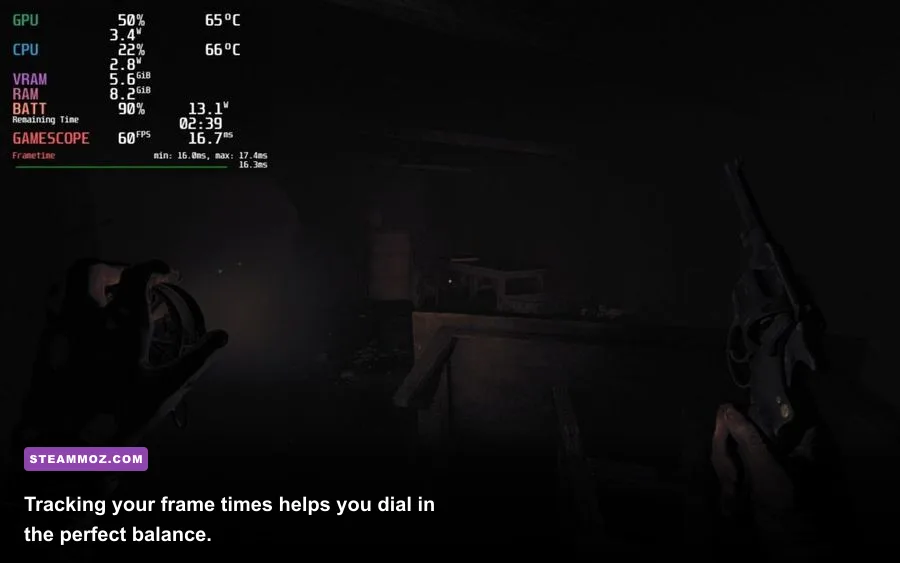
Beyond the in-game menu, there's a handful of external tweaks that genuinely help, especially if you're bottlenecked on an older CPU rather than GPU-bound.
- Cap your frame rate manually using RTSS or Nvidia's frame limiter set 3-5 FPS below your monitor's refresh rate. The Bunker's physics and AI pathing for the Stalker monster can get janky above 144 FPS uncapped, causing weird stutter spikes.
- Disable Steam Overlay if you're not using it — it shaves a surprising amount of overhead in Frictional's engine, similar to what we've seen in other indie-built horror titles.
- Update your GPU drivers specifically for this title. Frictional pushed a patch addressing shadow flickering and memory leaks post-launch, and older drivers can cause VRAM ballooning over long play sessions.
- Turn off in-game film grain if present in your version — it's a free-ish setting but adds noise that some feel worsens perceived clarity, especially at 1080p.
If you're chasing perfectly smooth 1% lows rather than just an average FPS number, prioritize the Volumetric Fog and Shadow Resolution drops first — those are the settings causing frame time spikes during generator or fire-based sequences, not just steady-state FPS loss.
Quick Recap: What Actually Matters
If you remember nothing else from this guide, remember this: Volumetric Fog/Lighting is the single biggest performance cost in Amnesia: The Bunker, full stop. Shadow Resolution is second. Everything else — AO, motion blur, chromatic aberration, TAA — is fine-tuning around the edges. Texture Quality and Anisotropic Filtering are basically free, so don't bother touching them unless you're VRAM-limited.
Getting your settings dialed in properly isn't just about hitting a bigger number in the corner of your screen — in a game this tense, stutter and frame drops at the wrong moment (like when the Stalker's charging you down a hallway) can genuinely get you killed. Treat your settings menu like part of your survival kit, not an afterthought.
For more performance deep-dives and troubleshooting guides across other titles, check out our breakdowns on Far Cry 6's best FPS settings, Filament's optimization guide, and our fix-it guide for EscapeVR: The Basement's crashing issues. You can also grab the game and check official patch notes on its Steam store page, browse the official Amnesia wiki, or dig into developer updates directly on Frictional Games' official site.