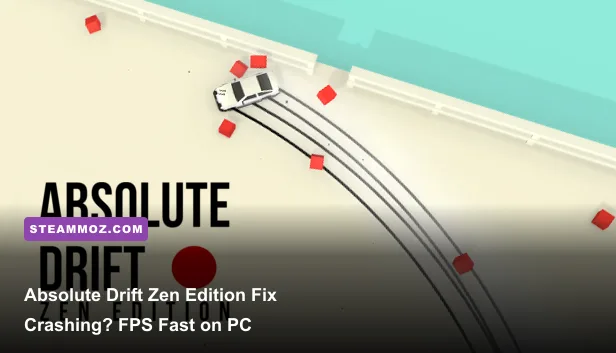
Absolute Drift Zen Edition is light enough to run on almost any modern PC, so crashing or low FPS usually points to a damaged Steam install, an old graphics driver, fullscreen scaling, background overlays, or a frame-pacing conflict rather than weak hardware. Start by verifying the game files, updating your GPU driver, disabling Steam and Discord overlays, then run a capped 60 FPS profile at 1080p with post-processing reduced. If the game still crashes, reset its local configuration and test a clean Windows launch before changing compatibility settings.
This matters because Absolute Drift’s visual style is deliberately simple but not completely free of performance quirks. Its flat-shaded world, bright trails, reflections, particles, and wide open Mountain Drifts areas can expose driver issues that a static menu will never reveal. The goal is not to throw every setting on Low. The goal is stable frame pacing, reliable input, and enough visual clarity to read a drift line before the next corner.
Start with the fixes that solve most crashes
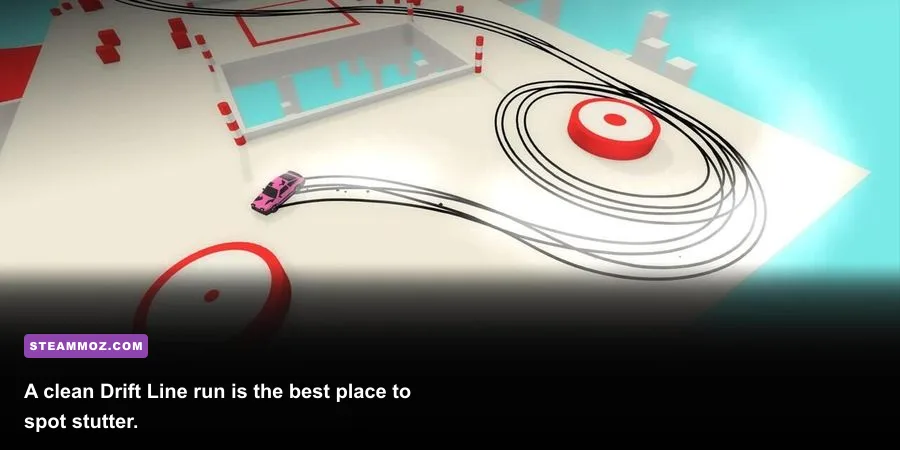
Before touching advanced Windows settings, do the boring fixes in the right order. Absolute Drift Zen Edition is distributed through Steam, and a partial download or damaged local file can cause a crash during startup, loading, or when moving between its free-roam areas. Open Steam, right-click the game in your library, choose Properties, open Installed Files, and select Verify integrity of game files. Let the process finish completely, even if Steam says only a small file needs replacing.
Next, restart Windows. That sounds too simple, but it clears a stuck Steam client process, releases a graphics allocation held by another Unity game, and reloads the display driver. Avoid launching Absolute Drift immediately after waking a laptop from sleep. A full reboot gives you a cleaner test.
Use this first-pass crash checklist
- Close Absolute Drift and Steam completely. Check Task Manager for a remaining game process.
- Restart Windows instead of only signing out.
- Verify the game files through Steam.
- Install the latest stable driver for your NVIDIA, AMD, or Intel GPU.
- Disable Steam Overlay, Discord Overlay, Xbox Game Bar, MSI Afterburner overlay, and recording tools.
- Launch the game from Steam with no third-party launcher or reshade injector active.
- Test the first Drift Line event and one Mountain Drifts session before restoring overlays.
Do not stack fixes blindly. If the game stops crashing after you disable the Steam Overlay, you have identified a trigger. If it only works after a driver rollback, keep the known-good driver and report the issue rather than repeatedly reinstalling Windows.
The official Absolute Drift Steam page is also worth checking for current system requirements, patches, and player reports. Steam’s official verification instructions cover the same repair process if the menu names differ in a future client update.

🎮 Absolute Drift Zen Edition
Looking to experience this game? Grab your digital key directly on our store for $7.49.
View on Steammoz Store →Reset the settings when startup still fails
If verification does nothing, the problem may be a bad saved display mode or configuration value. This can happen after moving the installation between monitors, switching from a laptop screen to a TV, or forcing an unsupported resolution. Absolute Drift may launch to a black screen, crash after the splash screen, or close when entering gameplay because the old setting no longer matches the active display.
First, look for the game’s local configuration in Windows user folders. Unity-based games commonly store settings under %USERPROFILE%\AppData\LocalLow, %APPDATA%, or a folder associated with the developer and game name. Do not delete the entire folder immediately. Rename the relevant Absolute Drift or Funselektor folder to something like AbsoluteDrift_backup. Renaming preserves your backup while forcing the game to create clean settings on the next launch.
Save data and display preferences may live in separate files, but you should still back up anything you recognize before changing it. If you use Steam Cloud, temporarily disable synchronization for the test or Steam may restore the same broken configuration. After the game launches, close it normally, re-enable Cloud, and choose the local files if Steam asks which version to keep.
Try a safer display setup
For the first launch after a reset, use one monitor, the desktop’s native resolution, and a standard 60 Hz refresh rate. Disconnecting a second monitor is especially useful if the crash happens during fullscreen initialization. Once the game works, test borderless or windowed mode, then return to exclusive fullscreen only if it gives you better frame pacing.
Windows compatibility mode is not an automatic cure. Absolute Drift is an older PC release, but forcing Windows 7 compatibility, disabling fullscreen optimizations, or running as administrator can create new problems with Steam Cloud, controller access, and overlays. Test those options one at a time. Never enable every checkbox and assume the result is meaningful.
If the game crashes only when changing resolution, keep Windows and the game at the same aspect ratio. A 16:9 display at 1920x1080 is the cleanest baseline. Ultrawide monitors, integer scaling, HDR, and GPU driver-level sharpening should be disabled during diagnosis, then restored individually.
Use a stable 60 FPS graphics profile
For most players, a locked 60 FPS is the sweet spot for Absolute Drift Zen Edition. The game is built around precise steering corrections, and an unstable 120 FPS that repeatedly dips to 55 feels worse than a consistent 60. If your monitor supports VRR, enable FreeSync or G-SYNC and cap the game a few frames below the display refresh rate. Otherwise, use a 60 FPS cap through the game, your GPU control panel, or RTSS.
Start at 1920x1080 if your GPU can handle it. If you are using integrated graphics, 1600x900 or 1280x720 is a sensible test, but do not immediately drop resolution if the issue is stutter. Resolution mostly affects GPU load; a CPU, driver, overlay, or shader problem will remain at 720p.
| Setting | Recommended value | FPS impact | Visual and stability note |
|---|---|---|---|
| Display mode | Fullscreen or borderless after testing | Low to medium | Borderless is safer for alt-tab; fullscreen can reduce latency. |
| Resolution | Native 1080p | Medium | Lower to 900p or 720p only when GPU usage is near 100%. |
| Frame rate | Locked 60 FPS | Improves consistency | A stable cap makes steering feel more predictable. |
| VSync | On if no VRR; off with a tested VRR cap | Low | Prevents tearing, though some systems add input delay. |
| Anti-aliasing | Medium or the default option | Low to medium | Reduce it if foliage, edges, or particles cause GPU spikes. |
| Post-processing | Low or medium | Medium | Often the first visual setting worth lowering. |
| Particles and effects | Medium | Medium | Helps in busy drift events without making the track unreadable. |
| Shadow quality | Low or medium | Medium | Useful reduction on integrated graphics and older mobile GPUs. |
Change one setting at a time and drive the same route for comparison. The opening areas are not a reliable benchmark because they are less demanding than the open Mountain Drifts environments. Run a repeated corner sequence, watch the frame-time graph, and pay attention to spikes when smoke, tire marks, and scenery appear. A high average FPS cannot hide a 200-millisecond hitch.
For more detailed frame-pacing habits, our guide to smooth 60 FPS settings explains why a cap and consistent frame times matter more than chasing a large number. The same principle applies here, even though Absolute Drift is dramatically less demanding.
Fix low FPS by finding the actual bottleneck
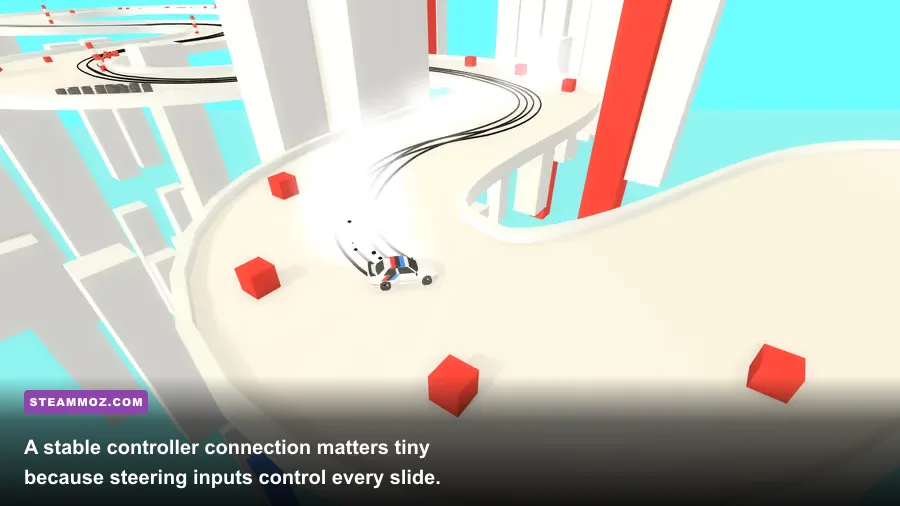
Low FPS has two very different causes. A GPU-limited system shows high GPU utilization, and lowering resolution produces a clear improvement. A CPU, driver, or background-process bottleneck leaves the frame rate almost unchanged when you move from 1080p to 720p. Use Task Manager or a trusted overlay briefly, then disable the overlay while testing because monitoring software can itself trigger crashes.
On a laptop, connect the charger and set Windows to Best performance. In Windows Graphics settings, add the game executable and select the high-performance GPU. This is important on hybrid Intel/NVIDIA or Intel/AMD systems, where older games sometimes launch on integrated graphics even when a discrete GPU is installed. Also disable battery saver and any manufacturer quiet mode.
Close browser video tabs, cloud-sync clients, RGB utilities, capture software, and hardware monitoring tools. Absolute Drift’s requirements are low, but background applications can still cause a badly timed frame spike on an older dual-core processor. A clean boot is overkill for everyday play, but it is a useful diagnostic if the game runs perfectly with startup services disabled.
Driver and shader-cache checks
Install a stable WHQL graphics driver rather than a beta branch. If the problem began immediately after a driver update, use the vendor’s clean-install option or roll back to the previous stable version. Delete the GPU shader cache only after recording your current settings. The first launch afterward may stutter while shaders rebuild; judge performance after several minutes of normal driving, not during that first pass.
Do not use aggressive driver overrides. Forced antialiasing, frame-generation tools, sharpening injectors, and third-party DirectX wrappers can conflict with an older title. Set the game profile to application-controlled values, disable image enhancement, and test at the driver default. After you establish a stable baseline, add one enhancement at a time.
Our PC crash and FPS troubleshooting guide covers the same overlay, driver, and background-process diagnosis for another lightweight game. It is useful when a general Windows performance problem is affecting more than Absolute Drift.
Stop input stutter, freezes, and controller crashes
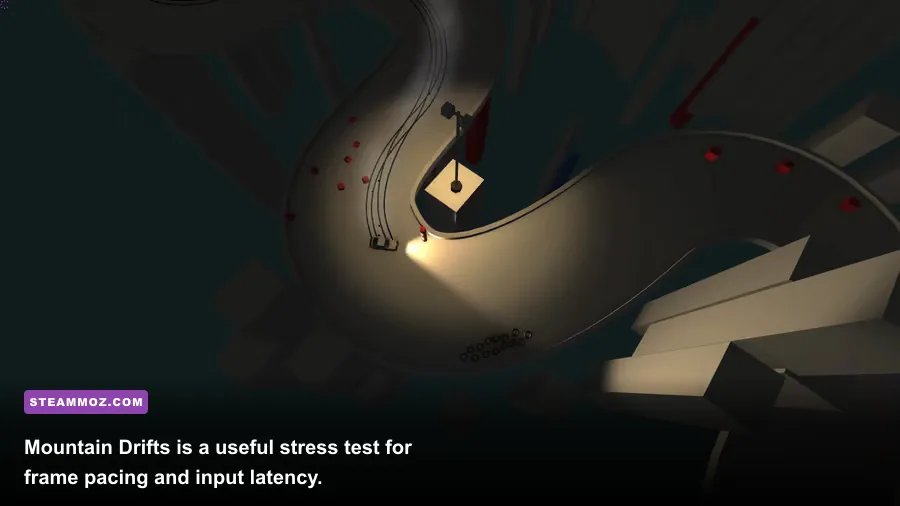
Some players describe input delay as low FPS, but the symptoms are different. If the car responds late while the frame counter stays stable, check your controller, display mode, and frame cap rather than lowering graphics. Unplug extra controllers, steering wheels, USB adapters, and Bluetooth dongles, then test with one wired controller or a keyboard. If the problem disappears, reconnect devices individually.
Steam Input can also change how an older game sees a controller. Open the game’s Steam Properties, select Controller, and test the default Steam Input setting, then the opposite setting. Do not switch it repeatedly while the game is running. Restart the title after each change. If you use a custom layout, remove turbo, gyro, and action-layer bindings during troubleshooting. Absolute Drift rewards small analog corrections, so an over-sensitive response curve can feel like a performance issue when it is actually a control profile.
Disable rumble and background recording as a test. A controller connection that repeatedly drops and reconnects can produce freezes, menu hangs, or a crash when returning from a challenge. Update the controller firmware through its manufacturer software, but avoid leaving that software’s overlay active.
Alt-tab and fullscreen behavior
Alt-tabbing rapidly between Absolute Drift and a browser can cause a black screen on older fullscreen paths. Use borderless windowed mode if you regularly switch applications. Turn off Windows HDR for the test, particularly if the desktop runs HDR while the game does not. Disable Game Bar capture and background recording under Windows Gaming settings, then launch fresh.
Keep your refresh rate fixed while diagnosing. Switching from 60 Hz to 144 Hz mid-session can expose old fullscreen timing bugs. Once the game is stable, set your monitor to its preferred refresh rate and apply a frame cap that the system can hold continuously. A 141 FPS cap on a 144 Hz screen is sensible only if the PC can actually maintain it in every area; otherwise, 60 FPS remains the safer choice.
Confirm the fix with a repeatable test
After making changes, do not judge the result from the title screen. Run the same three-part test: launch from a cold Windows boot, complete a Drift Line event, and spend several minutes in Mountain Drifts while performing long slides and tight transitions. These situations exercise loading, particles, tire marks, camera movement, and the wider environment. Record whether the failure is a crash, a hard freeze, a black screen, a short hitch, or sustained low FPS.
| Symptom | Most likely cause | First action | Next step if it remains |
|---|---|---|---|
| Crash before the menu | Damaged files or bad local settings | Verify files and rename the config folder | Disable overlays and test a clean driver install. |
| Black screen after launch | Unsupported fullscreen mode or monitor mismatch | Use one monitor and reset display settings | Test borderless mode and disable HDR. |
| Crash entering a course | Driver, overlay, or corrupted asset | Update or roll back the GPU driver | Disable injectors and verify files again. |
| Stable low FPS at every resolution | CPU limit, power mode, or background task | Use Best performance and close background apps | Test the high-performance GPU assignment. |
| FPS drops during smoke and scenery | GPU effects or frame-pacing spikes | Lower post-processing, shadows, and particles | Cap at 60 FPS and inspect frame times. |
| Delayed steering with normal FPS | VSync, controller profile, or display latency | Test wired input and alternate VSync settings | Disable Steam Input custom layers and overlays. |
If the crash survives all of these steps, collect useful evidence instead of posting only “game won’t run.” Include Windows version, CPU, GPU, RAM, monitor refresh rate, whether the game is installed on an SSD, the exact point of failure, and whether a clean configuration changed anything. Attach the latest crash log or Windows Event Viewer entry when available. That information helps the developer distinguish a graphics initialization fault from a corrupted save or input-device issue.
Check Funselektor’s official site and the developer’s support or community channels for known issues. You can also compare your hardware against our PC settings and requirements guide and max-FPS settings breakdown; the games differ, but the diagnostic method is the same: measure the bottleneck, change one variable, and retest.
For most PCs, the winning Absolute Drift Zen Edition setup is refreshingly simple: updated driver, verified Steam files, no overlays, native resolution, medium effects, and a firm 60 FPS cap. Once the game can survive a full Mountain Drifts run without a hitch, restore your controller layout and optional overlays one at a time. That leaves you with the thing this game demands most—a steady, low-latency drive where the next slide is decided by your hands, not a random frame-time spike.