
Jumping into God of War Ragnarök on PC isn't just about cranking your graphics sliders to Ultra and hurling the Leviathan Axe at unsuspecting draugr. Between hardware-specific quirks, mandatory PSN integration, a completely reconstructed defensive shield system, and an easily overlooked Skill Labor progression loop, Sony Santa Monica and Jetpack Interactive's port requires genuine tactical prep. If you want buttery smooth 90+ FPS frame rates and a combat flow that keeps you from eating dirt against high-tier Berserkers, dialing in your technical settings and ditching your old 2018 muscle memory are absolute requirements before stepping foot into the Fimbulwinter snow.
Tame the Port: Hardware Quirks, VRAM Allocation, and Performance Tuning
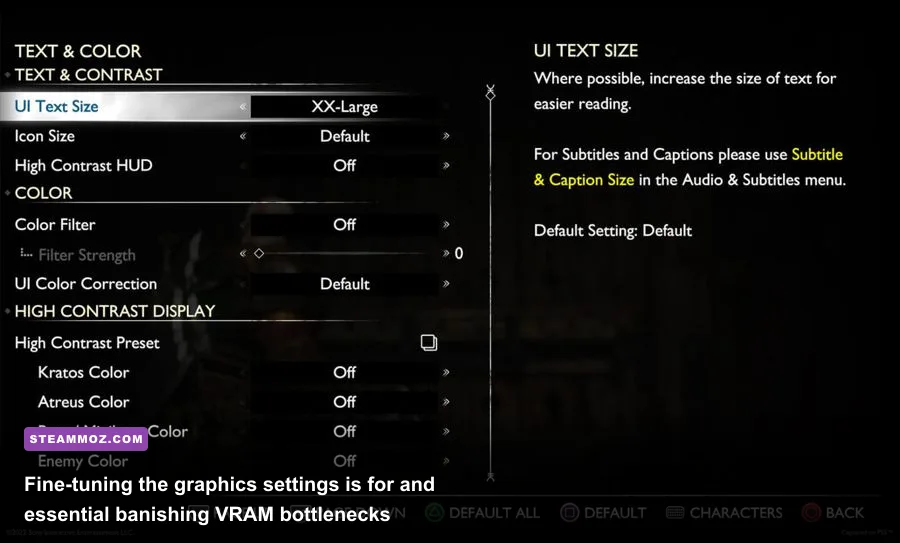
While the PC conversion is technically impressive, it is an absolute VRAM hog at higher resolutions. Unlike its 2018 predecessor, Ragnarök streams gigantic geometric assets and high-resolution textures simultaneously, creating severe memory pressure on cards with 8GB of VRAM or less. If your GPU hits that physical ceiling, you won't just see a minor dip in framerates—you will encounter severe asset hitching and full rendering freezes during frantic transitions. To avoid hardware headaches, checking your specs against our guide on evaluating system specifications and hardware overhead gives you a solid benchmark for handling modern cross-gen memory spikes.
To keep frame pacing locked tight, avoid blindly toggling presets to Ultra. The visual difference between High and Ultra for settings like Reflections and Ambient Occlusion is negligible in motion, but the performance tax is punishing. Furthermore, ensure you keep NVIDIA Reflex or AMD Anti-Lag active alongside upscalers. For deeper system troubleshooting if you run into stability issues, our breakdown on diagnosing sudden frame drops and crash fixes outlines practical system-level remedies for modern PC action titles.
| Graphics Setting | Default Impact | Recommended PC Value | Framerate Gain | Visual Trade-off |
|---|---|---|---|---|
| Reflections | Very High | High | 8% – 12% | Virtually imperceptible loss in dynamic puddle resolution. |
| Shadows | High | Medium / High | 6% – 9% | Slightly softer cascade contact shadows at long distances. |
| Tessellation | Ultra | High | 4% – 6% | Maintains deep terrain snow deformation without CPU spikes. |
| Volumetrics (Fog/Light) | High | Medium | 7% – 10% | Reduces ambient mist density slightly during realm travel. |
| Upscaling (DLSS / FSR) | Native TAA | Quality + Frame Gen | 25% – 45% | Crisp reconstruction with superior temporal stability. |
If you're squeezing maximum performance out of mid-range hardware, pairing sensible in-game values with our tactics for optimizing graphics settings for maximum FPS will keep your 1% low frame rates well above the stutter threshold.

🎮 God of War
Looking to experience this game? Grab your digital key directly on our store for $49.99.
View on Steammoz Store →Combat Has Changed: Shields Are No Longer Cosmetic Accessories
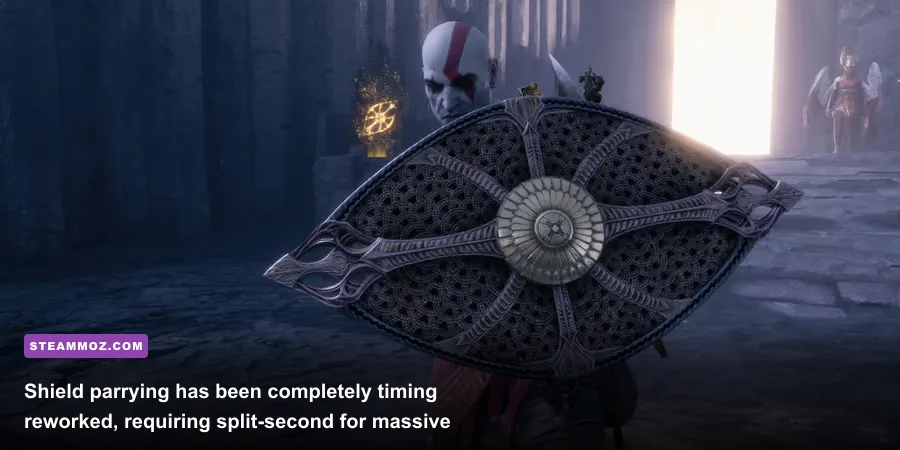
If you play God of War Ragnarök like the 2018 release—standing back, waiting for a yellow indicator, and relying on a single static parry window—you will get flattened quickly. The Guardian Shield from the previous title is broken during the opening narrative, forcing you to commit to distinct shield archetypes that cater to wildly different playstyles. Defense in this game is an aggressive offensive mechanic rather than a safety blanket.
Two starter shields dictate your early-game flow: the Dauntless Shield and the Stone Wall Shield. The Dauntless Shield demands high precision; its parry window is narrower, but executing a timed block delivers a colossal stun spike and infuses your next shield bash with overwhelming concussive force. Conversely, the Stone Wall Shield completely removes traditional parrying. Instead, it absorbs both standard and heavy yellow-ringed attacks, storing kinetic energy in four kinetic charges that you discharge via a ground-slam shockwave that knocks surrounding mobs airborne. Choose wrong for your playstyle, and you'll find yourself locked in endless stagger animations.
| Shield Archetype | Primary Mechanic | Risk Profile | Optimal Encounter Type | Key Synergy |
|---|---|---|---|---|
| Dauntless Shield | Precision Parries with lethal stun bashes | High Risk / Massive Reward | Solo Bosses, Einherjar, Berserkers | Rond of Deflection (widens parry window) |
| Stone Wall Shield | Kinetic absorption of unblockable yellow hits | Low Risk / Steady Momentum | Crowd control, swarming Grims, Draugr pits | Rond of Aggression (damages nearby foes) |
| Shatter Star Shield | Chargeable kinetic punch with punch-block | Medium Risk / Dynamic Ranged | Mid-range skirmishers, mobile Light Elves | Rond of Expedition (boosts Runic cooldowns) |
Notice those double blue rings flashing over an enemy wind-up? That is an interruptible attack telegraph. You cannot dodge roll away from these cleanly, nor can you block them with standard guards. You must instantly double-tap your shield button (L1 on a gamepad or your mapped PC key) to execute a Shield Strike. Failing to break a blue-ringed spell will result in an unblockable, arena-wide elemental blast that wipes out half your health bar on 'Give Me No Mercy' difficulty.
Master Skill Labors: The Hidden Upgrade System Inside Your Skill Tree
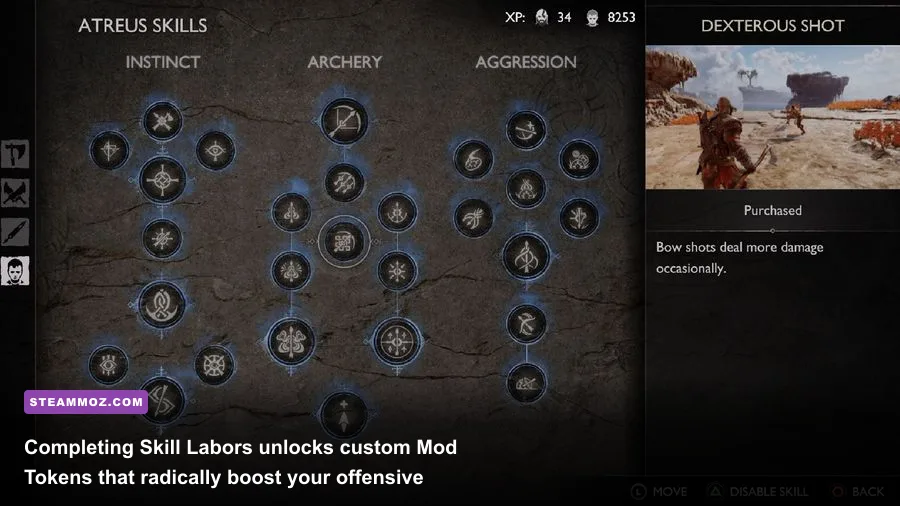
Unlocking weapon techniques with Kratos's XP is only half the battle. Many players spend thousands of XP acquiring skills and never realize that individual moves possess their own hidden tier leveling. As highlighted across developer interviews by Santa Monica Studio, the combat loop rewards deliberate move variety through the Skill Labor system.
Every time you execute specific skills—such as the Leviathan Axe's Serpent's Snare or the Blades of Chaos's Flame Whiplash—you tick down a completion counter tracking Bronze, Silver, and Gold mastery tiers. Once a skill reaches Gold tier, a small mod icon activates on that node. For a nominal fee of roughly 500 to 1,000 XP, you can equip a customizable Mod Token directly to that move. Mod Tokens offer specialized modifiers:
- Damage Token: Applies a flat numerical multiplier to base health reduction, ideal for primary execution abilities.
- Element Token: Dramatically accelerates Frost or Burn gauges, causing enemies to freeze solid or ignite in fewer strikes.
- Momentum Token: Builds the Permafrost or Immolation gauges substantially faster, enabling high-tier weapon buffs earlier in combat.
- Stun Token: Massive posture/stun damage increases, allowing you to trigger instant R3 execution animations on heavy targets.
Focusing on one specific combo loop until you strike Gold pays huge dividends. For those looking to optimize their gear curve early, studying our strategy for building a lethal beginner loadout will give you the right mindset for prioritizing functional combat synergies over random stat inflation.
Exploration Pitfalls: Stop Wasting Hours on Locked Realm Puzzles
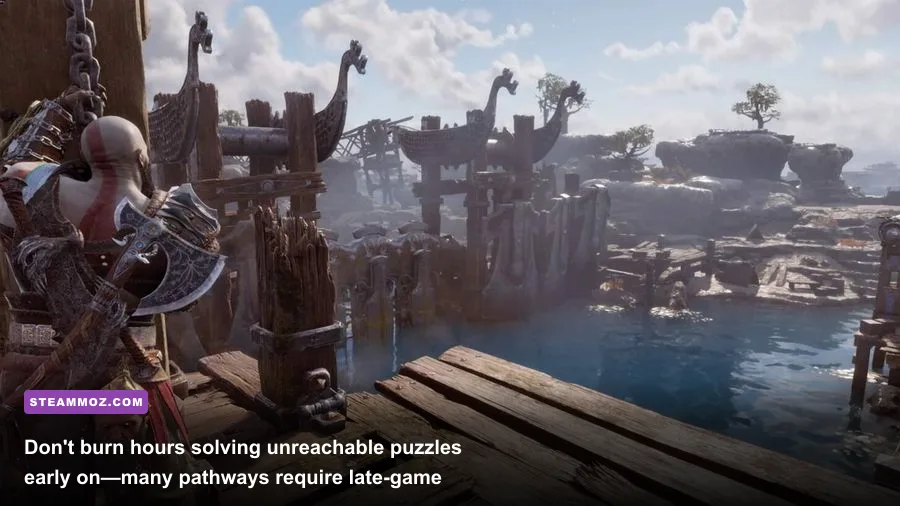
One of the biggest time sinks in God of War Ragnarök is obsessing over puzzles you cannot solve yet. Early on, as you navigate the gorgeous waterways of Svartalfheim, you'll encounter sparkling yellow wind-fissures leaking from sheer rock walls, peculiar runic mirrors glowing in high arches, and crimson vines that your Blades of Chaos flatly refuse to ignite. Attempting to brute-force these obstacles is completely pointless.
The game relies heavily on true Metroidvania progression. Essential traversal equipment—including the Draupnir Spear, specialized elemental sigil interactions, and specific chisel attachments—do not unlock until significant narrative milestones deep within the campaign. If you spot a Nornir chest or a legendary tomb that requires interacting with an object you have no prompt for, do not spend 40 minutes throwing your axe at background geometry. Slap a custom map marker on it, clear the immediate area mobs, and move forward.
Later in the story, you will be invited to naturally backtrack to every single realm with a fully stocked utility belt. If you enjoy mapping complex regions and uncovering every elusive secret stash, review our tactics on hunting down secret locations and high-tier rewards to build an efficient, route-optimized exploration strategy.
Dial In Your Companion Synergies and Accessibility Toggles
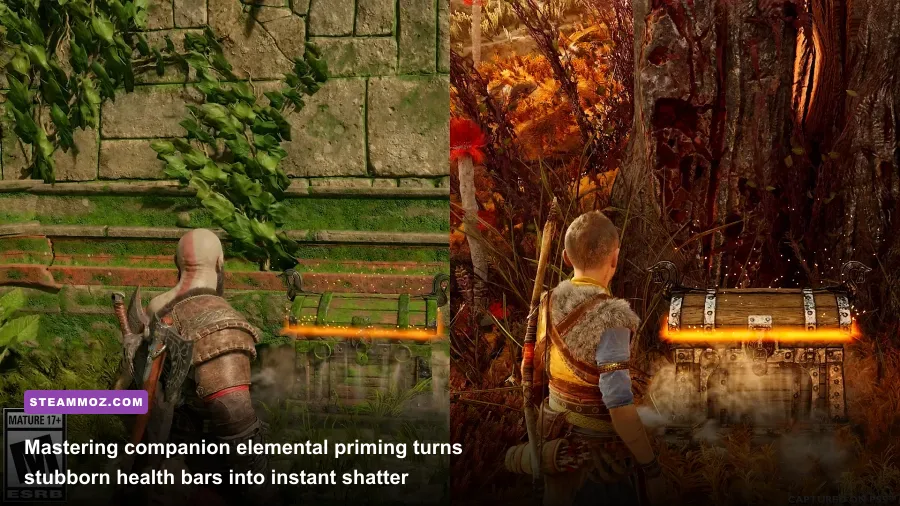
Your AI companions—whether it's Atreus firing arrows from the flanks or other allies joining you in later chapters—are not passive cheerleaders. They are critical crowd controllers and elemental catalysts. In the PC edition, you have granular control over companion commands, and understanding status effects will completely transform your combat uptime.
Sonic Arrows (blue fletching) do not deal massive direct damage; their primary purpose is to inflate enemy Stun meters and shatter green Soundstone barriers scattered across the environments. Sigil Arrows (pink fletching), on the other hand, amplify elemental persistence. Firing a Sigil Arrow at a burning or frozen target blossoms their elemental affliction into an explosive shockwave that spreads the status to surrounding targets. By firing two Sigil arrows and immediately slamming the ground with a fully charged Frost Awaken axe strike, you cause an instantaneous room-clearing blast.
Finally, open the PC accessibility and gameplay menus before starting your journey. Sony has packed in dozens of options that dramatically improve quality of life:
- Puzzle Hint Timing: The console release was infamous for companions blurting out puzzle solutions within ten seconds. In the PC settings, toggle the puzzle hint frequency to delayed or minimal so you can actually solve environmental brain-teasers yourself.
- Auto-Pickup Economy: Enable auto-pickup for health stones, rage stones, and hacksilver during combat. You won't have to break your targeting focus or waste valuable animation frames interacting with pickups while dodging sweeping boss cleaves.
- Target Lock Re-Centering: If playing with mouse and keyboard, turn off aggressive target snap. Mouse movement can fight the lock-on camera, creating disorienting camera snaps in multi-target brawls.
By tuning your graphics pipeline, mastering the rhythm of interruptible strikes, and letting Metroidvania gating guide your realm travels, your voyage across the Nine Realms on PC will feel as fluid, majestic, and bone-shatteringly brutal as the developers intended.