
The smartest way to start a new PC game is to spend 10 minutes checking requirements, installing the latest drivers, protecting your save, and tuning graphics for a stable frame rate. Don’t blindly select Ultra. A locked 60 fps with sensible texture quality usually feels better than an erratic 90 fps that collapses during combat, traversal, or crowded hubs.
That advice applies whether you’re opening Cyberpunk 2077, Baldur’s Gate 3, Elden Ring, or a smaller indie release. PC games expose more variables than console versions: drivers, shader compilation, CPU limits, storage speed, background apps, controller layouts, and display refresh rates. Handle those variables before you commit to a long campaign, and you’ll avoid the most common new-game traps.
1. Check the real PC requirements first

System requirements are useful, but they’re not a performance forecast. The “minimum” specification often means a 30 fps target at 1080p with reduced settings, while “recommended” may describe 60 fps at a mixture of medium and high options. Steam’s store pages rarely explain that distinction clearly.
Look for the demanding component. In Cyberpunk 2077, ray tracing can turn a comfortable rasterized setup into a GPU stress test. In Baldur’s Gate 3, the early game may run smoothly while Act 3 places more pressure on the CPU because of crowded streets, NPC simulation, and increased draw calls. A graphics card that handles 1440p in an empty wilderness scene can still struggle in a dense city.
Storage matters too. Modern open-world games stream textures and geometry constantly. Installing on an SSD reduces texture pop-in and traversal hitching compared with a mechanical hard drive. Before downloading a 100GB-plus game, leave extra space for patches, shader caches, and temporary installation files.
| Component | Minimum to Watch | Recommended Target | Why It Matters |
|---|---|---|---|
| GPU | Listed minimum card | One tier above recommended | Provides headroom for busy scenes and future patches |
| CPU | Four to six modern cores | Six to eight strong cores | Helps with simulation, crowds, and frame-time consistency |
| Memory | 16GB RAM | 32GB RAM | Reduces paging in large games and while multitasking |
| Storage | SSD required or preferred | NVMe SSD with free space | Improves loading and asset streaming |
For older games, compatibility can be the bigger issue. Our Far Cry 2 PC requirements guide shows why a game’s age doesn’t guarantee effortless performance. Legacy physics, ultrawide support, launcher dependencies, and old DirectX behavior can all create problems that raw hardware won’t solve.
2. Build a stable graphics profile, not a pretty screenshot
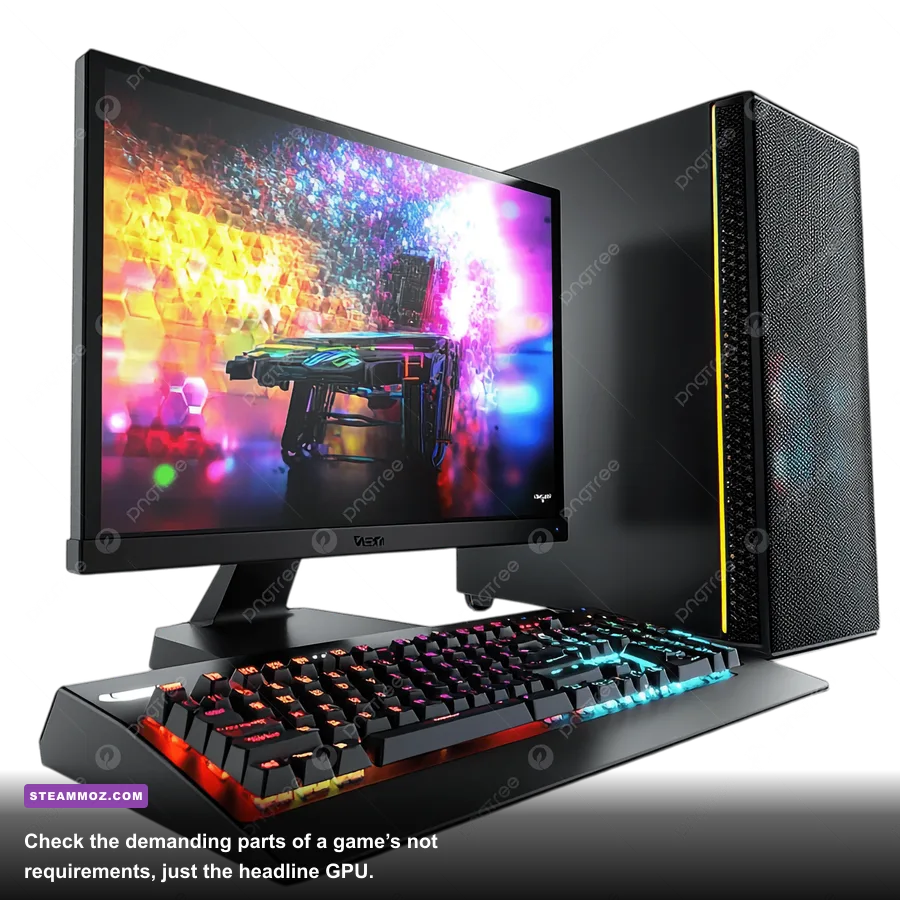
Start with the game’s recommended preset, restart if requested, and then adjust the settings that have the biggest frame-time cost. The usual order is ray tracing, volumetric fog, screen-space reflections, shadows, crowd density, and ambient occlusion. Texture quality is different: it mostly consumes VRAM, so you can often leave it high if your graphics card has enough memory.
Upscaling is powerful, but it isn’t magic. DLSS on an Nvidia RTX card, FSR on AMD hardware, and XeSS on compatible Intel or mixed systems render internally below your target resolution and reconstruct the image. Quality mode is generally the sensible starting point at 1440p; Balanced can help at 4K; Performance may look noticeably soft at 1080p.
Frame generation can increase the displayed frame rate, but it works best when the game already delivers a reasonable base rate. If native rendering produces 35 fps, adding generated frames won’t make controls feel like true 70 fps. It can also introduce ghosting or extra latency. Test it in combat, not just while staring at a wall.
| Setting | Recommended Starting Value | Typical FPS Impact | Visual Trade-Off |
|---|---|---|---|
| Ray Tracing | Off or Medium | Very high | Reflections and lighting become less physically accurate |
| Volumetric Fog | Medium | High | Fog shafts and atmospheric depth lose detail |
| Shadows | High instead of Ultra | Medium | Contact edges look slightly softer |
| Textures | High if VRAM allows | Low to medium | Minimal loss until VRAM becomes saturated |
| Upscaling | Quality | Medium performance gain | Small reconstruction artifacts at motion edges |
| Motion Blur | Off or personal preference | Negligible | Cleaner image without cinematic streaking |
Cap the frame rate slightly below your display’s refresh rate if you use variable refresh rate. A 141 fps cap on a 144Hz monitor, for example, can reduce synchronization behavior and keep frame times steadier. If a game stutters despite a high average, lower CPU-heavy options such as crowds and view distance before destroying image quality.
For specific troubleshooting, see our guides to ELEX crashes and FPS problems and Far Cry 6 performance settings. The lesson is consistent: diagnose frame-time spikes instead of chasing the largest number in an overlay.
3. Update drivers, then let shaders finish compiling
Install the current GPU driver before launching a major release, but don’t assume every day-one driver is perfect. If a brand-new driver introduces crashes, rolling back to the previous stable version can be sensible. Also update Windows and verify the game’s files through Steam if textures, executable files, or cutscenes behave strangely.
Shader compilation deserves patience. Games such as Hogwarts Legacy, Call of Duty, and Unreal Engine releases may compile shaders during the first boot or while you enter new areas. Interrupting that process can cause repeated stutter. Let the opening compilation complete, then play for several minutes before judging performance.
Close unnecessary overlays while testing. Discord, browser video, RGB utilities, recording software, and aggressive motherboard control panels can consume memory or hook into rendering APIs. You don’t need to disable every background app forever; simply establish a clean baseline so you know whether the game or your software stack is responsible.
Use the official Nvidia driver page, AMD support page, or Intel Download Center rather than third-party driver sites. That small precaution avoids bundled junk and makes troubleshooting much easier.
4. Protect saves before you experiment
Steam Cloud is convenient, but it isn’t an infallible backup. Sync conflicts, corrupted saves, mods, and accidental overwrites can still happen. Before changing directories, installing a mod manager, or switching between computers, make a manual copy of the save folder. Keep the original untouched until you confirm the replacement works.
Save locations vary. Some games use %APPDATA%, others store files in Documents\My Games, and many place them under Steam\userdata. Search the developer’s documentation or community support page for the exact folder. Don’t copy only the visible profile file if the game also stores configuration, mod load order, or campaign metadata separately.
Turn off cloud synchronization temporarily when testing a questionable save. Otherwise, Steam may upload the broken version before you have time to restore the healthy one. Make dated backups such as BG3_Save_Act2_2026-03-08, and never overwrite your only completed campaign with an experimental mod setup.
This matters even more in games with irreversible choices. Baldur’s Gate 3 can permanently alter quests through dialogue, long rests, and exploration. Elden Ring has questlines that can advance or close based on boss kills and location triggers. A backup lets you explore without turning one blind decision into a 20-hour regret.
5. Learn the control scheme and accessibility tools
Don’t rush past the input menu. New PC games often ship with controller support, keyboard prompts, hybrid input, or unusual default bindings that feel fine for five minutes and terrible after three hours. Rebind frequently used actions first: dodge, sprint, interact, quick-save, map, weapon swap, and the ability or item wheel.
In a game like Elden Ring, putting dodge somewhere comfortable is more important than squeezing every possible key onto the mouse. The combat loop depends on reading an enemy’s wind-up, waiting for the attack’s active frames to pass, and using the recovery window to punish. If your dodge input is inconsistent because sprint and evade share an awkward bind, the problem feels like bad hit detection when it’s really poor ergonomics.
Accessibility options can improve play for everyone. Subtitle size, speaker labels, colorblind filters, camera shake, aim assist, hold-to-toggle controls, and reduced motion aren’t “easy mode” shortcuts. They remove friction that has nothing to do with learning a boss or solving a level. Disable camera shake if explosions make targets hard to track, and increase subtitle size if dialogue gets buried under combat audio.
Test sensitivity in a safe area. For shooters, turn off mouse acceleration where possible and avoid changing sensitivity every time you miss. For third-person action games, moderate camera sensitivity with a wider field of view can make enemy telegraphs easier to read, but an extreme FOV may reveal distracting edge distortion or reduce apparent target size.
6. Understand the first hours before choosing a build
New PC games often front-load tutorials, unlock systems gradually, and hide their strongest synergies behind several hours of progression. Don’t spend rare currency or permanent stat points based on a build video made for endgame content. First identify whether the game allows respecs, when they unlock, and whether the cost scales with level.
Cyberpunk 2077 is a good example of why this matters. The 2.0 overhaul rebuilt perks around major playstyles such as Reflexes mobility, Technical Ability cyberware capacity, and Intelligence quickhacks. Buying every attractive perk creates a scattered character; choosing a direction early gives you a functioning combat loop. A pistol-and-quickhack character should invest toward headshot bonuses and RAM recovery rather than splitting points across heavy weapons and blades.
Baldur’s Gate 3 is more forgiving because Withers can respec a character for 100 gold once he joins your camp. That changes the best beginner strategy: experiment, but watch action economy. A spell that uses a bonus action can combine with a standard-action attack, while concentration spells compete for the same concentration slot. The strongest turn often comes from combining control, positioning, and advantage instead of simply selecting the spell with the biggest damage number.
| Game Type | Early Priority | Common Mistake | Better Approach |
|---|---|---|---|
| Open-world RPG | Survivability and fast travel | Spreading points across every weapon | Commit to one damage loop until respec becomes available |
| Action RPG | Stamina, healing, and upgrade materials | Ignoring enemy attack timing | Study telegraphs before adding more damage |
| Turn-based RPG | Action economy and positioning | Using every resource on the first turn | Preserve reactions, concentration, and escape tools |
| Competitive shooter | Stable frame time and clear audio | Copying pro sensitivity blindly | Find a repeatable sensitivity and practice consistency |
For games built around farming, learn the progression loop before grinding randomly. Our Empires of the Undergrowth leveling guide and Kakarot Zeni guide show the difference between productive repetition and simply spending more time in the game.
7. Test the first session like a pro
Use the opening hour as a diagnostic session. Check whether the game keeps your target frame rate during combat, cutscenes, menus, and fast travel. Listen for audio crackling, watch for texture streaming errors, and confirm that controller prompts match your actual device. If something breaks, note exactly when it happened instead of reinstalling immediately.
Then make one change at a time. Lowering five settings together may fix a stutter, but you won’t know which option caused it. Record your resolution, upscaler mode, frame cap, and driver version. That simple log turns future troubleshooting from guesswork into a repeatable process.
Finally, read the game’s official patch notes and support channels before installing random fixes. Some launch problems are widespread and require a developer patch; others are caused by outdated drivers, overlays, corrupted shader caches, or a bad mod. Once your saves are protected, your controls feel natural, and your frame time is stable, you’re ready to actually play the game instead of fighting your PC.