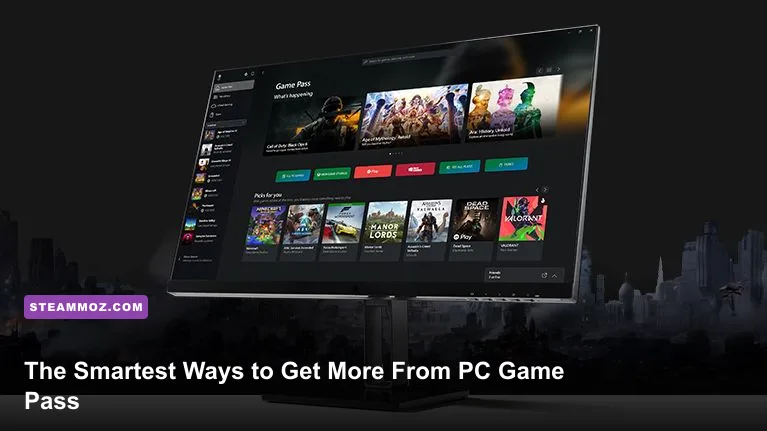
To get the most out of PC Game Pass, treat it like a rotating game library rather than a queue you must conquer: configure the Xbox app first, shortlist games by session length and install size, use EA Play and Perks, and protect your save data before you start hopping between releases. That approach cuts wasted downloads, improves performance, and helps you actually finish more games.
The subscription becomes dramatically better once you stop browsing randomly. PC Game Pass gives you access to a changing catalog of Windows games, day-one Xbox releases on PC, and EA Play, while Game Pass Ultimate adds console, cloud gaming, and other benefits. The exact lineup and terms change, so check the official PC Game Pass page before subscribing or planning around a specific title.
Set Up the Xbox App Before Installing Anything
Start with the Xbox app, the Microsoft Store, and the Xbox Identity Provider installed and updated through Windows. PC Game Pass games authenticate through Microsoft services even when the game itself uses another launcher. If the app repeatedly shows “Gaming Services” errors, open Windows Settings, go to Apps, select Gaming Services, choose Advanced options, and try Repair before Reset. Reset is more aggressive and can force you to sign in again.
Choose your install drive under the Xbox app's Settings menu before downloading a 100GB blockbuster. A dedicated SSD is the sweet spot: games such as Forza Horizon 5 stream world assets constantly, and a hard drive can produce longer texture pop-in and slower fast travel. Keep at least 15–20 percent free space on the drive. Updates often need temporary room, and a drive that is nearly full can turn a routine patch into a failed installation.
Don't assume every Game Pass installation behaves like a normal Steam folder. Xbox Play Anywhere and Microsoft Store games may use protected WindowsApps directories, while some PC titles install through a separate launcher. This is why manual modding can be awkward. For games that support it, use the Xbox app's “Enable mods” option on the game's page before searching for community files. If that option doesn't exist, check the developer's mod support rather than forcing files into a locked directory.
| Setup Choice | Recommended Setting | Why It Matters |
|---|---|---|
| Install drive | NVMe SSD with 15–20% free space | Shorter loading and safer patching |
| Xbox app | Update through Microsoft Store | Prevents outdated service and sign-in conflicts |
| Install location | Set it before downloading | Avoids moving huge files later |
| Mods | Use Enable Mods when available | Reduces permission and update problems |
Keep Windows' Gaming settings sensible too. Game Mode can help prioritize games, but background capture is the bigger culprit on many systems. If you don't use clips, disable Xbox Game Bar background recording and Captures. Also review Delivery Optimization if Windows is consuming bandwidth while you are downloading a new title.
Build a Catalog Strategy That Saves Time and Storage
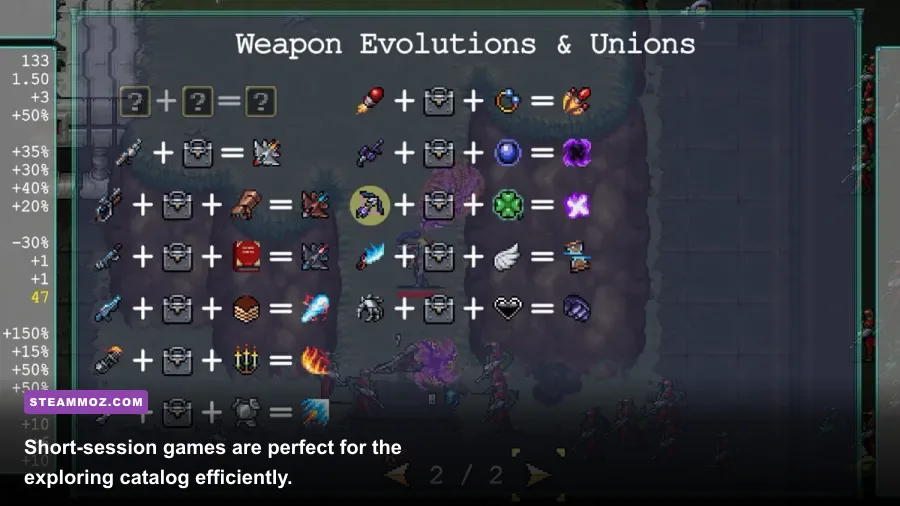
The classic Game Pass mistake is installing six enormous games because they look interesting, then playing none of them. Use a three-layer shortlist: one long game, one short game, and one multiplayer or repeatable game. A 60-hour RPG such as Persona 5 Royal can sit alongside a compact run-based title such as Vampire Survivors and a social game such as Sea of Thieves. You always have something that fits the time available.
Read the game's tags and description, but verify technical details on the official listing. “PC” doesn't guarantee keyboard prompts, ultrawide support, or a small install. Starfield, for example, benefits from an SSD and scales heavily with CPU performance in busy settlements. Forza Horizon 5 has a large install and a demanding open world, while Vampire Survivors is tiny by comparison and works brilliantly as a 20-minute palate cleanser.
Download one large game at a time if your internet connection is limited. Windows may display the download rate in Mbps while your internet package is advertised in megabits; 100 Mbps is roughly 12.5 MB/s before overhead. Pausing a download during peak hours can sometimes improve stability, but don't repeatedly cancel and restart it. Let the Xbox app complete verification after an interruption.
Use the catalog's “leaving soon” notices as a planning tool, not a panic button. Prioritize games you can realistically finish before their departure, and remember that DLC or a save file doesn't guarantee continued access once the base game leaves. If you buy a departing title, your installed files may remain, but licensing determines whether it launches. The official Game Pass games catalog is the safest place to confirm availability.
| Play Pattern | Good Game Pass Pairing | Ideal Session | Why It Works |
|---|---|---|---|
| Long-form RPG | Persona 5 Royal or Starfield | 60–120 minutes | Progress survives short gaps between sessions |
| Short runs | Vampire Survivors | 15–30 minutes | Fast experimentation without a huge commitment |
| Co-op rotation | Sea of Thieves or Grounded | 45–90 minutes | Easy to schedule with friends |
| Skill challenge | Hi-Fi RUSH or Lies of P | 30–60 minutes | Focused play rewards repeated practice |
For recommendations beyond the subscription's own discovery rows, browse Steamoz's fast leveling guide for Empires of the Undergrowth and the Everspace 2 hidden-rewards guide. The point isn't to install everything; it's to identify the games that match your available time.
Use EA Play, Perks, and Cloud Saves Properly
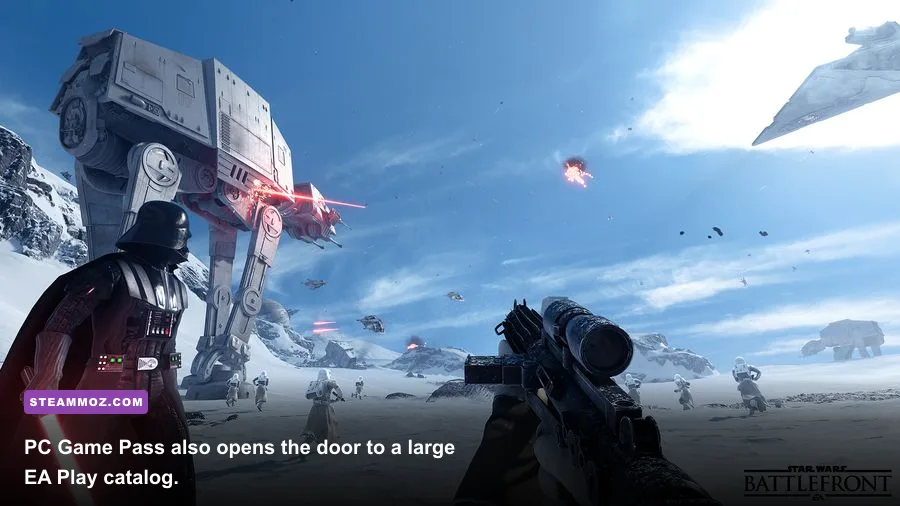
EA Play is one of PC Game Pass's most valuable extras, but it lives inside the EA app rather than the Xbox app for many titles. The first launch typically asks you to link your Xbox and EA accounts. Use the same EA account consistently; switching accounts can create entitlement confusion, and progress may be tied to the EA profile rather than your Windows login.
EA Play access usually means a curated library and trials, not every new EA release at launch. Read the listing's access language before assuming a title is included in full. Games such as Star Wars Jedi: Fallen Order, Mass Effect Legendary Edition, and selected Battlefield entries have appeared in the EA Play ecosystem, but catalogs change by region and over time.
Claim Perks immediately when they matter. Perks can include consumable packs, cosmetic bonuses, Discord Nitro promotions, or partner trials, and many expire independently of your subscription. Open the Xbox app's Perks section, redeem the offer, then read the redemption instructions. A code may need to be activated on a partner website, and some offers auto-renew unless canceled.
Cloud saves are your safety net, not a substitute for backups. Close the game normally and wait for the Xbox app or launcher to finish syncing before shutting down. If a sync conflict appears, don't blindly choose a local file. Check the timestamp and progression first. For games with valuable saves, copy the save folder when the title exposes it, especially before uninstalling. Microsoft explains account and Xbox service behavior through its official Xbox app support page.
Cross-progression isn't automatic across every platform. Minecraft uses Microsoft account features, while some EA games depend on EA accounts and other games may have entirely separate PC and console saves. Confirm the developer's documentation before moving from Xbox Cloud Gaming to the Windows version expecting identical progress.
Tune Graphics for Stable Frame Times
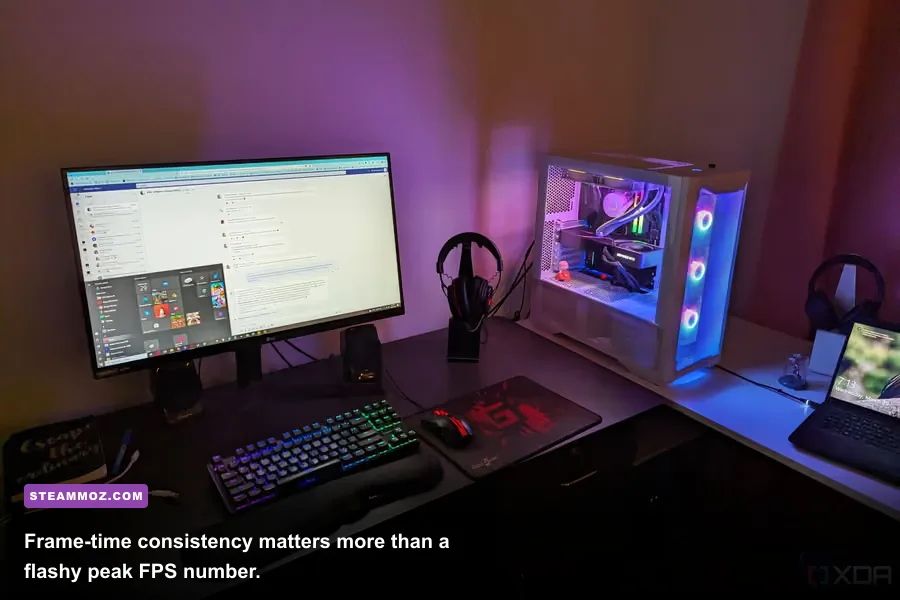
Don't start with Ultra. Start with a frame-rate target that matches your monitor: 60 FPS for a 60Hz display, 90 or 120 FPS for a high-refresh panel, and a locked value slightly below refresh rate when using VRR. A stable 60 FPS feels better than a graph swinging from 95 to 48. Use the game's benchmark where available, then test a busy area rather than an empty hallway.
Resolution and upscaling have the biggest leverage. At 1440p, dropping internal resolution to 85 percent or enabling FSR 2 Quality can recover GPU headroom while preserving much of the image detail. Avoid aggressive sharpening; it makes foliage and shimmering edges look worse. Ray tracing is another easy cut. In games such as Forza Horizon 5, reflections and shadows can cost frames without improving the driving view as much as lowering resolution or ambient occlusion.
| Setting | Recommended Value | Typical FPS Impact | Visual Trade-Off |
|---|---|---|---|
| Resolution | Native, then 85–90% scale | Very high | Lower clarity, strongest performance gain |
| Upscaling | FSR 2 Quality or DLSS Quality | High | Small detail loss; motion artifacts possible |
| Ray tracing | Off or medium | High | Less accurate reflections and lighting |
| Shadows | High instead of Ultra | Medium | Edges and distant shadows soften |
| Volumetrics | Medium | Medium | Fog and light shafts lose density |
| Textures | High if VRAM allows | Low GPU, high VRAM | Lower detail when VRAM is exceeded |
| Motion blur | Off for competitive play | Negligible | Cleaner camera movement |
Textures are the setting people cut too early. They mostly consume VRAM, not raw GPU power. Keep them on High if your graphics card has enough memory, but drop them if you see hitching, late texture loading, or sudden frame-time spikes. As a rough practical profile, 8GB of VRAM is comfortable for High textures at 1080p and often 1440p, while newer ultra-detail presets can exceed that quickly.
CPU-limited games need a different fix. Lowering resolution won't help much if the processor is the bottleneck. Reduce crowd density, simulation quality, foliage distance, or background traffic instead. An FPS overlay and frame-time graph reveal the difference: a GPU limit shows high GPU utilization, while a CPU limit often leaves the GPU underused during stutters.
For older or unusually troublesome games, Steamoz's ELEX crash and FPS fixes and Far Cry 6 performance settings offer useful examples of how to diagnose, rather than guess at, PC problems.
Make Every Trial Session Count
Give a new game 30 focused minutes before judging it, but spend those minutes learning its actual systems. In Lies of P, practice perfect guards against basic enemies before blaming the difficulty; the timing is strict, and stagger damage builds through successful defense. In Hi-Fi RUSH, attacks deal more damage on the beat, but you can still play off-beat while learning because timing assists and visual cues make the rhythm readable. The best Game Pass discoveries often reveal themselves after the tutorial stops holding your hand.
Take notes on control settings, accessibility options, and progression friction. Remapping dodge or parry to a comfortable mouse button can matter more than a graphics preset. Turn on subtitles and speaker labels in dialogue-heavy games. In Forza Horizon 5, rewind, braking assists, and traction control are not “wrong” ways to play; they let you tune the challenge around your actual goal, whether that's learning rally lines or simply enjoying the map.
Uninstall decisively. If you haven't launched a game in two weeks and aren't actively pursuing a deadline, remove it and keep the save synchronized. Reinstalling later is less painful than letting a full SSD slow every game and Windows update. Before uninstalling, check whether the title stores saves locally, whether mods alter the save path, and whether an EA or third-party launcher needs a separate cleanup.
Finally, use official documentation when a game behaves strangely. The Xbox support hub covers account, app, and subscription issues, while the PC Game Pass landing page lists current plan features. For hardware trouble, update GPU drivers from NVIDIA, AMD, or Intel rather than relying exclusively on Windows Update.
The winning PC Game Pass routine is simple: configure storage, maintain a small and deliberate shortlist, claim time-sensitive extras, protect cloud saves, and target consistent performance instead of maximum settings. Once those habits are in place, the subscription stops feeling like an endless menu and starts working as a curated rotation of games you can actually play.