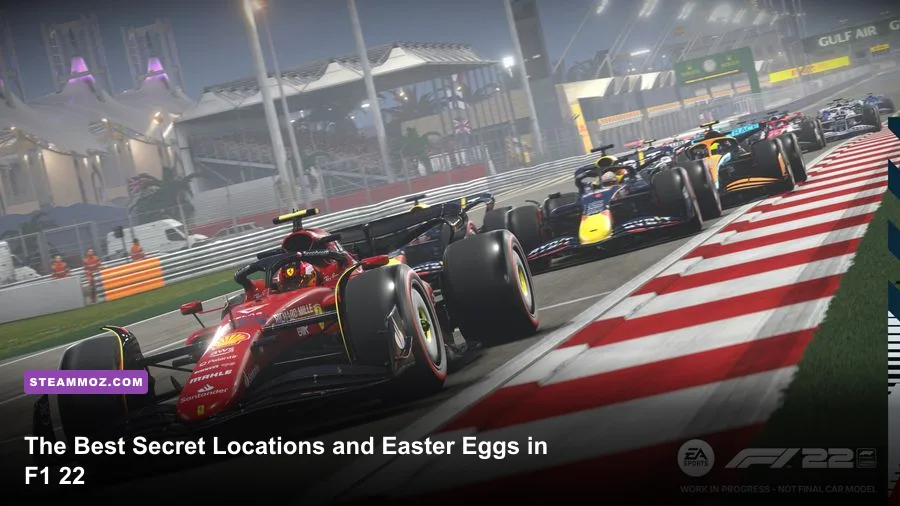
The biggest secret in F1 22 is that it doesn't have secret open-world locations in the usual sense. There is no hidden garage you can reach by driving off-circuit, but there are tucked-away menus, F1 Life unlocks, trackside details, alternate event rules, and classic Formula 1 callbacks that are remarkably easy to miss. The best discoveries are the Pirelli Hot Laps challenges, the F1 Life trophy room, hidden customization combinations, and the off-line scenery you can inspect through replay and Photo Mode.
This matters on PC because the game’s camera tools, higher resolutions, ultrawide support, and quick menu navigation make these secrets much easier to uncover. A controller is fine for racing, but a keyboard and mouse make browsing the F1 Life hub and replay menus faster. Before hunting, install the latest update from the official F1 22 Steam page and remember that some content depends on edition, platform, or post-launch availability.
What Counts as a Secret in F1 22?
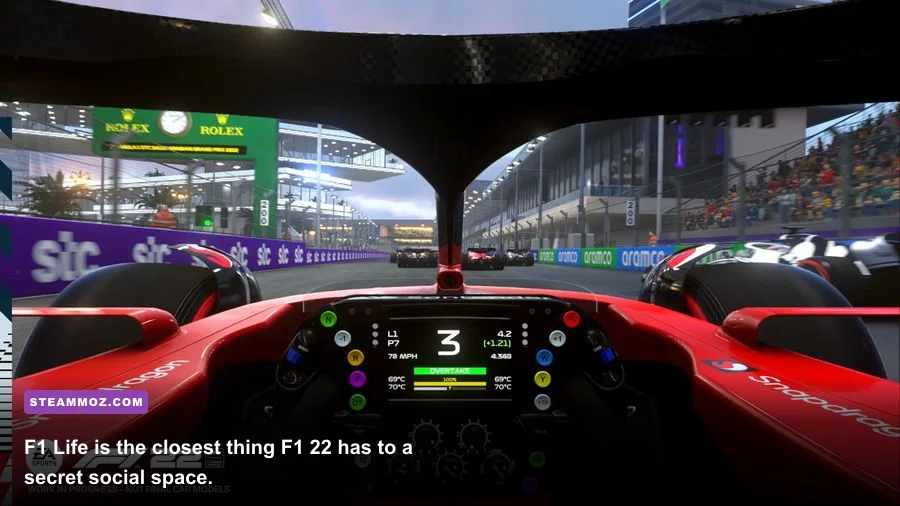
F1 22 is a licensed racing game built around menus, structured sessions, and fixed circuits. That design changes what “secret location” means. A location can be a room inside F1 Life, a menu branch that unlocks an event, or a piece of track scenery visible only from a replay camera. An Easter egg can be a livery reference, a driver-number detail, an unusual audio line, or a challenge that uses a vehicle you never drive in a Grand Prix.
Don't waste time searching for collision gaps or invisible shortcuts. The tracks are closed systems, and cutting across barriers usually triggers a reset, a penalty, or a teleport rather than revealing a developer room. Instead, use the table below as a practical map of where the worthwhile discoveries actually live.
| Secret Type | Where to Find It | How to Access It | Why It Matters |
|---|---|---|---|
| F1 Life hub | Main menu | Select F1 Life | Displays cars, trophies, and customization items |
| Pirelli Hot Laps | Solo or Career-related menus | Open Pirelli Hot Laps events | Uses supercars and alternate challenge rules |
| Trackside details | Every circuit | Use replay, Photo Mode, or spectator camera | Reveals modeled scenery and easter-egg-like references |
| Customization callbacks | My Team and Podium Pass | Browse helmets, suits, liveries, and badges | Lets you recreate real-world and community-inspired looks |
For PC players, this distinction also prevents a common mistake: assuming a YouTube clip showing a cinematic camera angle is a playable hidden route. Many “secret areas” are simply replay-only perspectives with no valid driving surface.
🎮 1bitHeart
Looking to experience this game? Grab your digital key directly on our store for $2.99.
View on Steammoz Store →F1 Life Is the Game’s Hiddenest “Location”
F1 Life is the closest thing F1 22 offers to a secret location. It is a customizable lifestyle hub rather than a race map, and it is easy to ignore because the game pushes you toward Career, Grand Prix, and multiplayer first. Enter it from the main menu, then inspect the rooms, display spaces, car stands, and trophy areas instead of immediately selecting the next race.
The hub's main value is visual, but it also acts as a progress showcase. Your supercars, trophies, outfits, and cosmetic items appear there, turning otherwise disposable unlocks into a persistent collection. The available spaces expand through gameplay and Podium Pass progression, so checking the hub after an event can reveal a new display item before the game makes that reward feel important.
How to Search F1 Life Properly
- From the main menu, select F1 Life rather than Career or Grand Prix.
- Walk or cycle through every display area and interact with visible objects when the prompt appears.
- Open the customization option and check car stands, avatars, suits, gloves, helmets, and trophies separately.
- Return after completing challenges or claiming Podium Pass rewards; new cosmetics may not be obvious in the hub immediately.
- Use Photo Mode to inspect the room at higher resolution and look for manufacturer branding and trophy details.
There is no hidden race start buried in the furniture. That is the important warning. F1 Life is a collection space, not a secret campaign level, and its rewards are mostly cosmetic. Still, it is one of the few places where the game remembers your activity in a way that feels personal.
| F1 Life Element | What to Check | Unlock Source | Best Use |
|---|---|---|---|
| Supercar display | Vehicle model and paint | Progression and event rewards | Inspecting cars outside a race |
| Trophy display | Recent achievement items | Career and challenge milestones | Tracking long-term progress |
| Avatar wardrobe | Helmet, suit, gloves, and pose | Podium Pass and store items | Building a coherent driver identity |
| Room customization | Furniture and presentation space | Cosmetic unlocks | Creating a screenshot backdrop |
The Pirelli Hot Laps Events Are Easy to Miss
If you only play Career, you can miss one of F1 22’s most substantial side features: Pirelli Hot Laps. These events put you in supercars rather than contemporary F1 machinery. The handling is less precise, braking distances are longer, and traction management becomes more important because the cars lack the downforce and braking authority that make an F1 car feel glued to the circuit.
Look for Pirelli Hot Laps through the dedicated event menus and career-related activity prompts. The exact availability can vary with progression and mode, so check the complete solo event list instead of assuming the feature is absent. Events include time attacks, checkpoints, autocross-style tasks, and rival challenges. They are not just filler: they teach you to judge road-car weight transfer, which is useful when learning wet-weather throttle control in a full F1 car.
Why These Challenges Feel Like Easter Eggs
The surprise is the context. F1 22 spends most of its time simulating the modern Grand Prix weekend, then suddenly hands you a Ferrari, Aston Martin, or another performance car on a familiar circuit. The same track looks different without grandstands and braking boards being interpreted at 330 kilometres per hour. Chicanes become visual landmarks instead of flat-out reference points.
| Challenge Style | Main Difficulty | Driving Priority | Common Mistake |
|---|---|---|---|
| Hot Lap | One clean timed attempt | Brake earlier and protect exits | Attacking the first corner too aggressively |
| Time Attack | Consistency across laps | Use repeatable braking markers | Chasing one perfect sector and invalidating laps |
| Checkpoint event | Maintaining route speed | Prioritize the next gate over late apexes | Missing a checkpoint while defending a racing line |
| Rival challenge | Beating a target pace | Study where time is lost | Copying the rival's line without matching their braking point |
These challenges also expose a useful setup truth: F1 22's supercars reward smooth inputs more than esports-style aggression. Disable unnecessary steering assists only after you can complete a clean run, and use cockpit or nose camera to make your braking references consistent.
Trackside “Secret Locations” Worth Exploring
The circuits themselves contain the most convincing hidden locations, but you need to use the replay camera to see them. After any session, enter Replay or Flashback, cycle through camera views, and pause near areas you normally pass too quickly to study. Photo Mode is especially useful at Miami International Autodrome, Circuit of the Americas, Monaco, and Suzuka, where buildings, advertising boards, marshal posts, service roads, and grandstand structures create a surprisingly dense backdrop.
Miami is the obvious starting point because it was new to the 2022 calendar and has deliberately theatrical scenery around the marina section. The water and yachts are set dressing rather than an explorable area, but replay cameras can make the fake marina construction and barriers look like a hidden paddock zone. At Monaco, inspect the tunnel exit and pit-lane surroundings. The narrow circuit hides visual detail because the racing line demands all your attention.
At Silverstone, look around the pit complex and the approaches to Copse, Maggotts, Becketts, and Chapel. At Spa-Francorchamps, the elevation changes and compressed camera angles make the run toward Eau Rouge and Raidillon worth viewing from a stationary broadcast camera. These aren't secret shortcuts, and exploring them won't unlock an achievement; they are environmental details that sell the location.
A Reliable Camera-Hunting Method
- Run a short Grand Prix session with a familiar weather preset.
- Finish or retire from the session so the replay becomes available.
- Switch between broadcast, trackside, and free camera views.
- Pause at pit entries, marshal posts, service roads, and large grandstands.
- Raise replay resolution and disable unnecessary HUD elements before capturing screenshots.
On PC, this is where higher resolution genuinely helps. At 1080p, small trackside logos and distant structures blur into noise. At 1440p or 4K, the same scene can reveal sponsor placement, safety fencing, and texture work that feels deliberately authored rather than procedurally filled.
My Team and Podium Pass Hide the Best Customization References
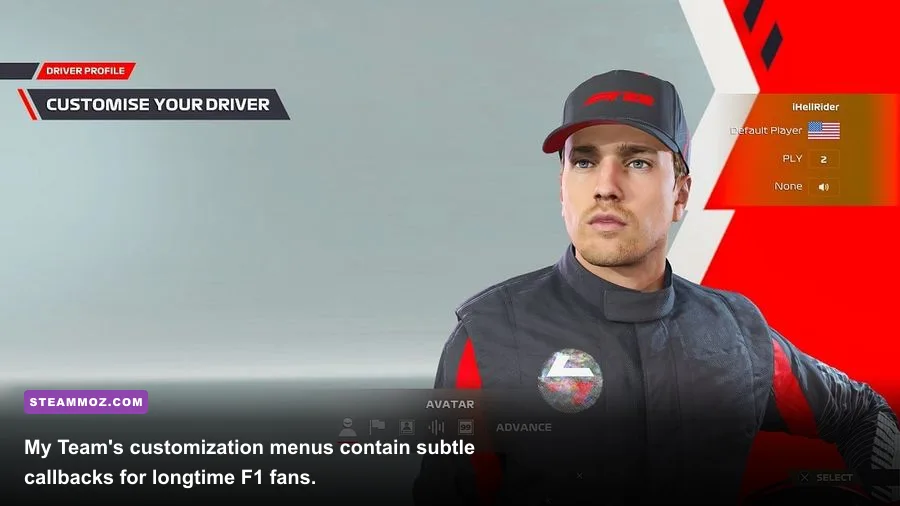
F1 22's most personal Easter eggs are in its customization menus. My Team lets you create a constructor, choose a team identity, and assemble a driver presentation from helmets, suits, gloves, badges, and liveries. The game does not hide a secret code in these screens, but the combinations can recreate famous visual eras, national colors, fictional junior teams, or a deliberately retro paddock aesthetic.
Browse every category instead of stopping at the first unlocked page. Pay attention to helmet graphics, number styles, sponsor layouts, and badge shapes. Some items are gated behind levels, events, or Podium Pass tiers, while others depend on the edition and live-service rotation. Don't spend premium currency assuming a cosmetic is permanently exclusive until you have checked the current item description.
| Customization Area | Best Easter-Egg Potential | What to Match | Practical Tip |
|---|---|---|---|
| Helmet | Strongest driver-era callback | Color blocks, visor strip, number | Check it in cockpit and podium views |
| Team livery | Best fictional-team builder | Primary color, sidepod pattern, sponsor scale | Test it under daylight and night lighting |
| Race suit | Creates a consistent identity | Shoulder color and chest branding | Match gloves rather than using random defaults |
| Badge and emblem | Small but visible career detail | Shape, initials, national colors | Use a simple emblem for cleaner screenshots |
The hidden trick is consistency. A helmet that resembles a real driver means little if the suit and team colors clash. Build a complete visual language, then check it in My Team's race intro, podium scene, and F1 Life. Those different lighting conditions expose mismatched shades that the menu preview hides.
Replay Mode Reveals Details Normal Racing Conceals
Replay Mode is effectively F1 22’s unofficial museum. It lets you inspect tire deformation, brake glow, sparks under the floor, suspension movement, steering lock, and the way a car sits over kerbs. These are not collectible Easter eggs, but they are hidden visual details that make the game feel richer when you stop treating every session as a race against the clock.
Watch a lap from the external camera and then repeat it from the cockpit. Compare the moment a car bottoms out over a kerb with the instant sparks appear. At night, brake discs and track lighting create a different picture, while rain adds spray layers that can hide the rear car almost completely. This is also the best place to check whether a livery has unreadable sponsor text or whether your custom number is visible from the broadcast angle.
For screenshots, use a stable replay, pause at the apex, and cycle through cameras before moving the free camera. A wide shot shows the circuit context; a low trackside view emphasizes ride height and sparks; a tight front-three-quarter shot exposes helmet, halo, and front-wing detail. The result is much more interesting than a standard race screenshot with the HUD covering half the frame.
PC Settings That Make Hidden Details Easier to See
There is no secret location worth discovering if the game is stuttering or rendering distant objects as mush. F1 22 can be demanding, especially with ray-traced shadows and reflections enabled. For exploration, a stable frame rate matters more than maximum spectacle because replay cameras punish hitching and inconsistent frame pacing.
| Setting | Recommended Value | FPS Impact | Visual Note |
|---|---|---|---|
| Ray Traced Shadows | Off for exploration, Medium for screenshots | High | Improves lighting detail but can cause major frame-time spikes |
| Ray Traced Reflections | Off or Medium | High | Most visible on wet surfaces and glass |
| Texture Streaming | High if VRAM allows | Low to medium | Keeps sponsor boards and car materials sharper |
| Track Detail | Ultra or High | Medium | Important for distant grandstands and service areas |
| Crowd Quality | High | Low to medium | Makes grandstands feel less flat in wide shots |
| Motion Blur | Off for screenshots | Minimal | Prevents small scenery details from smearing |
| DLSS or FSR | Quality mode | Performance gain | Quality mode preserves thin fencing better than Performance |
A sensible profile is 1440p, High track detail, High textures, motion blur off, and DLSS or FSR on Quality. If you have a modern GPU with spare headroom, enable ray-traced shadows only for still-image sessions. For racing, stable 60 fps is the floor; 120 fps is preferable for fast steering inputs and camera movement. If you need troubleshooting help, Steamoz’s PC crash and FPS fixes and graphics-settings guide cover the same fundamentals of drivers, frame pacing, and upscaling.
Five Discoveries Worth Your Time
If you want the short list, start with F1 Life and inspect every display after claiming rewards. Then run the Pirelli Hot Laps events, especially if you have only played Career. After that, explore Miami, Monaco, Silverstone, and Spa through replay cameras. Finally, build a complete My Team visual identity and photograph it in different lighting conditions.
| Rank | Discovery | Time Required | Worth It? |
|---|---|---|---|
| 1 | Pirelli Hot Laps | 20–45 minutes | Yes, because it adds genuinely different driving |
| 2 | F1 Life trophy and car displays | 10–20 minutes | Yes, especially for collectors |
| 3 | Replay camera track tour | 15–30 minutes | Yes, for scenery and screenshots |
| 4 | My Team customization combinations | 15–60 minutes | Yes, if presentation matters to you |
| 5 | Ray-traced Photo Mode comparisons | 10 minutes | Only if your GPU has headroom |
For official reference, compare the game's feature set with the EA F1 22 page, the Formula 1 website, and the EA Help F1 22 support hub. Those sources are useful when an event, cosmetic, or online feature behaves differently after a patch.
The honest verdict is that F1 22 doesn't hide a secret island, developer garage, or underground shortcut. Its secrets are quieter: a side-event structure, a collectible lifestyle hub, detailed circuits, and customization systems that reward players willing to browse instead of pressing “Start Race.” That restraint is why these discoveries are easy to miss—and why they still feel satisfying when you find them.
If you're moving between racing games, Steamoz also has guides on hidden locations in Everspace 2 and PC performance fixes for EscapeVR. In F1 22, though, the best treasure hunt begins with one simple habit: finish the race, open the replay, and look at the parts of the circuit you normally fly past.