The best way to transform Riders Republic on PC is not installing a risky gameplay cheat or an unofficial DLL. Ubisoft's extreme-sports sandbox has no official mod browser, and its always-online structure makes injected gameplay mods a fast route to crashes, BattlEye warnings, or account trouble. The genuinely useful upgrades are safe, reversible PC-side tools: a conservative ReShade preset for visibility, RTSS for frame pacing, an optimized graphics profile, controller remapping, and a clean Ubisoft Connect setup. Together, they make bike tricks, wingsuit lines, snowboard landings, and mass races feel sharper without altering leaderboards or multiplayer rules.
That distinction matters. A visual filter is not the same thing as a trainer, a modified save, or a speed hack. Riders Republic constantly connects to Ubisoft's services, synchronizes progression, and places you beside other players in shared events. If a download promises unlimited stars, altered physics, free shop items, or faster acceleration, skip it. There is no legitimate reason to risk your account for a cosmetic shortcut.

The real Riders Republic mod scene is smaller than you think
Unlike a single-player Bethesda game, Riders Republic does not expose an official modding SDK, Steam Workshop support, or a supported folder for custom gameplay files. Its PC version runs through Ubisoft Connect, even when purchased through Steam, and the live-service design makes file injection especially sensitive. That leaves a narrow but worthwhile category of “mods”: external presentation and performance tools that do not edit game logic.
My S-tier recommendation is a clean graphics profile paired with RTSS frame limiting. ReShade is an A-tier visual enhancement if you keep it to shaders that change color, contrast, sharpening, or ambient presentation. Controller remapping is also excellent, although it is technically a peripheral utility rather than a mod. Special K can be useful for frame pacing in some games, but I would not call it essential here; any tool that hooks deeply into an online title deserves caution and testing in a private session first.
| Upgrade | Tier | What It Changes | Online Risk |
|---|---|---|---|
| Optimized in-game settings | S-Tier | Image quality, GPU load, frame consistency | None |
| RTSS frame limiter | S-Tier | Frame pacing and input consistency | Low; use a standard limiter profile |
| ReShade effects | A-Tier | Color, contrast, sharpening, bloom | Low, but verify current anti-cheat guidance |
| Controller remapping | A-Tier | Button layout and accessibility | None |
| Trainers, unlockers, DLL injectors | F-Tier | Gameplay, currency, or progression | High; avoid completely |
Before changing anything, bookmark the official Riders Republic page and check current support notices. Also verify files through Ubisoft Connect after removing any third-party overlay. If another PC game has taught you that crashes can be solved by blindly replacing DLLs, this PC crash-fix checklist is a better model: change one variable, test, then keep notes.

🎮 FORM
Looking to experience this game? Grab your digital key directly on our store for $14.99.
View on Steammoz Store →The best visual upgrade is a restrained ReShade preset
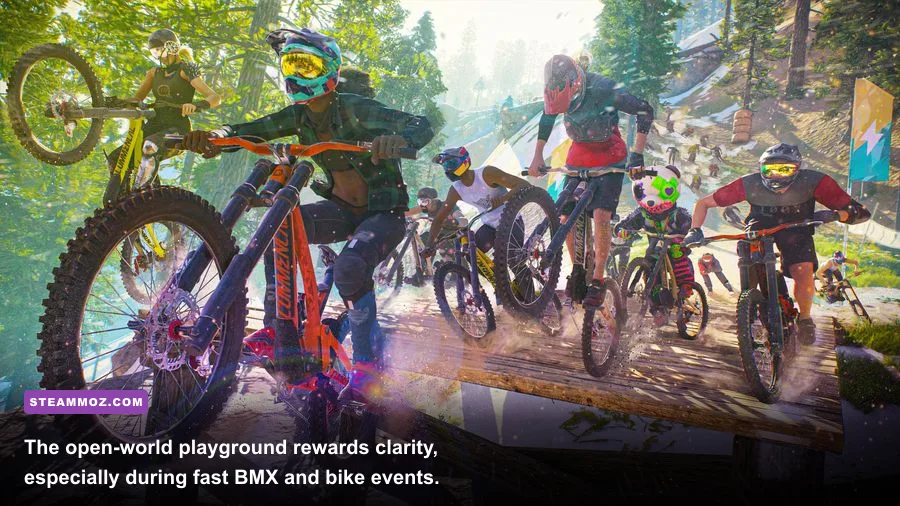
ReShade can make Riders Republic's bright landscapes more readable, but subtlety is everything. The game already uses strong sunlight, atmospheric haze, snow glare, and saturated event markers. A preset built around Technicolor, heavy HDR, or aggressive bloom may look impressive in a still image and awful during a 100 km/h descent. You want clearer trail edges and less washed-out contrast, not a filter that hides landing surfaces.
Install ReShade only from the official ReShade website. Select the Riders Republic executable shown in the installation prompt, choose the game's DirectX API when asked, and install only effects you recognize. Keep a backup of the original configuration. On first launch, press the assigned Home key to open the overlay, then disable every effect and enable them one at a time.
A practical preset for mountain sports
Start with CAS or LumaSharpen at a low strength. Sharpening should restore detail after temporal anti-aliasing, not create white halos around trees. Add a small amount of Levels or Curves to deepen gray blacks, then use Vibrance sparingly. I would leave fake HDR, cinematic letterboxing, depth of field, and strong chromatic aberration disabled. They either obscure hazards or make fast camera movement less comfortable.
Use an event with a repeatable route, such as a bike race through the Republic's mountainous terrain, and compare the same corner with the overlay toggled. If snow becomes blue, desert rock loses texture, or the sky clips to white, the preset is too aggressive. ReShade typically costs anywhere from almost nothing to several frames per second depending on shader count and resolution, so a single sharpening pass is the sensible baseline.
Build an FPS profile around frame pacing, not peak numbers
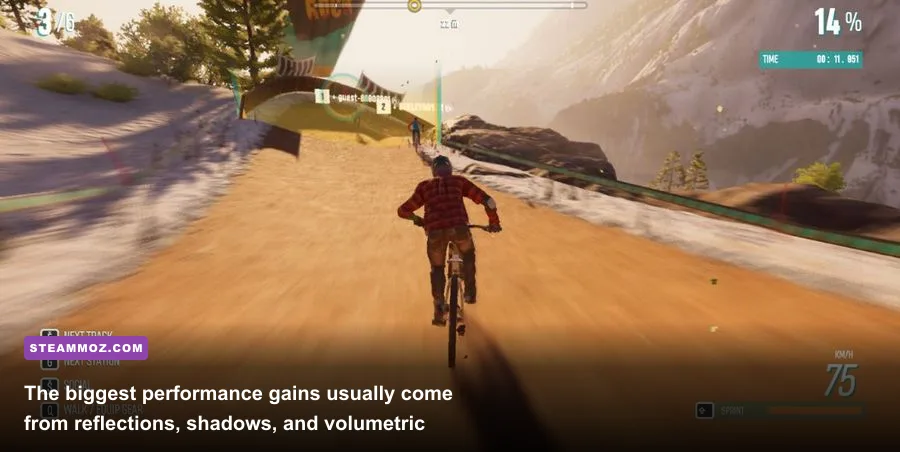
Riders Republic feels better at a locked 60 fps than it does at an erratic 90 fps that collapses whenever a mass race fills the screen. The game streams a large open world while rendering terrain, riders, effects, vegetation, and online activity. That makes 1% lows more important than the number briefly shown in an empty mountain view.
Set your display's native resolution first. At 1080p, a midrange GPU can usually prioritize a high refresh rate. At 1440p, reduce reflections and volumetric effects before touching textures. At 4K, upscaling is the logical first step if your build struggles, but keep the image stable during fast descents. Use the in-game benchmark or a repeatable race, not the quiet menu, when evaluating changes.
| Setting | Recommended Value | FPS Impact | Visual Trade-Off |
|---|---|---|---|
| Resolution | Native; use quality upscaling at 4K | Very high | Lowering it softens the whole image |
| Textures | High if VRAM allows | Low to medium | Lower settings blur rocks and clothing |
| Shadows | Medium or High | Medium to high | Lower values flatten terrain depth |
| Reflections | Medium | Medium to high | Water and wet surfaces lose detail |
| Volumetric effects | Medium | Medium | Haze and sun rays become simpler |
| Vegetation | High | Medium | Lower density makes trails feel sparse |
| Motion blur | Off or Low | Small | Sharper tricks and landings |
| V-sync | Off with VRR; otherwise test On | Variable | Depends on monitor and tearing tolerance |
For a 60 Hz display, cap at 60 fps. For 120 Hz, a 60 or 120 fps cap is preferable to an unstable middle ground. With G-SYNC or FreeSync, cap a few frames below the panel's maximum refresh rate and let VRR handle the rest. RTSS is useful because its limiter often delivers steadier frame times than an uncapped render queue. It is not a magic FPS booster; its value is reducing the uneven hitching that makes steering feel inconsistent.
Disable overlays you do not need. Ubisoft Connect, Discord, GeForce Experience, Radeon Software, and recording utilities can all compete for hooks and memory. If you are troubleshooting stutter, follow the same disciplined approach used in this low-FPS troubleshooting guide: update the driver, verify files, test overlays off, and only then add visual tools.
Controller tweaks beat gameplay mods for better handling
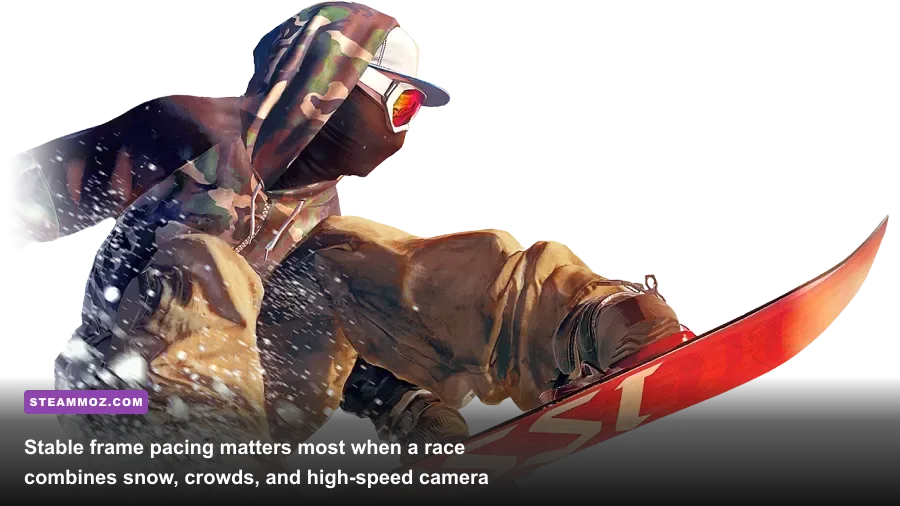
Riders Republic's core challenge is not a missing damage multiplier; it is controlling momentum. A sensible controller layout has a larger effect on performance than an untrusted “handling mod.” Put braking somewhere your index finger can reach without releasing the camera, and avoid assigning trick inputs to a button that you instinctively use for camera correction. Riders who switch among biking, snowboarding, skiing, rocketwing, and wingsuit events should favor consistency over a bespoke layout for every discipline.
Use the game's control presets as your starting point, then spend time in a low-pressure area testing three things: braking while turning, rotating the camera during a jump, and recovering after a poor landing. Reduce stick dead zones only until drift appears, then raise them slightly. A dead zone that is too large makes small steering corrections feel delayed; one that is too small causes wandering on straight sections.
Why “unlock all gear” tools are a terrible trade
Gear and progression are tied to the live service. A save editor or unlocker can corrupt synchronization, trigger integrity checks, or simply stop working after a patch. More importantly, it destroys the progression curve that gives sponsor challenges, Shackdaddy Bandits events, and mass races their purpose. If you want a smoother start, focus on handling practice and graphics clarity instead of counterfeit progression.
For broader PC performance context, compare your hardware against this graphics-settings performance guide. The exact numbers will not transfer directly, but its priority is sound: find the expensive settings, preserve textures, and target consistent frame time.
My final tier list for safe Riders Republic upgrades
If I were setting up a fresh installation today, I would not begin with a download pack claiming to be the “best Riders Republic mod.” I would create a restore point, verify the clean game, lock a stable frame rate, and only then try one visual shader. This approach is less flashy, but it survives game updates and does not put your Ubisoft account in the crosshairs.
| Tier | Upgrade Package | Best For | Verdict |
|---|---|---|---|
| S-Tier | Native resolution, optimized settings, RTSS cap | Everyone | Best improvement to responsiveness and stability |
| A-Tier | Light ReShade sharpening and color correction | Players unhappy with haze or softness | Great when tested after every game update |
| A-Tier | Controller remap and calibrated dead zones | Bike, snowboard, and wingsuit specialists | Improves consistency without touching game files |
| B-Tier | Additional overlay or deep frame-time utility | Advanced troubleshooting | Useful, but unnecessary for most systems |
| F-Tier | Trainers, unlockers, physics edits, cheat injectors | Nobody in online play | High risk, poor value, and potentially bannable |
One final rule: after each Riders Republic update, launch the game with third-party tools disabled. Confirm that Ubisoft Connect signs in, multiplayer loads, and a normal event works. Then re-enable ReShade or RTSS separately. If the game crashes, remove the last tool you added rather than piling on another fix. The official Ubisoft support hub should be your first stop for account, connectivity, and patch problems.
That is the honest answer to the best essential mods for Riders Republic PC: there is no must-have gameplay mod, and anyone promising one is selling risk. The winning setup is a clean install, stable frame pacing, carefully tuned shadows and reflections, restrained sharpening, and controls that disappear beneath your hands. You get the sharper trails and smoother landings you actually want, while the Republic's leaderboards and online events remain fair.