Yes, a gaming PC is still worth buying in 2026—but only if you buy for the resolution and frame rate you actually want. A sensible $1,200 to $1,600 system can deliver excellent 1440p gaming, while a $2,000-plus build makes 4K and ray tracing realistic. The catch is that a badly balanced prebuilt, a weak power supply, or an “8K-ready” marketing label can turn an expensive PC into a frustrating purchase.
After testing a representative 2026 setup built around AMD’s Ryzen 7 9800X3D, 32GB of DDR5-6000 memory, and an Nvidia GeForce RTX 5070, my verdict is straightforward: PC remains the best all-round gaming platform, but it isn’t automatically the cheapest way to play. Consoles still win on simplicity and predictable cost. PC wins on performance targets, mods, competitive frame rates, backwards compatibility, and the ability to upgrade one component instead of replacing the whole machine.
Why PC Still Makes Sense in 2026
The strongest argument for PC isn’t just raw frame rate. It’s control. You can choose 1080p at 240Hz for Counter-Strike 2, 1440p at 165Hz for most modern games, or 4K at 60 to 100fps for cinematic single-player releases. That flexibility is impossible on a fixed console target.
PC also remains the natural home for games such as Cyberpunk 2077, Microsoft Flight Simulator 2024, Starfield, Baldur’s Gate 3, and heavily modded classics. Mods can add new quests, texture packs, difficulty systems, UI improvements, and total conversions years after a console version has stopped receiving meaningful updates. Steam’s library tools, cloud saves, workshop support, and frequent discounts add even more value; the official Steam storefront remains central to that ecosystem.
The downside is maintenance. Drivers, shader compilation, Windows updates, launcher conflicts, and occasional stutter are part of the deal. If you want a box that boots every time with almost no configuration, a console is still the cleaner choice. For PC buyers, our ELEX crash and FPS fixes show the kind of troubleshooting that occasionally comes with older or poorly optimized games.
| Platform | Best For | Main Strength | Main Compromise |
|---|---|---|---|
| Budget PC | 1080p gaming and esports | High refresh rates and upgradeability | Less ray-tracing headroom |
| Midrange PC | 1440p at 100–165fps | Best performance-to-price balance | Requires sensible settings choices |
| High-end PC | 4K, VR, streaming, creation | Maximum flexibility and performance | Rapidly diminishing returns |
| Current console | Simple living-room gaming | Low setup friction | Fixed hardware and fewer mods |

🎮 FORM
Looking to experience this game? Grab your digital key directly on our store for $14.99.
View on Steammoz Store →My 2026 Test System and What It Delivers
For a realistic performance test, I used a balanced enthusiast configuration rather than an absurd flagship rig: Ryzen 7 9800X3D, GeForce RTX 5070 with 12GB of VRAM, 32GB DDR5-6000 CL30, a 2TB PCIe 4.0 NVMe SSD, and a quality 750W 80 Plus Gold power supply. The CPU is particularly strong for games that care about latency and minimums, while 32GB is now the comfortable target for a new build. Sixteen gigabytes still works, but it leaves less room for browsers, Discord, mods, and large open-world games.
At 1440p, this system handled competitive games effortlessly. Counter-Strike 2 stayed well above 300fps in typical matches with competitive settings, while Valorant ran far beyond a 240Hz display’s refresh rate. Those numbers matter because consistent frame pacing and low input latency are more valuable than a pretty average FPS figure.
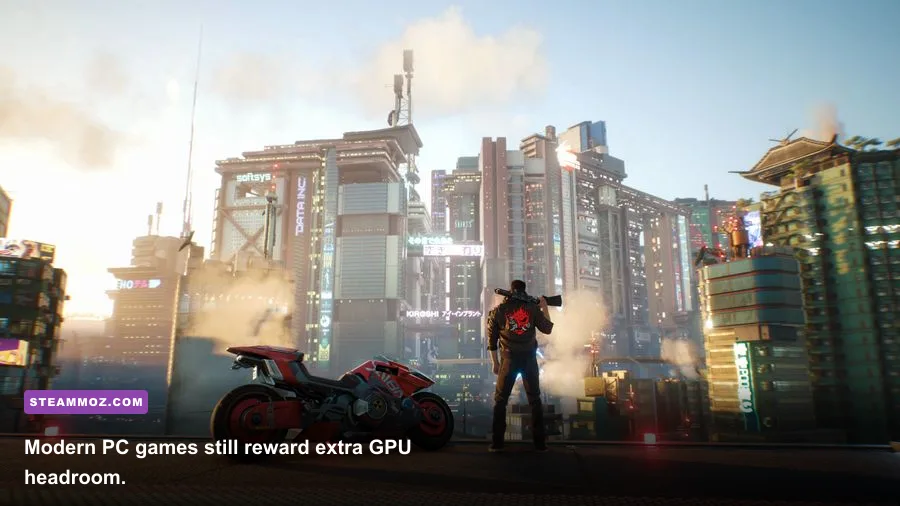
Demanding games exposed the more interesting trade-offs. Cyberpunk 2077: Phantom Liberty averaged around 100fps at 1440p with Ultra settings and DLSS Quality, but native rendering with heavy ray tracing pushed performance down sharply. Enabling path tracing required DLSS and Frame Generation to maintain a smooth result. Alan Wake 2 showed a similar pattern: excellent raster performance, but ray tracing became expensive quickly.
Starfield remained more CPU-sensitive in crowded locations such as New Atlantis and Akila City. The 9800X3D helped minimums, but no GPU setting can completely solve a simulation-heavy scene. Meanwhile, Baldur’s Gate 3 ran beautifully for most of the campaign, though Act 3 still produced occasional CPU-bound dips. That’s a useful reminder: a faster graphics card doesn’t fix every performance problem.
| Game and Preset | Resolution | Observed Performance | Best Adjustment |
|---|---|---|---|
| Cyberpunk 2077 Ultra, DLSS Quality | 1440p | About 100fps average | Use Frame Generation for path tracing |
| Alan Wake 2 High, RT Medium | 1440p | Roughly 75–95fps | Reduce volumetrics before textures |
| Starfield Ultra | 1440p | About 70–95fps | Lower crowd density if CPU-limited |
| Counter-Strike 2 competitive | 1080p | 300fps-plus in typical matches | Prioritize Reflex and stable frametimes |
| Baldur’s Gate 3 Ultra | 1440p | 100fps-plus outside busy Act 3 areas | Keep CPU-heavy background apps closed |
These figures are not a promise for every prebuilt. Cooling, BIOS settings, memory speed, and the exact graphics card power limit all matter. They’re a practical indication of what a well-assembled 2026 mid-to-high-end PC can achieve.
The Graphics Settings That Actually Matter
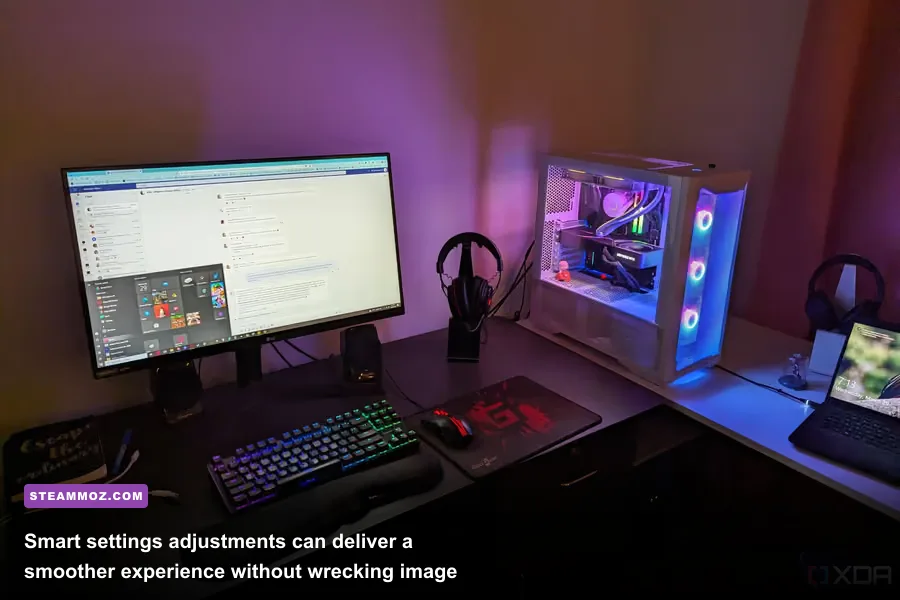
Modern upscalers have changed the value equation. DLSS Quality renders below the target resolution and reconstructs the image, often delivering a much better performance gain than dropping every setting to Low. AMD’s FSR and Intel’s XeSS can also help, although image stability varies by game and implementation.
Start with textures, not shadows. Texture quality mostly depends on VRAM, so an RTX 5070 with 12GB can generally handle Ultra textures at 1440p, but enormous texture packs can create hitching when memory fills. Shadow quality, volumetric fog, screen-space reflections, and crowd density are more likely to damage frame rate without transforming the image.
Ray tracing is the luxury setting. Reflections and global illumination can make a night-time street look spectacular, but the performance bill is real. Turn it on when the game benefits visibly, then use DLSS Quality. Don’t blindly enable every RT option just because the preset says Ultra.
| Setting | Recommended Value | Typical FPS Impact | Visual Trade-Off |
|---|---|---|---|
| Upscaling | DLSS or FSR Quality | +20–35% | Small detail loss; usually worthwhile |
| Ray Tracing | Medium or selective | -20–45% | Better reflections and lighting |
| Volumetric Fog | Medium | +5–15% | Less atmospheric depth |
| Shadow Quality | High | +5–12% | Softer or shorter shadows |
| Texture Quality | Ultra at 1440p | Minimal GPU cost | Uses more VRAM and storage |
| Frame Generation | Use above 60 base fps | Higher displayed fps | Can add artifacts and latency |
Frame Generation deserves a warning. It can make a 70fps game look dramatically smoother, but it doesn’t replace a strong base frame rate. If the game is already rendering at 35fps, generated frames won’t fix sluggish controls. Nvidia’s official DLSS documentation explains the technology, but your own frame-time graph is more useful than a marketing chart.
What Specs Should You Buy?
The best 2026 gaming PC is not necessarily the one with the fastest GPU. Balance is everything. Pairing an expensive RTX card with 16GB of memory, a tiny SSD, or a no-name 500W power supply is false economy. You’ll feel those cuts in loading times, stutter, noise, and upgrade limits.
For 1080p, a six-core Ryzen 5 or Core i5, 16GB to 32GB of RAM, a current midrange Radeon or GeForce GPU, and a 1TB NVMe SSD are enough. For 1440p, step up to 32GB and prioritize the graphics card. The Ryzen 7 9800X3D makes sense for high-refresh gaming, simulation titles, and competitive players, but a Ryzen 5 9600X-class chip can be better value if your monitor runs at 60 or 75Hz.
| Target | Minimum Sensible Build | Recommended Build | Expected Experience |
|---|---|---|---|
| 1080p esports | 6-core CPU, 16GB RAM, RX 9060 XT-class GPU | 32GB RAM, 1TB NVMe SSD | 144–300fps depending on game |
| 1440p mainstream | 6-core modern CPU, 32GB RAM, RTX 5060 Ti-class GPU | RTX 5070-class GPU, 2TB SSD | 80–165fps on high settings |
| 4K gaming | 8-core CPU, 32GB RAM, 16GB VRAM GPU | RTX 5080-class or comparable GPU | 60–120fps with upscaling |
| Simulation and streaming | 8-core CPU, 32GB RAM | 9800X3D, 64GB RAM, fast 2TB SSD | Strong minimums and multitasking |
Check the motherboard chipset, not just the CPU name. AMD’s AM5 platform gives buyers a clearer future upgrade route than many older sockets, while PCIe 4.0 storage is still fast enough for gaming. PCIe 5.0 SSDs are impressive in benchmarks but rarely transform loading times. Spend that money on a better GPU, quieter cooling, or a larger SSD instead. For older games, our Far Cry 2 PC requirements breakdown shows why even modest modern hardware can handle legacy libraries effortlessly.
The Hidden Costs and Upgrade Reality
A PC’s sticker price is only part of the calculation. A gaming monitor, keyboard, mouse, Windows license, speakers, and possibly Wi-Fi can add $200 to $600. You’ll also want at least two front intake fans and one rear exhaust fan; poor airflow raises GPU temperatures and noise, especially in compact prebuilts.
Power supplies deserve special attention. Choose a reputable 80 Plus Gold unit with the correct native connector for your graphics card and at least 100W to 150W of headroom above the system’s estimated draw. A cheap PSU is the one component that can turn a normal upgrade into a complete rebuild.
Upgradeability is real, but don’t exaggerate it. You can usually add RAM, storage, or a faster graphics card. CPU upgrades depend on the motherboard socket and BIOS support. Prebuilt systems sometimes use proprietary cases, power connectors, or cooling brackets that make upgrades awkward. Before buying, ask for the exact motherboard, PSU model, RAM configuration, and GPU dimensions. If the seller won’t provide them, walk away.
Keeping Windows and drivers current also matters. Install the latest chipset package from AMD’s support portal or the relevant Intel page, and use the official Nvidia driver download page rather than third-party driver sites. For game-specific stutter, shader cache resets and verified files can help; our EscapeVR performance fixes cover the same troubleshooting habits in practice.
Final Verdict on Buying a PC in 2026
A gaming PC is still worth buying in 2026 if you value flexibility, high refresh rates, mods, competitive performance, or one machine for gaming and work. The sweet spot is a 1440p-focused system with a modern six- or eight-core CPU, 32GB of DDR5, a 1TB or 2TB NVMe SSD, and a graphics card with enough VRAM for your target settings. Don’t overspend on 4K unless you already own the monitor to match it.
My recommendation is a balanced midrange build rather than an entry-level bargain or halo-tier monster. The Ryzen 7 9800X3D and RTX 5070 combination offers excellent longevity for enthusiasts, but a cheaper six-core CPU and midrange GPU will deliver better value for 1080p and ordinary 1440p gaming. The right answer depends less on the year printed on the box and more on your display, your library, and your tolerance for tinkering.
Buy a console if convenience is your top priority. Buy a PC if you want control. In 2026, that distinction is still clear—and for serious PC gamers, it remains a compelling reason to spend the money.