
Before you start playing Forza Horizon 5 on PC, sort out three things first: install it on an SSD, use a sensible graphics preset instead of blindly choosing Ultra, and resist spending credits on every flashy car in the Autoshow. FH5 gives you a ridiculous amount of content immediately, but its progression, tuning, assists, and online features are easy to misunderstand. The smart start is to unlock Horizon Adventure chapters, build a small garage for different surfaces, and tune for control rather than headline horsepower.
This guide focuses on the PC version of Forza Horizon 5, not the older Forza Horizon 4. The game is available through Steam and the Microsoft Store, with Xbox Play Anywhere support through the Xbox ecosystem. Your save is tied to your Microsoft account, so connect the right account before you commit hours to wheelspins and car collections.
Check Your PC Before Installing Forza Horizon 5
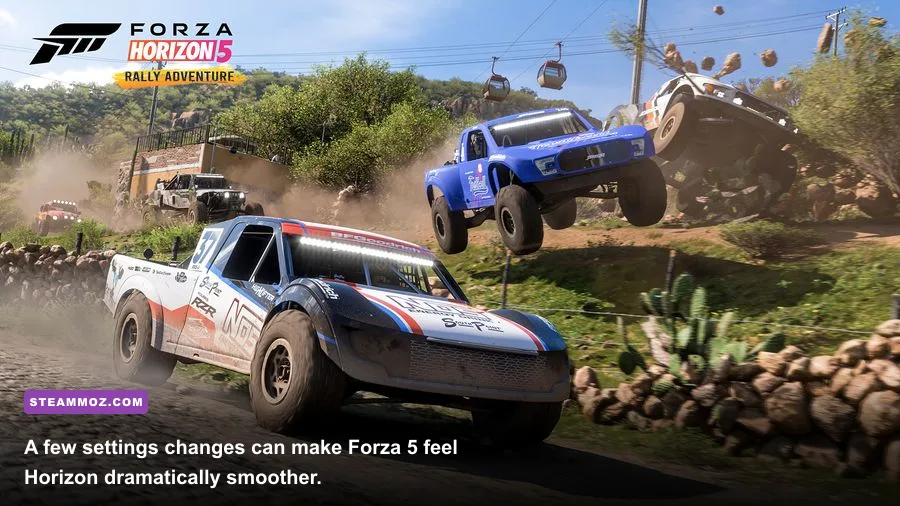
FH5 is far more demanding than its bright, arcade-friendly presentation suggests. The enormous Mexico map streams roads, vegetation, crowds, weather, and traffic while you drive at high speed. A system that technically meets the minimum can launch the game, but it won't deliver the stable frame pacing that makes braking and corner entries feel precise.
The official minimum target is a 1080p, low-settings experience around 30 frames per second. For competitive road racing, 60 fps is the practical floor; 120 fps feels excellent if your CPU and display can sustain it. Install the game on an SSD whenever possible. A hard drive can cause texture pop-in, delayed map loading, and irritating pauses when fast travel or entering a festival site.
| Component | Minimum | Recommended | Practical PC Target |
|---|---|---|---|
| Operating system | Windows 10 version 15063 | Windows 10 1909 or newer | Windows 11 22H2 or newer |
| CPU | Intel i5-4460 / AMD FX-8350 | Intel i5-8400 / Ryzen 5 1500X | Intel i5-11600K / Ryzen 5 5600X |
| Memory | 8 GB RAM | 16 GB RAM | 16 GB dual-channel RAM |
| GPU | GTX 970 / Radeon R9 290X | GTX 1070 / Radeon RX 590 | RTX 3060 Ti / RX 6700 XT |
| Storage | 110 GB | 110 GB | SSD with extra update space |
Those official specifications are a starting point, not a guarantee. FH5's minimum GPU can struggle with modern foliage and long view distances, while 8 GB of RAM leaves Windows and background apps fighting for room. Close browsers, launchers, and recording tools if you see stutters rather than simply lowering texture quality. Texture quality is often limited by VRAM; stuttering is more commonly a streaming, CPU, or background-process problem.
If another PC game is already crashing or running badly, Steamoz's PC crash and FPS troubleshooting guide covers the same useful basics: driver cleanup, overlays, and background software. Forza-specific problems should still be checked against the official Forza Support site.
Use This PC Graphics Setup Before Chasing Ultra
Start with the game's Benchmark mode, then adjust for a locked frame rate. A stable 60 fps is better than a wild 45-to-90 fps swing, especially when you are learning braking points. Turn on the performance overlay and watch GPU memory, CPU simulation time, and GPU time. If GPU time is high, reduce resolution scale, shadows, reflections, or world car level. If CPU time is high, lower environment geometry, particle effects, and traffic-related detail.
A balanced 1080p profile
Use High as the base preset, set resolution scaling to 100 percent, and cap the game at your monitor's refresh rate or a stable divisor. For an RTX 3060-class card, High or Ultra textures are usually fine with 8 GB of VRAM, but Extreme world detail can punish weaker CPUs. Motion blur is a personal choice; I disable it because it smears roadside markers and makes high-speed correction harder.
| Setting | Recommended value | FPS impact | Visual trade-off |
|---|---|---|---|
| Resolution scale | 100% | Very high | Lowering it softens the entire image |
| Environment texture quality | High | Medium VRAM impact | Roadside detail remains sharp |
| World car level of detail | High | Medium CPU impact | Less distant vehicle detail |
| Shadow quality | High | Medium to high | Lower values flatten foliage shadows |
| Reflection quality | High | Medium | Water and paint lose some clarity |
| MSAA | 2x or 4x | Medium GPU impact | Controls jagged edges on cars |
| Night shadows | High | High on older GPUs | Lowering it affects night scenes only |
| Ray tracing in free roam | Off | High | Keep it for showcase and ForzaVista shots |
Ray tracing is mainly a visual luxury in FH5, not a competitive advantage. It improves reflections in supported showcase modes, but it can wreck frame rate for a benefit you barely notice while racing. Nvidia DLSS and AMD FSR can help at higher resolutions, though native 1080p often looks cleaner. If you use a 1440p monitor, try quality upscaling first, then compare it against a lower native resolution.
For more general GPU tuning ideas, see Steamoz's settings guide for maximizing FPS. The principles transfer well, but don't copy another game's profile line for line. FH5's streaming behavior is unusually sensitive to CPU and storage performance.
Understand Horizon Adventure and Early Progression
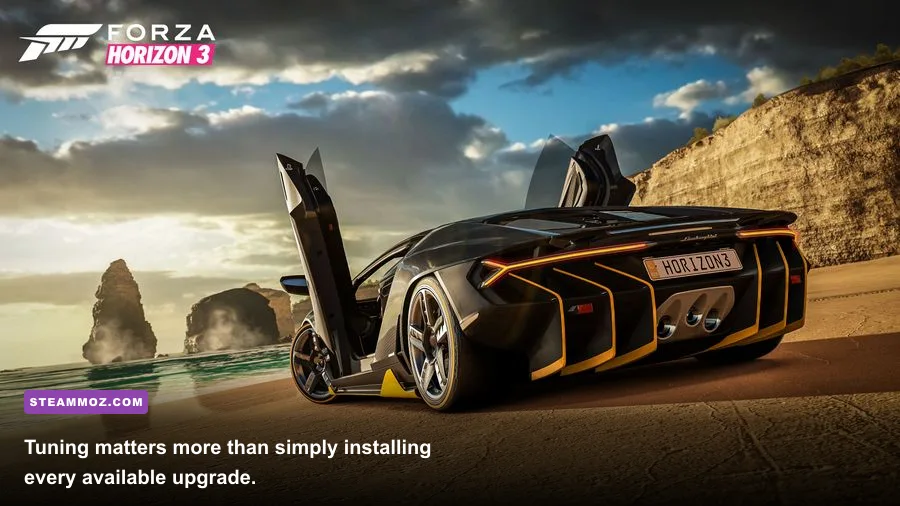
FH5 doesn't use a traditional level-based campaign. Accolades award points for activities, and those points unlock Horizon Adventure chapters. The first opening sequence sends you through several showcase events before you choose which festival outpost to expand. That choice matters because each chapter opens a different slice of the map and activity type, not because it permanently locks you out of anything.
What to unlock first
Unlock the Horizon Apex outpost early if you enjoy road racing and paved circuits. Horizon Rush is valuable for stunt ramps, PR stunts, and cross-country chaos. Horizon Baja gives off-road events and dirt-road routes, while Horizon Wilds focuses on exploration and jungle driving. Horizon Street Scene introduces night street races, and Horizon Rush eventually expands the more theatrical stunt content.
My preferred route is Apex first, Baja second, then Wilds. Apex teaches clean cornering with predictable surfaces, Baja forces you to learn throttle control over bumps, and Wilds makes you comfortable with narrow roads where a perfect racing line doesn't exist. You can freely revisit events and change difficulty later, so don't restart because your first chapter choice wasn't optimal.
| Early target | Why it matters | What it unlocks | Best first use |
|---|---|---|---|
| Horizon Apex | Builds road-racing fundamentals | Road events and paved routes | Learning braking and clean lines |
| Horizon Baja | Improves off-road control | Dirt and cross-country events | Rally and all-terrain cars |
| Horizon Wilds | Opens jungle exploration | Exploration-focused activities | Danger signs and discovery |
| Horizon Street Scene | Adds night racing | Street races and night routes | Testing headlights and grip |
| Horizon Rush | Expands stunt variety | PR stunts and showcase events | Speed zones and jumps |
Don't confuse Accolade points with credits. Accolades unlock chapters and rewards, while credits buy cars and upgrades. Wheelspins can award credits, cars, or cosmetic items, but they are not a reliable economy plan. The Festival Playlist is more consistent: weekly and daily challenges award Forzathon Points, cars, credits, and Super Wheelspins. Check it before spending those points because the best reward rotation changes regularly.
Build a Garage Around Classes, Not Car Rarity
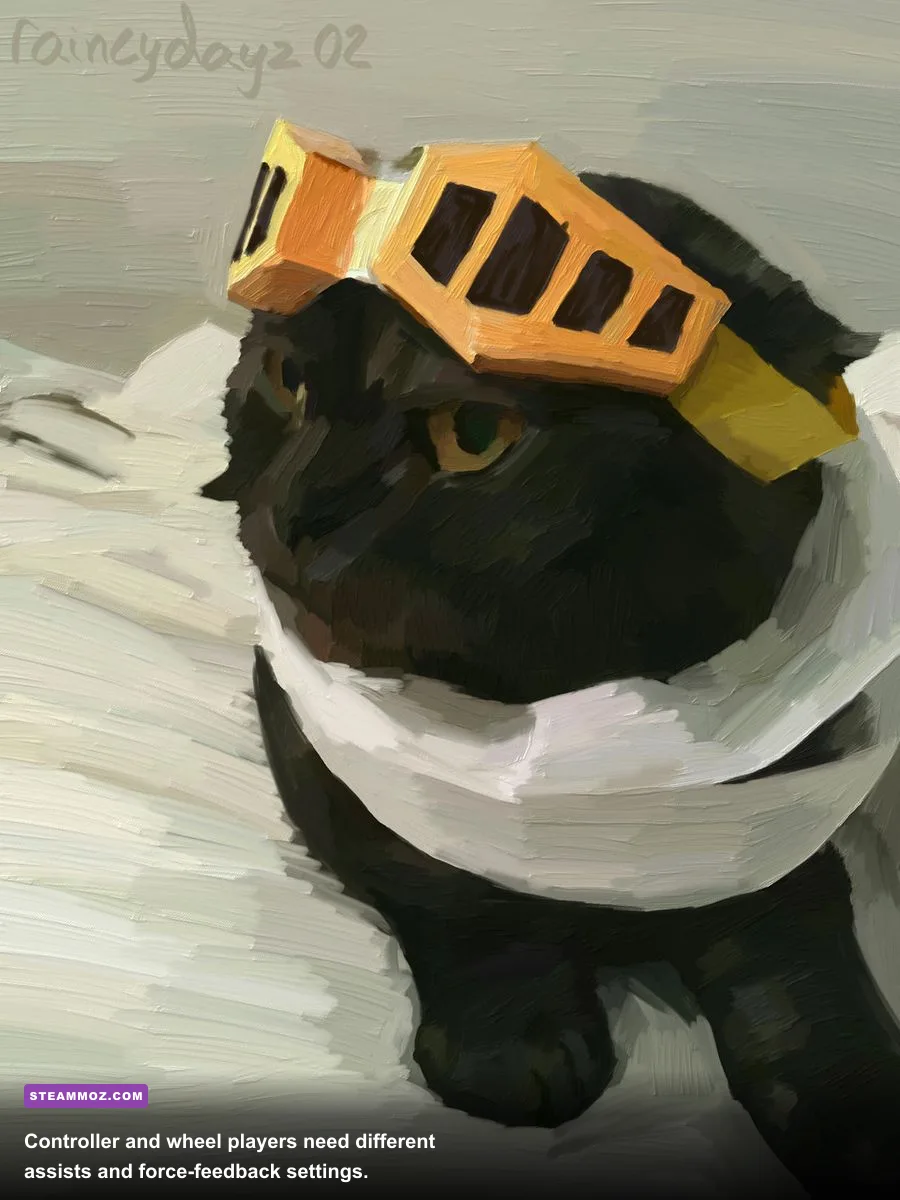
The prettiest car in your garage is not automatically the quickest. FH5 ranks cars by performance index from 100 to 999 and divides them into D, C, B, A, S1, S2, and X classes. A stock 800-rated car belongs to A class; upgrades can push it into S1, where it competes against much faster machinery. Entering an event with an overpowered car may sound clever, but rivals scale to the event class and your build can become difficult to control.
Buy one sensible car for each major job instead of collecting ten near-identical supercars. The 2018 Honda Civic Type R is an approachable front-wheel-drive road starter. The 1997 Mitsubishi GTO is useful for all-wheel-drive stability, while the 2018 Porsche 911 GT2 RS becomes a powerful road-racing platform once you understand rear grip. For dirt, the 2017 Ford Focus RS and 2018 Ford Mustang GT are more forgiving than a low-slung hypercar.
| Garage role | Strong starter choice | Priority upgrades | Common mistake |
|---|---|---|---|
| B-class road | 2018 Honda Civic Type R | Sport tires, brakes, adjustable suspension | Adding power before grip |
| A-class all-rounder | 2018 Ford Mustang GT | Weight reduction, tires, differential | Overbuilding into S1 |
| A-class dirt | 2017 Ford Focus RS | Rally tires, rally suspension, AWD balance | Using slick tires off-road |
| S1 road | 2018 Porsche 911 GT2 RS | Aero, race tires, gearbox tuning | Braking too late with rear weight bias |
| Cross-country | 2017 Ford F-150 Raptor | Off-road tires, suspension travel, chassis | Chasing top speed over landing stability |
Learn what each upgrade actually changes. Race tires add grip but can push your PI into a harder class. Weight reduction improves braking, acceleration, and direction changes, making it one of the best all-purpose upgrades. Adjustable differentials let you control how much front and rear torque reaches the wheels. For a beginner AWD road build, start around 60 percent rear acceleration bias; more rear bias rotates the car, but too much makes throttle exits unstable.
Use the built-in tuning browser carefully. Downloaded tunes can be brilliant, but they may assume a particular driving aid, controller, or track type. Test a tune in Free Roam, then run the same corner repeatedly. If the car pushes wide, increase front grip or reduce front acceleration-lock. If it snaps into oversteer, soften rear behavior and reduce throttle aggression before adding more downforce.
Fix Your Assists, Controller, and Online Habits
Assists aren't cheating; they are adjustable tools. Start with Normal steering, ABS on, traction control off for most road cars, and stability control off. Automatic transmission is perfectly competitive while learning. Manual with clutch can be faster, but only after your braking and steering inputs are consistent. Rewind is worth keeping enabled during the campaign because it teaches you exactly where a braking mistake began.
A clean controller setup
Use vibration if you like tactile feedback, but lower it if the triggers overwhelm subtle tire-slip cues. Keep steering linearity near the default and avoid extreme dead zones unless your controller has drift. The important habit is smoothness: squeeze the trigger instead of stamping it, and release steering before applying full power. FH5's forgiving handling can hide bad habits until you reach S1 or wet-road events.
Wheel users should expect more work. Set steering rotation to match the wheel's physical range, calibrate the center, and begin with moderate force feedback. Too much damping makes the wheel feel heavy and masks understeer; too much minimum force creates a constant shake. Test on a simple road car before switching to a high-downforce S2 build. A wheel is not automatically faster in FH5, especially on jumps, tight hairpins, and mixed-surface events.
| Driving situation | Recommended assists | Why | Upgrade path |
|---|---|---|---|
| First campaign races | Normal steering, ABS on, automatic | Reduces overload while learning routes | Try manual transmission first |
| Road racing | Simulation steering, ABS optional, TCS off | Rewards throttle control and clean exits | Disable rewind for practice |
| Dirt racing | Normal steering, TCS off, manual | Allows controlled slides and engine braking | Move to simulation steering gradually |
| High-power S1/S2 | ABS on if needed, TCS situational | Power delivery becomes difficult to manage | Use a lower-power tune first |
| Wheel racing | Calibrated rotation, moderate FFB | Prevents fighting the wheel and clipping forces | Fine-tune per car class |
Online, avoid treating every race like a demolition derby. In Horizon Open, qualifying and clean early corners matter more than winning the first turn. Brake before the corner, leave room on the inside, and expect players to miss checkpoints. A collision can turn a ten-minute race into a pointless recovery drive. In Convoy, use the map's route line and agree on a class before launching events; mixing a stock B-class car with an X-class hypercar makes the group experience miserable.
Cross-play can be disabled in the Xbox privacy settings if you only want to race within your platform ecosystem, though the PC community is generally active. For crashes, sign-in errors, or corrupted settings, check the official support documentation before deleting your save. Steamoz's crash and low-FPS troubleshooting advice is also useful for isolating overlays and unstable background utilities.
The Smart First Session Plan
Your first two hours should establish a reliable foundation, not burn credits on a garage full of novelty cars. Finish the opening showcase sequence, set difficulty assists, run the benchmark, and unlock your first Horizon Adventure chapter. Then buy or upgrade one road car and one dirt-capable car. Keep at least 100,000 credits available for tires, suspension, and tuning instead of spending everything on a rare-looking Autoshow purchase.
- Complete the opening events. Let the game introduce the map, festivals, and showcase structure before wandering off to collect every board.
- Set a stable performance target. Use the benchmark, cap your FPS, and only then raise visual settings one at a time.
- Choose Apex or Baja. Apex is the smoother learning curve; Baja is better if off-road racing is your main reason for playing.
- Build two practical cars. Keep one road setup and one dirt setup within the same class as the events you want to enter.
- Spend skill points deliberately. Car Mastery perks vary by vehicle; look for credit, wheelspin, or skill-score perks before blindly filling the grid.
- Check the Festival Playlist. It often offers better rewards than random races and gives your session a clear target.
- Practice one route. Repeat a difficult corner, adjust braking, and use telemetry rather than guessing why the car feels slow.
Most importantly, don't let FH5's enormous map pressure you into doing everything at once. The game is at its best when you create your own rhythm: one clean road race, a dirt detour, a tuning experiment, then a few Playlist challenges with friends. Get the PC performance stable, build for grip before power, and learn what your assists are hiding. Once those pieces click, Mexico stops feeling like a menu full of distractions and starts feeling like the best open-world driving playground on PC.
For official patch notes and current event information, use Forza Horizon 5 news, the Xbox support page, and the game's official Forza forum. Live-service rewards and PC fixes can change, so those sources are worth checking after major updates.