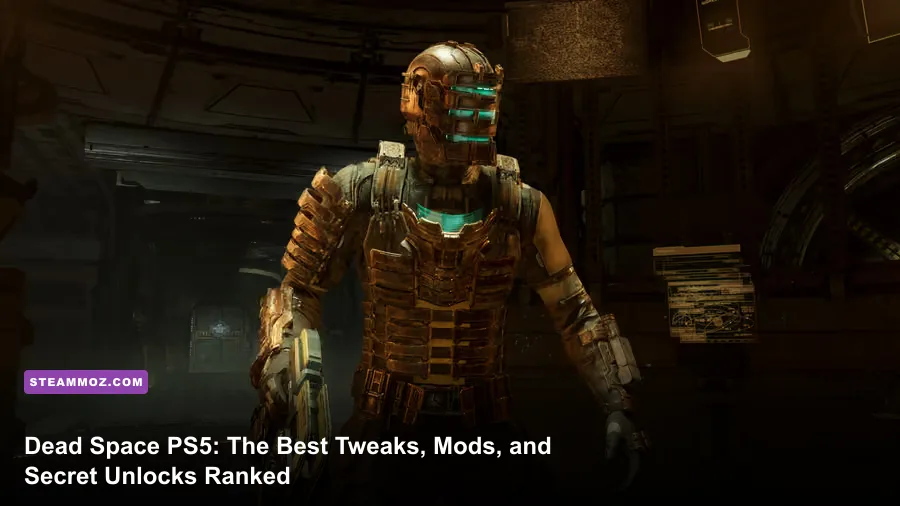
If you're hunting down ways to transform your journey through the USG Ishimura on Sony's flagship console, you've likely hit the brutal reality: Sony's sandboxed operating system completely blocks the script injectors, loose asset replacers, and custom reshades found on PC. However, you can radically transform your Dead Space PS5 experience right now without jailbreaking your hardware. By gutting EA Motive's muddy default post-processing pipeline, recalibrating DualSense haptics for hair-trigger dismemberment, manipulating the cloud-save architecture to conquer Impossible Mode, and unlocking devastating developer-hidden weapons, you can transform this remake into a vastly superior, razor-sharp horror masterpiece.
The Reality of Dead Space Modding on PS5: What Works and What Doesn’t
Let's clear the air before diving into the mechanics: direct community code modifications—like the ones on Nexus Mods that swap Isaac Clarke into naked survival suits or replace Slashers with bizarre pop-culture models—are physically impossible on standard PlayStation 5 firmware. Sony encrypts game files on the internal NVMe drive, rendering third-party file injection dead on arrival. For that kind of asset manipulation, you would need dedicated PC rigs, much like the deep engine troubleshooting players utilize for fixing engine instability in Elex.
What console players do have access to, however, is far more practical: deep engine configuration overrides, official mechanical mutators buried inside game progression, and peripheral latency tuning. Motive built the remake on EA's Frostbite engine, and while it's visually stunning, its default console calibration introduces heavy input latency, excessive post-processing blur, and overly generous aim friction that actively hampers strategic dismemberment.
By treating the game's internal options, controller profiles, and New Game Plus modifiers as a unified modding suite, you bypass Frostbite's stock limitations. You won't just get a prettier game—you'll radically overhaul Isaac's responsiveness, the visual clarity of darkened corridors, and the pacing of your resource economy across every deck of the Ishimura.

🎮 FORM
Looking to experience this game? Grab your digital key directly on our store for $14.99.
View on Steammoz Store →Visual Overhauls: Eliminating Blur and Restoring Ishimura Lighting
Out of the box, Dead Space on PS5 suffers from an overly aggressive post-processing pipeline. The Frostbite engine deploys Variable Rate Shading (VRS) combined with AMD's FSR 2.1 upscaling, which originally launched with severe smearing and macro-blocking issues. While patches improved base stability—similar to the performance tuning players rely on in optimizing visual fidelity in Filament—the game still looks muddy if you leave the display settings untouched.
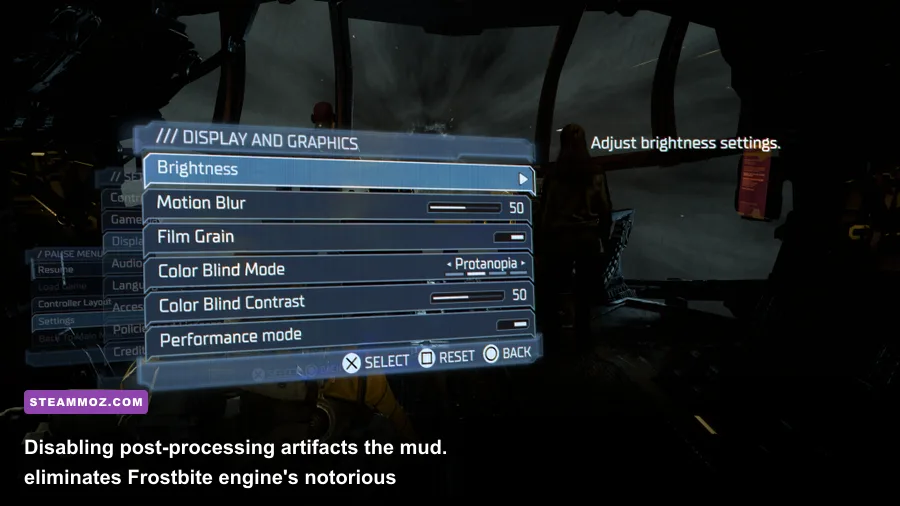
Your first transformation requires stripping away cinematic garbage in the Options menu. Turn Motion Blur completely to 0 and shut down Film Grain immediately. Film grain might sound thematic for 1980s body-horror nostalgia, but in a dynamic-resolution reconstructive pipeline, it wrecks edge detection. Turning it off immediately sharpens Isaac's engineering RIG, exposes necromorph flesh textures under fire, and clears out unnecessary noise in dimly lit maintenance shafts.
Next comes the core rendering dilemma: Performance Mode (60 FPS) versus Quality Mode (30 FPS with Ray Tracing). For pure atmospheric dread, Quality mode leverages Ray-Traced Ambient Occlusion (RTAO), casting hyper-accurate contact shadows beneath severed limbs and metal grates. However, Dead Space is a high-speed spatial awareness shooter. Playing at 30 FPS introduces measurable input delay to Isaac's plasma aiming reticle. Run the game in Performance Mode. The fluid 60 FPS update rate cuts your aiming latency in half, making the difference between severing a Leaper's stinger mid-lunge or taking a spiked tail through the gut.
| Display Setting | Stock Console Default | Modded / Pro Setting | Visual & Gameplay Transformation |
|---|---|---|---|
| Visual Mode | Quality (30 FPS, RTAO) | Performance (60 FPS) | Halves input lag; provides fluid frame tracking essential for limb severing. |
| Motion Blur | 50 | 0 | Eliminates camera smear during rapid 180-degree emergency spins. |
| Film Grain | 100 | 0 | Drastically sharpens asset edges and clears up reconstructed FSR artifacts. |
| HDR Black Level | Default (50) | 42 – 45 (Display Dependent) | Crushes washed-out greys into terrifying true blacks inside unpowered rooms. |
| Colorspace / Brightness | 50 | 46 | Restores oppressive contrast; forces reliance on Isaac's weapon flashlights. |
To lock down your contrast, calibrate your HDR directly through the PS5 system settings first, then adjust the in-game black point slider down to around 44. The stock profile leaves shadowed hallways looking washed out and milky grey. Crushing the blacks slightly forces the game's dynamic volumetric fog to stand out starkly against deep voids, turning every flashlight beam into an anxiety-inducing lifeline.
Controller Overhauls: Transforming Dead Space into a Precision Tactical Shooter

The original 2008 title deliberately made Isaac Clarke feel clunky: he was a regular systems engineer trapped in an industrial catastrophe, not an agile commando. The 2023 remake preserves that weight, but on the DualSense controller, stock settings introduce massive stick deadzones and heavy aim smoothing that make emergency snaps feel like wading through wet concrete.
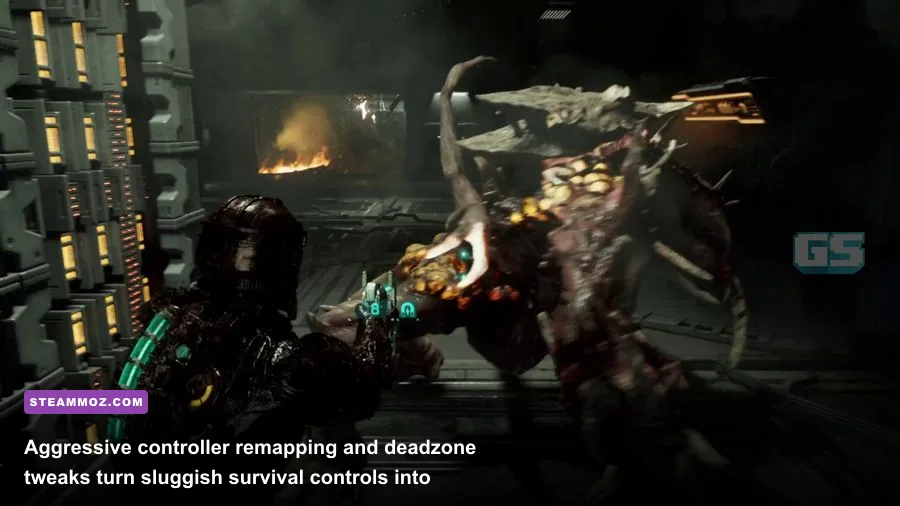
To fix this, dive into the Controller settings and set your Inner Deadzone to the absolute lowest value your analog sticks can tolerate without drifting (typically between 5% and 8%). Next, drop Aim Smoothing to 0. Stock aim smoothing applies an exponential acceleration curve: when you push the stick, nothing happens for a split second, and then the camera suddenly whips around wildly. Dropping it to 0 creates a 1:1 linear input response, turning the Plasma Cutter into a surgical scalpel.
You must also reassess the DualSense Adaptive Triggers. While Motive’s adaptive trigger implementation feels immersive—providing physical resistance that mimics mechanical trigger pulls on industrial tools—it severely impairs rapid-fire precision under pressure. If you are struggling with combat responsiveness, dial trigger effects to Medium or Low. This retains the tactile weapon rumble while letting you fire the Plasma Cutter or Pulse Rifle at their maximum cycle rates without finger fatigue.
If you're using a DualSense Edge or back-paddle controller attachment, use this optimal layout: map Kinesis (Circle) to your left paddle and Stasis (Triangle) to your right paddle. Under the stock layout, throwing environmental debris requires pulling your thumb off the right thumbstick to strike the face buttons, completely freezing your aim. By running Kinesis and Stasis via paddles, you can track a sprinting Twitcher, freeze it mid-stride, rip a severed Slasher blade off the floor, and impale the monster without ever lifting your thumb off the camera stick. It transforms combat from frantic survival panic into calculated, master-class execution, giving you the firepower control found in high-tier action games like the weapon handling documented in our weapon rankings for classic shooters.
The Built-In Game Modifiers: Hidden Unlocks That Break the Ishimura
While PC players install trainer menus to give themselves god mode or limitless credits, Motive hid genuine, developer-sanctioned game-breaking modifiers directly inside the game's reward structure. These aren't simple cosmetic rewards—they fundamentally alter the rules of survival horror.
The ultimate transformation mod on PS5 is the legendary Hand Cannon. Unlocked exclusively by completing the campaign on Impossible Mode, the Hand Cannon takes the form of a bright red, oversized foam finger. It costs 0 credits, has completely infinite ammunition, never requires reloading, and kills every single non-boss enemy in the game in one single hit. Best of all, Isaac Clarke vocalizes his own sound effects through the controller speaker: firing the primary trigger unleashes a thunderous shout of "BANG!", while the alternate fire unleashes a manic "PEW!". It completely transforms Dead Space from an oppressive survival simulator into an absurd, cathartic slaughterhouse.
| Modifier / Secret Item | Unlock Condition | Functional Transformation | Game-Breaker Tier |
|---|---|---|---|
| Hand Cannon (Foam Finger) | Beat Impossible Mode | Infinite ammo, one-shot kills, custom hilarious Isaac vocalizations. | S-Tier (God Mode) |
| Burnished Suit | Beat Impossible Mode | High-tech polished obsidian RIG armor with glowing red visor optics. | A-Tier (Cosmetic Flex) |
| Level 6 Advanced Suit | Beat Campaign on Any Mode | Grants 30% base armor and maximum 25-slot inventory right from Chapter 1. | A-Tier (Tank Build) |
| Pulse Rifle Stasis Trap Mod | Found in Chapter 3 | Turns primary fire into proximity minefields, denying entire corridors. | B-Tier (Tactical) |
| Line Gun Laser Tripwires | Found in Medical ER | Attaches three deployable thermal lasers; shreds Brutes in literal seconds. | S-Tier (Boss Melting) |
Unlocking the Hand Cannon requires mastering Impossible Mode: one life, zero auto-saves, permadeath enabled, and hard-difficulty enemy damage profiles. However, you can employ a PS5 Cloud Save Bypass that functions precisely like an external save manager mod. Disable automatic cloud-sync for Dead Space in your PS5 system settings. Whenever you complete a critical story beat or defeat a dangerous miniboss like the Leviathan, manually upload your local save file to the PlayStation Plus Cloud. If a Lurker catches you off-guard or an environmental centrifuge crushes you into jelly, immediately press the PlayStation Home button, close the game before the death animation concludes, and overwrite your local storage with your clean cloud save. This exploit preserves your Impossible run without invalidating your trophy or foam finger unlock.
Pair this with the Level 6 Advanced Military Suit, which becomes available in the Store for 99,000 credits in New Game Plus. This suit grants 30% baseline damage reduction—the highest innate resistance in the game—turning Isaac into an unstoppable walking tank that can shrug off direct hits from mutated Slashers without flinching.
Soundstage Calibration: Weaponizing 3D Tempest Audio for Tactical Survival
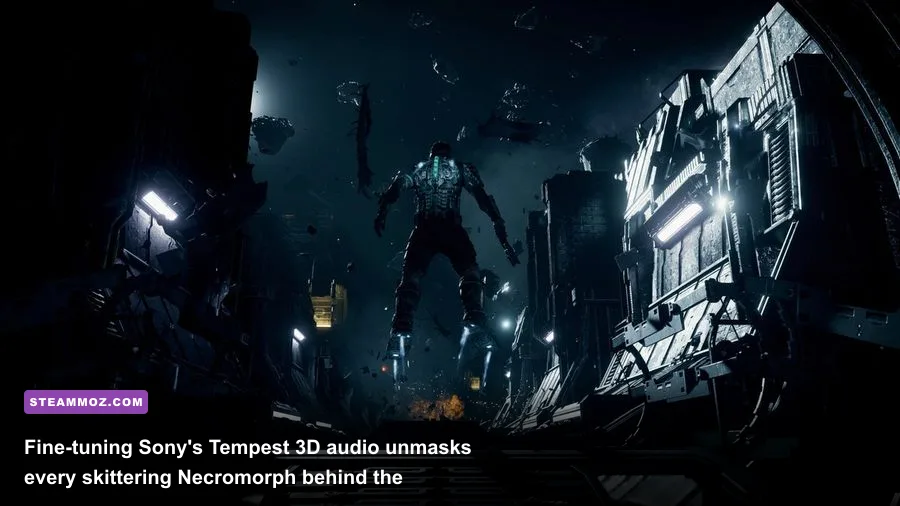
Motive built one of the most sophisticated dynamic audio architectures in modern gaming: the Intensity Director. This background AI constantly tracks Isaac's heart rate, stress levels, ammo reserves, and idle time, procedurally queuing environmental creaks, vent pops, flickering lights, and surprise enemy spawns directly behind you. Default console audio routing mashes this down into a muddy stereo mix that hides crucial directional threats. To get maximum tactical advantage, you need to recalibrate your audio settings through the official PlayStation operating system.
First, hook up high-quality planar or dynamic headphones directly to the console via USB or the DualSense 3.5mm jack. In your PS5 Audio settings, navigate to 3D Audio for Headphones and enable it. Don't skip the height profile calibration: cycle through Profiles 1 through 5 to ensure that the sound of virtual water droplets hits precisely at ear level. In Dead Space, Necromorphs frequently crawl through ceiling shafts and floor vents; an improperly calibrated height profile will make a ceiling vent breach sound like it's happening right next to your boots.
Next, dive into the game's internal Audio settings. Switch your dynamic range profile to Studio Reference or Headphones (Wide Dynamic Range). Avoid "Night Mode" or compressed settings at all costs. Wide dynamic range ensures quiet atmospheric cues—like the rhythmic scraping of bone blades along metal pipes—remain whisper-quiet until the monster strikes, giving you the necessary spatial cues to charge your weapon and turn around before the ambush triggers.
For an extra tactical edge, balance Isaac’s dialogue volume against sound effects. Keep Sound Effects at 100%, lower Music to 75%, and dial Dialogue to 80%. When an enemy attacks, Motive’s dramatic brass-heavy battle score swells to induce panic. Dropping the music volume by 25% prevents the orchestra from drowning out the telltale hissing of an incoming Exploder's glowing pustule, saving you from instantaneous death.
Custom Challenge Architectures: Building the Ultimate Hardcore Experience
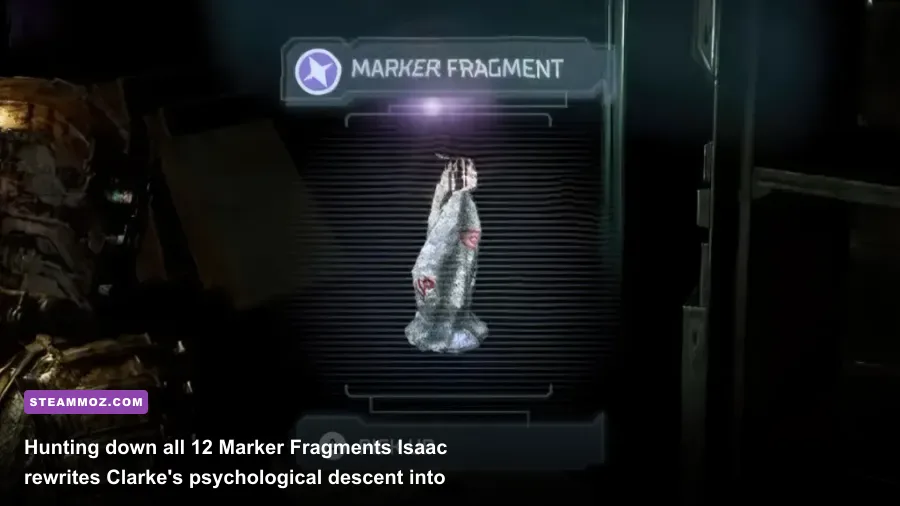
Once you’ve conquered the game, unlocked the secret alternate ending by hunting down all 12 Marker Fragments in New Game Plus, and acquired the Hand Cannon, you might think you've exhausted the remake. But you can build your own custom "mods" simply by implementing community-driven mechanical restrictions that test your mastery of Isaac's resource ecosystem, similar to planning high-tier economic loadouts in Everspace weapon upgrade paths or handling tight frame optimizations in Far Cry 6 performance builds.
Here are the two premier community rule sets that completely transform the rhythm of your campaign:
1. The Pure Engineer Protocol (One-Gun Mastery)
Stick strictly to the Plasma Cutter for the entire duration of the campaign—a challenge tied to the canonical "One Gun" achievement, but elevated by locking your workbench upgrades. In this setup, you are forbidden from upgrading your suit's maximum health nodes. Every Power Node you scavenge or purchase must be funneled exclusively into the Plasma Cutter's damage, capacity, and special damage-over-time fire mod. Because the game's dynamic loot director detects that you only hold one weapon, every ammunition crate drops Plasma Energy. This removes inventory clutter and transforms Isaac into an offensive glass cannon: you can melt a Brute in under eight shots, but a single mistimed dodge leaves you dead.
2. The Zero-G Scavenger Run
In this rule set, you unbind your primary weapon firing keys at the start of every combat encounter until you have exhausted the room's kinetic potential. You must rely solely on Kinesis, ripping severed Slasher arms, fire extinguishers, explosive red canisters, and metal pipes off the walls to impale charging foes. This turns Dead Space into an aggressive environmental physics sandbox. It forces you to constantly maintain spatial awareness, tracking where limbs landed during previous kills and positioning yourself near hazards instead of simply standing back and dumping ammo down corridors.
Pair these challenge setups with the complete removal of the in-game HUD (enabled by dropping UI opacity to 0% in the Display menu). Isaac’s health is already visually displayed on the physical RIG spine along his back, his Stasis meter glows on his shoulder module, and weapon ammo counters are projected directly on the holographic gun sights. Stripping away the on-screen UI leaves you with an uncompromised, hyper-immersive visual experience that rivals any PC visual overhaul available on the market.
By blending precise hardware tuning, calibrated display black levels, tactile DualSense optimization, and clever save-file control, you can transcend the console's walled garden and experience EA Motive's premier sci-fi nightmare at the absolute peak of its terrifying potential.