
Dead Rising 4 runs on surprisingly modest hardware, but its official minimum specs only target playable settings, not a locked 60 fps. You need a 64-bit Windows 10 PC, an Intel Core i5-2400 or AMD FX-6300, 6 GB of RAM, and a GTX 760 or Radeon R7 260X with 2 GB of VRAM. For a smoother 1080p experience, aim for the recommended Core i7-4770 or FX-9590, 8 GB of memory, and a GTX 970 or Radeon R9 290. The real catch is crowd-heavy performance: hundreds of zombies, snow effects, explosions, and streamed mall interiors can hammer your CPU and frame times.
That distinction matters more than a simple “can it launch?” checklist. Dead Rising 4’s Steam listing dates its requirements to the PC version’s original release, and modern graphics cards can easily clear the GPU bar. Older four-core processors are less comfortable when Frank West triggers a huge horde or drives through Willamette’s open streets. This guide breaks down the official requirements, realistic performance targets, and the settings that give you the most frames without making the game look like a low-resolution crime scene.
Dead Rising 4 minimum and recommended PC specs

The minimum specification is enough to start Dead Rising 4, but think of it as a 720p-to-900p, low-to-medium preset target. The GTX 760 and R7 260X are both 2 GB cards, so texture quality and resolution need sensible limits. The recommended specification steps up mainly because the game’s simulation and streaming workloads benefit from a faster CPU, while the GTX 970 and R9 290 provide enough graphics headroom for 1080p.
| Component | Minimum | Recommended | Practical target |
|---|---|---|---|
| Operating system | Windows 10 64-bit | Windows 10 64-bit | Fully updated 64-bit Windows |
| Processor | Intel Core i5-2400 or AMD FX-6300 | Intel Core i7-4770 or AMD FX-9590 | Modern 6-core CPU preferred |
| Memory | 6 GB RAM | 8 GB RAM | 16 GB reduces background stutter |
| Graphics | GTX 760 2 GB or Radeon R7 260X 2 GB | GTX 970 or Radeon R9 290 | GTX 1060/RX 580-class or newer |
| DirectX | Version 11 | Version 11 | DirectX 11-capable GPU |
| Storage | 50 GB available | 50 GB available | SSD with at least 60 GB free |
Dead Rising 4 is a 64-bit-only game, so a 32-bit Windows installation is a hard stop regardless of your graphics card. The 50 GB storage requirement is also worth treating as a floor. Leave extra space for updates and shader caches, and use an SSD if possible. The game streams a huge amount of geometry and texture data while you move between the Willamette Memorial Megaplex, outdoor streets, and side areas. An SSD won’t magically increase average FPS, but it can shorten loading and make traversal hitching less annoying.
If you’re comparing older games before upgrading, Steamoz’s Far Cry 2 PC specs breakdown shows how dramatically hardware expectations have changed. Dead Rising 4 is far more demanding than a lightweight older open-world shooter, especially once the screen fills with enemies.

🎮 Dead Rising 4
Looking to experience this game? Grab your digital key directly on our store for $5.99.
View on Steammoz Store →What performance should you expect on each hardware tier?
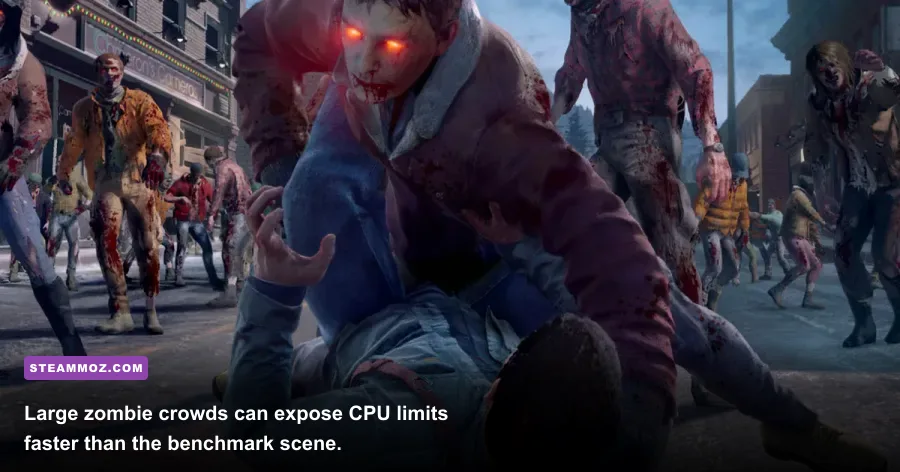
The official recommended PC specs should not be read as a promise of 1080p at 60 fps in every situation. They are closer to a sensible 1080p starting point. Inside quieter stores, a GTX 970-class card can deliver a comfortable frame rate, but a dense zombie wave is a different test. The game’s crowd simulation, AI updates, physics objects, and destruction effects can create CPU-bound dips even when GPU usage falls.
| Hardware tier | Resolution and preset | Likely experience | Main limitation |
|---|---|---|---|
| Minimum-tier PC | 720p, Low/Medium | Playable around 30 fps with dips | 2 GB VRAM and older CPU |
| Recommended-tier PC | 1080p, Medium/High | Generally smooth, but horde dips remain | CPU load in crowded areas |
| GTX 1060/RX 580 class | 1080p, High | Good 45–60 fps target | Frame-time spikes during chaos |
| RTX 3060/RX 6600 class | 1080p, Very High | Comfortable high-refresh play | Processor and game engine limits |
| Modern 8-core PC | 1440p, High/Very High | Strong image quality with better lows | Not every scene scales perfectly |
That “main limitation” column is the important bit. Upgrading from a GTX 970 to a much faster GPU helps at 1440p or with higher anti-aliasing, but it won’t fully remove stutters caused by a four-core processor. Conversely, dropping shadows may improve GPU headroom while doing almost nothing for a CPU-limited horde. Watch both GPU usage and per-core CPU activity with an overlay rather than judging from average FPS alone.
Dead Rising 4 also has an unusual feel when frame pacing gets rough. Frank’s movement may remain responsive while the surrounding horde updates in uneven bursts. A stable 30 fps cap can feel better than an unlocked 40–55 fps range with frequent spikes. If you’re chasing a locked 60, start with a sensible cap such as 60 and test the busiest outdoor route, not an empty shop.
Best Dead Rising 4 graphics settings for 1080p

Start with the High preset, then tune the expensive options individually. Don’t blindly choose Low: several settings have a large visual cost for a small performance gain, while others barely change the image. Your goal is consistent frame time during the game’s signature set pieces, including combo-weapon explosions, vehicle assaults, and Exo Suit combat.
| Setting | Recommended value | FPS impact | Visual trade-off |
|---|---|---|---|
| Resolution | Native 1080p | Very high | Use resolution scaling only as a last resort |
| Texture quality | High with 4 GB+ VRAM | Medium | Lower only when VRAM is nearly full |
| Shadow quality | Medium | High | Preserves most lighting while reducing GPU load |
| Ambient occlusion | Medium | Medium | Keeps contact shadows around props and zombies |
| Anti-aliasing | High or SMAA option | Medium | Lowering it exposes jagged mall geometry |
| Effects and particles | Medium/High | Medium to high | Lower for explosions and elemental weapons |
| View distance | High | Medium | Lowering can make objects pop in outdoors |
| Motion blur | Off | Small | Sharper camera movement and cleaner combat |
The settings worth lowering first
Shadows are usually the best first cut. Medium shadows retain the shape and mood of Willamette while removing a chunk of the rendering cost. Effects and particles come next if you’re using weapons that fill the screen with fire, electricity, or debris. Ambient occlusion is more subtle: reducing it improves performance, but the mall can look flatter and less grounded.
Textures are different. They mostly consume VRAM rather than directly crushing your frame rate. On a 2 GB GTX 760 or R7 260X, Medium textures are safer at 1080p because a full VRAM buffer can cause hitching and texture swaps. On a 6 GB or 8 GB card, High textures are a worthwhile upgrade. They make clothing, storefronts, and Frank’s equipment noticeably cleaner without the same cost as shadows.
For more practical PC tuning ideas, compare these recommendations with Steamoz’s Dragonkin graphics settings guide. The games aren’t identical, but the same rule applies: tune for frame-time consistency, not a flashy maximum FPS number in an easy scene.
CPU, RAM, VRAM, and SSD bottlenecks explained
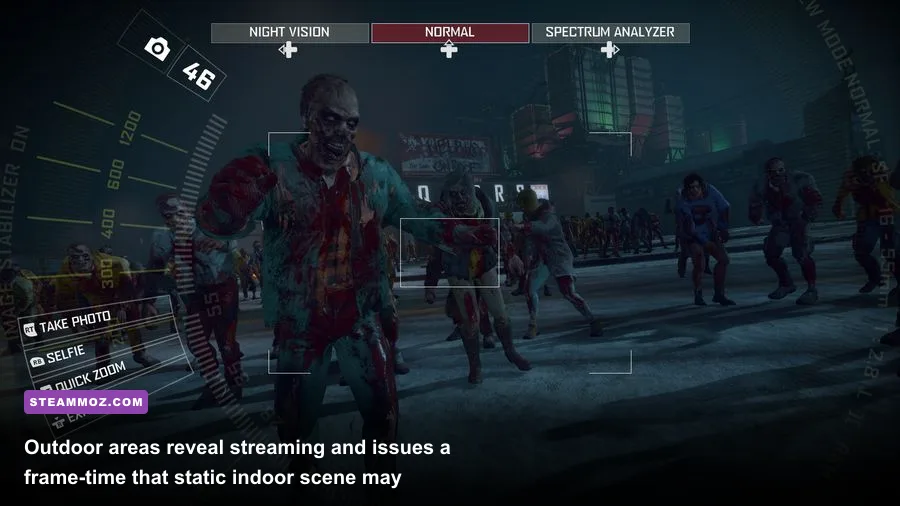
Dead Rising 4’s minimum 6 GB RAM requirement is technically workable, but it leaves little breathing room for Windows, a browser, voice chat, and overlays. An 8 GB system can run the game, yet 16 GB is the comfortable modern target. If your PC has 8 GB and you see pauses when crossing large areas, close launchers and browsers before lowering every graphics setting. Memory pressure can look like a GPU problem when it isn’t.
The processor question is more nuanced. The Core i5-2400 has four cores without Hyper-Threading, while the recommended i7-4770 adds eight threads and stronger multitasking performance. AMD’s FX-6300 and FX-9590 are older architectures with different per-core behavior, so raw core counts don’t tell the whole story. A modern budget six-core CPU, such as a recent Ryzen 5 or Core i5, is comfortably ahead of both official tiers and is a much better pairing for stable 60 fps.
GPU memory matters because Dead Rising 4 combines large indoor spaces, outdoor snow, character assets, and heavy effects. The official minimum cards’ 2 GB VRAM is enough at restrained settings, but it leaves no room for careless texture choices. If textures look fine yet movement produces sudden pauses, check VRAM usage and storage activity. A fast SSD helps streaming recovery; it cannot compensate for a card that is constantly exceeding its memory budget.
Driver maintenance is worth doing before troubleshooting deeper. Install a current graphics driver, verify the game files through Steam, and avoid stacking multiple recording overlays during testing. Steamoz’s ELEX PC fixes covers the same basic crash-and-performance triage: update drivers, verify files, then isolate overlays and background tools instead of changing ten variables at once.
How to test your PC before committing to 60 fps

A short, repeatable test is more useful than the first five minutes of the campaign. Create a save near a busy section, equip a weapon that produces visible effects, and move through a crowded mall route at native resolution. Then repeat the run outside in Willamette. Record the average FPS, the one-percent lows, GPU usage, and whether the game is loading assets from disk. The outdoor run often exposes CPU and streaming limits that an indoor shop hides.
A practical five-minute benchmark routine
- Set 1920×1080, disable motion blur, and select the High preset.
- Walk through a dense zombie group without attacking and note frame-time behavior.
- Use a combo weapon or vehicle to trigger particles, physics, and enemy reactions.
- Travel between the mall interior and an outdoor street to test streaming.
- Lower shadows, effects, and ambient occlusion one at a time, testing the same route.
If GPU usage sits near 95–99 percent during the dip, lower resolution, shadows, or effects. If GPU usage drops while one or two CPU threads are saturated, you’re CPU-limited; reducing texture quality won’t help. Cap the frame rate below your worst sustained result. For example, a machine that fluctuates between 48 and 72 fps may feel better at a steady 50 or 60 than when left completely uncapped.
Don’t confuse a single shader hitch with permanent underperformance. The first run after a driver update or installation can behave differently from later sessions, and streaming a new zone can briefly spike frame time. Re-test after the same route has been loaded once. If the pauses happen every time you enter a specific area, storage speed, background disk activity, or available RAM deserves attention.
Is Dead Rising 4 worth upgrading your PC for?
If your system is close to the minimum, you don’t need an expensive new graphics card just to play Dead Rising 4. A sensible 30 fps profile at 900p or 1080p is realistic with reduced shadows, medium textures, and controlled effects. The better upgrade path is usually a balanced combination: 16 GB of RAM, an SSD, and a modern six-core processor before chasing an extreme GPU.
For a recommended-tier machine, use 1080p High as the starting point, keep textures high when VRAM allows, and lower shadows first when the horde arrives. A GTX 970 or R9 290 can still deliver a good experience, but don’t expect the official recommended label to guarantee a flawless 60 fps in every chaotic encounter. Dead Rising 4’s appeal is the ridiculous scale of its fights, and that scale is exactly where older CPUs show their age.
Finally, check the official Dead Rising website for franchise information and the Capcom games portal for publisher updates. If you’re building a broader PC upgrade plan, Steamoz’s Drawful 2 PC specs guide is a useful reminder that requirements vary wildly between lightweight party games and large-scale action titles. Dead Rising 4 sits firmly in the latter camp: easy to launch, harder to run smoothly, and at its best when your CPU has enough headroom for the entire zombie apocalypse.