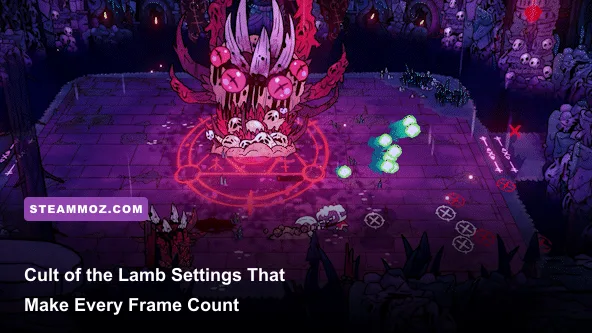
The best Cult of the Lamb graphics settings for max FPS are 1080p, exclusive fullscreen, V-Sync off, a 60 FPS cap, anti-aliasing on, bloom off, and reduced shadows. That profile preserves the game's hand-drawn look while cutting the effects most likely to create frame-time spikes in crowded villages, projectile-heavy Bishop fights, and late-game dungeons. If your PC struggles, lower resolution and shadows before sacrificing texture quality or anti-aliasing.
Cult of the Lamb is not a demanding game on paper. The official Steam listing targets modest hardware, but minimum specifications don't guarantee perfect frame pacing. The game constantly swaps between two very different workloads: fast top-down combat with particles and enemies, then a busy settlement full of followers, buildings, crops, decorations, and simulation activity. A system that feels flawless in Darkwood can still hitch when the cult returns home.
This guide focuses on consistent frame times rather than a meaningless three-digit FPS number. You'll get recommended profiles for strong PCs, older systems, and Steam Deck, plus a setting-by-setting breakdown of what actually costs performance. For broader PC troubleshooting ideas, our Dragonkin performance guide covers the same useful frame-time mindset.

The best Cult of the Lamb settings for maximum FPS
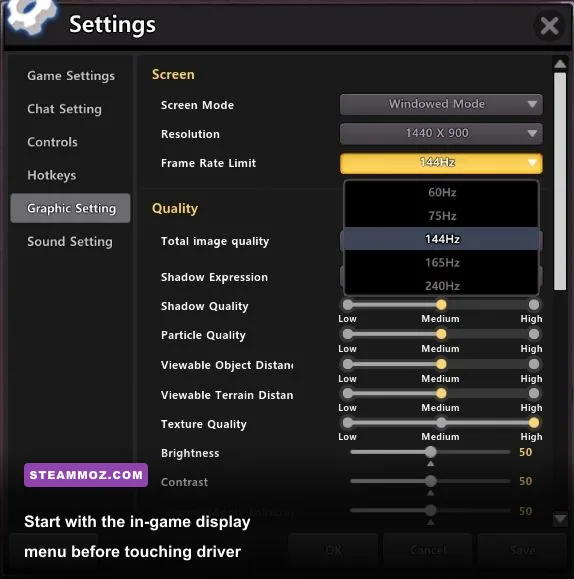
Use the following profile first, then test it in a demanding location. Don't benchmark only in the opening tutorial: it has fewer followers, fewer particles, and less activity than a developed cult. The best test is a full village after returning from a crusade, followed by a room in Silk Cradle or Anchordeep where enemies and effects overlap.
| Setting | Recommended value | FPS impact | Visual trade-off |
|---|---|---|---|
| Resolution | Native 1080p | High at 1440p/4K | Lower resolution is the quickest GPU-side gain |
| Display mode | Fullscreen | Low | Usually improves focus and reduces desktop interference |
| V-Sync | Off, unless tearing bothers you | Low to medium | Off reduces latency; on can smooth uneven output |
| Frame-rate limit | 60 FPS | Positive for consistency | Avoids unnecessary GPU load and heat |
| Anti-aliasing | On | Low to medium | Keeps outlines and diagonal weapon effects cleaner |
| Shadows | Low or medium | Medium to high | Lower settings soften ground shadows and depth |
| Bloom | Off | Low to medium | Removes some glow around attacks, curses, and lights |
| Screen shake | Off for clarity | Negligible | Doesn't raise FPS much, but makes combat feel steadier |
| Quality preset | Custom | Varies | Manual tuning beats blindly using Low or High |
There may be small menu-label differences between PC builds and console versions, especially after updates, so treat the names above as a tuning order rather than a promise that every platform exposes identical controls. If a setting isn't visible, leave it at the closest equivalent and move to resolution, shadows, and the frame cap.
Why 60 FPS is the smart target
Cult of the Lamb's combat benefits from 60 FPS because dodge timing, curse placement, and weapon recovery feel more predictable. However, pushing 144 FPS isn't automatically better. The game's simulation and animation can still produce small hitches when the village is busy, and an uncapped GPU may run at full load for no visible benefit on a 60 Hz display. A locked 60 FPS target gives the renderer headroom for sudden particle bursts without turning your fans into a second soundtrack.
🎮 Cult of the Lamb
Looking to experience this game? Grab your digital key directly on our store for $12.49.
View on Steammoz Store →Which settings cost the most performance?
Resolution is the largest blunt instrument because it changes how many pixels your GPU must draw every frame. Moving from 1440p to 1080p renders roughly 44 percent fewer pixels. That does not guarantee a 44 percent FPS increase, since Cult of the Lamb can become CPU-limited in a follower-heavy settlement, but it is the first change to make if GPU usage sits near 99 percent.
Shadows are usually the next major lever. They require extra scene passes and become more expensive when the game draws a lot of structures, props, and characters. Medium shadows are the sweet spot on most gaming PCs. Low shadows can recover performance on older integrated graphics, while High is mostly a luxury setting: it adds atmosphere, but doesn't improve combat readability nearly as much as stable frame pacing.
Bloom has a smaller raw cost than resolution or shadows, yet disabling it can help on older GPUs when combined with heavy attacks, fire, and room effects. It also makes the screen easier to read. Cult of the Lamb's visual identity comes from its bold silhouettes and rich colors, not from a soft halo around every light source, so turning bloom off is an unusually painless performance cut.
| Performance problem | First change | Second change | What to watch |
|---|---|---|---|
| GPU usage stays above 95% | Lower resolution | Reduce shadows | GPU utilization and temperature |
| Village stutters with many followers | Cap at 60 FPS | Lower shadows and effects | Frame-time graph, not average FPS |
| Combat hitches during curses | Disable bloom | Use a stable 60 FPS cap | Particles and screen-filling effects |
| Input feels delayed | Disable V-Sync | Use fullscreen and a cap | Screen tearing versus latency |
| Steam Deck drains quickly | Set 40 FPS/40 Hz | Use 800p and shadows Low | Battery draw and fan noise |
Anti-aliasing is worth keeping on unless every frame matters. The game uses clean black outlines and diagonal weapon arcs, so disabling it can make edges shimmer during movement. The performance gain is often smaller than what you get from shadows. If your system is extremely limited, test it off after lowering resolution; otherwise, leave it enabled.
Best profiles for high-end, mid-range, and older PCs
Don't copy a benchmark result from a completely different scene and assume it represents your playthrough. A high-end graphics card can sail through a crusade while the CPU struggles with a settlement full of followers. Conversely, an older laptop may be GPU-limited at 1080p but perfectly comfortable at 720p. Use the profile that matches your actual bottleneck.
High-end PC profile
Use native resolution, fullscreen, anti-aliasing on, shadows High, bloom on, and a 60 or 120 FPS cap depending on your monitor. At 1440p, this is the profile for a modern six-core CPU and a mid-range or better GPU. If the frame-time graph dips when you enter a developed village, lower shadows to Medium before dropping resolution. The visual loss is minor, while the extra headroom is meaningful.
Balanced 1080p profile
For the broadest range of gaming PCs, choose 1920x1080, fullscreen, anti-aliasing on, shadows Medium, bloom off, screen shake off, and a 60 FPS cap. This is the profile I'd recommend first because it protects combat clarity without wasting resources on effects that are easy to miss. It also leaves room for the game's settlement simulation to breathe.
Older laptop or integrated graphics profile
Start at 1280x720 or 1600x900, use fullscreen, shadows Low, bloom off, anti-aliasing off only if necessary, and cap at 30 or 45 FPS. A stable 30 is better than a wild range between 25 and 60. Keep the cap below the machine's worst-case output rather than matching its best-case dungeon performance. If the game still dips, close browser tabs and overlays, then reduce resolution again.
| Hardware target | Resolution | Quality choices | Frame cap |
|---|---|---|---|
| Modern gaming PC | Native 1440p or 1080p | High shadows, AA On, bloom optional | 60 or 120 FPS |
| Mainstream gaming PC | 1920x1080 | Medium shadows, AA On, bloom Off | 60 FPS |
| Older dedicated GPU | 1600x900 or 1280x720 | Low shadows, AA On if stable, bloom Off | 45 or 60 FPS |
| Integrated graphics | 1280x720 | Low shadows, AA Off if needed, bloom Off | 30 FPS |
| Steam Deck | 1280x800 | Low/medium shadows, bloom Off | 40 FPS at 40 Hz |
The official Massive Monster website is worth checking after major patches because optimization behavior can change with content updates. If you're troubleshooting broader PC stutter, our ELEX crash and FPS fixes also covers practical steps such as overlays, drivers, and background processes.
How to stop village stutter and frame-time spikes

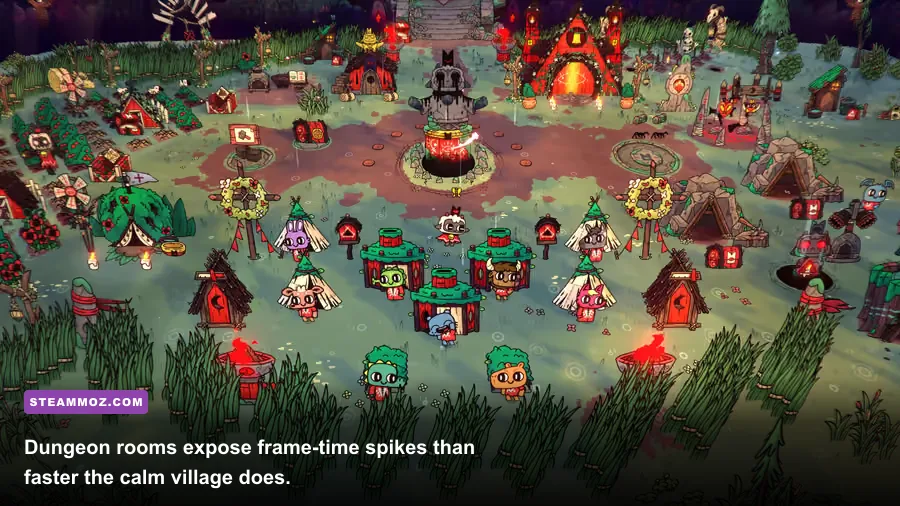
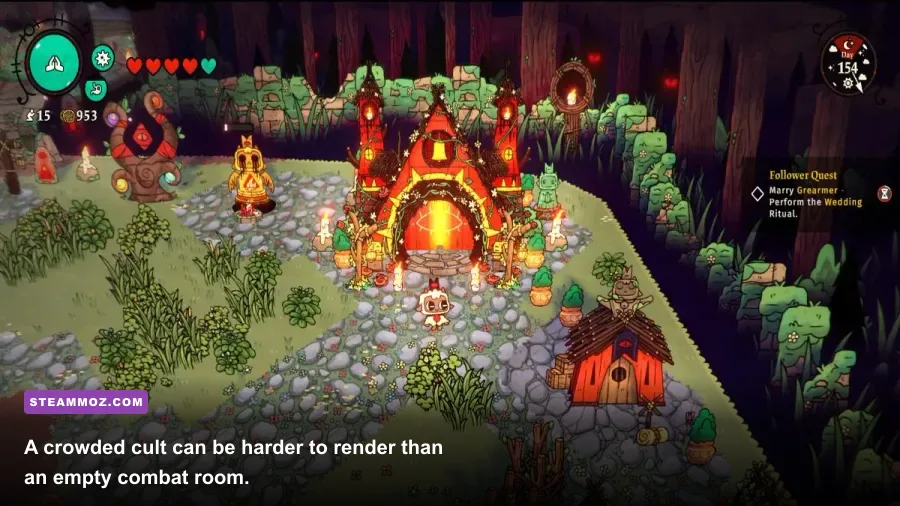
The village is the real performance test. Every follower has a daily routine, needs, interactions, and pathing demands. Add farms, storage buildings, decorations, toilets, graves, and the game's visual effects, and the settlement can become more CPU-heavy than a combat room. This is why lowering every visual option may not completely solve a village hitch.
Reduce simulation pressure without ruining the cult
Keep walkways open instead of packing every tile with decorations. Dense layouts can force followers to recalculate routes, particularly when buildings, workstations, and blocked paths create bottlenecks. Place high-traffic structures such as the cooking fire, lumberyard, refinery, and missionary buildings where followers can reach them directly. This isn't a magical FPS switch, but it can smooth the CPU workload in a large settlement.
Save and reload after a long session if performance gradually worsens. A reload won't fix a broken driver or a genuinely overloaded system, but it can clear temporary buildup and gives you a repeatable comparison point. Test the same village layout after changing one setting at a time. Changing resolution, shadows, V-Sync, and drivers simultaneously makes it impossible to identify the actual culprit.
Disable Steam overlay, Discord overlay, browser hardware acceleration, and recording software for a clean test. These overlays aren't always the cause, but they can add capture hooks and background GPU usage. Also install Cult of the Lamb on an SSD if possible. An SSD won't raise average FPS dramatically, yet it can reduce loading friction and asset-streaming pauses compared with a heavily fragmented hard drive.
Combat settings that improve clarity and response

Performance is only half the goal. Cult of the Lamb's roguelite combat asks you to read telegraphs, dodge through attacks, and recognize when a curse or heavy weapon swing is safe. Screen shake doesn't usually consume enough resources to matter, but turning it off removes visual noise during boss patterns. Bloom off also makes projectile edges and arena hazards easier to separate from the background.
V-Sync is a preference with a real trade-off. With it off, input feels more immediate, but you may see horizontal tearing when the frame rate doesn't match your monitor. With it on, tearing disappears, but traditional V-Sync can add a frame of latency and may cause uneven delivery when FPS falls below the display refresh rate. Try V-Sync off first with a 60 FPS cap. If tearing is distracting, turn it on and compare dodge timing in a safe crusade room.
Use a controller or mouse-and-keyboard setup that you can repeat consistently while testing. Changing input devices can make a performance improvement feel larger or smaller simply because the controls feel different. The key measurement is whether the Lamb responds at the same point in every dodge, not whether the counter briefly reaches 120 FPS.
Boss arenas such as Leshy's Darkwood fight, Kallamar's Anchordeep battle, and Shamura's Silk Cradle encounter are excellent stress tests. Bishops combine movement patterns with summoned enemies, projectiles, and area effects. If your profile holds 60 FPS during those encounters, ordinary crusade rooms should feel stable. For boss-specific preparation, focus on reading telegraphs and managing curses rather than chasing a higher refresh rate that introduces dips.
Steam Deck and handheld performance settings
On Steam Deck, a locked 40 FPS target at 40 Hz is the best middle ground if your unit can sustain it. It feels noticeably smoother than 30 FPS while consuming less power than 60. Set the game to 1280x800, lower shadows to Low or Medium, disable bloom, keep anti-aliasing on if frame times allow, and use a 40 FPS cap. If the village still drops, choose 30 FPS and prioritize consistency.
Don't force a 60 FPS target just because the game is visually simple. The Deck's APU has to handle both rendering and the settlement simulation, and a busy cult can expose that shared limitation. Lowering the refresh target also reduces fan noise and battery drain. If you're comparing handheld optimization techniques, the general approach in our PC requirements guide for Drawful 2 is useful: test the actual worst case rather than trusting minimum specifications.
| Steam Deck option | Recommended value | Reason |
|---|---|---|
| Resolution | 1280x800 | Matches the display without unnecessary scaling |
| Refresh target | 40 Hz | Balances smoothness, power, and village stability |
| Frame cap | 40 FPS | Prevents the APU from chasing unused frames |
| Shadows | Low or Medium | Creates headroom in crowded settlements |
| Bloom | Off | Improves clarity and trims effect overhead |
Final performance checklist for Cult of the Lamb
Apply the balanced 1080p profile, cap the frame rate at 60, and test a populated village plus a Bishop dungeon. If GPU usage is maxed out, lower resolution first. If GPU usage is moderate but the frame-time graph spikes when followers gather, lower shadows, cap lower, simplify the village layout, and close overlays. Keep anti-aliasing unless it clearly causes a problem, and turn off bloom and screen shake for a cleaner combat view.
Most importantly, judge success by frame pacing. A locked 60 FPS with occasional brief loading pauses feels far better than an uncapped counter bouncing from 55 to 140 while the village stutters. Cult of the Lamb's charm comes from its sharp art direction, grotesque little rituals, and frantic dungeon rooms; the settings above preserve all of that while giving your hardware enough breathing room to keep every dodge, curse, and sermon feeling deliberate.
For patch notes and platform-specific fixes, consult the official Cult of the Lamb Steam news page and Massive Monster's official updates. And if you're tuning other demanding games afterward, our Everspace 2 FPS troubleshooting guide has more frame-time focused fixes.