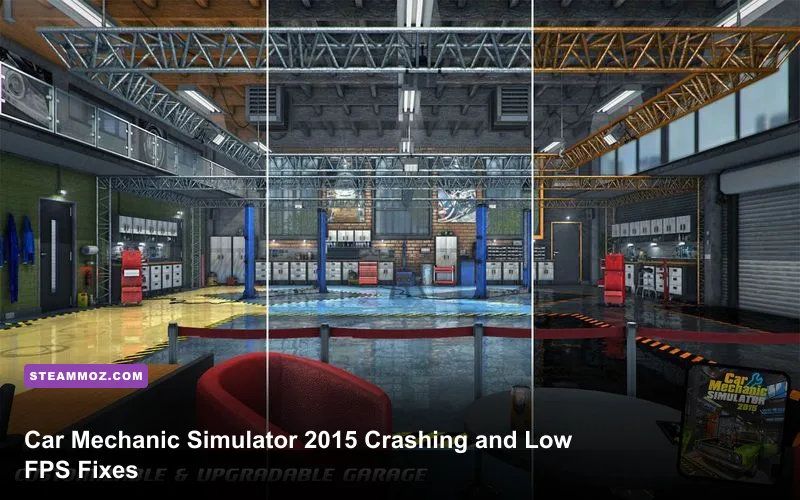
Car Mechanic Simulator 2015 Gold Edition usually stops crashing and becomes far smoother after three fixes: verify the Steam installation, run the game with a conservative DirectX 9-era graphics profile, and prevent Windows or overlays from interfering with its older Unity-based executable. Start at 1280x720 or 1600x900, disable VSync and post-processing, cap the frame rate externally if necessary, then test the garage and test track separately. Gold Edition adds DLC rather than a new performance engine, so the same fixes apply to the base game and its bundled content.
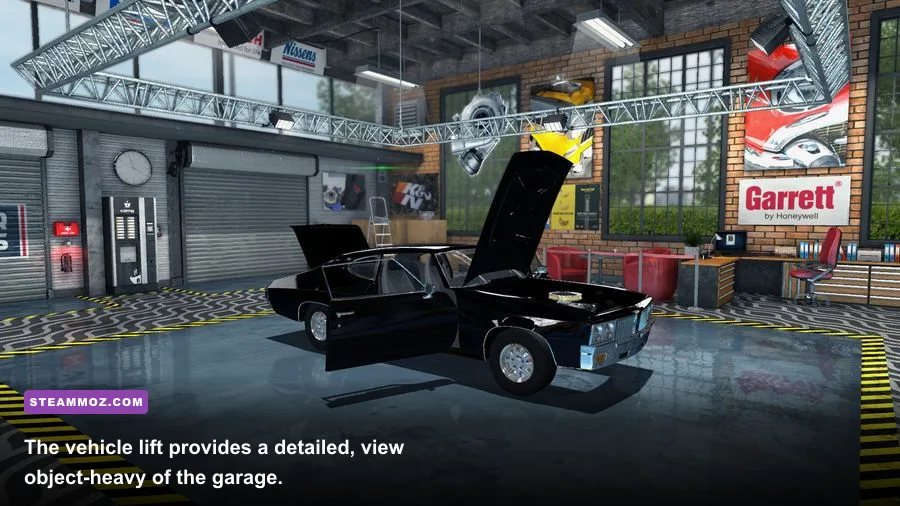
This is an old PC game with an unusually busy workshop. Every lift, shelf, engine component, tool cabinet, vehicle panel, and illuminated surface adds more work than a quiet racing circuit would. That means a computer can run a modern game comfortably yet still produce ugly stutter in a crowded garage. The good news is that the problem is normally predictable, and you can fix it without deleting your career saves.
Diagnose the Crash Before Changing Everything
First, separate a launch crash from a gameplay crash. If Car Mechanic Simulator 2015 closes before the main menu, suspect damaged files, a compatibility conflict, an overlay, or a missing runtime. If it reaches the garage and crashes when loading a job, car, or DLC vehicle, suspect a corrupted local file, an unstable graphics option, or a memory spike while the workshop loads.
Record three details before troubleshooting: when the crash occurs, whether an error message appears, and whether the game is using a dedicated GPU. On laptops, this last point matters more than most people expect. Windows can launch the 32-bit game on integrated graphics even when a GeForce or Radeon chip is installed. Open Windows Settings, select System > Display > Graphics, add the game executable, and choose High performance. If you use NVIDIA hardware, make the same selection in NVIDIA Control Panel under Manage 3D settings.
Check the official Steam page for Car Mechanic Simulator 2015 before trusting an old system-requirements list copied elsewhere. The original minimum target is roughly a 3.0 GHz dual-core processor, 4 GB of RAM, a DirectX 9-capable 1 GB graphics card, and Windows 7-era software. Those figures describe whether the game launches, not whether a dense garage will hold a locked 60 FPS.
| Symptom | Most Likely Cause | First Test | Safe Fix |
|---|---|---|---|
| Crash before menu | Bad files, overlay, runtime, or permission issue | Verify files and disable overlays | Repair installation and launch as administrator only if needed |
| Crash while loading garage | Graphics memory spike or damaged local data | Lower resolution and load a different save | Back up saves, then test a fresh profile |
| Stutter near shelves and lifts | Object count and shadows | Compare an empty area with the workshop | Reduce shadows, reflections, and resolution |
| Low FPS everywhere | Wrong GPU, background load, or CPU limit | Watch GPU usage and clock speed | Select the dedicated GPU and close heavy apps |

🎮 Car Mechanic Simulator 2015 Gold Edition
Looking to experience this game? Grab your digital key directly on our store for $2.49.
View on Steammoz Store →Build a Stable Graphics Profile First
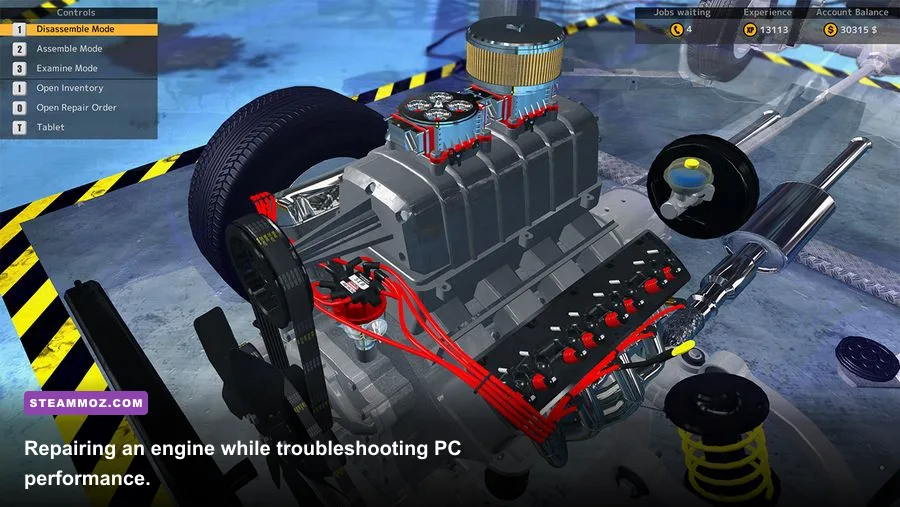
Don't begin by maxing every option and guessing. Create a baseline that removes the settings most likely to punish this older renderer. Set the display mode to fullscreen, choose your monitor's native resolution only if performance allows, and start with the profile below. Test for five minutes in the garage, open the parts menu, and drive one lap on the test track. A setting that looks harmless in the menu can behave very differently once reflections and workshop objects are visible.
| Setting | Recommended Starting Value | Typical FPS Impact | Visual Trade-Off |
|---|---|---|---|
| Resolution | 1600x900, then 1280x720 if needed | Very high | Lower image sharpness, but the largest GPU gain |
| Overall quality | Medium | Medium to high | Balances workshop detail and stability |
| Shadows | Low or Medium | High | Less depth around cars and tool benches |
| Reflections | Low or Off | High in the garage | Paint and floor reflections look flatter |
| Anti-aliasing | Off or the lowest available option | Medium | More jagged edges on body panels |
| Post-processing | Off | Low to medium | Reduced bloom and screen effects |
| VSync | Off for testing | Variable | May introduce tearing, but removes synchronization stalls |
Shadows and reflections deserve priority because the game spends much of its time rendering glossy bodywork, concrete floors, cabinets, and multiple light sources in a tight space. Texture quality usually costs less than shadows, so keep textures at Medium or High if your graphics memory is adequate. If dropping resolution barely changes FPS, you are probably CPU-limited rather than GPU-limited; in that case, lowering shadows and object-heavy effects is more useful than switching from 1080p to 720p.
Use the official Steam Community discussions to compare version-specific reports, but don't blindly copy launch options from unrelated Unity games. Some old commands can cause a black screen, broken resolution, or a crash on modern drivers. Change one option at a time and keep notes.
Stop Launch Crashes and Random CTDs
Verify the installation before touching saves. In Steam, right-click the game, open Properties, select Installed Files, and choose Verify integrity of game files. This replaces missing or altered files without removing your career. Gold Edition content can make a broken installation look like a DLC problem, but verification is the cleanest first move.
- Disable Steam Overlay: Open the game's Steam properties and turn off the overlay. Also disable Discord, GeForce Experience, AMD Adrenalin recording, MSI Afterburner overlays, and RGB monitoring overlays for the first test. Older games can fail when several hooks attempt to draw over the same DirectX window.
- Reset compatibility experiments: Remove custom compatibility modes, forced DPI settings, and old launch options. Then right-click the executable, open Properties > Compatibility, and test Disable fullscreen optimizations. Avoid enabling Windows 7 compatibility automatically; try it only if the normal mode still fails.
- Install current graphics drivers cleanly: Use the latest driver offered for your GPU, then reboot. If the crash began immediately after an update, use the previous stable driver instead of assuming newer is always better.
- Repair Windows runtimes: Install or repair Microsoft Visual C++ redistributables and DirectX components from Microsoft's official downloads. Newer DirectX versions do not always include every legacy side-by-side file an older game expects.
- Test security software: Add the Steam library folder to your antivirus exclusions temporarily, then launch the game. Restore normal protection after testing. A blocked write operation can look like a game crash.
The game's local files may live under a folder such as %USERPROFILE%\\Documents\\My Games\\Car Mechanic Simulator 2015, though the exact structure can vary by installation and Windows profile. Back up that entire folder before deleting configuration data. Rename the folder rather than deleting it, start the game once to generate clean settings, and then test. If the crash disappears, restore saves selectively instead of copying every old configuration file back at once.
For broader Windows troubleshooting, the same clean-boot logic used in Steamoz's ELEX PC fixes applies here: remove overlays, background recorders, aggressive tuning tools, and unnecessary startup software before blaming the game.
Fix Stutter, Frame Drops, and Uneven Frame Pacing
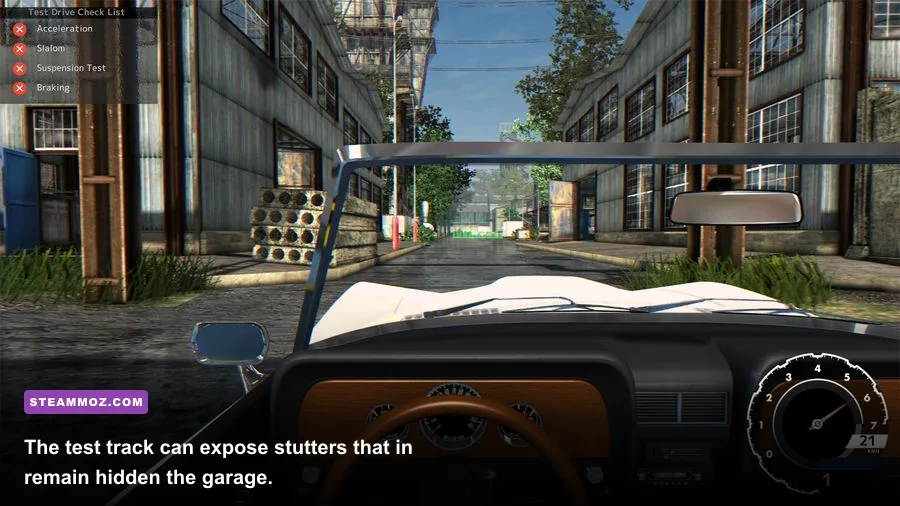
A displayed average of 60 FPS doesn't guarantee smooth motion. Car Mechanic Simulator 2015 can run at a high average and still hitch whenever you rotate the camera toward a crowded shelf or load a vehicle inspection scene. Use an FPS counter and watch frame-time consistency, not just the headline number. A stable 30 FPS feels better than a jump between 25 and 70.
Start with a frame-rate cap. If your system produces 90 FPS in an empty corner but drops to 42 FPS near the lift, cap it at 40 or 30 using your GPU control panel or RTSS. A cap leaves CPU and GPU headroom for loading workshop assets and reduces the harshness of sudden frame-time spikes. On a 60 Hz monitor, a steady 30 FPS with VSync can be more comfortable than an uncapped, tearing 45 FPS; test both because old fullscreen implementations don't behave identically on every PC.
| Hardware Situation | Resolution | Quality Profile | Practical FPS Target |
|---|---|---|---|
| Integrated graphics, 8 GB RAM | 1280x720 | Low, shadows off, reflections off | 30 FPS cap |
| Older GTX 750 Ti or Radeon equivalent | 1600x900 | Medium, low shadows, low reflections | 30 to 45 FPS |
| GTX 1060, RX 580, or similar | 1920x1080 | Medium to High, reduced shadows | 45 to 60 FPS |
| Modern mid-range GPU with older CPU | 1920x1080 | High textures, medium shadows, low reflections | CPU-limited 45 to 60 FPS |
Close browsers with many tabs, video playback, game launchers, and hardware monitoring suites while testing. Check Windows Task Manager for CPU usage, memory pressure, and GPU engine activity. If RAM usage approaches the system limit, Windows may page assets to disk, producing long hitches when entering the garage. Eight gigabytes is a much safer floor than the game's old 4 GB minimum, especially with a browser open.
Don't use aggressive overclocks as a performance fix. An unstable GPU or undervolt often crashes only in specific scenes, which makes the game appear broken. Return the CPU and GPU to stock settings, disable experimental driver features, and test again. Steamoz's Dungeons 3 crashing guide covers the same useful distinction between average FPS and frame pacing, but CMS 2015 is especially sensitive to crowded interiors.
Gold Edition, DLC, and Save-Safe Recovery
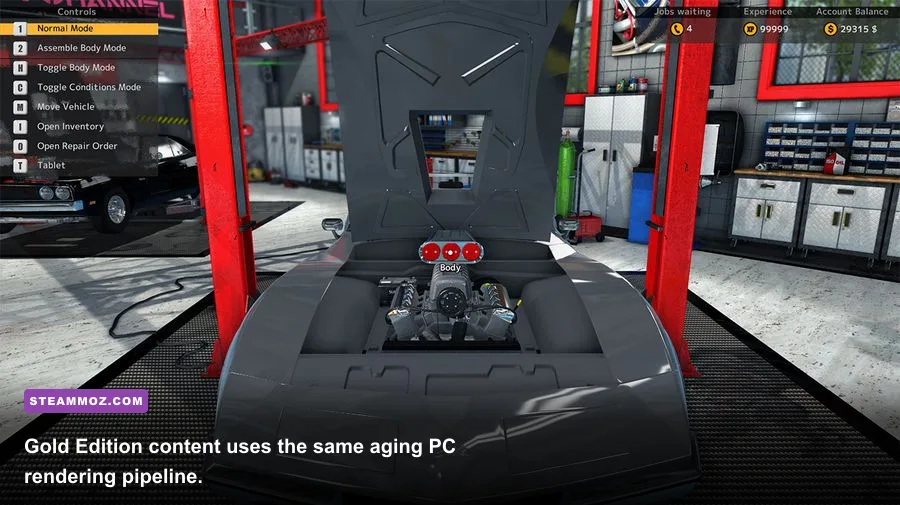
Gold Edition does not need a separate magical performance patch. Treat it as the original Car Mechanic Simulator 2015 installation with additional content. If the base garage works but a particular DLC vehicle crashes, test the game with all nonessential workshop modifications disabled and load an earlier save. A bad local configuration or modded asset can affect one car while leaving the rest of the career playable.
Never overwrite your only save while troubleshooting. Copy the Documents game folder to your desktop, create a new profile, and test the tutorial or a basic repair job. If the new profile runs correctly, the executable and drivers are probably fine; the original save or configuration is the next suspect. Restore the backup only after confirming that the clean profile survives several garage loads and a trip to the test track.
Use the Red Dot Games website for developer information and the Microsoft Windows Update guidance for keeping system components current. Community fixes can be valuable, but avoid downloading mystery DLL files or modified executables. They are a security risk and can create a second problem that Steam verification cannot solve.
If you're still seeing crashes after verification, a clean settings reset, driver repair, overlay removal, and fresh-profile test, use Steam's support route rather than repeatedly reinstalling. Reinstallation rarely fixes a configuration stored in Documents, and it won't repair a failing hard drive, unstable RAM, or an overheating GPU. Check Windows Event Viewer for the faulting module, monitor temperatures, and run a memory test if other games are also closing unexpectedly.
The Fastest Order of Operations
For most players, this sequence gets to the answer fastest:
- Back up the save and configuration folder.
- Verify Car Mechanic Simulator 2015 Gold Edition in Steam.
- Disable every overlay and background recorder.
- Select the dedicated GPU in Windows Graphics settings.
- Reset the game profile and start at 1280x720 or 1600x900.
- Turn off reflections, post-processing, anti-aliasing, and VSync while testing.
- Lower shadows before lowering textures.
- Cap FPS to a stable 30, 40, or 60 rather than leaving it unlimited.
- Test a fresh career, then the original save, then DLC vehicles one at a time.
That order matters. It removes corrupted files and software conflicts before you spend time tuning graphics, then identifies whether the bottleneck is GPU rendering, CPU frame preparation, memory, or the save itself. Once the game is stable, raise resolution first, textures second, and shadows last. The workshop will look much better, your frame pacing will stay predictable, and Gold Edition's extra cars won't turn every repair job into a crash lottery.
For another practical comparison of old-PC requirements and realistic performance targets, see Steamoz's Far Cry 2 PC specs guide and Edna & Harvey system requirements breakdown. The principle is the same: minimum specs explain launchability, while a stable experience depends on drivers, background load, frame pacing, and the specific scene the game is rendering.