
Far Cry 6: Lost Between Worlds will run on the same PC hardware as Far Cry 6, but the sensible target is higher than the bare minimum. For 1080p at 30 frames per second on Low, you need an Intel Core i5-4460 or AMD Ryzen 3 1200, 8GB of RAM, and a GTX 960 or Radeon RX 460 with 4GB of VRAM. For the experience most players actually want—1080p, 60 FPS, High settings—aim for a Core i7-7700 or Ryzen 5 3600X, 16GB of memory, and a GTX 1080 or Radeon Vega 64. The expansion adds rift effects and combat layers, so an SSD and 16GB RAM are strongly preferred.
That baseline comes from Far Cry 6 rather than a separate Lost Between Worlds specification sheet. The DLC is an expansion inside the same Dunia-powered game, not a standalone executable with a radically different engine. If your computer handles the main campaign smoothly, it should handle the expansion. Still, the new Shard-filled environments can produce heavier-looking scenes than ordinary jungle patrols, especially when multiple enemies, fire, volumetric fog, and rift effects overlap.
Far Cry 6: Lost Between Worlds minimum and recommended specs
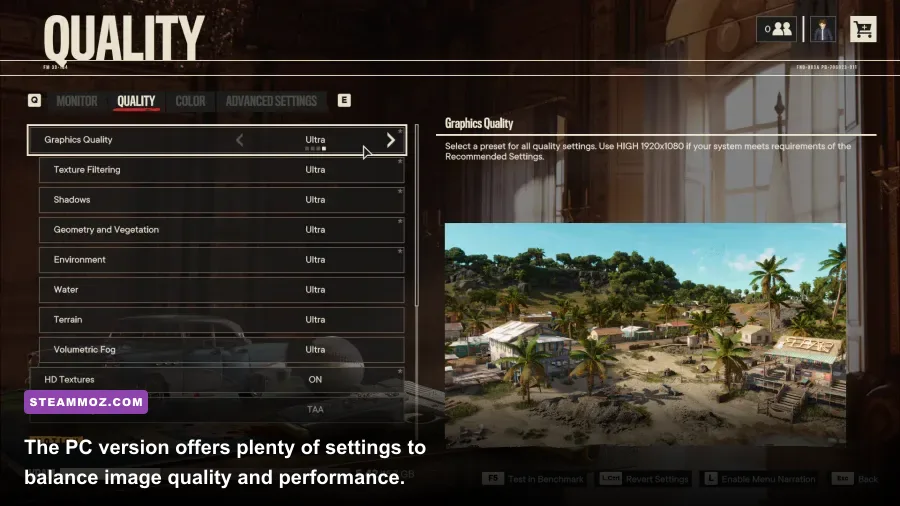
Ubisoft’s listed targets are resolution-and-frame-rate goals, not just a vague “minimum” and “recommended” label. That distinction matters. The minimum configuration is designed for 1080p at 30 FPS on Low, while the recommended setup targets 1080p at 60 FPS on High. Those are very different experiences in a fast first-person shooter: 30 FPS can feel playable, but aiming, driving, and reacting to close-range attacks are noticeably cleaner at 60.
| Target | Processor | Graphics Card | Memory | Storage |
|---|---|---|---|---|
| Minimum: 1080p, 30 FPS, Low | Intel Core i5-4460 or AMD Ryzen 3 1200 | Nvidia GTX 960 4GB or AMD RX 460 4GB | 8GB RAM | 60GB HDD |
| Recommended: 1080p, 60 FPS, High | Intel Core i7-7700 or AMD Ryzen 5 3600X | Nvidia GTX 1080 8GB or AMD Vega 64 8GB | 16GB RAM | 60GB SSD |
The storage requirement is listed at roughly 60GB, but leave additional free space for patches, shader data, and the expansion installation. A hard drive can technically meet the minimum, yet an SSD is the better call. Far Cry 6 streams a large open world while you drive between checkpoints, and Lost Between Worlds constantly transitions through visually distinct spaces. An SSD won’t magically raise your average FPS, but it can reduce loading friction and help avoid the sluggish texture streaming that makes a fast-moving game feel rough.
For the official overview, compare the Far Cry 6 PC information with Ubisoft’s Lost Between Worlds page. If you’re checking the store installation rather than Ubisoft Connect, the official Steam listing is also useful.

🎮 Far Cry 6: Lost Between Worlds
Looking to experience this game? Grab your digital key directly on our store for $4.99.
View on Steammoz Store →What PC hardware do you need for 1440p and 4K?
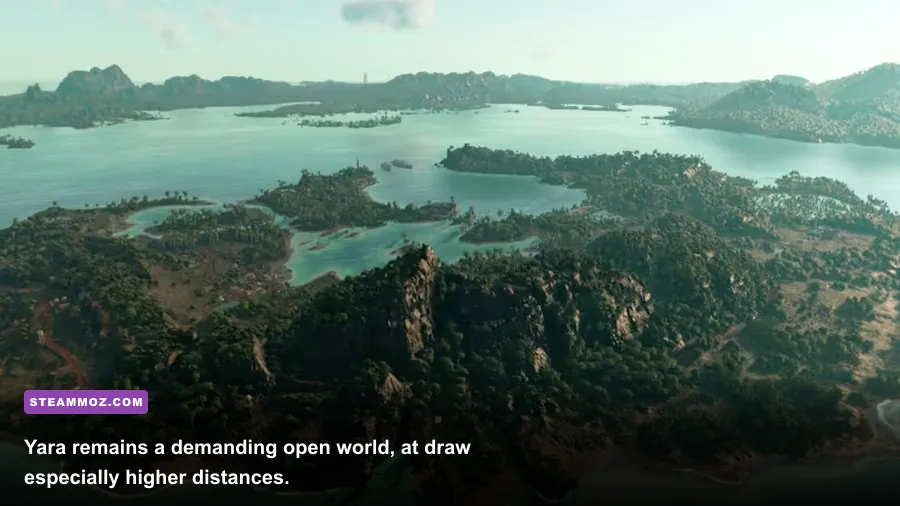
The recommended 1080p specification is not a 1440p guarantee. Far Cry 6 becomes substantially more demanding as resolution rises, and the game’s dense foliage, long sightlines, and high-resolution textures put pressure on both the GPU and VRAM. Ubisoft’s higher targets give a much clearer idea of what you need for a sharp monitor or television.
| Target | Processor | Graphics Card | Memory | Best Use |
|---|---|---|---|---|
| 1440p, 60 FPS, High | Core i5-10600 or Ryzen 5 5600X | RTX 2070 Super or Radeon RX 5700 XT | 16GB RAM | High-refresh 1440p play without ray tracing |
| 4K, 30 FPS, High | Core i7-10700 or Ryzen 7 5800X | RTX 3080 or Radeon RX 6800 | 16GB RAM | High-resolution cinematic play |
| 1440p, 60 FPS, ray tracing | Core i5-10600 or Ryzen 5 5600X | RTX 3070 or Radeon RX 6900 XT | 16GB RAM | Reflections and shadows enabled |
| 4K, 30 FPS, ray tracing | Core i7-10700 or Ryzen 7 5800X | RTX 3080 or Radeon RX 6900 XT | 16GB RAM | Maximum visual quality |
These figures are best treated as directional targets rather than a promise that every scene will lock perfectly to its number. A Ryzen 5 5600X paired with an RTX 3070 is a strong 1440p combination, but your results will still vary with crowd density, driver version, background applications, and whether you enable ray-traced reflections and shadows. The expansion’s fractured arenas may also create short spikes when visual effects pile up.
CPU buyers should pay attention to the minimum processor too. Far Cry 6 is an open-world game with vehicles, wildlife, civilians, enemy AI, and streaming workloads happening together. A powerful graphics card paired with an old four-core CPU can deliver a high average FPS but poor frame pacing. That’s the same reason performance-focused players often benefit more from a balanced upgrade than from replacing only the GPU.
Best graphics settings for smooth 1080p performance
Start with the High preset if your hardware matches the recommended specification, then tune the expensive settings individually. Don’t immediately drop the entire game to Low. Far Cry 6’s image quality loses much of its atmosphere when foliage, shadows, and terrain detail are all reduced, while several options have a modest performance cost and are worth keeping.
| Setting | Recommended Value | FPS Impact | Visual Trade-Off |
|---|---|---|---|
| Resolution | Native 1080p or 1440p | Very high | Lowering it improves FPS but softens the entire image |
| Texture Filtering | High | Low | Keeps distant surfaces clearer; needs adequate VRAM |
| Shadows | Medium or High | Medium | Medium removes some depth but saves useful GPU headroom |
| Geometry and Vegetation | High | Medium | Lower values reduce foliage density and world detail |
| Environment | High | Medium | Controls distant world complexity and streaming pressure |
| Water | High | Low to Medium | Keep High unless water-heavy scenes cause dips |
| Volumetric Fog | Medium | Medium to High | Lowering it helps in smoky and rift-filled encounters |
| Ray-Traced Reflections and Shadows | Off for 60 FPS | Very high | Improves reflections and shadow detail, but can cause major drops |
Volumetric fog is one of the first settings I’d reduce on a borderline system. Its visual contribution is obvious in smoke, fire, and supernatural rift scenes, but it can punish the GPU during busy fights. Shadows are another sensible compromise: Medium often preserves the scene’s shape while freeing enough performance for steadier aiming.
Keep textures High if your graphics card has 8GB of VRAM or more. If you’re using a 4GB card such as the GTX 960 or RX 460, Medium textures are safer, especially at 1080p with high texture filtering. Texture quality usually affects VRAM capacity more than raw frame rate, but running out of VRAM can cause ugly hitching and sudden asset swaps.
Ray tracing, FSR, and the settings worth changing
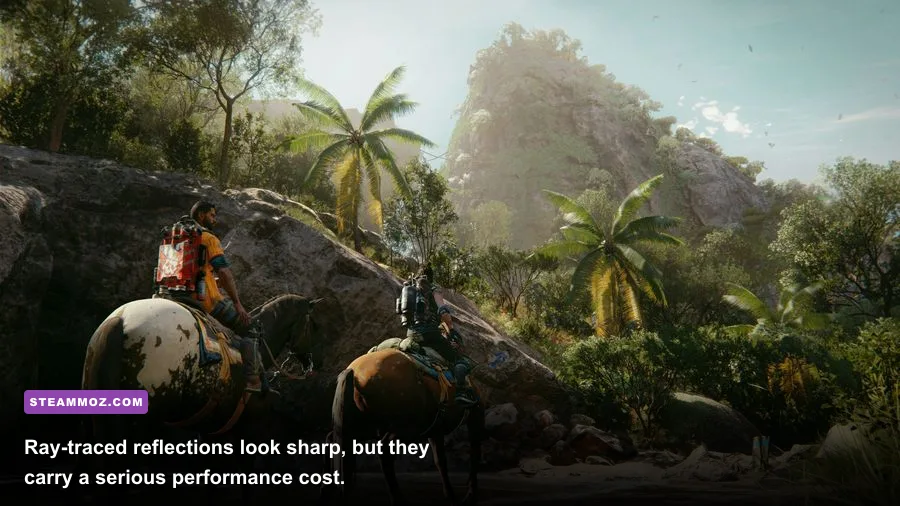
Ray tracing is the luxury setting, not the foundation of a good Lost Between Worlds setup. Ray-traced reflections can make wet streets and water look excellent, while ray-traced shadows add subtle depth around buildings and vegetation. The cost is much harder to justify if your goal is a stable 60 FPS. Ubisoft’s ray-tracing targets call for an RTX 3070 or Radeon RX 6900 XT at 1440p, and an RTX 3080 or RX 6900 XT for 4K at 30 FPS.
If your GPU supports it, test AMD FidelityFX Super Resolution rather than dropping every quality option. FSR can recover performance at 1440p and 4K by rendering internally below native resolution, though aggressive modes introduce softer edges and shimmering in vegetation. Quality mode is the best starting point; Balanced is a practical fallback when a busy firefight refuses to hold your target frame rate.
Use a frame limiter slightly below your monitor’s refresh rate if you’re dealing with inconsistent frame pacing. A locked 58 or 59 FPS can feel better than a wildly fluctuating 70-to-45 FPS range. Disable motion blur if you want a crisper view while turning, but leave it enabled if you prefer a cinematic presentation. Chromatic aberration and film grain are personal choices; switching them off usually makes the image cleaner without a meaningful performance penalty.
For troubleshooting habits that apply across demanding PC releases, Steamoz’s PC fixes for crashes and low FPS are a useful companion read. The same basics—updated drivers, verified files, sensible overlays, and a clean background workload—can prevent hours of needless tweaking.
How Lost Between Worlds affects real-world performance
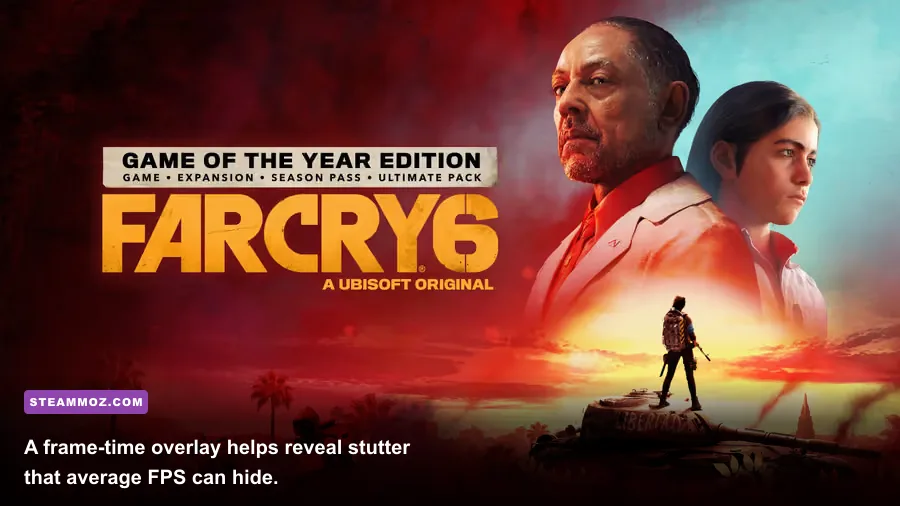
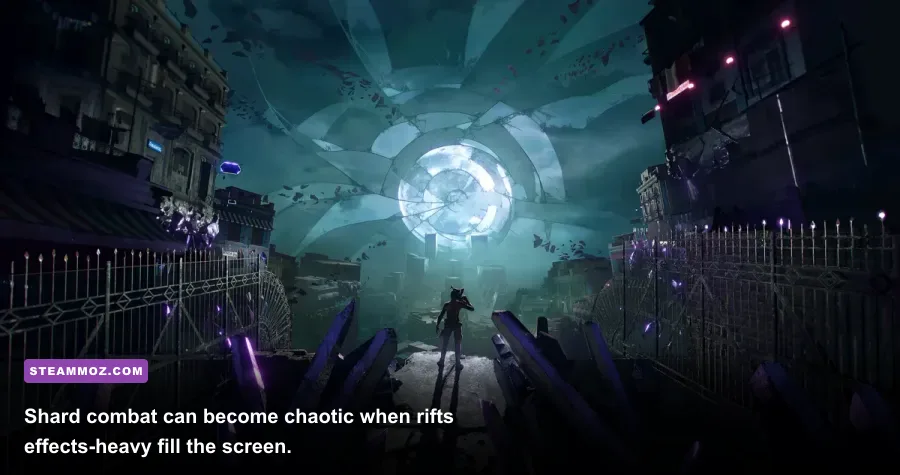
Lost Between Worlds is built around Dani Rojas moving through fractured realities, with combat encounters tied to the mysterious Shards. Those rifts can change the visual workload quickly: glowing surfaces, particle effects, environmental transitions, fire, and several enemies can all appear in the same encounter. Don’t benchmark only in a quiet menu or empty stretch of Yara. Test performance while sprinting through an active combat area, turning the camera across dense geometry, and triggering explosions.
The expansion doesn’t replace the core Far Cry 6 progression with a traditional skill-tree overhaul. You still bring the main game’s familiar shooting fundamentals, weapons, Supremo abilities, and resolver gear into a more compact challenge structure. That means CPU behavior, VRAM use, and shader compilation remain closer to the base game than to a brand-new standalone title. A system that already stutters during vehicle travel or large enemy camps is unlikely to become magically smooth in the DLC.
| Hardware Situation | Likely Experience | Recommended Adjustment | Target |
|---|---|---|---|
| Older quad-core CPU, 8GB RAM, 4GB GPU | Playable but vulnerable to hitching | Low preset, Medium textures, close background apps | 1080p, 30 FPS |
| Modern six-core CPU, 16GB RAM, 8GB GPU | Strong mainstream experience | High preset, ray tracing off, FSR Quality if needed | 1080p or 1440p, 60 FPS |
| High-end eight-core CPU, RTX 3080-class GPU | Excellent image quality with headroom | High settings, selective ray tracing, FSR Quality | 1440p, 60 FPS or 4K, 30-60 FPS |
Sixteen gigabytes of RAM is the practical sweet spot. Eight gigabytes meets the minimum, but Windows, launchers, browser tabs, and overlays can leave too little breathing room for a large open-world game. If you see frequent pauses when entering new areas, monitor RAM and VRAM usage before blaming the CPU. Close unnecessary applications, install the latest GPU driver, and verify the game files through your launcher.
Also check that your laptop is using its dedicated GPU rather than integrated graphics. Windows power-saving modes can quietly cap performance, and an underpowered laptop may throttle after several minutes of play. Plug in the charger, select a performance power profile, and watch temperatures during a real mission rather than trusting a short benchmark.
Should you upgrade before playing the expansion?
If you’re below the minimum, don’t buy a new graphics card blindly. First confirm the exact component: an RX 580, GTX 1060, or newer mainstream card is considerably more comfortable than the listed GTX 960, but the rest of the system still matters. The most noticeable upgrade for an 8GB machine is moving to 16GB of RAM and an SSD. If your frame rate is low everywhere, upgrade the GPU; if average FPS looks fine but stutters hit during traversal, investigate RAM, storage, CPU limits, and background tasks.
For a new or upgraded PC, target a modern six-core processor, 16GB RAM, an SSD, and a graphics card with at least 8GB of VRAM. That combination gives you room to run High settings at 1080p or 1440p without turning every visual effect off. Ray tracing should remain optional rather than something you build the entire purchase around.
Players comparing this expansion with other demanding games can also use Steamoz’s PC requirements coverage and hardware-spec breakdown for a broader upgrade picture. The bottom line is straightforward: the listed minimum specs can launch Lost Between Worlds, but 16GB RAM, an SSD, and a GTX 1080-class or better GPU are what make the fractured worlds feel consistently smooth.