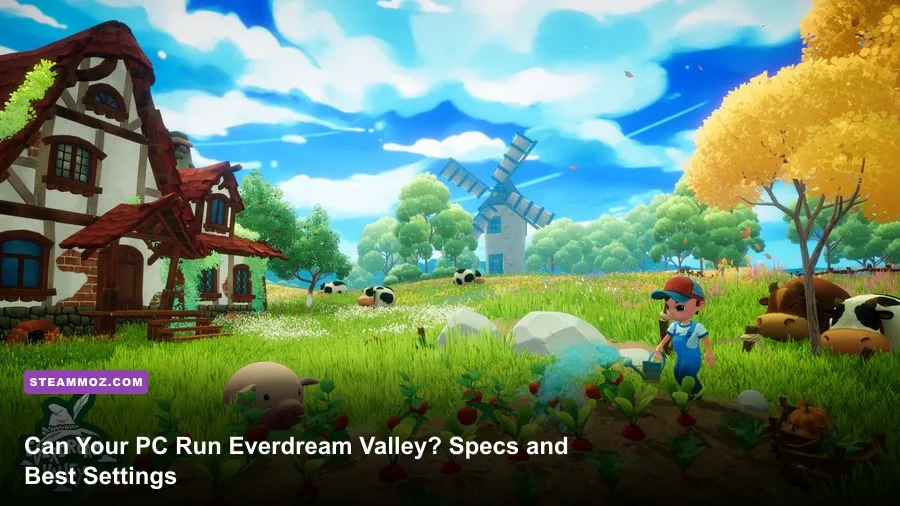
Everdream Valley runs comfortably on a modern mid-range gaming PC, but its official minimum is far less demanding than the hardware you'll want for a steady 60 fps. The practical target is an Intel Core i5-8400 or AMD Ryzen 5 2600, 8 GB of RAM, and a GTX 1060 6GB or Radeon RX 580 at minimum; for higher settings and fewer dips around busy animal areas, aim for an Intel Core i7-9700 or Ryzen 7 3700X, 16 GB of RAM, and an RTX 2070 or Radeon RX 5700 XT. You'll also need roughly 15 GB of free storage.
This matters because Everdream Valley isn't a competitive shooter where every frame has to be perfect. It's a colorful farming and exploration game built around large outdoor spaces, roaming animals, weather, lighting, and dream minigames. That combination can expose CPU limits, shader stutter, and streaming hiccups even when the average frame rate looks fine. Below, you'll find the current Everdream Valley system requirements, what they mean in real-world play, and the settings profile I'd use on different classes of PC.
Everdream Valley system requirements at a glance
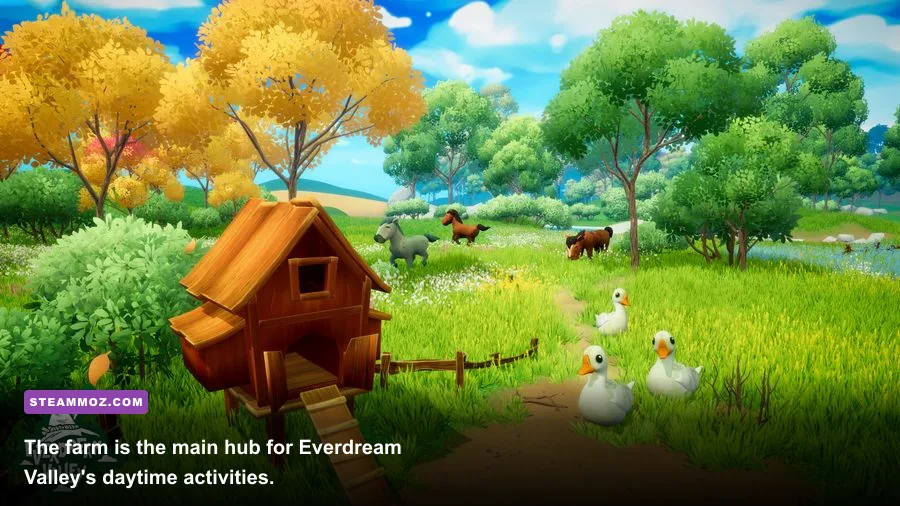
The official PC requirements place Everdream Valley in the approachable middleweight category. The minimum GPU target is now several generations old, so most gaming desktops and recent gaming laptops should clear it. The catch is that the minimum specification is designed to get the game running, not guarantee a locked 60 fps at 1080p with every visual option pushed to the ceiling.
Expect the best results from a 64-bit Windows installation and a dedicated graphics card. Integrated graphics may launch the game on newer processors, but they aren't the sensible target for a smooth experience in the open farm areas. Before buying or troubleshooting, compare your hardware with the listing on the official Everdream Valley Steam page, since patches can change performance and storage details.
| Component | Minimum | Recommended | What it means in practice |
|---|---|---|---|
| Operating system | Windows 10 64-bit | Windows 10 64-bit | Use current GPU drivers and Windows updates. |
| Processor | Intel Core i5-8400 / AMD Ryzen 5 2600 | Intel Core i7-9700 / AMD Ryzen 7 3700X | CPU headroom helps in animal-heavy farm scenes. |
| Memory | 8 GB RAM | 16 GB RAM | 16 GB reduces background-app pressure and streaming hitching. |
| Graphics card | Nvidia GeForce GTX 1060 6GB / AMD Radeon RX 580 | Nvidia GeForce RTX 2070 / AMD Radeon RX 5700 XT | The recommended tier is aimed at higher presets and steadier 60 fps. |
| Storage | 15 GB available space | 15 GB available space | An SSD is preferable for loading and asset streaming. |
The RAM requirement deserves special attention. Eight gigabytes is enough for a clean, lightly loaded Windows session, but it leaves little room for a browser, Discord, recording software, or launchers. If you're sitting exactly at the minimum, close background applications before blaming the GPU for stutters. A two-stick memory kit running in dual-channel mode can also help a Ryzen system more than the spec sheet suggests.

🎮 Dream
Looking to experience this game? Grab your digital key directly on our store for $14.99.
View on Steammoz Store →What the minimum PC can realistically deliver
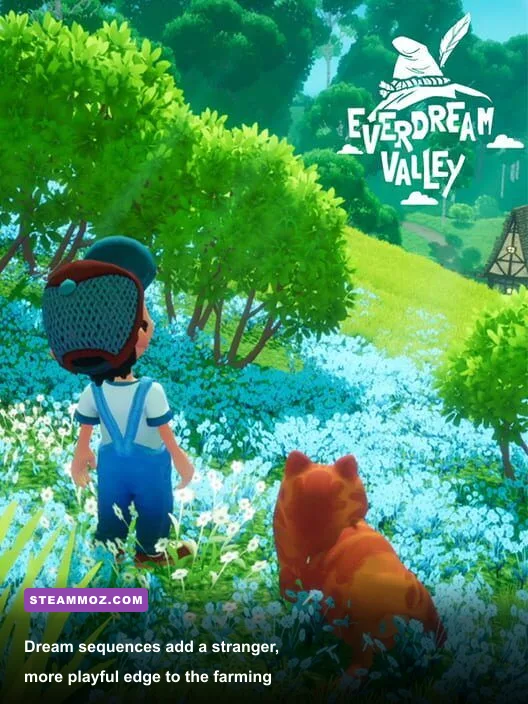
A PC with a GTX 1060 6GB or RX 580 should treat 1080p as the sensible starting point. Use the Medium preset, leave textures at High if VRAM allows, and reduce shadows and foliage before cutting resolution. Everdream Valley's art style depends heavily on soft lighting, vegetation, and colorful materials; lowering everything indiscriminately makes the countryside look flatter without necessarily fixing the real bottleneck.
The Core i5-8400 and Ryzen 5 2600 are six-core processors, which is a healthy baseline for this game. They can still show frame-time spikes when the camera faces a crowded ranch or a dense section of the valley. That's different from a permanently low average. A counter showing 55 to 60 fps can still feel uneven if the frame-time graph jumps during asset loading, so judge performance by consistency rather than a single headline number.
| Hardware profile | Resolution | Starting preset | Realistic target |
|---|---|---|---|
| GTX 1060 6GB / RX 580, 8 GB RAM | 1920x1080 | Medium | Around 30-60 fps depending on scene and patch |
| GTX 1660 Super / RX 5600 XT, 16 GB RAM | 1920x1080 | High | A smoother 60 fps target with occasional dips |
| RTX 2060 / RX 6600, 16 GB RAM | 1920x1080 | High or Very High | 60 fps is a sensible goal with tuned shadows |
| RTX 2070 / RX 5700 XT or better | 2560x1440 | High | Strong 60 fps potential, depending on settings |
Don't expect the minimum specification to be ideal for 1440p. You can force that resolution, but the GPU will spend its budget on pixel count instead of the effects that make the world look good. If your monitor is 1440p, render at 1080p or use the game's available scaling options before dropping texture quality. Texture resolution mostly affects VRAM usage; it usually isn't the first lever to pull for a weak GPU.
For comparison, our Drizzlepath: Glass PC settings guide covers a similar principle: identify whether the GPU, CPU, or frame pacing is the actual problem before changing every option at once.
Recommended hardware is about frame-time stability
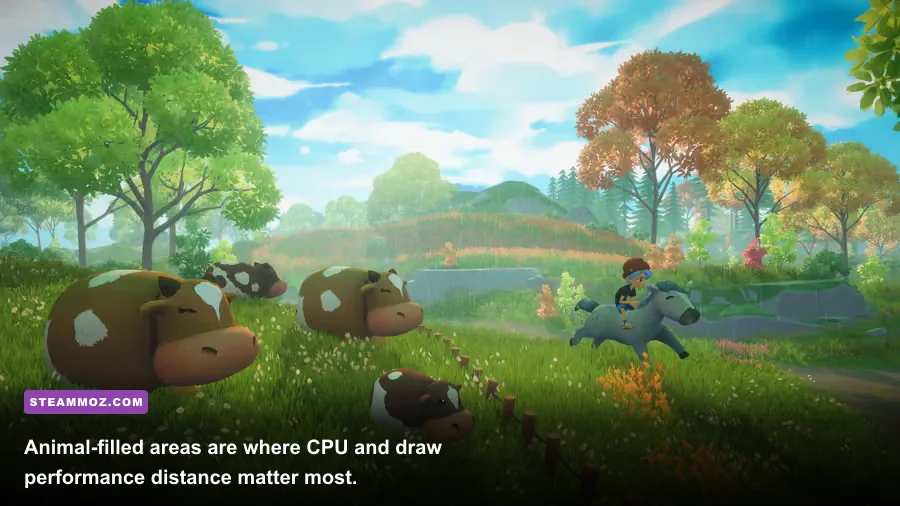
The recommended Core i7-9700 and Ryzen 7 3700X are a meaningful step up, but not because Everdream Valley suddenly becomes a CPU benchmark. Their extra performance gives the game more room for animal simulation, world streaming, background tasks, and the operating system. Sixteen gigabytes of RAM is just as important. It prevents the rest of your desktop from competing with the game while you're moving between the farm, wilderness, and dream activities.
An RTX 2070 or RX 5700 XT is more than enough for a strong 1080p experience and a credible 1440p setup. At 1080p, the GPU should have room for high-quality shadows, foliage, and ambient effects. At 1440p, you'll want to tune the expensive options rather than blindly select the highest preset. The difference between High and Ultra is often subtle in motion, while the cost of shadows and volumetric effects can be obvious in the frame-time graph.
Storage also affects how the game feels. The 15 GB requirement is modest, but an SSD is still the better home for Everdream Valley. It won't magically raise your average fps, yet it can shorten loading and reduce the annoyance of waiting when the game streams a new area. Keep at least a little extra free space beyond the installation size so Windows and shader caches aren't fighting for room.
If you're shopping for a new system, don't overbuy solely for this game. A modern six-core CPU, 16 GB of dual-channel RAM, and a graphics card with 8 GB of VRAM gives you a much more comfortable margin than the official minimum. That same setup will also handle many of the optimization-heavy PC games covered in our Edge of Sanity settings breakdown.
Best graphics settings for 1080p and 1440p
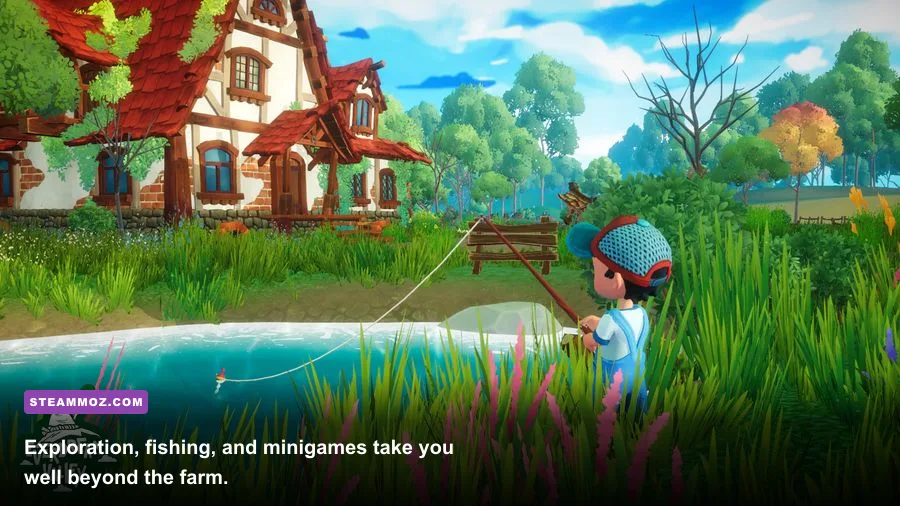
Start with the High preset, then make targeted changes. Presets are useful for establishing a baseline, but they rarely understand what your PC is doing in a particular scene. The farm, animal pens, and heavily vegetated areas are better stress tests than an empty path. Walk through those locations, rotate the camera, and watch for hitching instead of judging performance in a quiet menu.
| Setting | Recommended value | Performance impact | Visual trade-off |
|---|---|---|---|
| Resolution | Native 1080p; 1440p on recommended hardware | Very high | Lowering it is the fastest GPU-side improvement. |
| Textures | High with 6-8 GB VRAM; Medium with 4 GB | Low to medium | Mostly affects surface detail and VRAM usage. |
| Shadows | Medium or High | High | Lowering them helps outdoor dips without ruining the art. |
| Foliage or vegetation | High, then Medium if the farm stutters | Medium to high | Reduces grass and plant density at distance. |
| View distance | High on recommended; Medium on minimum | Medium to high | Controls how soon scenery and objects appear. |
| Ambient occlusion | High or enabled | Medium | Adds contact depth beneath buildings, props, and characters. |
| Anti-aliasing | High or the default temporal option | Low to medium | Lower values can make foliage and fences shimmer. |
| Motion blur | Off | Small | Sharper camera movement and cleaner screenshots. |
| V-sync | On for a fixed refresh display; off with VRR | Variable | Prevents tearing but may add latency or cap frames. |
On a minimum-spec machine, the best performance profile is 1080p, Medium shadows, Medium foliage, Medium view distance, High textures, and motion blur disabled. Cap the frame rate to a number your PC can actually sustain. A stable 45 or 60 fps is preferable to an uncapped counter that jumps between 38 and 75 fps. If your monitor supports FreeSync or G-Sync, enable variable refresh and keep the frame rate just below the panel's maximum refresh rate.
On an RTX 2070-class PC, try 1440p High first. If you see dips, lower shadows before textures. If the game feels smooth but looks soft, restore resolution and anti-aliasing, then trim foliage. This order preserves the painterly look while cutting the settings most likely to punish the GPU.
How to troubleshoot stutter, crashes, and low FPS
First, update your graphics driver and verify the game files through Steam. Then run the game from an SSD if possible, close overlays one by one, and test without recording software. Overlay conflicts are particularly easy to miss because the game may launch normally while stuttering only during area transitions. The Exogate Initiative stutter guide has a useful general troubleshooting workflow for separating hitching from ordinary low FPS.
Use a repeatable test route
Load the same save, spend a minute near the main farm buildings, move through the animal area, and then explore a busier outdoor route. Repeat the test after every major change. Don't alter resolution, shadows, foliage, and frame caps simultaneously; you won't know which change helped. If GPU usage is near 99 percent, lower resolution, shadows, or foliage. If GPU usage is low while the frame rate drops around animals, the CPU, RAM, or background applications are more likely to be responsible.
Fixing common laptop problems
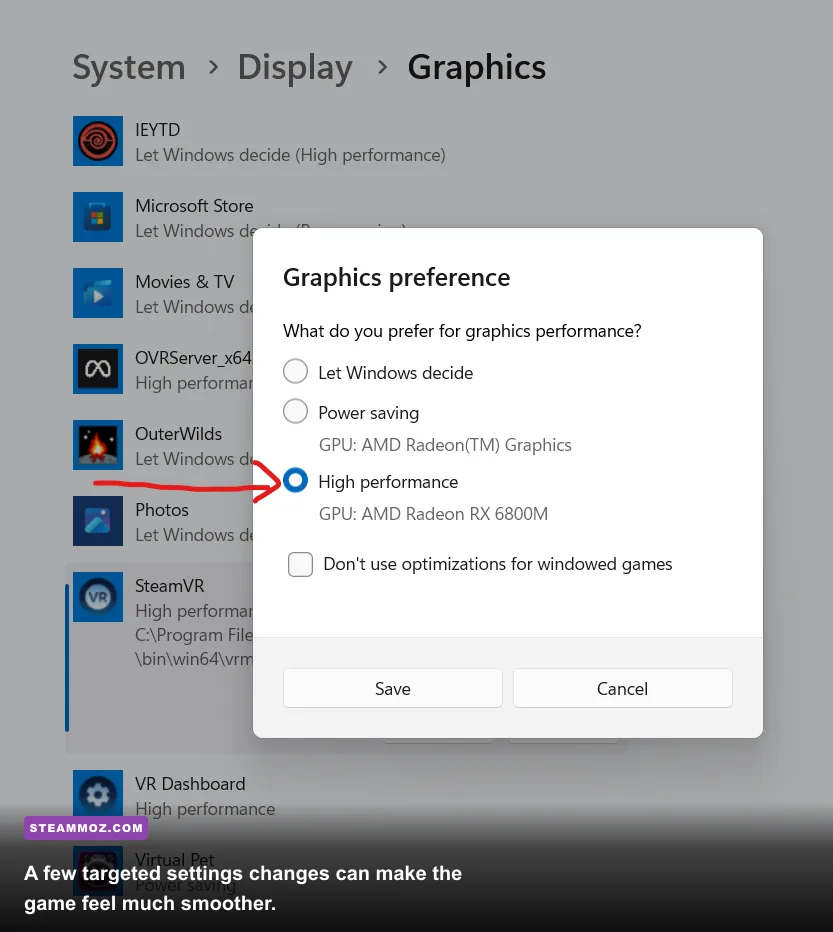
Gaming laptops often run Everdream Valley on integrated graphics by mistake. In Windows Graphics settings or your GPU control panel, assign the game's executable to the dedicated Nvidia or AMD GPU. Play while plugged in, select the high-performance power profile, and check temperatures. A laptop that starts smoothly and slows after ten minutes may be thermal throttling rather than underpowered on paper.
When a clean reinstall is worth trying
If crashes persist after driver updates and file verification, remove outdated configuration files only after backing them up, then let the game recreate them. Avoid downloading random DLL files or unofficial “performance patches.” Check the Mooneye Studios official site and the Steam community discussions for patch-specific reports before making deeper changes.
Is Everdream Valley worth upgrading for?
If your PC already matches the minimum specification, you don't need a new graphics card just to play Everdream Valley. Start at 1080p Medium, use an SSD, and prioritize frame-time consistency. The first upgrade I'd make is to 16 GB of RAM if you're still on 8 GB, especially if you multitask while playing. After that, a GPU upgrade helps most at 1440p or when you want high foliage, shadows, and anti-aliasing together.
For a new build, the sweet spot is a modern six-core processor, 16 GB of RAM, an SSD, and a GPU in the RTX 3060, RTX 4060, RX 6600, or faster class. That hardware is comfortably beyond the listed minimum without being excessive for a relaxed farming adventure. You can also use our Cricket Through the Ages PC specs guide when comparing how lightweight games scale across older hardware.
The short verdict is simple: the official minimum Everdream Valley PC specs are enough for 1080p play, while the recommended specification is the safer choice for high settings and stable 60 fps. Don't let the cheerful art style fool you into ignoring CPU performance, RAM, or storage. A balanced system, sensible shadow and foliage settings, and a properly configured dedicated GPU will make the valley feel smooth without turning a cozy farming game into a hardware upgrade rabbit hole.
For updates, support information, and the latest platform details, keep an eye on the official Steam news feed and the game's official website.