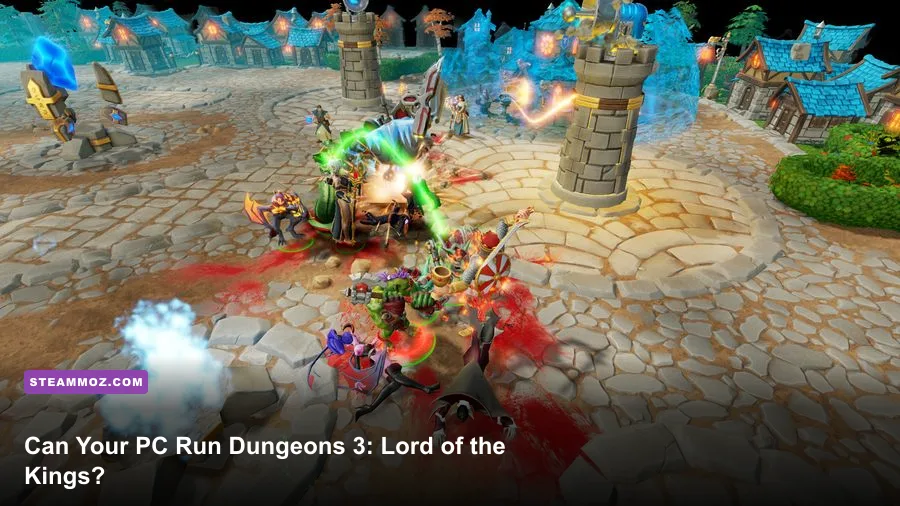
Yes, most modest gaming PCs can run Dungeons 3: Lord of the Kings. The expansion does not introduce a separate PC specification sheet: it runs through the base Dungeons 3 installation, so the practical target is the original Steam requirement. You need a 64-bit Windows PC, 4 GB of RAM, a GTX 460 or Radeon HD 5770 with 1 GB of VRAM, and roughly 5 GB of storage at minimum. For a smoother experience, aim for a Core i5-4690-class processor, 8 GB of RAM, and a GTX 970 or Radeon R9 290 with 4 GB of VRAM.
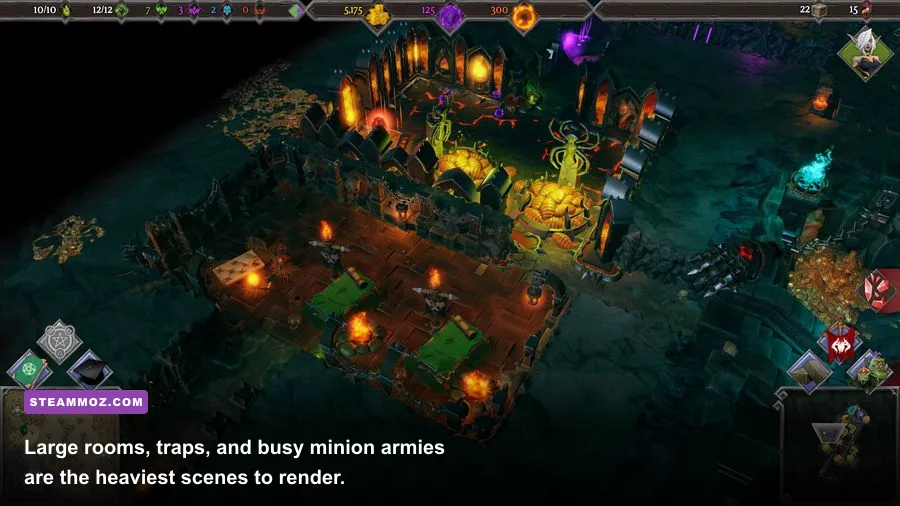
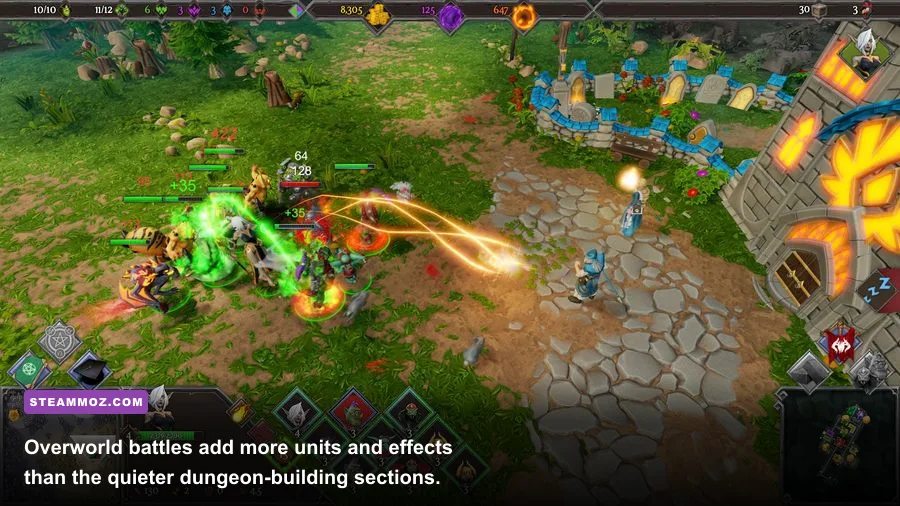
That sounds easy by modern standards, and it usually is. The catch is that Dungeons 3 is not only a quiet dungeon builder. Once dozens of creatures, traps, heroes, particle effects, and overworld units occupy the screen, CPU load becomes more important than the minimum GPU label suggests. Here are the exact specs, what they mean in practice, and the settings profile I would use before starting the Lord of the Kings campaign.
Dungeons 3: Lord of the Kings system requirements
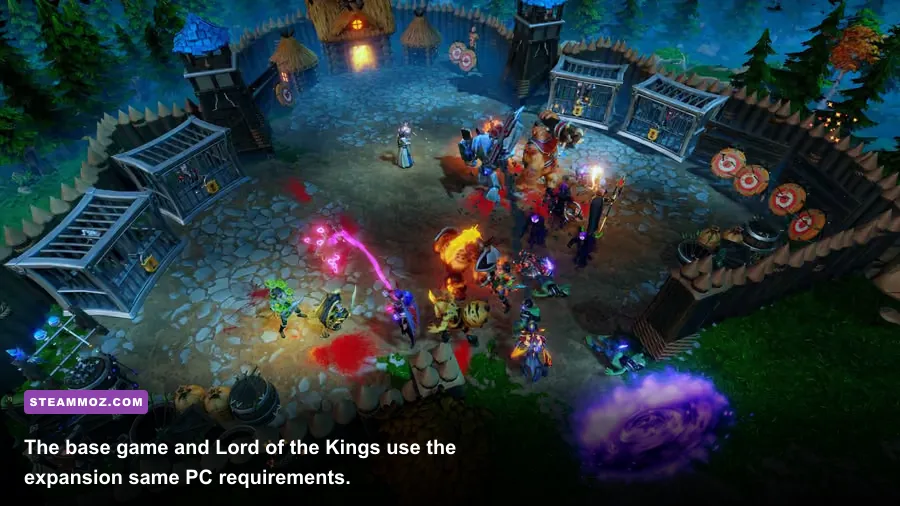
The official Dungeons 3 Steam page lists the base game's Windows requirements. Lord of the Kings is an expansion rather than a standalone executable, so treat these figures as the baseline for the complete package. The minimum configuration should launch the game at sensible settings, but it is not a guarantee of a locked 60 frames per second in the busiest battles.
| Component | Minimum | Recommended |
|---|---|---|
| Operating system | Windows 7 64-bit | Windows 10 64-bit |
| Processor | Intel Core i5-760 at 2.8 GHz or AMD equivalent | Intel Core i5-4690 at 3.5 GHz or AMD equivalent |
| Memory | 4 GB RAM | 8 GB RAM |
| Graphics card | NVIDIA GeForce GTX 460 1 GB or AMD Radeon HD 5770 1 GB | NVIDIA GeForce GTX 970 4 GB or AMD Radeon R9 290 4 GB |
| DirectX | Version 11 | Version 11 |
| Storage | 5 GB available space | 5 GB available space |
The most important detail is the 64-bit operating-system requirement. A 32-bit Windows installation is outside the listed specification even if the graphics card looks capable. The storage demand is tiny, but leave extra room for Steam updates, cloud saves, graphics drivers, and the base game plus downloadable content.
Does Lord of the Kings need a stronger PC?
Not officially. The expansion adds a new campaign and content to the same strategy framework rather than replacing the engine with a heavier renderer. The new missions can still stress an older machine because sprawling dungeons create more simulation work. Every creature moving through corridors, every worker hauling resources, and every combat group fighting in the overworld adds activity for the processor to track.
That is why a system with a GTX 1050 Ti and a modern four-core CPU can feel better than one with an older high-end graphics card paired with a first-generation Core i5. The GPU handles resolution, shadows, and effects; the CPU handles the living, moving dungeon. If your frame rate drops when the camera is zoomed out over a packed room, lowering resolution alone may not fix it.

🎮 Dungeons 3: Lord of the Kings
Looking to experience this game? Grab your digital key directly on our store for $2.24.
View on Steammoz Store →What the minimum PC specs really deliver

The GTX 460 and Radeon HD 5770 are now very old cards, so the listed minimum is best understood as a launch-era floor. They include 1 GB of VRAM and support DirectX 11, which is the key compatibility point. On comparable hardware, plan for 720p or 900p, low-to-medium quality, and a frame rate that can dip during large encounters. The game remains playable because Dungeons 3 is viewed from an angled, zoomed-out perspective, but the experience will not have the clean camera movement you get from the recommended tier.
Four gigabytes of system memory can also work, yet it leaves little breathing room. Windows, Steam, browser tabs, overlays, and security software all compete with the game. Close unnecessary programs before launching a campaign, particularly if you notice hitching when moving between dungeon and overworld views. An SSD is not listed as mandatory, but installing Dungeons 3 on one can reduce loading friction and make asset streaming feel less abrupt.
Do not confuse the minimum requirement with a 1080p/60 target. It is a compatibility promise, not a performance preset. The campaign's early rooms are light; later maps are a different test, especially after you build several creature lairs, prisons, workshops, and traps. If you are shopping for a used PC specifically for this game, prioritize a newer CPU and 8 GB of RAM before chasing an oversized graphics card.
Integrated graphics and laptops
Integrated graphics are a grey area because Intel UHD and older AMD Vega chips vary dramatically by processor, memory configuration, and laptop cooling. Dual-channel RAM helps integrated GPUs, while single-channel memory can cut bandwidth at exactly the moment the game needs it. A recent laptop with Radeon 680M, Radeon 780M, or Intel Arc integrated graphics should be a much safer bet than an older office machine, but those chips are not the same as the officially listed GTX 460 or Radeon HD 5770.
Use 1280x720 first, disable demanding effects, and test a crowded late mission rather than the opening tutorial. If camera movement stays smooth while your minions and enemies clash, increase resolution before turning shadows and ambient effects back on.
The recommended specs are the sensible target
The recommended Core i5-4690, 8 GB of RAM, and GTX 970/R9 290 combination is the configuration to target for 1080p play. These parts are also older now, so many current budget GPUs and mainstream processors exceed the listed recommendation. The useful takeaway is not that you need a GTX 970 specifically; you need roughly that level of DirectX 11 performance, 4 GB of VRAM, and a processor with stronger per-core speed than the minimum i5-760.
Eight gigabytes of RAM is enough for the game and normal background tasks. Sixteen gigabytes is preferable on a modern Windows machine, especially if you keep a browser open for build notes or stream your campaign. More memory will not magically raise average FPS, but it can reduce Windows paging and eliminate avoidable pauses during long sessions.
| Hardware situation | Useful target | Expected approach | Best resolution plan |
|---|---|---|---|
| Listed minimum | Core i5-760, 4 GB RAM, GTX 460/Radeon HD 5770 | Low settings; watch late-mission dips | 720p to 900p |
| Listed recommended | Core i5-4690, 8 GB RAM, GTX 970/R9 290 | High settings with sensible shadows | 1080p |
| Modern budget PC | Recent four-to-six-core CPU, 16 GB RAM, modern 4 GB-plus GPU | High or ultra; tune effects if needed | 1080p or 1440p |
| Integrated graphics laptop | Recent dual-channel memory platform | Low settings and a capped frame rate | 720p first, then scale upward |
A faster GPU helps when you increase resolution or enable shadows, but the game is not a pure graphics benchmark. The recommended processor matters because simulation-heavy scenes can produce a lower frame rate even when GPU usage is modest. That is a common reason players see a seemingly underused graphics card alongside stutter: the main game thread is doing the hard work.
Best graphics settings for stable FPS
Start with the game's native 1080p preset if your system matches the recommended specification, then adjust the settings below. The goal is consistent camera movement, not a benchmark screenshot. Dungeons are dark and stylized, so sacrificing a little shadow quality usually hurts less than accepting irregular frame pacing.
| Setting | Recommended value | FPS impact | Visual trade-off |
|---|---|---|---|
| Resolution | 1920x1080 on recommended hardware | High | Lower to 1600x900 or 1280x720 for weak GPUs |
| Shadows | Medium on older recommended PCs | Medium to high | Less detailed room and unit shadows |
| Effects and particles | High, then Medium if battles hitch | Medium | Less dramatic magic and combat spectacle |
| Anti-aliasing | Medium or the game's balanced option | Low to medium | Some jagged edges on walls and props |
| Texture quality | High if VRAM allows it | Low on most modern GPUs | Keep this high before shadows on a 4 GB card |
| Frame-rate cap | 60 FPS, or match your monitor | Can improve consistency | Prevents unnecessary GPU heat and fluctuations |
If you are below 60 FPS, reduce shadows before textures. Texture quality mostly affects VRAM capacity, while shadows and effects can hit both the GPU and frame pacing. If the game still slows down when the dungeon is packed, lower the resolution scale or cap the game at 30 FPS rather than chasing an unstable 45-60 FPS range. A consistent 30 feels far better in a management game than constant judder.
For troubleshooting, our guides on PC crash and low-FPS fixes and max-FPS settings cover the same basics: update the GPU driver, verify game files, disable conflicting overlays, and check temperatures. Those steps are not magic, but they eliminate the boring problems before you blame the hardware.
CPU, GPU, and RAM priorities explained

For Dungeons 3, rank upgrades in this order: modern CPU performance, 8 GB or more of RAM, then GPU power for your chosen resolution. That order flips only if you are targeting 1440p or higher. At 1080p, a midrange GPU paired with a weak processor may still stumble when the dungeon simulation becomes busy. At 1440p, the graphics card becomes the obvious limiter, especially with high shadows and effects.
The processor comparison also needs context. The Core i5-760 has four cores but belongs to an old architecture with much lower per-core performance than the Core i5-4690. A newer Core i3 or Ryzen 3 can therefore be a much better real-world choice even though its name sounds less powerful. Look at generation, clock behavior, and single-thread performance instead of comparing the i5 label alone.
Keep the game on an SSD if your system has one, and use a wired network only if you are playing online multiplayer; storage and internet speed do not directly increase rendering FPS. They can, however, improve loading and reduce the temptation to blame a network hitch on the graphics card. If Windows reports memory pressure while playing, close Chrome and overlays first, then consider moving from 8 GB to 16 GB.
Players building a new budget machine can also compare the optimization principles in Steamoz's stutter-to-smooth-FPS settings guide. The exact menus differ, but the rule holds: identify whether the GPU or CPU is saturated before changing random sliders.
Before you buy Lord of the Kings
Check four things before purchasing the expansion. First, confirm that your operating system is 64-bit and that DirectX 11 is available. Second, compare your CPU against the Core i5-760 minimum, not just your GPU. Third, make sure you have at least 8 GB of RAM if you want comfortable 1080p play with modern background apps. Finally, leave more than the listed 5 GB free so Steam can patch the installation without filling the drive.
You also need the base game. Lord of the Kings is not a replacement for Dungeons 3; it adds content to the existing dungeon-building and overworld strategy campaign. The Kalypso Media website and the official Realmforge Studios site are useful places to check publisher and developer information, while the Lord of the Kings Steam listing confirms the expansion's store details.
If your machine lands between the two official tiers, do not panic. A recent laptop with 8 GB of RAM and a competent integrated GPU can be worth testing at 720p, while almost any modern dedicated GPU should clear the graphics side of the recommendation. The real danger is an old dual-core processor, 4 GB system, or a laptop that throttles under sustained load.
Final verdict on the PC requirements
Dungeons 3: Lord of the Kings is an accessible PC game by current standards. The official minimum of a Core i5-760, 4 GB RAM, and GTX 460/Radeon HD 5770 is enough to establish compatibility, but the recommended Core i5-4690, 8 GB RAM, and GTX 970/R9 290 is the safer 1080p target. Newer budget hardware should outperform that recommendation without trouble.
Buyers should focus less on the expansion title and more on late-game workload. A crowded dungeon, a large minion army, and an overworld battle are the scenes that reveal weak CPUs and limited memory. Set shadows and effects to medium first, keep textures higher when VRAM allows, cap the frame rate, and test a demanding mission before committing to ultra settings. Follow that plan and your evil empire should run smoothly, with enough headroom left to enjoy the traps, creatures, and wonderfully petty Overlord commentary.