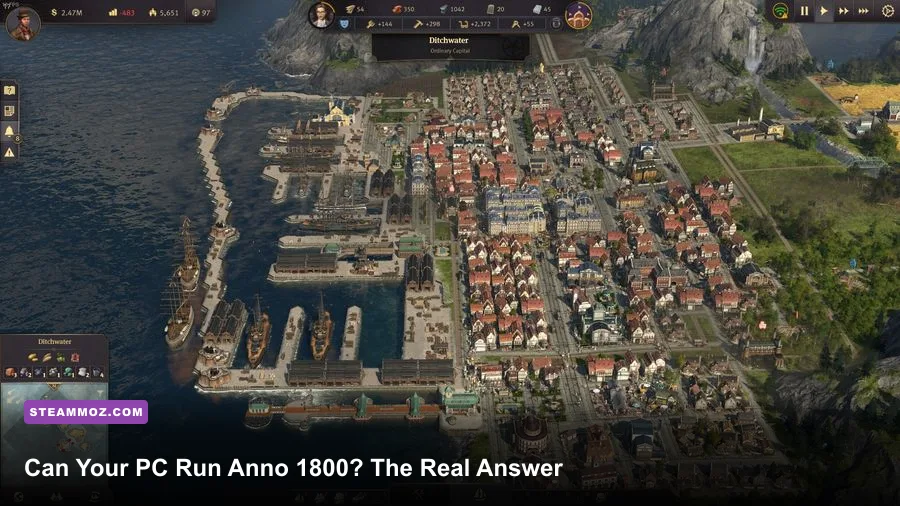
Yes, most modern gaming PCs can run Anno 1800 on Steam—but the official minimum is only enough for a modest settlement, not a sprawling multi-region empire. A PC with 8GB of RAM and a GTX 670-class GPU can launch and play it, while a modern six-core CPU, 16GB of RAM, and a GTX 1660 or RX 5600 XT-class graphics card is a far safer target for 1080p. The real catch is simulation performance: Anno 1800 can hold a smooth frame rate early, then slow dramatically once thousands of residents, ships, factories, and trade routes are active.
This is not a normal GPU-first benchmark story. The camera may glide at 60 fps over a small island, yet the same save can dip into the 30s when the game calculates production chains across the Old World, New World, Cape Trelawney, and Enbesa. Your graphics card controls image quality and rendering resolution; your CPU and memory decide how well the empire keeps thinking.

Anno 1800 Steam system requirements explained
Ubisoft's published requirements remain a useful floor, but they need context. The minimum specification targets 1080p at Low settings and a small-to-medium economy. It does not promise a locked 60 fps in a late-game sandbox. The recommended specification is also dated hardware by current standards, and its 8GB RAM recommendation is the part I would no longer follow for serious play.
| Component | Minimum | Recommended | Practical 2026 target |
|---|---|---|---|
| Operating system | Windows 7, 8.1, or 10 64-bit | Windows 10 64-bit | Windows 10 or 11 64-bit |
| CPU | Intel Core i5-4460 3.2GHz | Intel Core i5-4690K 3.5GHz or Ryzen 5 1600 | Core i5-10400, Ryzen 5 3600, or better |
| Memory | 8GB RAM | 8GB RAM | 16GB RAM; 32GB for huge saves |
| GPU | GeForce GTX 670 2GB or Radeon R9 270X 2GB | GTX 970 4GB or Radeon RX 480 8GB | GTX 1660, RX 5600 XT, or equivalent |
| DirectX | Version 11 | Version 11 | DirectX 11-capable card |
| Storage | About 60GB available | SSD with at least 70GB free | |
The GTX 670 and R9 270X are the important warning signs. Their 2GB of VRAM can cope with Low settings, but texture streaming and busy harbors become less comfortable at higher presets. An SSD will not magically raise average fps, but it noticeably improves loading, save handling, and the transition between regions. Keep extra space available because Steam updates and downloadable content need room to work.
For the official listing, check the Anno 1800 Steam page. Ubisoft's official Anno 1800 site is also useful for confirming editions and expansions.
🎮 Anno 1800
Looking to experience this game? Grab your digital key directly on our store for $59.99.
View on Steammoz Store →Real benchmark truth from a small settlement to a metropolis
Expectations need to be split into two separate tests: rendering and simulation. At 1080p, an RTX 3060, RTX 4060, RX 6600, or similar card can generally deliver well above 60 fps over a small settlement on High settings. That number is not the whole story. As your population rises, the game spends more time updating citizens, needs, workforce assignments, production buildings, animal farms, ships, diplomacy, and AI opponents.
The following ranges are realistic planning targets rather than a promise for every save. They assume the latest game updates, 1080p, no frame-generation trickery, and a normal campaign with several active regions. Late-game performance varies heavily depending on how aggressively you build.
| Hardware class | Small island, Low | Mid-game, High | Large empire, High | Likely limit |
|---|---|---|---|---|
| GTX 670 / R9 270X with older quad-core | 35–55 fps | 24–38 fps | 18–30 fps | GPU memory and CPU age |
| GTX 970 / RX 480 with i5-4690K | 50–70 fps | 35–55 fps | 25–40 fps | CPU simulation |
| GTX 1660 / RX 5600 XT with Ryzen 5 3600 | 70–100 fps | 50–75 fps | 35–55 fps | Population and AI turns |
| RTX 3060 / RX 6700 XT with modern six-core CPU | 90+ fps | 65–95 fps | 45–70 fps | Simulation thread |
| RTX 4070-class GPU with fast modern CPU | 100+ fps | 80–120 fps | 55–85 fps | Game engine simulation |
Those late-game figures explain why buying a faster GPU alone can disappoint. A GPU upgrade helps when the graphics card is pinned near 99 percent utilization, especially with Ultra textures, higher shadows, and 1440p resolution. If GPU usage falls while one CPU thread is saturated, the empire is CPU-bound. Lowering resolution will then change image sharpness but barely move the frame rate.
Use the in-game benchmark or a repeatable save rather than judging the tutorial. A proper test should include a dense city, several production chains, active shipping routes, and a zoomed-out view across the harbor. Pause the game for a GPU test, then unpause at maximum speed for a simulation test. If performance collapses only while time is running, your processor is the bottleneck.
Best graphics settings for stable Anno 1800 FPS
Anno 1800 rewards a tuned High profile more than an indiscriminate Ultra preset. Texture quality is relatively cheap if your card has enough VRAM, while shadows and world detail can be expensive across a large view. Start with the game's recommended preset, then make these targeted changes.
| Setting | Recommended value | FPS impact | Visual trade-off |
|---|---|---|---|
| Resolution | Native 1080p or 1440p | Very high | Lowering it improves GPU-limited scenes but looks softer |
| Texture quality | High | Low to medium | Keep High with 4GB or more VRAM |
| Shadow quality | High, Medium on older GPUs | Medium to high | Medium saves frames with a small loss in building depth |
| Object detail | High | Medium | Lower values simplify distant cities and ships |
| Post-processing | High or Medium | Low | Mostly affects atmosphere and screen effects |
| Anti-aliasing | High; reduce before textures | Medium | Lower settings produce more shimmering on roads |
| Volumetric clouds | Medium | Medium | High clouds can cost frames over bright skies |
| V-sync | Off for testing, on if tearing bothers you | None to low | Can add latency or cap output to display refresh |
The best first move on an older PC is dropping shadows and object detail, not textures. Texture resolution affects VRAM more than the simulation, while object detail determines how much geometry the renderer must maintain across a panoramic city view. At 1440p, use a sensible resolution scale only if your GPU has headroom; a sharper 1080p image at stable frame pacing is preferable to a fluctuating native 1440p presentation.
Cap the frame rate to a number your system can actually sustain. A steady 45 or 60 fps feels much better than a 90 fps opening sequence followed by severe late-game stutter. If the game crashes or behaves strangely after changing drivers, our PC crash and FPS troubleshooting guide covers the general checks worth trying, including driver cleanup and background software.
Why Anno 1800 becomes CPU-bound
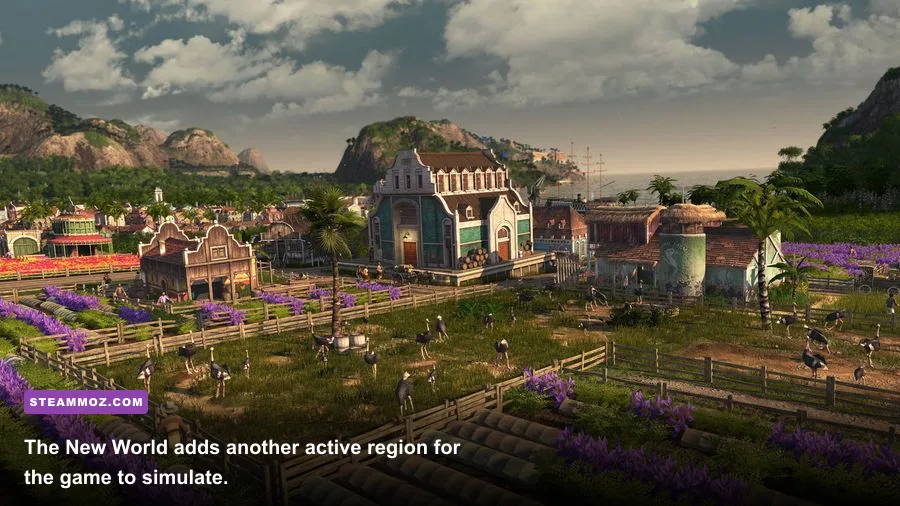
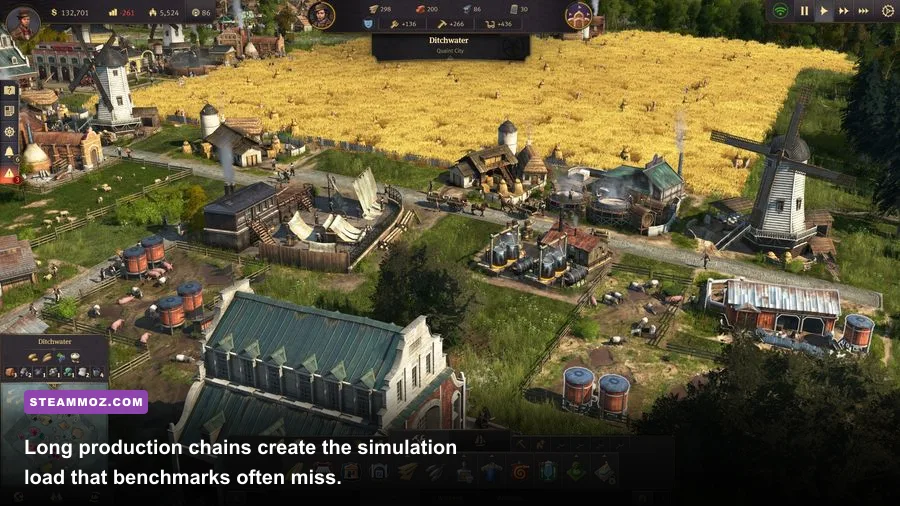
Every attractive factory represents more than a static model. A lumberjack's hut feeds a sawmill, which produces timber for construction; later, steel beams, windows, and concrete require their own workforce, transport, and input chains. Residents consume goods according to their class, factories request materials, ships move cargo, and the AI continues developing its islands. That network is why a giant city stresses the processor even when the screen looks unchanged.
Population milestones are particularly revealing. Farmers and Workers are cheap individually, but Engineers and Investors create much denser urban districts and more demanding consumption patterns. The Palace, commuter piers, trade routes, expedition systems, and DLC regions all add active logic. Enbesa and the New World are not merely decorative maps: they introduce additional settlements, farms, production chains, and shipping calculations that continue while you work elsewhere.
RAM matters because the game has to keep more of that world available. An 8GB machine can run the base game, but Windows, Steam, voice chat, browser tabs, and DLC-heavy saves leave little breathing room. Once the system starts paging to disk, the symptom is often hitching during camera movement or when loading a region rather than a simple low average fps. Sixteen gigabytes is the sensible baseline; 32GB is worthwhile for enormous sandbox saves, mods, or heavy multitasking.
A faster CPU with strong single-thread performance is usually the most valuable upgrade after 16GB of RAM. More cores still help overall responsiveness, but Anno 1800 does not turn every extra core into a linear frame-rate gain. A modern Ryzen 5 or Core i5 is a much better pairing for the game than an old eight-core chip with weak per-core speed.
How to reduce simulation stutter
- Close browsers, launchers, RGB utilities, and recording tools before testing.
- Install the game on an SSD and keep the Windows page file system-managed.
- Use a 30, 45, or 60 fps cap that matches your late-game target.
- Reduce unnecessary population density if a sandbox save has become unresponsive.
- Save before switching regions, then watch frametime rather than average fps alone.
If another strategy game is stuttering on your machine, Steamoz's crashing and low-FPS checklist offers useful Windows-side fixes, though Anno's simulation bottleneck still requires realistic expectations.
The PC tiers that make sense for Anno 1800 Steam
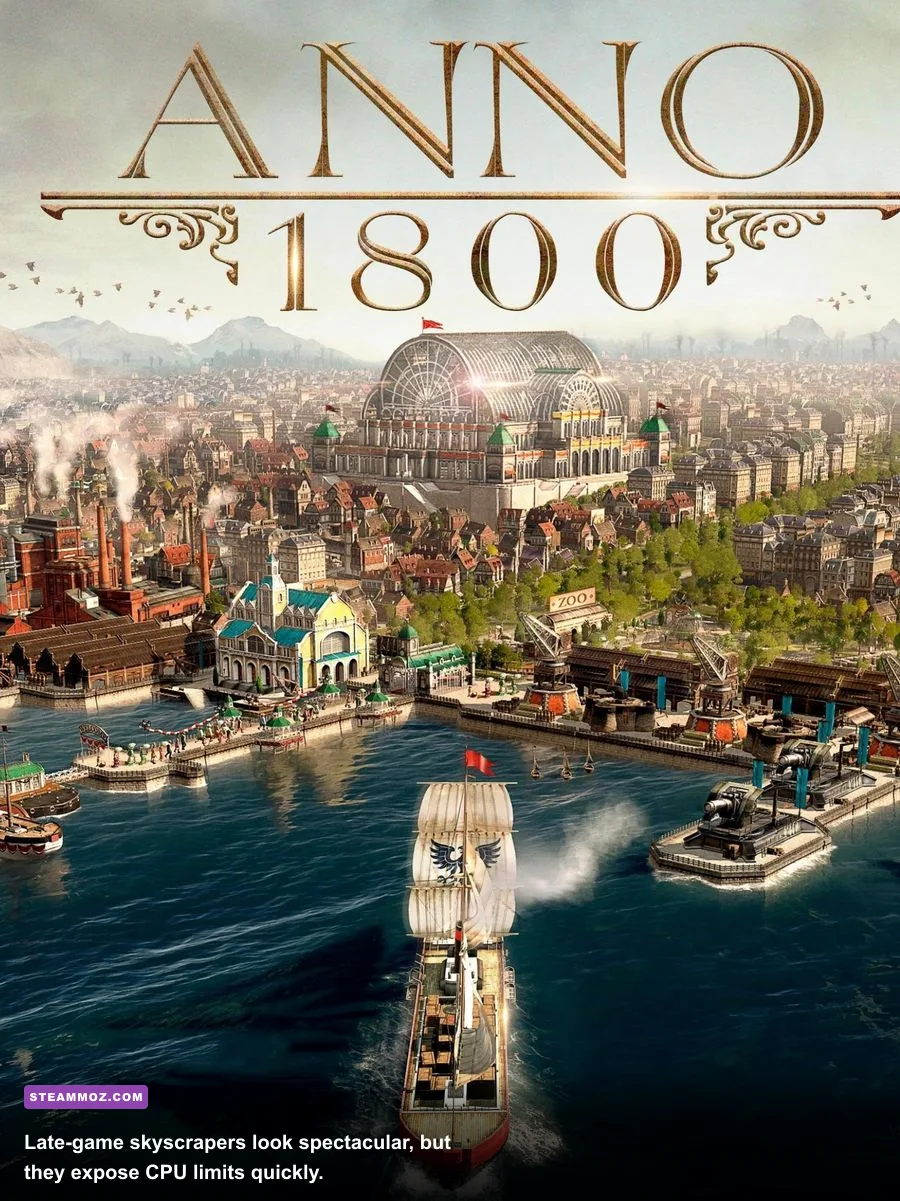
You don't need a flagship gaming rig. The smart purchase depends on whether you want a compact campaign city or a save with multiple regions and thousands of residents. The graphics card determines how pretty the view looks; the processor determines how quickly the world advances.
| Target experience | CPU and RAM | GPU | Expected profile |
|---|---|---|---|
| Playable budget setup | i5-4460-class CPU, 8GB | GTX 670 or R9 270X 2GB | 1080p Low, roughly 30 fps in demanding saves |
| Comfortable 1080p | Ryzen 5 3600 or i5-10400, 16GB | GTX 1660 or RX 5600 XT | High settings with strong mid-game performance |
| Large-save 1080p | Ryzen 5 5600 or i5-12400, 16GB | RTX 3060 or RX 6600 XT | High/Ultra mix; CPU remains the late-game limit |
| 1440p and expansions | Ryzen 7 5700X or Core i5-13600K, 16–32GB | RTX 4070 or RX 7800 XT | High visual quality with better camera smoothness |
For a used PC that only meets the minimum, treat 30 fps as the honest goal and keep expectations focused on campaign progress rather than a gigantic Investor metropolis. The recommended Steam specification is fine for learning the economy, but its 8GB memory target leaves little margin for the complete DLC collection and modern background applications.
At the other end, an expensive GPU will make water, lighting, shadows, and distant architecture cleaner, but it cannot guarantee 144 fps in a huge settlement. Anno 1800 is a city-building simulation first and a graphics benchmark second. Stable frame pacing, a fast CPU, and enough RAM produce a better experience than an oversized GPU paired with an old processor.
Before buying, compare your exact hardware against the official Ubisoft support resources, update your graphics driver, and test the game during Steam's refund window if possible. For broader PC requirement comparisons, see our Can your system run it analysis.
The bottom line: if your PC has 16GB of RAM, a modern six-core processor, and a GTX 1660/RX 5600 XT-level GPU, Anno 1800 Steam should run comfortably at 1080p with a carefully tuned High profile. Minimum-spec hardware can play, but it will need Low settings and patience once the city becomes an empire. Check the processor and RAM first—those are the parts most likely to decide whether your late-game masterpiece feels smooth or sluggish.