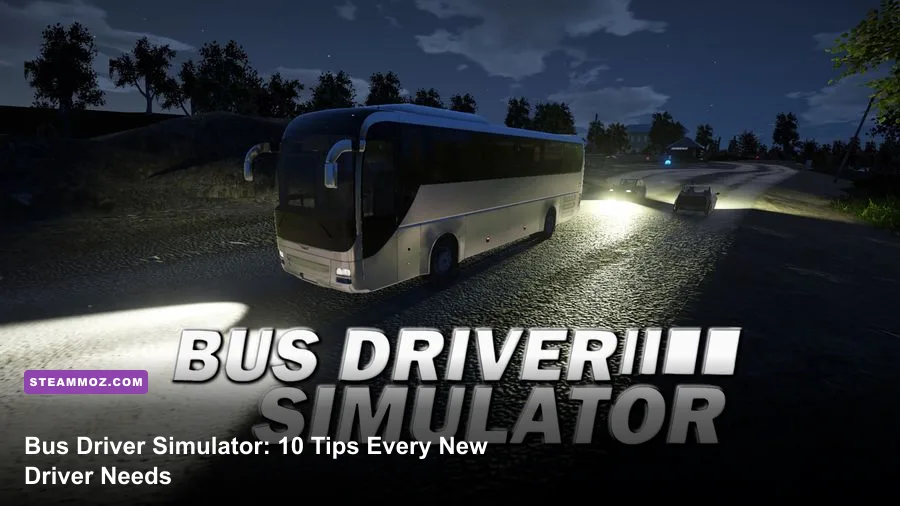
The fastest way to improve in Bus Driver Simulator is to stop treating each route like a race: learn your braking distance, approach every stop from the correct lane, protect passenger comfort, and use the first few career runs to master one bus. These 10 tips cover controls, route planning, traffic, fuel, weather, camera settings, and progression so new drivers can earn money without turning every trip into a pile-up.
1. Set Up Your Controls Before Starting Career
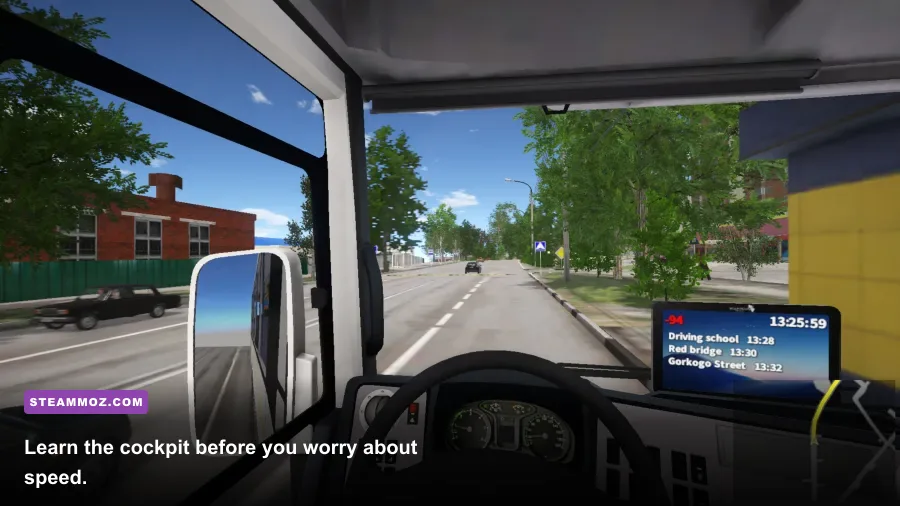
Open the controls menu before accepting a serious route. The default keyboard layout works, but a wheel or controller makes throttle and braking much easier to feather. Put turn signals, hazard lights, doors, wipers, horn, camera change, and the route display on buttons you can reach without taking your eyes off the road.
Keep steering sensitivity moderate rather than immediately pushing it high. A large bus amplifies small inputs, especially around tight city corners. If the front axle feels twitchy, lower sensitivity and increase the steering dead zone only enough to eliminate controller drift. Don’t use a huge dead zone: you’ll lose the tiny corrections needed when the rear of the bus starts cutting across a curb.
Spend one free-drive session testing three things: how long the bus takes to stop from 30 km/h, how wide it swings when turning, and how far the rear wheels track inside the front wheels. Those three measurements matter more than memorizing every shortcut.

🎮 Bus Driver Simulator
Looking to experience this game? Grab your digital key directly on our store for $1.99.
View on Steammoz Store →2. Learn the Bus Before You Chase Profit
Different buses in Bus Driver Simulator don’t feel interchangeable. A shorter city bus is generally easier for learning stops and narrow turns, while a longer model demands earlier braking and wider corner entries. The LiAZ-5292-style low-floor bus is a useful training platform because its urban layout gives you frequent practice with doors, traffic lights, and passenger loading. Older or heavier buses can feel slower to respond, so avoid judging them by top speed alone.
Use the external camera in free ride to inspect the front and rear corners, then return to the cockpit for actual route practice. The rear-view mirrors are not decorative: check the right mirror before pulling away and the left mirror before merging. A bus can clear the front of an intersection while its rear still clips a vehicle or sign.
| Bus characteristic | What it changes | New-driver approach |
|---|---|---|
| Shorter wheelbase | Easier turns and tighter stops | Best for learning route geometry |
| Longer body | More rear swing and slower corrections | Brake early and enter corners wide |
| Heavy vehicle | Longer stopping distance | Leave a larger gap at lights |
| Low-floor city layout | Frequent urban doors and stops | Practice passenger timing and curb alignment |
If you enjoy the technical side of driving games, our Byte Driver tips offer a similar lesson: consistency beats flashy, risky play.
3. Drive to the Stop, Not Just the Marker
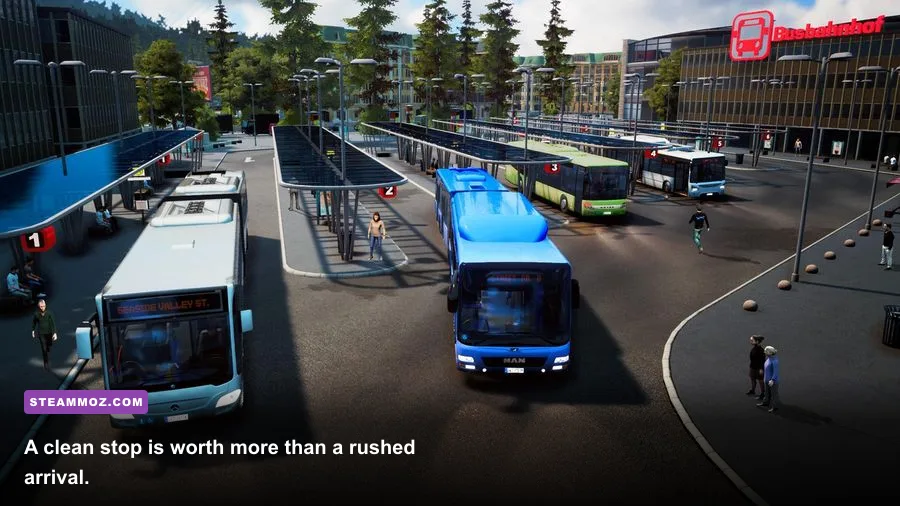
A route marker tells you where the stop is, but not how to arrive cleanly. Begin slowing before the stop lane, signal early, and approach parallel to the curb. If you angle across the lane at the last second, the front may reach the marker while the rear doors sit too far from the pavement. That wastes time and can damage your score.
Use progressive braking. Press lightly first, then increase pressure as your speed falls. Hard braking right before the stop creates passenger discomfort and leaves you with no room to correct. In traffic, aim to finish at a walking pace several bus lengths before the marker rather than charging toward it at full speed.
Once stopped, open the doors only when the bus is properly aligned and stationary. Wait for the passenger animation or boarding indicator to finish before closing up. Pulling away early can cancel boarding and costs more than the few seconds you thought you saved. Check the mirror, signal, and merge only after the doors are closed.
4. Read the Route Display Before Every Turn
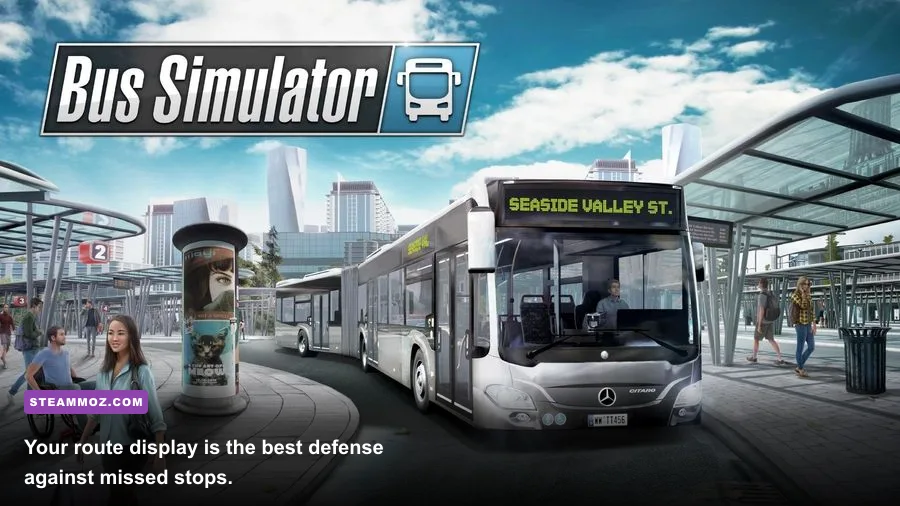
New players often stare at the next objective and miss the turn after it. Before leaving a stop, glance at the route display and identify the next two decisions: the upcoming turn and the lane you need afterward. That tiny habit prevents late lane changes, illegal-looking U-turns, and frantic braking.
Slow down before intersections even when the light is green. The game’s traffic can make a legal turn impossible if you enter too quickly and find a vehicle blocking your exit. Keep the bus centered in its lane, avoid mounting the curb, and give yourself enough space for the rear wheels to follow the front.
Missing a turn is usually less damaging than forcing one. Continue safely, use the route guidance to recover, and avoid reversing in traffic. Reversing a long bus near pedestrians or parked cars is a high-risk move with very little upside.
For another perspective on route efficiency and progression planning, see our fastest leveling route guide. The same principle applies here: repeat a reliable loop before attempting a complicated one.
5. Protect Passenger Comfort With Smooth Inputs
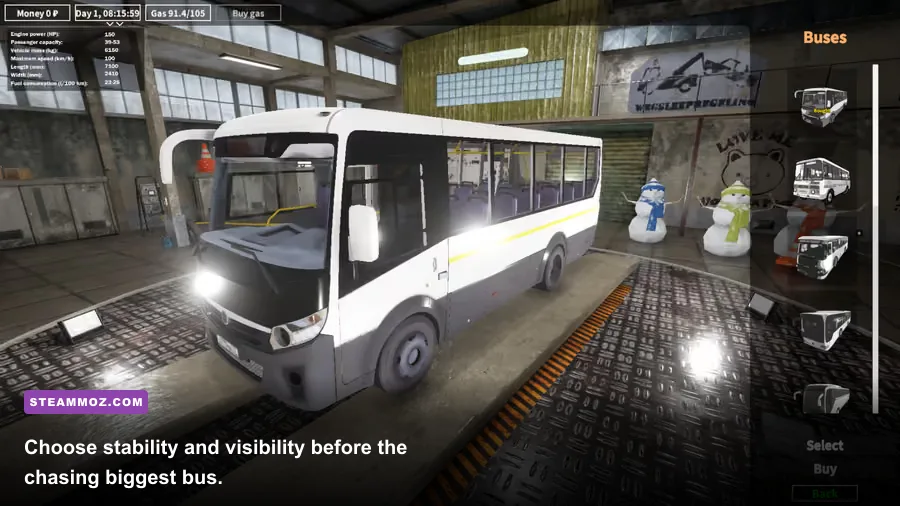
Passenger comfort is controlled by your driving rhythm. Throttle gently after leaving a stop, brake progressively, and avoid steering corrections that bounce between the lane edges. The goal isn’t to drive painfully slowly; it’s to keep acceleration, deceleration, and turning predictable.
Leave a safety cushion at traffic lights. If the light turns yellow and you’re still several bus lengths away, brake rather than gamble on clearing the intersection. A bus needs far more room than a car, and a collision can erase the income from an otherwise good route.
Rain and nighttime conditions make the same inputs more dangerous. Reduce speed before bends, use lights and wipers when appropriate, and increase your following distance. Don’t wait until visibility is poor to adjust your pace. The best wet-weather drivers make the correction before the problem appears.
| Situation | Common mistake | Better technique | Why it works |
|---|---|---|---|
| Leaving a stop | Full throttle immediately | Build speed gradually | Reduces passenger jolts and wheelspin |
| Approaching a light | Late hard braking | Lift early, then brake smoothly | Preserves control and stopping space |
| Turning right | Cutting across the curb | Enter wide and watch the rear mirror | Protects the rear wheels and pedestrians |
| Driving in rain | Keeping dry-road speed | Brake earlier and widen gaps | Gives more reaction time |
6. Use Cameras as Driving Tools
The cockpit view is the best choice for precision, but the outside cameras are useful for checking vehicle position. Switch briefly to a rear or exterior angle when parking, aligning with a curb, or judging whether the rear has cleared an obstacle. Don’t stay outside for an entire route if you’re still learning traffic spacing; the cockpit gives you better visual cues for mirrors, signs, and the road ahead.
Adjust the field of view until you can see enough road without making distant traffic look unnaturally small. A very wide FOV can make braking distances appear shorter than they are. Keep mirror visibility high and avoid decorative dashboard elements if they block the stop marker or lane line.
7. Treat Fuel and Damage as Route Costs
Fuel isn’t just a final expense. Unnecessary idling, aggressive acceleration, and repeated detours turn a profitable route into a mediocre one. Plan refueling around the route rather than waiting for a warning during heavy traffic. If the game’s current map offers multiple service points, choose the one that doesn’t force a long reversal or awkward crossing.
Damage is even more expensive in practice because it often comes with lost time, missed passengers, and a damaged reputation. Avoid squeezing through gaps that would be comfortable for a car but not a bus. If traffic blocks your lane, wait. Patience is usually cheaper than repairing a mirror or recovering from a collision.
8. Build Progression Around Repeatable Routes
Your first goal shouldn’t be unlocking every bus. It should be finding a route you can complete cleanly and repeat. A slightly shorter route with reliable stops, low traffic, and few difficult turns is a better training ground than a long showcase route that constantly produces penalties.
Run the same route several times and track what goes wrong: late braking at stop three, a blind merge after stop five, or fuel use near the final segment. Fix one problem per run. This creates a progression curve you can actually feel, instead of randomly changing buses and maps after every mistake.
Once you can finish consistently, increase difficulty through longer routes, nighttime driving, or a more demanding bus. Don’t stack every challenge at once. Separating vehicle mastery from route mastery makes it much easier to identify the real source of a bad score.
9. Tune Performance Before Driving in Traffic
A stable frame rate matters in a driving simulator because stutter makes judging speed and braking harder. Start with a locked frame rate your PC can sustain, then adjust visual settings. Shadows, reflections, and traffic density typically cost more performance than texture quality, while lowering textures can make road signs and stop markers harder to read.
| Setting | Recommended starting value | Typical performance impact | Visual trade-off |
|---|---|---|---|
| Texture quality | High if VRAM allows | Low to medium | Keeps buses and signs sharp |
| Shadow quality | Medium | Medium to high | Less detailed shadows, steadier streets |
| Reflections | Low or medium | Medium | Fewer realistic vehicle and window reflections |
| Traffic density | Medium | High in busy areas | Less congestion, easier route learning |
| Motion blur | Off | Small | Clearer signs and braking reference points |
| Frame-rate cap | Stable target, such as 60 FPS | Improves consistency | May reduce peak FPS but cuts hitching |
For broader PC troubleshooting, our guide to crashes and low FPS covers the same fundamentals: update drivers, test settings one at a time, and prioritize stability over a flashy preset. The frame-focused settings guide is also useful if you’re tuning a lower-end system.
10. Practice With a Deliberate Training Loop
Use free ride as a driving school, not a sightseeing mode. Pick one route with several stops, drive it without worrying about money, and repeat the exact sequence until your hands know the braking points. On the next run, focus only on clean stops. Then focus on mirrors and merges. Finally, combine everything under normal traffic.
Keep the official Bus Driver Simulator Steam page nearby for current features and updates, and check KishMish Games’ official site for developer information. The game rewards patience more than bravado: smooth inputs, early decisions, and repeatable routes will beat reckless speed on almost every run.
Once those habits are automatic, start experimenting with harder buses, night routes, and denser traffic. You’ll make fewer mistakes, earn more consistently, and—most importantly—feel like you’re actually driving a bus rather than wrestling with a oversized car.