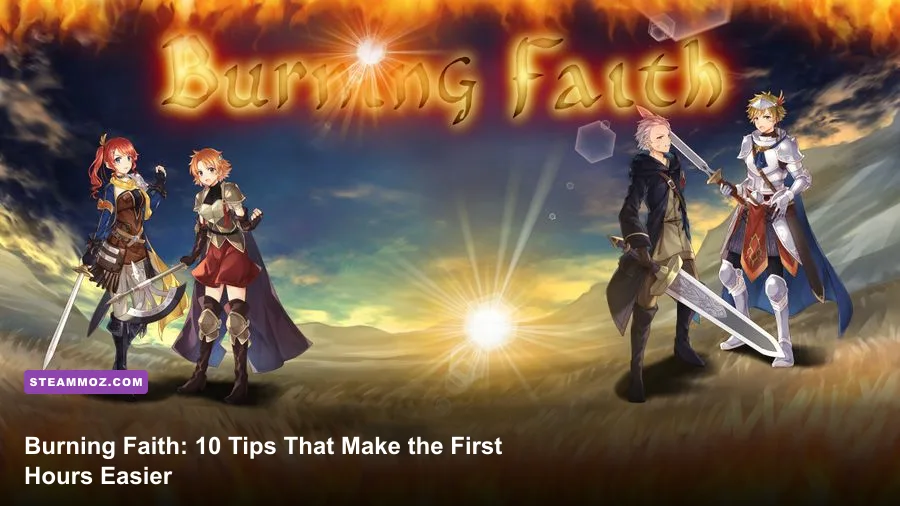
Burning Faith becomes far less punishing when you treat it as a game of information, spacing, and resource control rather than a button-mashing action title. These 10 Burning Faith tips focus on the habits that matter immediately: learn attack tells, keep a healing resource in reserve, search every suspicious dead end, adjust the camera and controls, and never spend your strongest tool just to save a few seconds.
The game’s bleak presentation can make every room look equally dangerous, but its encounters are built around readable patterns. Most early deaths come from attacking one hit too long, entering a new area without a retreat route, or overlooking a checkpoint. Slow down during the first few hours and Burning Faith starts feeling deliberate instead of unfair.
1. Learn the combat rhythm before chasing damage

Your first priority should be discovering how long an attack leaves you committed. Test your basic strike against the weakest enemy in the opening areas and watch what happens after the final hit. Can you move immediately? Is there a recovery animation? Does dodging cancel the recovery, or must you wait?
That answer determines your entire combat rhythm. A safe early sequence is usually one or two attacks, a short reposition, then a punish after the enemy swings. Don't automatically complete a combo because the target is still standing. The final hit may deal more damage, but trading damage for a slightly faster kill is a bad deal when healing is limited.
Keep enemies at the edge of your effective range. If an opponent begins an attack while you're close enough to touch it, move away first rather than trying to interrupt the animation. Burning Faith's narrow rooms make retreating in a straight line especially useful; circling can push you into another enemy or an environmental hazard.
Use the first enemy in every new room as a timing dummy
Don't waste the opportunity. Watch one complete attack cycle, identify the visual cue, and only then commit. A raised weapon, sudden pause, sound sting, or change in posture is more valuable than the enemy's health bar. Once you know the tell, the encounter becomes a timing exercise instead of a panic reaction.

🎮 Burning Faith
Looking to experience this game? Grab your digital key directly on our store for $2.99.
View on Steammoz Store →2. Treat healing as a checkpoint budget
Healing items are not a reward for taking damage. They're your insurance against an unexpected room, a bad jump, or a boss phase you haven't seen before. Going into a difficult section with one charge may be technically possible, but it removes your margin for learning.
Use a simple rule: heal when another hit would put you in danger of dying, not whenever the health bar loses a small amount. If you can survive two more attacks, continue exploring and look for a safer moment. If the next mistake will kill you, heal immediately. This prevents the two classic errors: wasting a charge at high health and refusing to heal until the animation can no longer finish safely.
Before opening an unfamiliar door or dropping into a lower area, check your health, ammunition or special resource, and escape path. If the game has just given you a checkpoint, spend the next room learning rather than trying to preserve every item. A failed experiment that reveals an enemy pattern is still progress.
| Situation | Best decision | Reason |
|---|---|---|
| Minor damage with a safe route ahead | Keep exploring | Save healing for unavoidable mistakes |
| One hit from a critical state | Heal before moving on | A surprise projectile can end the run |
| Entering a boss room | Use a full recovery setup | Learning attempts need maximum room for error |
| Healing beside an active enemy | Create distance first | The recovery animation is easy to punish |
3. Explore in loops, not straight lines
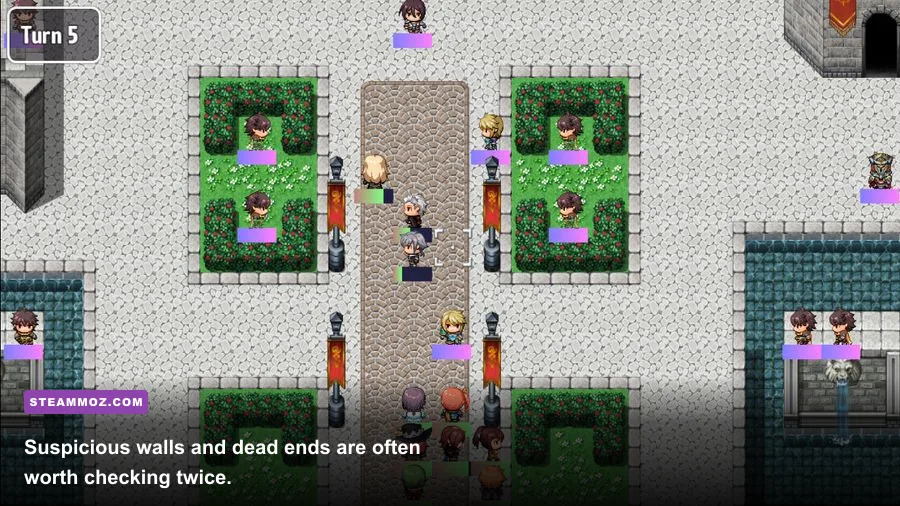
Burning Faith's strongest rewards are easy to miss if you only follow the obvious route. When you enter a new section, first identify the main path, then deliberately inspect the branches that appear less useful. Dead ends, suspicious gaps, isolated platforms, and rooms containing a single object deserve attention.
Use a mental map built around landmarks rather than trying to remember every turn. Note the locked door, the tall chamber, the checkpoint, and the route with a drop you cannot yet reverse. If you find a passage that seems designed for a future ability, remember its location and move on. Repeating the same blind search later wastes time and increases the chance of walking past the entrance again.
Always check behind your starting position after entering a large room. Developers frequently place optional pickups or visual clues just outside the camera's initial focus. Also inspect the top and bottom of vertical rooms before committing to a one-way drop. The safest-looking route is not always the route that lets you return.
Use audio as an exploration tool
Headphones help more than the atmosphere suggests. An enemy moving off-screen, a projectile arriving from outside the camera, or a distinct interaction sound can warn you before the threat is visible. If the game feels visually cluttered, lower music slightly while keeping effects high. This is a practical advantage, not just an immersion preference.
4. Spend upgrades on one reliable plan
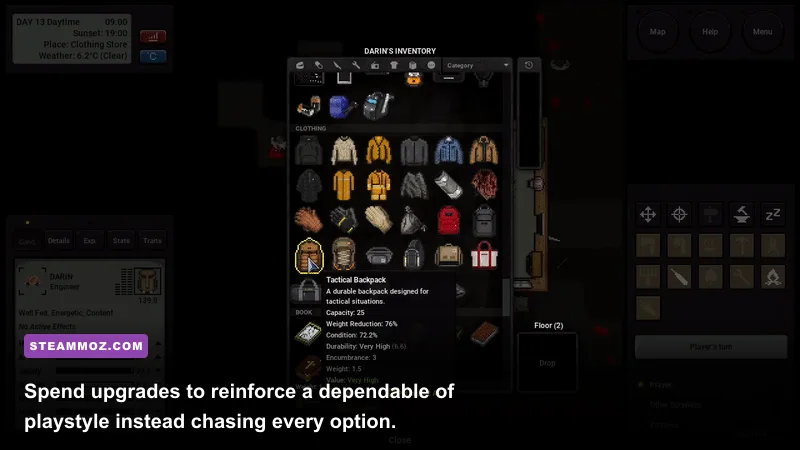
New players often spread every upgrade across damage, survivability, utility, and special attacks. That feels flexible, but it can create a character who is mediocre at everything during the most demanding early encounters. Choose the tool you use naturally and make it dependable before branching out.
If you prefer close combat, prioritize the upgrade that improves consistent basic damage or survivability. If you rely on ranged attacks, protect the resource that powers them and learn which enemies are worth spending shots on. A specialist setup is easier to evaluate because every upgrade has a visible effect on your routine.
Don't buy an upgrade simply because you can afford it. Keep enough currency for the next meaningful purchase, especially before entering a new region. If the game allows you to recover currency after death, make a short return trip to spend it rather than carrying a large unbanked total through an unknown area.
| Playstyle | Early priority | Common mistake | Best use |
|---|---|---|---|
| Melee-focused | Damage consistency and survivability | Overcommitting to long combos | Stay close, punish recovery windows |
| Ranged-focused | Resource efficiency | Spending shots on basic enemies | Save burst damage for elites and bosses |
| Defensive | Healing capacity and safer movement | Playing too slowly after a stagger | Take guaranteed openings without panic |
| Exploration-focused | Mobility and utility | Ignoring combat fundamentals | Return to previously blocked routes |
5. Read every enemy telegraph before attacking
There are three questions to ask whenever a new enemy appears: what starts its attack, how far does the attack reach, and how long is the recovery afterward? The startup tells you when to evade. The range tells you where to stand. The recovery tells you when to counterattack.
Do not assume a large enemy is slow or a small enemy is harmless. A compact foe may have the fastest lunge, while a heavier opponent may control space with a delayed swing. Projectiles are especially dangerous because the first enemy can hold your attention while another attacks from the edge of the screen.
When several enemies share a room, pull one toward you instead of entering the center. A single step backward can separate a melee attacker from a ranged support enemy. If the room does not allow that, eliminate the enemy with the longest-range attack first, even if it has more health. Controlling the arena is usually more valuable than focusing the weakest target.
6. Make boss attempts about information
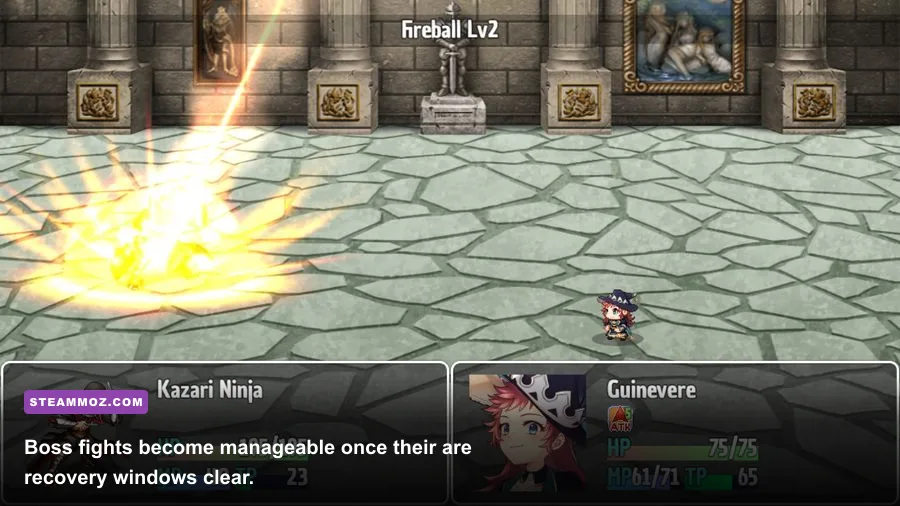
Your first boss attempt should not be judged by the boss's remaining health. It should answer questions. How many attacks are in the opening pattern? Which move crosses the arena? Does the boss punish healing? Is the safest position directly beside it, behind it, or at mid-range?
Watch for phase transitions. A boss may change behavior at a health threshold, after a scripted event, or when an arena object is activated. Save your strongest resource until you know the later phase exists. Burning everything during the opening often produces a spectacular first half and an unwinnable second half.
During a boss fight, choose one defensive response and repeat it until it becomes automatic. If a horizontal attack is best avoided by moving behind the boss, do that every time. If a projectile requires jumping rather than dodging, don't improvise under pressure. Consistency beats flashy reactions.
| Boss problem | What to observe | Counter strategy | Resource advice |
|---|---|---|---|
| Fast melee string | Final hit and recovery pause | Evade the first sequence, punish the end | Don't spend special attacks defensively |
| Projectile pattern | Projectile spacing and return path | Move to open ground before firing back | Keep healing available after the pattern |
| Phase transition | Animation or arena change | Stop attacking and reposition | Save burst damage for the new phase |
| Small arena | Safe corner and escape direction | Stay near the center when possible | Avoid cornering yourself for extra damage |
7. Check controls before blaming the game
Open the control settings before your first serious run. Put dodge, jump, attack, and healing on inputs you can reach without lifting your thumb or shifting your hand. The ideal layout is the one that lets you move and perform a defensive action at the same time.
Controller players should test analog sensitivity and vibration. If small movements cause accidental steps near ledges, reduce sensitivity or use the d-pad where possible. Keyboard players should avoid placing dodge and movement on awkward clusters. A comfortable layout removes a surprising amount of artificial difficulty.
Turn subtitles on if they are available, particularly if dialogue or sound cues provide warnings. Keep screen shake low or disabled if visual effects obscure enemy animations. These changes don't make the game easier in a dishonest way; they make its actual signals easier to read.
8. Protect frame-rate consistency
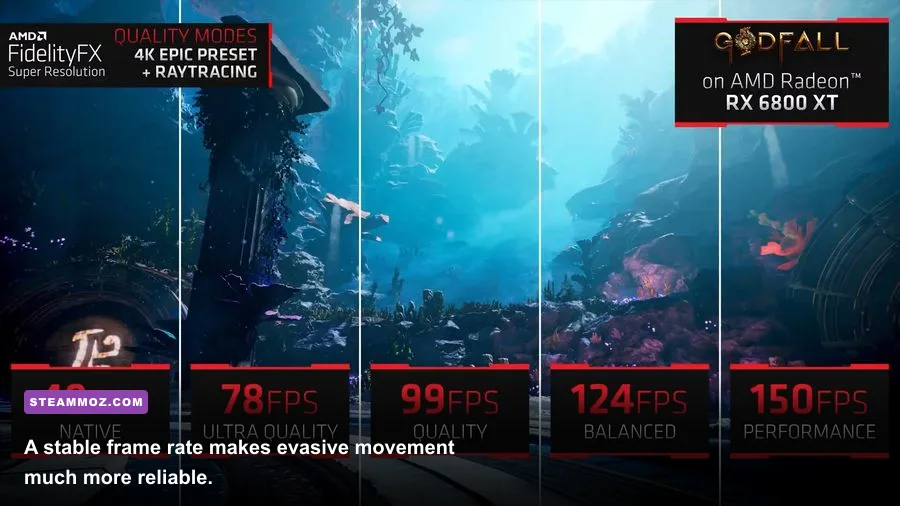
Timing-heavy combat feels worse when frame pacing is unstable. Start with a stable target rather than maximum image quality. On a modest PC, use 1920x1080 if it remains consistent; otherwise test 1600x900 or 1280x720 before lowering every individual setting. A steady 60 frames per second is preferable to a fluctuating 90 that repeatedly drops during combat.
Lower shadows, effects quality, ambient occlusion, and post-processing first. These settings usually cost more performance than texture quality, and reducing textures can make a dark game harder to read. If you experience stutter, disable overlays one at a time and test again. Steam, recording software, browser overlays, and GPU utilities can all complicate troubleshooting.
| Setting | Recommended starting value | Performance impact | Visual trade-off |
|---|---|---|---|
| Resolution | 1920x1080 | High | Keep native resolution if frame pacing is stable |
| Shadows | Medium | Medium to high | Lower quality softens depth and object definition |
| Effects | Medium | Medium | Less dramatic particles and combat flashes |
| Ambient occlusion | Low or medium | Medium | Reduced contact shading in corners |
| Post-processing | Low | Low to medium | Cleaner image with fewer blur effects |
| Frame cap | Stable 60 FPS target | Improves consistency | Caps peak performance to reduce fluctuation |
For broader troubleshooting, Steamoz's PC crash and FPS fixes are useful even when the game is different. The same basics apply: update drivers, verify files, close background programs, and test one setting at a time.
9. Keep a return route in mind
Burning Faith often makes a new area look like a commitment. It usually isn't. Before moving through a door, dropping down, or triggering an encounter, look for the route back to safety. If the camera cannot show the landing zone, assume the drop may be one-way until proven otherwise.
When you find an obstacle you cannot pass, mark it mentally with a nearby landmark. Don't repeatedly throw yourself at it hoping for a different result. Progression-focused games reward returning with new tools, not brute force. A locked route is often a reminder to explore elsewhere rather than a challenge to solve immediately.
Backtracking is also a chance to recover missed resources. Revisit areas after gaining movement options, inspect previously unreachable ledges, and check whether an NPC or interaction has changed. The return trip should be deliberate, not random: choose one blocked location and clear every nearby branch before moving on.
10. Build a death routine that teaches you something
After dying, identify the exact decision that ended the attempt. Was it a greedy final hit, an unrecognized projectile, a missed heal, or a bad retreat? Fix one variable on the next run. Changing everything at once makes it impossible to know what actually worked.
If you lost currency, don't rush straight back into the same encounter with tunnel vision. Recover it only when the route is familiar and the risk is acceptable. Sometimes abandoning a lost pile is the correct strategic choice, especially when reclaiming it would force you through a boss or an overcrowded room while underprepared.
Keep a short mental checklist: identify the first attack, locate the safest space, separate enemies, spend resources deliberately, and stop attacking after the guaranteed window closes. Those habits transfer from ordinary rooms to major fights, which is why they matter more than any single upgrade.
The strongest early-game strategy is controlled curiosity
Burning Faith rewards players who stay curious without becoming reckless. Search the edges, test enemy behavior, and return to blocked paths, but always preserve a way to recover from a mistake. Combat is safest when you attack in short sequences, healing is strongest when used before panic, and upgrades work best when they reinforce one clear plan.
For patch notes, controller support, system requirements, and player reports, check the game's official Steam listing and its Steam Community discussions. If you're comparing performance with other demanding indie releases, Steamoz's low-FPS troubleshooting guide and settings guide for higher FPS offer practical reference points.
Most importantly, don't measure progress only by how far a run gets. In Burning Faith, learning one attack tell, finding one shortcut, or discovering one safer route is genuine progress. Once those small advantages stack up, the game's oppressive opening hours become much more manageable—and far more satisfying.