Assassin’s Creed Director’s Cut runs on remarkably modest hardware: the official minimum calls for a Pentium D 2.8 GHz or Athlon 64 X2 4400+, 1 GB of RAM on Windows XP or 2 GB on Vista, and a 256 MB Shader Model 3.0 graphics card. For a smoother modern setup, aim for a Core 2 Duo-class processor, 2 GB of memory, and a 512 MB DirectX 10 GPU. Almost any current gaming PC clears those numbers, but Windows compatibility, frame pacing, and the game’s old PC port matter more than raw horsepower.
The Director’s Cut is the 2008 PC edition of Ubisoft’s first Assassin’s Creed, starring Altaïr Ibn-La’Ahad as he moves through Jerusalem, Damascus, Acre, and the Kingdom during the Third Crusade. It adds investigation objectives compared with the original console release, but it also carries the quirks of a game designed around Windows XP and early DirectX 10 hardware. Here’s the real system-requirements breakdown, what those ancient specifications mean today, and which settings are worth changing.
🎮 Get Assassin's Creed Director's Cut
Ready to dive in? Grab your copy today for just $4.99.
Check OfferAssassin’s Creed Director’s Cut minimum requirements
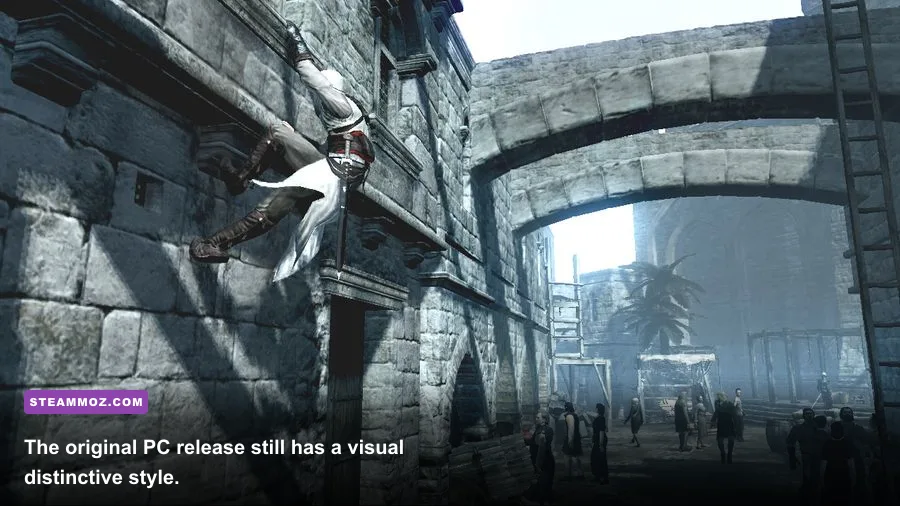
The minimum specification is low even by late-2000s standards, although the wording can be confusing because Ubisoft split memory requirements between Windows XP and Windows Vista. The game officially asks for 1 GB of RAM on XP and 2 GB on Vista. That distinction made sense when Vista used more system memory in the background; on a modern version of Windows, 8 GB is a sensible practical floor simply because the operating system and background applications need breathing room.
| Component | Official minimum | What it means today |
|---|---|---|
| Operating system | Windows XP SP2 or Windows Vista | Modern Windows may run it, but legacy compatibility can be the real hurdle |
| Processor | Intel Pentium D 2.8 GHz or AMD Athlon 64 X2 4400+ | Any recent Core or Ryzen CPU is vastly faster |
| Memory | 1 GB XP or 2 GB Vista | 8 GB system RAM is a comfortable modern baseline |
| Graphics | 256 MB card with Shader Model 3.0; DirectX 9.0 or 10.0 support | Integrated graphics may work, but driver compatibility varies |
| Storage | 8 GB available space | Leave extra room for Steam files, shader caches, and save backups |
| Sound | DirectX 9.0-compliant audio device | Every current onboard audio solution should qualify |
A Pentium D is a dual-core chip, but it is not remotely comparable to a modern dual-core processor. Its architecture was inefficient, ran hot, and delivered much lower performance per clock than even inexpensive CPUs released years later. The minimum specification therefore tells you more about the game’s age than the hardware you should deliberately target.
The graphics requirement is similarly old-fashioned. Shader Model 3.0 support was the important checkbox for DirectX 9 hardware, while DirectX 10 cards unlocked the intended Vista-era rendering path. A modern GPU has no trouble with the shader workload, but a new system can still encounter a launch failure if the game expects obsolete DirectX components that are not installed by default.

🎮 Assassin's Creed Director's Cut
Looking to experience this game? Grab your digital key directly on our store for $4.99.
View on Steammoz Store →Recommended PC specs for a smoother experience

Ubisoft’s recommended target moves to an Intel Core 2 Duo 2.2 GHz or AMD Athlon 64 X2 4400+, 2 GB of RAM, and a 512 MB DirectX 10 graphics card with Shader Model 4.0 support. The processor recommendation looks surprisingly close to minimum on paper, but the Core 2 Duo’s stronger architecture and better efficiency made it a meaningful upgrade for the game’s CPU-heavy city scenes.
| Component | Official recommended | Practical 2026 target |
|---|---|---|
| Processor | Intel Core 2 Duo 2.2 GHz or AMD Athlon 64 X2 4400+ | Any modern Intel Core i3 or AMD Ryzen 3 is more than sufficient |
| Memory | 2 GB RAM | 8 GB minimum for the whole PC; 16 GB is ideal for multitasking |
| Graphics | 512 MB DirectX 10 card with Shader Model 4.0 | Modern integrated graphics or entry-level discrete GPUs should handle it |
| Resolution | Designed around early HD displays | 1080p is easy; ultrawide and 4K may need testing for interface scaling |
| Storage | 8 GB | Use an SSD for faster loading and fewer streaming pauses |
There is no official modern recommendation for 60 frames per second, 1440p, or 4K. That’s important. The published requirements were written to establish basic playability around 30 FPS, not to promise a locked high-refresh experience. The game is light enough that most contemporary PCs can render it quickly, but old engines can behave oddly when pushed far beyond their original frame-rate assumptions.
If you’re checking a laptop, don’t focus only on the GPU model. Integrated graphics performance depends on memory configuration, power limits, and drivers. A recent Radeon 680M or Intel Arc integrated solution should have vastly more shader power than the original recommended card, while a very old integrated adapter may technically support the API but still struggle with drivers or texture handling.
How demanding is the game in real gameplay?
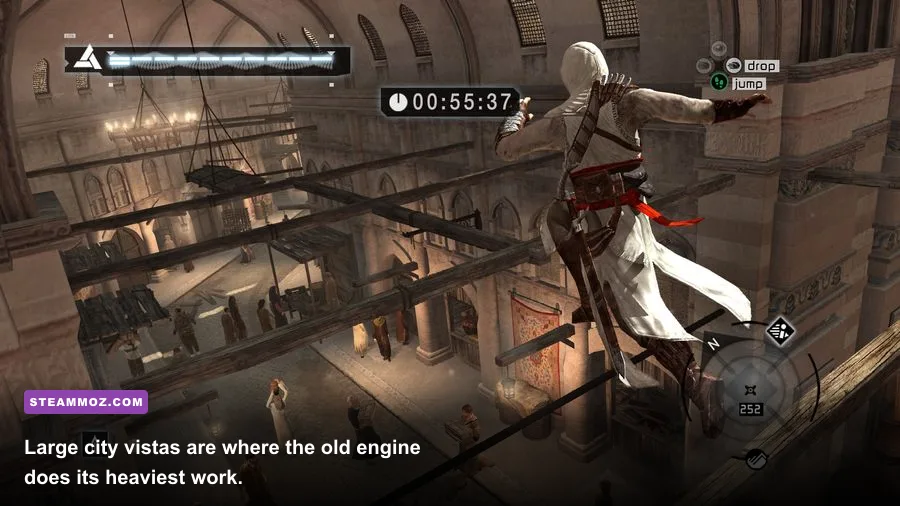
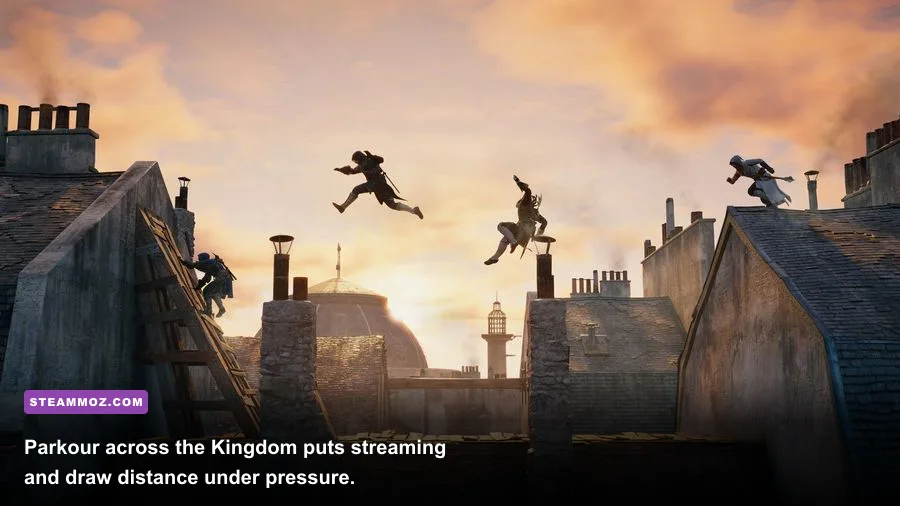
Assassin’s Creed Director’s Cut is not uniformly demanding. Altaïr’s movement through a quiet interior is easy to render, while a crowded district in Damascus or Jerusalem combines distant geometry, animated civilians, shadows, lighting, and texture streaming. The Kingdom can also expose uneven performance because its long sightlines make the engine draw a wide slice of the world at once.
The processor matters most when the streets are busy. Civilians follow schedules, guards react to suspicious behavior, and the game tracks a large amount of animation and world logic. A weak CPU can produce stutter even if the graphics card is barely working. That’s why dropping resolution may not solve every hitch: resolution reduces GPU load, but it does nothing for simulation or draw-call overhead.
| Scenario | Likely bottleneck | What you may notice | Best response |
|---|---|---|---|
| Quiet interior or Animus room | GPU overhead is low | Very high frame rates | Keep high settings; cap FPS if pacing feels uneven |
| Damascus or Jerusalem streets | CPU and draw calls | Short dips near crowds and markets | Lower shadows and avoid an unnecessarily high FPS target |
| Kingdom countryside | Streaming and distant geometry | Hitches while riding between cities | Install on an SSD and reduce visual range if available |
| Large rooftop view | GPU fill rate and visibility | Performance drops overlooking districts | Reduce resolution or anti-aliasing first |
| Combat with several guards | CPU simulation and animation | Frame-time spikes during group fights | Use a stable cap and close background applications |
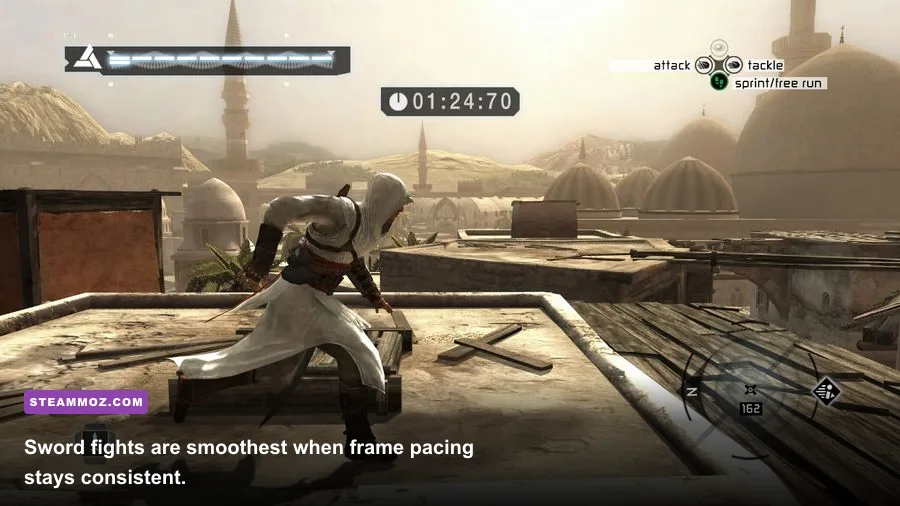
On a modern desktop, 1080p at the highest available quality should be easy. A locked 60 FPS is a reasonable goal, but don’t assume that an uncapped 200 FPS result is automatically better. Older PC games can show uneven frame delivery, animation oddities, or timing-related behavior when the frame rate runs far beyond the design target. A 60 FPS cap through the GPU control panel or a frame limiter is often the cleanest solution.
For more context on how older games behave on current machines, compare our testing approach in Advent Rising’s PC specs guide and the low-demand setup analysis for Deathtrap Dungeon. The lesson is consistent: low listed requirements don’t always guarantee effortless modern compatibility.
Best graphics settings for modern PCs
The Director’s Cut does not offer the sprawling settings menus found in current Ubisoft releases. You’ll mainly be working with resolution, detail quality, anti-aliasing, shadows, and display mode. Start with the game’s highest preset at your monitor’s native resolution, then adjust only if you see stutter, shimmering, or poor frame pacing.
| Setting | Recommended value | FPS impact | Visual trade-off |
|---|---|---|---|
| Resolution | 1920×1080 or native display resolution | High at 1440p and 4K | Lowering it softens the image but gives the largest GPU gain |
| Anti-aliasing | High if available; otherwise moderate | Moderate to high | Reduces jagged rooftops and wires |
| Shadows | High on discrete GPUs; medium on integrated graphics | Moderate | Lower settings make streets and buildings look flatter |
| World or detail quality | High | Moderate in cities | Changes geometry, object visibility, and environmental detail |
| Texture quality | High when VRAM allows | Low to moderate | Lower values make costumes and stone surfaces visibly blurry |
| V-sync | On for a 60 Hz display, or use an external cap | Minimal rendering cost | Prevents tearing but may add latency or stutter |
A sensible 1080p profile
Use the native 1920×1080 resolution, high textures, high detail, medium or high shadows, and moderate anti-aliasing. Cap the game at 60 FPS if your display supports it. This profile prioritizes the things you actually see while moving across rooftops: clear geometry, readable character models, and stable frame delivery.
A laptop and integrated-graphics profile
Start at 1280×720 or 1600×900, use medium detail, medium textures, low shadows, and reduced anti-aliasing. Keep the laptop plugged in and select its high-performance power mode. If performance still dips in crowded districts, lower detail before texture quality; preserving texture sharpness usually makes the game look better than keeping distant geometry at maximum.
Disable overlays you don’t need, including browser capture tools and unnecessary recording software. The game itself is old, but modern overlays can introduce focus problems, input delays, or launch conflicts. An SSD won’t increase average FPS, yet it can reduce the rough pauses that occur while the Kingdom and city districts stream assets from storage.
Windows compatibility and launch fixes
Compatibility is the one area where a powerful PC doesn’t guarantee a trouble-free launch. The Director’s Cut was built for Windows XP and Vista-era DirectX libraries. Current Windows installations may not include every legacy runtime the game expects, especially older DirectX 9 components. If Steam reports that the game starts and immediately closes, the issue is more likely software compatibility than insufficient hardware.
- Install the game on an SSD. This won’t cure every crash, but it minimizes storage-related streaming pauses and makes repeated testing quicker.
- Install legacy DirectX components. Use Microsoft’s official DirectX End-User Runtime package rather than downloading random DLL files from third-party sites.
- Verify the Steam installation. Open the game’s Properties, use Installed Files, and run the file-verification option after a failed update or interrupted download.
- Test compatibility settings carefully. Windows compatibility mode can help on some machines, but it can also create scaling or input problems. Try Windows 7 compatibility first, then disable it if the game already launches normally.
- Run at a conventional resolution. Begin with 1920×1080 or 1280×720 before experimenting with ultrawide resolutions, integer scaling, or custom launch parameters.
- Check overlays. Temporarily disable Steam Overlay, GPU overlays, and third-party injectors if the game crashes during startup or when switching display modes.
For official ownership and current platform information, use the Assassin’s Creed Director’s Cut Steam page. Ubisoft’s Assassin’s Creed series page is also useful for franchise context, while Microsoft’s Windows compatibility documentation covers the operating-system side of older software.
Don’t replace game files with unofficial executables just to chase a benchmark number. Community fixes can be helpful, but they should come from established modding communities, be backed up before installation, and be tested one at a time. A clean baseline makes it much easier to identify whether a crash comes from the game, a driver, an overlay, or a modification.
Does your current PC pass the test?
Almost certainly, if your computer was built in the last decade. A modern Core i3, Ryzen 3, or equivalent laptop processor is dramatically faster than the recommended Core 2 Duo. Even integrated graphics from recent Intel and AMD platforms generally exceed the original 256 MB and 512 MB GPU requirements by a wide margin.
| Modern PC type | Expected result | Suggested settings | Main caution |
|---|---|---|---|
| Recent gaming desktop | Comfortable 60 FPS at 1080p | High or maximum settings | Use an FPS cap for smoother pacing |
| Entry-level gaming laptop | 60 FPS at 1080p in most scenes | High detail with medium shadows | Plug in the charger and use performance mode |
| Recent office laptop with integrated graphics | Playable at 720p or 900p | Medium detail, low shadows | Shared memory and drivers can affect results |
| Very old PC near the official minimum | Playable around the original target | Low or medium settings | Expect city and Kingdom dips |
| Ultrawide or 4K enthusiast system | High average FPS, but possible quirks | Test native resolution and cap frames | Interface scaling and old engine behavior |
The best practical target is simple: a modern four-core processor, 8 GB of RAM, a GPU with at least 2 GB of VRAM, and an SSD. That hardware is overkill relative to Ubisoft’s published requirements, but it gives Windows enough breathing room and avoids the compatibility headaches associated with genuinely ancient components.
One final performance tip: test the game in several locations, not just the opening sequence. Walk through a crowded market in Damascus, climb across Jerusalem rooftops, enter combat with multiple guards, and ride through the Kingdom. If those scenes remain stable, your setup is ready for the full campaign. If only the big city views dip, lower shadows or detail instead of destroying image quality with a very low resolution.
For additional legacy-PC troubleshooting, Steamoz’s guides to Dungeons 3 crashes and low FPS and Food Truck Simulator stutter fixes cover the same useful workflow: verify files, isolate overlays, update drivers, and change one setting at a time.
Bottom line: Assassin’s Creed Director’s Cut has extremely low official system requirements, and virtually any modern PC can run it. The recommended specification is a Core 2 Duo-class CPU, 2 GB of RAM, and a 512 MB DirectX 10 GPU, but a current integrated GPU and 8 GB of system memory are the smarter real-world baseline. Aim for 1080p, high settings, and a stable 60 FPS cap, then treat legacy DirectX and Windows compatibility as the likely problems if the game refuses to launch.