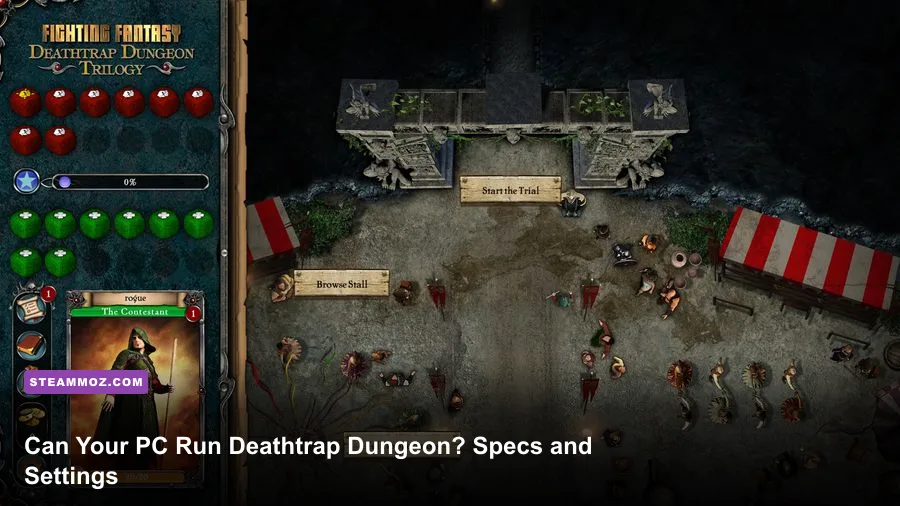
Deathtrap Dungeon is exceptionally easy to run by modern standards. The Steam version needs only a basic Windows PC, roughly 512 MB of memory, a DirectX 9-compatible 3D graphics card, and about 2 GB of free storage according to its published requirements. A much newer dual-core processor, 4 GB of RAM, and integrated graphics from the last decade give you a comfortable margin, but compatibility is the real issue here—not frame rate. This is a 1998 action-platformer, so getting the game to launch cleanly can take more attention than rendering it.
That distinction matters. Deathtrap Dungeon was designed around the hardware and display standards of the late 1990s. Its hazards, camera behavior, loading routines, and controller support don't behave like those in a modern 3D game. A brand-new gaming laptop will barely stretch its legs while running it, yet an old office PC can still stumble if Windows compatibility, graphics scaling, or input mapping gets in the way.
Deathtrap Dungeon system requirements at a glance
The table below separates the published baseline from the configuration I would actually recommend today. The first column describes the kind of machine you need; the second gives the practical target for a smoother setup rather than pretending this classic demands modern gaming hardware.
| Component | Minimum requirement | Recommended modern target | Why it matters |
|---|---|---|---|
| Operating system | Windows 7 or later, depending on the current Steam package | Windows 10 or Windows 11 64-bit | Newer Windows versions offer better driver and compatibility support |
| Processor | 1 GHz-class CPU | Any recent Intel Core or AMD Ryzen dual-core processor | The game is CPU-light, but faster single-thread performance helps with emulation and scaling |
| Memory | 512 MB RAM | 4 GB RAM or more | Extra system memory is for Windows and background apps, not the game itself |
| Graphics | DirectX 9-compatible 3D graphics card | Intel HD Graphics 4000, Radeon integrated graphics, or any modern discrete GPU | Nearly every current GPU greatly exceeds the original rendering requirement |
| DirectX | DirectX 9-era support | Current Windows DirectX runtime plus legacy components if prompted | Missing legacy files can cause launch errors even when the GPU is powerful enough |
| Storage | Approximately 2 GB available space | 2 GB free on an SSD | An SSD improves installation and loading convenience, not in-game frame rate |
Check the official Steam storefront listing before buying, because publishers sometimes update old games with a different compatibility wrapper or package. The precise operating-system line can change between releases, while the underlying game remains the same.

🎮 Deathtrap Dungeon
Looking to experience this game? Grab your digital key directly on our store for $0.97.
View on Steammoz Store →What the minimum specs really mean in 2026
The minimum numbers look almost comically small, but they still tell you something useful. Deathtrap Dungeon does not need a modern shader-heavy GPU, a large texture budget, or multithreaded CPU horsepower. The original release uses low-resolution textures, simple geometry, fixed-era lighting, and compact levels. You won't see your GPU utilization climb meaningfully, even at high resolution.
The 1 GHz processor figure should not be interpreted as a promise that every ancient laptop will run the game perfectly. Old CPUs often arrive with weak integrated graphics, slow storage, unstable drivers, or aggressive power-saving modes. A 1 GHz Pentium-era machine may meet the paper requirement and still deliver a worse experience than a budget Chromebook running a compatible Windows environment.
Memory is even less demanding. The listed 512 MB baseline was sensible when Windows XP and Windows 98-era systems were common. Modern Windows itself can consume several gigabytes before Steam, a browser, or an overlay opens. That's why 4 GB is a practical floor for a dedicated older machine, while 8 GB gives you room to run a browser, recording software, or Discord without creating needless background pressure.
Graphics compatibility is the main trap in the wording. “DirectX 9-compatible” doesn't mean you need a GTX 900-series card; it means the game expects an old 3D API path. Current NVIDIA, AMD, and Intel graphics hardware vastly exceeds that requirement, but modern drivers may not love a game that assumes older rendering behavior. If you see a black screen, broken textures, or a crash before the menu, investigate compatibility before replacing hardware.
For more context on how little hardware some classic PC games need, compare this with Steamoz's breakdown of Advent Rising's tiny PC requirements. The same rule applies: the headline specification is only half the story. The operating environment matters just as much.
Minimum versus recommended PC hardware
There is no meaningful “recommended GPU” in the modern blockbuster sense. You don't need a gaming tower, and buying hardware specifically for Deathtrap Dungeon would be absurd. The sensible recommendation is a stable Windows computer with enough headroom to handle the operating system, legacy runtime files, and any display scaling you want to apply.
| PC profile | Example hardware | Expected result | Verdict |
|---|---|---|---|
| Legacy minimum | 1 GHz CPU, 512 MB RAM, DirectX 9 3D card | Playable if the operating system and drivers cooperate | Meets the listed baseline, but not ideal for troubleshooting |
| Older office PC | Core 2 Duo, 4 GB RAM, Intel GMA or early Radeon graphics | Should run comfortably at a modest resolution | Good budget option, with compatibility testing recommended |
| Modern integrated graphics | Intel HD 4000 or newer, Ryzen APU, 4–8 GB RAM | Large performance headroom and fast loading | Practical recommended target |
| Modern gaming PC | Any current Core or Ryzen CPU, 8 GB RAM, GTX 1050 or newer | Effortless rendering at high resolution | Overkill, but the easiest route to a hassle-free setup |
One important caveat: the original game can be more sensitive to timing than its age suggests. If a very high refresh-rate monitor makes animation feel unusually fast or produces odd camera behavior, try a 60 Hz display mode or a frame-rate cap. The issue isn't that your hardware is weak; it's that old game logic sometimes assumes a narrower range of presentation speeds.
Storage speed won't transform combat. An SSD can make installation and level transitions feel snappier, but it won't fix sluggish controls, camera quirks, or inconsistent frame pacing. Those problems normally point to compatibility settings, controller software, overlays, or an incorrect resolution mode.
Graphics settings that make the biggest difference
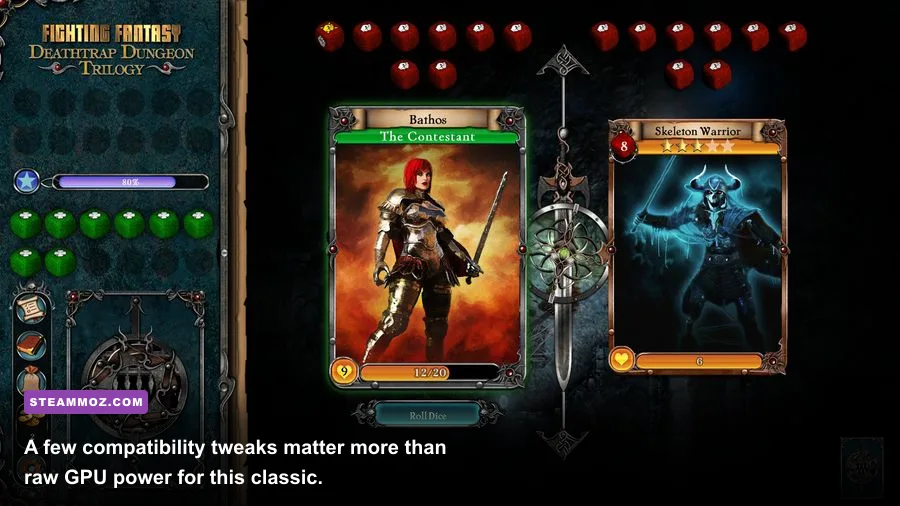
Deathtrap Dungeon doesn't offer the kind of deep graphics menu found in a modern PC release. Resolution, display mode, filtering, and compatibility behavior are more important than chasing a “very high” preset. The best setup preserves sharp output without stretching the original image into an ugly blur.
| Setting or adjustment | Recommended value | Performance impact | Visual and gameplay note |
|---|---|---|---|
| Resolution | Native monitor resolution first; 1280×720 or 1920×1080 for testing | Very low on modern hardware | Start lower if the game displays a black screen or incorrect scaling |
| Display mode | Windowed or borderless if exclusive fullscreen misbehaves | Negligible | Windowed mode is often easier to recover when legacy video settings fail |
| Texture filtering | Use the cleanest available option | Negligible | Filtering can reduce the harsh pixel shimmer on distant surfaces |
| Frame-rate limit | 60 FPS or the game's stable default | None, unless your GPU is extremely old | A cap can prevent timing oddities on 120 Hz and 144 Hz displays |
| Compatibility mode | Test Windows 7 or Windows XP compatibility only when needed | None | Compatibility layers can fix launch problems but may introduce input quirks |
| Overlays | Disable Steam, recording, and monitoring overlays during testing | Small, but useful for stability | Old DirectX paths sometimes dislike injected overlay software |
Don't blindly force modern anti-aliasing through your GPU control panel. It can soften the already low-resolution image, create shimmering around geometry, or do nothing at all. Test one change at a time, launch a level, and inspect the castle walls, rope bridges, and moving traps rather than judging only the menu.
If you regularly play older PC releases, Steamoz's guide to checking whether your PC can run Call of Juarez: Gunslinger is useful for the same reason: system requirements tell you whether a game can launch, while settings determine whether it feels correct.
Why performance problems usually aren't hardware problems
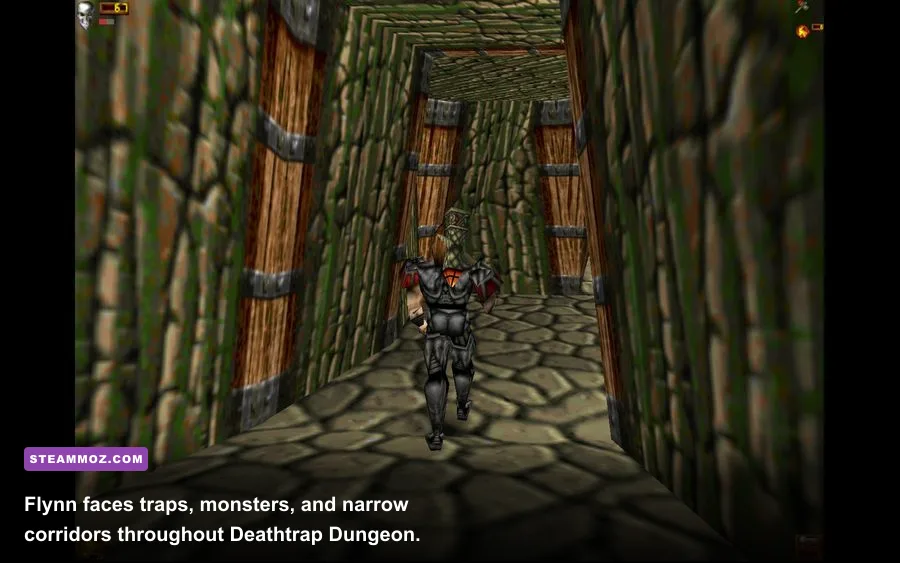
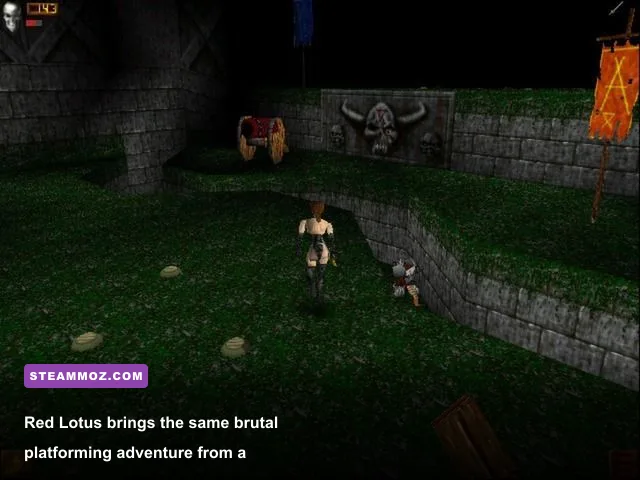
Deathtrap Dungeon is built around a compact cast of characters, including Flynn and Red Lotus, and a succession of trap-heavy medieval environments. Its visual workload is tiny compared with any current 3D release. If the game runs poorly on a modern machine, suspect the software stack first.
Black screen or crash on startup
Verify the installation through Steam, then install any legacy DirectX component the package requests. A current DirectX installation doesn't always include every optional file used by older games. Also try launching with overlays disabled and avoid switching resolutions repeatedly before the first successful boot.
Stretched or tiny image
Use your GPU's scaling controls or Windows display scaling rather than forcing a random fullscreen resolution inside the game. Integer scaling can keep the image crisp, while aspect-ratio scaling prevents the original presentation from becoming unnaturally wide. If the picture is surrounded by borders, that's usually preferable to a distorted image.
Controls feel delayed or unreliable
Test keyboard input before blaming your controller. Modern controller wrappers can present a legacy game with duplicate devices, causing menus to move twice or actions to trigger unpredictably. Disable Steam Input for the title, reconnect the controller, and map only the buttons the game actually recognizes. A wired pad is often more dependable than Bluetooth for this kind of software.
Audio crackle or missing sound
Lowering graphics settings won't solve audio problems. Check Windows' output format, especially if your device is set to an unusual high-resolution sample mode, and temporarily switch to a standard stereo configuration. Close virtual audio mixers and capture tools while testing. Classic games frequently expose conflicts that modern releases simply avoid.
Steamoz's crashing and stutter troubleshooting guide covers the broader order of operations: verify files, remove overlays, test a clean launch, then change compatibility settings. That sequence is safer than immediately editing configuration files or downloading unofficial patches.
The best setup for low-end and modern PCs
For a low-end machine, use 1280×720 or 1366×768, windowed mode, a stable 60 Hz desktop refresh rate, and no overlays. Keep background applications to a minimum if the computer has only 4 GB of RAM. This profile doesn't sacrifice meaningful visual detail; it simply avoids asking a legacy title to negotiate with an aggressive modern display pipeline.
For a modern desktop or laptop, run the monitor's native resolution if the game scales cleanly, but keep a 60 FPS cap if movement or timing feels strange. Leave GPU driver settings at their application defaults. If you want a sharper image, use integer scaling or a restrained sharpening filter at the driver level and compare it against the unmodified output. The original low-resolution assets have a hard limit; sharpening cannot create detail that was never there.
| Target machine | Resolution profile | Frame-rate target | Priority adjustment |
|---|---|---|---|
| Very old office PC | 800×600 to 1280×720 | Stable 30–60 FPS | Use windowed mode and close background software |
| Budget modern laptop | 1280×720 or native 1080p | Locked 60 FPS | Use integrated graphics defaults and disable overlays |
| Modern gaming desktop | 1080p, 1440p, or native display resolution | 60 FPS cap for consistent timing | Focus on aspect ratio, scaling, and controller behavior |
The short version is refreshingly simple: if your PC can run a web browser smoothly, it probably has enough power for Deathtrap Dungeon. The published minimum requirement is useful for confirming eligibility, but the recommended experience comes from sensible scaling, a stable refresh rate, and a clean legacy-runtime setup. Don't spend money on a new GPU for this game. Spend five minutes checking compatibility, and you'll get far more reliable results.
For the official publisher background, visit Rebellion's official website, and use Steam Support for installation, verification, and controller troubleshooting. Those resources are safer starting points than random download sites promising mystery fixes.