
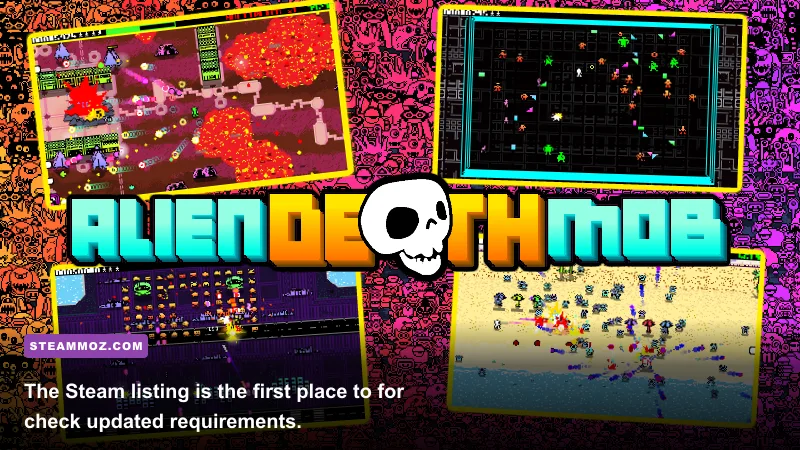
Short answer: Alien Death Mob does not currently have a dependable, officially published minimum or recommended PC specification that can be verified from a complete developer hardware table. That means any article claiming an exact GTX, Ryzen, RAM, or storage target is guessing. For now, treat a modern four-core or six-core CPU, 8GB of RAM, a DirectX 11-capable graphics card, and an SSD as a sensible starting point—not as confirmed requirements. The safest move is to check the game's live Steam search listing before buying, because the store page is where the developer should publish or revise the real numbers.
That distinction matters more than it sounds. A PC game can boot on modest hardware and still feel awful once effects, enemy counts, shadows, or post-processing spike during a fight. Conversely, an attractive indie project can run beautifully on integrated graphics if its environments are compact and its renderer is efficient. Alien Death Mob's public PC-spec information is not detailed enough to establish those boundaries yet, so this guide separates confirmed information from practical estimates and gives you a repeatable way to test your own machine.
Alien Death Mob system requirements status

There are currently no trustworthy official minimum and recommended specifications to quote as settled fact. In particular, there is no verified hardware table establishing a minimum CPU, GPU, operating-system version, RAM requirement, storage footprint, or target frame rate. If you find a page listing a precise combination such as an Intel Core i5-4590, GTX 970, 8GB RAM, and 20GB of storage without linking to an official store or developer announcement, treat it as an unconfirmed estimate.
This is not a technical requirement. It is an editorial warning. System-requirement pages are often copied between sites, and one invented number can quickly look official after appearing in several search results. The official Steam support guidance explains where system information and compatibility details are shown, but it does not create requirements for a game that has not published them.
| Component | Official status | Practical buying guidance | Why it matters |
|---|---|---|---|
| Operating system | Not verified in a complete public specification | Use a fully updated 64-bit Windows 10 or Windows 11 installation | Newer engines and graphics drivers increasingly assume 64-bit Windows |
| CPU | No confirmed model published | Modern four-core minimum; six cores preferred | Enemy logic, physics, streaming, and background processes affect frame pacing |
| Memory | No confirmed capacity published | 8GB may be a floor; 16GB is the safer target | 16GB leaves room for Windows, overlays, browsers, and texture data |
| GPU | No confirmed model or VRAM target published | DirectX 11-capable dedicated GPU with 4GB VRAM is a sensible estimate | Resolution, lighting, effects, and texture memory decide visual headroom |
| Storage | No confirmed install size published | Reserve 20GB on an SSD until the download size is known | Free space and faster asset streaming reduce update and loading problems |
Those estimates are deliberately conservative. They are not a hidden leak or a substitute for the developer's final specification. If Alien Death Mob launches with a low-poly art style and small arenas, a weaker system may work. If it uses dense particle effects, large maps, or real-time lighting, the GPU recommendation could climb quickly. The final store listing wins the argument.

🎮 Alien Death Mob
Looking to experience this game? Grab your digital key directly on our store for $2.49.
View on Steammoz Store →Minimum PC specs you should realistically target
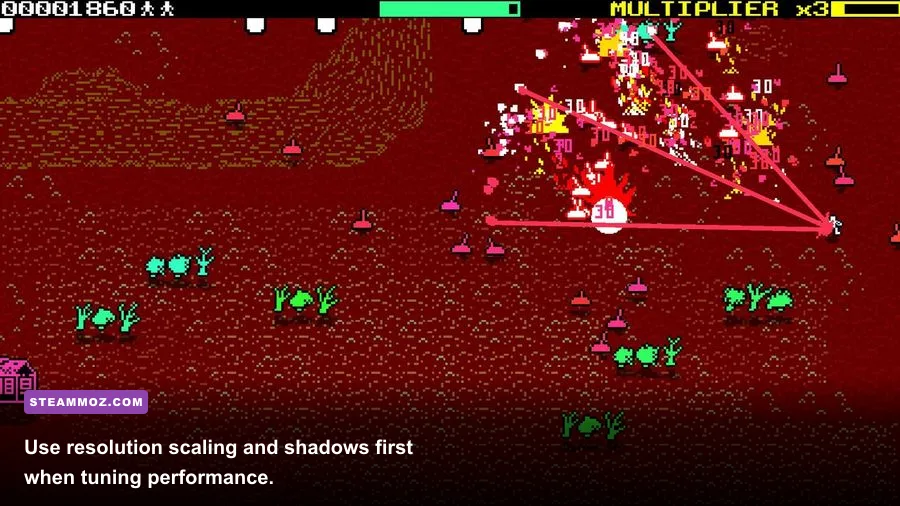
Until official numbers arrive, the practical minimum is the lowest profile I would recommend to someone planning a purchase. Think of it as a playability baseline for 720p or 1080p with reduced settings, not a promise of flawless performance. A recent four-core processor, 8GB of system memory, and a dedicated graphics card with roughly 4GB of VRAM should give you a reasonable chance with a modest indie action game. It should not be mistaken for proof that every encounter will hold 60 frames per second.
For the processor, a modern Intel Core i3 or AMD Ryzen 3 is a more useful reference than an old flagship name. Newer architecture, stronger single-thread performance, and current driver support can matter more than the badge. If your machine uses an older dual-core CPU, expect stutter when several enemies appear at once. The game may launch, but launchability is a very low bar for an action title.
Eight gigabytes of RAM can work for a lightweight game, but it leaves very little breathing room. Close Chrome tabs, launchers, recording tools, and unnecessary overlays before testing. If Windows begins paging to the storage drive during combat, the result can feel like a GPU problem even when the graphics card is fine. A 16GB dual-channel kit is the first upgrade I would make on a budget system.
On the graphics side, avoid using only a name such as “gaming GPU.” Look for three practical characteristics: DirectX 11 or newer support, enough VRAM for the selected texture quality, and a driver that still receives updates. A GTX 1650-class or RX 570-class card is a sensible performance reference for a small modern PC game, but again, neither model is an official Alien Death Mob requirement. Integrated graphics may run it if the title is unusually light, yet you should wait for real benchmarks before counting on that.
| Part | Estimated entry profile | Target workload | Likely compromise |
|---|---|---|---|
| CPU | Modern Core i3 or Ryzen 3, four cores | 1080p low to medium settings | Possible dips during heavy enemy or effect scenes |
| RAM | 8GB dual-channel | Game-only testing with background apps closed | More hitching if Windows starts using the page file |
| GPU | GTX 1650 or RX 570-class, estimate only | 720p to 1080p reduced settings | Lower shadows, effects, textures, and resolution scale |
| VRAM | 4GB preferred | Medium textures where available | Texture pop-in or streaming if the game is memory hungry |
| Drive | SSD with at least 20GB free | Faster startup and asset loading | Hard drive may increase loading and traversal hitching |
If this profile describes your PC, don't preemptively panic. Start with 1080p, a 60Hz cap, medium textures, low shadows, and reduced effects. A stable 45fps often feels better than an uncapped 70fps that repeatedly plunges into the twenties. Use the same combat scene for every setting change; comparing an empty corridor with a crowded battle tells you almost nothing.
For a useful comparison, our guides on Deadfall Adventures graphics settings and Chamber of the Sci-Mutant Priestess PC specs follow the same principle: judge frame-time stability, not just the biggest number in an uncapped counter.
Recommended Alien Death Mob PC specs
For a comfortable target, aim higher than the estimated floor: a six-core modern CPU, 16GB of RAM, a graphics card with at least 6GB of VRAM, and an SSD. This is the profile I would choose for 1080p high settings at a stable 60fps if the finished game has conventional PC optimization. It also gives you room for streaming software, voice chat, a browser, and background updates without turning every frame into a negotiation.
A six-core processor helps most when the game has simultaneous enemy behavior, physics, audio processing, and asset streaming. It will not magically fix a badly optimized renderer, but it reduces the chance that the CPU becomes the frame-time limiter. The difference is especially noticeable when a scene contains many animated enemies rather than a single isolated target.
Six gigabytes of VRAM is a sensible middle ground for 1080p. It allows reasonable texture quality without forcing the card to constantly evict assets. If you want 1440p, ultra textures, or a high-refresh monitor, 8GB or more is a safer purchase. Resolution affects pixel workload directly, while texture quality mostly affects memory capacity; lowering the wrong option can leave performance unchanged.
| Component | Recommended estimate | Best use case | Upgrade headroom |
|---|---|---|---|
| CPU | Modern Core i5 or Ryzen 5, six cores | 1080p high settings and stable frame pacing | Better for streaming, Discord, and background tasks |
| RAM | 16GB dual-channel | Normal multitasking while playing | Less paging and fewer asset-streaming interruptions |
| GPU | RTX 2060/3060 or RX 6600-class estimate | 1080p high or 1440p medium, depending on optimization | More room for effects, shadows, and resolution scaling |
| VRAM | 6GB to 8GB | High textures at 1080p or moderate 1440p | Better protection against future texture updates |
| Drive | SATA or NVMe SSD | Quick loads and smoother asset access | NVMe helps workloads that stream large files frequently |
Do not overbuy based on a single “recommended” label. If your monitor is 1080p 60Hz, an expensive 1440p graphics card will not improve the game once you are already locked to 60fps. Spend the difference on 16GB memory, an SSD, or a better power supply. Those upgrades improve the entire PC rather than one benchmark screenshot.
Players comparing demanding shooters may also want to see how different engines behave in practice. Steamoz's Hunt: Showdown 1896 hardware guide is a useful reminder that a game can be playable at one resolution while still needing serious GPU headroom for high settings.
Best graphics settings for smoother performance
Once Alien Death Mob's PC version is available, change one setting at a time and monitor frame time rather than relying only on average FPS. MSI Afterburner, the Xbox Game Bar performance overlay, or an equivalent tool can show whether the CPU or GPU is saturated. A GPU stuck near 99% means lower resolution, effects, or shadows first. A GPU loafing at 60% while frames collapse points toward CPU limits, shader compilation, background tasks, or poor optimization.
| Setting | Starting value | Performance impact | Visual trade-off |
|---|---|---|---|
| Resolution | Native monitor resolution | Very high | Lowering it makes the image softer but delivers the largest GPU gain |
| Resolution scale | 90% to 100% | High | Often a cleaner compromise than dropping the whole display resolution |
| Shadows | Low or medium | Medium to high | Edges and contact shadows become less detailed |
| Effects and particles | Medium | Medium to high during combat | Explosions, smoke, and lighting lose density |
| Textures | High if VRAM allows | Low on GPU power; high on VRAM use | Lower values make surfaces visibly blurrier |
| Ambient occlusion | Low or off if needed | Low to medium | Less depth around corners and objects |
| Motion blur | Off | Small | Sharper camera movement and easier target tracking |
| Frame cap | 60fps or monitor refresh target | Can reduce spikes | A cap may feel smoother than unstable uncapped output |
Textures deserve special attention. They usually do not provide a dramatic FPS increase when lowered, so keep them high if your VRAM meter remains comfortable. Shadows and volumetric effects are usually better performance targets. If the game offers upscaling, begin with a quality mode rather than an aggressive performance mode. Sharpening can restore some clarity, but it cannot fully recover detail lost through an overly low internal resolution.
For laptops, plug in the charger, select the high-performance Windows power mode, and confirm that the game uses the dedicated GPU rather than integrated graphics. Update the graphics driver after launch, but keep a rollback option if a new driver introduces stutter. Disable recording overlays temporarily while troubleshooting. These simple checks solve more “low FPS” reports than random registry tweaks.
Also leave free space on the installation drive. A drive that is nearly full can slow updates and hurt general Windows responsiveness. Do not install unofficial “FPS booster” software, disable security features blindly, or download a supposed performance patch from an unverified forum. The official Microsoft Windows Update guidance and your GPU manufacturer's driver page are safer starting points.
How to verify your PC before buying
Start by pressing Windows key plus R, entering dxdiag, and recording your processor, memory, operating-system version, and graphics card. Then check the GPU's dedicated VRAM in Task Manager under Performance. Compare those facts with the final Steam listing rather than comparing your PC with a friend's vague description of a “good rig.” Two systems can both be called gaming PCs while having completely different CPUs, memory configurations, and graphics limits.
Next, check whether your memory runs in dual-channel mode and whether your graphics driver is current. If you have 8GB of RAM and frequent background applications, upgrading to 16GB is generally more useful than buying a new monitor. If your GPU has 2GB of VRAM, avoid assuming that lowering every option will solve texture streaming problems; the card may simply lack the required memory for the game's asset budget.
When the game becomes available, use a short, repeatable test. Launch the same area, walk the same route, trigger the same encounter, and record the one-percent-low frame rate if possible. Test native resolution first, then reduce shadows and effects. Watch for shader-compilation stutter, audio crackle, texture pop-in, and input delay—not just average FPS. A clean 60fps run in an empty room is not a meaningful benchmark.
- Install the game on an SSD with ample free space.
- Update Windows and your graphics driver.
- Close browsers, recording software, and unnecessary launchers.
- Set a 60fps cap and begin at medium settings.
- Test a busy combat scene for at least five minutes.
- Raise textures first, then lighting and effects, while checking frame time.
Keep an eye on the developer's announcements and the store's system-requirements panel. The official Steam refund policy can provide a limited safety net for testing an eligible purchase, but it is not a substitute for checking the rules and respecting the time limit. Refund eligibility can change based on playtime, purchase timing, and account history.
The bottom line is straightforward: Alien Death Mob's exact minimum and recommended PC specs are not reliably published yet, so precision claims should be treated with suspicion. A modern four-core PC with 8GB RAM and a 4GB dedicated GPU is a reasonable estimated floor; a six-core processor, 16GB RAM, SSD, and 6GB-to-8GB graphics card is the safer recommended target. Recheck the official listing at launch, benchmark a real combat scene, and tune shadows, effects, and resolution scale before sacrificing texture quality. For broader troubleshooting, Steamoz's PC crash and stutter guide covers the same practical checks that often make the difference between a rough first session and a smooth one.