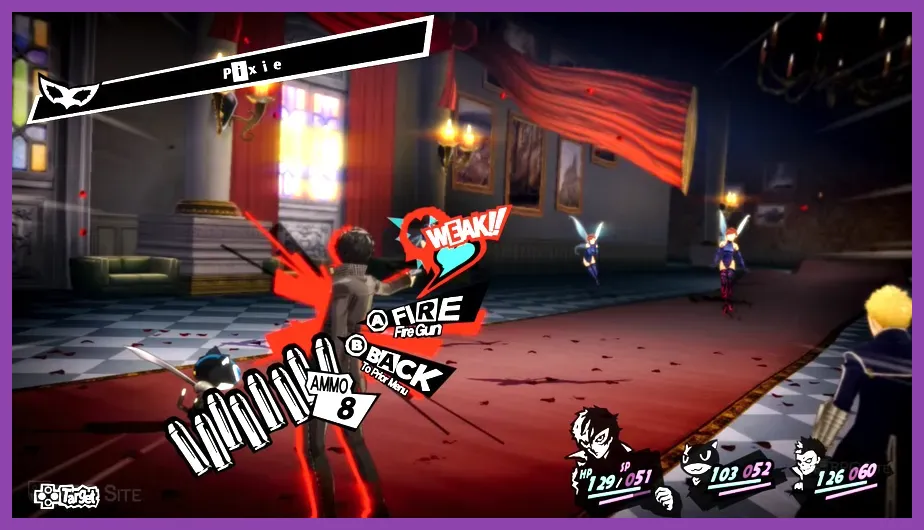
To optimize anime games on Switch, use a clean UHS-I microSD card, keep the console and game updated, play demanding 3D titles docked when possible, close suspended software, and tune each game around its real performance limits. The Switch cannot add DLSS, raise a 30-fps cap, or turn an OLED model into a faster console, but the right display, storage, temperature, and battery settings noticeably improve games such as Dragon Ball Xenoverse 2, Monster Hunter Stories 2: Wings of Ruin, Persona 5 Royal, and Fire Emblem: Three Houses.
This guide separates improvements that work across the whole system from settings that matter only in specific anime RPGs. It also explains which visual compromises are worthwhile instead of promising impossible frame-rate gains.
Start With the Correct Switch Performance Profile
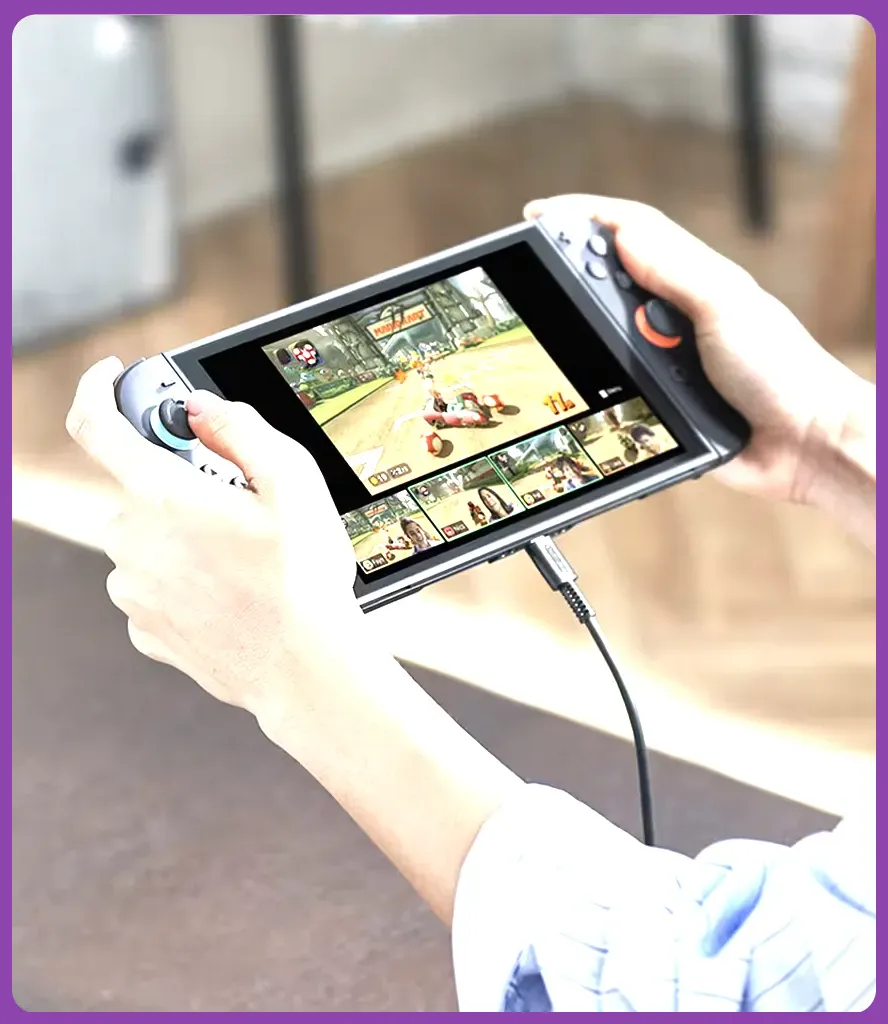
First, choose a display profile based on how you play. In System Settings > TV Settings, set TV Resolution to Automatic. A docked Switch can output up to 1920×1080, while handheld mode uses the console's 1280×720 screen. Selecting 1080p manually will not make a game render internally at 1080p; it only controls the output signal.
- Handheld profile: Set screen brightness around 45–60%, disable Wi-Fi and Bluetooth when unnecessary, and use headphones at moderate volume. This lowers heat and extends sessions in games such as Fire Emblem Warriors: Three Hopes.
- Docked profile: Keep the console in an open, ventilated dock, use 1080p output, and avoid placing the dock inside a cabinet. The fan has more room to move heat during long fights.
- OLED profile: The OLED model has a better 7-inch screen, but its processor and game performance are effectively the same as the original Switch. Do not expect higher frame rates.
- Controller profile: Update Joy-Con or Pro Controller firmware under System Settings > Controllers and Sensors > Update Controllers. Stable inputs matter in timing-heavy games such as NEO: The World Ends with You.
Turn on Match TV Power State only if you want the console to wake or sleep with the television. It has no meaningful effect on in-game performance. For an official checklist covering updates and troubleshooting, use Nintendo's Switch support page.
Optimize Storage, Updates, and Game Launches
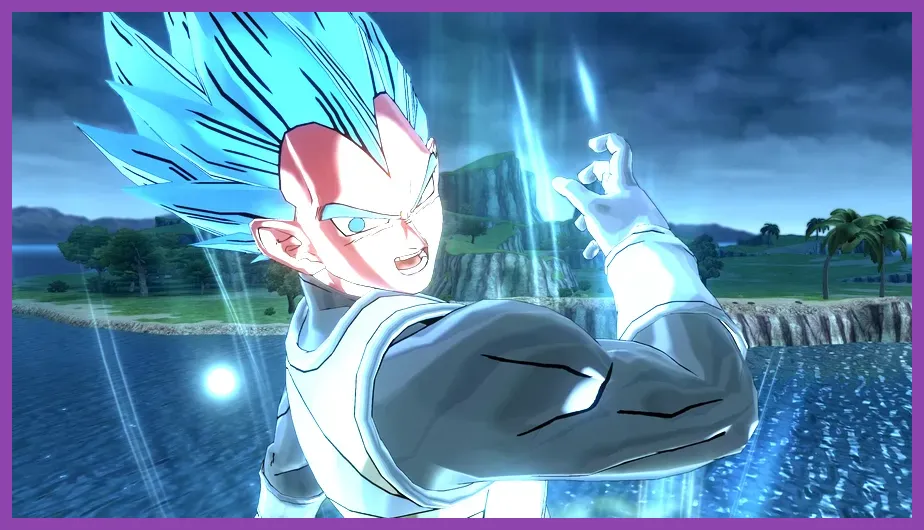
Storage management is one of the safest ways to reduce installation errors and loading problems. Go to System Settings > Data Management and keep at least 10GB free on the internal memory or microSD card. A nearly full card can make updates fail, which is particularly inconvenient for large downloads such as Dragon Ball Xenoverse 2 and its expansion content.
Use a suitable microSD card
Choose a reputable UHS-I microSD card rated at least U1 or U3. The Switch does not benefit from expensive UHS-II cards because the console uses the UHS-I interface. Before changing cards, select System Settings > Data Management > Move Data Between Console/microSD Card and follow Nintendo's process. Do not remove the card while the system is writing data.
Close suspended software
Press the Home button, highlight the running game, press X, and choose Close before launching another title. This clears the old session rather than leaving it suspended. Restart the console after a major game update, not merely after returning to the Home menu. Updates can repair shader stutter, crashes, save problems, and texture-loading bugs.
For games with substantial DLC, verify the correct region and account before buying expansions. Xenoverse 2 includes a large amount of downloadable content, while Monster Hunter Stories 2 uses additional quests and cosmetic packs. Check the official Xenoverse 2 Nintendo listing and install updates before judging performance.
Game-Specific Settings for 3D Anime Titles
Most Switch anime games offer fewer graphics controls than their PC versions, so optimization means prioritizing clarity, stable loading, and sensible play modes.
Dragon Ball Xenoverse 2
Use TV Mode for parallel quests with several fighters, especially missions featuring Great Ape Vegeta or multiple Super Saiyan enemies. The game targets a console-specific performance mode rather than offering PC-style shadow, texture, or DLSS sliders. Reduce visual clutter by disabling unnecessary screen recording and close other software before starting an online lobby. In combat, lock on with the right stick click and avoid rapidly cycling targets during crowded battles; this is an input-management improvement, not a graphics tweak, but it reduces missed commands when effects fill the screen.
Monster Hunter Stories 2: Wings of Ruin
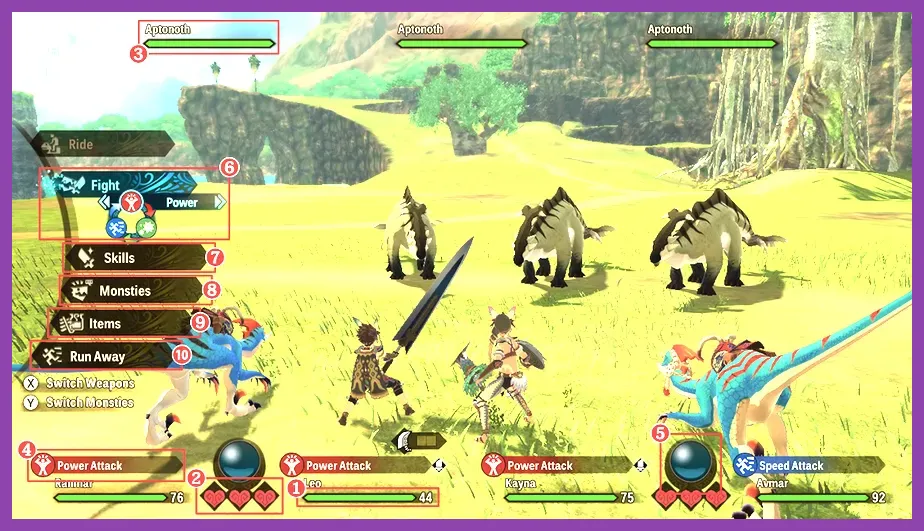
Prioritize docked play in Hakolo Island's den-heavy areas if you want a sharper view of distant objects. Keep the game fully updated and restart after long suspend sessions. The turn-based battle system means a brief loading pause is less damaging than in an action game, so do not sacrifice readable text by forcing an unsuitable TV scaling mode. The official Monster Hunter Stories 2 site remains the best source for version and content information.
Scarlet Nexus and Astral Chain
For action-heavy games such as Scarlet Nexus and Astral Chain, handheld brightness around 50% is a useful balance between visibility and battery drain. Use a Pro Controller docked if possible; consistent analog input is more valuable than chasing a sharper output signal. In Astral Chain, busy Legion combat can expose the Switch's limits, so avoid background downloads and keep the console cool.
Handheld Battery and Heat Optimization
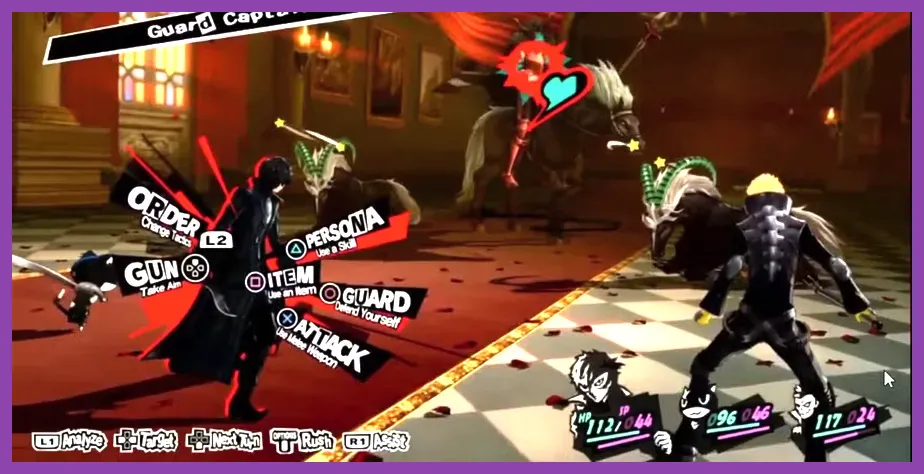
Battery settings do not increase frame rate, but they prevent performance from deteriorating during long handheld sessions. Open System Settings > Sleep Mode and set Auto-Sleep to 10 or 30 minutes. Never play with the air intake or exhaust covered by a blanket, case, or tightly packed travel bag.
- Set brightness to 40–60% instead of maximum. OLED panels look vivid without requiring full brightness.
- Use Airplane Mode for offline games such as Persona 5 Royal, Fire Emblem: Three Houses, and 13 Sentinels: Aegis Rim.
- Disable rumble when battery life matters more than feedback under System Settings > Controllers and Sensors.
- Charge with the official AC adapter or a USB-C charger that supports the required power profile; avoid questionable low-power cables during demanding play.
- Take a break if the fan becomes unusually loud or the rear shell feels excessively hot. Heat is not solved by lowering brightness alone.
Persona 5 Royal is especially suitable for battery-conscious sessions because its turn-based battles and stylized menus place less sustained pressure on the hardware than real-time titles. For broader portable power advice, compare these principles with Steamoz's battery-drain troubleshooting guide.
Best Settings by Anime Game Type
Use this final profile when choosing between visual quality, responsiveness, and battery life:
| Game type | Recommended setup | Why it works |
|---|---|---|
| Turn-based RPG | Handheld, 50% brightness, Airplane Mode | Games such as Persona 5 Royal and Fire Emblem: Three Houses remain readable while using less power. |
| Open-area action RPG | Docked, 1080p output, ventilated dock | Improves screen clarity and sustained cooling in titles such as Monster Hunter Stories 2. |
| Fighting or arena action | Docked, Pro Controller, closed background software | Prioritizes reliable input and reduces distractions in Xenoverse 2. |
| Visual novel or strategy hybrid | Handheld, 40–50% brightness, headphones | Preserves text clarity without wasting battery on maximum brightness. |
Finally, save before changing storage, installing DLC, or forcing a restart. Back up compatible saves with Nintendo Switch Online where supported, and never delete software to troubleshoot until your save data is secure. If you want more genre-specific optimization, Steamoz's defensive setup guide and Sea of Stars crafting guide show the same principle: build around the game's actual systems instead of generic performance claims.
The biggest gains come from keeping the Switch updated, maintaining free storage, using docked mode for demanding 3D battles, and treating handheld brightness and wireless features as battery controls. Those changes cannot transform Switch hardware, but they make anime games cleaner, cooler, and more dependable across long sessions.