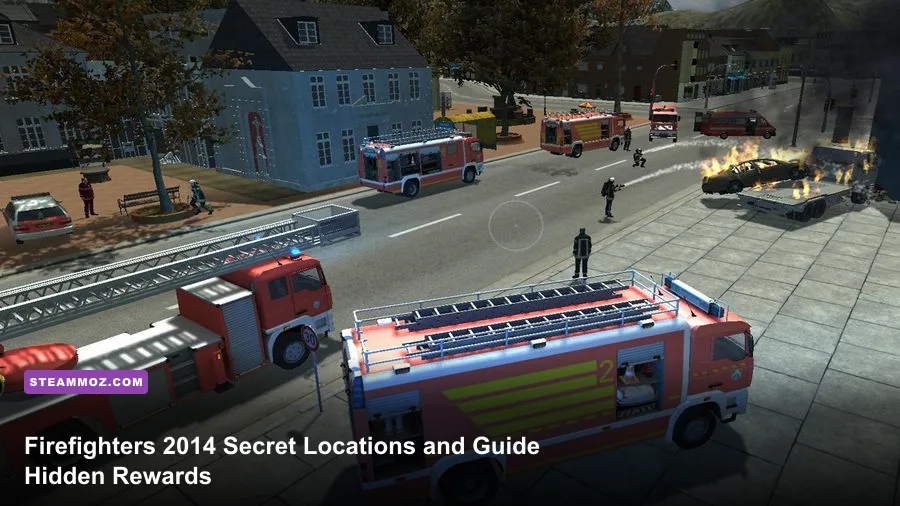
Firefighters 2014 – The Simulation does not contain a traditional collectible hunt with a fixed set of secret rooms, treasure chests, or permanent hidden loot. The rewards people often call “secrets” are actually easy-to-miss mission objectives: civilians hidden behind smoke, secondary fires, blocked access routes, and clean responses that preserve the mission’s score. This guide maps the reliable places to check, explains what counts as a hidden reward, and separates genuine game behavior from made-up collectible lists.
That distinction matters. A lot of online search results recycle vague claims about secret garages, bonus uniforms, and hidden vehicles without showing a trigger or a mission name. Firefighters 2014 is built around emergency procedure, not an open-world collectible system. Its maps are compact mission spaces, and most of the “secret” value comes from completing the call properly rather than discovering a glowing object.
What Counts as a Secret in Firefighters 2014?
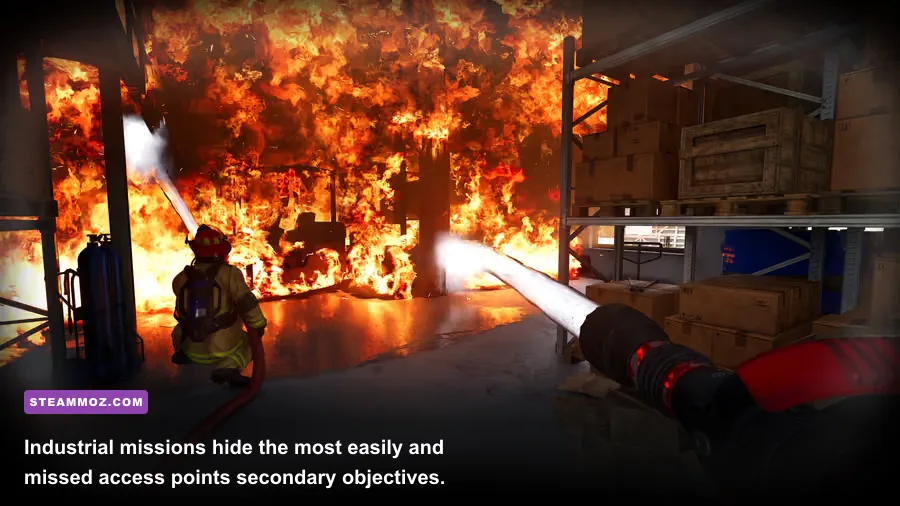
Before hunting, understand the game’s reward loop. A mission normally asks you to reach an incident, control the immediate danger, rescue people, and finish the scene. The game rarely announces every useful interaction at the start. A civilian may be inside a side room, a fire may have spread behind a wall, and an apparently decorative door may lead to the route needed for a full search.
There are four practical categories of hidden progress. First are secondary fire pockets, flames away from the obvious central blaze. Second are unmarked victims, usually found by searching connected rooms and exterior corners after the main threat is reduced. Third are route discoveries, such as a side entrance or rear yard that lets you approach the incident safely. Finally, there are performance rewards: finishing without unnecessary damage, avoiding repeated rescues, and using the appropriate equipment instead of brute-forcing the scene.
| Reward Type | Where It Appears | How to Secure It | What You Actually Gain |
|---|---|---|---|
| Secondary fire | Side rooms, rear structures, adjacent vehicles | Circle the scene after the main flames fall | More complete mission result |
| Hidden civilian | Rooms beyond the first entrance or outside the main view | Search methodically and clear smoke first | Rescue credit and better performance |
| Safe access route | Rear doors, yards, alleys, alternate building entrances | Walk the perimeter before committing equipment | Faster, safer response |
| Clean response | Any mission | Use correct tools and avoid wasted actions | Higher completion quality, not a new item |
There is no dependable evidence of a universal “secret location” coordinate list that unlocks extra trucks or a hidden campaign. Check the official Steam store page and its achievement list for the version you own. Store pages and achievement data can differ between regional releases, so don't assume a reward mentioned in an old forum post exists in every build.
The fastest way to confirm a genuine reward
Replay the mission, trigger the suspected interaction, and check whether the completion screen changes. If nothing changes after rescuing the person, extinguishing the extra fire, or inspecting the object, it is scenery rather than a secret. This simple test saves hours of searching for fictional keys and developer-room entrances.
🎮 Firefighters 2014 - The Simulation Game
Looking to experience this game? Grab your digital key directly on our store for $4.99.
View on Steammoz Store →Secret Location Route for Every Mission Type
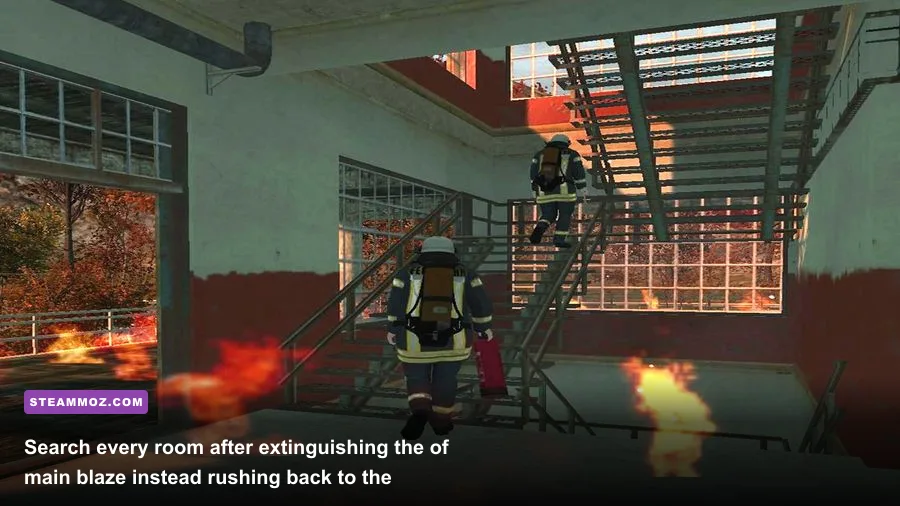
Because the game’s scenarios use functional emergency spaces rather than a single open map, the best location guide is a repeatable sweep. Use it on residential, industrial, road, and commercial incidents. It catches nearly every hidden objective without relying on a fragile pixel hunt.
1. Scan the approach before leaving the vehicle
Stop just short of the incident and rotate the camera around the entire perimeter. Look for smoke that does not match the largest flame, flickering windows on a side elevation, damaged vehicles beyond the roadblock, and NPCs standing away from the obvious danger. This first scan tells you whether the call is a single-front fire or a multi-point emergency.
2. Check the side and rear perimeter
The front entrance is usually designed to pull your attention. Walk left and right along the building boundary before entering deeply. Industrial yards deserve special attention: inspect the rear of warehouses, narrow passages between structures, and parked vehicles near loading areas. In residential scenes, check the side wall and backyard after the front rooms are safe.
3. Clear the main threat, then reverse your route
Don't declare a building finished when the largest flame disappears. Use the hose to reduce the visible heat, then retrace the exact path back to the entrance. Smoke can obscure a small fire in a corner, and a victim may only become reachable after the central room is safe. The reverse sweep is the closest thing this game has to a secret-room mechanic.
4. Search every connected room and exterior pocket
In interior scenes, move room by room rather than crossing through the building randomly. Check behind stair access, beside large equipment, and at the far end of corridors. Outside, inspect dumpsters, parked cars, narrow alleys, and the space behind the structure. These areas often look like scenery, but they are exactly where a secondary problem can sit outside the camera’s first angle.
| Scenario | Most Missed Area | Search Order | Best Confirmation |
|---|---|---|---|
| House or apartment | Side room, stair access, rear exterior | Main room, upper route, side and rear | No smoke and no civilian prompt remains |
| Warehouse or industrial yard | Loading bay, rear wall, parked equipment | Perimeter, entrance, interior, rear yard | All visible hotspots are cold |
| Road accident | Vehicle behind the primary wreck | Road edges, vehicle interiors, traffic perimeter | Every casualty is accounted for |
| Commercial building | Storage room, back corridor, side entrance | Public area, staff area, service route | Second sweep produces no new interaction |
For another location-focused approach, compare this route with Steamoz’s Everspace 2 secret locations guide. The games are totally different, but the same rule applies: identify what the game actually rewards before chasing internet folklore.
How to Unlock the Hidden Rewards Without Restarting
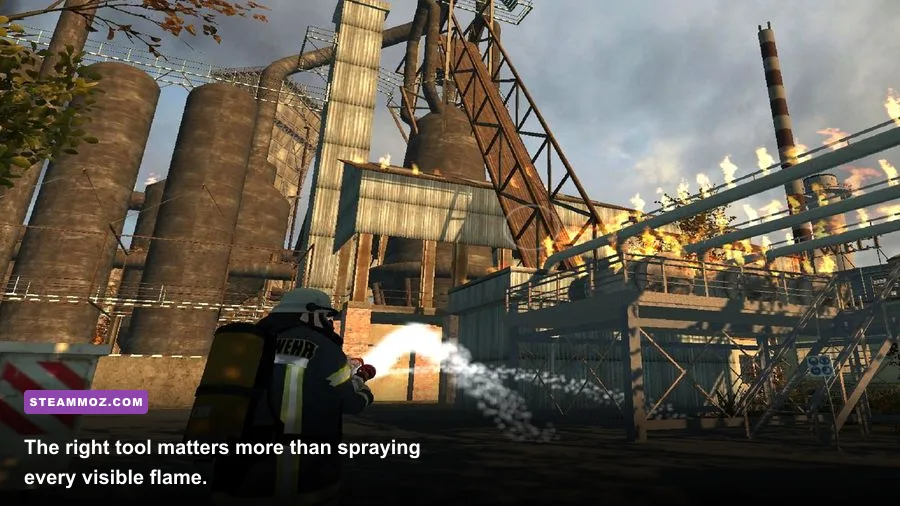
The best reward strategy is controlled escalation. Start with observation, move to suppression, then rescue and verification. Charging straight into a smoky building feels heroic, but it often creates the exact problems that lower your result: missed victims, wasted hose time, and a second trip through an area you thought was clear.
Use the right tool for the right problem
The hose is your primary suppression tool, but it should not replace every other interaction. If the route is blocked, find the intended access point rather than repeatedly pushing into the obstruction. If a person is trapped, stabilize the nearby fire first and approach only when the path is visibly safe. The game’s simulation layer is light compared with hardcore firefighting titles, yet its scenarios still reward deliberate sequencing.
Keep your water work focused. Sweep the stream across the base of the flames and avoid spraying empty walls or already-safe pavement. When a fire looks extinguished, pause for a moment and inspect the surrounding area. A small flame may be hidden by smoke or an object, and moving on too quickly is the most common reason players miss secondary credit.
Perform the two-pass rescue sweep
Make the first pass for survival: locate the obvious casualty and remove the immediate danger. Make the second pass for completion: revisit every accessible room, side route, and exterior corner. This is especially important after the fire collapses or visibility improves. A location that looked empty at the start can reveal an interaction once smoke and flames no longer dominate the screen.
| Phase | Player Priority | Common Mistake | Reliable Correction |
|---|---|---|---|
| Approach | Read the whole scene | Parking directly at the first flame | Pause and scan all four directions |
| Suppression | Reduce the largest hazard | Spraying randomly across the room | Work the fire base and preserve visibility |
| Rescue | Reach civilians safely | Entering before the route is clear | Control nearby fire, then extract |
| Verification | Find secondary objectives | Leaving as soon as the main fire ends | Reverse your path and check the perimeter |
If a mission appears stuck, don't immediately assume a secret trigger failed. Confirm that every fire source is out, walk back to the vehicle, and revisit the last room or yard you entered. Older PC simulation games can also behave strangely after a reload. Save before the final sweep when possible, and restart the mission only after testing the obvious completion conditions.
Equipment, Vehicles, and Performance-Safe Routes
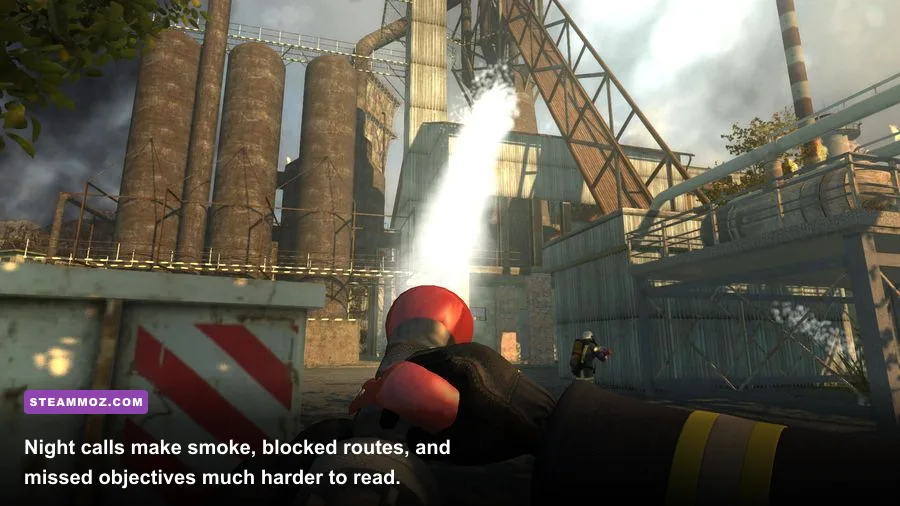
Firefighters 2014 is not an RPG, so there are no conventional weapon stats, skill trees, or permanent character builds to optimize. Your “loadout” is the vehicle and equipment assigned to the scenario. That makes route planning more important than chasing nonexistent upgrade rewards.
| Equipment Role | Use It For | Hidden-Objective Benefit | Efficiency Tip |
|---|---|---|---|
| Fire hose | Main flames and secondary hotspots | Reveals safe routes and missed fire pockets | Target the base, not the smoke cloud |
| Rescue access | Reaching trapped civilians | Completes side-room and alternate-entry objectives | Clear the nearest hazard before advancing |
| Emergency vehicle | Transport and staging | Provides a consistent return point | Park where it won't block your exit path |
| Scenario tools | Mission-specific obstacles | Opens intended routes rather than secret doors | Try the marked interaction points first |
For the smoothest experience, aim for a stable frame rate rather than maximum visual effects. Fire, smoke, and multiple emergency vehicles can create short dips on older systems. Lower shadow quality first, then reduce effects or post-processing if the view becomes hard to read. Keep texture quality higher when your graphics memory allows it; clear object edges help you spot a side entrance or a small hotspot.
| Setting | Recommended Starting Point | FPS Impact | Gameplay Note |
|---|---|---|---|
| Resolution | Native monitor resolution | High if reduced | Keep readable smoke and interaction prompts |
| Shadows | Medium | Medium to high | Usually the safest first reduction |
| Effects | Medium | Medium | Helps during dense smoke and active fires |
| Textures | High if VRAM permits | Low to medium | Improves visual object recognition |
| V-Sync | Test on and off | Latency-dependent | Use whichever avoids distracting judder |
For broader PC troubleshooting, Steamoz has a useful PC fixes and FPS guide. It isn't specific to Firefighters 2014, but the practical order—drivers, resolution, shadows, then effects—is still the right place to start.
Myths, Missed Rewards, and the Best Completion Checklist
The most persistent myth is that Firefighters 2014 contains a secret vehicle unlocked by finding hidden garages. There is no reliable in-game trigger supporting that claim. Likewise, reports of secret uniforms, cheat rooms, and collectible equipment usually confuse scenery or ordinary mission interactions with permanent rewards.
That doesn't make exploration pointless. A clean sweep can change how complete a scenario feels, expose secondary fire sources, rescue people the first camera angle hid, and prevent the frustration of returning to a supposedly finished location. Treat those as performance rewards rather than inventory rewards, and the game’s structure makes much more sense.
Final 12-point secret-location checklist
- Read the objective text before moving.
- Stop short of the incident and scan the full perimeter.
- Look for smoke that is separate from the main fire.
- Inspect both sides of the first structure.
- Check the rear yard, alley, or loading area.
- Search the obvious room before pushing deeper.
- Clear the main hazard before entering smoky areas.
- Revisit stairs, corridors, and side rooms after suppression.
- Inspect nearby vehicles during road incidents.
- Return to every area that was previously obscured.
- Walk back to the emergency vehicle to test completion.
- Only restart after every fire and civilian objective is confirmed.
If you want more games where exploration pays off, check Steamoz’s Dungeons 4 hidden rewards guide or the Dragonkin secrets guide. Those titles use genuine secret systems, while Firefighters 2014 keeps its surprises grounded in mission execution.
The short version is simple: there are no confirmed collectible coordinates to memorize. Sweep the front, sides, rear, interior, and return route; extinguish every hotspot; rescue every accessible civilian; then verify the scene before leaving. That method finds the real hidden rewards in Firefighters 2014 and avoids wasting time on secrets the game never implemented.
For the most authoritative version-specific information, compare your build with the VIS-Games official website, the Steam community discussions, and the publisher’s available support information. If a claimed secret cannot be reproduced, does not affect the completion screen, and has no documented trigger, treat it as a rumor—not a location waiting to be found.