
The best Final Fantasy 7 Rebirth system requirements target a modern gaming PC with 16GB of RAM, an SSD, and at least a GTX 1070 or Radeon RX 580 for 1080p at 30 frames per second. For the recommended 1080p/60fps profile, Square Enix lists an Intel Core i7-8700 or AMD Ryzen 5 3600, plus an RTX 2070 or Radeon RX 6700 XT. The game requires 155GB of SSD space and does not suit a conventional hard drive.
These specifications describe practical targets rather than a guarantee for every scene. Final Fantasy 7 Rebirth streams large environments, dense vegetation, detailed character models, and cinematic effects while loading new areas. Your GPU controls image quality and resolution, but your CPU, memory capacity, storage speed, and driver version also affect traversal stutter and frame-time consistency.
Final Fantasy 7 Rebirth Minimum Requirements
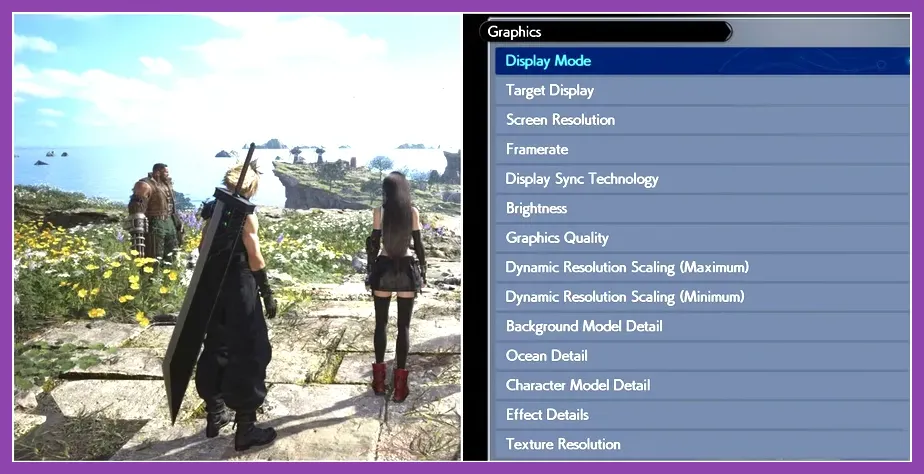
The official Steam listing for Final Fantasy VII Rebirth gives the following minimum specification:
- Operating system: Windows 10 64-bit version 1909 or later
- Processor: Intel Core i5-8400 or AMD Ryzen 5 2600
- Memory: 16GB RAM
- Graphics: Nvidia GeForce GTX 1070 or AMD Radeon RX 580
- DirectX: Version 12
- Storage: 155GB available space on an SSD
- Performance target: 1080p resolution at 30fps using the lowest settings
The GTX 1070 and RX 580 both commonly appear with 8GB of VRAM, which is important for the game’s large textures. A graphics card with only 4GB may launch the game, but it is more likely to suffer from texture streaming problems, severe stutter, or aggressive visual compromises. The minimum CPU class is adequate for a 30fps target, not for a locked 60fps experience in every region.
Recommended Requirements for 1080p 60fps
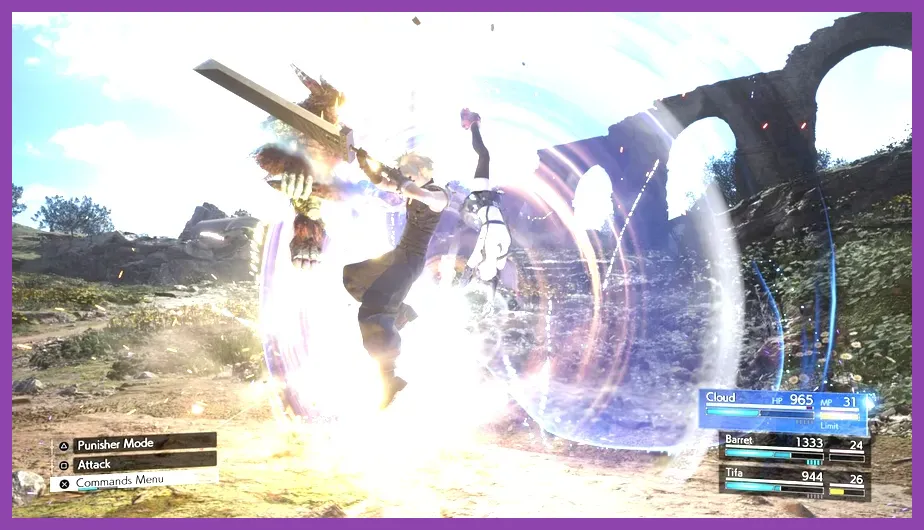
Square Enix’s recommended specification is designed around 1080p at 60fps with medium graphics settings:
- Operating system: Windows 10 64-bit version 1909 or later
- Processor: Intel Core i7-8700 or AMD Ryzen 5 3600
- Memory: 16GB RAM
- Graphics: Nvidia GeForce RTX 2070 or AMD Radeon RX 6700 XT
- DirectX: Version 12
- Storage: 155GB available space on an SSD
- Performance target: 1080p at 60fps using medium settings
The recommended list should not be confused with a 1440p or 4K requirement. An RTX 2070 or RX 6700 XT is a sensible 1080p-class recommendation, but higher resolutions demand more graphics memory and rendering power. If you own a 1440p monitor, plan to use upscaling, reduced settings, or a 30fps cap unless your GPU is substantially faster.
For broader hardware planning, Steamoz’s system requirements guide also explains why listed specifications should be treated as performance targets rather than universal guarantees.
Best Settings for Minimum-Spec PCs
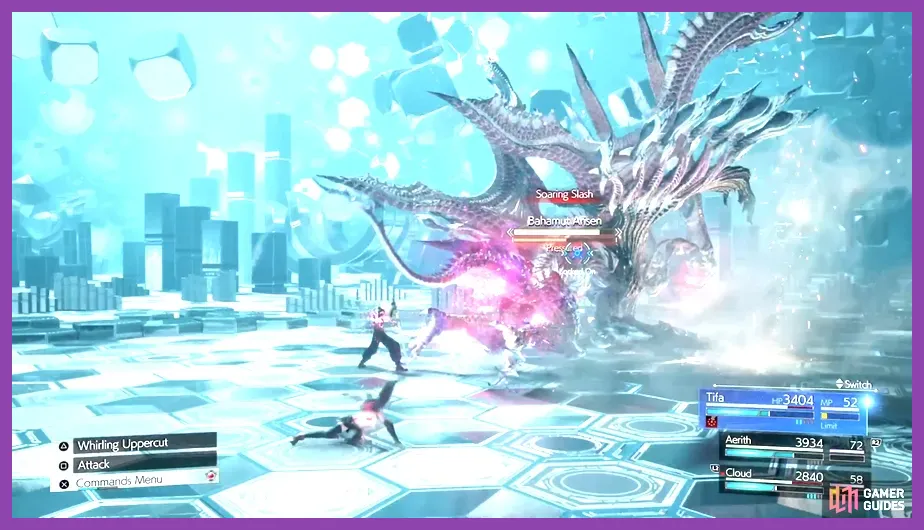
A computer close to the GTX 1070/RX 580 minimum should prioritize consistent frame times over visual quality. Begin at 1920x1080, select the lowest preset, and use a 30fps cap. Then apply this practical profile:
- Dynamic resolution: On, if available in your build
- Textures: Medium if your GPU has 8GB VRAM; Low for 4GB cards
- Shadows: Low
- Model detail: Low
- Background model detail: Low
- Effects: Low or Medium
- Anti-aliasing: The lower-cost option available in the menu
- Fog and vegetation: Low
- Character and NPC display: Low or Medium
Keep textures higher than shadows when VRAM allows it. Lowering texture quality makes Cloud, Tifa, and the environment visibly softer, while reducing shadows usually has a smaller impact during normal play. If traversal produces hitching, lower background model detail and NPC display before lowering the resolution.
Close browsers, launchers, RGB utilities, and recording software before starting the game. Windows 10 should be fully updated, and the game should be installed on an SSD with at least 15 to 20 percent free space beyond the required 155GB. An SSD that is nearly full can reduce the benefit of fast asset streaming.
Best Settings for Recommended PCs

For an RTX 2070 or RX 6700 XT paired with the recommended CPU, use 1080p, medium quality, and a 60fps cap. This is the profile closest to the developer’s published target:
- Resolution: 1920x1080
- Preset: Medium
- Textures: High, provided VRAM usage remains stable
- Shadows: Medium
- Model and background detail: Medium
- Effects: Medium or High
- Fog: Medium
- Vegetation: Medium
- Hair detail: Medium
- Upscaling: Quality mode if available and necessary
Do not assume a 60fps counter means perfectly smooth gameplay. Watch for one-percent-low drops when entering open areas such as the Grasslands and Junon, during summon attacks, or while the party moves through dense settlements. If the average frame rate is good but traversal feels uneven, reduce background detail and vegetation first. If combat effects cause GPU load spikes, reduce effects quality and fog.
Nvidia users should install a current Game Ready driver and test DLSS if the game exposes it on their system. AMD users should use the latest Adrenalin driver and avoid stacking driver-level sharpening with in-game sharpening. A stable 60fps cap is preferable to an uncapped rate that repeatedly jumps between 45 and 70fps.
Can Your PC Run Rebirth at 1440p or 4K?
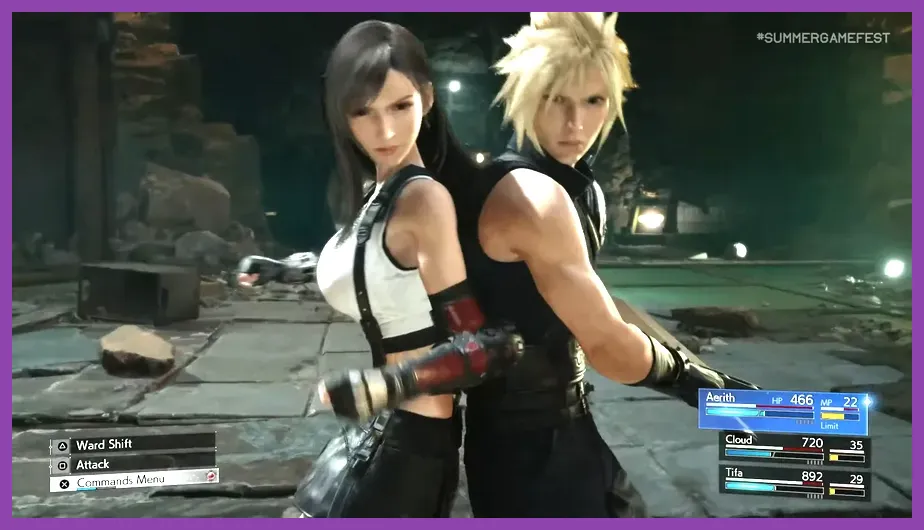
The published recommended hardware is not a 4K specification. At 1440p, an RTX 3070, RTX 4060 Ti, RX 6800, or faster card is a more comfortable starting point, although the exact result depends on settings and upscaling. For 4K, target a high-end card such as an RTX 4080-class or RX 7900 XTX-class GPU and expect to use an upscaler or a 30fps cap in demanding areas.
VRAM matters increasingly at higher resolutions. Eight gigabytes can handle the minimum 1080p target, but 12GB or more gives extra room for high textures and reduces the chance of streaming compromises. Your CPU still matters at 60fps because NPC counts, world streaming, and combat simulation can create processor-side frame-time spikes.
The 155GB installation is only the starting point. Keep additional free capacity for patches, shader caches, and temporary files. If you are replacing hardware specifically for Rebirth, prioritize an NVMe SSD, 16GB dual-channel memory, and a GPU with at least 8GB VRAM before chasing ultra settings. Steamoz’s graphics performance guide offers the same useful principle: identify the setting causing the bottleneck instead of lowering everything blindly.
Upgrade Priorities Before Buying Rebirth
If your PC fails the minimum specification, upgrade in this order:
- Install an SSD: This is mandatory for the stated configuration and should be the first upgrade for a hard-drive system.
- Reach 16GB dual-channel RAM: Two matched memory modules are preferable to one stick, especially when background streaming is active.
- Upgrade the GPU: Aim for an 8GB GTX 1070/RX 580 equivalent for low 30fps play, or an RTX 2070/RX 6700 XT equivalent for medium 60fps at 1080p.
- Check the CPU: An i5-8400 or Ryzen 5 2600 meets the floor, while an i7-8700 or Ryzen 5 3600 is the safer 60fps target.
- Update drivers and Windows: DirectX 12 support alone does not guarantee stable performance.
Before purchasing, compare your exact processor and graphics card against the official Square Enix support portal and the official Final Fantasy VII PC information. Also check your monitor’s native resolution: a 1080p display makes the recommended specification realistic, while 1440p and 4K require additional GPU headroom.
Bottom line: the minimum Final Fantasy 7 Rebirth PC requirement is a 16GB system with a GTX 1070 or RX 580, a compatible six-core CPU, and a 155GB SSD for 1080p/30fps on low. The best recommended target is an i7-8700 or Ryzen 5 3600, RTX 2070 or RX 6700 XT, and 16GB RAM for 1080p/60fps on medium. Build around those targets, then adjust shadows, background detail, vegetation, and effects to control the demanding areas without unnecessarily sacrificing texture quality.