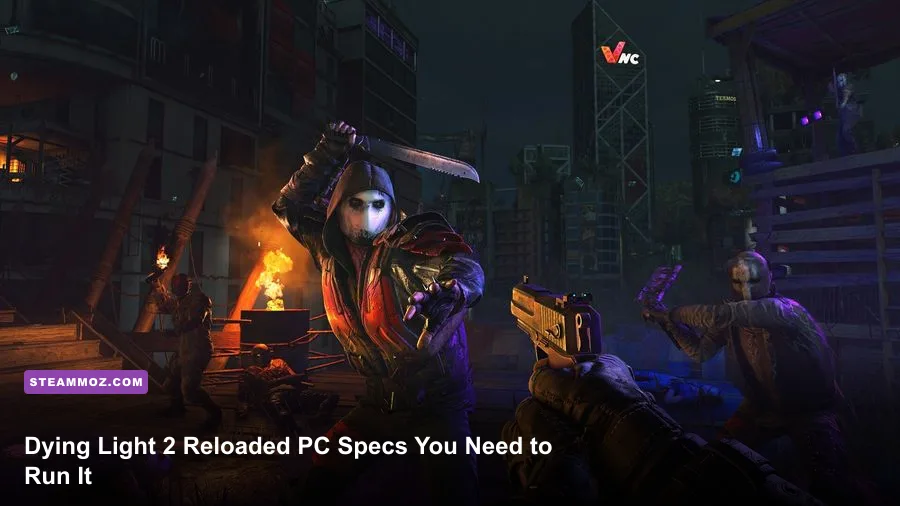
Dying Light 2 Stay Human: Reloaded Edition needs a modest gaming PC for 1080p on Low, but the story changes quickly once you target 60 fps, install the game on an SSD, or enable ray tracing. The practical baseline is an Intel Core i3-9100 or AMD Ryzen 3 2300X, 8GB of RAM, and a GTX 1050 Ti or Radeon RX 560 with 4GB of VRAM. For the experience most PC players actually want, aim for a Core i5-8600K or Ryzen 5 3600X, 16GB memory, and an RTX 2060 or RX Vega 56.
This guide breaks down the official Dying Light 2 Reloaded Edition system requirements, explains what those parts mean in real gameplay, and gives you sensible settings for stable performance. The standard requirements are aimed at 1080p, while ray tracing has a separate and much steeper hardware tier. Before buying, compare your machine with the official Dying Light 2 Steam listing, because driver updates and patches can change how closely your results match the target.

🎮 Get Dying Light 2 Stay Human: Reloaded Edition
Ready to dive in? Grab your copy today for just $11.99.
Check OfferDying Light 2 Reloaded Edition system requirements
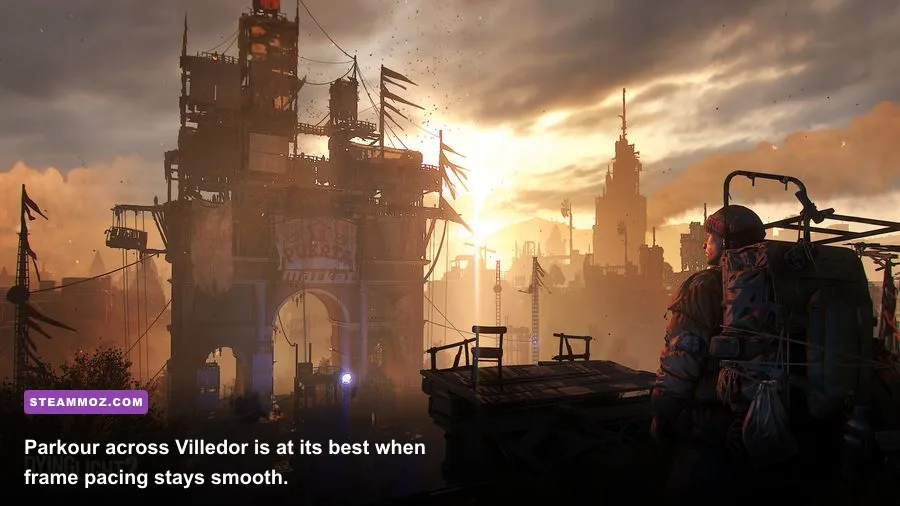
Techland’s listed specifications split the game into standard rendering and ray-traced rendering. That distinction matters. A graphics card that can technically launch Dying Light 2 may still struggle with the game’s dense city scenes, especially during storms, nighttime chases, and large combat encounters involving several infected.
| Requirement tier | Processor | Memory | Graphics card | Storage |
|---|---|---|---|---|
| Minimum, 1080p/30fps Low | Intel Core i3-9100 or AMD Ryzen 3 2300X | 8GB RAM | GeForce GTX 1050 Ti 4GB or Radeon RX 560 4GB | 60GB HDD |
| Recommended, 1080p/60fps High | Intel Core i5-8600K or AMD Ryzen 5 3600X | 16GB RAM | GeForce RTX 2060 6GB or Radeon RX Vega 56 8GB | 60GB SSD |
| Ray tracing minimum | Intel Core i5-8600K or AMD Ryzen 5 3600X | 16GB RAM | GeForce RTX 2070 8GB or Radeon RX 6800 XT 16GB | 60GB SSD |
| Ray tracing recommended | Intel Core i5-8600K or AMD Ryzen 7 3700X | 16GB RAM | GeForce RTX 3080 10GB or Radeon RX 7900 XTX 24GB | 60GB SSD |
All four tiers assume a 64-bit version of Windows 10. The minimum row is a launch target, not a promise of a locked 30fps everywhere. The GTX 1050 Ti and RX 560 can handle the game at a reduced visual profile, but their limited shader performance and 4GB graphics memory leave little room for texture, shadow, or view-distance experimentation.
The recommended row is much more useful as a buying guide. The RTX 2060 and RX Vega 56 are aimed at 1080p High, but modern equivalents such as an RTX 3060, RTX 4060, RX 6600 XT, or RX 7600 should also be comfortable at that resolution. The exact result depends on your CPU, cooling, background applications, and whether you use native rendering or an upscaler.
🎮 Dying Light 2 Stay Human: Reloaded Edition
Looking to experience this game? Grab your digital key directly on our store for $11.99.
View on Steammoz Store →What the minimum PC specs really deliver
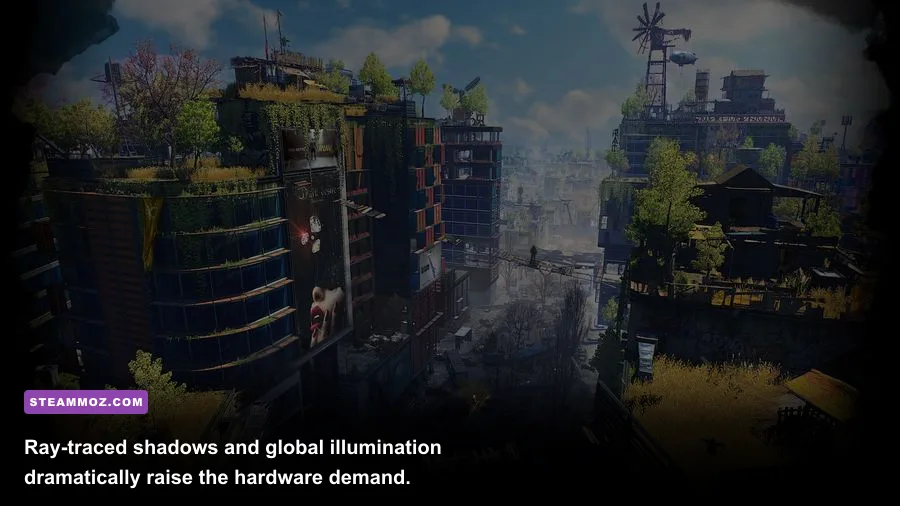
The minimum configuration is enough to play, but you should treat it as a controlled survival setup. Start at 1920x1080 with the Low preset, then cap the frame rate at 30fps if your system frequently swings between the high 20s and mid-40s. A steady 30fps feels far better during parkour than an unstable frame rate that constantly changes as you cross Villedor.
The Core i3-9100 and Ryzen 3 2300X are four-core processors. They meet the listed floor, yet Dying Light 2 can put pressure on the CPU when the game streams city geometry, processes infected, and handles physics-heavy melee encounters. Expect the worst dips in dense streets, safe zones packed with NPCs, and areas where a chase continues through several connected interiors.
Eight gigabytes of RAM is also a hard limit rather than a comfortable amount. Close browsers, launchers, recording software, and RGB utilities before playing. If Windows is already using several gigabytes, the game has less room for asset streaming and you may notice stutter when moving quickly across rooftops. Upgrading to 16GB is one of the most worthwhile changes for an older system.
On the graphics side, lower Shadow Quality, Fog Quality, and Contact Shadows first. These settings can cost a surprising amount in nighttime scenes without making the game look dramatically worse. Keep textures as high as your VRAM allows, because texture quality generally affects memory more than raw frame rate. With a 4GB card, avoid pairing Ultra textures with high resolution and high view distance.
If your computer is close to minimum, the best target is not “maximum image quality.” It’s reliable traversal. Aiden Caldwell’s parkour skills, including Far Jump, Double Jump, and Wall Run, feel much more precise when frame delivery is consistent. This is especially noticeable during timed rooftop routes and nighttime escapes from Howlers.
Recommended specs for 1080p and 60fps
The recommended Core i5-8600K or Ryzen 5 3600X class gives Dying Light 2 enough CPU headroom for a substantially smoother open-world experience. Six physical cores help with background streaming, crowds, physics, and the game’s demanding nighttime activity. Sixteen gigabytes of system memory also prevents the constant storage swapping that can undermine an otherwise capable graphics card.
At 1080p High, the RTX 2060 and RX Vega 56 are sensible starting points. They are not luxury cards by modern standards, but they have enough raster performance and VRAM for the standard lighting pipeline. An SSD is part of the recommended specification for a reason: it reduces loading and helps the game fetch world assets quickly as you move between rooftops, interiors, and the streets below.
| Target | Suggested modern hardware | Starting settings | Useful frame-rate goal |
|---|---|---|---|
| 1080p Low | GTX 1050 Ti, RX 560, 8GB RAM | Low preset, reduced shadows, no ray tracing | 30fps |
| 1080p High | RTX 2060, RX Vega 56, 16GB RAM | High preset, DLSS/FSR Quality if needed | 50–60fps |
| 1440p High | RTX 3060 Ti, RTX 4060 Ti, RX 6700 XT or better | High preset with Quality upscaling | 60fps target |
| 4K High | RTX 3080, RTX 4070, RX 7900 XT or better | High preset with upscaling | 45–60fps |
Those targets are practical ranges, not laboratory guarantees. Dying Light 2’s performance can vary sharply between a quiet rooftop, a crowded Bazaar, and a dark alley filled with Volatiles. If you want to learn how Steamoz approaches PC troubleshooting in other demanding titles, our ELEX crash and FPS fixes offers the same sensible order: update drivers, remove unstable overlays, then tune the game.
For a 60fps experience, prioritize frame-time consistency over chasing every last High setting. A locked 60fps at a slightly reduced shadow quality looks and feels better than a fluctuating 45–75fps profile. That difference is obvious when you vault over a railing, swing the Grappling Hook, or turn quickly while a Volatile closes the gap.
Ray tracing changes the hardware conversation
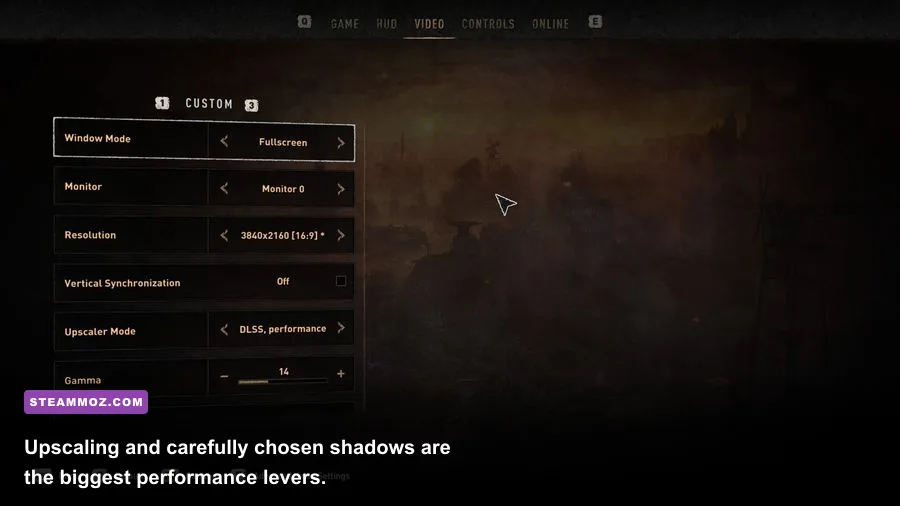
Ray tracing is where the Reloaded Edition becomes genuinely demanding. The ray-traced preset affects shadows, global illumination, ambient occlusion, and reflections, depending on the selected configuration. Villedor’s streets look richer, particularly at night, but the cost is severe because the game is already rendering a large open environment with dynamic weather and dense lighting.
The ray tracing minimum calls for a Core i5-8600K or Ryzen 5 3600X, 16GB RAM, and at least an RTX 2070 or RX 6800 XT. The AMD requirement looks unusually strong because ray-tracing workloads vary significantly between architectures. Don’t read “RTX 2070 minimum” as a guarantee of native 1080p at 60fps with every RT option enabled. It’s better viewed as an entry point for 1080p with an upscaler and carefully reduced RT settings.
Ray tracing recommended hardware jumps to an RTX 3080 or RX 7900 XTX, paired with a Ryzen 7 3700X or equivalent Core i5-8600K-class processor and 16GB RAM. On Nvidia cards, DLSS can recover a large amount of performance while maintaining a sharp image. On AMD and Intel systems, FSR is the obvious alternative. Use Quality first; Balanced can introduce shimmering around fences, cables, and fine rooftop geometry.
| Graphics setting | Recommended value | Performance impact | Visual trade-off |
|---|---|---|---|
| Ray-Traced Global Illumination | Off or Medium | Very high | Night interiors lose some bounce lighting, but overall clarity remains strong |
| Ray-Traced Flashlight | Off on mid-range GPUs | High in dark areas | Flashlight shadows become simpler |
| Shadow Quality | Medium or High | Medium to high | Lower settings reduce distant shadow detail |
| Fog Quality | Medium | Medium | Less depth and atmospheric layering during weather |
| Reflections | Screen Space or Low RT | Medium to very high | Water and wet surfaces lose some accurate reflections |
| DLSS or FSR | Quality | Performance gain | Minor softness; Balanced is less clean at 1080p |
My practical advice is simple: play the standard High preset first. Once you know your baseline, add one ray-tracing feature at a time and watch the frame-time graph rather than only the average fps counter. Ray tracing can look spectacular in a screenshot, but it’s not worth turning a fluid melee system into a stuttery fight.
Best PC settings for a smoother Villedor
Use the following profile as a starting point for the recommended hardware tier. Set textures according to VRAM, not system RAM. Six gigabytes of VRAM is generally more comfortable than 4GB at 1080p, while 8GB or more gives you additional room at 1440p. If texture streaming causes hitching, drop texture quality one step before lowering resolution.
Balanced 1080p profile
- Preset: High, then customize.
- Resolution: 1920x1080.
- Upscaler: DLSS Quality on Nvidia RTX cards or FSR Quality on other supported hardware.
- View Distance: Medium or High. This setting can affect CPU load and distant geometry.
- Shadow Quality: Medium. High shadows are expensive during storms and nighttime scenes.
- Fog Quality: Medium.
- Ambient Occlusion: On, but disable the ray-traced version on mid-range hardware.
- Contact Shadows: Off or Low if you need extra headroom.
- Motion Blur: Off for a cleaner view during rapid parkour.
- Film Grain and Chromatic Aberration: Personal preference; disabling both produces a sharper image.
- Ray Tracing: Off unless you have at least the dedicated RT tier.
Cap the frame rate to a number your PC can hold in the busiest area, not the number it reaches on an empty rooftop. For a 60Hz display, 60fps is ideal. On a 120Hz or 144Hz monitor, a stable 90fps or 100fps target can feel excellent, but only if your GPU can sustain it during combat and city traversal.
Also enable the game’s shader compilation or preloading options when available, and keep your graphics driver current. Dying Light 2 has received substantial post-launch support, including updates tied to the Reloaded Edition and expanded content. Check Techland’s official Dying Light website and the Techland support portal for current fixes before assuming your hardware is at fault.
SSD space, Windows, and upgrade priorities
The listed storage requirement is 60GB, and you should install the game on an SSD whenever possible. An HDD can satisfy the minimum specification, but it may produce longer loading screens and more noticeable asset-streaming pauses during rapid movement. The game’s parkour system encourages you to cross the city quickly, so storage speed has a more visible role here than in a linear corridor shooter.
Leave extra free space beyond the advertised 60GB. Patches, downloadable content, shader caches, and temporary installation files can make a drive that is technically large enough feel cramped. The Reloaded Edition includes the base game and Bloody Ties, whose Carnage Hall content adds a separate batch of arenas, challenges, and story missions. Keep room for future updates rather than filling the drive to its final few gigabytes.
If your PC misses the recommended target, upgrade in this order:
- Move the game to an SSD if it is currently on a hard drive.
- Increase RAM to 16GB if you have 8GB and experience streaming stutter.
- Upgrade the GPU if you cannot maintain your chosen resolution and settings.
- Upgrade the CPU if GPU usage repeatedly drops while crowded areas cause severe frame-time spikes.
- Improve cooling if clocks fall during long sessions, since thermal throttling can mimic weak hardware.
A GPU upgrade helps most players, but CPU limitations are real. If your graphics card usage sits around 70 percent while the frame rate collapses near crowds, lowering resolution won’t solve the problem. Reduce view distance, close background tasks, and check temperatures instead. For more examples of how settings can rescue frame pacing, see Steamoz’s Dragonkin settings breakdown and our guide to reading PC requirements beyond the marketing label.
So, can your PC run Dying Light 2 Reloaded?
Yes, if your system meets the GTX 1050 Ti/RX 560 and Core i3-9100/Ryzen 3 2300X baseline, you can play Dying Light 2 Stay Human: Reloaded Edition at 1080p with reduced settings and a realistic 30fps target. That configuration is suitable for exploring the campaign, but it won’t give you much room for ray tracing, high view distance, or heavy background multitasking.
For the sweet spot, use a six-core processor, 16GB RAM, an RTX 2060-class or RX Vega 56-class graphics card, and an SSD. That combination is the closest match for 1080p High and responsive parkour without turning every night chase into a settings-management exercise.
Ray tracing is optional eye candy, not a requirement for enjoying the game. If you own an RTX 3080-class card or stronger, it becomes a viable high-end mode with DLSS or FSR. Everyone else should prioritize stable frame times, sensible shadows, and fast storage. In Villedor, a smooth vault over a barricade is worth more than a prettier reflection in a puddle.
For the latest edition details, check the official Steam page before purchasing. Once your PC clears the recommended tier, start with the balanced profile above, test a crowded nighttime district, and tune from there. That quick test tells you far more than a quiet rooftop benchmark ever will.