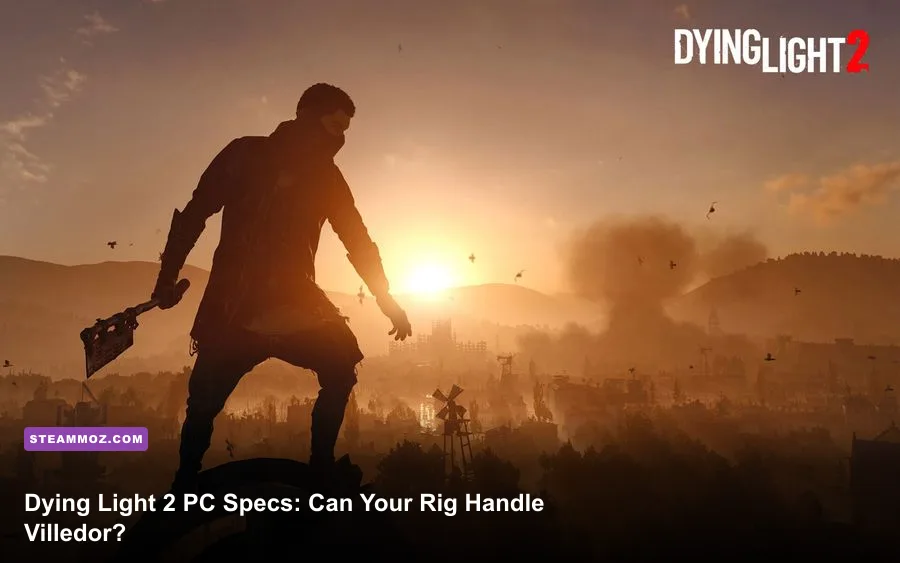
Dying Light 2: Stay Human Digital Extras Edition uses the same PC requirements as the standard game, so the bonus soundtrack, artbook, and in-game extras don't demand additional hardware. For 1080p play, you'll want at least an Intel Core i3-9100 or AMD Ryzen 3 2300X, 8GB of RAM, and a GTX 1050 Ti or Radeon RX 560 with 4GB of VRAM. The sensible target is much higher: a Core i5-8600K or Ryzen 5 3600X, 16GB of memory, and an RTX 2060 or RX Vega 56 on an SSD.
That distinction matters because Dying Light 2 is not a lightweight zombie game. Villedor streams a large open world while you sprint across rooftops, render crowds of infected, simulate physics-heavy melee impacts, and load interiors without traditional loading screens. The official minimum spec means the game can launch and reach its target profile; it doesn't promise a locked 60 frames per second. Below, you'll find the official baseline, a realistic modern recommendation, ray-tracing requirements, and the settings that make the biggest difference.
If you're checking another demanding PC release, our guide to Dragonkin graphics settings covers the same kind of performance trade-offs. Dying Light 2, however, is especially sensitive to CPU load during traversal.

🎮 Get Dying Light 2: Stay Human Digital Extras Edition
Ready to dive in? Grab your copy today for just $13.99.
Check OfferOfficial Dying Light 2 Digital Extras Edition requirements
Techland lists separate requirements for standard rendering and ray tracing. The standard minimum targets 1080p at 30fps on Low, while the standard recommended profile targets 1080p at 60fps on High. Those targets are more useful than simply reading the component names: the minimum GPU is a 4GB card, and the recommended configuration jumps to a considerably stronger RTX 2060-class card.
The Digital Extras Edition doesn't include a larger map, higher-resolution textures, or an enhanced graphics package. Its digital artbook and soundtrack are essentially storage extras, while the in-game Reload and Reach for the Sky bundles don't change the rendering workload. In practical terms, buying the edition does not change your CPU, GPU, RAM, or operating-system checklist.
| Component | Minimum | Recommended | What the target means |
|---|---|---|---|
| Operating system | Windows 7 64-bit | Windows 10 64-bit | Windows 10 or 11 is the safer modern choice |
| Processor | Intel Core i3-9100 / Ryzen 3 2300X | Intel Core i5-8600K / Ryzen 5 3600X | Recommended CPUs handle traversal and crowds more consistently |
| Memory | 8GB RAM | 16GB RAM | 16GB reduces streaming and background-task pressure |
| Graphics card | GTX 1050 Ti 4GB / RX 560 4GB | RTX 2060 6GB / RX Vega 56 8GB | Minimum is a Low-settings baseline, not a High-settings guarantee |
| Storage | 60GB HDD | 60GB SSD | An SSD improves texture streaming and reduces traversal hitching |
| Preset target | 1080p, 30fps, Low | 1080p, 60fps, High | Ray tracing is excluded from both standard targets |
One important caveat: official minimum specifications are usually tested with a clean system and a narrow performance target. An older four-core processor may technically qualify, but background recording, browser tabs, Discord overlays, and inconsistent boost clocks can turn a nominal 30fps experience into a stuttery one. The game is playable at the minimum, but the recommended specification is the more comfortable starting point.
🎮 Dying Light 2: Stay Human Digital Extras Edition
Looking to experience this game? Grab your digital key directly on our store for $13.99.
View on Steammoz Store →What performance should your PC actually deliver?
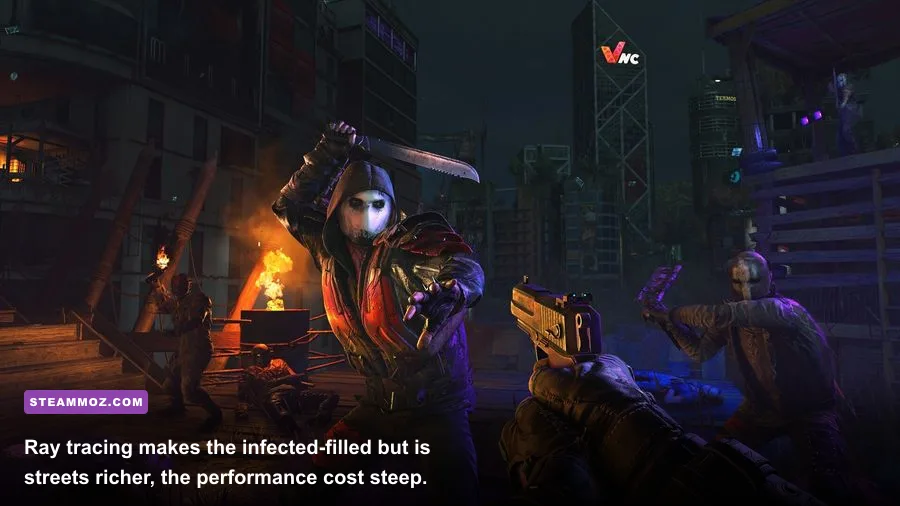
The gap between the minimum and recommended hardware is visible during normal play. A quiet interior with a few Biters is relatively easy to render. The pressure rises when Aiden moves through a dense district, vaults across multiple rooftops, and triggers a chase with Volatiles. At that point, the CPU is feeding more world simulation and animation work while the GPU handles shadows, volumetric effects, foliage, and the city skyline.
A GTX 1050 Ti or RX 560 should be treated as a 1080p Low, 30fps setup. Lowering the resolution scale can help when the GPU is the bottleneck, but it won't solve CPU-related dips in crowded streets. Expect a better experience from a GTX 1660, RX 5600 XT, or similar card, particularly if you want a stable 60fps without ray tracing.
The RTX 2060 and RX Vega 56 remain credible 1080p High targets, although modern cards such as the RTX 3060, RX 6600 XT, RTX 4060, and RX 7600 offer more breathing room. A six-core processor with strong single-thread performance is also valuable. Dying Light 2's parkour feels dramatically better at a consistent 60fps than at an unstable 45-60fps, even if the average frame-rate counter looks respectable.
| PC profile | Likely resolution and preset | Practical expectation | Main limitation |
|---|---|---|---|
| Minimum spec | 1080p Low | Around the official 30fps target | CPU dips and streaming hitches in busy areas |
| GTX 1660 / RX 5600 XT class | 1080p Medium to High | Good 50-60fps experience with tuned settings | Heavy shadows and foliage can cause drops |
| RTX 2060 / RX Vega 56 class | 1080p High | Official 60fps target in standard rendering | Limited headroom for ray tracing |
| RTX 3060 / RX 6600 XT class | 1080p High or 1440p Medium | Smoother 60fps with sensible upscaling | Ray tracing still needs compromises |
| RTX 4070 / RX 7800 XT class | 1440p High | Strong high-refresh standard-rendering setup | Ultra ray tracing remains expensive |
Don't judge performance solely from the opening sequence. The first hours introduce smaller spaces and fewer systems. Once you reach the Central Loop and start crossing areas such as Downtown, Garrison, and New Dawn Park, streaming and crowd density become better tests. Night pursuits are the worst-case scenario because the game layers darkness effects, fog, enemy AI, and rapid movement on top of the open-world workload.
Ray tracing requirements are a different beast
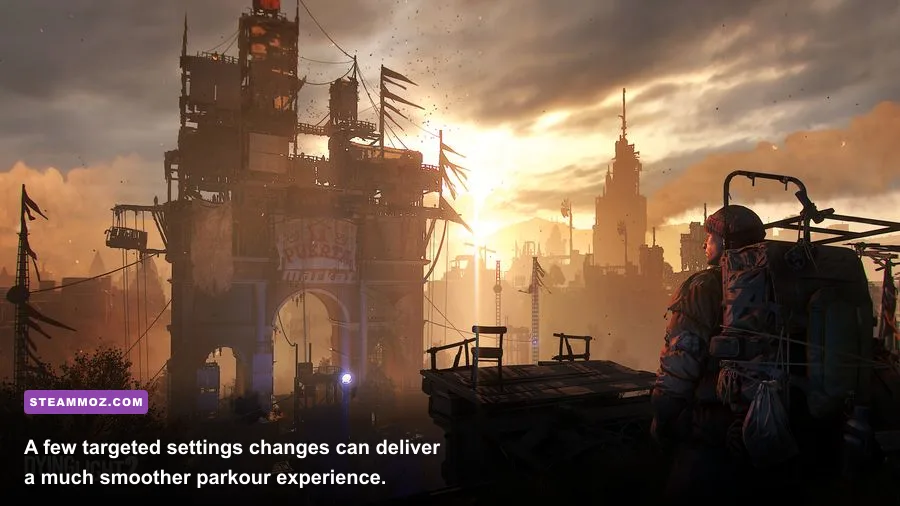
Ray tracing changes the recommendation substantially. Techland's ray-tracing minimum calls for an RTX 2070 8GB or RX 6800 16GB, paired with a Core i5-8600K or Ryzen 5 3600X, 16GB of RAM, and an SSD. The recommended ray-tracing configuration rises to an RTX 3080 10GB with a Core i5-12600K or Ryzen 7 5800X, 16GB of RAM, and an SSD.
Those requirements aren't inflated for show. Dying Light 2 uses ray-traced global illumination, shadows, reflections, and ambient occlusion to make wet streets, interiors, and night lighting far more convincing. The visual upgrade is strongest in dark safe zones and rain-soaked streets, not necessarily during a frantic daytime brawl. The cost, though, is paid across the entire open world.
An RTX 2060 can run the game well without ray tracing, but it isn't a comfortable ray-tracing card for this title. An RTX 2070-class GPU may reach a playable result at 1080p with upscaling and reduced settings, yet native resolution and high ray-tracing quality are another story. AMD's RX 6800 has ample VRAM and raster performance, but its ray-tracing efficiency varies by effect and resolution.
| Ray-tracing profile | CPU and GPU | Resolution approach | Best use |
|---|---|---|---|
| Ray tracing minimum | i5-8600K or Ryzen 5 3600X; RTX 2070 or RX 6800 | 1080p with upscaling and tuned effects | Atmospheric lighting without chasing maximum image quality |
| Ray tracing recommended | i5-12600K or Ryzen 7 5800X; RTX 3080 | 1080p or 1440p with upscaling | High-quality ray-traced exploration and combat |
| Modern enthusiast | Ryzen 7 7800X3D or Core i7-13700K; RTX 4070 Ti or better | 1440p with DLSS or equivalent | High-refresh play with fewer compromises |
Upscaling is the key. On Nvidia hardware, DLSS can recover a large amount of performance while keeping distant rooftops and signage cleaner than a simple resolution reduction. AMD users can use FSR where available, though the ideal setting depends on whether you value sharper foliage or a steadier frame rate. If you enable ray-traced shadows and global illumination, don't leave every other setting at Ultra by default.
For another perspective on squeezing performance from a demanding RPG, see our ELEX PC fixes guide. The lesson carries over: stability, frame pacing, and driver housekeeping matter more than a single peak benchmark number.
Best graphics settings for a smoother 1080p experience
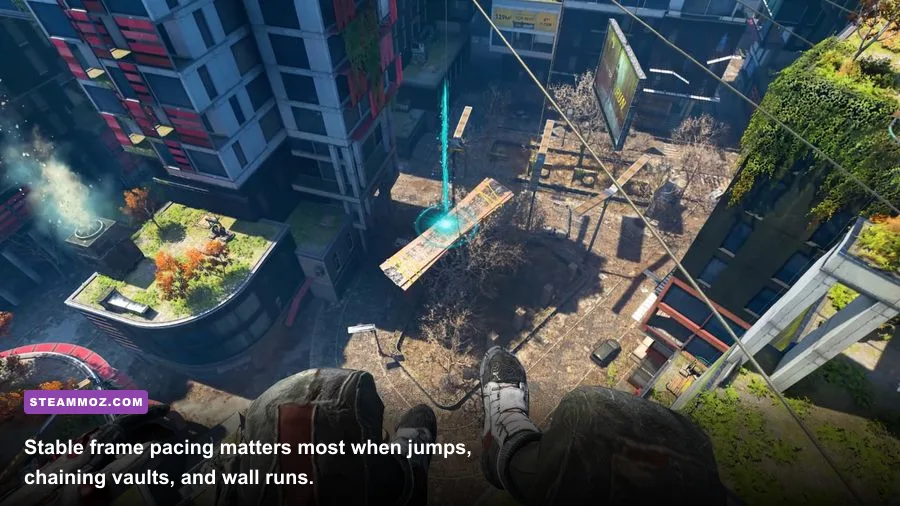
Start with the High preset if your system resembles the recommended specification, then tune individual options instead of dropping everything to Medium. Dying Light 2's most expensive settings aren't equally valuable. Shadows and fog can be costly, while several texture-related options have a smaller frame-rate impact but preserve the game's atmosphere.
| Setting | Recommended value | FPS impact | Visual trade-off |
|---|---|---|---|
| Render Mode | DirectX 12 | System-dependent | Can improve modern GPU performance, but test for stutter |
| Upscaler | Quality at 1080p; Balanced at 1440p | High benefit | Small loss of fine detail, especially in foliage |
| Shadow Quality | Medium | High benefit | Less precise rooftop and interior shadowing |
| Fog Quality | Medium | Medium to high benefit | Reduced depth in haze and night scenes |
| Contact Shadows | Off or Low | Low to medium benefit | Objects look slightly less grounded |
| Ambient Occlusion | High without RT; SSAO with RT off | Medium benefit | Lower settings flatten corners and debris |
| Particle Quality | Medium | Medium benefit | Less detail in sparks, dust, and combat effects |
| Motion Blur | Off | Minimal FPS change | Sharper camera movement and parkour footage |
| Texture Quality | High if VRAM allows | Low FPS impact | Uses more VRAM but keeps surfaces crisp |
Textures are a trap for unnecessary compromises. If your card has 6GB or more VRAM, High textures are usually worth keeping, provided you aren't running several other VRAM-heavy features at once. Dropping textures first can make Villedor look muddy without fixing a CPU bottleneck.
For a competitive-feeling 60fps profile, disable ray tracing, set shadows and fog to Medium, keep textures High, use an upscaler on Quality, and cap the frame rate at a number your machine can sustain. A locked 60 is preferable to bouncing between 48 and 75 while you launch into a paraglider flight. If your monitor supports variable refresh rate, enable FreeSync or G-SYNC and cap a few frames below the panel's maximum.
How to tell whether your PC is ready

Check more than the GPU model. Dying Light 2 needs a 64-bit operating system and roughly 60GB of storage, but the SSD requirement in the recommended profile is the part many players underestimate. A hard drive can run the game, yet streaming new districts while sprinting across rooftops is where mechanical storage shows its age. Install it on an SSD with at least 10-15 percent free space if possible.
Sixteen gigabytes of RAM is the comfortable floor for a modern Windows gaming system. Eight gigabytes meets the listed minimum, but it leaves little room for a browser, launcher, capture software, or background utilities. If the game stutters despite a capable graphics card, monitor RAM usage and disk activity before assuming the GPU is at fault.
Five-minute pre-purchase checklist
- Compare your CPU against the i3-9100/Ryzen 3 2300X minimum and the i5-8600K/Ryzen 5 3600X recommended tier.
- Confirm that your GPU has at least 4GB of VRAM for the minimum profile, then be realistic about resolution and ray tracing.
- Use Windows 10 or Windows 11 64-bit rather than treating Windows 7 as a practical modern target.
- Reserve 60GB for the installation and choose an SSD for the better streaming profile.
- Update the graphics driver, close overlays, and test Central Loop performance rather than judging only the tutorial.
Also remember that the Digital Extras Edition is a content bundle, not a remaster. It won't add a hidden 4K texture pack or require a higher-end machine than the base release. You can verify the current store listing on the official Steam page, while Techland's Dying Light 2 site provides the game's official details.
If you're upgrading specifically for this game, prioritize the SSD and CPU before chasing Ultra settings. A six-core processor, 16GB of RAM, and a midrange GPU such as an RTX 3060 or RX 6600 XT create a far more balanced 1080p experience than pairing a powerful graphics card with an old quad-core chip and a crowded hard drive. For broader PC buying context, our PC specification breakdown for Drawful 2 shows how radically requirements can vary between games.
The verdict
Yes, a modest gaming PC can run Dying Light 2: Stay Human Digital Extras Edition, but the official minimum is best understood as a 1080p Low, 30fps entry point. For the version most players actually want—smooth rooftop movement, responsive melee, and fewer streaming hiccups—aim for 16GB of RAM, an SSD, a modern six-core CPU, and at least RTX 2060 or RX Vega 56-level graphics. Skip ray tracing unless you have roughly RTX 2070-class hardware or better, and treat an RTX 3080-class system as the real high-quality ray-tracing target.
That setup won't merely make Villedor prettier. It keeps the frame pacing steady when a peaceful rooftop run suddenly becomes a night chase, which is exactly when Dying Light 2 feels at its best.