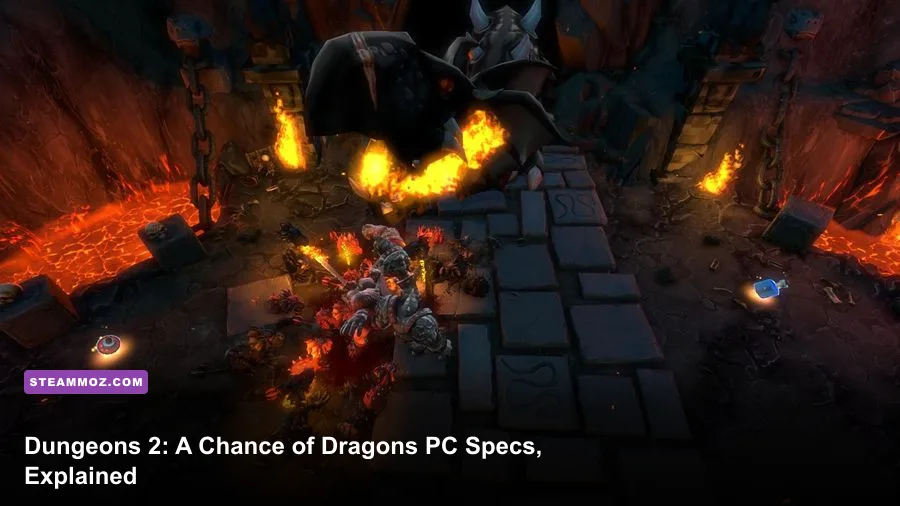
Dungeons 2 - A Chance of Dragons is an undemanding PC expansion by modern standards, but its official minimum and recommended requirements still tell an important story: you need a 64-bit Windows installation, DirectX 11 graphics, and enough CPU headroom for busy dungeon simulations. The minimum target is a Core 2 Duo-class processor, 4 GB of RAM, and a GeForce GTX 460 or Radeon HD 5850. For a smoother experience, aim for a Core i5-class CPU, 8 GB of memory, and a GeForce GTX 660 or Radeon R9 270 with at least 2 GB of VRAM.
That makes A Chance of Dragons much easier to run than newer real-time strategy games. You don't need a gaming powerhouse, but an old office laptop with integrated graphics can still struggle once your dungeon fills with rooms, traps, minions, prisoners, and enemy heroes. The expansion uses the same core technology as Dungeons 2, so the base game's requirements are the best practical guide for this DLC.
Dungeons 2 - A Chance of Dragons minimum requirements
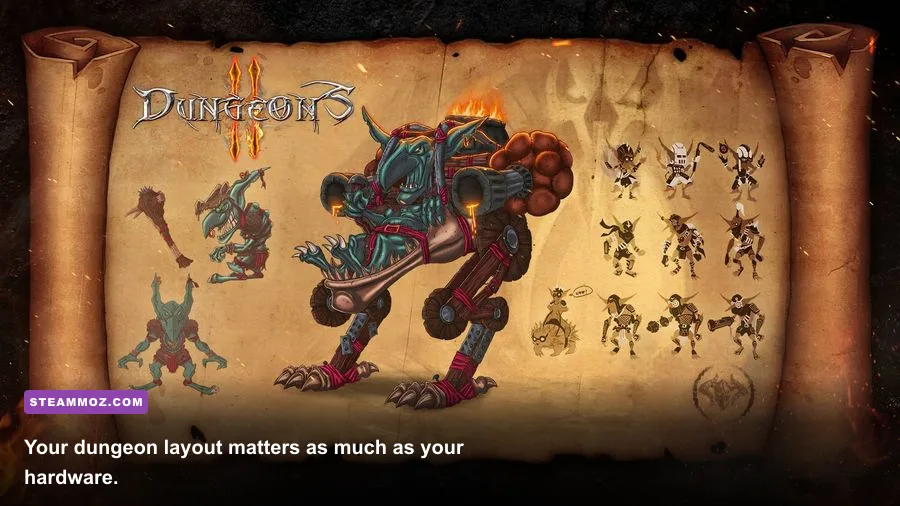
The minimum specification is aimed at launching the game and playing at modest settings, not guaranteeing a locked 60 frames per second. The listed entry point is a 64-bit version of Windows 7, an Intel Core 2 Duo running at 2.0 GHz or an AMD equivalent, 4 GB of RAM, and a DirectX 11-capable graphics card such as the NVIDIA GeForce GTX 460 or AMD Radeon HD 5850. You should also reserve roughly 5 GB of storage.
The graphics cards in that list are old, dedicated GPUs with around 1 GB of video memory. That distinction matters. A modern integrated GPU may have newer features on paper, yet its shared memory and lower sustained power can produce less consistent performance than the dated dedicated cards named by the developer. If your machine has Intel UHD graphics, AMD Vega integrated graphics, or a recent Radeon 680M, the result will depend heavily on your laptop's memory configuration and thermal limits.
| Component | Minimum requirement | What it means today |
|---|---|---|
| Operating system | Windows 7 64-bit | Windows 10 and Windows 11 64-bit are the sensible modern choices |
| Processor | Intel Core 2 Duo 2.0 GHz or AMD equivalent | Enough for small and medium simulations, but very old dual-core CPUs may hitch |
| Memory | 4 GB RAM | Playable, though 8 GB is safer with browsers and background apps open |
| Graphics | GeForce GTX 460 or Radeon HD 5850 | DirectX 11 dedicated graphics with roughly 1 GB VRAM |
| Storage | About 5 GB available space | An SSD is strongly preferable for faster loading and smoother mission transitions |
Can a basic laptop run it?
Possibly, but don't judge your system by CPU clock speed alone. The game renders a fully populated underground base while also handling surface battles and AI activity. A recent four-core laptop processor can easily beat the old minimum CPU, while integrated graphics may still become the weak link. Start at 1280x720 or 1600x900, use low shadows, and keep texture quality moderate if your system uses shared graphics memory.
Also check whether your laptop is plugged in and using its performance power profile. Battery-saving modes can cap clock speeds and make a machine that should run the game look inexplicably sluggish. Close Chrome tabs, recording software, and launchers before testing. With only 4 GB of system memory, background applications can cause stutter that looks like a graphics problem.

🎮 Dungeons 2 - A Chance of Dragons
Looking to experience this game? Grab your digital key directly on our store for $0.99.
View on Steammoz Store →Recommended PC specs for a smoother campaign
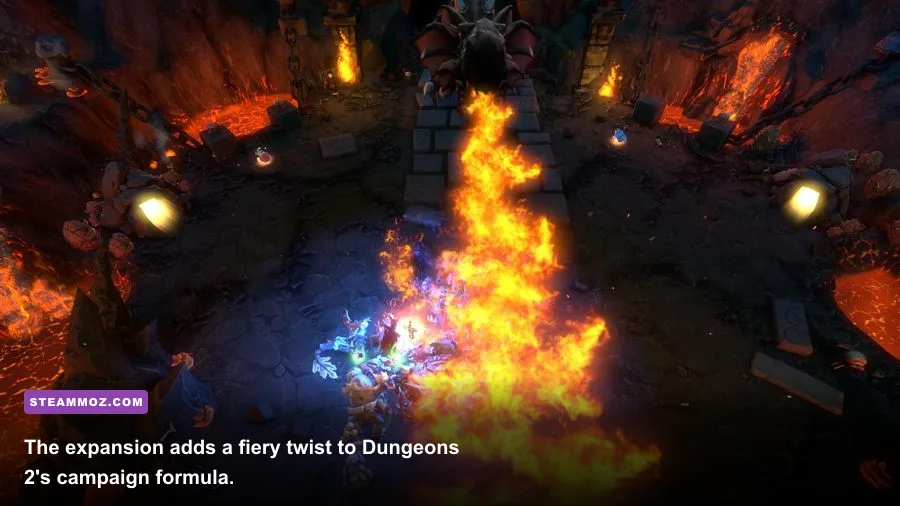
The recommended target raises the bar to an Intel Core i5 at 3.0 GHz or an AMD FX-8350-class processor, 8 GB of RAM, and a GeForce GTX 660 or Radeon R9 270. The recommended GPU class typically offers 2 GB of VRAM, which gives the game more breathing room for higher resolutions and textures. Storage remains around 5 GB, although Steam and Windows updates mean you should leave considerably more free space on the drive.
These are comfortable 1080p-era specifications, not a promise of ultra settings on every modern system. The GTX 660 and R9 270 are old cards, but they are still useful reference points: if your GPU is newer than a GTX 1050, GTX 1650, RX 560, or equivalent, the graphics side is unlikely to be a serious obstacle at 1080p. The CPU becomes more important when the dungeon grows and several groups fight simultaneously.
| Component | Recommended requirement | Best practical target |
|---|---|---|
| Operating system | Windows 7 64-bit | Windows 10 or Windows 11 64-bit with current drivers |
| Processor | Intel Core i5 3.0 GHz or AMD FX-8350 | Any modern four-core or six-core desktop CPU |
| Memory | 8 GB RAM | 8 GB minimum for the game, 16 GB for a comfortable modern setup |
| Graphics | GeForce GTX 660 or Radeon R9 270 | Modern entry-level dedicated GPU for 1080p with stronger frame pacing |
| Storage | About 5 GB available space | SSD installation with at least 10 GB free around the game |
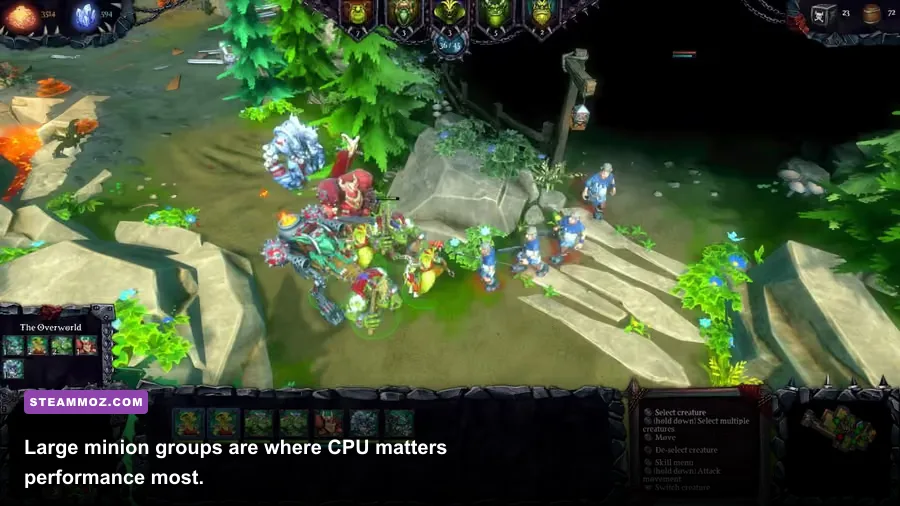
The CPU recommendation is not accidental. Dungeons 2 is a management game, and management games often punish the processor before they punish the GPU. Every minion, room, resource route, enemy patrol, and combat encounter adds simulation work. You may see high GPU utilization during a busy fight, but the ugly late-game dips often come from the main simulation thread rather than from texture rendering.
If you're comparing this expansion with newer entries in the series, our Dungeons 4 DLC guide covers a much more demanding modern setup. A Chance of Dragons is dramatically lighter and should fit comfortably on older gaming PCs.
What performance should you expect?
On a system around the minimum specification, 30 frames per second is the realistic goal at 720p or 900p with reduced shadows and effects. You may see higher numbers inside an empty dungeon, then sudden drops when multiple enemy heroes enter, traps trigger, and a large minion group converges on one room. That behavior is normal for this type of simulation and doesn't necessarily mean the GPU is failing.
A recommended-class system should handle 1080p at medium to high settings far more comfortably. The main caveat is frame pacing during the busiest missions. A 144 Hz monitor won't transform Dungeons 2 into a high-refresh competitive game; the title's simulation and camera movement feel perfectly fine around a stable 60 FPS. Chasing 120 FPS can increase power usage without making the strategy layer meaningfully better.
| Hardware profile | Suggested resolution | Likely experience | Main limitation |
|---|---|---|---|
| Minimum GPU and dual-core CPU | 1280x720 | Playable near 30 FPS on low settings | Large battles and crowded dungeons |
| Older mid-range gaming PC | 1600x900 or 1920x1080 | Mostly smooth at medium settings | CPU spikes during simulation-heavy scenes |
| Recommended-class PC | 1920x1080 | Comfortable 60 FPS target at medium-high settings | Occasional late-game frame-time dips |
| Modern gaming desktop | 2560x1440 | High settings are easily achievable | Engine and simulation limits, not raw GPU power |
Don't confuse a low average frame rate with input lag from V-sync. If the game feels sluggish despite a reasonable FPS counter, test V-sync off and use a frame cap through your graphics driver. Conversely, if you see tearing, keep V-sync enabled and accept a steady 30 or 60 FPS profile. Stable frame delivery feels better here than a wildly fluctuating number.
Best graphics settings for weak and modern PCs
The first settings to reduce are shadows and anti-aliasing. Shadows add a noticeable rendering cost without improving strategic readability much, while anti-aliasing can be expensive at higher resolutions. Texture quality is less dangerous if your card has enough VRAM, but low-memory GPUs should avoid maxing it out because texture swapping can create hitching.
| Setting | Recommended value | FPS impact | Visual trade-off |
|---|---|---|---|
| Resolution | 1080p recommended; 720p for minimum PCs | High | Lower resolution is the fastest performance win |
| Texture quality | Medium on 1 GB VRAM; High on 2 GB or more | Low to medium | Mostly affects surface detail and room materials |
| Shadow quality | Low or medium | Medium to high | Reduces depth and soft shadow detail |
| Anti-aliasing | Off or low on minimum hardware | Medium | More jagged edges, especially around dungeon walls |
| Effects quality | Medium | Medium during battles | Spell, fire, and trap effects lose some density |
| V-sync | On for stable output; off for testing | Variable | Controls tearing rather than raw image quality |
For a weak PC, use 1280x720, low shadows, low anti-aliasing, medium textures, and medium effects. For a recommended system, 1920x1080, medium-high textures, medium shadows, and low or medium anti-aliasing is the smarter balance than simply maxing everything. If you're running at 1440p, lower shadows first before sacrificing texture quality.
Driver updates are worth trying if the game crashes at launch or displays a black screen, but don't expect a new driver to rewrite the engine's performance ceiling. Verify the installation through Steam, disable aggressive overlays, and test windowed or borderless mode if exclusive fullscreen behaves badly. Our guides covering ELEX crash fixes and low-FPS troubleshooting apply many of the same practical Windows checks.
Installation checks and final verdict
Before buying, compare your PC against the official Steam page for A Chance of Dragons, then confirm that your graphics card supports DirectX 11. The Kalypso Media website is also useful for publisher information, while Realmforge Studios remains the relevant developer reference for the Dungeons series.
The short version is reassuring. If your PC has 4 GB of RAM and a dedicated DirectX 11 GPU around the GTX 460 or HD 5850 level, you can target low settings and modest resolution. If it has 8 GB of RAM, a modern four-core processor, and anything around the GTX 660 or R9 270 class, 1080p should be comfortable. An SSD won't increase your average FPS, but it will reduce loading friction and is a worthwhile upgrade for a game that asks you to jump between dungeon management and campaign missions.
Keep your expectations realistic on very old dual-core hardware: the expansion should launch, but packed bases and hectic dragon encounters are where the minimum specification shows its age. For everyone else, Dungeons 2 - A Chance of Dragons is refreshingly easy to run. Prioritize CPU stability, 8 GB of RAM, and sensible shadow settings, and you'll spend more time tormenting heroes than staring at a loading screen.