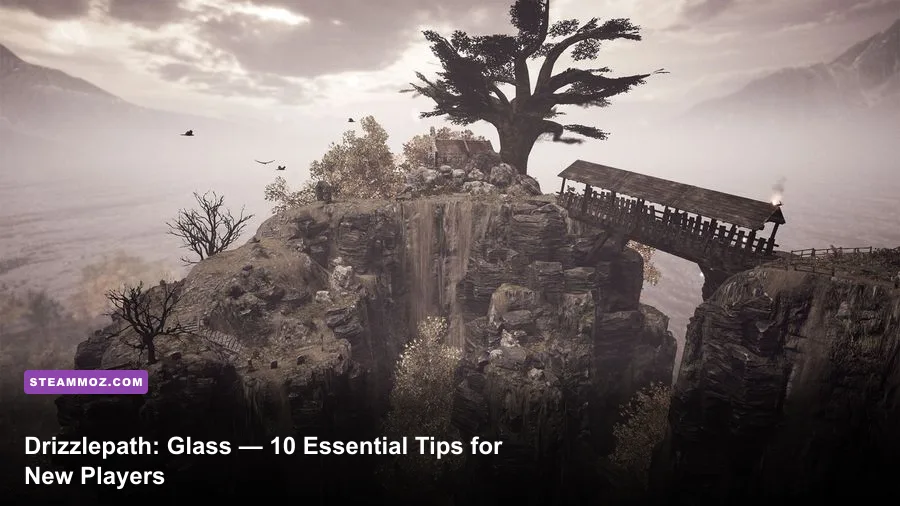
Drizzlepath: Glass becomes much easier to enjoy once you stop treating it like a conventional game. There are no weapons, skill trees, crafting menus, combat encounters, or collectible-heavy progression systems to master. Your real tools are observation, directional patience, sensible PC settings, and the willingness to investigate the landscape without turning every detour into a panic. These 10 tips will help new players stay oriented, catch the game's environmental details, and avoid the most common mistakes during its short, atmospheric journey.
1. Understand What Drizzlepath: Glass Actually Is
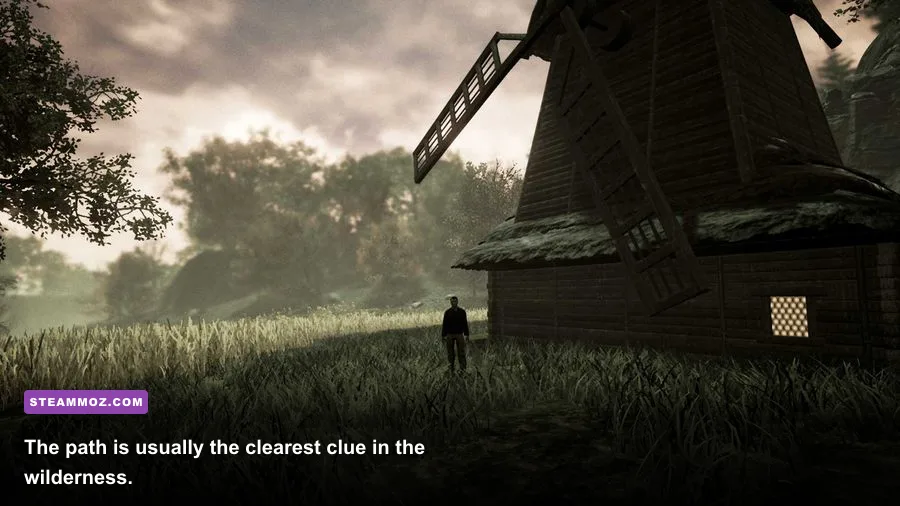
Drizzlepath: Glass is a first-person walking simulator from developer Tonguç Bodur. That label matters. The game is built around movement through a dreamlike outdoor environment, environmental sound, visual composition, and a gradual sense of discovery. It isn't hiding a combat system behind the opening section, and it doesn't suddenly turn into an RPG later.
That also means the usual gaming instincts can work against you. You don't need to conserve ammunition, compare weapons, optimize a character build, or search every object for loot. If you enjoy slow exploration games, its appeal is closer to a playable landscape painting than a traditional adventure. Steam's official Drizzlepath: Glass page is worth checking before buying because the experience is deliberately compact and focused.
Set expectations correctly and the game's simplicity feels intentional rather than empty. If you expected puzzles, enemies, or a branching narrative, you'll likely spend the entire run waiting for systems that never arrive.

🎮 Drizzlepath: Glass
Looking to experience this game? Grab your digital key directly on our store for $1.99.
View on Steammoz Store →2. Follow the Visual Route Before You Wander
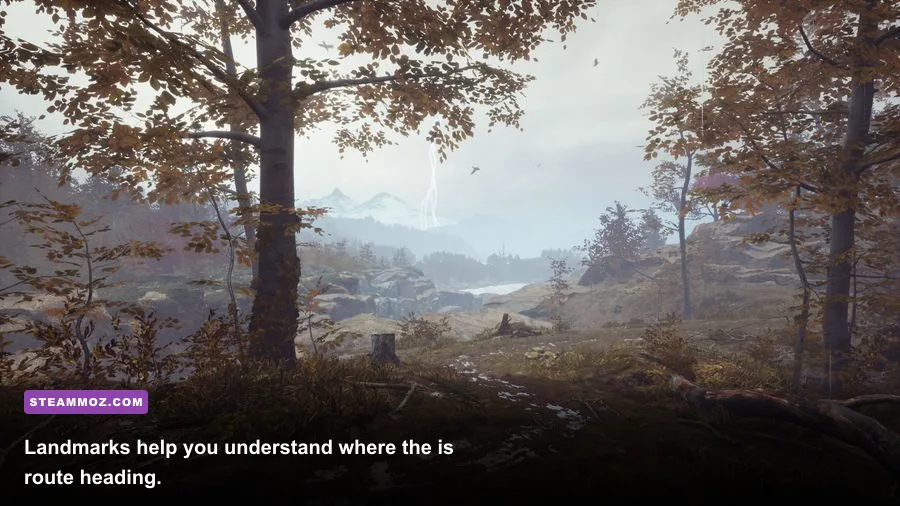
The most reliable navigation rule is simple: follow the obvious route first. Look for a worn trail, a road-like strip of terrain, a bridge, a line between rocks, or a change in elevation that looks deliberately composed. Drizzlepath: Glass often uses scenery to guide you rather than putting a large objective marker on the screen.
Before walking away from a path, stop and rotate slowly through a full 360 degrees. Check which direction has the strongest visual framing: a gap between cliffs, a bright clearing, a structure, or a prominent ridge. The intended route is usually the direction that looks like a deliberate shot in a landscape film.
Wandering isn't punished with a game-over, but it can make the experience feel strangely directionless. If you have been moving for several minutes and the scenery stops changing, backtrack to the last unmistakable trail rather than pushing deeper into decorative terrain. This is also a useful principle in larger exploration games; our Everspace 2 hidden-locations guide covers a much more system-heavy version of route reading.
3. Treat Landmarks as Your Personal Map
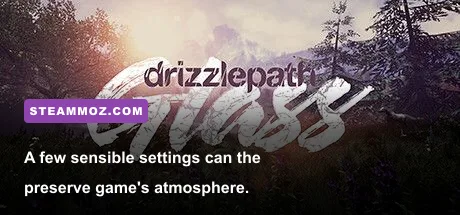
There may be no traditional map to consult, so build a mental one. Use high-contrast landmarks as anchors: unusual rock formations, distant peaks, water, isolated trees, buildings, and sharp changes in lighting. When you reach a new area, identify one landmark behind you and one ahead of you. That tiny habit prevents most accidental loops.
Don't stare exclusively at the ground. The environment is designed to be read at multiple distances, and distant scenery can reveal the intended direction long before the next section of path becomes visible. If a landmark seems to move while you walk, that is usually perspective and terrain rather than a scripted surprise.
A good explorer also pauses at the top of slopes. From higher ground, you can often see the next readable space and decide whether a side route is genuine or merely an attractive piece of scenery. Drizzlepath: Glass rewards a camera that keeps scanning, not one permanently aimed at your feet.
4. Move Slowly When the Landscape Gets Dense
There is no prize for reaching the next vista ten seconds sooner. In wooded, rocky, or visually crowded sections, reduce your movement speed and use short camera adjustments. Fast mouse movement can make small elevation changes feel larger than they are, while sprinting—if your particular control setup exposes a faster movement option—can send you past a subtle turn.
Walking slowly also improves the soundscape. Wind, footsteps, and environmental ambience can create a stronger sense of place when you aren't constantly whipping the camera around. This is one of those games where the best play session often includes several deliberate pauses.
If you feel lost, don't immediately reload. First stop moving, let the camera settle, and compare the terrain around you with what you remember from the last clear landmark. A calm reset is usually more effective than random movement.
5. Use Headphones and Adjust the Volume Mix
Audio does important atmospheric work here, even when it isn't handing you a conventional gameplay clue. Headphones make directional ambience, footsteps, weather, and musical transitions easier to separate. They also make the world feel less flat when the screen is filled with similar greens, greys, or earth tones.
Start with master volume at a comfortable level, then lower music slightly if it overwhelms environmental audio. Don't crank the volume to manufacture immersion; sudden changes in ambience can become unpleasant, especially during a long session. If you use speakers, sit closer than usual and avoid playing with other audio sources competing in the background.
For a more cinematic run, turn off unrelated notifications and close noisy overlays. Drizzlepath: Glass is short enough that treating the playthrough like a focused film pays off far more than multitasking.
6. Let the Camera Do the Storytelling
Turn slowly around major viewpoints instead of rushing straight toward the next path. The game frequently gets its emotional impact from contrast: a tight passage opening into a wide view, a bright sky over dark terrain, or a quiet stretch that makes the next environmental shift feel significant.
Keep the field of view at the default first. A very wide FOV can reveal more of the edges of the screen, but it may also make distant landmarks look smaller and distort nearby geometry. If you experience motion discomfort, test a modest increase rather than jumping immediately to an extreme value. Lower mouse sensitivity can help too, particularly when small camera movements are enough to inspect the scene.
Motion blur is personal, but disabling it is usually the safer choice for a walking simulator. You'll get cleaner turns, sharper screenshots, and less visual smear while looking for route cues.
7. Choose a Stable Graphics Profile
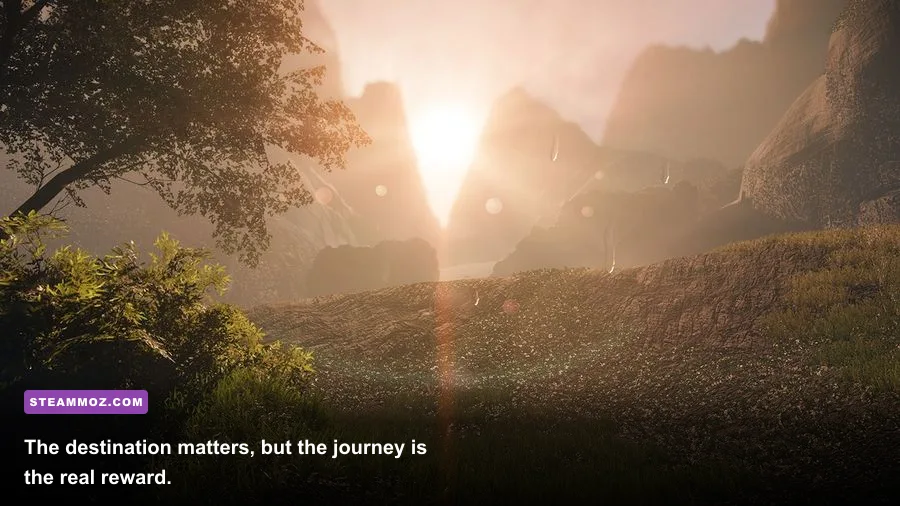
Drizzlepath: Glass benefits more from consistent frame pacing than from chasing every maximum setting. Its appeal comes from distant scenery and atmospheric lighting, so lowering everything to the lowest preset can strip away the very details that make the trip work. Start at your monitor's native resolution, then reduce expensive effects only when performance actually dips.
The exact options and labels can vary by PC build, display resolution, and driver. Use the table below as a practical starting point rather than a promise of a fixed FPS result.
| Setting | Recommended Starting Value | Performance Impact | Visual Trade-Off |
|---|---|---|---|
| Resolution | Native display resolution | High | Preserves distant terrain clarity; lower it only for major GPU drops |
| Overall Quality | High, then Medium if needed | Medium to high | Medium can soften lighting and foliage detail |
| Shadows | Medium | Medium to high | Lower values reduce depth in rocks, trees, and terrain |
| Post-processing | Medium | Medium | Lower values can reduce bloom and atmospheric softness |
| Motion Blur | Off | Minimal | Sharper camera movement and easier landmark spotting |
| Frame Rate | Stable 60 FPS target | Depends on hardware | Consistency feels better than an unstable uncapped result |
For broader PC troubleshooting habits, see Steamoz's Dragonkin settings guide and ELEX PC fixes guide. The games differ technically, but the basic order is the same: establish a stable resolution, identify the expensive setting, and change one variable at a time.
8. Don't Mistake Scenery for a Secret Objective
Drizzlepath: Glass invites you to look around, but that doesn't mean every unusual rock or distant object is an interactable secret. Walk toward visually interesting areas when you want to appreciate the view, not because you assume the game owes you a chest, achievement, or hidden dialogue line.
This distinction saves time and keeps exploration enjoyable. If a slope looks decorative but cannot be climbed, don't spend five minutes attacking it from different angles. If an object has no visible interaction prompt or response, treat it as environmental composition and move on.
That doesn't make detours pointless. Side paths can provide excellent screenshots and a better understanding of the landscape. Just separate optional sightseeing from progression so you don't feel stuck when the game is actually waiting for you to return to the main route.
9. Take Screenshots at Natural Viewpoints
The best screenshots usually come from pauses at transitions: the end of a narrow trail, the crest of a hill, the edge of a clearing, or a place where the sky occupies much of the frame. Lower your movement speed, center the horizon, and wait for your character's view to settle before capturing the image.
Use the game's own screenshot function or your platform's capture shortcut rather than relying on a phone photo of the monitor. Disable HUD elements if the build provides that option. A clean image makes the atmosphere easier to appreciate and helps you remember landmarks if you are navigating without a map.
Don't overdo filters. The game's lighting and color grading are part of its identity, and heavy post-processing can erase the muted, dreamlike look that makes its landscapes distinctive.
10. Play It in One Focused Sitting
Drizzlepath: Glass is best approached as a compact, uninterrupted experience. Breaking it into tiny sessions can make the route feel more confusing because the game depends on visual continuity and mood rather than a deep progression loop. Before starting, set aside enough time to finish a meaningful stretch without constantly checking another application.
There is no reason to rush, but there is also little value in grinding. Once you've seen a viewpoint and understood the route, keep moving. The experience is about the combination of scenery, sound, and forward motion, not replaying the same hillside until it yields a nonexistent resource.
| Situation | Best Response | Why It Works |
|---|---|---|
| You can't see the path | Stop, rotate 360 degrees, then scan higher ground | Most route clues are visual rather than menu-based |
| You are circling the same area | Return to the last obvious trail or landmark | Random movement makes terrain harder to read |
| The game feels empty | Lower the pace and listen to the ambience | The atmosphere is the primary reward |
| Performance feels uneven | Keep native resolution and lower shadows first | Shadows often cost more than their visual benefit |
| You expect combat or upgrades | Reset expectations and focus on exploration | There are no conventional combat or RPG systems to unlock |
For context on how very different classic PC adventures handle progression, our Dungeon Siege retrospective is a useful contrast. Drizzlepath: Glass is almost the opposite design philosophy: minimal systems, a controlled route, and a world meant to be absorbed rather than conquered.
Final Advice for Your First Drizzlepath: Glass Run
Keep the route in sight, slow down when the terrain becomes noisy, use landmarks instead of guesswork, and let the soundscape breathe. Most importantly, don't measure Drizzlepath: Glass by the standards of an RPG, horror game, or open-world adventure. Tonguç Bodur built it around a narrow but recognizable pleasure: moving through an evocative place and seeing what waits beyond the next rise.
You can find more information through the developer's official Tonguç Bodur website, the developer's official Steam developer page, and the game's Steam community hub. Go in expecting a short atmospheric walk, not a checklist, and these 10 tips will keep the journey smooth from the first trail to the final vista.