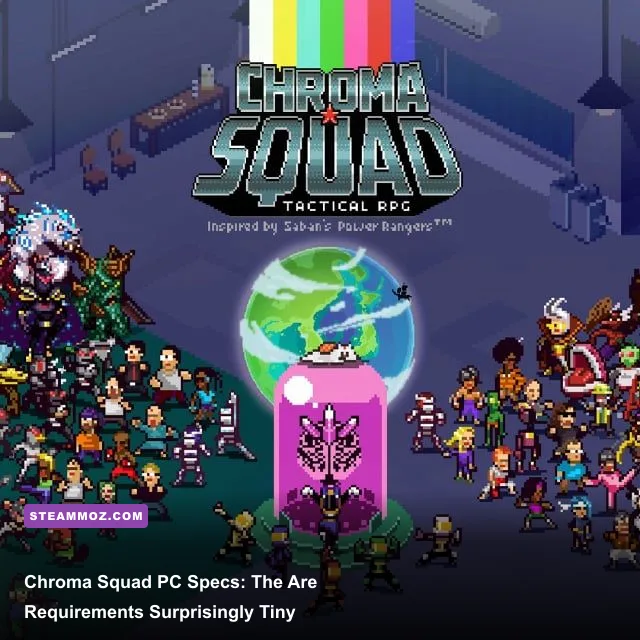
Chroma Squad is exceptionally easy to run. The official Steam minimum asks for only a 2 GHz processor, 2 GB of RAM, and a graphics card with 512 MB of video memory. For a smoother modern setup, aim for any recent dual-core CPU, 4 GB of RAM, and integrated graphics from the last decade. You do not need a gaming PC, dedicated GPU, or high-end laptop to enjoy this colorful tactical RPG.
That low barrier makes sense. Chroma Squad is built around crisp pixel art, turn-based battles, character animations, and studio-management menus rather than open-world streaming or heavy 3D effects. The real question is not whether your computer can launch it. Almost certainly, it can. The useful question is whether your machine can run it reliably at your monitor's native resolution without display quirks, input lag, or compatibility headaches.
Official Chroma Squad minimum system requirements

The published minimum specification is extremely modest by current PC standards. On Windows, Steam lists Windows XP or later, a 2 GHz processor, 2 GB of system memory, a graphics card with 512 MB of video memory, DirectX 9.0, and 2 GB of available storage. Those figures describe the hardware needed to start and play the game, not a target for modern multitasking or high-resolution comfort.
| Component | Official minimum | What it means today |
|---|---|---|
| Operating system | Windows XP or later | Windows 10 and Windows 11 are the sensible targets |
| Processor | 2 GHz CPU | Any modern dual-core laptop CPU has ample headroom |
| Memory | 2 GB RAM | Playable, but 4 GB or more is better for background apps |
| Graphics | 512 MB video memory | Most integrated graphics should exceed this comfortably |
| DirectX | DirectX 9.0 | No modern ray tracing or advanced API support is required |
| Storage | 2 GB available space | Leave extra room for the operating system and updates |
The storage requirement is worth separating from installation reality. The game itself is tiny, but a nearly full drive can still cause Windows to behave badly, especially on older hard disks. Keep at least 5 GB free on the installation drive if possible. That is not a Chroma Squad requirement; it is a practical buffer that helps avoid sluggish downloads, shader-cache problems, and general system slowdown.
Steam's official Chroma Squad store page is the best place to check the current platform listing before buying. The game has also been released on other systems, so do not confuse console or mobile requirements with the Windows PC specification.

🎮 Chroma Squad
Looking to experience this game? Grab your digital key directly on our store for $2.24.
View on Steammoz Store →Recommended PC specs for a smoother experience
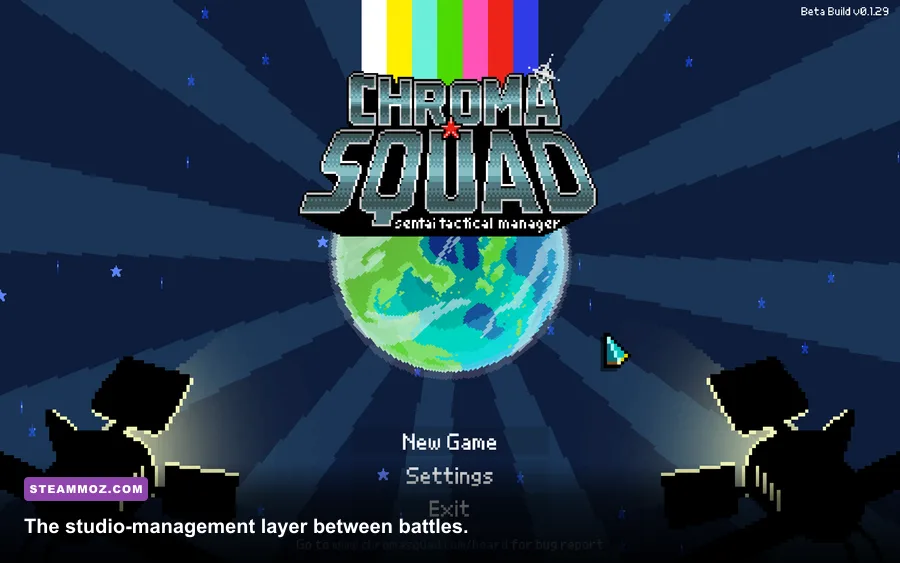
There is no demanding official recommended tier to chase here. A practical recommendation is simply a current entry-level PC: a recent Intel Core i3 or AMD Ryzen 3-class processor, 4 GB of RAM, and Intel UHD, Intel Iris Xe, or AMD Radeon integrated graphics. That configuration should run the game smoothly while leaving enough headroom for a browser, voice chat, recording software, or music in the background.
| Component | Practical recommendation | Comfortable modern target |
|---|---|---|
| CPU | Recent 2-core or 4-core processor | Intel Core i3/i5 or AMD Ryzen 3/5 from the last decade |
| RAM | 4 GB | 8 GB for multitasking and streaming |
| GPU | Intel HD 5000-level integrated graphics or better | Intel UHD, Iris Xe, or AMD Vega integrated graphics |
| Storage | 2 GB free | 5 GB free on an SSD for easier installation and loading |
| Display | 1280x720 or higher | 1920x1080 with integer-friendly scaling where available |
| Operating system | Windows 10 | Updated Windows 10 or Windows 11 |
A discrete graphics card such as a GTX 1050 Ti, GTX 1650, RX 570, or anything newer is massive overkill. Those cards will not unlock a richer lighting model or higher-quality textures because Chroma Squad's visual identity is deliberately 2D and sprite-driven. Buying a dedicated GPU for this game alone would be like buying a racing cockpit for a board game.
The same goes for the processor. Battles are turn-based, maps are compact, and the game does not stream a giant world in the background. A faster CPU may reduce menu transitions or loading on a very old machine, but it will not transform combat responsiveness in the way it would in a competitive shooter. If you are choosing between extra RAM and a stronger GPU, take the RAM unless you also play demanding modern games.
Will Chroma Squad run on an old laptop?
Usually, yes. A laptop with a fourth-generation Intel Core processor, 4 GB of RAM, and Intel HD 4400 graphics should be a comfortable fit on paper. Even low-power machines can handle the game's turn-based encounters because the workload is predictable and visually restrained. The bigger risks are old drivers, unusual screen scaling, and a failing hard drive rather than insufficient raw performance.
If your laptop only has 2 GB of RAM, close Chrome tabs, game launchers, cloud-sync utilities, and video players before launching. The game may still run, but Windows itself will become the bottleneck. This is also why our broader Drawful 2 PC specs guide is useful comparison reading: similarly lightweight games are often limited more by system maintenance than graphics horsepower.
Graphics settings and expected performance
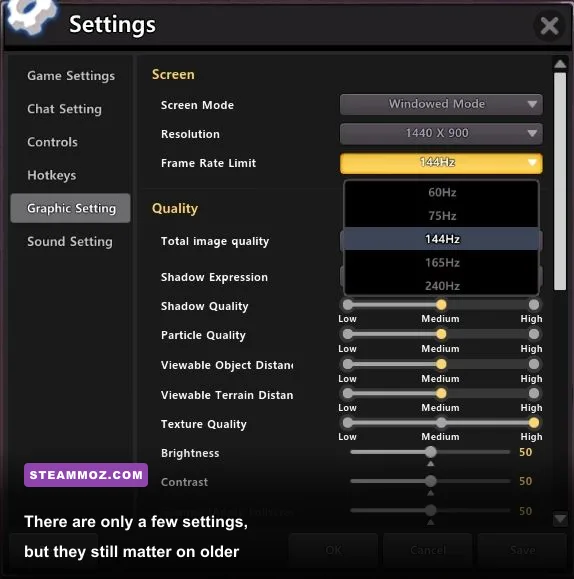
Chroma Squad does not offer the sprawling graphics menu found in a modern 3D game. You should expect basic display options such as resolution, fullscreen or windowed presentation, and synchronization controls rather than texture-quality sliders, shadow quality, ambient occlusion, or ray tracing. That is good news: there are very few settings to get wrong.
| Setting or condition | Recommended value | Performance impact | Visual note |
|---|---|---|---|
| Resolution | Native display resolution | Low | Produces the cleanest menus and pixel art |
| Fullscreen | Fullscreen on laptops | Negligible | Can reduce desktop scaling conflicts |
| Windowed mode | Use for multitasking | Negligible | Useful for guides, streaming, or chat |
| V-Sync | On if tearing appears | Very low | Prevents horizontal image tearing |
| Background applications | Close unnecessary apps | Medium on 2 GB systems | Improves stability more than lowering resolution |
| Display scaling | 100% or integer-friendly scaling | None | Helps preserve crisp sprite edges |
Do not expect a higher refresh-rate monitor to create a fundamentally different game. A 144 Hz display may make menus feel pleasant, but the strategic experience is still governed by turn selection, movement range, audience objectives, and animation timing. For more demanding games, frame pacing is a major tactical concern; here, consistent input and clean sprite presentation matter much more. Steamoz's Dragonkin settings guide covers the opposite situation, where graphics tuning has a much larger impact.
If the image looks blurry, check Windows display scaling and the game's resolution before blaming the GPU. Pixel art can look soft when a 1280x720 game image is stretched unevenly across a 1080p or ultrawide desktop. Fullscreen mode, native resolution, and integer-friendly scaling are the best first fixes. Avoid randomly lowering resolution unless the machine is genuinely struggling; on this game, blurry output is more likely than low frame rate.
How the hardware affects the actual game
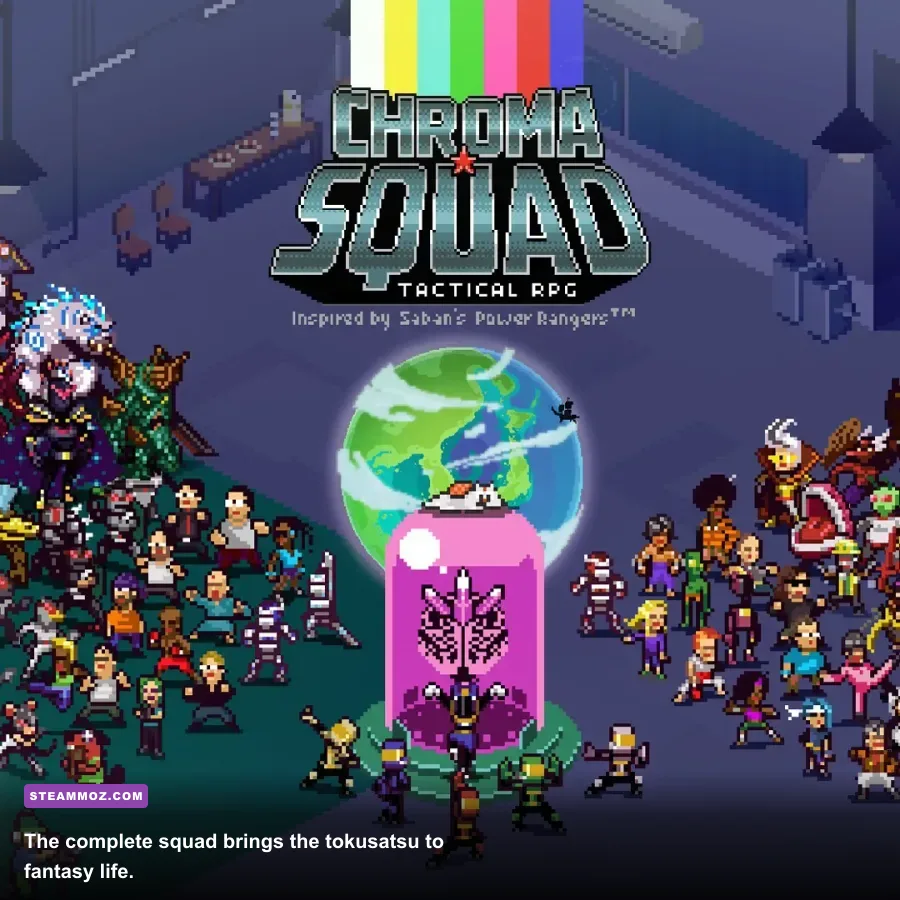
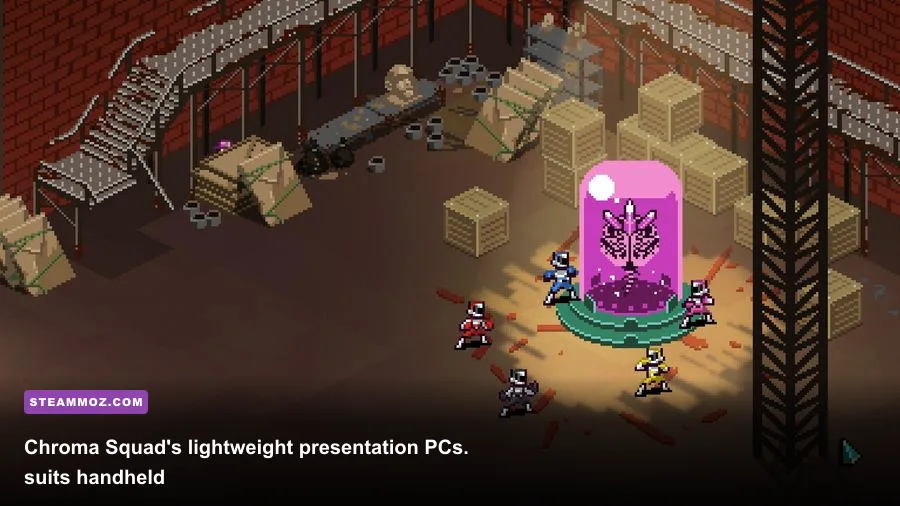
Chroma Squad's performance demands are light, but its systems are not shallow. You direct a sentai-style television studio, recruit and customize actors, assemble equipment, plan episodes, and fight through grid-based encounters. The cast's jobs and abilities create the real complexity. You are balancing audience expectations, objectives, crafting resources, and positioning—not waiting for your graphics card to finish rendering a battlefield.
That design also explains why low-end players do not lose meaningful gameplay features. A budget laptop still gets the same squad-building loop, the same episode structure, and the same equipment decisions as a desktop with a dedicated GPU. Your machine will not reduce enemy intelligence or remove combat options. The trade-off is simply that an old computer may take longer to open menus or switch scenes.
For new players, focus on hardware stability while learning the studio loop. Keep enough storage available for saves, avoid forcing the game through aggressive compatibility layers, and use Steam Cloud only if your connection is reliable. If a save appears missing, check the local files and cloud status before starting a new campaign. That kind of housekeeping matters more here than overclocking or changing graphics drivers every week.
The campaign's progression also makes Chroma Squad a good fit for short sessions on weak hardware. You can plan an episode, complete a few turns, and stop without needing a long uninterrupted open-world run. If you enjoy methodical games that reward preparation, our guides to Dins's Curse town survival and Deponia's progression offer useful examples of how systems-heavy games can stay approachable.
Common PC problems and the fastest fixes
Black screen or incorrect resolution
Start with windowed mode and a conservative resolution such as 1280x720. Once the game displays correctly, switch back to fullscreen and select the monitor's native resolution. On dual-monitor setups, temporarily making the intended gaming display the primary monitor can also stop the game from opening off-screen.
Stuttering despite powerful hardware
Because the game is so light, stuttering usually points to background activity, driver behavior, overlays, or a display-sync mismatch. Disable unnecessary Steam, Discord, Xbox, and GPU overlays one at a time. If the game feels uneven, test V-Sync rather than immediately lowering resolution. Also check that your laptop is not in an extreme battery-saver mode.
Audio, controls, or launch issues
Verify the installation through Steam, update Windows, and install the latest graphics driver offered for your hardware. For an older PC, avoid stacking multiple compatibility settings at once; forcing administrator mode, legacy scaling, and several Windows compatibility flags can create new problems. Change one variable, test, and keep notes.
The developer's official Chroma Squad page provides background on the game, while the Steam Community discussions can help with unusual controller or launch issues. Always check the date of a fix before applying it: advice written for Windows XP may be counterproductive on Windows 11.
Final verdict on Chroma Squad PC requirements
If your computer can run a web browser and was sold within the last ten years, it is probably ready for Chroma Squad. The official floor is a 2 GHz processor, 2 GB of RAM, 512 MB of video memory, DirectX 9.0, and 2 GB of storage. A practical target of 4 GB RAM, a modern integrated GPU, and Windows 10 or 11 gives you a comfortable experience with room for background apps.
Do not spend money on a graphics upgrade for this game. Put that budget toward an SSD, additional memory, or simply more games. Chroma Squad's appeal comes from its character customization, tactical positioning, television-production decisions, and wonderfully specific tokusatsu personality—not cutting-edge rendering. It remains one of the safest recommendations for an older laptop, family PC, or lightweight handheld setup.
Before buying, compare your machine against the official Steam requirements, leave a little free disk space, and launch in windowed mode if fullscreen behaves strangely. Once those basics are handled, the hardware conversation is over. The difficult decisions are on the grid: who moves first, which objective matters, and how spectacularly your squad can finish the episode.