Yes, many gaming PCs can run Resident Evil Village comfortably, but the official minimum is only a rough floor. A GTX 1050 Ti or Radeon RX 560 can target 1080p with reduced settings, while a GTX 1070, RTX 2060, RX 5700, or newer card is a much safer choice for consistent 60fps. Ray tracing is a different story: it needs a modern RTX or Radeon card, extra VRAM headroom, and carefully chosen settings.
Capcom’s RE Engine is wonderfully scalable, yet Village can expose weak CPUs, limited VRAM, and slow storage in ways a simple system-requirements list won’t explain. Here’s the real Resident Evil Village PC performance picture, including expected frame rates, ray-tracing costs, stutter fixes, and the settings that deliver the best image without turning your PC into a space heater.

Resident Evil Village PC requirements explained
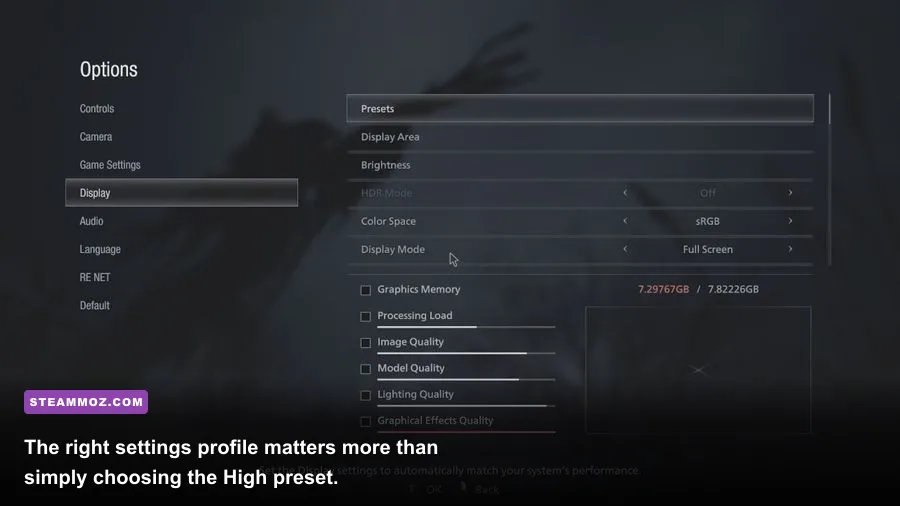
The official requirements target 1080p at 60fps on the Low preset, but that target comes with an important warning: demanding scenes can still fall below 60fps. The minimum GPU specification is also based on four gigabytes of VRAM. That matters because texture quality and shadow data can push an older card into swapping, especially at 1440p.
You need Windows 10 64-bit or newer, DirectX 12 support, and roughly 45GB of storage. An SSD isn’t mandatory, but it is strongly recommended. Village loads separate areas quickly, and a hard drive can turn transitions into long pauses while also making texture streaming more noticeable.
| Target | CPU | GPU and VRAM | Memory and storage |
|---|---|---|---|
| Official minimum | Intel Core i5-7500 or AMD Ryzen 3 1200 | GTX 1050 Ti or Radeon RX 560, 4GB | 8GB RAM, 45GB available |
| Official recommended | Intel Core i7-8700 or AMD Ryzen 5 3600 | GTX 1070 or Radeon RX 5700 | 16GB RAM, 45GB available |
| Ray tracing target | Core i7-8700 or Ryzen 7 3700X class | RTX 2060 or RX 6700 XT class | 16GB RAM, SSD preferred |
| Practical 1440p choice | Ryzen 5 5600 or Core i5-12400 | RTX 3060 Ti, RTX 4060 Ti, or RX 6700 XT | 16GB RAM, SSD strongly recommended |
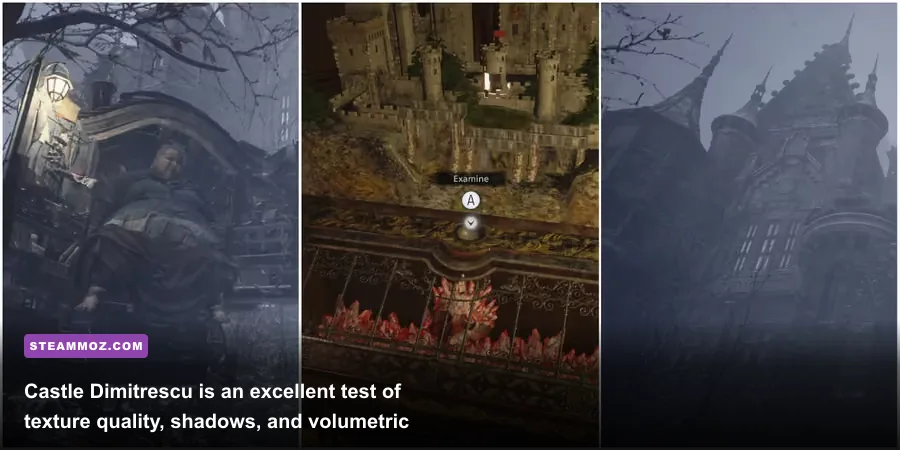
The recommended specification is better interpreted as a 1080p High starting point, not a guarantee of locked 60fps everywhere. The Factory, the swarming sections around the village, and effects-heavy boss fights are more demanding than a quiet corridor in Castle Dimitrescu.
For Capcom’s official figures, check the Resident Evil Village Steam page. If your machine is close to the minimum, also compare it with our practical guide to PC crash and FPS fixes; the troubleshooting principles are broadly useful even though the games use different engines.
🎮 Resident Evil Village
Looking to experience this game? Grab your digital key directly on our store for $9.99.
View on Steammoz Store →Real Resident Evil Village benchmark expectations
These are realistic ranges rather than inflated peak numbers. They assume the latest GPU driver, 16GB dual-channel memory where possible, an SSD, and the campaign running at native resolution with no frame-generation technology. Village’s benchmark-like scenes can produce higher averages than actual combat, so the lower figure is the one worth planning around.
| Hardware class | 1080p settings | Typical average | Heavy-scene behavior |
|---|---|---|---|
| GTX 1050 Ti / RX 560 | Low, textures Normal, RT off | 45–60fps | 35–45fps in crowded or effects-heavy scenes |
| GTX 1650 / RX 580 | Low to Medium, RT off | 55–75fps | 45–60fps around Lycans and the Factory |
| GTX 1070 / RX 5700 | High, RT off | 75–105fps | 60–80fps depending on CPU and area |
| RTX 2060 / RX 6600 XT | High, RT off | 85–120fps | 70–95fps at demanding points |
| RTX 3060 Ti / RX 6700 XT | High, 1440p, RT off | 75–110fps | 60–85fps in the Factory |
| RTX 4070 / RX 7800 XT | High, 1440p, RT on | 70–100fps | 55–80fps without upscaling |
The main lesson is that the minimum card can technically run Resident Evil Village, but it isn’t the same as delivering a smooth console-like experience. A stable 50fps cap often feels better than an uncapped 60fps that repeatedly drops into the thirties. On a GTX 1050 Ti, use a 45 or 50fps cap and avoid ray tracing entirely.
At 1440p, GPU load rises sharply because Village’s excellent materials and volumetric lighting are expensive at native resolution. An RTX 3060 Ti or RX 6700 XT is the sensible performance tier for High settings. At 4K, even high-end cards benefit from FSR or resolution scaling, particularly with ray tracing enabled.
Best graphics settings for 60fps
Don’t blindly select Low or High. The RE Engine gives you several settings with very different visual and performance costs. Texture quality mostly consumes VRAM, while volumetric lighting, shadows, and screen-space reflections tend to hit the GPU every frame. Lowering those three usually delivers more useful performance than destroying texture detail.
| Setting | Recommended value | Approximate FPS impact | Visual trade-off |
|---|---|---|---|
| Texture Quality | Highest your VRAM allows | 0–8%, plus possible stutter | Major surface detail; too high causes memory pressure |
| Mesh Quality | High | 3–7% | Changes geometry detail and distant object quality |
| Shadow Quality | Medium or High | 5–12% | Lower values make Castle and foliage shadows flatter |
| Volumetric Lighting | Medium | 6–15% | Fog shafts and atmospheric light lose density |
| Screen Space Reflections | On for High-end, off for weak GPUs | 4–10% | Wet floors and reflective surfaces become less accurate |
| Ambient Occlusion | On | 2–5% | Off makes corners and character contact shadows look washed out |
| Ray Tracing | Off unless RTX 3060-class or better | 20–40% | Improves reflections, global illumination, and shadows |
| FidelityFX Super Resolution | Quality at 1440p; Balanced at 4K | 10–30% gain | Can soften fine foliage and hair detail |
The best profile for mid-range PCs
For a GTX 1660 Super, RTX 2060, RX 5600 XT, or similar card, start at 1080p High with ray tracing off, volumetric lighting at Medium, screen-space reflections on, and motion blur off. Keep textures at High only if the card has six or more gigabytes of VRAM. This profile usually looks better than the stock Low preset while preserving a dependable 60fps.
For 1440p, use FSR Quality before dropping textures. FSR can recover a meaningful chunk of performance while preserving the atmospheric look of the village. Avoid aggressive sharpening; too much creates shimmering on fence wires and foliage. If you’re diagnosing a stubborn frame-rate problem, our low-FPS troubleshooting checklist covers background processes, overlays, and driver cleanup that can also affect Village.
Ray tracing, VRAM, and CPU bottlenecks

Resident Evil Village’s ray tracing adds more than prettier reflections. It changes lighting behavior in dark interiors, improves reflective surfaces, and gives some scenes a richer sense of bounce light. The cost is substantial, though. On an RTX 2060, enabling every RT option at 1080p High can turn a comfortable 80fps experience into the mid-40s or lower.
Ray tracing also makes VRAM behavior less forgiving. Four gigabytes is the practical danger zone, and six gigabytes is better treated as a minimum for 1080p RT rather than a luxury. If texture warnings appear, lower texture quality first. A card can show a respectable average while hitching badly whenever new material data is streamed.
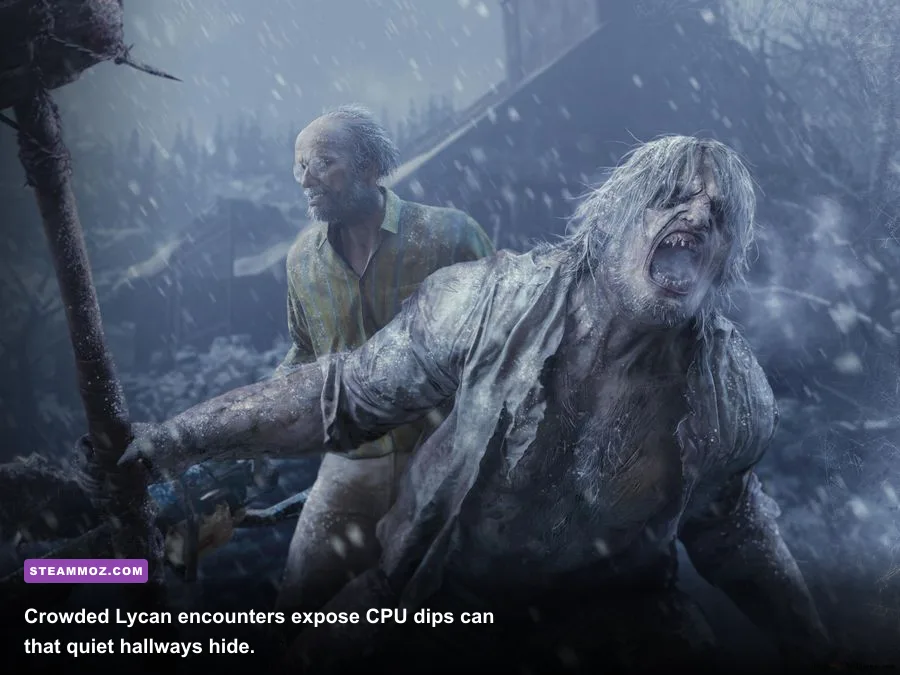
CPU limitations appear differently. A Ryzen 3 1200 or Core i5-7500 can handle quiet exploration, but dense Lycan attacks and areas with many physics objects can produce frame-time spikes. Lowering resolution won’t solve a CPU bottleneck. Cap the frame rate, close browser tabs and launchers, enable a balanced power plan, and avoid recording software that hooks into every frame.
| Symptom | Likely cause | Best first fix | What not to do |
|---|---|---|---|
| Textures pop or hitch | VRAM limit or slow drive | Lower textures one step and move the game to an SSD | Raise resolution while keeping ultra textures |
| GPU usage below 90% | CPU bottleneck, cap, or background task | Check per-core CPU load and remove overlays | Keep lowering resolution blindly |
| Large dips during combat | Shadows, volumetrics, or CPU thread limit | Lower volumetrics and cap to a stable target | Use uncapped FPS with unstable frame times |
| RT looks fine, then stutters | Insufficient VRAM | Disable RT or use a lower texture profile | Trust the average FPS alone |
Install the game on an SSD, update your chipset and graphics drivers, and let shader compilation finish if the game or driver performs it on first launch. Disable unnecessary overlays from Discord, GeForce Experience, Xbox Game Bar, and motherboard utilities while testing. These aren’t magical optimizations, but they remove common sources of unexplained hitching.
Which PC parts should you upgrade first?
If Village runs below 60fps, the GPU is usually the first suspect at 1080p High or above. A GTX 1050 Ti upgrade to an RX 6600 or RTX 3060 is a dramatic jump, especially because both provide more VRAM and much stronger shader performance. At 1440p, prioritize the GPU even more heavily.
If your average is high but your one-percent lows are ugly, investigate the CPU and memory configuration. Eight gigabytes of RAM is enough to meet the specification, but 16GB in dual-channel mode gives Windows and the game more breathing room. A four-core CPU can run it, yet six modern cores provide a much smoother experience during crowded encounters.
| Upgrade situation | Best upgrade priority | Expected benefit | Good target |
|---|---|---|---|
| 1080p Low below 45fps | Graphics card | Higher average and stronger effects performance | RX 6600 or RTX 3060 |
| 1080p High with stutter | RAM, SSD, then GPU | Better streaming and frame-time consistency | 16GB dual-channel plus SSD |
| 1440p below 60fps | Graphics card | Large improvement from extra shader and VRAM headroom | RTX 3060 Ti or RX 6700 XT |
| RT below 60fps | Ray-tracing-capable GPU | More RT headroom and upscaling options | RTX 4060 Ti or RX 7700 XT class |
Don’t spend money chasing an extremely fast CPU if your graphics card is pegged at 99% usage. Conversely, a powerful GPU can’t rescue a four-core processor that is maxing out during every Lycan rush. Watch both utilization and frame time with an overlay such as MSI Afterburner, then change one setting at a time.
Can low-end laptops run Resident Evil Village?
Yes, but laptop names can be misleading. A mobile GTX 1650 is not identical to every desktop GTX 1650, and a laptop RTX 3050 may have a very different power limit from another RTX 3050. Plug the system into AC power, select the performance mode in the manufacturer utility, and confirm that the game is using the discrete GPU rather than integrated graphics.
A realistic laptop profile is 1080p Low or Medium, ray tracing off, textures matched to available VRAM, volumetric lighting Medium, and a 45–60fps cap. Cooling matters: after ten minutes in Castle Dimitrescu or the Factory, a thin laptop may reduce clock speeds and lose performance. Raise the rear of the machine, clean blocked vents, and avoid testing on a soft surface.
Steam’s official game-file verification instructions are worth using if textures, crashes, or missing assets appear after an update. You can also consult the official Resident Evil Village site for current edition and feature information, while Capcom’s support portal is the right place for known technical issues.
So, can your PC run Resident Evil Village? If it meets the GTX 1050 Ti and Core i5-7500 class minimum, expect a playable 1080p experience with compromises. For the version most players actually want—sharp textures, stable 60fps, and no distracting hitching—aim for a modern six-core CPU, 16GB of RAM, an SSD, and at least an RTX 3060 or RX 6600 XT. Keep ray tracing off unless your GPU has genuine RT headroom. That balance lets the village stay terrifying for the right reasons, not because your frame rate collapsed during the first Lycan ambush.