If your PC has a Core i3-class processor, 4GB of RAM, and a GTX 460 or Radeon HD 5850, it meets Drizzlepath’s listed minimum requirements. For a smoother 1080p experience with fewer dips across its atmospheric outdoor scenes, aim for a Core i5, 8GB of RAM, and a GTX 970 or Radeon R9 290. The game only needs about 2GB of storage, so the graphics card—not your SSD—is the part worth checking first.
Drizzlepath is a compact first-person walking simulator from developer Tonguç Bodur. There are no combat builds, inventory systems, or boss fights hiding behind the requirements. Its challenge for your hardware comes from rendering long mountain views, dense vegetation, fog, lighting, and atmospheric effects while you follow a deliberately quiet path through the landscape. That makes the official minimum specification useful, but not the whole story.
This breakdown separates the published Steam requirements from practical buying advice. It also explains what each component actually does, which settings have the biggest performance impact, and how to avoid wasting money on an upgrade Drizzlepath doesn’t need.
Drizzlepath minimum and recommended PC specs
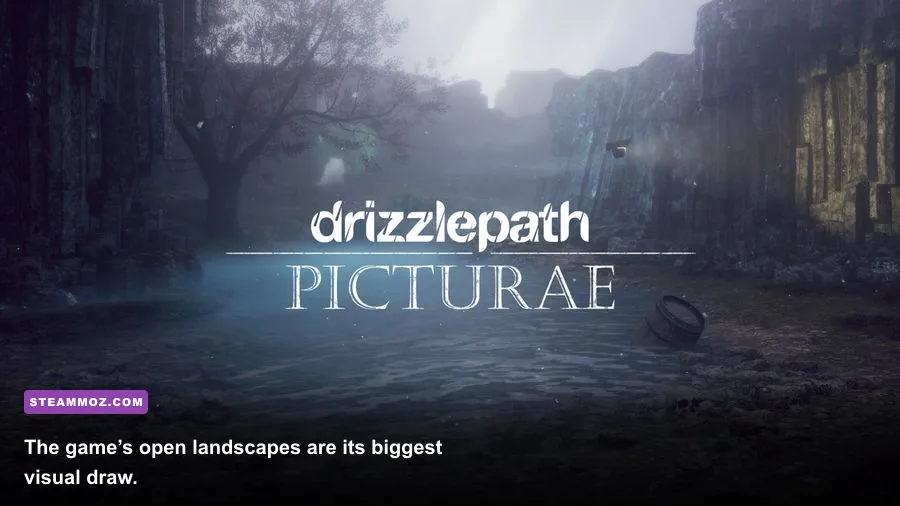
Drizzlepath’s PC requirements are low by modern standards, but the recommended GPU is still considerably stronger than the minimum card. That gap matters because a GTX 460 can launch the game while struggling to hold a comfortable frame rate at higher resolutions or quality presets. The GTX 970, meanwhile, gives you much more headroom for 1080p, anti-aliasing, and the game’s distant scenery.
| Component | Minimum | Recommended | What it means in practice |
|---|---|---|---|
| Operating system | Windows 7 | Windows 10 | Modern 64-bit Windows versions should be the safest choice. |
| Processor | Intel Core i3 2.0 GHz | Intel Core i5 3.0 GHz | CPU demand is modest; newer dual- and quad-core chips are fine. |
| Memory | 4GB RAM | 8GB RAM | 8GB leaves room for Windows, Steam, and background applications. |
| Graphics | NVIDIA GeForce GTX 460 or AMD Radeon HD 5850 | NVIDIA GeForce GTX 970 or AMD Radeon R9 290 | The GPU determines how comfortably you can raise resolution and effects. |
| DirectX | Version 11 | Version 11 | Your graphics driver must support DirectX 11 features. |
| Storage | 2GB available space | 2GB available space | Leave extra room for saves, shader caches, and Windows updates. |
What the minimum spec really gets you
The GTX 460 and Radeon HD 5850 are old DirectX 11-era cards. In their day, they were aimed at 720p and 1080p gaming with sensible compromises. Today, they are far below even entry-level cards such as a GTX 1650 or Radeon RX 570. If your system genuinely matches the minimum, start at 1280x720 or 1600x900, use medium settings, and cap the frame rate if frame pacing feels uneven.
The 4GB RAM requirement is also a floor, not a target for a comfortable modern Windows setup. Drizzlepath itself is lightweight, but browsers, launchers, recording tools, and security software all compete for memory. A computer with 4GB can run it, yet 8GB is the sensible baseline for avoiding background-memory stutters.
Why the recommended GPU is the smarter target
The GTX 970 and R9 290 are older cards now, but they represent a large performance jump over the minimum GPUs. They have enough shader power and memory bandwidth to handle Drizzlepath’s outdoor vistas without forcing every visual option to its lowest setting. A newer GTX 1650, GTX 1060, RX 570, RX 580, or any current entry-level gaming GPU should also be a reasonable target, provided its drivers support the game correctly.
For another example of how official minimum requirements can undersell practical comfort, compare our Drawful 2 PC specs breakdown. Drizzlepath is more visually demanding than a party game, but it still doesn’t require a modern high-end machine.

🎮 Drizzlepath
Looking to experience this game? Grab your digital key directly on our store for $1.49.
View on Steammoz Store →How demanding is Drizzlepath at 1080p?
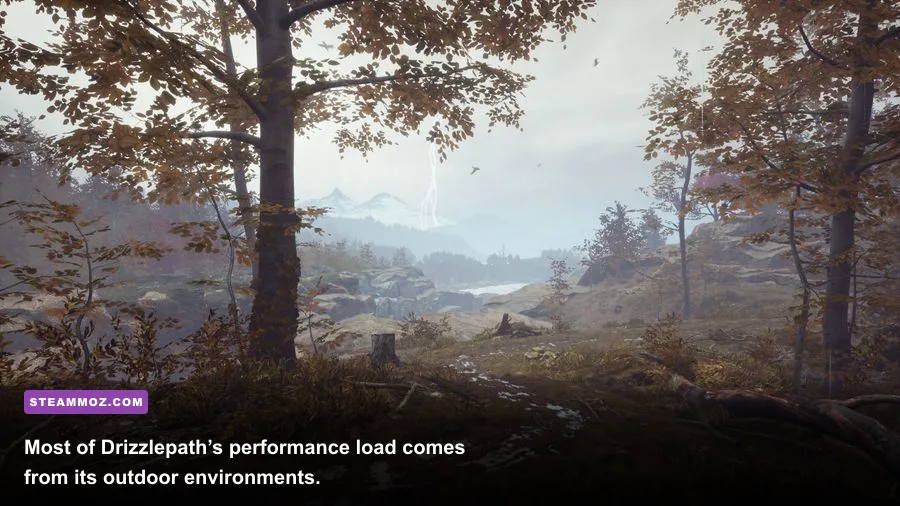
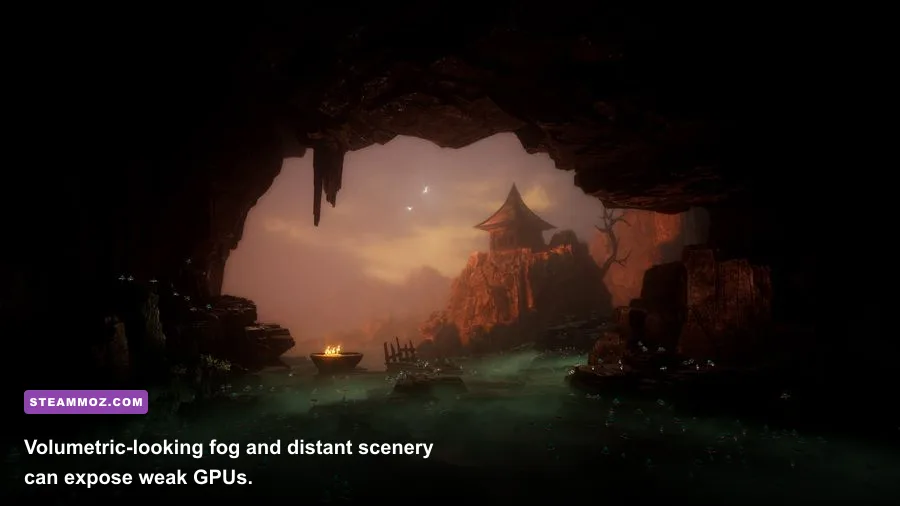
At 1080p, Drizzlepath is generally a light PC game when paired with hardware newer than its recommended specification. The important word is “generally.” A walking simulator has fewer moving objects than an action game, but wide views can make the renderer draw vegetation, terrain, sky, lighting, and distant geometry simultaneously. You may therefore see lower frame rates at a scenic overlook than in a narrow forest passage.
| Hardware tier | Practical resolution | Starting preset | Expected approach |
|---|---|---|---|
| GTX 460 / Radeon HD 5850 | 720p to 900p | Low or Medium | Prioritize stable frame pacing over sharp distant detail. |
| GTX 750 Ti / Radeon R7 370 | 900p to 1080p | Medium | Reduce shadows and post-processing if outdoor views dip. |
| GTX 970 / R9 290 | 1080p | High | A strong match for the listed recommendation. |
| GTX 1060 / RX 580 or newer | 1080p to 1440p | High | Use higher quality with room for background applications. |
| RTX 2060 / RX 6600 or newer | 1440p | High or Ultra, if available | More than enough for the game; monitor quality matters more than upgrades. |
Don’t treat the table as a guaranteed benchmark. Drizzlepath has no universal frame-rate target published alongside its requirements, and results vary with driver versions, resolution scaling, laptop power limits, and whether the game is running through an older graphics API path. The useful takeaway is the hardware relationship: the CPU requirement is forgiving, while the GPU benefits from extra headroom in scenery-heavy sections.
If you’re playing on an integrated GPU, expectations need to be realistic. Recent Radeon 680M, 780M, and Intel Iris Xe graphics are dramatically faster than the ancient minimum cards in some workloads, but integrated performance depends heavily on dual-channel memory and power settings. Older Intel HD graphics should not be assumed to work simply because the game looks peaceful. Check your exact GPU against the GTX 460 or HD 5850 class rather than judging by screenshots.
Which graphics settings matter most?
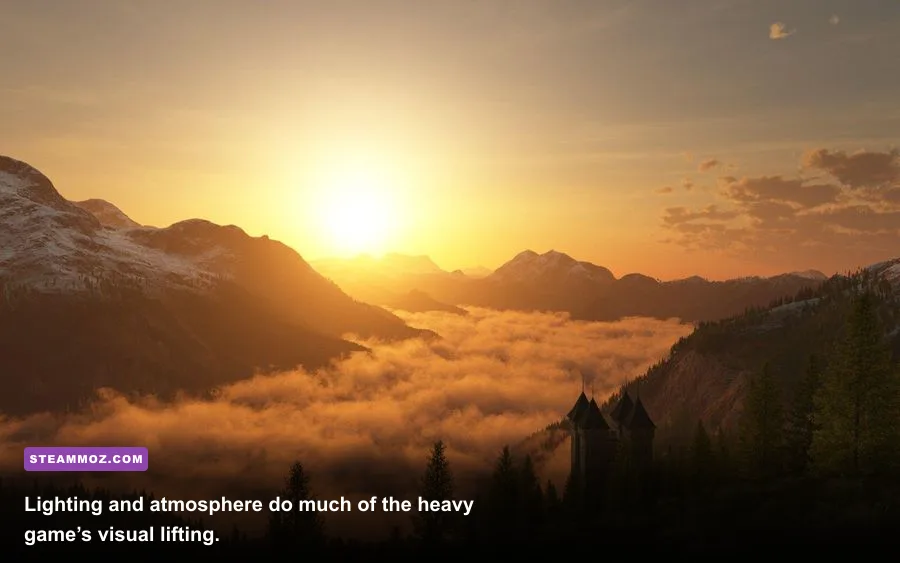
Drizzlepath’s visual identity comes from atmosphere: hazy distance, soft lighting, environmental color, and a feeling of isolation. That means blindly selecting the lowest preset can make the game look flat without solving the biggest performance bottlenecks. Change settings in order, test in a large outdoor view, and keep the options that preserve the mood.
| Setting or adjustment | Recommended value | Performance impact | Visual trade-off |
|---|---|---|---|
| Resolution | Native 1080p if possible | Very high | Lowering it improves FPS quickly but softens the entire image. |
| Resolution scale | 90% to 100% | High | A small reduction is often less noticeable than lowering textures. |
| Shadows | Medium | High | Lower shadows can remove depth from trails and rocks. |
| View distance | High on recommended GPUs | Medium to high | Lower values make distant terrain pop in or look empty. |
| Anti-aliasing | Medium or High | Medium | Reduces jagged vegetation and railings; lower it before resolution. |
| Textures | High if VRAM allows | Low to medium | Lower quality makes surfaces visibly blurry. |
| Post-processing and fog | Medium | Medium | Reducing them can weaken Drizzlepath’s signature atmosphere. |
| Frame-rate cap | 60 FPS or monitor refresh rate | Stability benefit | A cap can reduce swings, heat, and distracting frame-time spikes. |
A sensible low-end profile
On minimum-class hardware, choose 1600x900 or 1280x720, medium textures, low-to-medium shadows, medium anti-aliasing, and a moderate view distance. Keep fog and color effects at medium if the game allows it. Those effects are part of the experience, and sacrificing every atmospheric option for a few extra frames defeats the reason to play this particular walking simulator.
A recommended 1080p profile
With a GTX 970, R9 290, or newer card, begin at native 1920x1080. Use high textures and view distance, medium or high anti-aliasing, and medium shadows. If performance drops only when looking across a valley, lower shadows first, then view distance. If the image looks stable but uneven, cap the frame rate rather than chasing a maximum number you won’t consistently hold.
For broader PC tuning advice, our guide to settings that make every frame count explains the same performance-first approach in a more demanding modern game.
CPU, RAM, storage, and laptop checks
Drizzlepath won’t punish your processor the way a large simulation or crowded open-world game does. The listed Core i3 2.0 GHz minimum and Core i5 3.0 GHz recommendation are old reference points, not instructions to buy those exact chips today. Any reasonably modern four-core desktop CPU should be comfortable. A newer two-core laptop processor may launch the game but can become inconsistent if Windows is busy with updates, cloud sync, or recording.
RAM is simpler. Treat 4GB as the absolute minimum and 8GB as the practical starting point. If you use Chrome with several tabs, Discord, OBS, or a browser-based music player, 16GB gives you a much safer buffer. Extra RAM won’t magically increase Drizzlepath’s average FPS once the game has enough memory, but it can prevent hitching caused by aggressive paging.
The 2GB storage requirement is tiny. An SSD won’t transform the frame rate, because storage speed doesn’t directly increase rendering performance. It can make launching and loading feel snappier, though, and it avoids the inconsistent loading behavior that sometimes appears when a nearly full mechanical hard drive is handling Windows and a game at the same time. Keep at least 10GB free on the drive even though the installation itself is listed at roughly 2GB.
| Upgrade or check | Worth doing for Drizzlepath? | Why |
|---|---|---|
| GPU upgrade from GTX 460 class | Yes | The biggest improvement for resolution, shadows, and outdoor frame consistency. |
| 4GB to 8GB RAM | Yes | Reduces operating-system pressure and background stutter. |
| 8GB to 16GB RAM | Usually optional | Helpful for multitasking, but not a major FPS upgrade by itself. |
| Hard drive to SSD | Nice quality-of-life upgrade | Improves loading and general system responsiveness, not average FPS. |
| CPU replacement | Usually low priority | Only consider it if your processor is older, weak, or thermal-throttling. |
Laptop owners should verify that the game uses the dedicated GPU rather than integrated graphics. In Windows Graphics settings, add the game executable and choose the high-performance GPU. Plug the laptop into power, select a performance power profile, and check temperatures if frame rates fall after several minutes. Thin laptops can meet the listed specification on paper and still throttle when their cooling system saturates.
Compatibility fixes before you buy or troubleshoot
Because Drizzlepath was released in 2016, compatibility can matter more than raw horsepower on a modern PC. Start with the official Drizzlepath Steam page for the current store listing, supported platform information, and user reports. Install the latest graphics driver for your NVIDIA, AMD, or Intel GPU, then verify the game files through Steam if it crashes or refuses to launch.
Windows Defender or third-party antivirus software can occasionally interfere with older game executables. Don’t disable security blindly; instead, check whether the game was quarantined and add a narrowly scoped exception only when you trust the installation. Also close overlays one at a time—Steam, Discord, GeForce Experience, Radeon Software, and recording tools can all affect older titles differently.
What to do if the game stutters
First, check whether the issue is a low average frame rate or inconsistent frame pacing. If GPU usage is near 100 percent, reduce resolution scale, shadows, or view distance. If GPU usage is low while the game hitches, close background programs, test without overlays, and watch CPU and disk activity. A frame-time graph is more useful than a peak FPS counter here; a steady 45 FPS can feel better than a wildly fluctuating 70 FPS.
If the screen is black or the resolution is wrong, try launching at a lower resolution, switching between fullscreen and borderless modes, and resetting the game’s local configuration after backing it up. Avoid downloading random replacement DLL files from unofficial sites. Older PC games are tempting targets for bad “fix” packages that create more problems than they solve.
For a more demanding example of sensible troubleshooting, see our guide to ELEX crash and FPS fixes. The exact symptoms differ, but the diagnostic order—drivers, overlays, files, temperatures, then settings—is sound.
Is your PC ready for Drizzlepath?
Yes, if your computer is anywhere near the recommended specification. A Core i5-class CPU, 8GB of RAM, and a GTX 970/R9 290-level GPU should provide the right balance for Drizzlepath at 1080p. You don’t need an RTX card, a premium SSD, or a gaming processor with eight or more cores. If your system only matches the minimum, the game remains approachable, but plan on 720p or 900p, reduced shadows, and a little patience with frame-rate dips in broad vistas.
The best upgrade priority is straightforward: replace a very old GPU first, move from 4GB to 8GB of RAM if necessary, and only then worry about storage or CPU changes. Keep textures and atmosphere higher than shadows when possible, because Drizzlepath’s appeal is its scenery and mood rather than twitch performance.
Before purchasing, compare your hardware with the official listing on the Drizzlepath Steam Community hub, where current players often flag launch issues and modern compatibility quirks. If you enjoy checking whether older atmospheric games still deserve a place on a modern PC, our Dungeon Siege performance and longevity review offers a useful comparison point.
In short, Drizzlepath is forgiving on CPU and storage, manageable on memory, and most sensitive to GPU headroom at higher resolutions. Meet the minimum to explore; target the recommendation to enjoy the journey without constantly watching the settings menu.