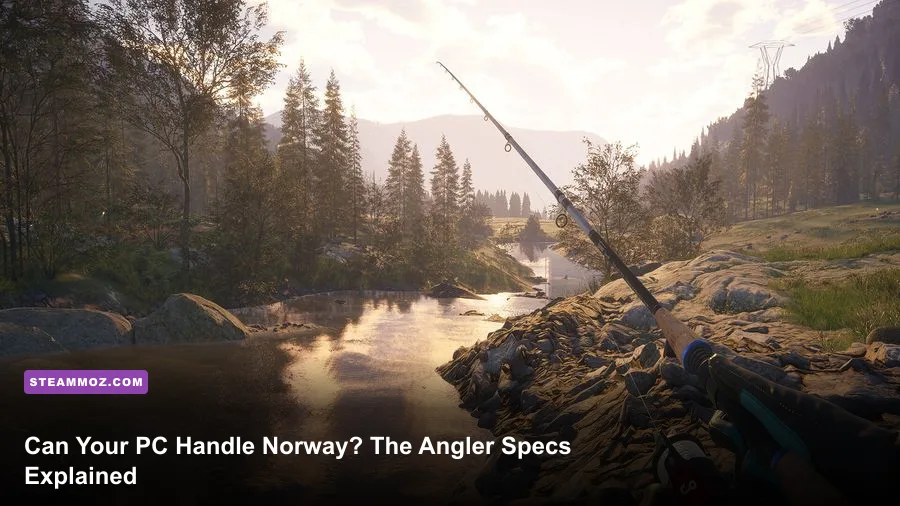
Call of the Wild: The Angler - Norway Reserve does not have a separate PC requirement sheet: the DLC runs through the base game, so Steam’s published requirements for Call of the Wild: The Angler are the specs to follow. The practical floor is an Intel Core i5-6600 or AMD Ryzen 5 1600, 8GB of RAM, and a GTX 1060 3GB or Radeon RX 580 4GB. For a smoother Norway trip, target an i7-6700 or Ryzen 5 2600, 16GB of memory, and a GTX 1070 8GB or Radeon RX Vega 56 8GB.
That answer matters because Norway Reserve is not a tiny, self-contained fishing map. It adds a large Scandinavian environment with long sightlines, water reflections, vegetation, wildlife, roads, trails, and streamed-in terrain. Your graphics card handles the obvious workload, but the processor and storage drive also influence how smoothly the world appears while you travel by boat or vehicle. Meeting the minimum gets you into the reserve; meeting the recommended target gives you far more room to avoid stutter and muddy texture streaming.
This is a useful distinction from a game such as Drawful 2’s lightweight PC requirements. The Angler is built around expansive outdoor rendering, so a computer that breezes through older or 2D games can still struggle when Norway’s horizon opens up.
Norway Reserve PC requirements at a glance

The table below reproduces the important Steam targets and translates them into what they mean for Norway Reserve. The game requires a 64-bit operating system and DirectX 12-compatible hardware. Storage requirements can change with updates, so leave more than the listed installation space rather than filling your drive to the last gigabyte.
| Component | Minimum | Recommended | Norway Reserve takeaway |
|---|---|---|---|
| Operating system | Windows 10 64-bit | Windows 10 64-bit | Use current Windows updates and a 64-bit install |
| Processor | Intel Core i5-6600 or AMD Ryzen 5 1600 | Intel Core i7-6700 or AMD Ryzen 5 2600 | CPU headroom helps with traversal and world streaming |
| Memory | 8GB RAM | 16GB RAM | 16GB is the safer choice with browsers or voice chat open |
| Graphics card | GeForce GTX 1060 3GB or Radeon RX 580 4GB | GeForce GTX 1070 8GB or Radeon RX Vega 56 8GB | GPU memory becomes more important at 1440p and high textures |
| DirectX | Version 12 | Version 12 | Older cards without proper DX12 support are not a safe bet |
| Storage | About 25GB | About 25GB | An SSD is strongly preferred for faster streaming |
The headline requirement is the GTX 1060, but the 3GB version deserves a warning. It can satisfy the listed minimum, yet its smaller VRAM pool leaves less room for high-resolution textures and reflections. If you own a GTX 1060 6GB, RX 580 8GB, or a newer equivalent, you have a more comfortable starting point than the raw minimum suggests.
Likewise, 8GB system memory is technically enough on paper but not generous. Windows, Steam, a browser, Discord, and background utilities can consume several gigabytes before you cast a line. If available memory collapses during a long session, you may see hitching that looks like a graphics problem. The official Steam listing remains the final authority for any revised requirement or storage figure.

🎮 Call of the Wild: The Angler - Norway Reserve
Looking to experience this game? Grab your digital key directly on our store for $3.99.
View on Steammoz Store →Minimum specs versus recommended specs
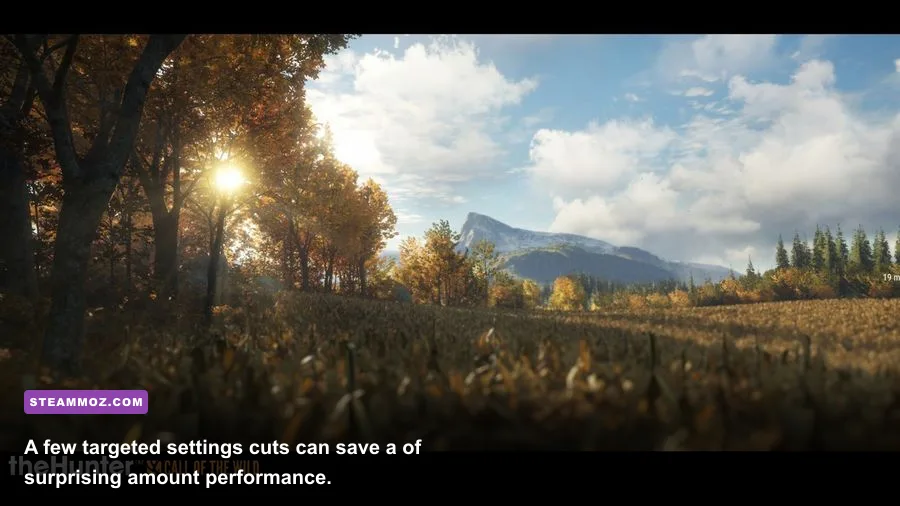
The minimum configuration is best understood as a 1080p, low-to-medium starting point rather than a promise of locked 60 frames per second. Outdoor simulators can produce acceptable averages while still hitching when the camera turns toward a new valley. Norway’s mountains and waterways make those moments more obvious than a compact map would.
On a GTX 1060 3GB or RX 580 4GB, begin at 1080p with medium textures, shadows on low or medium, foliage below maximum, and screen-space reflections reduced. A sensible frame-rate target is 30 to 45 FPS, depending on the exact scene and driver version. Locking a stable 30 or 40 can feel better than allowing a 60 FPS cap that repeatedly plunges into the thirties.
The recommended i7-6700, Ryzen 5 2600, GTX 1070, and Vega 56 combination is more comfortable for 1080p high settings and can make 60 FPS realistic in many areas. That still does not mean every setting should be maxed. Reflections, volumetric effects, shadows, and foliage are expensive in a scene dominated by water and distant terrain. At 1440p, the recommended GPU is a sensible baseline, not an invitation to expect ultra settings without compromises.
| Hardware tier | Resolution target | Suggested preset | Realistic goal |
|---|---|---|---|
| Minimum listed hardware | 1080p | Low to medium | 30–45 FPS with occasional traversal dips |
| Recommended listed hardware | 1080p | High, selectively tuned | Near-60 FPS in many scenes |
| Recommended hardware at 1440p | 1440p | Medium to high | 45–60 FPS depending on reflections and foliage |
| Modern mid-range GPU | 1440p | High with upscaling if available | Stable 60 FPS is a reasonable target |
| High-end current GPU | 1440p or ultrawide | High or ultra, tuned individually | Higher refresh rates with scene-dependent dips |
There is no replacement for checking your own system because laptop GPUs use different power limits and names can be misleading. A mobile RTX 3060, for example, can perform very differently across two laptops. Check whether your processor is thermal-throttling, confirm the game is using the dedicated GPU, and update drivers before judging the reserve.
For another example of why practical tuning matters more than a spec-sheet flex, see our guide to graphics settings that make every frame count. The same principle applies here: cut the settings with the biggest visual-to-performance cost first.
Which graphics settings matter most in Norway
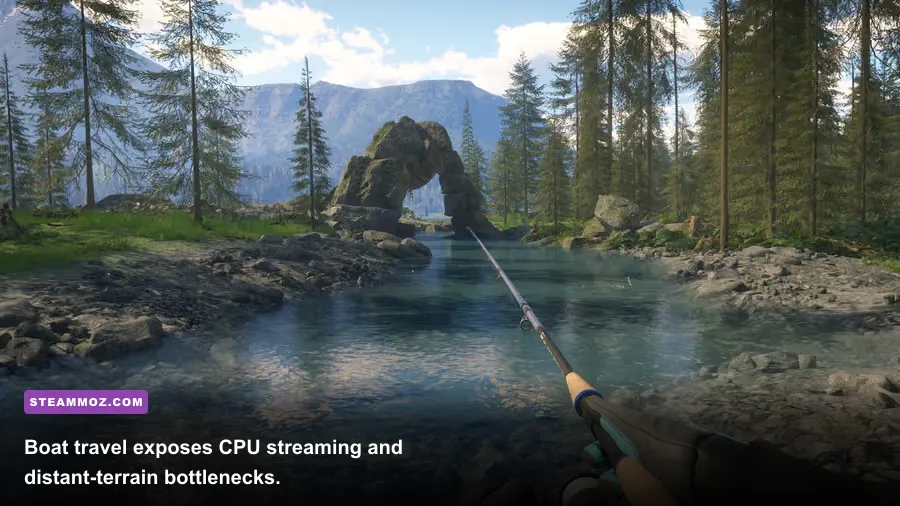
Norway Reserve’s visual identity comes from distance. You can look across water toward steep hills, tree lines, cabins, and landmarks, so lowering every setting indiscriminately throws away much of what makes the map special. Tune in priority order instead.
Textures and texture filtering
Textures primarily consume VRAM rather than raw frame rate. Keep textures at medium on a 3GB card and high on an 8GB card if memory usage remains stable. Very low textures make rocks, signs, boats, and shore detail look noticeably muddy. Texture filtering is usually a relatively cheap clarity upgrade, so keep it high when the option is available.
Shadows and ambient occlusion
Shadows are an excellent first cut. Norway contains dense forests and long stretches of uneven terrain, creating many shadow casters. Moving from ultra to high or medium can recover performance without destroying the scene. Ambient occlusion adds contact depth around rocks, docks, and vegetation; medium is usually a better compromise than disabling it completely.
Foliage, view distance, and volumetrics
Foliage density can hit both GPU and CPU performance because the game must draw and manage large amounts of vegetation. Reduce foliage before view distance if distant landmarks are important to you. Volumetric fog and lighting look attractive over water and mountains, but they can create a substantial cost in misty weather. Medium volumetrics preserve the atmosphere without making every cloud bank a frame-rate event.
Reflections and water quality
Water is the setting to watch in a fishing game. Reflections can be expensive across broad lakes, especially when the camera faces open water. If performance drops while boating or scanning a shoreline, lower reflections before sacrificing textures. A slightly less perfect reflection is preferable to stutter during a cast or while lining up a boat approach.
| Setting | Recommended value on minimum PC | FPS impact | Visual compromise |
|---|---|---|---|
| Textures | Medium | Low GPU cost, high VRAM impact | Less surface and object detail than high |
| Shadows | Low to medium | High | Less detailed tree and terrain shadows |
| Foliage density | Medium | High in forests | Sparser grass and vegetation edges |
| View distance | Medium to high | Medium CPU/GPU cost | More distant pop-in when reduced |
| Water reflections | Medium or low | High near open water | Less precise reflections |
| Volumetric effects | Medium | Medium to high | Less rich fog and atmospheric light |
| Ambient occlusion | Medium | Low to medium | Flatter contact shadows if lowered |
| Motion blur | Off | Small performance gain | Cleaner camera movement and casts |
Use the built-in benchmark if your version provides one, then test three situations manually: standing in a dense forest, looking across a large lake, and driving or boating into an unexplored area. A setting that behaves well at a quiet dock may fall apart when the world streams in. Keep a frame-time overlay visible rather than relying only on an average FPS counter.
SSD, RAM, and CPU bottlenecks explained
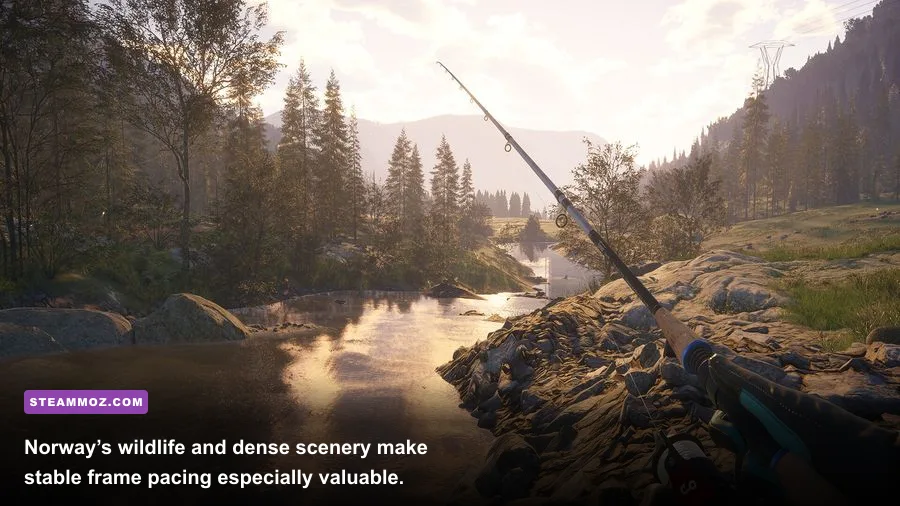
An SSD will not magically turn a GTX 1060 into a faster graphics card, but it can make the game world feel less hesitant. The Angler constantly presents a large natural environment, and faster storage helps assets arrive more quickly as you travel. Install the game on an SSD with healthy free space, preferably an NVMe drive if you already own one. Moving from a hard disk to an SSD is often more noticeable in traversal smoothness than a small GPU overclock.
RAM is the next easy win. The listed 8GB minimum is enough for a clean, carefully managed setup, but 16GB is the practical target. Close Chrome tabs, launchers, recording tools, and unnecessary overlays if you are on 8GB. Don't disable your page file; Windows still needs virtual memory, and removing it can turn a normal memory spike into a crash.
CPU limits show up differently from GPU limits. If lowering resolution barely changes FPS, your processor may be the constraint. That can happen while driving, boating, or looking toward a busy settlement because the game is processing world objects and streaming decisions. A newer six-core CPU will generally offer better frame pacing than the older four-core i5-6600, even when both appear to meet the nominal requirement.
Background software matters more in a large open environment. Hardware monitoring, RGB suites, browser video, and aggressive antivirus scans can introduce periodic interruptions. Test with overlays disabled if you see a hitch every few seconds. Also check temperatures: an old CPU cooler clogged with dust can quietly reduce clock speeds and make a system that should meet the recommended spec behave like a minimum-spec machine.
These troubleshooting habits overlap with the crash and performance fixes in our ELEX PC fixes guide. The games are different, but the diagnostic sequence is sound: verify files, update drivers, remove conflicting overlays, monitor temperatures, and only then start changing advanced settings.
Best PC profiles for a smooth Norway trip
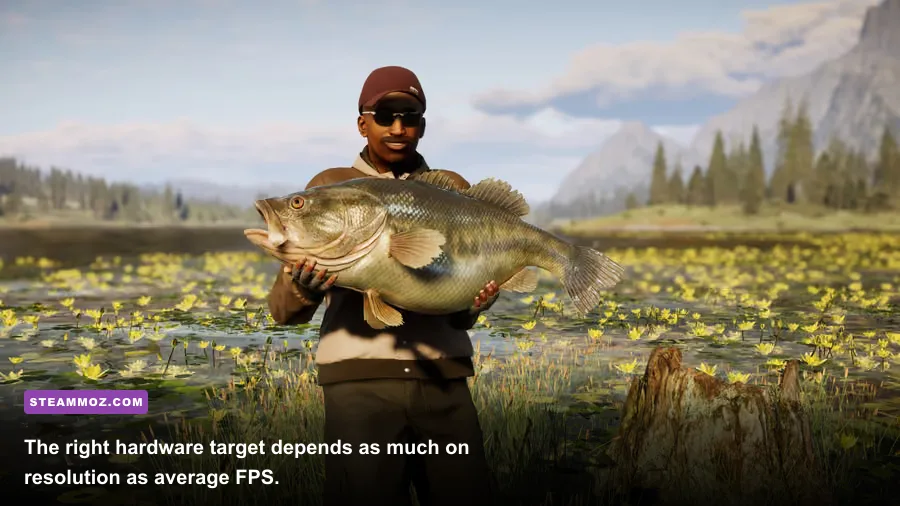
Start with the profile that matches your hardware, then change one setting at a time. Do not chase a benchmark number that makes the game look worse than it needs to. Fishing is slower and more observational than a competitive shooter, so consistent frame pacing and clean distant scenery are more valuable than a short-lived peak frame rate.
Minimum-spec 1080p profile
Use 1080p, a 30 or 40 FPS cap, medium textures, low-medium shadows, medium foliage, medium view distance, low-medium reflections, medium ambient occlusion, and medium volumetrics. Turn motion blur off. If you still see drops, lower reflections and foliage first. Keep textures at medium unless the game reports VRAM pressure; dropping them to low should be the final image-quality sacrifice, not the first.
Recommended 1080p profile
Use high textures, high or medium shadows, high foliage if frame pacing holds, high view distance, medium-high water reflections, medium ambient occlusion, and medium-high volumetrics. Cap at 60 FPS if your monitor is 60Hz. On a variable-refresh display, a cap a few frames below the panel’s maximum can reduce visible tearing and keep the GPU from constantly running at full load.
Recommended 1440p profile
Keep textures high if the GTX 1070 or Vega 56 has enough VRAM, but start with medium shadows, medium foliage, medium reflections, and high view distance. If the game supports an upscaling option in your build, use its quality mode rather than an aggressive performance mode. At 1440p, lowering render resolution slightly is usually less distracting than cutting view distance and watching mountains or shore objects pop into existence.
| Profile | Resolution and cap | Key settings | Best use |
|---|---|---|---|
| Minimum stable | 1080p, 30–40 FPS | Medium textures, low-medium shadows, low reflections | GTX 1060 3GB, RX 580 4GB, 8GB RAM |
| Balanced 1080p | 1080p, 60 FPS cap | High textures, medium shadows, medium reflections | GTX 1070, Vega 56, 16GB RAM |
| Quality 1440p | 1440p, 45–60 FPS | High textures, medium foliage and reflections | Recommended hardware with careful tuning |
| High-end wide view | 1440p ultrawide, variable cap | High view distance, selectively high effects | Modern mid-range and high-end GPUs |
Before a long session, verify the game files through Steam and let shader compilation finish if your system performs it on launch. Keep your graphics driver current, but don't assume the newest driver fixes every hitch. If a problem began immediately after a driver update, a clean reinstall or rollback can be worth testing.
Norway Reserve is also a good reason to avoid judging performance from the first quiet fishing spot. Travel between regions, rotate the camera across forests and water, and visit the busiest-looking areas. The most demanding view is often the one that matters when deciding whether your chosen settings are genuinely comfortable.
So, can your PC run Norway Reserve?
Yes, if your computer matches the official minimum, you can run Call of the Wild: The Angler and access Norway Reserve, but plan around a tuned 1080p experience rather than maximum settings. The GTX 1060 3GB and RX 580 4GB are entry points, not luxury hardware. Use medium textures, conservative shadows and reflections, an SSD, and a stable frame-rate cap.
The recommended specification is the better buying target: an i7-6700 or Ryzen 5 2600, 16GB RAM, and a GTX 1070 8GB or RX Vega 56 8GB. That combination gives you the breathing room needed for Norway’s wide landscapes and leaves fewer compromises when the camera faces open water. Newer six-core processors and modern GPUs will naturally improve frame pacing and make 1440p much more realistic.
For installation details and current platform information, check the official Call of the Wild: The Angler website and the official support pages. If you are comparing how different games scale on your machine, Steamoz’s FPS-first performance guide is another useful reference.
The short version is simple: minimum specs will get you fishing, recommended specs will let you appreciate Norway. Give the game 16GB of RAM and SSD storage if possible, tune reflections and foliage before textures, and test demanding travel scenes instead of trusting a quiet dock. Do that, and Norway Reserve should feel like a relaxed expedition rather than a slideshow every time the horizon opens.