
Elder Scrolls Online will run on almost anything built in the last eight years, but if you want it to actually look good and stay smooth during a 24-player Cyrodiil siege, you need at least an Intel Core i5-2400/AMD FX-8100, 8GB of RAM, and a GTX 660/Radeon HD 7850. For the recommended experience — 1080p60 with everything cranked — you're looking at a Core i7-3770 or Ryzen 5 1600, 16GB RAM, and a GTX 970 or RX 570 or better. Anything below minimum and you'll be fighting stutter in every populated zone, not just Cyrodiil.
ESO is a weird beast performance-wise because it's an MMO built on a heavily modified version of the same engine that powered Skyrim, and it shows. The game isn't graphically demanding in the way a modern AAA single-player title is, but it punishes CPUs hard because of how many players, NPCs, and physics objects it has to track simultaneously in shared zones. That's the real reason your "should be fine" rig chokes in Alinor or Rawl'kha during a big event — it's not your GPU, it's your CPU and your network stack getting overwhelmed.
Official Minimum and Recommended Specs
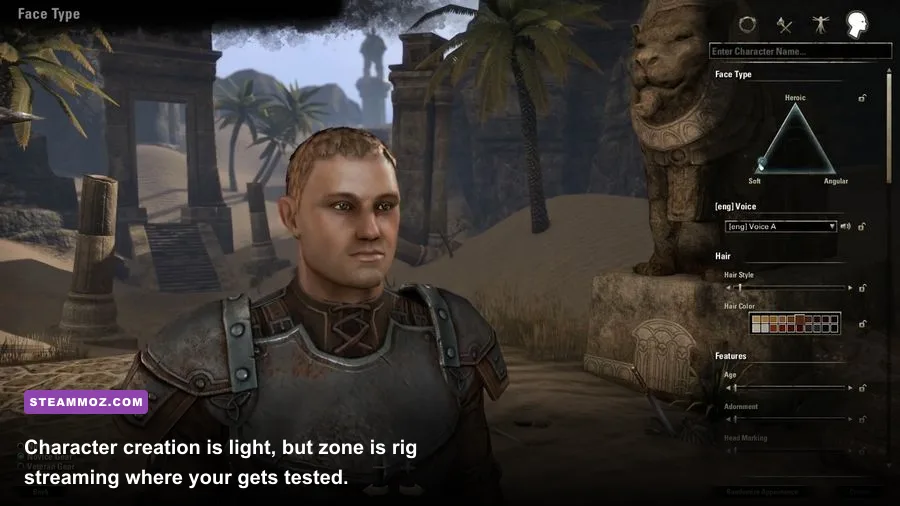
Here's what ZeniMax Online Studios officially lists, cross-referenced with what the community has actually verified in live testing since the High Isle and Necrom chapters raised the baseline requirements.
| Component | Minimum | Recommended | Pro-Tuned Profile |
|---|---|---|---|
| CPU | Intel Core i5-2400 / AMD FX-8100 | Intel Core i7-3770 / Ryzen 5 1600 | Intel Core i5-12400 / Ryzen 5 5600X |
| RAM | 8GB | 16GB | 16GB DDR4-3200 dual channel |
| GPU | GTX 660 / Radeon HD 7850 (2GB VRAM) | GTX 970 / RX 570 (4GB VRAM) | RTX 3060 / RX 6600 XT (8GB VRAM) |
| Storage | 85GB HDD | 85GB SSD | NVMe SSD, dedicated partition |
| OS | Windows 10 64-bit | Windows 10/11 64-bit | Windows 11 64-bit, latest updates |
| Network | Broadband, stable connection | Wired broadband, low latency | Wired gigabit, <40ms ping |
Notice something? There's no listed minimum GPU that supports ray tracing or anything fancy — ESO doesn't use it. This is an engine from 2014 stretched across a decade of content updates, so your GPU headroom matters way less than your CPU and your storage speed.
🎮 Elder Scrolls Online: Deluxe Edition
Looking to experience this game? Grab your digital key directly on our store for $59.99.
View on Steammoz Store →Why CPU Matters More Than GPU in ESO

If you take one thing away from this article, make it this: ESO is CPU-bound in almost every populated area. The engine has to calculate animations, combat logic, and network sync for every player and NPC within your render distance, and none of that gets offloaded efficiently to the GPU. That's why you'll see people running a GTX 1650 at a locked 60fps in a quiet zone like Reaper's March, then dropping to 35fps the second they walk into Rawl'kha during a Jubilee event with 40 other players standing around.
A Ryzen 5 5600X or Core i5-12400 will smash through these crowd scenarios because ESO actually benefits from higher single-core clock speeds more than raw core count. The game engine still isn't great at multi-threading past 4-6 cores, so don't waste money on a 16-core CPU expecting linear scaling — it won't happen. Clock speed and IPC (instructions per cycle) win the day here, which is exactly why an older but high-clocked i7-8700K can outperform some newer but lower-clocked chips in ESO specifically.
GPU Tier Breakdown for Every Budget
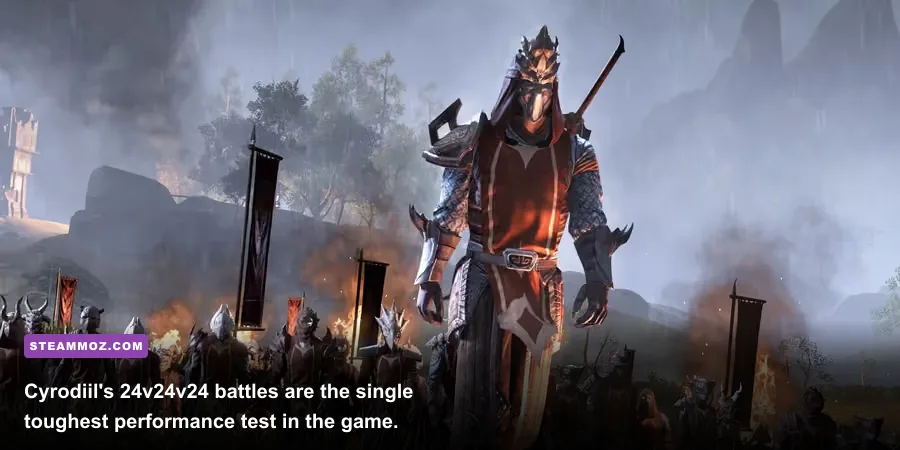
Your GPU choice really comes down to what resolution and settings profile you're chasing. ESO scales its texture quality, shadow resolution, and view distance sliders independently, so you've got a lot of room to tune this without a full graphics card upgrade.
| GPU Tier | Example Cards | Expected Performance | Best Use Case |
|---|---|---|---|
| Budget | GTX 1050 Ti, RX 560 | 1080p Low-Medium, 40-50fps in towns | Solo questing, low pop zones |
| Mid-Range | GTX 1660 Super, RX 5600 XT | 1080p High, stable 60fps outside PvP | General questing, dungeons, trials |
| High-End | RTX 3060 Ti, RX 6700 XT | 1440p High-Ultra, 70-90fps | Trials, group content, streaming |
| Enthusiast | RTX 4070+, RX 7800 XT | 1440p/4K Ultra, 100+fps | Cyrodiil large-scale battles |
Here's a hard truth: even an RTX 4090 won't save you in a 24v24v24 Cyrodiil keep siege if your CPU is weak. That fight scenario is the single worst-case performance test in the entire game, worse than any dungeon or trial boss fight. If your build guide priority is Cyrodiil PvP specifically, put every extra dollar into CPU and RAM speed before you touch the GPU.
Optimal In-Game Graphics Settings
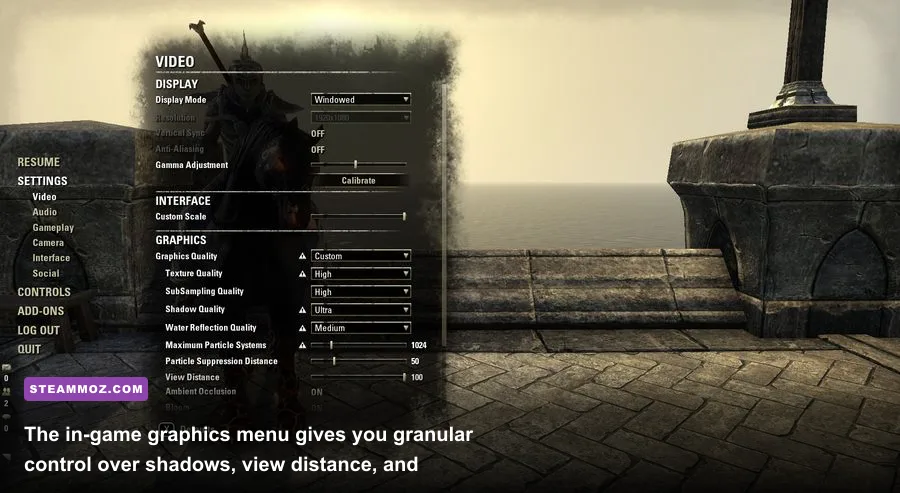
ESO's settings menu is deceptively deep. A lot of players just slam everything to Ultra and wonder why their fps tanks in PvP. Here's the breakdown of what actually costs you frames versus what's basically free visual quality.
| Setting | Recommended Value | FPS Impact | Visual Note |
|---|---|---|---|
| Shadow Quality | Medium | High impact (-10 to -15fps at Ultra) | Barely noticeable difference above Medium |
| View Distance | Medium-High | Medium impact | Crucial for Cyrodiil siege awareness |
| Anti-Aliasing (FXAA) | On | Low impact | Cleans up jagged edges cheaply |
| Ambient Occlusion | Off/Low | Medium impact | Minimal visual payoff for the fps cost |
| Particle Effects | Medium | High impact in group fights | Reduces AoE spam clutter, easier to read mechanics |
| Water Quality | Low | Low impact | Rarely matters outside Summerset coastlines |
| Texture Quality | High | Low impact if VRAM ≥4GB | Big visual upgrade, cheap on most cards |
Dropping particle effects to Medium is honestly the single best PvP tip nobody tells you. It doesn't just help your framerate — it makes enemy AoE telegraphs way easier to actually see through the visual noise, which matters a ton in Cyrodiil and in trial mechanics like Rockgrove's Xalvakka fight.
Storage and Loading Time Reality Check
ESO's install is roughly 85GB now with all chapters and DLC installed, and that number keeps climbing every year with new zones. If you're still running this off a mechanical hard drive, you're doing yourself a disservice — zone transitions that take 8-12 seconds on an NVMe SSD can stretch to 45+ seconds on an HDD, and that adds up fast when you're doing daily quests across three zones or grinding world bosses on the UESP wiki's tracked spawn routes.
Get it on an SSD, period. Even a budget SATA SSD is a massive upgrade over HDD for this specific game, since ESO streams a ton of data during zone loads and public dungeon transitions.
Common Performance Problems and Fixes
A few issues come up constantly in ESO's community forums and Reddit threads, and most have simple fixes that don't require a hardware upgrade at all.
- Memory leak stutter after long sessions: ESO has had recurring memory management issues on the PC client for years. If you notice fps degrading the longer you play, restart the client every few hours rather than alt-tabbing constantly.
- Cyrodiil fps crashes: Lower your view distance and particle effects specifically before entering a keep siege. This is the single most effective real-time fix.
- Shader compilation stutter on first launch: Let the game fully complete its shader cache build on first boot after any major patch — don't alt-tab out mid-process.
- Network desync in crowded zones: Switch from wireless to wired ethernet. ESO's server tick rate is unforgiving about latency spikes during combat sync.
If you're chasing broader PC optimization habits beyond just this game, the troubleshooting logic in our ELEX PC fixes guide covers similar driver and crash-prevention steps that apply here too, and our Far Cry 6 settings breakdown is a good reference for how to think about settings-to-fps tradeoffs in general.
Should You Play on Console Instead?
Worth mentioning honestly — if your PC sits right at minimum spec, you might get a smoother baseline experience on PS5 or Xbox Series X, since ESO's console versions are locked to consistent hardware and ZeniMax has tuned the engine specifically around those targets. But you lose mod support, addon customization (things like Combat Metrics or Wykkyd's Toolbar), and higher framerate ceilings. If your PC clears the recommended spec table above, stick with PC — the addon ecosystem alone makes questing and raiding significantly easier to manage.
Check the Steam store page for the current build size and any regional pricing on the base game plus Gold Road or upcoming chapter expansions before you commit to a platform.
Final Verdict on Whether Your Rig Is Ready
Bottom line: if you're running anything from the last five years with a mid-range CPU and 16GB RAM, you're set for a great ESO experience at 1080p or 1440p. The GPU matters way less than people assume going in — this isn't Cyberpunk 2077, it's an MMO engine that prioritizes network and CPU logic over raw graphical horsepower. Spend your upgrade budget on a faster CPU and an SSD before you even think about a new graphics card, and drop your particle effects during PvP no matter what hardware you're running. That one setting change alone will do more for your Cyrodiil experience than almost anything else on this list.