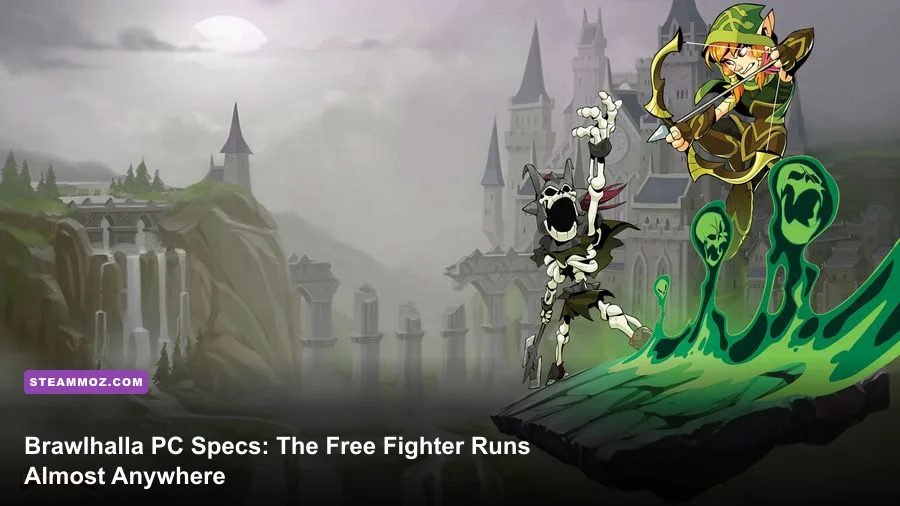
Brawlhalla is one of the easiest competitive games to run on PC. The official minimum is just 1 GB of RAM, a 2 GHz processor, graphics hardware with 512 MB of video memory, and roughly 800 MB of free storage. For a smoother modern setup, aim for Windows 10 or 11, 4 GB of RAM, an Intel Core i3 or AMD Ryzen 3-class CPU, integrated graphics such as Intel UHD 620 or better, and an SSD. That hardware should handle 1080p at a locked 60 fps without drama, while a modest gaming PC can comfortably target 120, 144, or 240 Hz.
That low barrier is a major reason Brawlhalla on Steam remains so popular. It isn't trying to simulate a detailed 3D world. Its flat-shaded arenas, compact character models, and deliberately clean effects keep the workload light. The real performance question isn't whether your PC can launch the game; almost any recent laptop can. It's whether your system can maintain consistent frame pacing when four Legends, weapon effects, gadgets, knockback trails, and online input all collide on screen.
Official Brawlhalla minimum system requirements
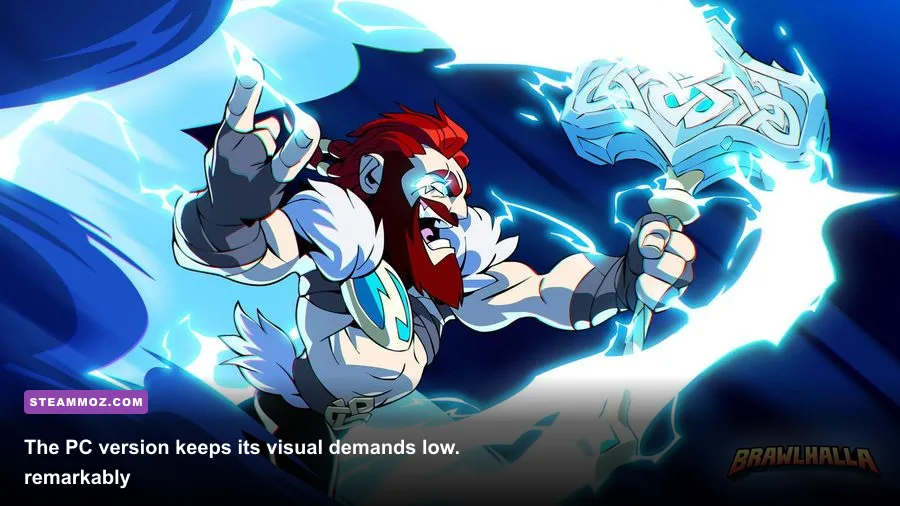
Blue Mammoth Games' published PC requirements are unusually forgiving. The minimum specification is enough to start playing, but don't confuse “can run” with “ideal for ranked.” An old dual-core machine may launch Brawlhalla and produce a playable average frame rate, yet stutter, thermal throttling, or background processes can still create missed dodge timings.
| Component | Official Minimum | What It Means in Practice |
|---|---|---|
| Operating system | Windows 7 or later | Windows 10 or 11 is the safer current choice for drivers and security |
| Processor | 2 GHz or faster | A basic modern dual-core CPU is generally enough for 60 fps |
| Memory | 1 GB RAM | Playable, but 4 GB avoids pressure from browsers and background apps |
| Graphics | Graphics card with 512 MB | Old dedicated GPUs and many integrated chips can meet the target |
| Storage | 800 MB available space | Keep additional room for updates and shader or cache files |
| Network | Broadband internet connection | Latency and stability matter more than download speed |
The 512 MB graphics requirement is best read as a baseline, not a promise of flawless performance on every ancient GPU. Driver support, shared system memory, and the display output can all become limiting factors. A laptop that technically meets the requirement may still hitch when Windows switches power profiles or when its integrated graphics shares memory with a nearly full 1 GB system.
There is also an important omission: Steam does not publish a separate official “recommended” tier for Brawlhalla. That means lists claiming a specific GTX card or Core i5 as the developer's recommended hardware are usually presenting editorial advice as official fact. The table below separates the two clearly.

🎮 BRAWL
Looking to experience this game? Grab your digital key directly on our store for $14.99.
View on Steammoz Store →Recommended PC hardware for smooth 60 fps
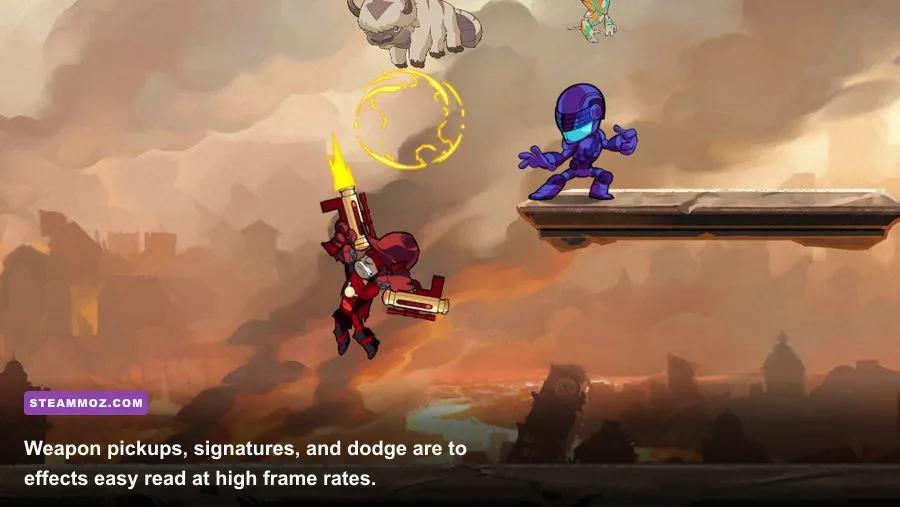
For ordinary play, you don't need a gaming tower. A four-thread Intel Core i3 from the last several generations, an AMD Ryzen 3 APU, or a comparable laptop processor is plenty. On the graphics side, Intel UHD 620, AMD Vega integrated graphics, or any entry-level GeForce or Radeon card should be comfortable at 1080p with sensible settings.
| Component | Practical Recommendation | Competitive Benefit |
|---|---|---|
| CPU | Intel Core i3-6100 / Ryzen 3 1200 or newer | Leaves room for Discord, recording, and background services |
| GPU | Intel UHD 620, Radeon Vega 8, GTX 750 Ti, or better | Comfortable 1080p output with stable frame pacing |
| RAM | 4 GB minimum; 8 GB preferred on Windows 10/11 | Prevents multitasking from competing with the game |
| Storage | Any SSD with at least 2 GB free | Faster launch and fewer system-wide storage slowdowns |
| Display | 1080p, 60 Hz or higher | Clear silhouettes and reliable timing for signatures and dodges |
| Connection | Wired Ethernet or stable 5 GHz Wi-Fi | Reduces packet loss and sudden online corrections |
Why recommend 4 GB or 8 GB when the game lists only 1 GB? Brawlhalla itself is small, but Windows 10 and Windows 11 are not. A browser with several tabs, Steam, voice chat, and an antivirus scan can consume more memory than the game. The extra RAM isn't buying prettier shadows; it's protecting consistency.
For 144 Hz or 240 Hz, the sensible upgrade is a stronger CPU rather than an oversized GPU. A Ryzen 5 3600, Core i5-8400, or any modern equivalent has ample headroom. The game is visually light, but high-refresh play asks the CPU and display pipeline to deliver frames steadily. A cheap gaming monitor with poor response behavior can erase the advantage of a powerful graphics card, so check motion clarity and adaptive-sync support too.
If you're comparing Brawlhalla's footprint with heavier games, our Drawful 2 PC specs breakdown shows the same useful lesson: minimum numbers are launch targets, while real comfort depends on the operating system around the game.
Graphics settings that protect frame rate and input timing
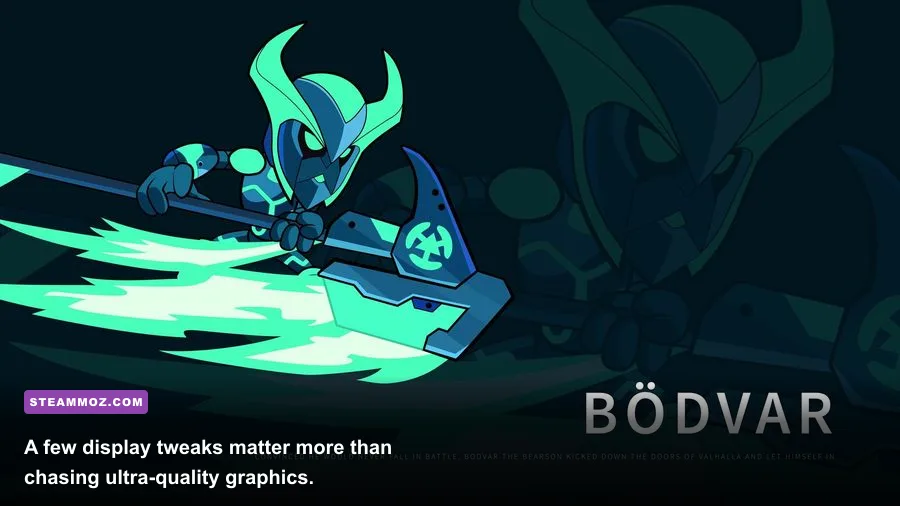
Brawlhalla's settings menu doesn't offer the giant pile of sliders found in a modern shooter, and that's a good thing. Competitive clarity comes from maintaining resolution, fullscreen behavior, and a stable refresh rate—not from turning every visual option to maximum. Start with fullscreen, use your monitor's native resolution, and enable a frame-rate limit that matches your display when possible.
| Setting or Profile | Recommended Value | FPS Impact | Visual or Input Note |
|---|---|---|---|
| Display mode | Fullscreen | Low, but can improve consistency | Reduces desktop compositing interference on older systems |
| Resolution | Native 1080p | Moderate on weak integrated graphics | Sharper character outlines and attack effects |
| VSync | Off for lowest latency; on if tearing is severe | Usually small | VSync can add a frame of delay depending on the display chain |
| Frame limit | Match 60, 120, 144, or 240 Hz | Reduces unnecessary GPU work | Stable pacing is more valuable than a fluctuating peak |
| Background apps | Close browsers and overlays while testing | Variable, high on low-end PCs | Removes spikes that feel like missed inputs |
| Power profile | High performance while plugged in | Variable on laptops | Stops aggressive CPU and GPU clock reductions |
Don't lower resolution first if your machine is only slightly struggling. Brawlhalla's arenas are designed around readable silhouettes, and running below native resolution can make the edges of weapons and platforms look muddy. Instead, test fullscreen, close overlays, and check whether the laptop is plugged in. Integrated GPUs often share power and memory limits with the CPU, so a balanced battery profile can cause more damage than the game's graphics workload.
VSync is the one setting where player preference matters. Turning it off generally gives the quickest response, which is valuable when reacting to a light attack or a weapon throw. The trade-off is visible tearing. If you have a 120 Hz or 144 Hz FreeSync or G-SYNC-compatible display, adaptive sync with a sensible cap is often the best middle ground. A locked 60 fps is still far better than a nominal 144 fps that repeatedly drops and recovers.
Our Dragonkin settings guide covers a heavier game, but its core performance rule applies here: measure frame-time stability, not just the biggest number in an FPS counter.
Why stable FPS matters for every Legend
Brawlhalla is a platform fighter built around short reactions and predictable animation. A frame-rate dip during a critical exchange can make a dodge feel late even if your average FPS looks healthy. This matters across the roster because each Legend's weapon kit creates different visual and timing demands.
Take Bodvar, whose Hammer and Sword make him a straightforward test character. Sword's neutral light and recovery are easy to read, while Hammer's broad hitboxes can fill more of the screen during scrambles. Hattori combines Sword with Spear, and her fast movement makes unstable frame pacing especially irritating when you are trying to punish a whiff. Cassidy's Blasters produce multiple muzzle flashes and bullet effects, while Artemis' Scythe and Rocket Lance signatures create larger screen-filling animations.
The game doesn't require a powerful GPU to calculate some hidden “damage physics”—there isn't a heavy simulation under the hood—but stable rendering helps you track hurtboxes, dodge flashes, and stage edges. A missed visual cue can turn into an incorrect air dodge, a failed gravity cancel, or an accidental fast-fall. In a four-player free-for-all, the extra effects and overlapping knockback trails make these problems easier to notice.
| Play Style | Examples | Hardware Sensitivity | What to Watch |
|---|---|---|---|
| Precision neutral | Hattori, Koji, Val | High input-timing sensitivity | Stable frame pacing during short light-attack exchanges |
| Large hitbox pressure | Bodvar, Teros, Xull | Medium visual sensitivity | Readability when Hammer or Axe signatures overlap |
| Projectile control | Cassidy, Lord Vraxx, Diana | Medium-to-high | Seeing blaster shots, side attacks, and recovery routes |
| Scythe string play | Artemis, Mordex, Nix | High consistency requirement | Fast direction changes and precise chase-dodge follow-ups |
| Four-player chaos | Any Legend | Highest GPU and CPU load | Particle clutter, stage edges, and network corrections |
That doesn't mean one Legend is “too demanding” for a low-end PC. The hardware cost is still tiny. It means testing your system in the mode you actually play. Training Mode with one opponent is not the same stress test as a four-player match on a busy map. Try ranked 1v1, then test a full custom lobby while recording a replay or running voice chat.
For broader competitive habits, our ELEX PC fixes guide has useful troubleshooting principles for diagnosing crashes, driver conflicts, and performance drops before blaming the game itself.
Low-end PC troubleshooting that actually helps
If Brawlhalla stutters on hardware above the listed minimum, start with the boring checks—they solve this problem surprisingly often. Update the graphics driver from Intel, AMD, or NVIDIA rather than relying only on an old Windows package. Plug in the laptop, choose its performance power mode, and confirm the dedicated GPU is assigned if the system has switchable graphics. Then restart Steam and the game after changing display settings.
1. Confirm the display path
Make sure Windows is actually using the monitor's intended refresh rate. A 144 Hz panel running at 60 Hz won't create extra frames, no matter what the game appears to report. Check Windows display settings and the monitor's on-screen menu. If the game launches on the wrong screen or switches to borderless mode, test exclusive fullscreen again.
2. Remove sources of frame-time spikes
Steam Overlay, Discord Overlay, Xbox Game Bar, browser video, screen capture, and RGB utilities can all introduce occasional interruptions on a 1 GB or 4 GB machine. Disable them one at a time rather than changing ten things at once. If the stutter vanishes, you've found a conflict instead of a hardware limit.
3. Separate online lag from PC slowdown
A network hitch and a rendering hitch feel similar but need different fixes. If the FPS counter remains stable while characters teleport or inputs arrive late, check Wi-Fi congestion, packet loss, and server region. Brawlhalla's official developer site and support resources are the right places to check service notices and connection troubleshooting. A faster graphics card won't repair unstable Wi-Fi.
4. Test with a repeatable routine
Use Training Mode with a Legend such as Mordex, then play a ranked match and a four-player custom game. Watch for the exact moment the problem appears. If only the full lobby suffers, reduce background load and check temperatures. If every mode stutters, investigate drivers, power limits, storage health, and thermal throttling. A CPU stuck at low clock speed can make a game this light feel inexplicably broken.
Can Brawlhalla run on laptops and Steam Deck?
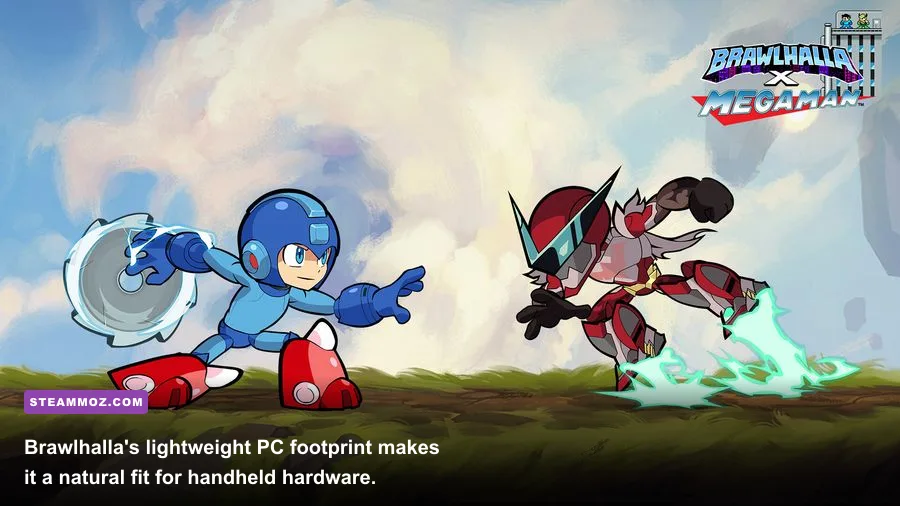
Yes—Brawlhalla is an excellent low-end laptop and handheld game. A school or office laptop with a recent Intel or AMD integrated GPU should meet the practical 60 fps target, provided it isn't overheating or trapped in a battery-saving profile. Use a wired controller or a reliable Bluetooth pad if the keyboard layout feels cramped, and remember that a stable connection is more important than raw internet bandwidth.
Steam Deck hardware is comfortably beyond the game's official floor. Its integrated GPU has more than enough capacity for the game's 2D presentation, and the 1280×800 screen is a natural fit for the arena layout. The real considerations are controller preference, online Wi-Fi quality, and whether you want to cap the display at 60 Hz to conserve battery. Brawlhalla's small install size also makes it a sensible game to keep on a handheld even when storage is tight.
Older Windows 7 machines can still satisfy the published operating-system line, but support and driver availability are the weak points. If you are buying or refurbishing a PC specifically for Brawlhalla, don't hunt for a decade-old bargain just because the minimum says 2 GHz and 1 GB RAM. A cheap used system with a modern four-core CPU, 8 GB of memory, and an SSD will feel dramatically better across Steam, browsers, and other games.
For perspective, compare that with a demanding RPG using our Dungeon Siege performance coverage: Brawlhalla's advantage is not merely its tiny download. Its art direction deliberately avoids the expensive lighting, geometry, and texture streaming that make modern 3D games difficult for budget hardware.
Final verdict on Brawlhalla PC requirements
The short answer is simple: if your PC can run a modern web browser and has a vaguely recent integrated GPU, it probably runs Brawlhalla. The official 1 GB RAM, 2 GHz CPU, 512 MB graphics, and 800 MB storage requirements are real minimums, while 4 GB of RAM, a Core i3 or Ryzen 3-class processor, UHD 620 or Vega-level graphics, and an SSD form a far more sensible everyday target.
Spend money on a high-refresh monitor or a stronger GPU only after securing consistency. Brawlhalla doesn't reward cinematic graphics settings; it rewards clean input, readable effects, and frame pacing that never surprises you during a dodge or recovery. Set fullscreen, use native resolution, cap frames sensibly, close unnecessary overlays, and test the actual modes you play.
That combination is enough to enjoy the entire roster—from Bodvar and Hattori to Cassidy, Artemis, Mordex, and the latest Legends—without turning your PC into a competitive bottleneck. The official Brawlhalla news and patch notes remain the best place to check for future changes, but the game's fundamental hardware story is clear: this is one of the most accessible fighting games on Steam, and stable performance is much easier to achieve than its frantic matches might suggest.