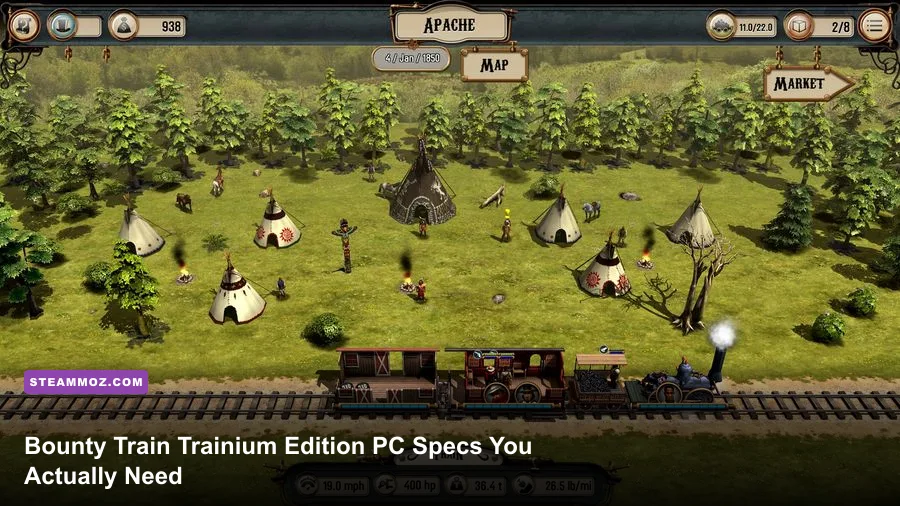
Bounty Train Trainium Edition has very modest PC requirements: the minimum target is a 64-bit Windows PC with an Intel Core 2 Duo 2.4 GHz processor, 2 GB of RAM, and a GeForce GTX 550 Ti-class graphics card, while the recommended configuration steps up to an Intel Core i5 3.0 GHz CPU, 4 GB of RAM, and a GeForce GTX 760-class GPU. You’ll also need roughly 2 GB of storage and DirectX 9.0c or later. In practical terms, almost any modern desktop, office PC with a discrete GPU, or entry-level gaming laptop should run it comfortably.
That low barrier is good news because Bounty Train is not a game that demands cutting-edge rendering hardware. Its visual workload comes from a stylized 3D locomotive, a scrolling frontier map, settlement scenes, menus, and combat encounters rather than enormous open-world streaming or modern lighting effects. The real question isn’t whether a new gaming PC can launch Trainium Edition. It’s whether an older machine has enough CPU headroom for simulation, enough memory for Windows and background applications, and graphics drivers that still behave properly with the game’s older technology.
This guide separates the official baseline from the configuration you should actually aim for. It also explains what the minimum GPU means today, how the Trainium Edition relates to the base game, which settings matter most, and what to try when an old laptop stutters, crashes, or refuses to display the correct resolution.
Official Bounty Train Trainium Edition requirements
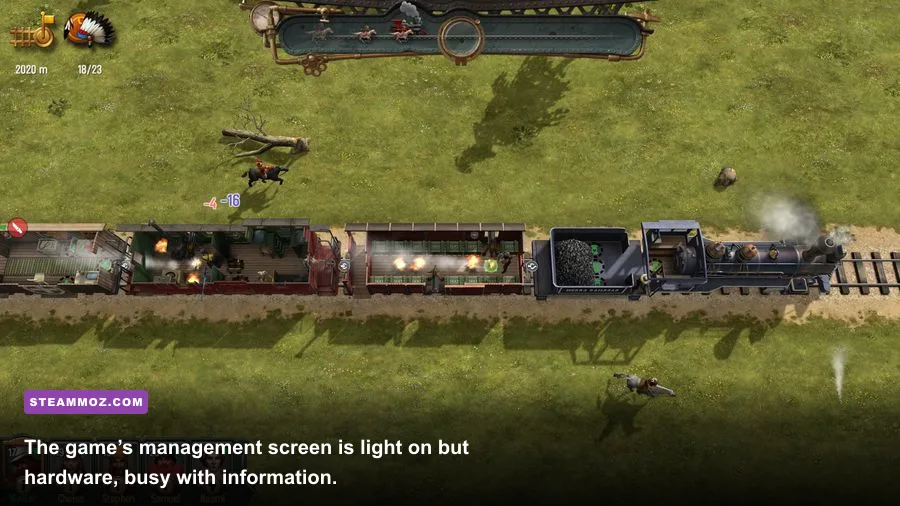
The specifications listed for Bounty Train are firmly rooted in the mid-2010s PC era. The Trainium Edition does not turn the game into a heavier sequel or introduce a new rendering engine. It packages the original experience and its additional content, so the practical hardware target remains the same as the standard Steam release.
| Component | Minimum | Recommended |
|---|---|---|
| Operating system | Windows 7, 8, or 10, 64-bit | Windows 7, 8, or 10, 64-bit |
| Processor | Intel Core 2 Duo 2.4 GHz | Intel Core i5 3.0 GHz |
| Memory | 2 GB RAM | 4 GB RAM |
| Graphics | NVIDIA GeForce GTX 550 Ti or AMD Radeon HD 6770-class GPU | NVIDIA GeForce GTX 760 or AMD Radeon R9 270X-class GPU |
| DirectX | Version 9.0c | Version 11 |
| Storage | 2 GB available space | 2 GB available space |
| Audio | DirectX-compatible sound card | DirectX-compatible sound card |
These are the requirements shown on the game’s official Steam page, but they should be read as a launch-and-play baseline rather than a promise of perfect performance on every machine. Minimum specifications generally assume a clean system, modest background activity, and settings close to the game’s lower presets.
The most important detail is the 64-bit operating-system requirement. A 32-bit copy of Windows may have enough raw power but still fail the platform check or run into memory-addressing limits. Windows 11 is not listed in the original requirements, yet many current systems can run older DirectX titles through compatibility layers and updated drivers. That isn’t the same as official support, so keep your refund window in mind if you’re buying specifically for a very old PC.

🎮 Bounty Train Trainium Edition
Looking to experience this game? Grab your digital key directly on our store for $1.49.
View on Steammoz Store →What the minimum specs mean in 2026
The Core 2 Duo 2.4 GHz minimum sounds ancient now, and it is. Any recent Intel Core, AMD Ryzen, or Apple-silicon-based Windows setup is far beyond that CPU in raw single-threaded performance. Even low-power processors such as an Intel N100 can be several generations ahead in efficiency and everyday responsiveness, although integrated graphics and driver compatibility still deserve attention.
The GTX 550 Ti and Radeon HD 6770 are also long retired. Their importance today is less about matching the exact model and more about understanding the performance class: a very low-end dedicated GPU from the last decade, with a small amount of video memory and support for the older DirectX feature set. Modern integrated graphics can beat those cards, but performance varies dramatically between systems. Intel UHD 620 is a different proposition from Intel Iris Xe; AMD Radeon 680M is in another league entirely.
For a modern comparison, look for a system with at least 8 GB of total RAM, a recent quad-core CPU, and graphics at or above Intel Iris Xe, Radeon Vega 8, or a contemporary entry-level GeForce. That is not necessary to satisfy the published minimum, but it leaves enough room for Windows, Steam, browser tabs, recording tools, and security software without making the game fight for resources.
| Modern PC part | Likely result | Practical advice |
|---|---|---|
| Recent desktop with integrated graphics | Comfortable at 1080p on medium or high settings | Use current chipset and graphics drivers |
| Older Intel UHD laptop graphics | Playable, but lower settings may be needed | Play while plugged in and use a balanced power profile |
| Entry-level dedicated GPU | Generally easy 1080p performance | Raise resolution before chasing maximum quality |
| Core 2 Duo-era machine | Runs near the published minimum | Close background apps and expect longer loading |
| Modern gaming desktop | Hardware is substantially overqualified | Focus on compatibility, resolution, and frame pacing |
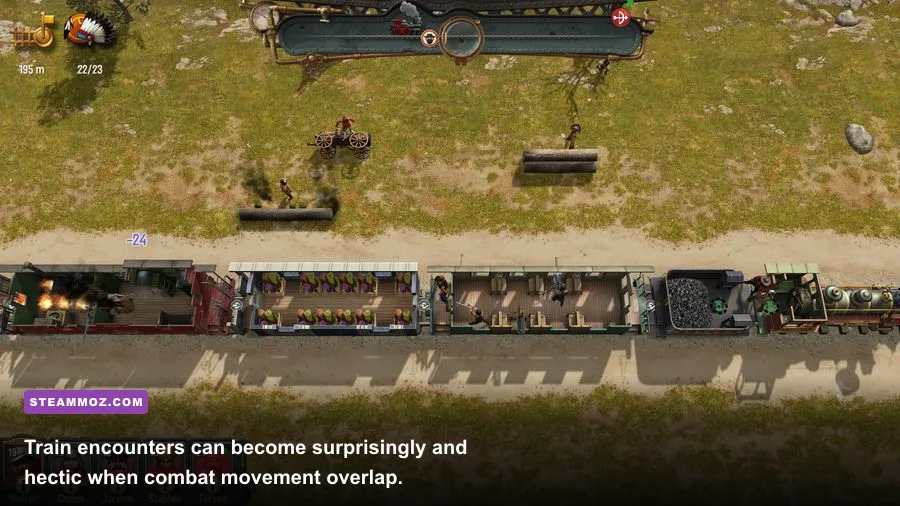
Unlike a real-time shooter, Bounty Train doesn’t become unplayable the moment the frame rate dips. You spend much of your time planning routes, managing supplies, checking contracts, and moving between locations. Still, smoother camera movement matters during train encounters, and a weak CPU can make transitions feel sluggish even when the average frame rate looks fine.
Minimum versus recommended hardware
The jump from the Core 2 Duo to the 3.0 GHz Core i5 is more meaningful than the RAM increase from 2 GB to 4 GB. The game’s simulation has to track your locomotive, crew, cargo, route, encounters, and economic decisions. It isn’t a giant simulation by modern standards, but older dual-core processors have far less spare capacity when Windows is doing other work.
Two gigabytes of RAM is technically enough for the game itself, yet it leaves almost no breathing room on a current Windows installation. If your PC has only 4 GB total, Windows may start paging data to the storage drive as soon as you open a browser or voice-chat application. That creates hitching that can be mistaken for a graphics problem. Four gigabytes is the official recommended amount, but 8 GB is the sensible real-world floor today.
The recommended GTX 760 and Radeon R9 270X are overkill for the game’s visual complexity on paper, but that recommendation gives you room to use a higher resolution and avoid sudden drops when the screen is busy. It also matters if you’re playing on a 1440p monitor, recording footage, or running the game in a borderless window while using other software.
Storage performance won’t change the game’s frame rate, but an SSD can reduce startup and loading delays. The installation itself needs only about 2 GB, so capacity is rarely the issue. Leave several extra gigabytes free for Windows updates, shader caches, save backups, and Steam’s temporary download files.
Best graphics settings for smooth performance
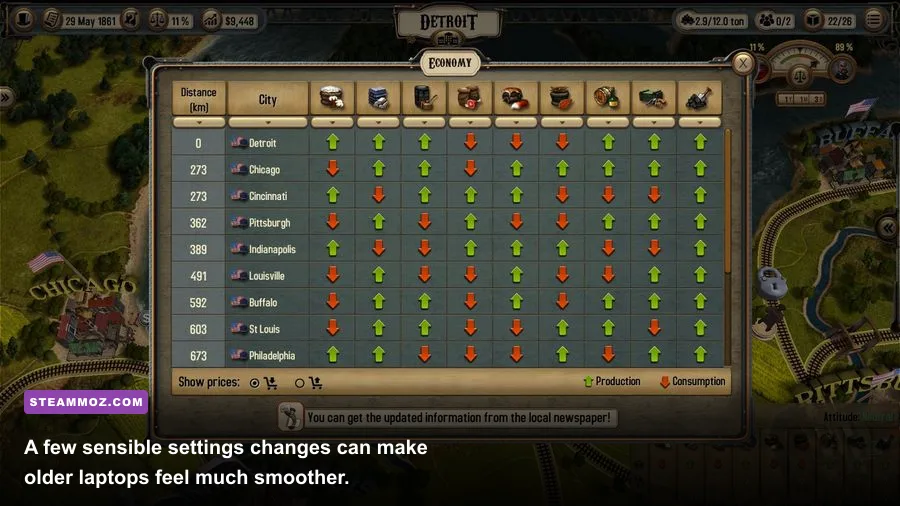
Start with the game’s native resolution and then tune quality only if you see stutter or inconsistent frame pacing. There’s no reason to force 4K on a title built around compact environments and readable management screens. On a weak laptop, a stable 1080p or 900p image is usually a better choice than an unstable high-resolution presentation.
| Setting or profile | Recommended value | Performance impact | Visual trade-off |
|---|---|---|---|
| Resolution | 1920×1080, or native laptop resolution | High if reduced | Lower resolution softens text and map details |
| Overall quality | Medium on minimum hardware; High on recommended hardware | Medium | Controls the broad quality balance |
| Shadows | Low or Medium on older GPUs | Medium to high | Less depth around trains and scenery |
| Anti-aliasing | Medium or the lowest stable option | Low to medium | More visible edge shimmer at lower values |
| Texture quality | High if video memory allows | Low to medium | Lower detail on train and environment surfaces |
| V-sync | On for tearing-free play; off for lowest latency | Can cap frame rate | Off may create visible tearing during camera movement |
| Display mode | Fullscreen for troubleshooting; borderless for convenience | Usually low | Borderless makes switching apps easier |
Shadows are normally the first setting worth reducing because they can add a disproportionate GPU cost for a modest visual improvement. Texture quality is a safer setting to keep high if your graphics memory is sufficient. Lowering textures often makes the locomotive and interface look blurry without fixing a CPU bottleneck.
V-sync deserves a little care. If your monitor runs at 60 Hz and the game can remain near 60 frames per second, enabling it can eliminate distracting tearing while you scroll across the map. If the system frequently falls below that target, V-sync may make the presentation feel less responsive. In that case, try it off first, then use your GPU control panel’s frame limiter if available.
CPU, GPU, and laptop performance tips
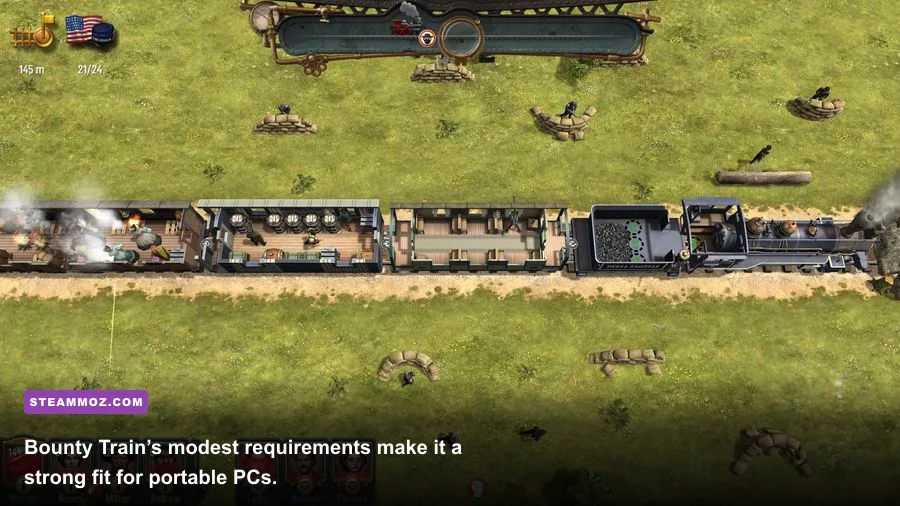
On a modern desktop, the GPU will rarely be the limiting component. On an old dual-core machine, however, background tasks can cause noticeable pauses during map transitions or busy encounters. Before launching, close browser tabs, game launchers, cloud-sync utilities, and hardware-monitoring overlays you don’t need. This is especially useful when running close to the 2 GB minimum.
Laptop players should connect the charger and select the manufacturer’s performance mode. Battery-saving profiles often reduce CPU clock speeds, which can hurt simulation smoothness even when the graphics settings are low. Windows power management can also switch the game to an integrated GPU when a dedicated chip is available. In Windows Graphics settings, add the game executable and select the high-performance GPU manually.
Don’t judge performance from the opening menu alone. Play through a route with several towns, open the management panels, and let the camera move during an encounter. That tests the situations most likely to expose CPU spikes or driver issues. If the game is smooth in battles but pauses whenever you open a menu, the problem is more likely storage, memory pressure, or a background process than the graphics card.
Players who enjoy older PC games may also want to keep our guide to Drawful 2 PC requirements nearby. Its hardware profile is different, but the same rule applies: published minimums describe compatibility, not necessarily the best modern experience.
Windows compatibility and common fixes
Bounty Train was designed for an older Windows and DirectX environment, so compatibility problems are more likely than genuine hardware shortages on a new PC. Start by verifying the installation through Steam. A damaged executable, missing redistributable, or incomplete update can produce a crash that looks like a system-requirement failure.
- Update the graphics driver. Install the latest driver for NVIDIA, AMD, or Intel rather than relying on a generic Windows driver.
- Verify the game files. Use Steam’s installed-files verification tool before reinstalling the entire game.
- Try fullscreen mode. If borderless mode shows a black screen or incorrect scaling, switch to exclusive fullscreen and test again.
- Disable overlays. Turn off Steam, Discord, recording, and GPU overlays temporarily to identify conflicts.
- Check display scaling. Windows scaling above 100 percent can make older interfaces appear blurred or incorrectly sized.
- Test compatibility options carefully. Run the executable as administrator only when needed, and try a Windows compatibility mode if the launcher fails.
Don’t immediately install random DLL files from third-party websites. That can introduce malware and often makes diagnosis harder. Use Steam’s file verification, Microsoft’s official runtime installers, and the publisher’s support channels instead. The official Steam Community hub is also useful for checking whether other players are seeing the same launch or resolution issue.
If you’re on Windows 11 and the game starts but displays a strange resolution, try disabling fullscreen optimizations for the executable and use a fixed desktop resolution. If audio is missing, confirm that the active Windows output device is correct and that a DirectX-compatible sound device is selected. These fixes are boring, but they solve more older-game problems than lowering every graphics option to minimum.
Is Trainium Edition demanding on Steam Deck?
The official requirements do not list SteamOS or Steam Deck, so Valve’s compatibility rating and current Proton behavior are more useful than the old Windows specification sheet. The game’s low polygon count and modest memory requirement make it a promising portable title, but older Windows-focused games can still have issues with text scaling, controller navigation, video playback, or display modes.
For a Deck-class PC, begin at 1280×800 with medium or high quality and a 60 Hz profile. If you want longer battery life, a 40 Hz cap is a sensible compromise. Because the game is strategic rather than reflex-heavy, 40 frames per second still feels comfortable while reducing power consumption. Keep an eye on small interface text at the native resolution; if it appears soft, use the game’s own scaling option rather than an aggressive system-wide filter.
Handheld users should also create a manual save before experimenting with Proton versions or launch options. Train management games can produce long sessions, and troubleshooting shouldn’t put a valuable campaign at risk. Steam Cloud is helpful, but local backups are safer when changing compatibility settings.
Final verdict on the PC requirements
Bounty Train Trainium Edition is an easy game to run by modern standards. The official minimum of a Core 2 Duo, 2 GB of RAM, and GTX 550 Ti-class graphics is genuinely low, but a current 8 GB PC with integrated graphics from Intel Iris Xe or AMD Radeon Vega upward is a much better practical target. The recommended GTX 760-class GPU is unnecessary for most modern systems, though it provides plenty of room for 1080p quality settings and background applications.
If your machine was built within the last decade, check the operating system, drivers, and available memory before worrying about raw horsepower. A clean installation, fullscreen testing, sensible shadows, and a plugged-in laptop profile should handle most problems. The game’s compact install size also makes it a low-risk download for older hardware.
Players comparing it with other older PC releases can also read Steamoz’s Dungeon Siege performance review and our ELEX PC fixes guide. The takeaway is the same: don’t confuse an old minimum requirement with a broken game. With the right driver and display setup, Trainium Edition remains a remarkably approachable frontier strategy game for modest PCs.
Before buying, confirm the current listing on Steam and check the developer’s official information through Corbie Games. The hardware demands are unlikely to trouble a modern computer; compatibility and configuration are the real hurdles.