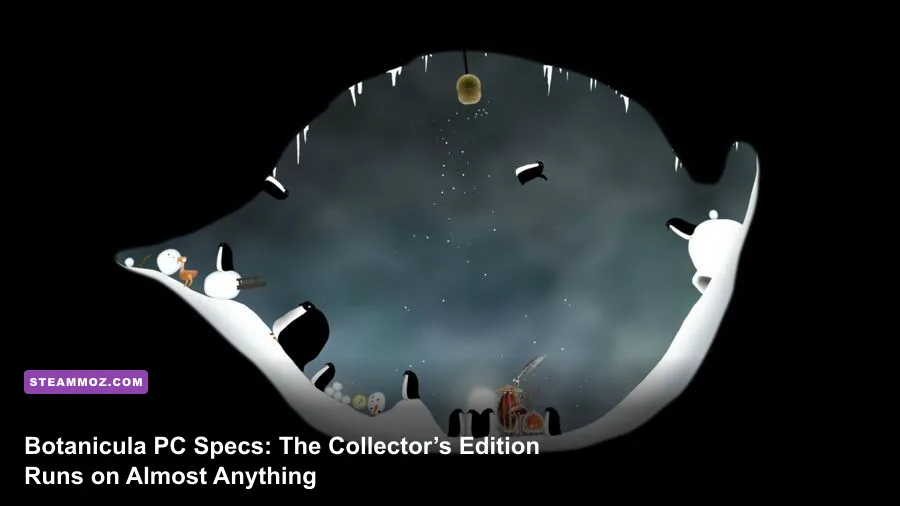
Botanicula Collector’s Edition is exceptionally easy to run on PC. Steam lists a 1.6 GHz processor, 1 GB of RAM, a DirectX 9c-compatible graphics adapter, and 700 MB of storage for the Windows version. There’s no official high-end recommended tier on the current store listing, so the practical recommendation is simply a modern dual-core CPU, 4 GB of RAM, any integrated graphics from the last decade, and roughly 1 GB of free space. In other words, this is a game for aging laptops, office PCs, Steam Deck-style hardware, and nearly any desktop that can open a web browser.
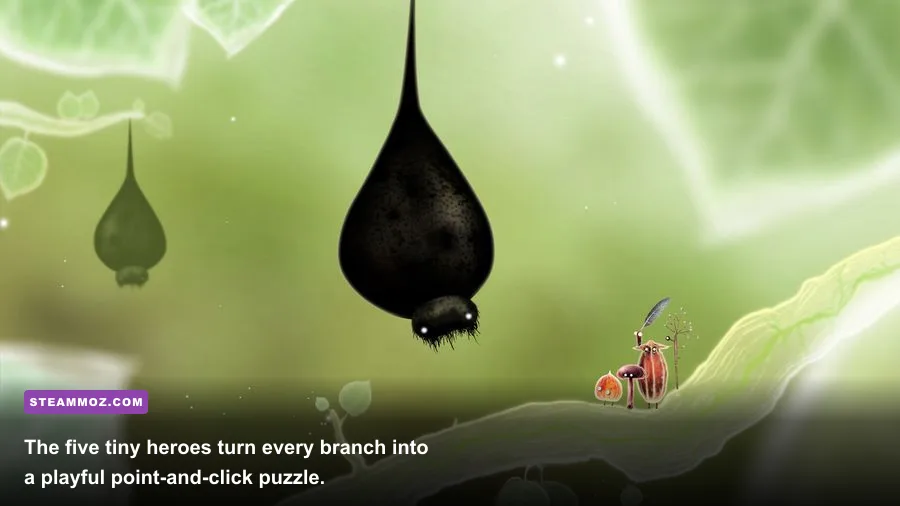
That low barrier makes sense. Amanita Design built Botanicula as a 2D point-and-click adventure, not a polygon-heavy action game. You’re guiding Mr. Lantern, Mr. Twig, Mr. Poppy Head, Mr. Feather, and Mrs. Mushroom through a surreal tree packed with animated creatures, clickable objects, sound cues, and hand-drawn scenes. The Collector’s Edition includes the same underlying game, so its soundtrack and digital extras don’t change the PC requirements.
Botanicula Collector’s Edition minimum requirements
The official Windows minimum is remarkably modest, but there’s one important detail worth understanding: Botanicula’s graphics requirement is listed by API compatibility rather than by a specific GPU model. “DirectX 9c-compatible graphics” covers a huge range of hardware, including many integrated chips that shipped in laptops during the Windows Vista and Windows 7 era.
The 1.6 GHz CPU requirement is equally forgiving. Botanicula doesn’t simulate a large open world, calculate complex physics, or stream huge textures from disk. Its scenes are essentially illustrated stages with interactive hotspots. The processor spends more time handling animation, audio, and input than pushing demanding 3D workloads.
| Component | Official minimum | What it means today |
|---|---|---|
| Operating system | Windows XP, Vista, or 7 | Very old Windows versions are listed; a current supported Windows installation is the safer choice. |
| Processor | 1.6 GHz CPU | Almost any modern laptop or desktop processor exceeds this comfortably. |
| Memory | 1 GB RAM | 4 GB is a sensible practical floor for the whole PC, even though the game asks for less. |
| Graphics | DirectX 9c-compatible graphics | Integrated graphics should be sufficient if the driver supports the game’s rendering path. |
| Storage | 700 MB available space | Reserve around 1 GB to allow room for installation files and Steam updates. |
| Sound | DirectX 9c-compatible sound | Normal onboard audio is more than adequate on a modern PC. |
The operating-system line deserves a warning. Steam may display the original requirements exactly as they appeared when Botanicula launched, but Windows XP, Vista, and 7 are no longer sensible recommendations for an online gaming machine. If you’re installing the game on Windows 10 or Windows 11, the hardware side should be effortless. Compatibility, display scaling, and old-driver behavior are more likely concerns than raw performance.
You can verify the current store data on the official Botanicula Steam page. The developer’s Botanicula page is also useful for confirming the game’s visual style and editions.
🎮 Botanicula Collector's Edition
Looking to experience this game? Grab your digital key directly on our store for $2.99.
View on Steammoz Store →Recommended PC specs for smooth 1080p play
Because the publisher doesn’t provide a separate official recommended specification, any “recommended” list needs to be labeled honestly. The profile below is a practical 2026 buying and troubleshooting target, not a second official hardware tier. It gives you plenty of headroom for Botanicula while keeping the advice useful for people buying or repurposing an old PC.
| Component | Practical recommendation | Why it’s enough |
|---|---|---|
| Operating system | Windows 10 or Windows 11, 64-bit | Current Steam support and graphics drivers are more important than cutting-edge hardware. |
| Processor | Modern dual-core CPU, such as a recent Core i3 or Ryzen 3 | Provides huge overhead for 2D animation, audio, and background Steam tasks. |
| Memory | 4 GB RAM | Leaves room for Windows, Steam, browser tabs, and the game at the same time. |
| Graphics | Intel UHD-class integrated graphics or better | Far beyond the game’s DirectX 9-era rendering requirement. |
| Storage | 1 GB free on an SSD or hard drive | The installation is tiny; an SSD mainly improves general PC responsiveness. |
| Display target | 1080p fullscreen or windowed mode | Modern screens are easy to drive, although scaling may need adjustment. |
That profile is intentionally conservative. A machine with 2 GB of RAM and an older Intel HD GPU may still run the game perfectly. The real question is whether the computer can run the operating system, Steam client, antivirus software, and Botanicula without constantly paging memory to disk. If the game is stuttering on a machine that technically beats the minimum, background software is a more likely culprit than Botanicula itself.
For perspective, Botanicula is far less demanding than the modern adventure titles covered in Steamoz’s graphics-settings performance guide. It doesn’t need a dedicated gaming GPU, a large VRAM pool, or a high-wattage CPU. Even an inexpensive refurbished business laptop can be a superb Botanicula machine.
Why the game runs so easily
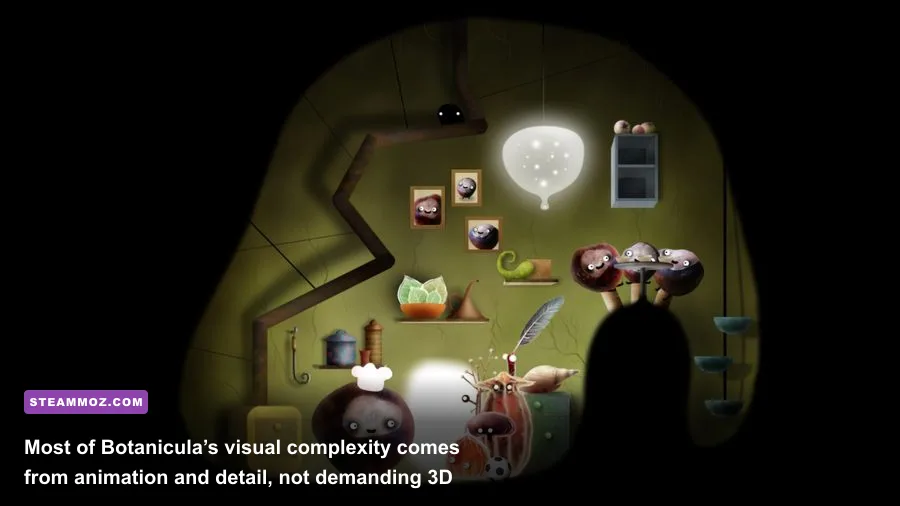
Botanicula’s low requirements aren’t accidental. The game’s world is presented through illustrated 2D scenes, with movement and discovery driven by mouse clicks. You aren’t traversing a continuously rendered 3D environment. Instead, the engine loads a compact scene, plays animations, reacts to your clicks, and moves you toward the next visual gag or puzzle interaction.
That structure keeps memory use low. A scene can be packed with personality—swaying branches, blinking eyes, tiny creatures, bizarre machines—without requiring the GPU to render millions of textured polygons every frame. The important workload is animation playback and compositing. DirectX 9c support is therefore a better compatibility clue than a modern GPU model number.
The five playable heroes also help explain the modest technical footprint. Mr. Lantern, the group’s glowing leader, stands alongside Mr. Twig, Mr. Poppy Head, Mr. Feather, and Mrs. Mushroom. Each character has a distinct silhouette and interaction style, but the game isn’t rendering a fully simulated party in a physics-driven world. The charm comes from timing, sound design, and hand-drawn reactions.
That’s why raw frame-rate numbers can be misleading here. On a current system, the game may run at a very high refresh rate, but the experience is fundamentally designed around deliberate cursor movement and scene-by-scene interaction. Stable presentation, correct scaling, and responsive input matter more than chasing 240 frames per second.
If you enjoy this kind of compact, story-focused design, Steamoz’s Deponia progression guide covers another classic point-and-click adventure with a very different sense of humor. Botanicula is gentler and more visual, but both games reward patient inspection rather than reflexes.
Best settings for old laptops and modern PCs
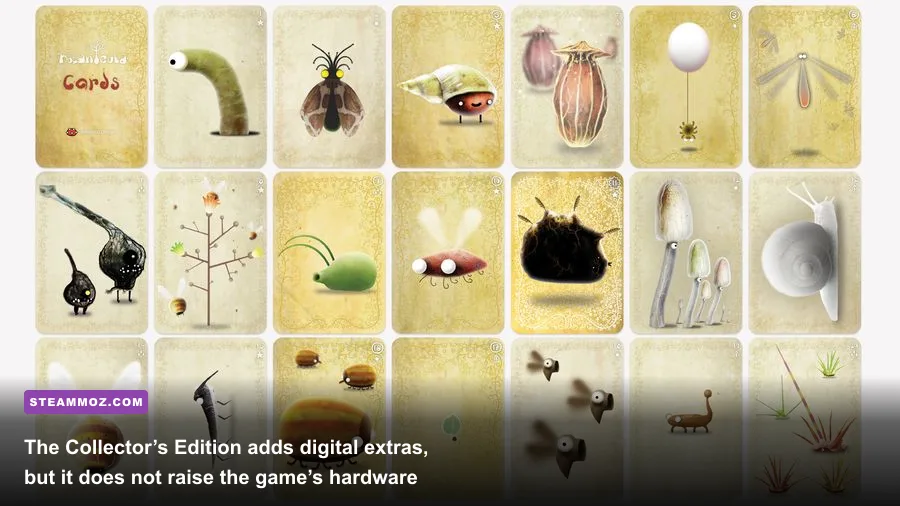
Botanicula doesn’t offer the sprawling graphics menu you’d expect from a contemporary 3D release. There are no texture-quality tiers, ray tracing toggles, shadow cascades, or shader presets to balance. That’s good news: troubleshooting is quick. Start with native resolution, use fullscreen if windowed mode introduces scaling artifacts, and only reduce the display size if an old laptop struggles.
| Setting or issue | Recommended value | Performance impact | Visual note |
|---|---|---|---|
| Resolution | Native desktop resolution | Low on modern hardware | Produces the cleanest image and avoids unnecessary scaling. |
| Display mode | Fullscreen first; windowed if needed | Usually negligible | Windowed mode can help with multitasking and awkward laptop scaling. |
| Frame synchronization | Use the default behavior | Negligible | Consistency matters more than extremely high frame rates. |
| Background applications | Close browsers, launchers, and overlays on old PCs | Potentially significant on 1–2 GB systems | Reduces memory pressure and interruptions during scene transitions. |
| Windows compatibility mode | Use only if the current build fails to launch | Not applicable unless troubleshooting | Try normal execution first; compatibility settings can create new problems. |
On a weak laptop, the first useful test is simple: run Botanicula with Steam’s overlay, browser tabs, cloud-sync utilities, and video capture closed. If the mouse feels delayed or animations hitch, check whether the system is swapping memory or running in a power-saving mode. Plugging in the laptop and selecting its balanced or high-performance profile can help more than lowering resolution.
On Windows 11, display scaling can make an older 2D game look either unusually small or slightly soft. Try 100% or 125% scaling, then compare fullscreen and windowed modes. Don’t immediately blame the GPU. The game’s artwork has deliberately stylized edges, and interpolation from a non-native window size can make those edges appear blurrier than expected.
There’s also no reason to install a large graphics driver package or buy a dedicated card for this game. Keep your integrated GPU driver current, but skip expensive upgrades. Your money would be better spent on a larger SSD or extra RAM if the computer struggles with Windows generally.
Collector’s Edition extras and installation advice
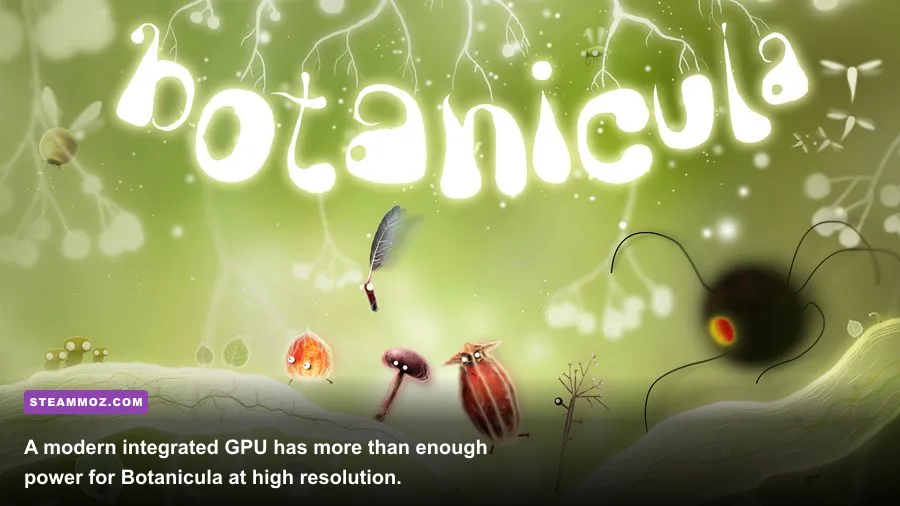
The Collector’s Edition is a content upgrade, not a performance upgrade. It bundles the Botanicula game with digital extras such as the soundtrack and artbook, depending on the storefront package you purchase. Those additions don’t transform the rendering workload or add a new graphics mode. The 700 MB storage figure is the key official number for the game installation, but reserving about 1 GB is the sensible move.
Before buying, check the exact package name on the storefront. Editions and bundle descriptions can change, especially when older games are sold alongside soundtracks or publisher collections. The Amanita Design Steam developer page is the best place to compare the studio’s current catalog, while the official Amanita Design website provides the publisher’s broader game information.
Installation itself should be painless on an SSD or hard drive. If Steam reports missing files, use its file-verification tool before experimenting with compatibility modes. If the game launches to a black screen, test windowed mode, update the integrated graphics driver, and temporarily disable overlays. If audio is missing, confirm that Windows is using the correct output device and that the game has permission to access it.
Old adventure games can also behave strangely with ultrawide monitors. Botanicula was designed around a conventional aspect ratio, so a modern 21:9 display may show side borders or scaling rather than a genuinely wider playfield. That’s normal. Stretching the image can make the artwork look wrong, and there’s no gameplay benefit to forcing it.
Players coming from more demanding stealth or RPG releases may appreciate just how relaxed this setup is. Steamoz’s Desperados III review deals with a game where CPU behavior, visibility systems, and tactical simulation matter constantly. Botanicula strips all of that away and lets its drawings, music, and oddball interactions do the heavy lifting.
Final verdict on Botanicula PC requirements
Botanicula Collector’s Edition is one of the safest low-spec PC purchases in Amanita Design’s catalog. The official baseline—1.6 GHz CPU, 1 GB RAM, DirectX 9c graphics, and 700 MB of storage—is firmly rooted in the game’s original era, but the practical modern target remains tiny. Any current Windows 10 or Windows 11 PC with 4 GB of RAM and integrated graphics should handle it smoothly at 1080p.
The only caveats are compatibility and presentation. Don’t treat the old Windows XP/Vista/7 listing as a recommendation to use an unsupported operating system. On a modern PC, keep Windows and graphics drivers current, use native resolution, and troubleshoot scaling before touching hardware. If the game runs poorly, background memory pressure or an old compatibility quirk is much more likely than insufficient GPU power.
Most importantly, the Collector’s Edition’s extras don’t change those conclusions. You’re getting a whimsical, hand-animated adventure with an expanded package, not a remastered 3D production demanding new hardware. If your PC can run Steam, there’s an excellent chance it can run Botanicula—and run it beautifully.