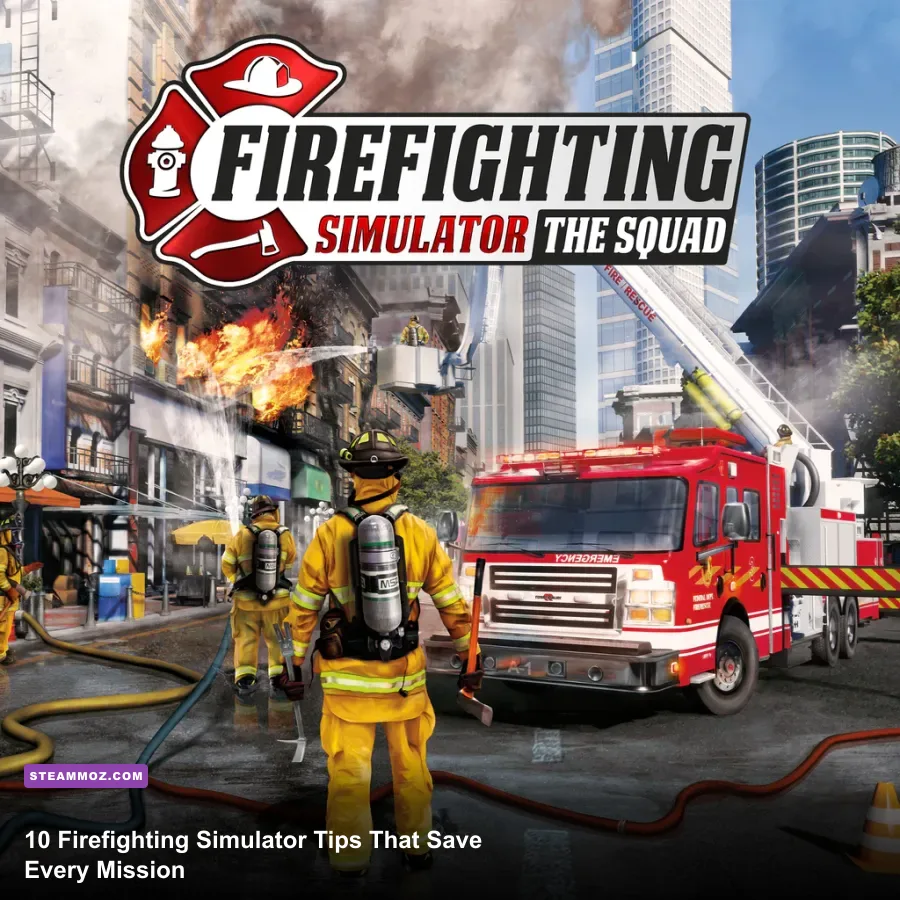
If you’re new to Firefighting Simulator - The Squad, the biggest improvement comes from treating each call like a real incident: secure water first, assign jobs, search in a repeatable pattern, and attack the fire from a safe angle. The ten tips below cover the mistakes that waste the most time, explain which equipment to grab, and show how to turn the AI squad into useful partners instead of confused spectators.
The game rewards procedure rather than frantic button-mashing. Fire spreads, smoke hides victims and routes, doors can change the way a room burns, and a disconnected hose can leave your best attack line useless. These habits apply across the campaign, individual missions and co-op sessions. Before your first serious shift, it is also worth checking the official Steam page for current updates and supported features.
Start Every Call With a Fast Scene Survey
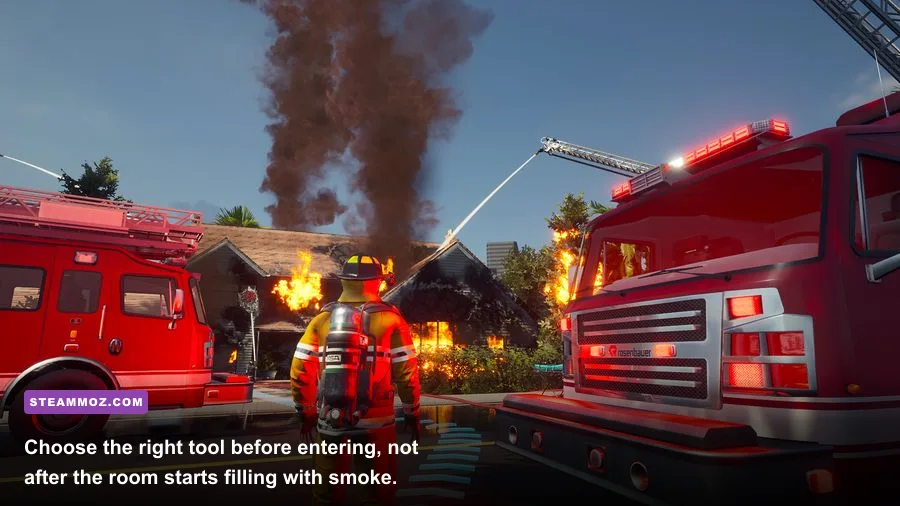
Tip 1: Spend the first few seconds reading the scene. Don’t sprint straight toward the nearest orange window. Stop beside the truck and identify three things: the main fire area, the likely victim route, and the water source. The game’s objectives often look simple, but the safest solution usually depends on doing those jobs in the correct order.
Look for flames through windows, smoke pushing from doors, damaged walls and people signaling from upper floors. A heavily smoking entrance is not automatically the best entrance. If another side of the building gives you a clearer route or an exterior window, use it. Your first goal is not to extinguish one visible flame; it is to understand how the incident is laid out.
Check the objective panel before choosing equipment. A mission that asks you to rescue civilians needs a search-first mindset, while a vehicle fire or gas-related call may prioritize a particular extinguisher or tool. If the game highlights a vehicle, hydrant or ladder truck, interact with that object before wandering into the structure.
Use the truck as your staging point. Parked apparatus gives you a natural reference for hose routes and prevents the classic beginner error of entering a building with no clear way back. In multiplayer, say the plan out loud: attack line, search team, ventilation or ladder support. Five seconds of coordination beats five minutes of improvisation.

🎮 Firefighting Simulator - The Squad
Looking to experience this game? Grab your digital key directly on our store for $9.99.
View on Steammoz Store →Build the Water Supply Before Attacking
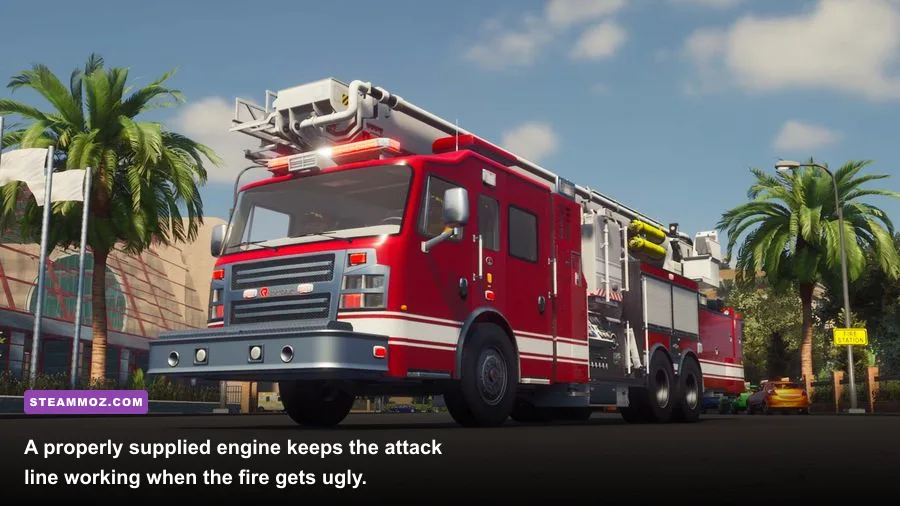
Tip 2: Connect the engine before you commit to the interior. A hose in your hands is not the same as a working attack line. Firefighting Simulator models the setup process closely enough that you need to think about where the hose is connected, how far it must reach and whether the line is actually supplied.
Identify the fire engine and nearby hydrant, then connect the supply hose according to the interaction prompts. Next, take an attack hose from the engine and route it toward the entry point. Keep the path wide and reasonably straight. Hoses that snake around vehicles, corners and debris are harder to manage, and you can lose valuable seconds dragging them into position.
For an interior attack, stop the hose from catching on door frames before moving deeper inside. If your partner is carrying the line, let that player lead while you open doors, clear obstacles or handle victims. In solo play, assign an AI firefighter to hose support when the mission allows it. The AI is much more useful when given a clear role than when left to interpret the entire incident.
| Setup task | Why it matters | Beginner mistake | Better habit |
|---|---|---|---|
| Connect hydrant supply | Keeps the engine supplied | Starting an attack immediately | Secure water before entering |
| Deploy attack hose | Creates the working fire line | Leaving it short of the doorway | Route it close to the entry |
| Manage hose bends | Improves movement and reach | Wrapping it around trucks | Keep the route open and direct |
| Assign a hose partner | Reduces handling problems | Sending AI everywhere | Give one firefighter one job |
Don’t confuse low visibility with low fire intensity. If smoke is thick, cool the room and doorway rather than pushing blindly forward. A supplied line gives you options; a disconnected line gives you a panic button that doesn’t work.
Use the Right Tool for the Right Obstacle
Tip 3: Treat equipment as a toolbox, not a weapon wheel. The hose is your primary tool for controlling flames, but it doesn’t solve every problem. The axe and Halligan-style forcible-entry tool are for access and rescue work, while the fire extinguisher is best suited to smaller, localized fires and specific mission tasks. The chainsaw can open certain barriers, but it is noisy, slower to handle and not a substitute for a hose team.
Tip 4: Open doors deliberately. Doors affect visibility and access, and opening one into a hot, smoke-filled room can make the next few seconds much harder. Stand clear of the swing when possible, check the immediate area and have your attack line ready. If an objective requires a locked door or blocked route, equip the appropriate entry tool first instead of repeatedly trying the normal interaction.
Use the axe for straightforward breaking tasks and reserve more specialized tools for obstacles that specifically require them. If the interaction prompt changes, pay attention: the game is telling you that the current tool is not the intended solution. Running back to the engine costs less time than repeatedly attacking the wrong object.
Tip 5: Carry breathing equipment when the mission expects interior work. Smoke-filled rooms are not just visual clutter. Your firefighter’s survivability and ability to search depend on managing the environment, so don’t treat respiratory equipment as optional decoration. Put it on before the entry if the building is already heavily obscured, not after you have taken damage or lost your bearings.
| Tool | Best use | When not to rely on it | Practical pairing |
|---|---|---|---|
| Attack hose | Interior and exterior fire suppression | Blocked access or no water supply | Hose partner and search firefighter |
| Fire extinguisher | Small fires and targeted objectives | Large rooms or spreading structural fires | Fast solo response |
| Axe | Breaking and forcible entry tasks | Replacing a proper hose attack | Search firefighter |
| Halligan tool | Doors and tougher entry points | Open, unobstructed entrances | Entry specialist |
| Chainsaw | Specified barriers and heavy obstacles | Routine doors or active close-range fire | Support player with a clear route |
That division of labor is especially important in four-player co-op. One player should not carry every tool while the rest wait. Assign an entry firefighter, hose operator, search firefighter and support role before the first door opens.
Search Buildings in a Pattern, Not a Panic
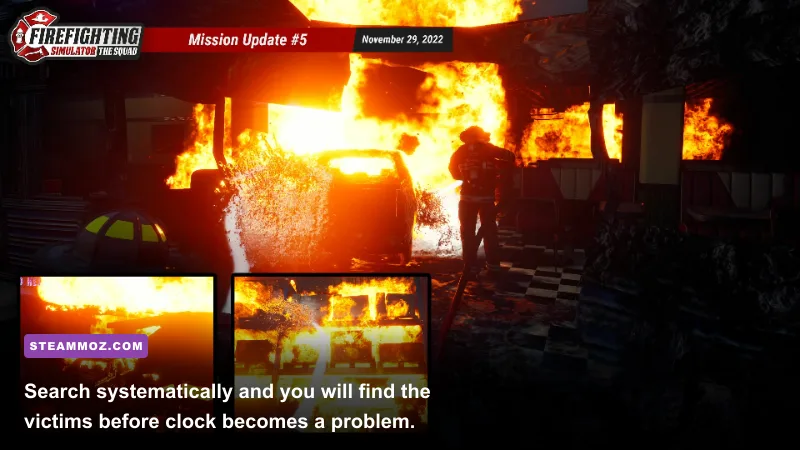
Tip 6: Search from the outside edge toward the center. Victim objectives are where new players lose the most time. Smoke makes every corridor look identical, so choose a direction and stick to it. Sweep one side of a room, check corners and furniture, then cross toward the opposite side. Don’t bounce between rooms because you heard or saw a prompt for half a second.
Keep track of the doors you have checked. In larger structures, use the entry door, stairwell or hose route as your mental anchor. If you cannot see the route back, stop advancing. A successful rescue is not complete when you find a civilian; you still need to carry or guide that person to safety and keep your exit available.
Search high-priority spaces first: bedrooms, offices, bathrooms and rooms connected to the objective marker. In a residential building, the upper floors deserve immediate attention if the mission highlights trapped occupants. In a commercial location, check rooms behind closed doors rather than assuming a clear hallway means the floor is empty.
Have the hose firefighter control heat while the search player works. A short burst aimed at the base of flames can make a doorway usable, but spraying randomly at the ceiling wastes time and can obscure your partner’s view. If the room keeps reigniting, pull back, improve the angle and cool the fire before trying the same route again.
Tip 7: Never let the squad become a single blob. Two firefighters in one hallway can look reassuring, but they often duplicate work. Split into sensible pairs: one searcher and one hose operator. In solo play, give the AI a suppression assignment while you handle objectives, then recall it when the fire changes location. Clear instructions outperform constant reassignment.
Control Fire From the Base and Watch the Ceiling
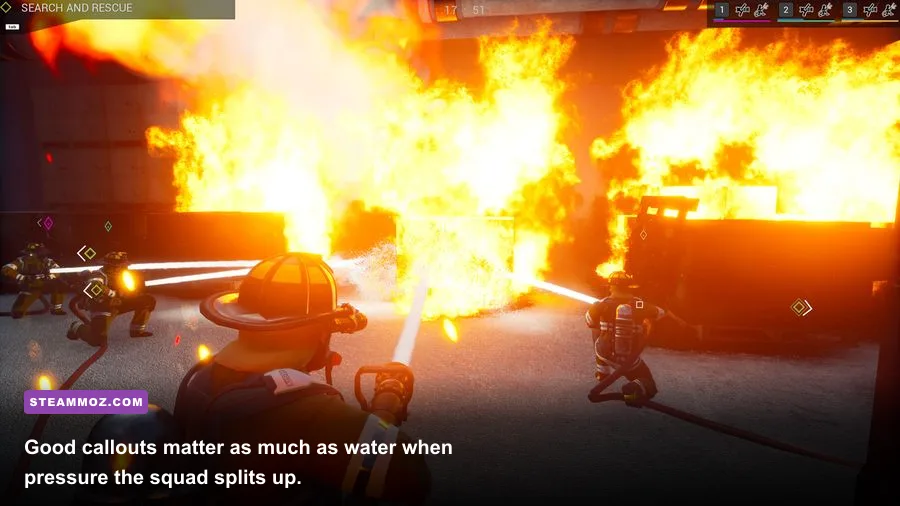
Tip 8: Aim at the source, not the prettiest flame. The most visible flame is often a secondary tongue climbing a wall or ceiling. Sweep the nozzle across the base of the fire and along nearby burning surfaces. Move steadily instead of holding the stream on one random point. Your aim should create a safe working area, not merely produce a satisfying splash.
Fire behavior can punish tunnel vision. A room that looks nearly clear may reignite when a neighboring surface remains hot, and flames above a doorway can turn your exit into a trap. Before advancing, check the ceiling line, corners and the next room’s threshold. If the fire is spreading across multiple surfaces, work from the doorway and widen the safe zone gradually.
Exterior attacks are valuable when the entry is too dangerous or when flames are blowing from upper windows. Use the hose to reduce the pressure on the structure, then transition inside once visibility and access improve. Don’t spend the whole mission spraying from outside if the objective requires a search or interior extinguishment.
Watch your surroundings while operating the nozzle. The best position is usually offset from the doorway, giving you a line of sight into the room and a clean retreat path. Standing directly in front of an opening makes it harder to dodge falling debris, manage a hose bend or let another firefighter pass.
| Fire situation | First move | Position | Common error |
|---|---|---|---|
| Small isolated flame | Use extinguisher or short hose burst | Close, with an exit behind you | Overcommitting heavy equipment |
| Room fire | Cool the doorway and base of flames | Offset from the entrance | Charging into low visibility |
| Ceiling or wall spread | Sweep connected burning surfaces | Doorway or protected angle | Targeting only the largest flame |
| Upper-floor fire | Secure stairs or ladder access | With a partner and retreat route | Searching alone without support |
Make Vehicles, Ladders and AI Work for You
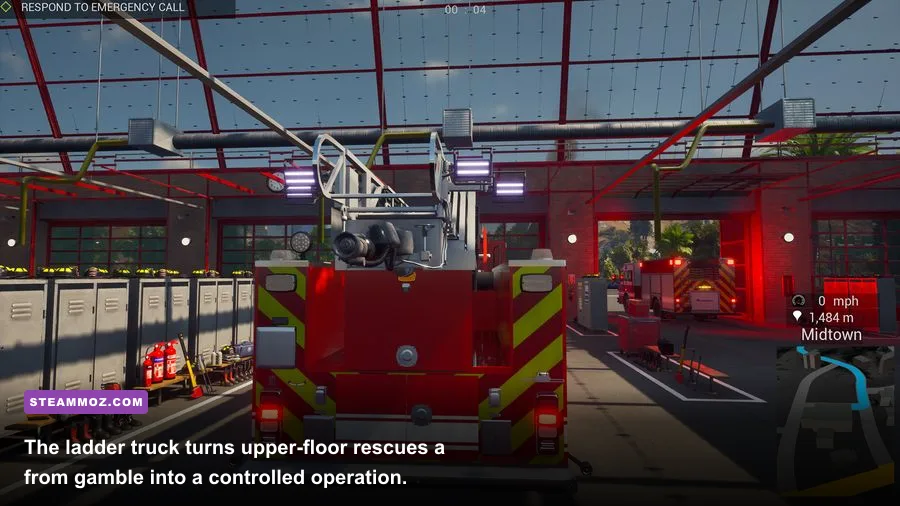
Tip 9: Use the right vehicle for the problem. The engine is your foundation because it supplies water and carries the core equipment. A ladder truck becomes essential when the mission sends you to upper floors, roof access or elevated rescue points. Don’t park both vehicles nose-to-nose at the first open space. Leave room for hose deployment, firefighter movement and a clean approach to the building.
Before raising or positioning an aerial ladder, clear the area around the truck. Look for power lines, trees, walls and awkward terrain. The ladder is not just a shortcut to the roof; it creates another access route for rescues and can let your team avoid a dangerous stairwell. Coordinate it with the search objective instead of deploying it because it looks impressive.
Tip 10: Give AI firefighters narrow, useful orders. The AI squad can handle repetitive support work, but it is less reliable when asked to solve a complicated incident independently. Assign suppression to the main fire, search to a named floor or building section, and equipment tasks to the firefighter closest to the truck. After the situation changes, cancel stale orders and issue new ones.
AI partners are excellent at holding a hose line while you handle doors, victims and navigation. They are less valuable when parked behind an obstacle or sent into an area you have not checked. Watch their position before entering a confined room; a partner who cannot follow the hose route may leave you without support at the worst moment.
For co-op, use short callouts rather than a running commentary. Say east entrance, upper-floor search, hydrant connected, or pulling back. Those phrases tell the team what has changed and what needs attention. If you are playing with friends who enjoy the simulation side, the publisher’s game page is a useful reference for the game’s squad-focused features.
Tune Performance and Learn Each Mission
Stable performance matters in smoke-heavy interiors, especially when you are aiming a hose through a doorway or trying to spot a victim marker. Start with the recommended profile below, then raise visual quality only after you can hold a consistent frame rate. Reflections, volumetric effects and shadow quality usually cost more during active fires than a modest texture setting does.
| Setting | Recommended starting point | Performance impact | Visual trade-off |
|---|---|---|---|
| Resolution | Native monitor resolution | High if lowered or raised | Keep native for readable prompts |
| Shadows | Medium | Medium to high | Lower quality affects building depth |
| Effects | Medium | High during large fires | Less smoke and particle detail |
| Post-processing | Medium | Medium | Reduced cinematic lighting |
| Textures | High if VRAM allows | Low to medium | Preserves equipment detail |
| Motion blur | Off | Small gain | Cleaner turns and searches |
Use the game’s training or early campaign calls to learn equipment interactions before attempting the hardest emergencies. Missions teach more than the tutorial prompts: you learn where vehicles can fit, how long a hose route can stretch, which doors need tools and how quickly fire spreads when ignored.
After every failed call, identify the first mistake rather than blaming the final collapse. Was the hydrant never connected? Did the team enter without breathing equipment? Did everyone search while nobody controlled the fire? Fixing that first error usually solves the chain reaction that follows.
For broader PC troubleshooting, Steamoz’s guide to fixing games that crash or run poorly has useful general steps. You can also compare the game’s demanding smoke-heavy scenes with our PC performance checklist for Eternal Threads and modern system guide for Daemonsgate.
Finally, remember that the cleanest mission is rarely the fastest-looking one. Secure the water, control the base of the fire, search with an exit in mind, and keep your squad’s jobs simple. Once those four habits become automatic, Firefighting Simulator - The Squad stops feeling like a frantic equipment puzzle and starts delivering the tense, methodical teamwork that makes every successful rescue feel earned.
For more practical simulation-game advice, Steamoz’s Construction Simulator coverage is another good companion read. The same principle applies in both games: understand the machinery, plan the job and don’t rush the setup that makes the rest of the operation possible.