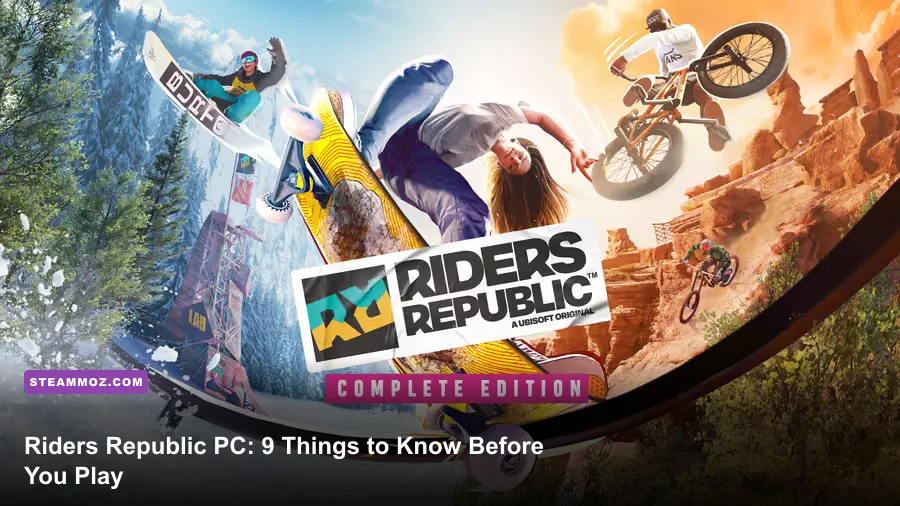
If you’re starting Riders Republic on PC, expect a fast, noisy sports sandbox rather than a traditional campaign game. The smartest first moves are to tune your controls and camera, unlock the core sports through the Shackdaddy Bandits progression, learn how gear scores affect events, and cap your frame rate before entering Mass Races. The game gives you a huge map immediately, but it doesn’t explain which activities, assists, and equipment choices will save you the most frustration.
Riders Republic mixes mountain biking, road biking, snowboarding, skiing, rocketwing flying, wingsuiting, BMX, and skateboarding in one shared open world. That variety is the attraction, but it also creates a steep learning curve: a setting that feels perfect for a downhill bike can make a snowboard landing awkward. Here’s what actually matters before you commit to the first few hours.

Know What Riders Republic Actually Is
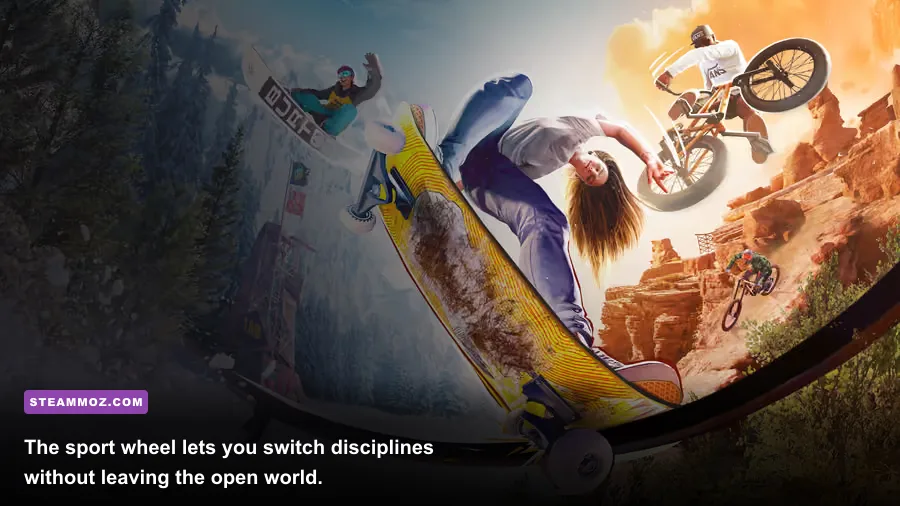
Riders Republic is built around short events, free-roam exploration, sponsor challenges, collectibles, and large online activities. You aren’t choosing one permanent class. Your character can jump from a bike race to a ski trick event, then swap into a rocketwing and cross the map in seconds. That freedom is great, but it means your early progression is spread across several disciplines.
The first tutorial sequence introduces the main sports and the Riders Republic Ridge, the social hub where you’ll find event boards, vendors, and other players. Don’t treat the opening hours like a linear story. The game’s career structure is closer to a playlist: completing events earns stars, unlocks new activities, and opens sponsor objectives.
How progression works
Stars are the broad progression currency. You earn them by completing events and optional objectives, such as beating a target time, landing a required trick, or finishing without a crash. Career tracks also award equipment. A new bike, snowboard, or skis can have a higher gear score than your current item, which improves its suitability for later events.
Gear score is not a universal character power level. It applies to the relevant equipment category. A high-score downhill bike won’t make a road-bike race easier, and a fast snowboard won’t help a ski event. Check the event’s discipline before assuming a reward is useful.
| Activity | What It Tests | Best Early Goal | Why It Matters |
|---|---|---|---|
| Downhill Bike | Braking, line choice, landing control | Finish cleanly | Builds the habits used in most off-road races |
| Bike Tricks | Rotation, balance, scoring | Complete optional trick objectives | Teaches air control without race pressure |
| Snow Tricks | Approach speed and landing angle | Use safe ramps first | Prepares you for large terrain parks |
| Rocketwing | Three-dimensional steering | Follow checkpoint lines | Improves map traversal and spatial awareness |
| Wingsuit | Precision flying and proximity | Prioritize gates over risky shortcuts | Rewards smooth inputs rather than frantic corrections |
For a first session, alternate disciplines instead of grinding one event until you’re exhausted. The game is at its best when you use the sport wheel to move between activities, and several sponsor or weekly objectives become easier once you understand more than one control scheme. You can also check the official Steam listing for current edition and platform details before buying.
🎮 Riders Republic
Looking to experience this game? Grab your digital key directly on our store for $39.99.
View on Steammoz Store →Choose Controls That Match Your Playstyle
Keyboard and mouse works, but a controller is the better starting point for Riders Republic PC. Analogue sticks give you gradual steering and camera control, while triggers make braking and acceleration less binary. That matters on downhill courses, where tapping the brake can preserve your line but holding it can kill your momentum.
The game offers different control approaches for tricks. A more assisted layout is easier during the first events because rotations and grabs are mapped to accessible inputs. The trickier, more manual approach gives you finer control and a higher skill ceiling, but it demands consistent stick movement. Don’t switch to advanced trick controls just because they look more authentic; change when the basic layout stops giving you enough control.
Three control habits worth learning immediately
Brake before the corner, not in it. Entering a turn too fast forces a late correction, which often becomes a crash. Release the brake as you approach the apex and use small steering inputs to keep speed.
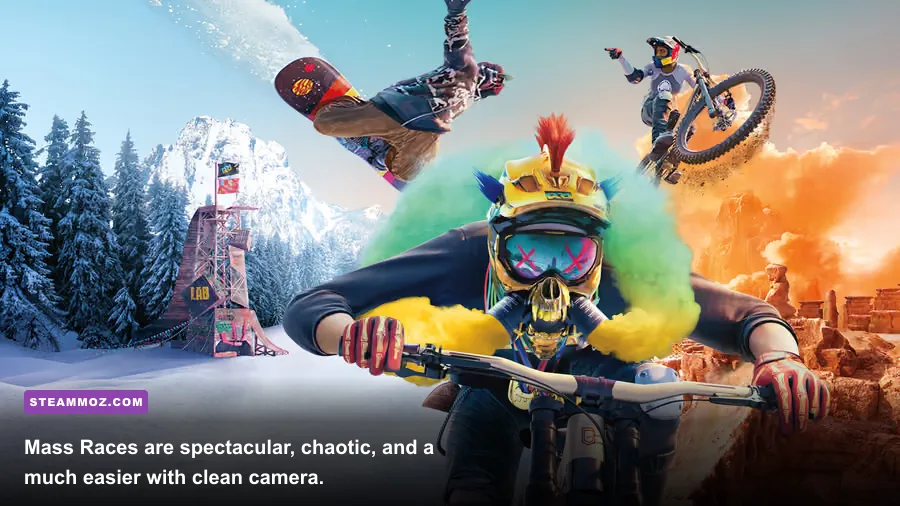
Separate camera movement from steering. In races, keep the camera far enough back to read terrain. A dramatic close camera may look better, but it hides rocks, trees, and landing surfaces. Use the rear-view button briefly when rivals are close instead of constantly riding with the camera pointed backward.
Use rewind as a learning tool. Rewind is not just a way to erase embarrassment. When you miss a landing, rewind a few seconds and change one variable: approach angle, rotation timing, or brake pressure. Changing everything at once makes it impossible to understand why the landing failed.
Steering assist and landing assist can be helpful while you learn a discipline. They are not signs that you’re playing incorrectly. Turn them down gradually when you can finish cleanly, because heavy assistance can hide poor takeoff angles and leave you unprepared for difficult events. Competitive players may eventually want more manual control, but casual riders should prioritize consistency over flashy settings.
| Control Area | Beginner Choice | When to Reduce Assistance | Common Mistake |
|---|---|---|---|
| Input Device | Controller | Only switch if keyboard feels more precise | Using digital steering at high speed |
| Landing Assist | On | After repeated clean landings | Rotating too late and blaming the landing |
| Steering Assist | Low or default | When cornering feels predictable | Holding a full direction through every turn |
| Camera Distance | Farther back | Move closer for tricks only | Missing obstacles under a close camera |
Gear Score Helps, but Skill Wins Events
Equipment rewards use ratings to communicate performance, but Riders Republic isn’t an RPG with damage numbers or a deep perk tree. The practical differences are speed, handling, air control, landing stability, and discipline-specific suitability. A higher-rated item can make an event more forgiving, yet it won’t rescue a bad line or a missed checkpoint.
When you receive new equipment, compare it with what you currently have instead of equipping every reward automatically. A faster bike may be harder to turn. A stable bike may lose a little top speed but help you finish technical courses. In trick events, air control and landing behavior can matter more than raw speed because a fast approach is worthless if you overshoot the ramp.
How to build a useful early equipment rotation
Keep one dependable item for each sport you play regularly. For bikes, maintain a downhill option for rough terrain and a road option for paved races. For snow sports, keep a race-oriented setup and a trick-oriented setup when the game begins offering alternatives. You don’t need to hoard every low-rated reward; use the comparison screen and discard or ignore items that don’t improve a discipline you actually enjoy.
Event recommendations are worth following, especially before Mass Races. The game may suggest a minimum rating or a certain discipline, but those numbers are not a substitute for practice. Mass Races throw you into mixed terrain with many riders, so a stable setup is often more useful than chasing the highest theoretical speed.
| Equipment Priority | Look For | Best Use | What to Avoid |
|---|---|---|---|
| Downhill Bike | Control and reliable handling | Rocky descents and technical races | Maximum speed with unstable turning |
| Road Bike | Acceleration and top speed | Paved roads and sprint events | Taking it onto steep off-road terrain |
| Snowboard or Skis | Landing control for tricks | Terrain parks and stunt objectives | Attempting huge jumps without a clean approach |
| Rocketwing | Responsive steering | Checkpoints and fast travel | Overcorrecting near cliffs |
Most important: don’t confuse a gear upgrade with a license to play recklessly. Learn the route first, then chase faster times. If you like optimization-heavy games, Steamoz’s upgrade guide for Everspace covers a very different kind of equipment economy, but the same principle applies: spend attention on upgrades that support the activities you actually play.
Make PC Settings Serve High-Speed Riding
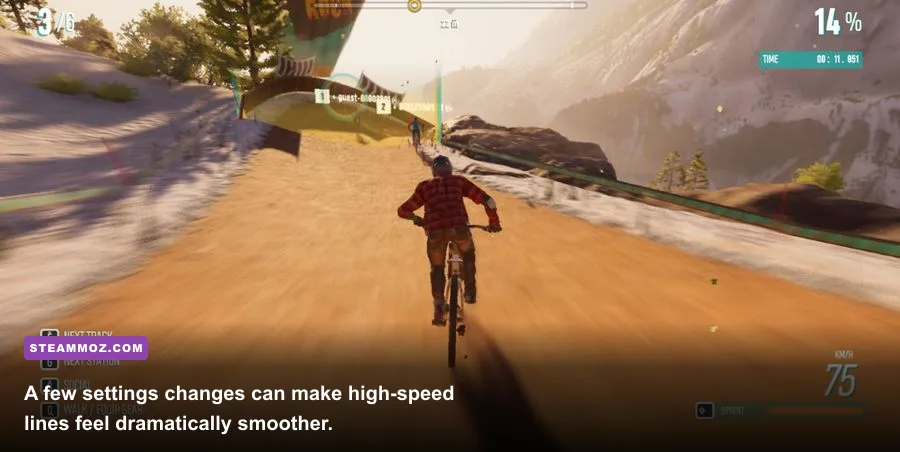
Stable frame pacing matters more than maxing every slider in Riders Republic. At 60 frames per second, steering and camera corrections feel noticeably easier than they do at an inconsistent 45–55 FPS. The game’s large open environments also make distant detail, shadows, and volumetric effects expensive, especially during fast descents and crowded Mass Races.
Start at your monitor’s native resolution, then choose a frame-rate target your PC can hold. If you have a 60Hz display, a locked 60 FPS profile is sensible. On a 144Hz monitor, don’t chase 144 FPS if the game repeatedly drops into the 80s; a stable 90 or 120 FPS target will feel cleaner.
| Setting | Recommended Starting Value | FPS Impact | Visual Trade-Off |
|---|---|---|---|
| Resolution | Native; use 1080p for weaker GPUs | Very high | Lower resolution is softer but greatly improves headroom |
| Resolution Scale | 100%; test 90% if needed | High | Lower values reduce clarity before reducing scene detail |
| Shadows | High, then Medium | Medium to high | Lower settings flatten terrain shading |
| World Detail | High | Medium | Lower values reduce distant vegetation and object detail |
| Reflection Quality | Medium | Medium | Water and shiny surfaces look less accurate |
| Motion Blur | Off | Minimal | Sharper image during rapid turns |
| Anti-Aliasing | High or the default quality option | Medium | Lower values produce more shimmering on foliage |
| V-Sync | Off with VRR; on if tearing appears | Minimal | Can add latency or prevent tearing depending on display |
Check your hardware before tuning
Ubisoft’s published PC requirements have listed an Intel Core i5-4460 or AMD Ryzen 5 1400, 8GB of RAM, and a GeForce GTX 970 or Radeon RX 570-class GPU for minimum play. The recommended tier moves toward an Intel Core i7-4790 or Ryzen 5 1600, 8GB of RAM, and a GTX 1070 or Radeon Vega 56-class card. Requirements can vary with updates and target resolution, so confirm the current details on Ubisoft’s official Riders Republic page.
Install the game on an SSD if possible. It won’t magically increase average FPS, but it can reduce loading friction and make the open-world experience feel less interrupted. Close overlays if you’re troubleshooting stutter, update your GPU driver, and test one setting at a time. Steamoz’s PC crash and FPS troubleshooting checklist is useful when a performance problem extends beyond the game’s menu settings.
Survive Mass Races and Master the Map
Mass Races are Riders Republic’s signature spectacle: dozens of players compete across multiple sports and route changes, often with collisions, shortcuts, and sudden terrain transitions. The first mistake is treating the opening seconds like a normal race. You’re surrounded by riders, so the cleanest line is rarely available immediately.
A practical Mass Race plan
At the start, stay patient. Avoid the center of the pack if possible. Outside lines give you more room to react, even if they look slightly slower. Don’t spend your rewind immediately unless a collision sends you into an unrecoverable position.
Read the next sport before the checkpoint. The route can shift from bike to snow equipment or another discipline. Get your camera aligned and stop making unnecessary trick inputs before the transition. Panicked corrections at a sport swap are a common source of crashes.
Use the terrain, not just the gates. Checkpoint arches show the broad route, but jumps, banks, and natural valleys can create faster lines. Only take a shortcut after you’ve learned where it reconnects. A shortcut that misses one checkpoint can cost more time than a clean conventional route.
Protect your landing. The game rewards style, but a clean landing preserves momentum. In a race, one extra spin is rarely worth a long recovery animation or a collision with a tree. Save ambitious tricks for wide ramps and open snowfields.
| Race Problem | What You’ll See | Counter | Best Mindset |
|---|---|---|---|
| Pack collision | Riders block the ideal line | Move wide and brake early | Survive the opening first |
| Blind descent | Terrain disappears under the camera | Pull back and reduce speed | Information is worth more than speed |
| Sport transition | Inputs suddenly feel unfamiliar | Stop trick inputs and realign | Reset before accelerating |
| Missed checkpoint | Route marker disappears or flashes | Rewind quickly or turn back cleanly | Don’t compound one mistake |
Free roam is where you learn the map without race pressure. Use landmarks such as Yosemite Valley, Mammoth Mountain, Grand Teton, and the Sequoia region to orient yourself, then explore viewpoints, stunt activities, and collectibles between events. The world is more enjoyable when you stop treating every mountain as a finish line.
Start With a Smart First-Session Route
Your opening session should establish control, equipment, and performance settings before you worry about leaderboards. Begin with the tutorial, complete a few events across bike and snow disciplines, then return to the Ridge to inspect new rewards. This gives you enough stars and gear variety to understand the loop without grinding repetitive races.
A strong first two hours
First 20 minutes: finish the onboarding events and test the sport wheel. Leave the camera at a readable distance, enable rewind, and resist changing advanced trick controls immediately.
Next 30 minutes: play one downhill bike event, one bike trick event, and one snow event. Focus on clean finishes and optional objectives rather than gold medals. You’re learning how each sport handles acceleration, braking, jumps, and landings.
Next 30 minutes: adjust graphics around a stable frame-rate target. Repeat a familiar race after each major change. If the image looks attractive but steering still feels uneven, prioritize frame pacing and input latency.
Final 40 minutes: explore free roam, try a sponsor challenge, and enter a Mass Race when available. Expect chaos, not a podium finish. The goal is to understand transitions and discover which sports you actually want to pursue.
Don’t buy cosmetic items or premium extras before you know whether the core sports click with you. The standard gameplay loop already has a lot of content, and the best investment early on is practice: braking earlier, reading terrain, and landing with enough control to keep moving.
For official patch information and support, use Ubisoft Support for Riders Republic. If you approach the PC version with a stable performance profile, sensible controls, and realistic expectations about its arcade-sports structure, the mountain opens up quickly. The game rewards confidence, but it rewards clean lines even more.