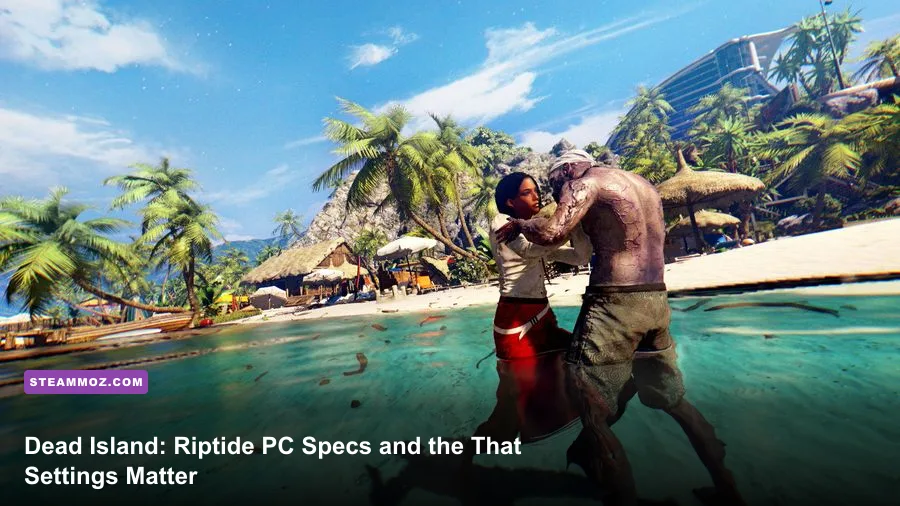
Dead Island: Riptide Definitive Edition needs a 64-bit Windows PC, 8GB of RAM, and at least a GTX 760 4GB or Radeon R9 290 4GB to meet its listed minimum target. For the smoother experience most players actually want, aim for an Intel Core i7-4770 or AMD FX-8350, 8GB of memory, and a GTX 1060 6GB or Radeon RX 580 8GB. The game asks for only 10GB of storage, but the GPU requirement matters far more than the download size suggests.
That is the short version of the Dead Island: Riptide Definitive Edition system requirements. The useful version is a little more nuanced: the minimum specification is designed around 1080p-era hardware and does not promise a locked 60 frames per second in every outdoor scene. The recommended tier is the sensible baseline for high settings, stable traversal through Palanai, and fewer dips when several infected swarm the screen.
Riptide is built on Techland's Chrome Engine 5, and the Definitive Edition adds physically based materials, improved lighting, higher-quality textures, and refreshed character models. It still isn't a modern hardware monster, but its large outdoor areas, water, vegetation, shadows, and post-processing can expose weak CPUs and older 4GB graphics cards. If you're checking a gaming laptop or a second-hand desktop, use the tables below rather than trusting the title's age.
Dead Island: Riptide Definitive Edition PC requirements
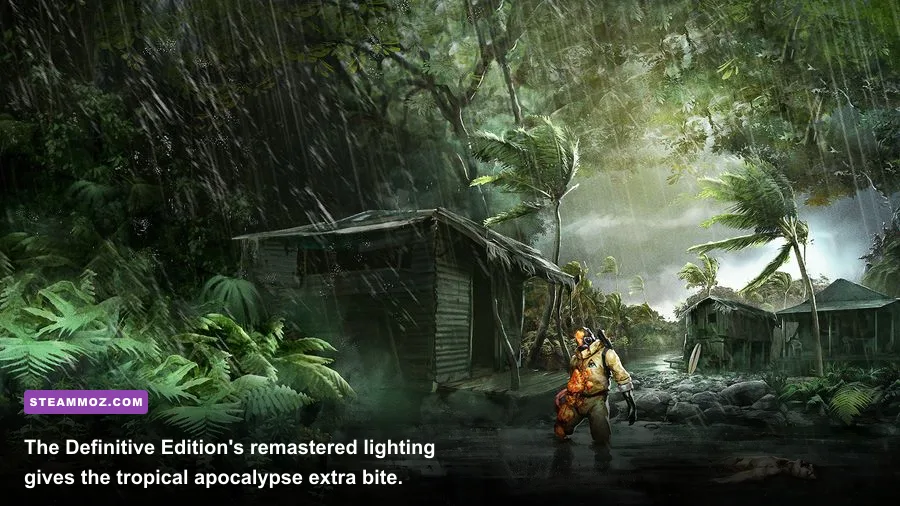
The official Steam listing gives the same broad hardware class many players remember from the original PC release, but the Definitive Edition's visual upgrades make the recommended graphics card the more comfortable choice. Both tiers require a 64-bit operating system, DirectX 11 support, and 8GB of RAM. There is no listed 32-bit route, so an old Windows installation can be a deal-breaker even if the processor and GPU look adequate.
| Component | Minimum | Recommended | What it means in practice |
|---|---|---|---|
| Operating system | Windows 7 64-bit | Windows 7 64-bit | A 64-bit Windows installation is required; newer Windows versions are commonly used, but the listing specifies Windows 7. |
| Processor | Intel Core i5-2500 3.3GHz or AMD FX-8320 3.5GHz | Intel Core i7-4770 3.4GHz or AMD FX-8350 4.0GHz | CPU headroom helps with outdoor streaming, AI activity, and busy co-op encounters. |
| Memory | 8GB RAM | 8GB RAM | 8GB is enough for the game, though background apps can still cause hitching. |
| Graphics | NVIDIA GeForce GTX 760 4GB or AMD Radeon R9 290 4GB | NVIDIA GeForce GTX 1060 6GB or AMD Radeon RX 580 8GB | VRAM capacity is important for high textures and the Definitive Edition's upgraded materials. |
| DirectX | Version 11 | Version 11 | Your GPU must support the DirectX 11 feature set. |
| Storage | 10GB available space | 10GB available space | An SSD is not required, but it can reduce loading and streaming pauses. |
The processor names also deserve context. A Core i5-2500 is old by current standards, but its four physical cores remain enough to launch and play the game. The risk is not that Riptide suddenly refuses to run; it's inconsistent frame pacing when the CPU is juggling enemy behavior, physics, streaming, and co-op networking. A modern six-core Ryzen 5 or Core i5 will comfortably exceed the listed recommendation, even if its model number looks nothing like Intel's fourth-generation i7.
On the graphics side, don't compare cards by raw age alone. The GTX 760 meets the listed minimum, but its 4GB VRAM ceiling leaves less room for high texture settings at higher resolutions. A GTX 1060 6GB, RX 580 8GB, GTX 1650 Super, RX 5500 XT, or newer mainstream card should be a much safer 1080p purchase. Check the exact laptop GPU, though: mobile versions can be substantially slower than their desktop namesakes.
For the definitive specification source, check the official Steam page. Deep Silver's Dead Island website is also useful for the broader series information, while Deep Silver support is the right stop for account and launcher issues.

🎮 Dead Island: Riptide Definitive Edition
Looking to experience this game? Grab your digital key directly on our store for $1.99.
View on Steammoz Store →What the minimum specification can really handle
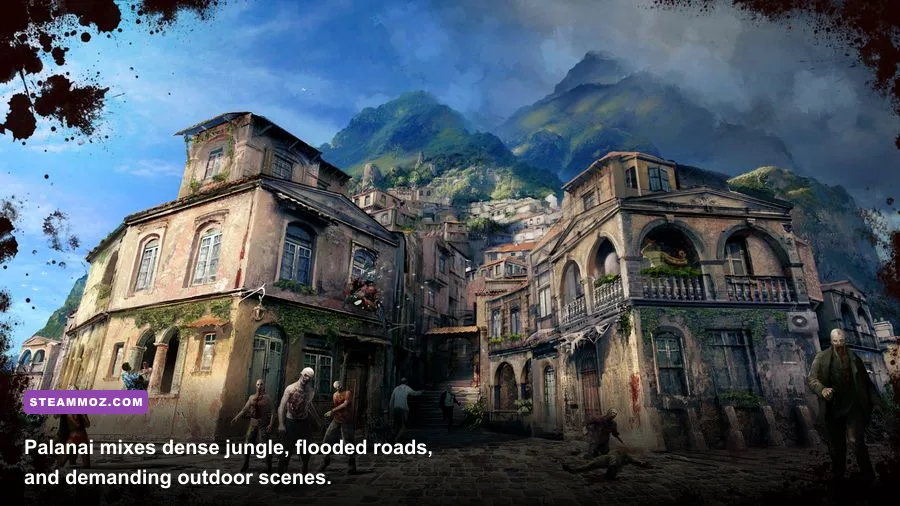
A PC close to the GTX 760 and Core i5-2500 floor should target 1080p with a mixed medium preset, not blindly select Ultra and expect a flawless 60fps. Indoor locations and narrow mission spaces can run well above that target, while Palanai's jungle paths, flooded settlements, and combat-heavy open areas can pull performance down. Riptide's worst moments are usually brief but noticeable: a horde arrives, fire effects fill the screen, and several physics-driven bodies are moving at once.
Minimum-tier expectations
- Resolution: 1920x1080 is realistic; lower to 1600x900 if your GPU is below the listed target.
- Frame rate: Expect a roughly 30-60fps experience depending on scene complexity and settings. A locked 30fps is preferable to unstable highs and lows.
- Textures: Medium is the safest choice on 4GB cards, especially if other applications are consuming VRAM.
- Shadows and ambient occlusion: These are prime cut points when outdoor scenes dip.
- Anti-aliasing: Keep a moderate level at 1080p; excessive smoothing costs performance without transforming the image.
RAM is less dramatic. With 8GB installed, close browsers, video editors, RGB utilities, and large launchers before starting a co-op session. The game itself fits inside the memory requirement, but Windows and background processes don't disappear just because the Steam download is only 10GB. If you see pauses when entering a new district, an HDD may be the culprit rather than a weak GPU.
There is also a practical difference between “runs” and “feels good.” Dead Island's melee depends on timing kicks, charged swings, and weapon throws around enemy attacks. Stutter during a Floater's acid spit or a Butcher's rush is more damaging than a few missing shadow details. A consistent 45fps can feel better than a fluctuating 70fps with uneven frame delivery.
Recommended hardware for 1080p and higher settings
The recommended GTX 1060 6GB or RX 580 8GB tier is where Riptide starts to feel properly relaxed at 1080p. These cards have enough VRAM for high-quality textures and enough shader performance for improved lighting, shadows, and post-processing without turning every outdoor encounter into a settings negotiation. A modern equivalent will have no trouble, but the game still benefits from sensible caps.
| Target profile | Suggested hardware | Resolution and frame-rate goal | Recommended settings |
|---|---|---|---|
| Budget 1080p | GTX 760 4GB / R9 290 4GB | 1080p, 30-60fps | Medium textures, medium shadows, reduced ambient occlusion, 60fps cap if stable. |
| Comfortable 1080p | GTX 1060 6GB / RX 580 8GB | 1080p, mostly 60fps | High textures, high geometry, medium-high shadows, moderate post-processing. |
| Strong modern PC | RTX 2060 / RX 5600 XT or better | 1080p, 60fps with headroom | High or maximum settings, with a frame cap to smooth traversal. |
| 1440p target | RTX 3060 / RX 6600 or better | 1440p, 60fps target | High settings; reduce shadows or ambient occlusion first if heavy scenes dip. |
| 4K target | RTX 3060 Ti / RX 6700 XT or better | 4K, 60fps depending on settings | High textures, but tune shadows and post-processing rather than assuming Ultra is free. |
The recommended CPU, the Core i7-4770 or FX-8350, is less important for a basic solo run than the GPU, but it becomes more relevant in co-op. Riptide can throw infected, environmental effects, and ragdoll physics into the same encounter. A faster modern CPU won't change the game's core animation limits, yet it can reduce the sudden dips that appear when a safehouse defense becomes crowded.
Don't overbuy for this particular game. An RTX 4090 won't make the original engine look like a current-generation open-world title, and excessive frame rates can expose quirks in old PC software. If you own a recent gaming PC, spend your time tuning frame pacing and controller behavior rather than chasing a visual difference between High and Ultra that is hard to spot while a Wrestler is charging you.
Best graphics settings for stable performance
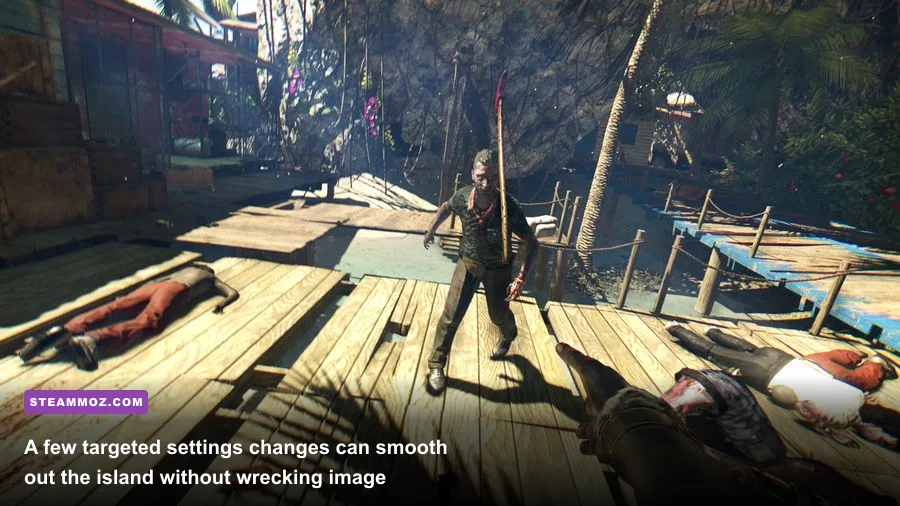
The smart profile is built around the settings that affect outdoor rendering most. Textures tend to improve surface detail while consuming VRAM, whereas shadows and ambient occlusion often hit the GPU every frame. Start with the recommended preset, then make changes in this order if the frame rate falls during a horde or a trip through Henderson.
| Setting | Recommended value | FPS impact | Visual trade-off |
|---|---|---|---|
| Resolution | Native monitor resolution | Very high | The biggest performance lever; use 900p or 720p only after reducing expensive effects. |
| Texture quality | High with 6-8GB VRAM; Medium with 4GB | Low to medium | Controls surface sharpness and material detail more than raw geometry. |
| Shadow quality | Medium or High | Medium to high | Lower settings soften shadows but usually preserve the game's overall look. |
| Ambient occlusion | Medium | Medium | Improves contact shading around objects; one of the easiest settings to trim. |
| Anti-aliasing | High at 1080p, moderate at 1440p | Low to medium | Reduces jagged foliage and weapon edges, though maximum values can blur detail. |
| View distance or geometry | High if CPU allows | Medium | Lower values can make vegetation and objects appear later in open areas. |
| Post-processing | Medium to High | Medium | Lowering it can reduce haze and effects without touching texture clarity. |
| V-sync or frame cap | 60fps cap, or match display refresh | Not a raw FPS boost | Improves frame pacing and prevents the engine from wildly bouncing between rates. |
For a GTX 1060 or RX 580, use 1080p, high textures, high geometry, medium-high shadows, medium ambient occlusion, and a 60fps cap. On a GTX 760, keep textures and geometry at medium, drop shadows to medium, and reduce ambient occlusion before touching resolution. That keeps weapons, enemies, and the tropical environments readable while removing some of the most expensive scene calculations.
Screen tearing is especially distracting during quick camera turns, so test V-sync before reaching for third-party tools. If V-sync introduces obvious input lag, use your GPU driver's frame limiter or an in-game cap if available. The goal isn't a benchmark screenshot; it's consistent timing while you kick a Walker away, charge a heavy attack, and immediately pivot toward the next target.
CPU, storage, and laptop checks before buying
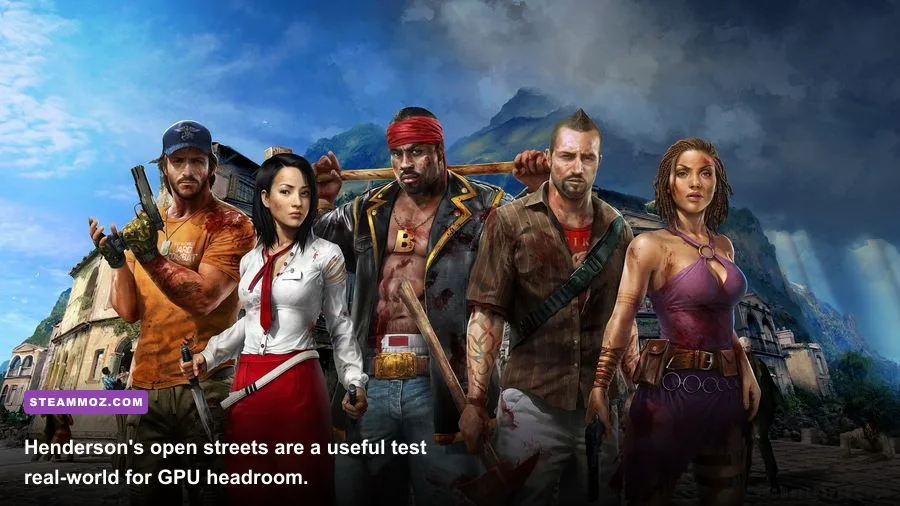
The most common buying mistake is focusing only on the graphics card. Riptide's listed 8GB RAM requirement is modest, but a laptop with 8GB shared between Windows and an integrated GPU can have far less usable headroom than the specification suggests. Integrated graphics may launch the game, yet they are not a dependable match for the listed GTX 760 or R9 290 target. Look for a dedicated GPU with its own memory.
Storage is simpler. The game officially needs 10GB, so almost any modern drive has enough capacity. An SSD won't increase average FPS, but it can make loading between Palanai's regions less irritating and may reduce asset-streaming pauses. Keep several extra gigabytes free rather than filling the drive to its final megabyte; Windows and Steam updates need working space too.
On Windows 10 or 11, update the graphics driver, disable unnecessary overlays, and let the game complete its first shader or asset setup before judging performance. Steam's official troubleshooting guidance covers basic file verification and launch fixes. If the game crashes, verify files first, then test without overlays from Discord, GeForce Experience, or similar tools.
Quick compatibility checklist
- Confirm the operating system is 64-bit and the GPU supports DirectX 11.
- Compare your graphics card against the GTX 760 4GB or R9 290 4GB minimum, not just a similarly named mobile chip.
- Make sure 8GB of RAM is installed in dual-channel where possible, with background applications closed.
- Reserve at least 10GB for the installation and additional free space for updates.
- Use a 60fps cap and medium shadows if outdoor combat produces uneven frame pacing.
If your PC easily clears the recommended requirements, you can comfortably revisit Riptide as part of the classic RPGs worth revisiting conversation. For broader performance tuning, Steamoz's guide to settings that make every frame count applies the same useful principle: cut the expensive effects first, not the details you actually notice.
Verdict: is your PC ready for Riptide?
If your system matches the minimum GTX 760/R9 290 and Core i5-2500/FX-8320 tier, Dead Island: Riptide Definitive Edition should be playable at 1080p with a carefully tuned medium profile. Treat 30fps as the safe floor in demanding scenes rather than assuming the minimum label guarantees 60fps.
The recommended GTX 1060/RX 580 and Core i7-4770/FX-8350 combination is the better target for a stable 1080p experience, high textures, and co-op without constant compromises. Any current mainstream gaming PC above that level has plenty of raw power. Your real priorities are 64-bit Windows, a dedicated DirectX 11-capable GPU, 8GB of RAM, and a frame-rate cap that keeps the old engine behaving consistently.
Riptide remains a scrappy, hardware-friendly zombie romp once you separate its modest storage footprint from its actual rendering demands. Check the Steam specification, compare your dedicated GPU honestly, and tune shadows before resolution. Do that, and Palanai's flooded streets should stay dangerous for the zombies—not your frame rate.
For another brutally practical PC check before installing a demanding game, see Steamoz's real PC requirements breakdown, then get back to the island with your settings sorted.