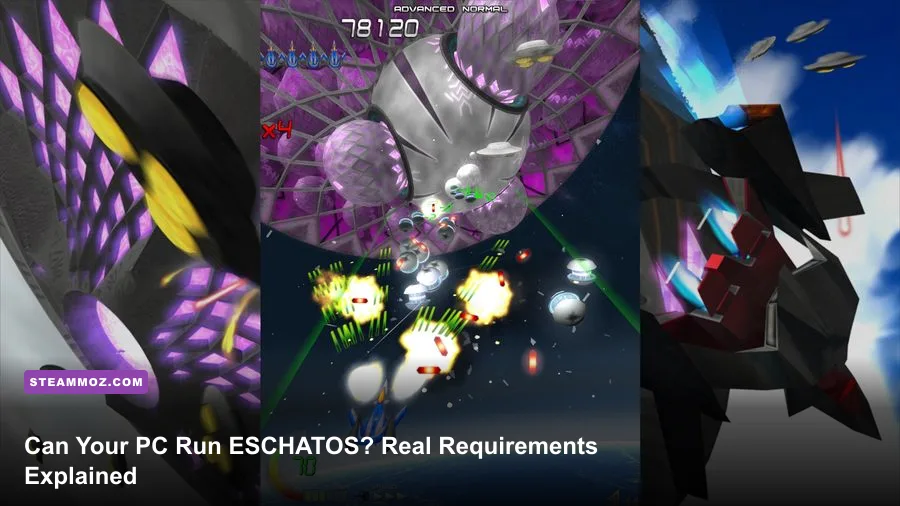
ESCHATOS has extremely light PC requirements: a 2GHz processor, 2GB of RAM, a DirectX 9-compatible graphics card, DirectX 9.0c, and 500MB of free storage are enough to meet the listed minimum. There is no separate, higher recommended specification published on Steam, so almost any Windows gaming PC from the last decade should run the shooter smoothly. The real challenge isn't hardware power; it's maintaining a locked, responsive frame rate while you learn its relentless bullet patterns.
That distinction matters. ESCHATOS is a 2D arcade shoot-'em-up from Qute, built around short stages, aggressive enemy formations, and precision movement rather than enormous textures or open-world streaming. Its visual style uses crisp sprites, geometric effects, and layered backgrounds instead of modern 3D assets. A current Core i3, Ryzen 3, integrated Intel UHD graphics, or ordinary office laptop is already far beyond what the game asks for on paper.
ESCHATOS PC system requirements at a glance
Below is the practical breakdown of the official Steam specification. The most important detail is that ESCHATOS does not publish a distinct recommended tier. That usually means the developer considers the minimum configuration sufficient for the full experience, rather than reserving visual features or higher resolutions for stronger PCs.
| Component | Minimum | Recommended reality | What it means |
|---|---|---|---|
| Operating system | Windows 7, 8, or 10 | Windows 10 or newer supported Windows version | The game is designed for older Windows environments and has very low overhead. |
| Processor | 2GHz or faster | Any modern dual-core CPU | Bullet calculations and 2D rendering are lightweight compared with modern 3D games. |
| Memory | 2GB RAM | 4GB or more available | Extra system memory helps Windows and background apps, not ESCHATOS itself. |
| Graphics | DirectX 9-compatible graphics card | Integrated graphics from the last decade | A dedicated GPU is unnecessary unless you are playing at a very high desktop resolution. |
| DirectX | DirectX 9.0c | DirectX 9 compatibility layer or native support | Newer Windows PCs normally provide the required runtime environment. |
| Storage | 500MB available space | At least 1GB free for updates and saves | Installation size is tiny; storage speed has almost no effect on gameplay. |
You can verify the listing on the official ESCHATOS Steam page. Steam's requirements are unusually modest even by indie standards, and they make sense for a game whose action is confined to fixed scrolling stages. Unlike a modern shooter, ESCHATOS isn't loading huge maps, high-resolution texture packs, or cinematic assets into memory.

🎮 ESCHATOS
Looking to experience this game? Grab your digital key directly on our store for $5.99.
View on Steammoz Store →What hardware do you actually need?
The honest answer is simple: if your PC can run a web browser and a basic 2D game, it probably runs ESCHATOS. A 2GHz dual-core processor is the only specification that deserves close attention, and even that threshold is old. Intel Core 2 Duo, early AMD Athlon II, and first-generation mobile Core processors are all in the general performance neighborhood of the listed requirement.
For a modern purchase, a laptop with an Intel Core i3-7100U, Ryzen 3 2200U, Intel UHD 620, or AMD Vega integrated graphics is more than adequate. Those systems are dramatically faster than the DirectX 9-class hardware implied by the store listing. A discrete card such as a GeForce GTX 750 Ti or Radeon RX 550 is massive overkill, but it can still be useful if you want to capture gameplay, run multiple displays, or keep demanding background applications open.
RAM is equally forgiving. ESCHATOS only asks for 2GB, but I wouldn't recommend buying or configuring a Windows machine with just 2GB in 2026. The game itself won't consume much memory, yet Windows updates, Steam, a browser, and recording software can quickly eat into that headroom. Four gigabytes is a sensible floor for a dedicated older PC, while 8GB makes the whole setup feel less cramped.
Storage is a non-issue. The 500MB requirement is small enough to fit on almost any SSD, hard drive, or older laptop. Installing ESCHATOS on an SSD won't meaningfully improve frame rate, although it can make Steam launches and save access feel slightly snappier. For more demanding games, our Drawful 2 PC specs breakdown shows the same principle: don't confuse installation size with graphical demand.
Why frame rate matters more than graphics quality
ESCHATOS doesn't need a powerful GPU, but it does benefit from consistent timing. In a bullet hell game, a tiny hitch can turn a deliberate dodge into an accidental collision. You aren't admiring a distant texture when a spread of projectiles is closing around your ship; you are reading gaps that may only exist for a fraction of a second.
That makes frame pacing more important than raw resolution. A weak office laptop that holds a steady frame rate can be a better ESCHATOS machine than a powerful desktop overloaded with browser tabs, overlays, capture software, and background updates. The game may still display correctly during a brief performance dip, but the control response and visual rhythm won't feel as dependable.
Start by disabling unnecessary overlays if you notice stutter. Steam's overlay, Xbox Game Bar, GPU recording tools, RGB utilities, and browser video can all introduce occasional interruptions on older systems. If you are playing on a laptop, connect the charger and select a performance power profile; battery-saving modes can downclock the CPU even though ESCHATOS appears effortless to run.
Also check your display's behavior. A high-refresh monitor isn't required, but a stable refresh rate and low-latency mode can make movement easier to read. Don't chase an absurdly high resolution if your integrated GPU or display scaling introduces unevenness. For this game, clean motion beats a sharper screenshot every time.
| Setting or factor | Recommended value | Performance impact | Why it matters |
|---|---|---|---|
| Display resolution | Native monitor resolution if stable | Low | ESCHATOS uses lightweight 2D visuals, but stability comes first. |
| Steam overlay | Disable if stutter appears | Low to moderate on older PCs | Removes a common source of overlay-related interruptions. |
| Background applications | Close browsers and launchers | Low to moderate | Protects CPU time and memory on older machines. |
| Power mode | Balanced or high performance while plugged in | Moderate on laptops | Prevents aggressive CPU and GPU clock reductions. |
| Recording software | Use hardware encoding where possible | Moderate | Capturing at the wrong settings can create frame-time spikes. |
| Refresh rate | Use the monitor's stable native mode | Minimal | Consistent presentation improves bullet readability. |
ESCHATOS modes and the performance test that matters
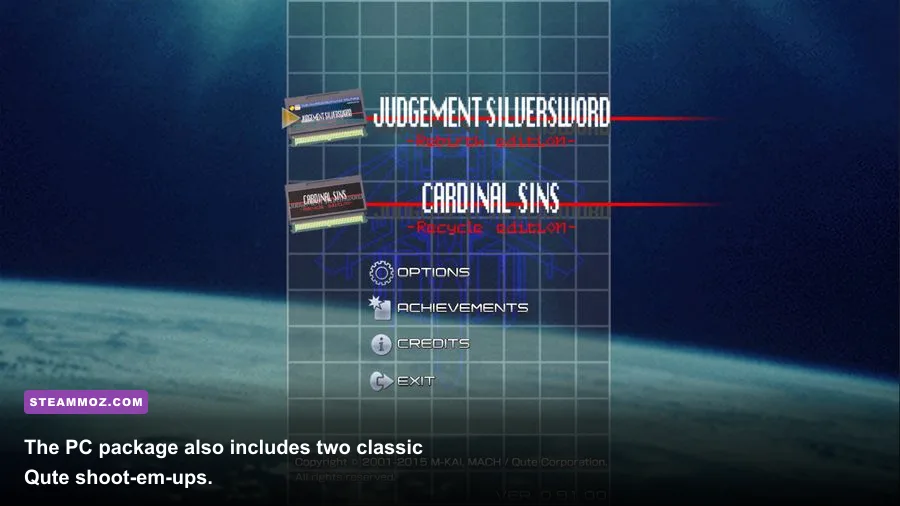
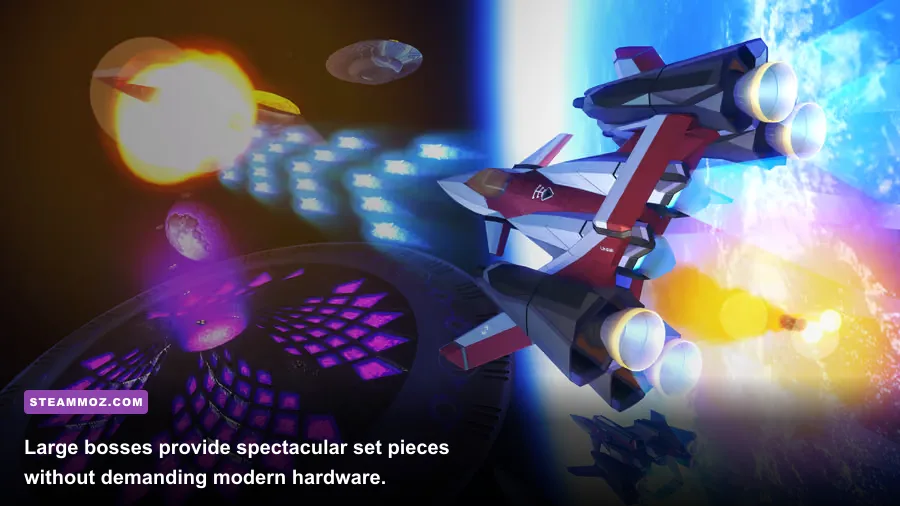
The Steam release isn't just a single short arcade campaign. It packages ESCHATOS with additional Qute shoot-'em-up content, including Judgement Silversword and Judgement Silversword: Rebirth Edition on the PC release. That gives you several ways to test a machine, but the demanding scenario is still the same: late-stage enemy waves, dense projectile patterns, screen-filling effects, and rapid scrolling.
Play the opening section first, then test a later stage or boss rather than judging performance from the title screen. Early formations are relatively clean and won't expose a background process that causes periodic hitching. During a serious run, watch for three things: visible pauses, inconsistent input response, and audio that briefly falls out of sync with the action. Any of those signs is more important than a benchmark number.
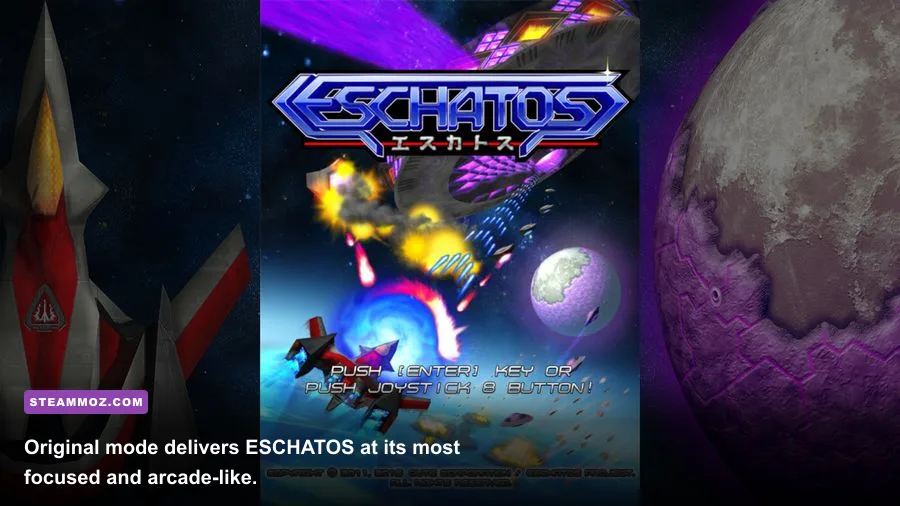
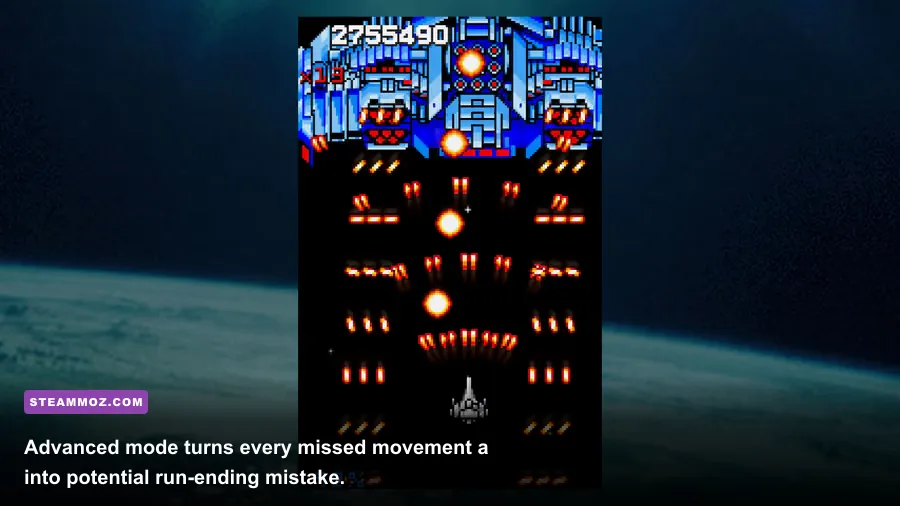
Original mode is the best baseline because its presentation is easy to read and its rhythm quickly reveals timing problems. Advanced mode is a harsher test of both the player and the system: faster threats and denser patterns leave less room for a dropped frame. Time Attack-style play also makes consistency obvious, since a single interruption can ruin a carefully planned attempt.
Don't expect modern graphics options to transform the image. ESCHATOS is intentionally clean and stylized. You won't be tuning ray tracing, shadow cascades, ambient occlusion, or texture filtering. Your useful choices are resolution, display mode, synchronization, and whether to keep background software out of the way. That simplicity is a strength, not a missing feature.
Best settings for old laptops and integrated graphics
On an older laptop, begin with native resolution and fullscreen mode. If the picture feels uneven, try a lower resolution or a borderless/windowed configuration and compare frame pacing rather than visual sharpness. Because ESCHATOS is built around pixel-readable patterns, excessive scaling can make projectiles look soft or uneven, so the lowest possible resolution isn't automatically the best answer.
Use a wired controller or keyboard with a reliable connection if possible. That isn't a system requirement, but input hardware can create the sensation of performance problems. Wireless interference, Bluetooth power management, or a cheap keyboard's rollover limitations may look like missed frames when the real problem is a missed input.
For integrated graphics, leave the laptop plugged in, close Chrome tabs, disable unnecessary capture tools, and keep the display at a stable refresh rate. If you are streaming, let the GPU's hardware encoder handle the workload. Software encoding can steal enough CPU time from an older dual-core machine to produce the exact micro-stutter that bullet hell players hate.
| PC profile | Suggested setup | Expected result | Main warning |
|---|---|---|---|
| Older dual-core office PC | Fullscreen, native or 720p, overlays off | Playable if the system is clean | Background updates may cause intermittent hitching. |
| Modern budget laptop | Native resolution, plugged in, balanced performance mode | Comfortable full-speed play | Battery mode can reduce consistency. |
| Modern desktop with integrated graphics | Native resolution with normal desktop apps closed | Should run without meaningful strain | Recording and browser video are unnecessary loads. |
| Gaming desktop | Native resolution, preferred display mode, capture hardware encoding | Ample headroom for streaming and recording | High-end hardware cannot fix poor frame pacing from software. |
Should you buy ESCHATOS for a low-end PC?
Yes, with one important caveat: confirm that your Windows installation and display setup behave properly with an older DirectX-era game. The listed 2GB RAM, 2GHz CPU, DirectX 9 graphics, and 500MB storage requirements are exceptionally easy to meet today. There is no need for a gaming laptop, dedicated graphics card, or a large SSD.
The reason to be cautious is not graphical ambition but precision. ESCHATOS is a game where the difference between a clean run and a restart can be a single misplaced movement. If your PC is notorious for freezing, waking background utilities, or throttling on battery power, fix those problems before blaming the game. Our guide to PC crash and FPS fixes covers several useful troubleshooting habits that apply here too.
For a final reference, consult Qute's Steam developer page and the official Qute website. If your machine is from the Windows 7 era or newer, has at least 4GB of RAM, and uses any reasonably recent integrated GPU, ESCHATOS should be an easy install. The hardware barrier is tiny; the score barrier is where the real fight begins.
If you enjoy games that reward repetition and precision, Steamoz's performance settings guide for Dragonkin offers a useful contrast: modern action games need careful graphics tuning, while ESCHATOS mainly needs clean frame pacing. That is precisely why this classic shooter remains such a good fit for an aging PC.